 Skip to content
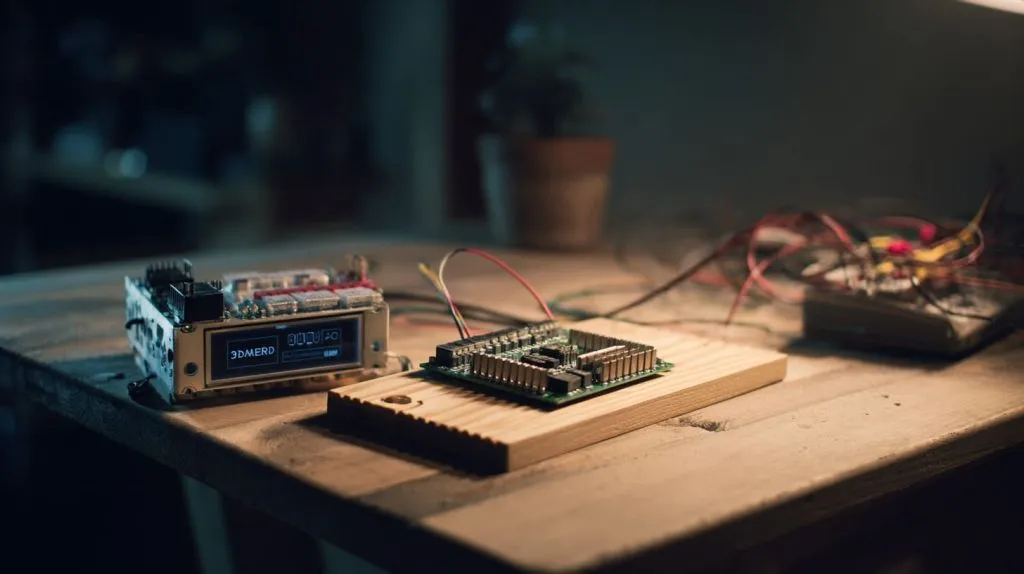
In many of the projects I’ve handled—whether it's a smart vending prototype or a classroom STEM kit—I’ve noticed a pattern. One board simply isn’t enough. The Raspberry Pi brings the brains: it connects to the internet, hosts dashboards, and runs Python like a breeze. But when it comes to real-time control—things like motor pulses or sensor timing—the Arduino wins every time.
Why combine Raspberry Pi and Arduino?
I treat the Pi like the project manager—multitasking, talking to the cloud, throwing data onto pretty graphs. The Arduino is the veteran technician—steady hands, real‑time reflexes, never distracted by Slack pings. When they team up, my builds move from hobby‑grade to production‑ready.
Typical use cases that benefit from a hybrid setup
Robotics: camera vision on the Pi, motor timing on the Arduino.
Home energy dashboards: Pi handles Grafana; Arduino samples mains voltage safely.
Smart vending: Pi runs the payment UI; Arduino pops solenoids open on cue.
And if you’re wondering how to mesh these worlds, keep reading—because the fun (and a few pitfalls) start right below.
Four screws tighten, the relay clicks, and suddenly we need to ask which board is really in charge—time to compare strengths…
Comparing Core Strengths
| Feature | Raspberry Pi (e.g., Pi 5) | Arduino (e.g., Uno R4) |
|---|---|---|
| Brain | 64‑bit Linux OS, up to 8 GB RAM | No OS, runs single sketch |
| Clock | 2.4 GHz quad‑core | 48–120 MHz MCU |
| I/O | HDMI, USB 3, CSI/DSI, Wi‑Fi, BLE | 20+ GPIO, ADC, PWM |
| Strengths | Networking, storage, multitasking, UI | Deterministic timing, low power, rugged pins |
Raspberry Pi at a glance — OS, networking, multimedia
On the Pi I spin up Python, Node‑RED, or even a full Flask store‑front. The Ethernet jack lets it shout logs to my Grafana server before my coffee gets cold.
Arduino at a glance — real‑time control, low power, rich I/O
The Arduino’s timers toggle pins within microseconds. No kernel hiccups, no background updates—just crisp control loops.
“Brains vs. nerves” — how their roles complement each other
Think of the Pi as the cortex making decisions, while the Arduino is the spinal cord firing muscles. Separate jobs, shared goal.
A UART cable flops across my desk like a jumper wire lasso—time to choose how these two actually chat…
Communication Options Overview
| Link | Speed | Wiring | Best For |
|---|---|---|---|
| USB Serial (UART) | 115 k–1 M baud | Ready‑made cable | Quick prototypes |
| I²C | 100 k–1 M bps | 2 wires + GND | Sensor buses |
| SPI | 2–20 MHz | 4 wires + GND | Fast data streams |
| Firmata | Depends on UART/I²C | Same as transport | Abstracting I/O |
| Wireless (BT, Wi‑Fi, LoRa) | Varies | Air | Remote nodes |
USB Serial (UART) — the plug‑and‑play starter link
I love it for demo day: plug, sudo apt install pyserial, and type “Hello\n”.
I²C bus — simple multi‑device wiring
Two wires, many addresses. Great until pull‑ups sag over long leads.
SPI bus — high‑speed, full‑duplex transfer
When your Arduino streams 30 ksps of ADC data, SPI keeps Pi’s buffers happy.
Firmata protocol — abstracting Arduino I/O for the Pi
Load the Firmata sketch once, then flip pins from Python like magic. Rapid, but watch timing—10 ms jitter can haunt PWM fans.
Wireless bridges (Bluetooth, Wi‑Fi, LoRa, NRF24) — when cables won’t reach
Perfect for greenhouses or attic sensors where running CAT6 feels like weekend punishment.
Of course, wires carry volts as well as bits—so before smoke escapes, let’s nail the hardware rules…
Hardware Integration Best Practices
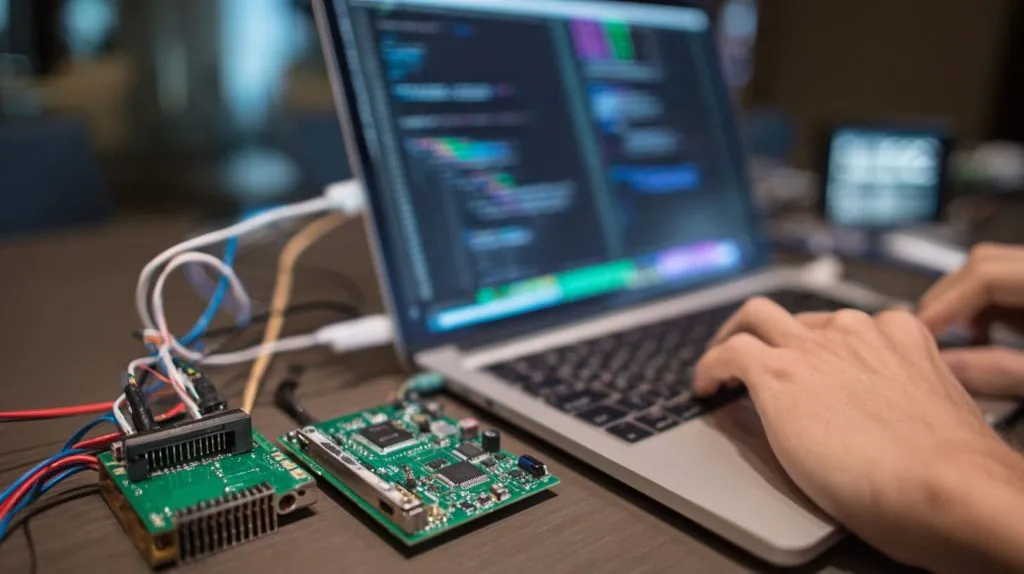
Voltage & logic‑level compatibility (5 V vs 3.3 V)
Most Arduinos spit 5 V; the Pi expects 3.3 V. I keep a handful of TXS0108E level‑shifter boards in my laptop bag—cheaper than replacing a fried GPIO.
Safe power distribution and common ground
Run one 5 V, one 3.3 V rail if possible, but always share ground or expect random resets.
Level‑shifters, HATs, shields, and ready‑made interface boards
When deadlines loom, I grab off‑the‑shelf “Pi‑to‑Arduino Bridge” HATs that combine shifters and stacking headers.
Protecting GPIOs with opto‑isolators & buffers
Industrial relays? I drop an opto‑isolator so the Pi never sees 24 V kickback.
Hardware checked; IDEs open. Let’s talk code stacks that keep both boards speaking the same language…
Software Stacks & Tools
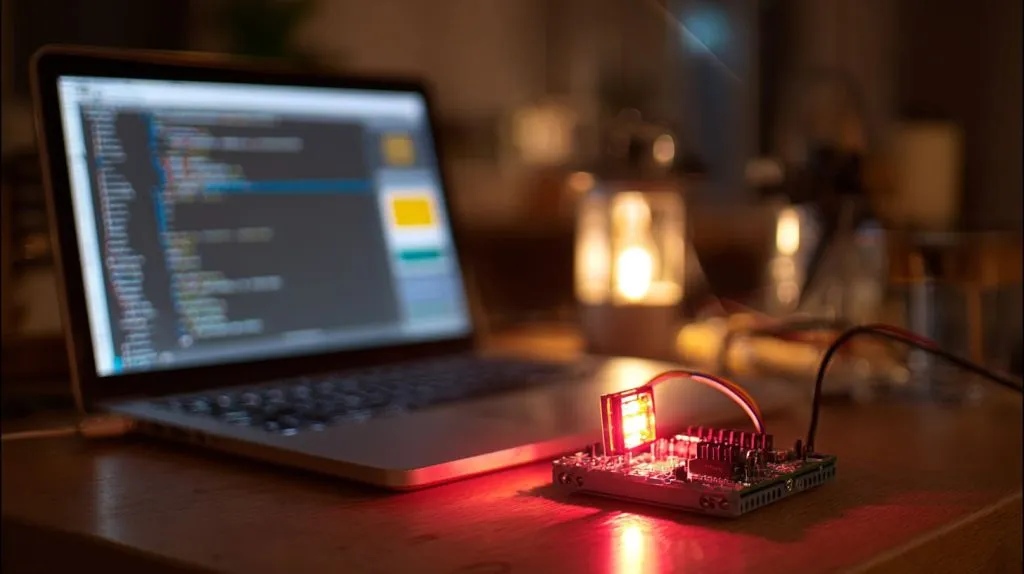
Raspberry Pi side: Python (pySerial, smbus2), C/C++, Node‑RED
pySerial does the heavy lifting for UART. For visuals, I drag‑and‑drop flows in Node‑RED faster than I can say “MQTT”.
Arduino side: Arduino IDE, PlatformIO, standard libraries
PlatformIO’s auto‑completion saves me from typos at 2 a.m.
Firmata & pyFirmata for rapid prototyping
In workshops I load StandardFirmata, then let students toggle LEDs from a Jupyter notebook—90 seconds to “wow”.
ROS, MQTT, and other middleware for complex systems
Robots in our demo lab use ROS2 on the Pi and simple ROS‑serial nodes on Arduino motor controllers. Clean, modular, ready for GitHub.
Enough theory—time to wire LEDs, crunch sensors, and spin motors. Walk with me through a few hands‑on tutorials…
Step‑by‑Step Integration Tutorials
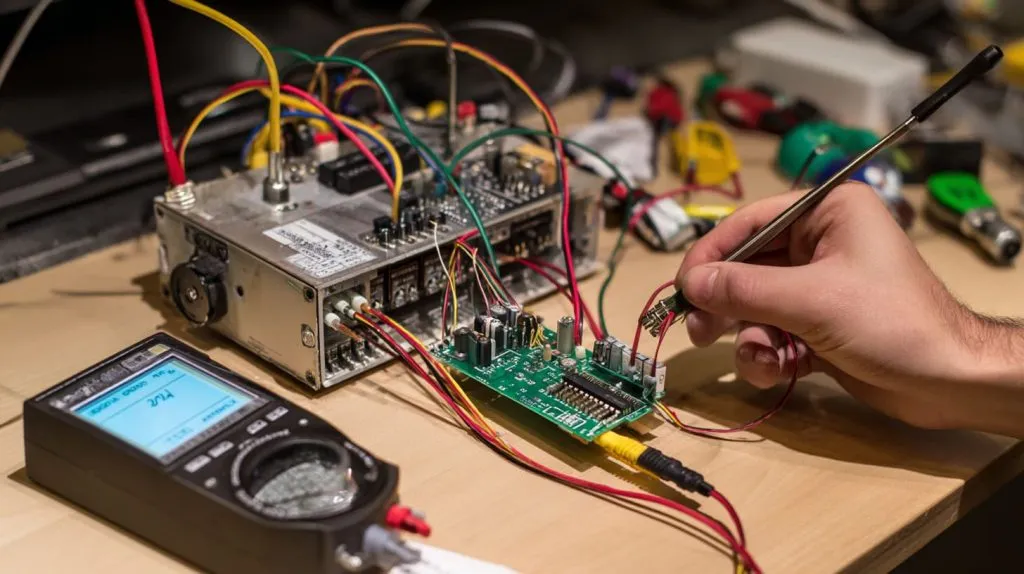
Blink an LED on Arduino from a Python script on Pi (USB serial)
Flash Arduino with a sketch that listens for
B/b.On Pi:
import serial, time
ser = serial.Serial('/dev/ttyACM0', 9600)
ser.write(b'B')
time.sleep(1)
ser.write(b'b')
Watch the LED obey.
Read analog sensors on Arduino, log to CSV on Pi (I²C)
Pi as master, Arduino as address 0x08. Send two‑byte ADC readings every 200 ms; Python app saves to /var/log/temp.csv.
Control DC motors via Arduino while OpenCV runs on Pi (robotics example)
OpenCV tracks a colored ball, sends angle commands over UART. Arduino’s PID loop keeps wheels honest at 100 Hz—smooth as butter.
Build a Flask/Node web dashboard on Pi to toggle relays on Arduino (home automation)
REST endpoint /api/relay/1/on flips GPIO 7 through Firmata. A React front‑end shows real‑time power state. My wife uses it to reboot the fish‑tank pump.
Everything works… until it doesn’t. Here’s my go‑to troubleshooting checklist…
Debugging & Troubleshooting
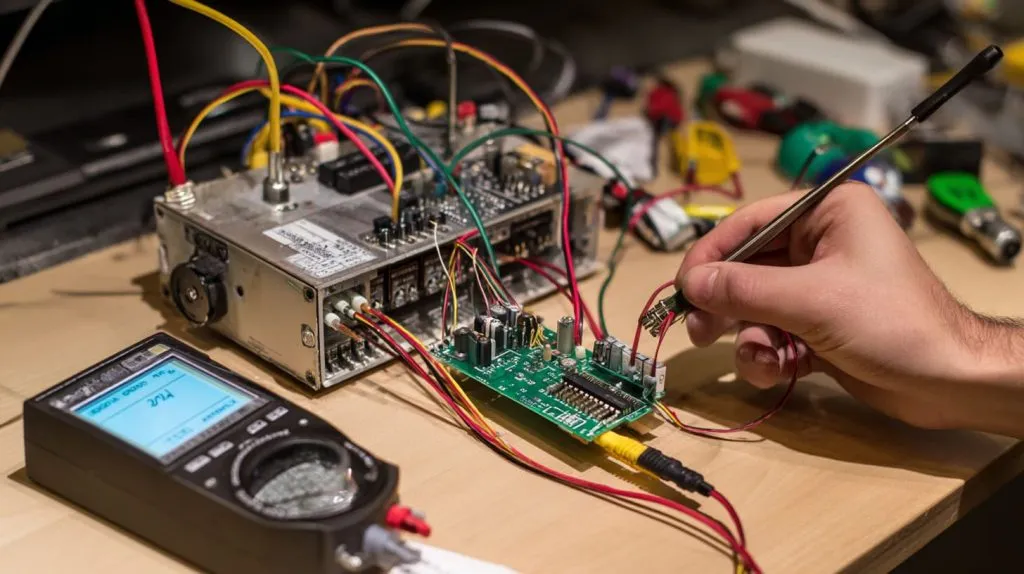
Serial‑port and permission errors on Pi
dmesg | grep tty first. Then add user to dialout and double‑check udev rules.
I²C address conflicts and pull‑up issues
Run i2cdetect -y 1. Two devices claiming 0x40? Change one. Long cables? Drop pull‑ups to 2.2 kΩ.
Noise, ground loops, and long cable runs
Twisted pair, shielded lines, and a single‑point ground saved my vending project from random resets at 3 a.m.
Syncing baud rates, timing, and buffer sizes
If your debug log prints gibberish, one side likely defaulted to 115200 while the other sits at 9600.
Ready to grow beyond one‑to‑one hookups? Let’s scale this rig…
Scaling Up Your Hybrid Network
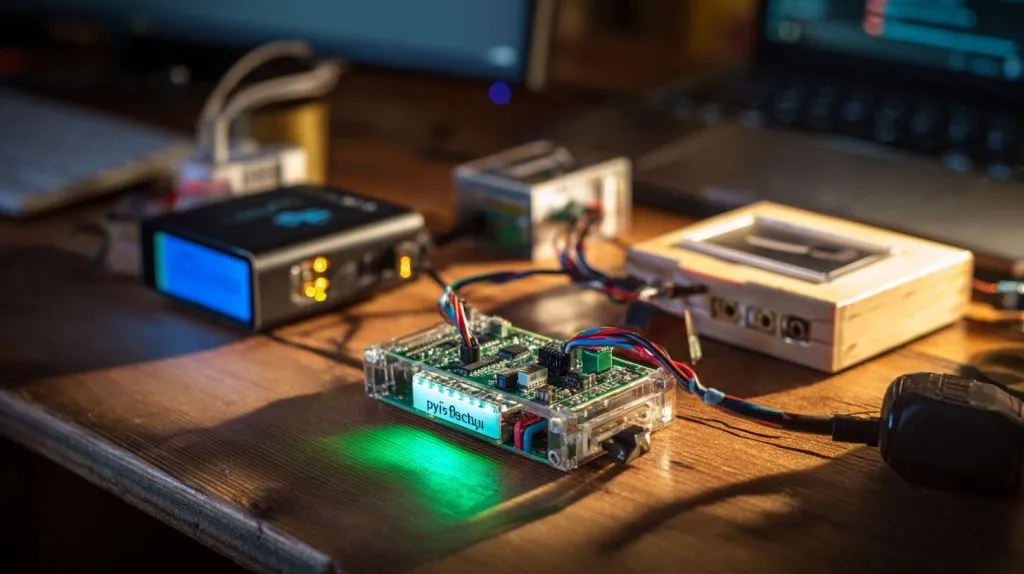
Daisy‑chaining multiple Arduinos to one Pi (I²C multiplexers, RS‑485)
A TCA9548A lets one Pi oversee eight I²C buses—handy for sensor farms in our greenhouse demo.
Using Pi as a cloud gateway for many Arduino edge nodes
MQTT broker on the Pi, Wi‑Fi Arduinos publish JSON payloads. Grafana dashboards pop to life without a single paid subscription.
Over‑the‑air firmware updates for Arduino via the Pi
PlatformIO’s remote agent pushes fresh sketches through ESP8266‑based bootloaders—no ladder climbs to the ceiling node.
More nodes mean more risk; let’s lock things down before shipping…
Security & Reliability Considerations
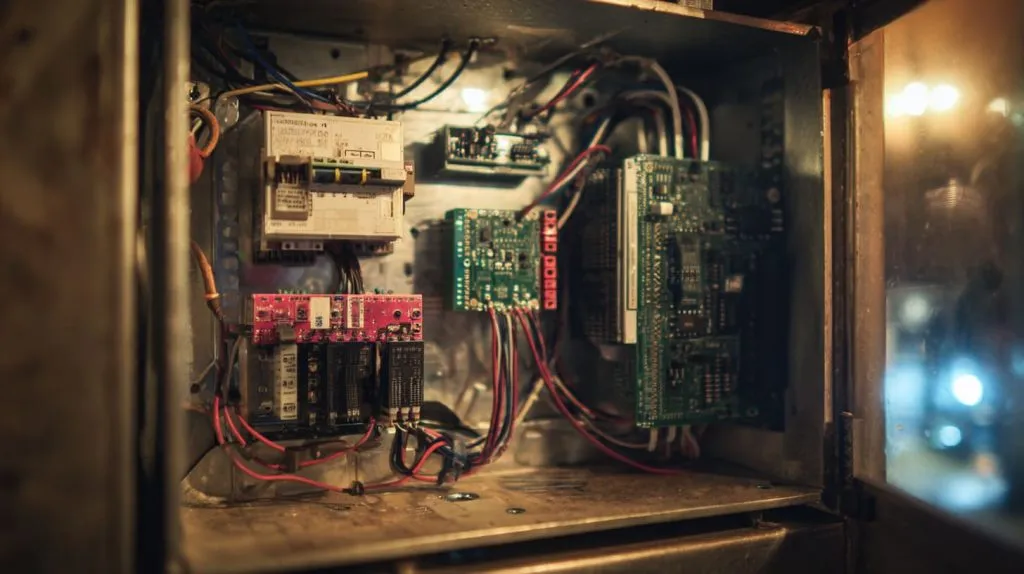
Hardening the Pi (SSH keys, firewalls, updates)
I disable password login, move SSH to port 2222, and schedule unattended‑upgrades weekly.
Watchdog timers and brown‑out detection on Arduino
A 2‑second watchdog saved our kiosk fleet from a rare EEPROM glitch—you only forget to enable it once.
Safe shutdown procedures and UPS options
For kiosks, a Pi‑Juice HAT buys 40 seconds of backup, plenty for a shutdown -h now.
Logging, health monitoring, and alerting
Prometheus + Node‑Exporter on the Pi, plus a simple heartbeat serial packet from each Arduino. Grafana pings my phone if one goes silent.
All the theory is nice, but nothing convinces a buyer like stories from the field…
Real‑World Case Studies
3D printers: OctoPrint (Pi) + Marlin control board (Arduino)
Our print farm runs 12 units. The Pi pushes G‑code and streams video; the Arduino‑based board keeps stepper timing rock‑solid.
Environmental monitoring stations with Pi data servers and Arduino sensor nodes
At a vineyard in Spain we log soil moisture every 15 minutes. Pi sends SMS alerts when levels drop; solar‑powered Nanos sip 15 mA.
Smart vending machines — Pi for payment/UI, Arduino for actuators
A single Pi 4 handles NFC payments, screen graphics, and cloud sync. An Arduino Mega fires motors inside, isolated from AC noise.
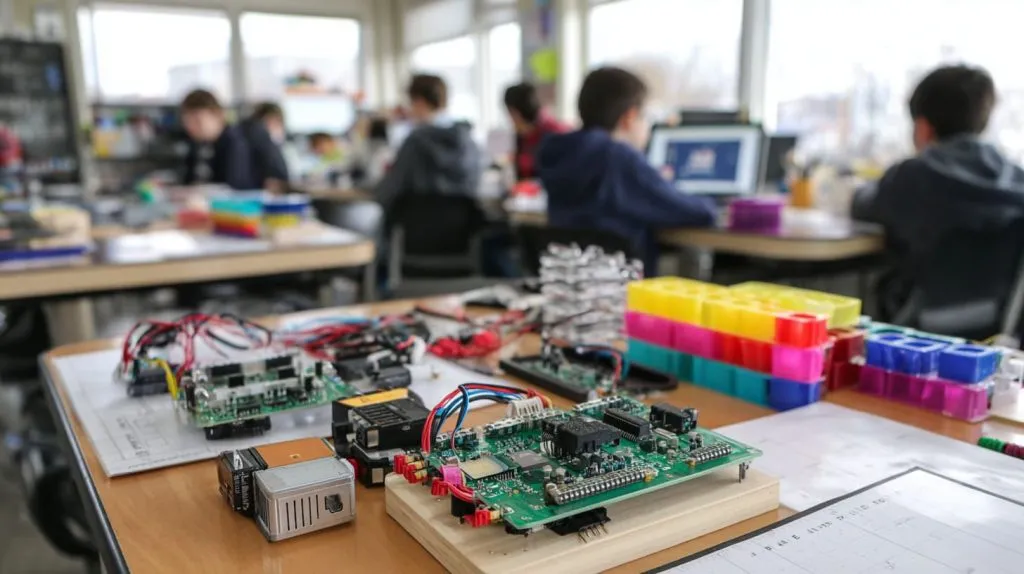
Educational STEM kits that bundle both boards
Teachers love letting students tweak Python UI on the Pi while still learning bare‑metal loops on the Arduino.
So, should you marry these boards or stick to one? Let’s wrap up…
Conclusion
Key takeaways and decision checklist
Pair Pi + Arduino when you need rich UI and real‑time I/O.
Keep voltages matched, grounds common, and communications simple first.
Prototype over USB, then migrate to I²C/SPI or wireless as scope grows.
When to choose two boards vs. a single SBC/MCU
If a Cortex‑M7 can handle your whole load, skip the extra silicon. But when Linux apps and sub‑millisecond timing must coexist, the hybrid wins.
Further learning resources (docs, libraries, community forums)
Raspberry Pi Docs – GPIO & I²C guides
Arduino Reference – pin functions and timers
pySerial & Firmata – quick script control
r/raspberry_pi and r/arduino – friendly troubleshooting crowds







