 Skip to content
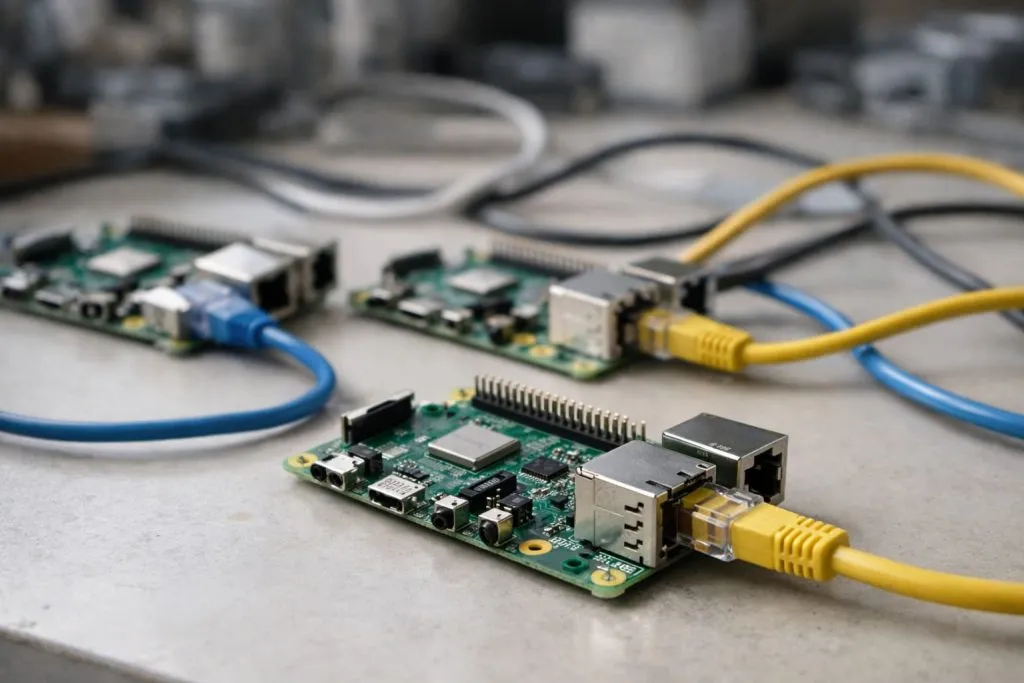
When I talk with customers about Raspberry Pi projects, the question appears again and again: “Can I just add more boards and make the whole system stronger?”
Yes, you can connect more than one Raspberry Pi. You can link them by network, USB, GPIO, or mixed setups to share work across boards, build clusters, or separate roles for cleaner and safer system design.
I like this topic because it feels a bit like Lego for adults. Once you see how different Pis can work together, it becomes much easier to design smart, flexible systems, not just single boards.
Can Raspberry Pi do multithreading?
On many calls, this is where the discussion starts. Before people buy more boards, they want to know if one Pi can already run work in parallel.
Yes, Raspberry Pi can do multithreading because it runs full Linux and supports multi-core CPUs, so programs can spawn threads or processes to handle tasks like I/O, networking, and computation in parallel.
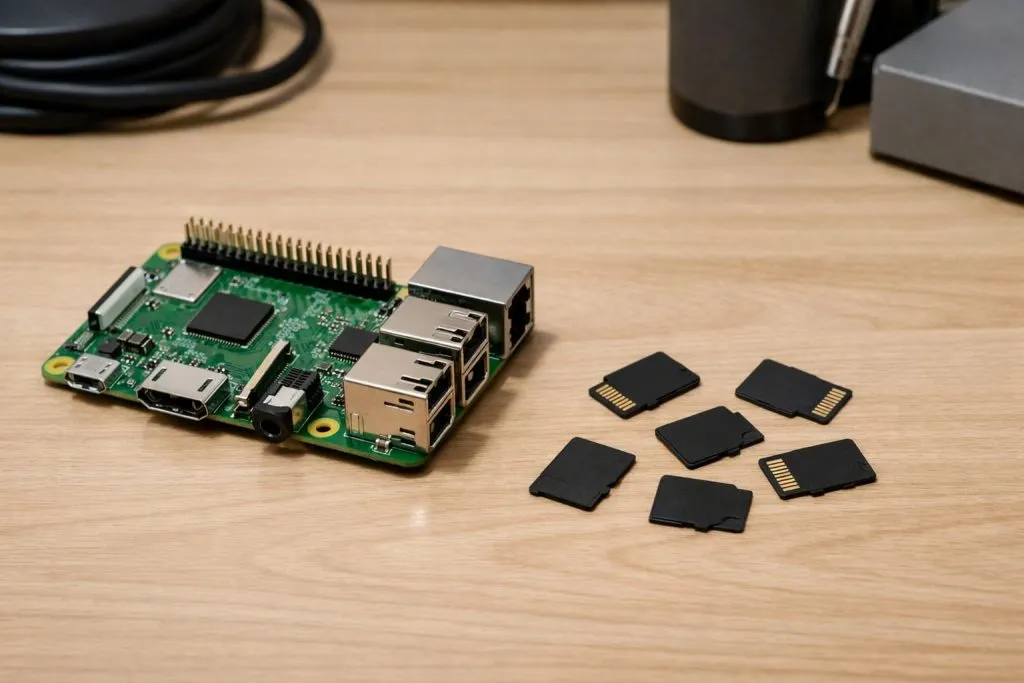
How multithreading actually looks on a Pi
Raspberry Pi OS is a real Linux system. That means I can use:
- Multiple cores (on Pi 3, 4, 5, 400, etc.)
- Threads inside one program
- Multiple processes talking to each other
Typical tools I use:
- Python
threadingormultiprocessing - Systemd services
- Docker containers for clean isolation
What matters to me is not “Can it do threads?” but “Does the code respect the Pi’s limits like RAM, disk, and I/O speed?”
When threads are helpful and when they are not
Here is how I explain it to buyers and engineers:
| Situation | Good idea | Risk or drawback |
|---|---|---|
| Many small I/O tasks (sensors, logs) | Threads help a lot | Bad error handling can freeze everything |
| Heavy CPU math | Better to use processes | Too many processes can overheat the Pi |
| Simple control app | Often no need for threading | Extra complexity for no real benefit |
One thing I check with clients is how they will debug the system. A “simple” threaded app can become hard to fix when something hangs.
My personal rule before adding more Pis
I had one project where the team wanted four Pis in a cluster just for logging and dashboards. After I saw their code, it was clear a single Pi 4 with proper multithreading was enough.
What usually guides my decision is this: if one Pi sits below 50–60% CPU and RAM in real tests, I fix the software first instead of adding more boards. Only when we hit real limits do I suggest extra Pis.
Can you dual boot on a Raspberry Pi?
Sooner or later, someone asks me if they can have “one Pi for many lives” and switch between systems without swapping cards.
Yes, you can dual boot on a Raspberry Pi using tools like PINN or berryboot, or by managing partitions manually, but SD card quality, backup habits, and simplicity matter more than the boot menu itself.
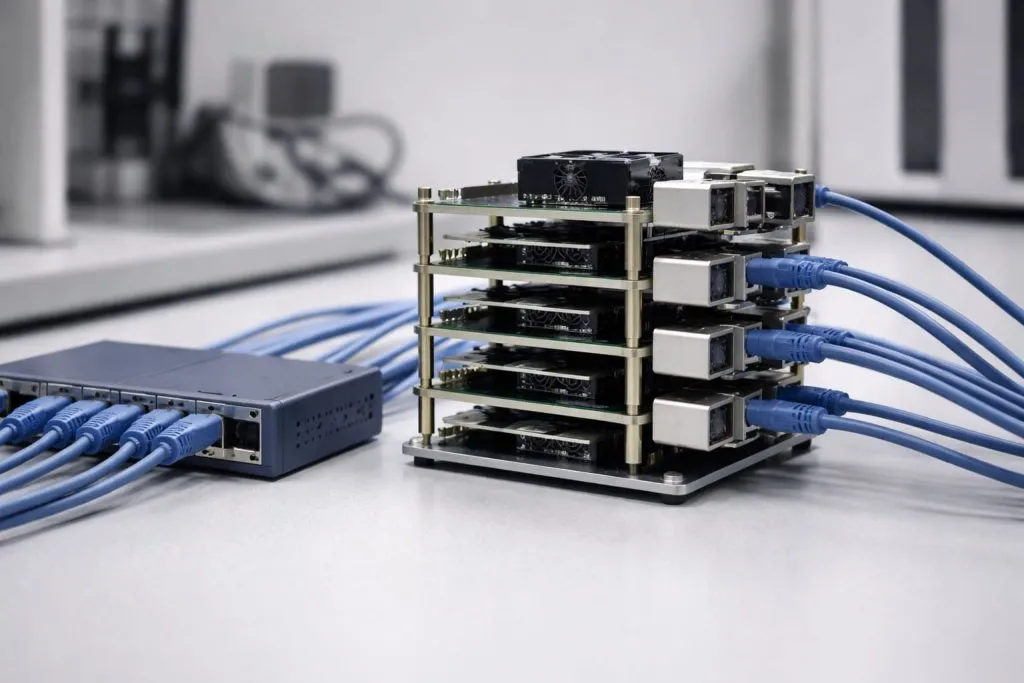
Common dual boot options I see
At a high level, we have three paths:
| Method | Skill level | Main benefit | Main risk |
|---|---|---|---|
| Separate SD cards | Easy | Very stable, easy to replace | No menu, must swap cards |
| PINN / berryboot | Medium | Nice menu, several systems | More parts to debug if it breaks |
| Manual partitions | Hard | Full control | Easy to misconfigure or corrupt |
Dual boot looks attractive, but it also adds another layer that can fail in the field.
Where dual boot makes sense
I like dual boot for:
- Lab setups
- Training rooms
- Development boards on my own desk
I do not like it for:
- Long-term industrial setups
- Remote devices
- Customer-facing hardware
In many real projects, I find that two SD cards with clear labels are safer than one SD with three systems and one complex boot loader.
How I decide for client projects
On one client demo unit, we almost used berryboot to switch between a kiosk mode and an engineering mode. After I thought through the support calls, I recommended two SD cards instead: one for each mode, labeled and documented.
The moment that changed my mind was very simple: I asked who would stand next to the customer when the boot loader failed, and nobody could give a clear answer.
How many Raspberry Pis for a cluster?
When people first hear the word “cluster,” they sometimes imagine a whole rack full of boards and blinking LEDs.
Most small Raspberry Pi clusters use between 3 and 12 boards, enough to split work and experiment with distributed systems, while keeping cost, heat, cables, and management under control.
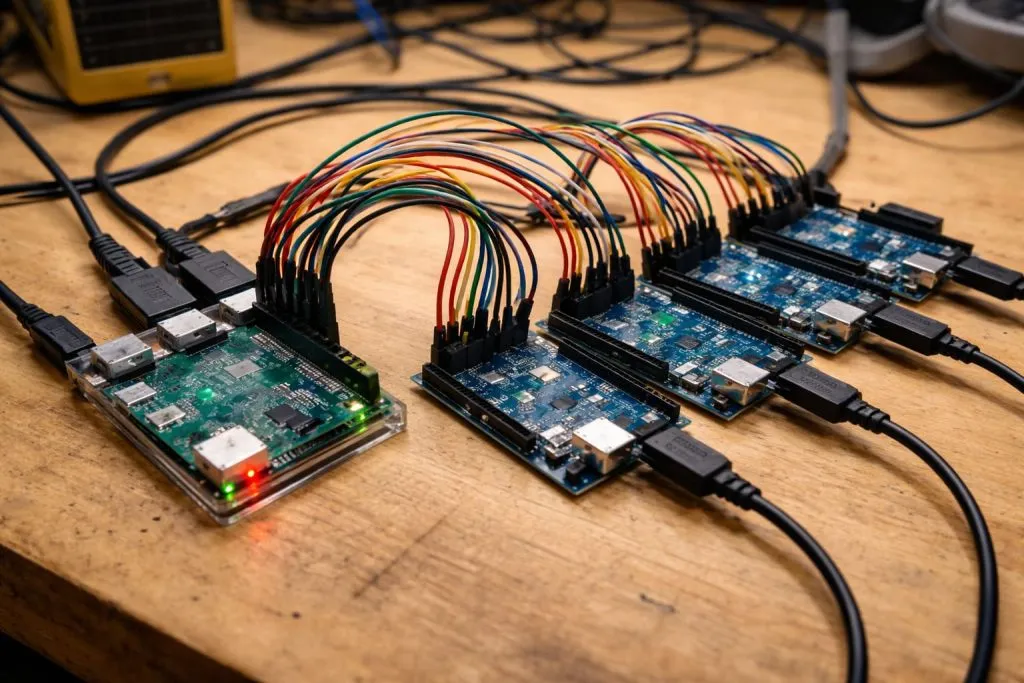
Typical cluster sizes I see in practice
| Use case | Pis I usually see | Notes |
|---|---|---|
| Learning / hobby | 3–4 | Cheap, simple switch, easy to power |
| Small web service / API | 4–8 | Room for rolling updates and failover |
| Heavy experiments (K8s) | 8–12 | Needs better power and cooling |
| Serious production work | Often not Pis | Usually moves to x86 or cloud |
Clusters grow fast in cost and complexity. Extra Pis mean extra cables, switches, SD cards, and things that can fail.
Where extra nodes stop helping
If the workload:
- Depends on slow disk
- Uses lots of network traffic
- Has many shared writes
Then adding more Pis gives less and less benefit.
I like to look at:
- CPU usage
- Network throughput
- The part of the system that is actually slow
Once the bottleneck is network or disk, adding more nodes can even make things worse.
The way I estimate a “good” cluster size
For one internal test cluster, I started with three Pis and a cheap switch. After we saw the CPU and memory still low, we added only one more node for headroom and stopped there.
The thought that keeps me honest is simple: every extra Pi in a cluster is another tiny server that needs power, cooling, and maintenance, so I only add a node when I can point to a clear, measured benefit.
How many Arduinos can be connected to a Raspberry Pi?
Sometimes a buyer wants one Pi as a “brain” and many small Arduinos as “hands” spread across a project.
You can connect many Arduinos to one Raspberry Pi using USB, UART, or protocols like I²C and RS-485, but the true limit comes from addressing, cable length, and how well you design your communication protocol.
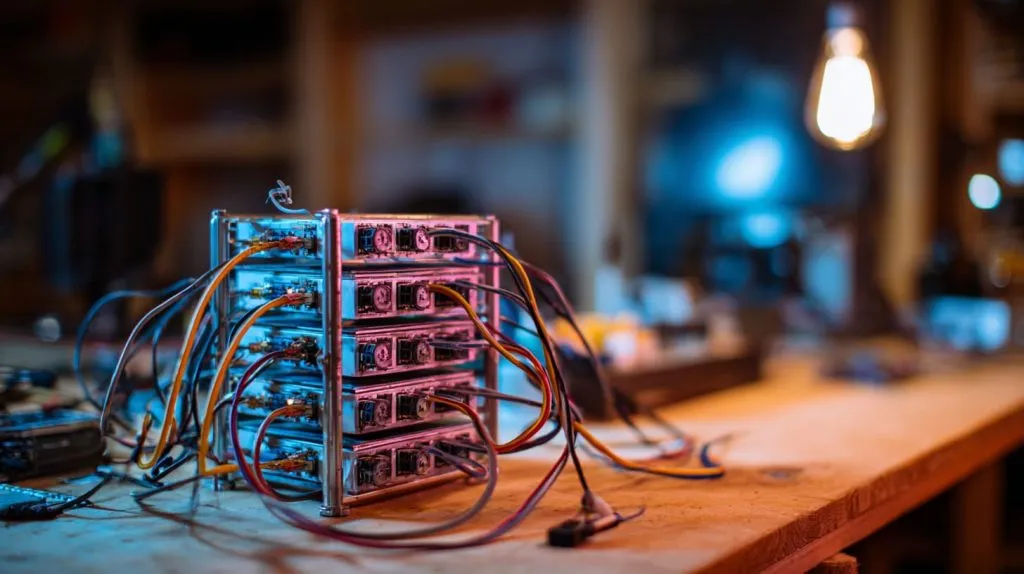
Common ways to link Arduinos to a Pi
| Method | Typical count | Pros | Cons |
|---|---|---|---|
| USB | 2–6 (small hubs) | Simple, plug-and-play | Cable mess, port naming issues |
| UART | 1–2 per Pi | Stable, simple protocol | Needs level shifting sometimes |
| I²C | Up to 100+ devices | Shared bus, few wires | Address conflicts, cable length |
| RS-485 | Dozens on one bus | Long runs, noise-resistant | Needs extra hardware and protocol |
I rarely push these to the absolute physical limit. Debugging a bus with 30 devices is not fun.
Design patterns that help
Good habits:
- Give each Arduino a clear ID
- Use simple text or small binary messages
- Add some form of heartbeat or health check
- Log communication problems on the Pi side
I also like to group Arduinos logically: sensors on one bus, actuators on another, so a fault does not stop everything at once.
How I cap the number in real projects
On one lighting control project, we had the option to chain more than 40 microcontrollers behind a single Pi. On paper it looked efficient, but I set a soft limit at around 16 per bus.
The reason I drew that line was not the electrical spec; it was the moment I imagined an engineer trying to debug a random communication issue at 2 a.m. with cables hanging from the ceiling.
Can you connect multiple Raspberry Pi boards together?
This is the heart of the topic. People want to know if Pis can act like a small team instead of one lonely worker.
Yes, you can connect multiple Raspberry Pi boards together using Ethernet, Wi-Fi, serial, or GPIO links, and then coordinate them with software such as SSH, message queues, or container tools like Docker Swarm or Kubernetes.
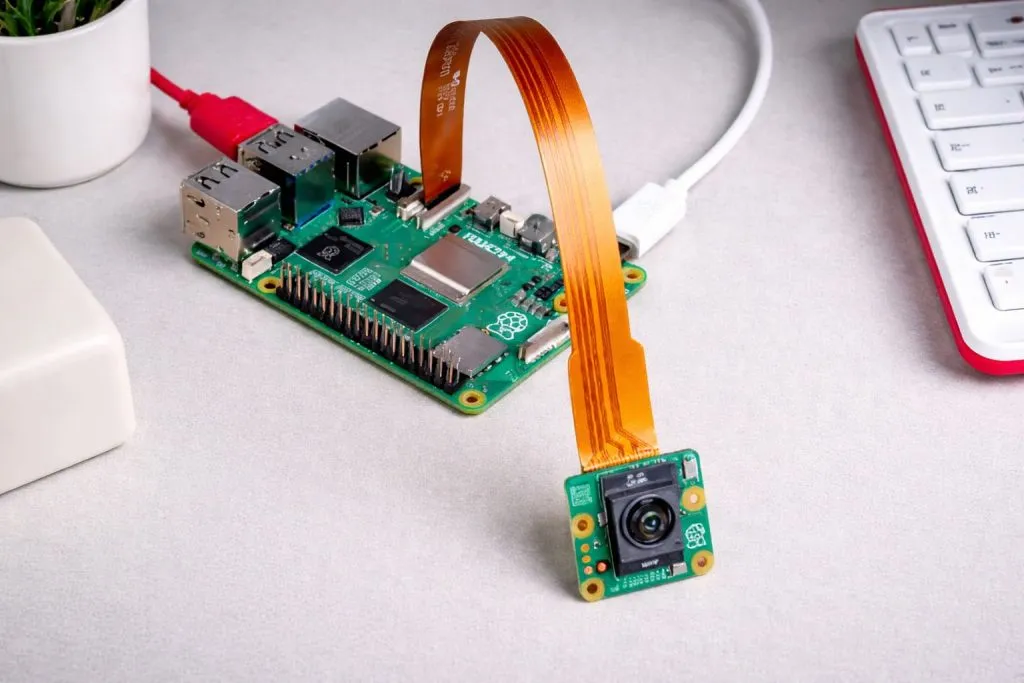
Main ways Pis can “see” each other
- Ethernet through a switch (my default)
- Wi-Fi on the same network
- Direct Ethernet between two Pis with a cable
- Serial or GPIO for low-level links
Most customers I work with end up using Ethernet, because it is stable, easy to scale, and simple to debug.
Networking vs. physical wiring
I like to separate two layers in my head:
| Layer | Question I ask |
|---|---|
| Physical | How do bits move between boards? |
| Logical | How do programs talk and coordinate work? |
Physical connection is easy once you choose Ethernet or Wi-Fi. The real art sits in the software: queues, APIs, shared databases, or file sync.
How I choose a connection method
For a small monitoring system in one factory area, we used three Pis: one for UI, one for data collection, one for backups. All three sat on the same switch with static IPs.
What guided this choice was not theory but a very practical need: maintenance staff already knew how to replace Ethernet cables and switches, so we built on skills they already had.
How do I connect multiple Raspberry Pis on the same network?
Once clients accept the idea of many Pis, the next question is very down-to-earth: “How do I put them all online without chaos?”
To place multiple Raspberry Pis on the same network, you connect them to the same router or switch, assign IP addresses via DHCP or static configs, and use clear hostnames so each board is easy to find and manage.
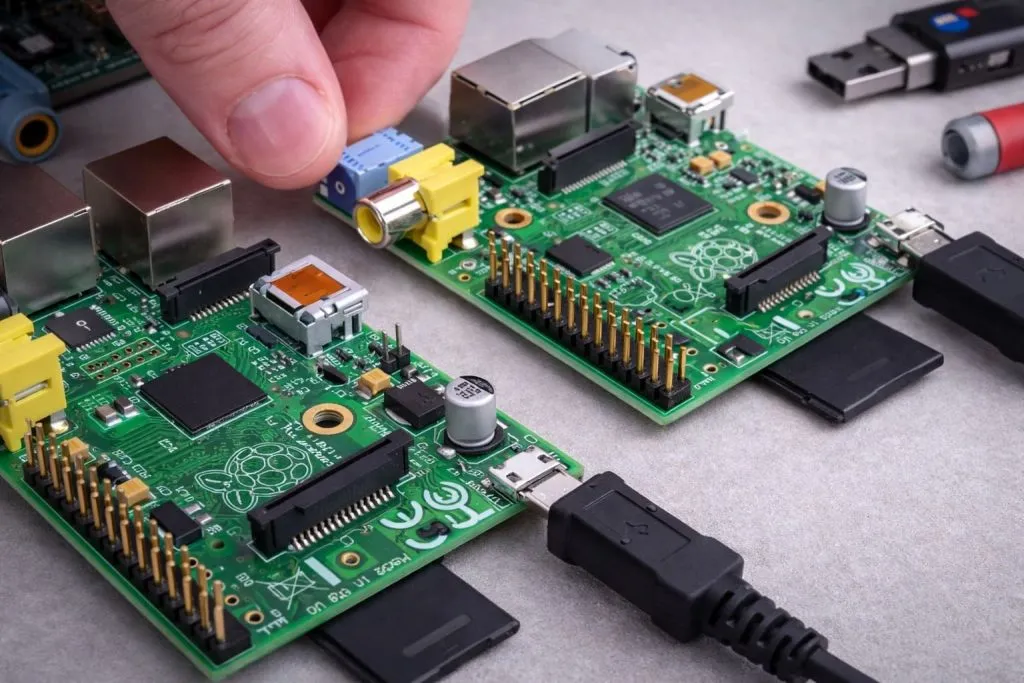
Basic network setup steps
A simple path I often suggest:
- Use one router or managed switch as the central point.
- Plug each Pi into the router or switch.
- Let DHCP assign IPs, then reserve them if needed.
- Give each Pi a clear hostname.
Example hostname scheme:
| Role | Hostname example |
|---|---|
| Main controller | pi-master |
| Worker node 1 | pi-node-01 |
| Worker node 2 | pi-node-02 |
Static vs. dynamic IP addresses
Dynamic IPs are fine for labs. Static or reserved IPs are safer for:
- Headless Pis
- Systems that talk to each other by address
- Long-term deployments
I often mix both: dynamic during development, then reserved IPs in the final build.
How I avoid network confusion on real projects
On one small cluster for a client, we had five Pis that kept changing addresses because someone reset the router. We fixed it by giving each MAC address a static lease and documenting everything on a single sheet.
The detail I pay the most attention to is not just the IP list, but whether a new technician can walk in and understand the naming and addressing without calling me.
Can Raspberry Pis communicate with each other directly?
After the network is up, people want to know how Pis actually talk, not just that they are on the same LAN.
Yes, Raspberry Pis can communicate with each other directly over TCP/IP with SSH, HTTP, MQTT, or custom sockets, and for tighter setups you can also use serial links or shared GPIO lines between specific boards.
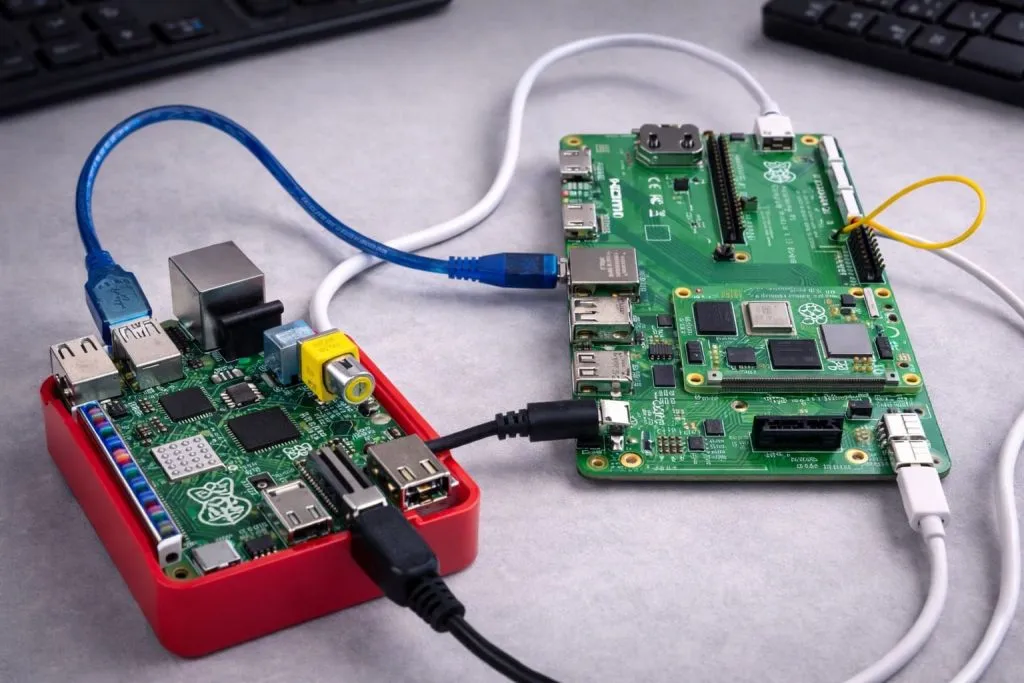
Common communication methods I use
- SSH for control and updates
- HTTP / REST APIs for web-style services
- MQTT for pub/sub messaging
- WebSockets for real-time dashboards
- Raw TCP/UDP sockets when I need full control
Each method has its own feel and typical use case.
Choosing a protocol by job
| Job type | Typical choice | Reason |
|---|---|---|
| Send sensor data | MQTT | Lightweight and simple |
| Remote command execution | SSH | Secure and familiar |
| Small web service | HTTP/REST | Easy for many tools to consume |
| Fast internal messaging | Raw TCP/UDP | Less overhead, more control |
I do not try to be fancy here. If the team already understands HTTP, we often stay with that.
The check I do before picking a protocol
In one warehouse project, the team was excited about using WebSockets everywhere. After walking through their support plan, we settled on simple REST plus MQTT for alerts.
The thought that changed the design was very human: I asked who would write and maintain the tools to debug a complex protocol, and everyone looked at each other in silence.
What is a Raspberry Pi cluster and how does it work?
When someone first sees a neat stack of Pis with a small switch, the word “cluster” suddenly feels less abstract.
A Raspberry Pi cluster is a group of Pis linked by a network and managed as a shared resource, where software splits workloads across nodes for tasks like web hosting, data processing, or parallel experiments.
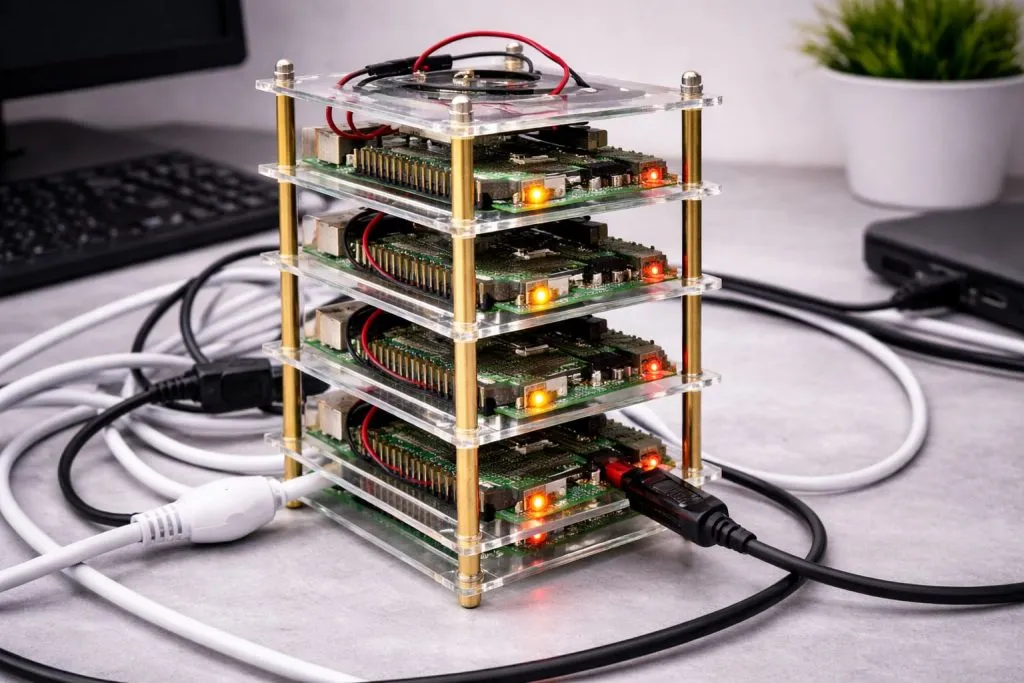
Basic parts of a Pi cluster
Typical cluster pieces:
- 3–12 Raspberry Pis
- One small Ethernet switch
- One or more power supplies
- A way to mount the boards
- Software to orchestrate work
Software options include:
- Simple bash scripts
- Docker Swarm
- Kubernetes
- Custom Python tools
How work is spread between nodes
Conceptually, a cluster does three main things:
- Receives work
- Decides where to run it
- Collects or serves results
| Approach | Example | Notes |
|---|---|---|
| Shared queue | Task workers with Redis | Simple for many jobs |
| Container scheduler | Swarm / K8s | Strong but heavier to manage |
| Static assignment | Fixed roles per node | Easy to understand, less flexible |
The choice depends on skill level, project size, and how often things will change.
How I explain clusters to non-technical buyers
I once explained a Pi cluster to a customer by comparing it to a team in a workshop: one person takes orders, several people do the work, one person checks and packs.
The key thought I keep coming back to is that a cluster is not “many Pis”; it is a small system of promises about who does what, and those promises must be clear for the team that maintains it.
Can I use multiple Raspberry Pis as one system?
This is where many people want to go: one logical system, many physical boards.
You can use multiple Raspberry Pis as one system by assigning clear roles, sharing storage or databases, and using orchestration tools, but it will still behave like a distributed set of nodes, not a single giant CPU or RAM pool.
What “one system” really means
Multiple Pis can look like one system to:
- Users (one web address or interface)
- Operators (one management entry point)
- Other machines (one API endpoint)
But some things cannot merge:
- Each Pi keeps its own RAM
- Each Pi keeps its own CPU
- Network and storage add latency
Typical ways to unify multiple Pis
| Goal | Approach |
|---|---|
| One URL for users | Reverse proxy or load balancer |
| One database view | Central DB or replicated store |
| One control point | “Master” Pi for orchestration |
I often start with one Pi as a control node and others as simple workers.
How I set expectations with clients
With one European client, I had to say very clearly: “Four Pis with 4GB RAM do not become one Pi with 16GB RAM; they become four workers who must talk over the network.”
The thought that I repeat most in these discussions is that multiple Pis feel like a small team in a workshop, not like one big machine with a magic memory upgrade.
How many Raspberry Pis can I connect together?
After people accept the idea of clusters and multi-Pi systems, they often ask for a concrete number.
In theory you can connect dozens or even hundreds of Raspberry Pis, but in real projects most setups stay under 20 nodes, limited by power, heat, cables, and how much maintenance your team can handle.
Theoretical vs practical limits
Theoretical limits:
- Network can handle many nodes
- Switches can be stacked
- IP ranges are huge
Practical limits:
- Power distribution
- Cooling and space
- Human patience
| Factor | What happens when you add too many Pis |
|---|---|
| Cable management | Messy racks, harder fault finding |
| Power | Overloaded adapters, voltage drops |
| Monitoring | Hard to see which node failed |
Scalability tricks that help
Good ideas I like:
- Group Pis by function and rack
- Use labels on every cable and board
- Add basic monitoring (CPU, temp, disk)
- Keep a few spare SD cards ready
Even with these, there is always a point where x86 servers or cloud become easier.
The limit I keep in my head
We built one internal test rig with 10 Pis, all running different roles. It was fun, but even there I felt the edge of what I wanted to manage by hand.
The guideline that forms in my mind is simple: I do not push the number of Pis beyond what one or two people can understand and fix in a stressful day.
Do multiple Raspberry Pis need separate power supplies?
After we talk about numbers, power becomes the next serious topic, especially for stable deployments.
Each Raspberry Pi needs reliable power, which can come from separate adapters or from a shared, well-sized power distribution system; cutting corners on power is one of the fastest ways to create random, hard-to-find failures.
Power options for multi-Pi setups
| Approach | Pros | Cons |
|---|---|---|
| One adapter per Pi | Simple, easy to replace | Many wall sockets, messy cables |
| Big 5V supply + distribution | Cleaner wiring, central control | Needs proper design and fusing |
| PoE (Power over Ethernet) | Single cable per Pi | Needs PoE switch or injectors |
I see more people using PoE when they build neat clusters or wall-mounted systems.
Key power details I check
- Voltage at the Pi under full load
- Quality and brand of the adapters
- Cable length and thickness
- Headroom for future USB devices
Brown-outs and small drops can cause SD card corruption or sudden reboots.
How I judge power plans for clients
On one customer’s first design, they wanted a single cheap 5V brick to feed eight Pis through thin wires. On paper, the total amperage looked okay.
The moment I saw their wiring diagram, I told them we either use a proper distribution board with fuses or switch to PoE, because I did not want to explain random SD card corruption to their end users later.
What are common use cases for connecting multiple Raspberry Pis?
Once people understand the “how,” they often ask “why” in a more practical way.
Multiple Raspberry Pis are often linked for clusters, home labs, monitoring systems, digital signage networks, edge gateways, and teaching platforms where each board has a clear role in a larger, modular setup.
Typical multi-Pi scenarios I run into
- Learning clusters for Kubernetes or Docker
- Home automation with separate Pis for security, media, and sensors
- Monitoring of machines, energy use, or network equipment
- Digital signage with one Pi per screen
- Edge compute near machines or sensors
| Use case | Why use multiple Pis |
|---|---|
| Digital signage | One Pi per display, easy to replace |
| Monitoring | Spread load and isolate critical areas |
| Teaching | Many students, one Pi each plus a control node |
Multi-Pi setups often win when modularity and isolation matter.
When more Pis reduce risk instead of adding it
Sometimes, adding more Pis actually reduces risk:
- One Pi fails, the others keep running
- Updates can roll out one node at a time
- Faulty hardware is easy to swap
I like this pattern for systems that cannot go fully down during updates.
How I match use cases to customer goals
I had an Amazon seller who wanted one “monster Pi” to run dashboards, a local database, and camera processing. After we mapped risks, we split the work across two Pis and a small NAS instead.
The thought that convinced everyone was very simple: it is cheaper and less stressful to have a few small failure points than one big single point that takes everything down when it dies.
Is it better to use multiple Raspberry Pis or one more powerful computer?
This is the classic “many small vs one big” question, and it shows up in almost every serious discussion.
Several Raspberry Pis are better when you want modular, low-power, and easily replaceable nodes, while a single powerful computer is better for heavy, shared workloads that need strong CPUs, GPUs, and lots of RAM in one place.
Quick comparison view
| Aspect | Multiple Pis | One powerful computer |
|---|---|---|
| Cost flexibility | Add nodes slowly | Bigger upfront cost |
| Maintenance | Many small points | One big point |
| Performance | Good for many small tasks | Better for heavy shared workloads |
| Power consumption | Low per board, adds up with many boards | Higher per unit but fewer machines |
| Complexity | More network and orchestration | Simpler topology, more power per box |
Neither approach is “right” in general. It depends on the workload and who will maintain the system.
Questions I ask before giving advice
I usually ask:
- Is the workload mostly CPU, RAM, or I/O bound?
- How hard is it to replace hardware in the field?
- Who will debug the system on a bad day?
- Is the system fixed or growing over time?
For some customers, cloud is also part of the answer, but that is another topic.
How I choose between the two paths
One customer wanted to build a cluster to process heavy video streams. After we ran some tests, it was clear that network overhead and limited RAM per Pi were the real bottlenecks.
The conclusion I reached, and shared quite directly, was that a small x86 box with a decent GPU would save them more time and stress than a beautiful wall of Pis with lots of blinking LEDs.
What accessories are needed to connect multiple Raspberry Pis together?
Once we agree on the architecture, we come to a very practical question: what physical parts do we actually need on the table?
To connect multiple Raspberry Pis, you usually need a network switch or router, Ethernet cables, suitable power supplies or PoE, mounting hardware or cases, and sometimes shared storage, USB hubs, and proper cooling for stable long-term operation.
Basic accessory checklist
Core items:
- Raspberry Pis (of course)
- SD cards or SSDs
- Network switch or router
- Ethernet cables
- Power supplies or PoE adapters
Helpful extras:
- Stackable or rack-style cases
- Cable ties and labels
- Small screen or KVM for local access
| Category | Example items |
|---|---|
| Network | 5–16 port gigabit switch, CAT6 cables |
| Power | 5V USB-C adapters, PoE hats, fused distribution |
| Cooling | Heatsinks, fans, airflow-friendly cases |
Storage, cooling, and mounting
For multi-Pi setups, I care a lot about:
- Shared storage (NAS, NFS, or external SSD)
- Clear airflow between boards
- Solid mechanical mounting
Even a simple acrylic or aluminum frame can make maintenance easier and safer.
How I choose accessories for real buyers
When a re-brand customer asks me to prepare full kits, I do not just add random cables. I think about how they will install and service the system in their own country, with their own clients.
The detail I keep in focus is how many small things can go wrong because of one missing or weak accessory, so I always choose network, power, and mounting parts with the same care as the Pi itself.
Conclusion
In my own work, I like connecting multiple Raspberry Pis when it helps real people manage risk, scale gently, and replace parts without fear, and that is why I keep sharing these patterns with buyers and engineers.
If you plan a multi-Pi project or want custom cases, power kits, or enclosures that fit your own brand, you can always reach out to me at MaidaTech and we can design the hardware side together.







