 Skip to content
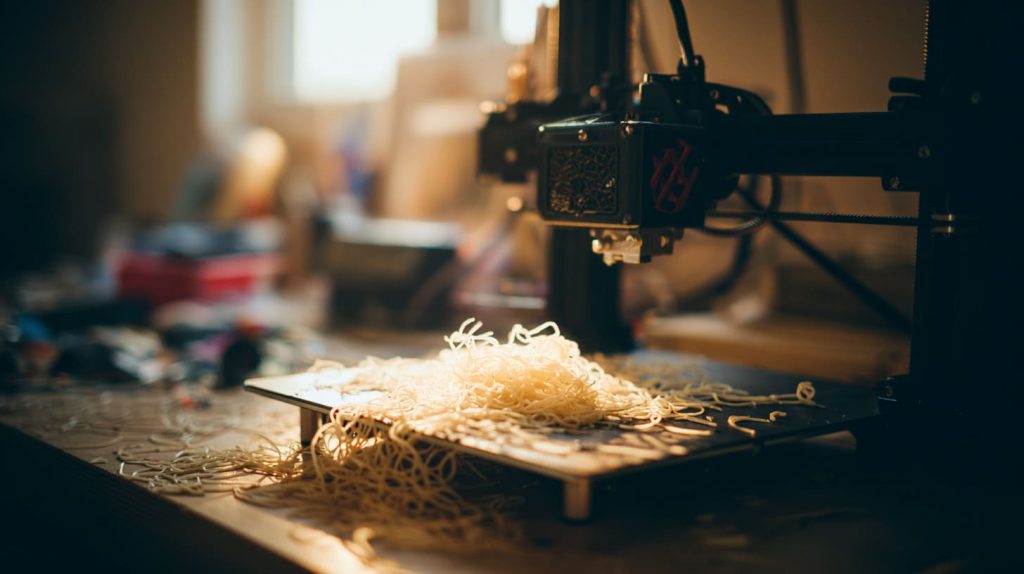
It’s frustrating—waiting hours for a print, only to end up with a spaghetti mess or a weak, cracked part.
Yes, your 3D design could be the reason your prints are failing—but it’s not always the only reason.
Let me walk you through what I’ve learned the hard way (so you don’t have to).
What is the common problem in 3D printing?
I used to think failed prints meant a broken printer. Not always.
The most common problem in 3D printing is poor first-layer adhesion, leading to warping, misalignment, or total failure.

It starts at the base
If the first layer doesn’t stick well, nothing else matters. Sometimes it’s because of temperature. Other times, my bed wasn't clean, or my design had a small contact area with the bed. A good design should have enough flat footprint for a strong base. Rounded corners or small contact points? They can lift or slide mid-print.
What causes failed 3D prints?
I once blamed humidity. It turned out to be me—and my design choices.
Failed prints can be caused by poor design, incorrect slicing, mechanical issues, or unstable environmental conditions.
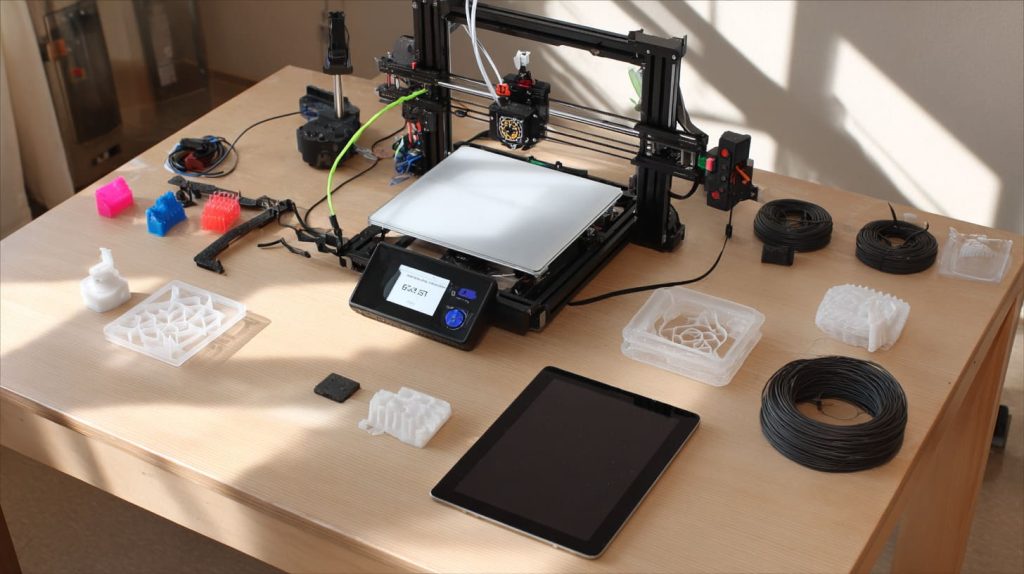
Four main culprits
| Factor | Example Mistake |
|---|---|
| Design | Unsupported overhangs, wrong wall thickness |
| Slicer Settings | Wrong layer height, missing supports |
| Hardware | Loose belts, clogged nozzle |
| Environment | Drafts, cold bed, wet filament |
Design is just one part of the puzzle—but often, it’s where the mistake begins.
What is the biggest problem with 3D printing?
Back then, I thought buying an expensive printer would fix everything. It didn’t.
The biggest issue in 3D printing is the learning curve—especially when it comes to understanding how design affects printability.
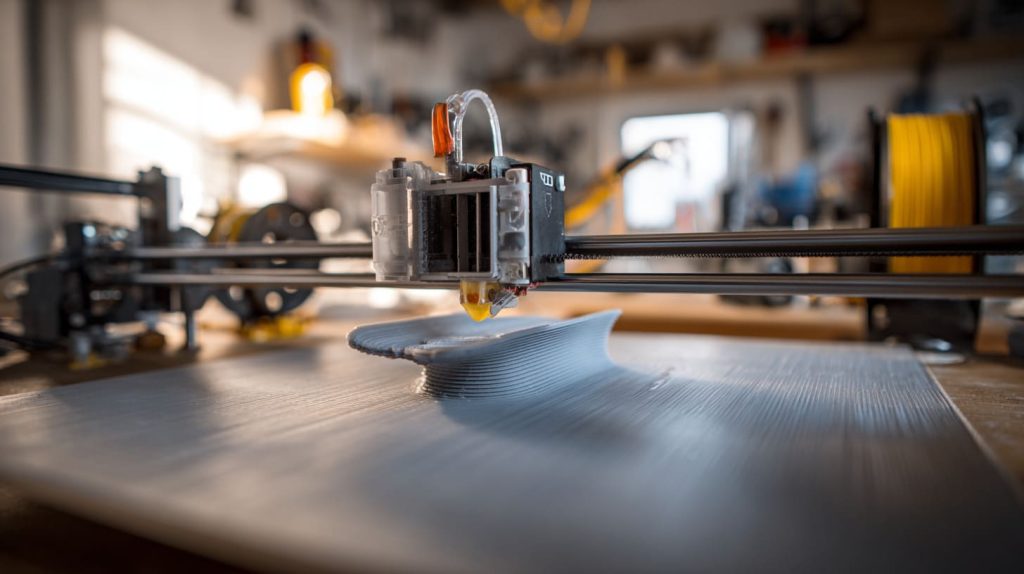
It’s not just press-and-go
You can have the best printer in the world, but a bad design will still fail. Tiny tolerances, unsupported bridges, thin walls—these are things I had to learn the hard way. Design for printability is a mindset shift, not just a CAD checkbox.
How often do 3D prints fail?
Honestly? More than I care to admit.
Depending on your experience and print complexity, failure rates can range from 10% to 50%—especially with complex or untested designs.
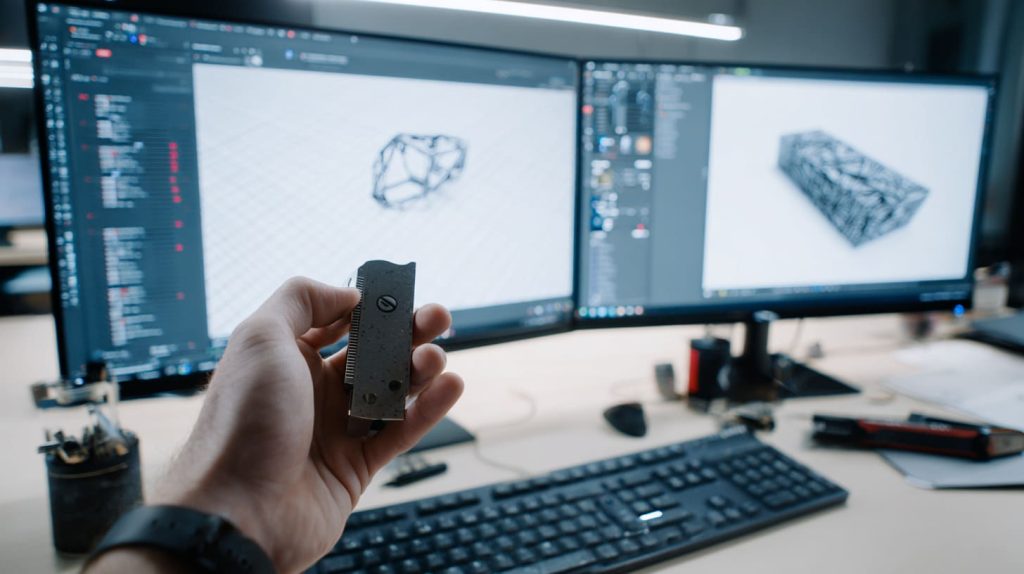
It’s not failure, it’s feedback
I once printed a batch of 20 cases. Only 12 were usable. I adjusted layer cooling, slowed the speed, and re-sliced. The next run had 1 failure. Every fail taught me something new.
Could an error in my 3D model geometry (e.g. non-manifold, intersecting faces) be causing my print failures?
Absolutely. Geometry gremlins are invisible until they bite.
Yes, non-manifold edges, holes, or intersecting meshes can confuse slicers and ruin your print.
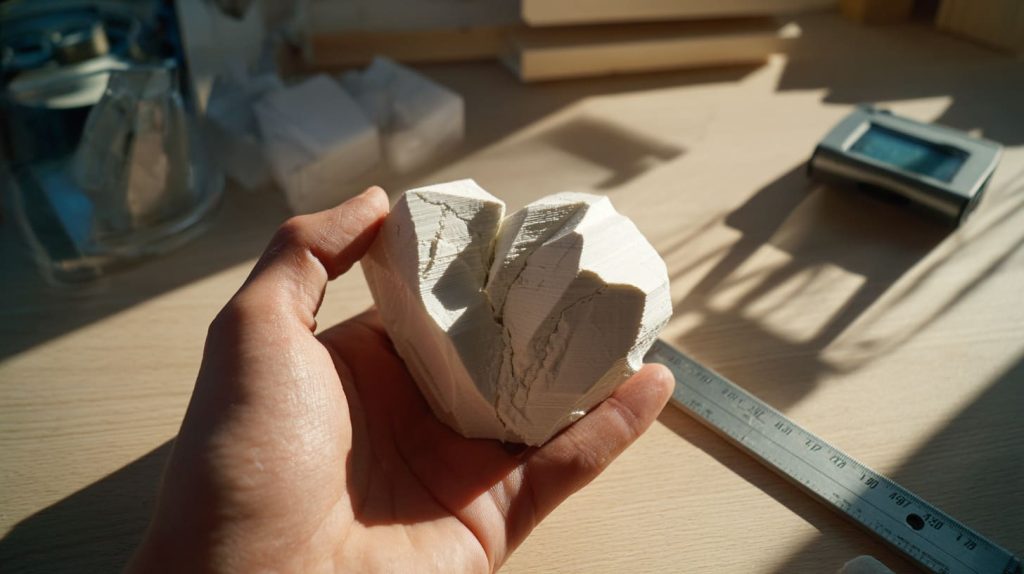
What to check in your design
Use tools like Meshmixer or Netfabb to inspect for:
- Non-manifold edges: These can crash the slicer.
- Flipped normals: Causes uneven extrusion.
- Intersecting solids: Slicers don’t always resolve overlaps well.
Fixing geometry early saves both time and filament.
How does wall thickness or thin features in my design affect printability and strength?
I once made a beautiful case—until I dropped it. It shattered like glass.
Thin walls can cause under-extrusion, weak prints, and structural failure—especially under load.

Think in layers
If your wall is thinner than the nozzle width or the slicer’s minimum wall thickness, it might not even print. I now make sure my walls are at least 2× nozzle width. For strength? 3× is better. Always balance beauty with strength.
Is my slicing / G-code configuration more to blame than my 3D design?
Sometimes, yes. Sometimes, both.
Incorrect slicing can turn a perfect design into a flawed print—especially with wrong layer height, infill, or support settings.
Don’t skip the preview
Always preview your sliced model. I once found my infill was completely missing due to a bug. Adjust layer heights and print speeds based on geometry—don’t just rely on defaults.
Are overhangs or steep angles in my design causing sagging or stringing issues?
Yes—if you’re not designing or supporting them properly.
Unsupported overhangs over 45° can sag, warp, or fail entirely without support structures.
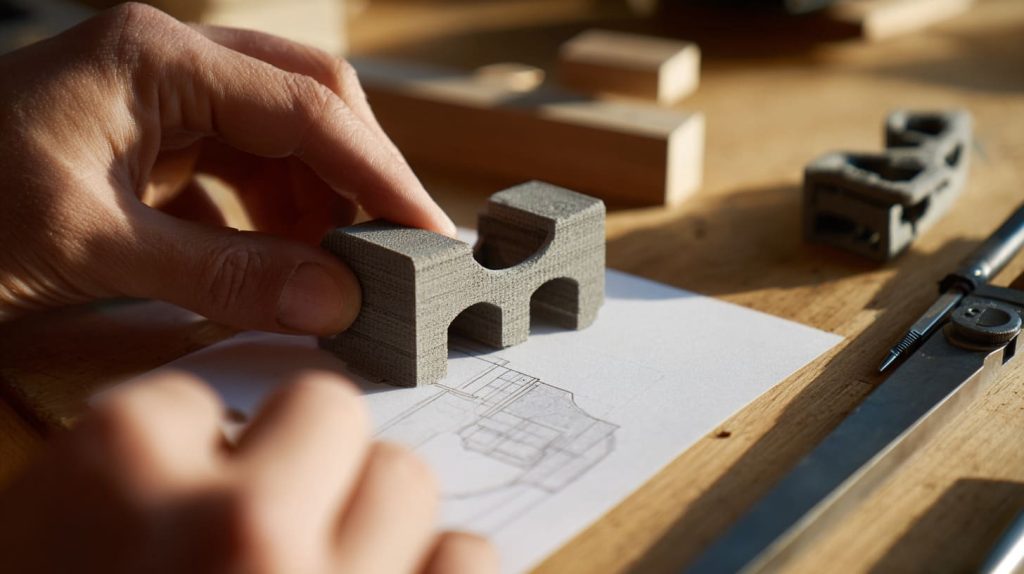
Angles matter
I’ve learned to redesign overhangs below 45°, or break the part into two. Supports can help, but they’re not magic. For stringing? Check travel paths and retraction settings, too.
Could poor bed adhesion or warping be due to design choices (footprint, cooling, supports)?
Yes—more than we realize.
Small contact areas, sharp corners, and uneven cooling can cause parts to lift or warp.

Design for the bed
If your part has tiny feet or sharp tips, it might lift mid-print. I now add brims or fillets to corners and enlarge base areas. Cooling should be gradual, especially for materials like ABS.
How do tolerances and clearances in my design lead to assembly failures after printing?
Ever printed a box with a lid that doesn’t fit? Yeah, me too.
Poor tolerance design leads to parts that are too tight or too loose, causing assembly issues.

Dial it in
| Fit Type | Suggested Clearance |
|---|---|
| Press fit | 0.1 – 0.2 mm |
| Slip fit | 0.3 – 0.5 mm |
| Loose fit | 0.6 – 1.0 mm |
Every material shrinks differently. I do test prints now—saves a lot of frustration.
Is my design causing layer delamination or weak interlayer bonding?
It might be. Especially if you’re designing for aesthetics only.
Sharp corners, poor orientation, or thin vertical features can cause weak layer bonding.
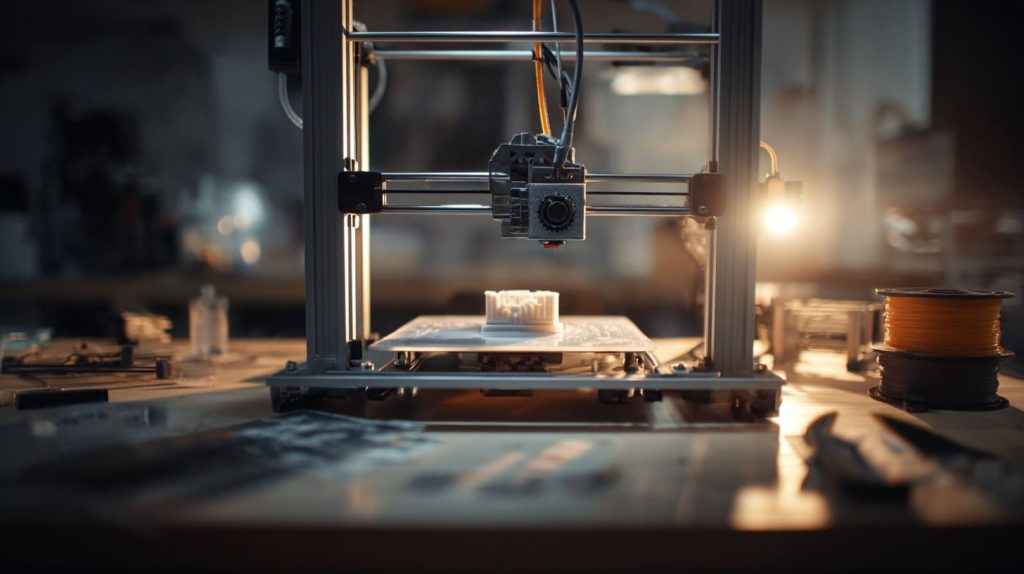
Think like a sandwich
Design with print direction in mind. Long vertical spires or thin cross-sections can break easily. I rotate parts for better strength, and add fillets to reduce stress points.
When is it better to redesign the model vs. tweak printer settings to fix defects?
Here’s the truth—sometimes, it’s not your printer’s fault.
If multiple attempts fail despite tuning slicer settings, it’s time to revise the model.
Redesign vs. re-slice
Ask yourself:
- Have I already tried slowing down the print?
- Did I adjust cooling or add supports?
- Did slicer preview look fine?
If yes, but problems persist, I go back to Fusion 360 or TinkerCAD. Good prints start with good design.
Conclusion
Fixing your print might mean fixing your model first.




