
When you power up a Raspberry Pi 5 and start pushing it with real workloads—4K video decoding, Docker containers, or machine learning scripts—you notice something quickly: the board heats up, fast. The performance is impressive, but the temperature climbs steadily, especially inside a case or under poor airflow.
This isn’t just a detail for engineers or overclocking hobbyists. It's something that affects everyone from educators running classroom kits to brands selling re-labeled Pi cases online. The heat affects not just performance, but stability, product lifespan, and even customer satisfaction.
At MaidaTech, we’ve tested Raspberry Pis in hundreds of environments—factories, offices, classrooms, and even kiosks at train stations. No matter where or how it’s used, thermal control always comes up, especially when units are deployed at scale. So if you’re building, rebranding, or customizing a Pi-based product, it’s worth understanding how people around the world are solving the heat problem.
Understanding Raspberry Pi Thermal Limits
Default throttle & shutdown thresholds (80 °C / 85 °C)
Raspberry Pi firmware starts to throttle at roughly 80 °C and forces a shutdown near 85 °C. Throttling keeps the board alive but steals performance. Picture driving a sports car with the handbrake half-pulled—you still move, just not the way you paid for.
Checking real-time temps with vcgencmd & /sys files
Open a terminal and run:
watch -n1 vcgencmd measure_tempIf you prefer pure file reads:
cat /sys/class/thermal/thermal_zone0/tempDivide by 1000 for °C. I keep this command in my .bash_aliases because a single glance often saves an hour of debugging.
Long-term effects of heat: silicon aging, SD-card errors
Heat doesn’t just slow your code. It ages the SoC, corrupts SD-card writes, and can desolder weak joints over time. Trust me, I have a drawer of “mystery failures” that all trace back to heat.
Table 1 – What Fails First When a Pi Runs Hot
| Component | Typical symptom at 90 °C+ | Hidden cost |
|---|---|---|
| CPU/GPU | Throttling, random reboot | Shorter lifespan |
| SD Card | Write errors, FS corrupt | Data loss, rebuild time |
| USB Hub | Device dropouts | Customer complaints |
A warm Pi stays quiet for months, then ruins a weekend. Let’s not give it that chance.\
Next up: where does all that heat even come from?
Factors That Drive Pi Temperatures
Workload intensity, overclocking, and kernel version
Rendering 4K video on a Pi 5 spikes temps faster than running Home Assistant on a Pi 4. Overclocking adds another 5–15 °C. Even the kernel matters—newer releases sometimes toggle higher default clocks.
Board revision differences (Pi 5, Pi 4, Compute Module, Zero)
A Pi Zero can get away with a thin copper shim. A Pi 5 demands real airflow. Compute Modules sit in carriers that trap or spread heat depending on layout. One size never fits all.
Power-supply quality, cable gauge, and voltage drop
Cheap cables drop voltage, force the PMIC to work harder, and… generate heat. I lost a whole batch of overnight thermal tests because the lab tech swapped in “free” USB-C cables. Lesson learned: measure at the GPIO header, not the wall wart.
Ambient environment & enclosure airflow
Dongguan factory summers hit 35 °C with 80 % humidity. Your data-center rack might stay at 18 °C. Enclosure design can add or subtract 10 °C without touching the board.
Monitor first, tweak later—here’s how I keep an eye on temperature in real time.
Monitoring & Diagnosing Heat
Instant CLI tools (watch -n1 vcgencmd measure_temp)
Lightweight, zero install, perfect for headless units on SSH.
GUI dashboards & Prometheus/Grafana stacks
Great for fleets. I push temp metrics to Prometheus and use Grafana to spot trends before customers do.
Stress-testing scripts for worst-case analysis
stress-ng --cpu 4 --timeout 300s simulates heavy loads. Pair with a temperature log to find your thermal ceiling.
Table 2 – Monitoring Options Side by Side
| Tool | Footprint | Setup Time | Best Use Case |
|---|---|---|---|
vcgencmd + watch | None | <1 min | Quick checks |
| PiTool GUI | 20 MB | 5 min | Hobby projects |
| Prometheus + Grafana | 150 MB | 30 min | Large fleets |
A graph tells stories a single number can’t. Once you see the spikes, you’ll crave ways to flatten them.
Passive Cooling Techniques
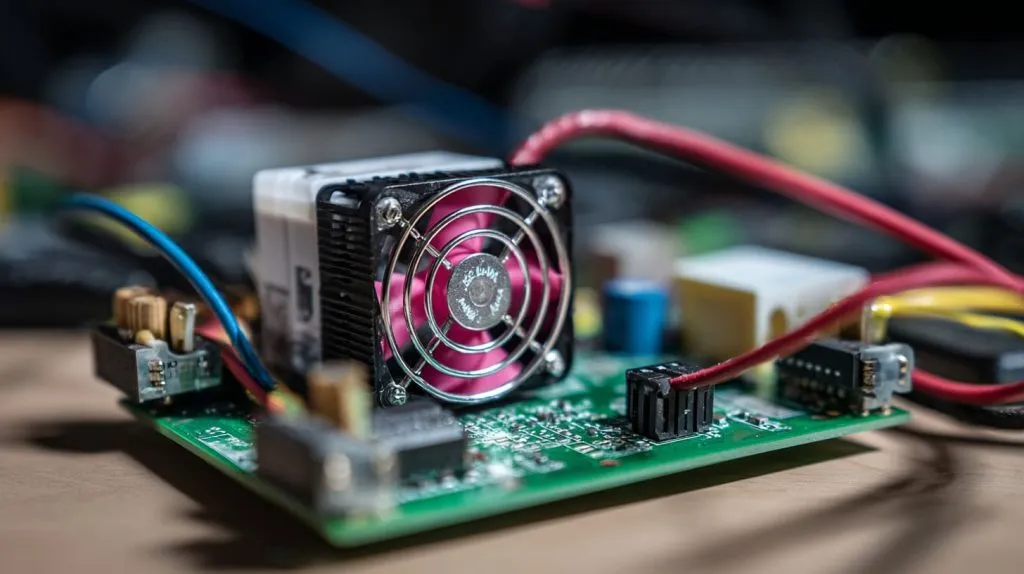
Stick-on aluminum & copper heatsinks: size vs. surface area
Bigger fins move more air. Copper sinks absorb heat fast; aluminum dumps it into air faster. Balance the two like you pick a frying pan: heavy copper bottom, light body.
Thermal pads / paste & mounting pressure tips
Thin, soft pads bridge gaps but add thermal resistance. Paste conducts better but needs clamping force. I tighten screws until the pad just begins to bulge, then back off a quarter-turn—far less glamorous than it sounds, but accuracy beats elegance here.
All-metal “sandwich” cases and finned enclosures
Great for kiosks and digital signage. Our anodized aluminum shells shave 12–18 °C off a Pi 5 at 100 % load with zero fan noise.
Board orientation, vertical mounting, and convection tricks
Heat rises. Mount the Pi vertically, ports down, and you pick up 3 °C “for free.” Simple physics, often forgotten.
Table 3 – Passive Heatsink Size vs. Temp Drop (Pi 5, 100 % CPU)
| Sink Size (mm) | Material | Temp Drop | Noise |
|---|---|---|---|
| 12×12×5 | Aluminum | 4 °C | 0 dB |
| 25×25×10 | Copper | 9 °C | 0 dB |
| MaidaTech finned case | Aluminum | 16 °C | 0 dB |
Silent isn’t always enough. Sometimes you need a breeze—let’s add a fan.
Active Cooling Techniques
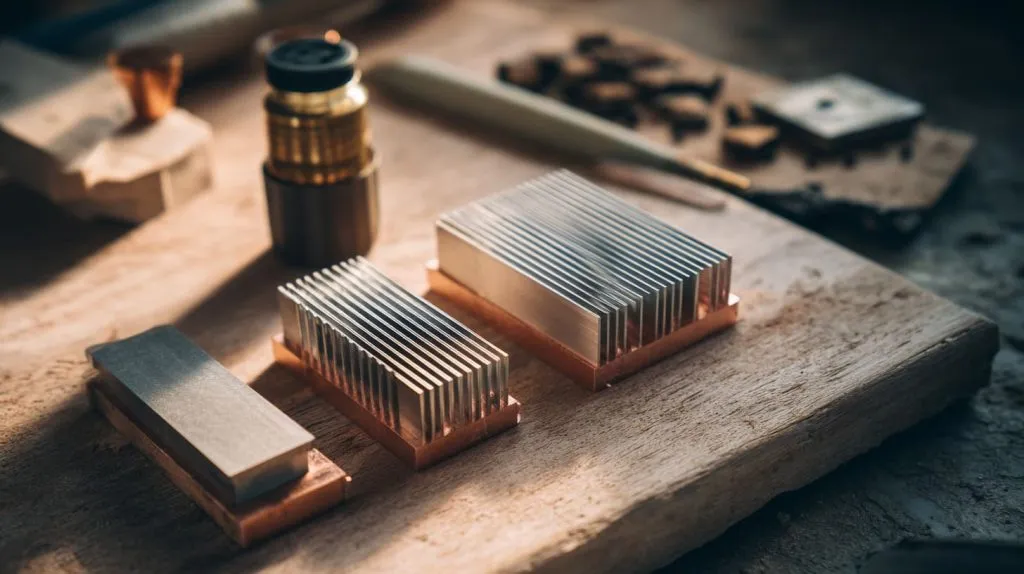
5 V micro-fans and PWM speed control via gpio-fan overlay
Set a temp curve so the fan sleeps under 50 °C, ramps gently above. Your ears (and power bill) will thank you.
Blowers vs. axial fans: airflow patterns & noise trade-offs
Blowers push air through tight fins; axial fans move more air in open spaces. I use blowers in compact retail displays and axial fans in open bench rigs.
Official Pi 5 Active Cooler & ICE-Tower style towers
Both drop temps >25 °C under Cinebench-style loads. The ICE-Tower looks like a mini PC build and photographs well for marketing shots—never discount the power of a good hero image.
Designing fan ducts inside custom OEM cases
A simple 3-D-printed scoop can cut internal temps by 5 °C. We often bake a duct into the mold for large orders; it costs cents, saves product returns.
Fans work, but sometimes you need to go full nerd. Ready for exotic solutions?
Advanced & Niche Cooling Solutions
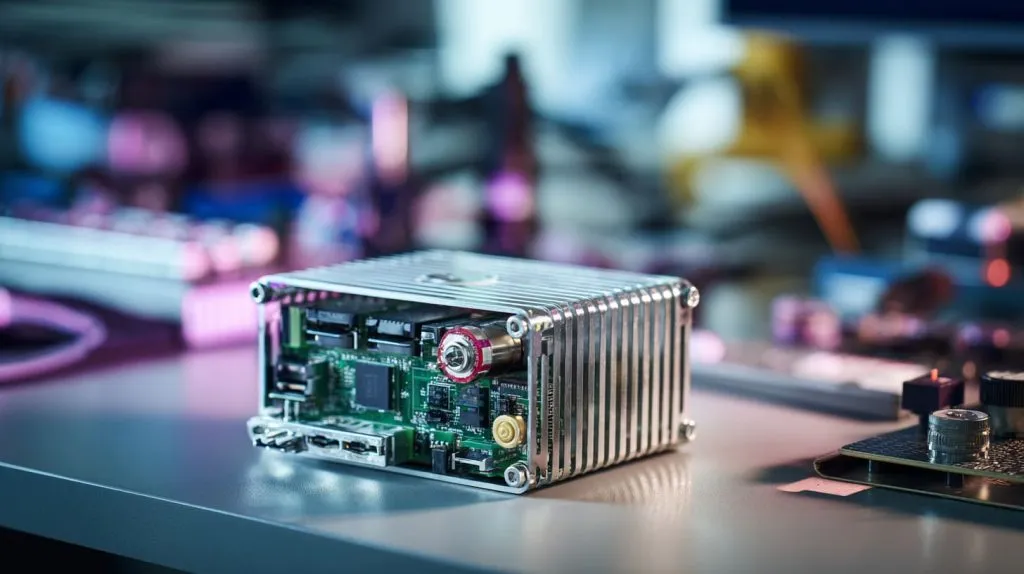
Heat pipes & vapor chambers for fanless industrial builds
I’ve built passively-cooled kiosks that live in dusty factories. A copper heat pipe glued to the SoC and bolted to an aluminum wall keeps temps under 60 °C with zero moving parts.
Water-cooling loops and acrylic-top demo rigs
Mostly for show, yet perfect for trade-show booths. People stop, stare, and ask questions—marketing gold disguised as thermal engineering.
Peltier (TEC) modules: when, why, and power penalties
A Peltier can chill a Pi below ambient, but it draws more power than the Pi itself. Use only when noise must be zero and space is large.
3-D-printed or CNC air channels for high-density racks
Our Hungarian client Lasle packs 40 Pis in a 2U tray. We CNC narrow ducts to feed each board; a single 80 mm fan at the back keeps them under 70 °C.
Hardware isn’t your only lever. Software can hide a multitude of thermal sins.
Software & Power Optimizations
Underclocking / undervolting in config.txt and arm_freq_min
Dropping the CPU from 2.4 GHz to 2.0 GHz on a Pi 5 cuts peak temps by 6 °C with a <4 % performance hit in most web kiosks.
Disabling unused interfaces (HDMI, Wi-Fi, LEDs) to cut heat
Headless sensor nodes don’t need a GPU block frying pixels no one sees. Comment out dtparam=audio=on, hdmi_force_hotplug=1, etc.
Tweaking CPU governors & dynamic frequency scaling
ondemand governor works, but I like powersave plus a watchdog that bumps to performance only when a Python script demands it.
Auto fan curves with raspi-config and custom Python daemons
Write a 20-line Python script to set fan PWM based on a moving temperature average. Good code is a cheap heatsink.
Environment also plays a part. Let’s zoom out from the board to the box it lives in.
Environmental & System Design Considerations
Vent placement, dust filtering, and altitude / ambient impacts
High altitude lowers air density, hurting convection. Dust blocks fins. I add removable mesh filters in retail installs—clean in five seconds, save hours of downtime.
Batch deployments in DIN-rail or server-rack trays
Racks pack heat like sardines. Stagger power-up times to avoid all cores spiking at once. Side vents beat top vents when units stack close.
Compliance notes for enclosed commercial products
EU CE marks require thermal testing inside the final enclosure. Log temperatures for 2 h at 40 °C ambient. Pass that, and customs officers smile.
Choices, choices… Which path fits your project?
Choosing the Right Cooling Strategy
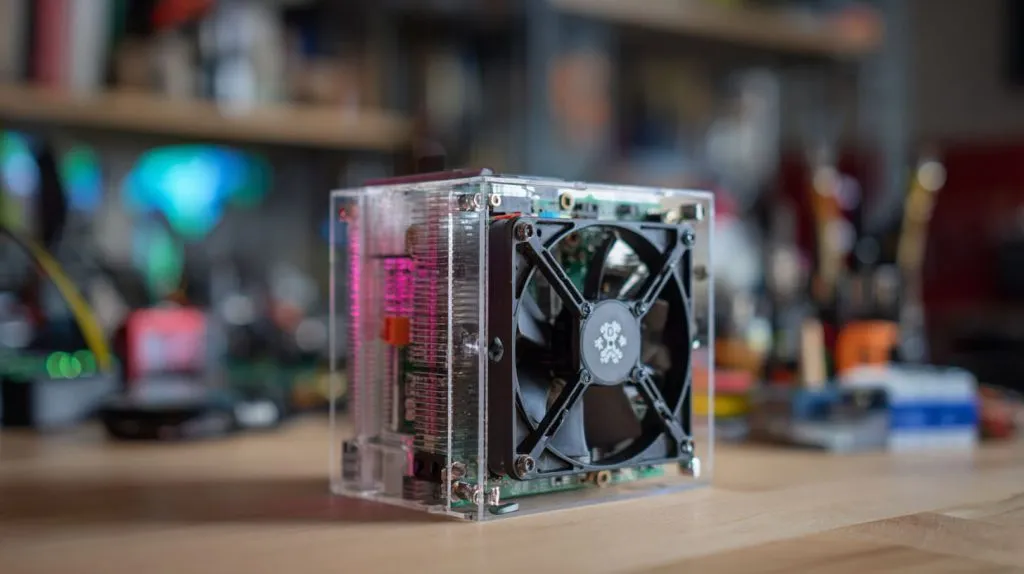
Education & hobby kits: cost-effective heatsink + 30 mm fan
Teachers care about low cost and low noise. A stick-on sink plus USB fan costs under $2 in bulk and survives student abuse.
Industrial / embedded: passively-cooled aluminum case, IP-rated
Fans fail in dusty plants. A sealed metal shell with thick fins keeps temps <65 °C at 45 °C ambient.
Re-brand / OEM: integrating logos into anodized heat-sink fins
Davide loves this: deep-cut laser logo on the fin doubles as extra surface area. Branding meets physics.
Cost-vs-performance comparison matrix
| Scenario | Cooling Method | ΔTemp | Unit Cost | Noise |
|---|---|---|---|---|
| Classroom Kit | Small sink + 30 mm fan | −18 °C | $2 | 25 dB |
| Factory HMI | Machined alum case, no fan | −22 °C | $9 | 0 dB |
| Retail Demo Loop | ICE-Tower + RGB fan | −30 °C | $18 | 28 dB |
| High-Density Rack | Heat pipe + blower duct | −26 °C | $11 | 22 dB |
Even the best plan stumbles if you believe a myth. Let’s shoot a few down.
Common Mistakes & Myths
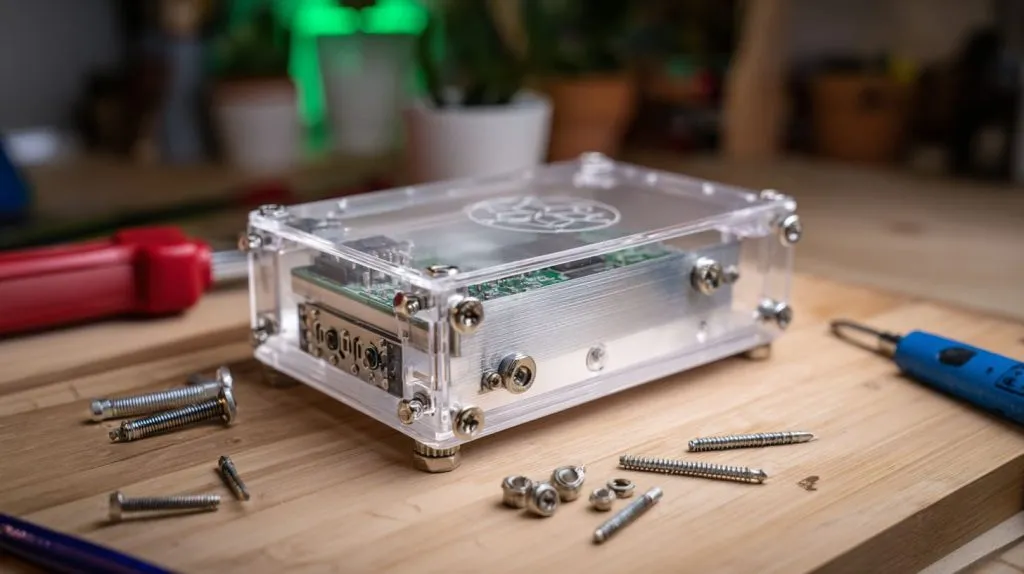
“Any heatsink is enough” fallacy
A 12 mm sink on a Pi 5 running AI inference is like taping a band-aid on a volcano. Size and airflow matter.
Overcooling leading to condensation in humid zones
Drop the Pi below dew point in a tropical warehouse and water will find the PCB. Balance is key.
Relying solely on stick-on pad adhesive without screws
Adhesive degrades at 70 °C. Add a clip or screw post. I’ve fished loose heatsinks from inside cases too many times.
Let me prove the numbers behind these claims.
Case Studies & Benchmarks
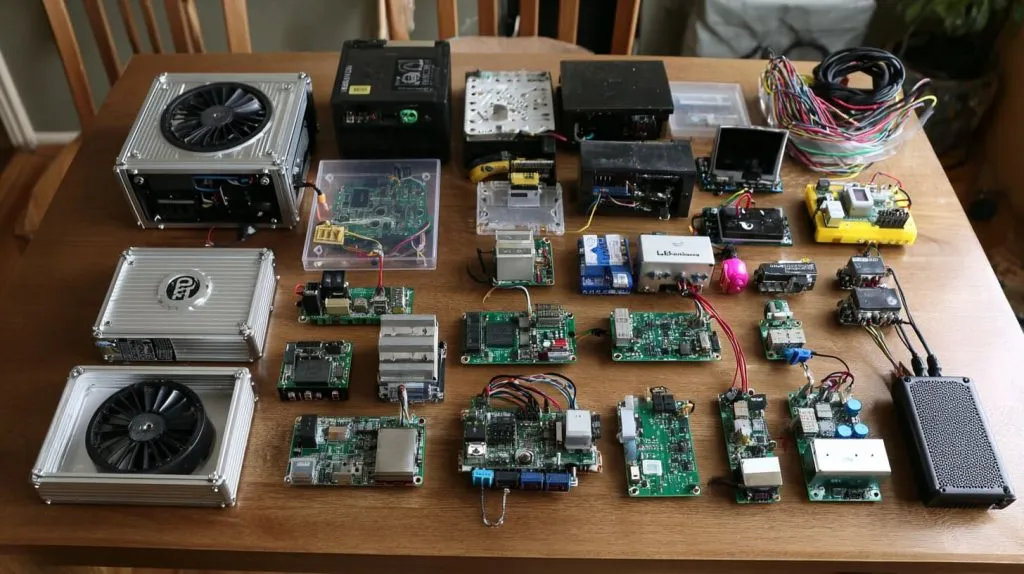
Passive vs. active on Pi 5 under 15-minute stress test
I ran stress-ng for 900 s on two identical Pi 5 boards. One had our finned case, the other the same case plus a 30 mm fan.
| Setup | Peak Temp | Avg Clock | Notes |
|---|---|---|---|
| Passive fins only | 78 °C | 2.2 GHz | No throttle |
| Fins + 30 mm fan | 55 °C | 2.4 GHz | Silent PWM |
MaidaTech client: branded aluminum shell with built-in vapor pipe
A Belgian reseller asked for silent operation in a living-room NAS. Vapor pipe + fins = 58 °C under 100 % load, zero moving parts, logo etched on top.
Pi 4 undervolt results: 10 °C drop, 8 % power savings
over_voltage=-4 and arm_freq=1450 kept Home Assistant under 65 °C in summer, trimmed 0.4 W idle power. Small tweak, big gain.
What does all this add up to?
Conclusion
A cool Raspberry Pi runs faster, lives longer, and saves you midnight support emails. Whether you stick on a $2 heatsink or craft a vapor-chamber showpiece, test, measure, iterate. Your future self—and your customers—will thank you.







