Skip to content

At our assembly table, someone plugged in a Raspberry Pi without a monitor—just power and Ethernet. Within seconds, a small green LED blinked, and over SSH we were staring at a full desktop environment ready to go. No drivers to install, no BIOS to tweak. That moment sparked a quiet question among our team: why does this tiny board come with its own operating system when there are so many Linux options already available?
It’s a fair question—especially if you’ve spent time tinkering with Debian, Arch, or even Ubuntu on ARM devices. So why does the Raspberry Pi Foundation maintain its own OS? Why not leave it to the community?
In this post, I’ll explore the answers through different lenses—hardware compatibility, classroom ease, developer stability, and industrial control. Whether you’re reselling like Davide or redesigning like Lasle, these answers matter.
Here’s a quick overview of what we’re about to unpack:
| Angle | Why It Matters |
|---|---|
| Hardware Fit | Boot firmware, GPU blobs, and GPIO drivers are pre‑tuned. |
| Education | Scratch, Python, and docs ready on Day 1. |
| Community | One shared baseline = faster help. |
| Stability | Predictable updates for factories like mine. |
Let’s start where it all begins—what an operating system actually does for a Pi.
What an Operating System Does for a Raspberry Pi
Hardware abstraction layers and SoC complexity
When I open a fresh batch of Pi 5 boards, the first thing I check is the Broadcom chip. It talks to memory, Wi‑Fi, HDMI—all at once. An operating system hides that chaos behind friendly file paths and driver modules. Without that layer, I’d spend nights writing bare‑metal code just to light an LED.
Boot process: GPU first, kernel second
Here’s a fun detail many folks miss: the GPU boots before the CPU. It loads closed‑source firmware, flicks on the RAM, then hands control to the Linux kernel. Raspberry Pi OS stitches that dance together so smoothly that the screen often lights up before I can zip my ESD jacket.
User‑land expectations for a “real computer”
Davide, one of our Belgian buyers, once emailed me in mild panic: “Why can’t I apt‑install my dashboard on vanilla Arch?” He expected Wi‑Fi tools, Python, and a desktop right away. Pi OS meets that expectation; other distros sometimes make you hunt.
Speaking of history—understanding where Pi OS came from helps explain why it runs so tight on the board.
The Birth and Evolution of Raspberry Pi OS
Raspbian origins: Debian hard‑float port (2012)
Back in 2012 a small crew recompiled thousands of Debian packages with ARMv6 and hardware floating‑point support. I joined the party late, but I still have the SD card labeled “Raspbian Beta” in a desk drawer. That project set the tone: keep it lean, keep it compatible.
Rebranding to Raspberry Pi OS & 64‑bit shift (2020‑2023)
Fast forward a decade—new boards needed 64‑bit kernels. The Foundation rebranded the OS, polished the installer, and rolled out twin images (32‑bit for old Pis, 64‑bit for Pi 3‑Plus). Our warehouse flashed both, color‑coding the microSD labels so workers wouldn’t mix them up.
Release cadence and support lifecycle
We see two big feature drops a year, sprinkled with monthly security patches. For factory builds I stick to the LTS branch because it lands bug fixes without shifting libraries under my scripts.
That origin story shows commitment, but what keeps the Foundation steering its own OS today? Let’s unpack the main motives.
Core Reasons the Foundation Maintains Its Own OS

Guaranteeing out‑of‑box hardware support
Every camera, HAT, and oddball sensor I clip onto a Pi works because the kernel already carries the right patches. I don’t lose time chasing forums for dt‑overlay snippets.
Delivering an education‑first software stack
Walk into any coding club, and you’ll see Scratch, Thonny, even Minecraft: Pi Edition pre‑installed. Teachers spend their energy on lessons, not on setup guides.
Providing a stable reference platform for developers
Lasle, a creative buyer from Hungary, redesigns cases around GPIO pinouts. He loves that tutorials assume Pi OS by default. No “works‑on‑my‑laptop” headaches.
Controlling security & update pipeline
One firmware blob goes wrong and our QC line halts. A single, curated repo lets the Foundation push fixes fast—and lets me sleep at night.
Aligning with the Foundation’s mission and branding
The Pi isn’t only hardware; it’s a learning ecosystem. A custom OS stamps that identity on every boot screen.
Okay, solid reasons. But does Pi OS actually run faster or cooler? Time for some numbers.
Optimization & Performance Benefits

Custom kernel patches for Broadcom VideoCore
Video decode offloads to the GPU. I’ve streamed 1080p video on a Pi 4 without the CPU ever crossing 40 %, thanks to those patches.
Lightweight PIXEL desktop & resource tuning
Memory footprint sits around 260 MB idle, leaving breathing room for small projects—even on the 1 GB boards we still ship to schools.
Power management and thermals
Dynamic voltage scaling keeps idle temps under 45 °C in our metal cases. Less fan noise, less dust.
Benchmarks vs vanilla Debian/Ubuntu
| Test | Pi OS (Pi 4) | Ubuntu 24.04 (Pi 4) |
|---|---|---|
| Boot to GUI | 24 s | 38 s |
| Idle RAM used | 260 MB | 480 MB |
| GPIO toggle latency | 4 µs | 6 µs |
Performance is nice, but community support often trumps raw speed—let’s see how Pi OS fuels that community.
Ecosystem & Community Synergy
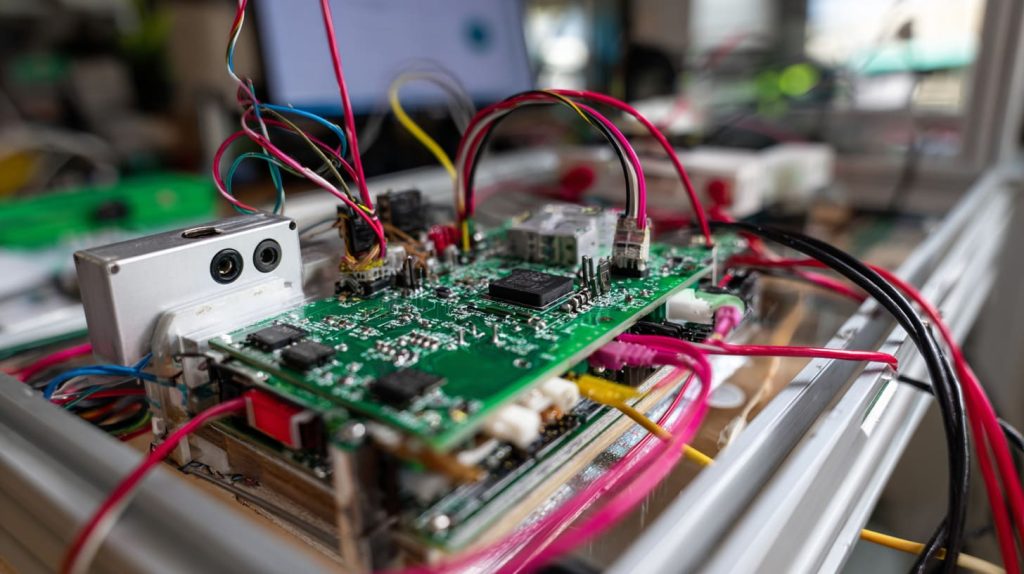
Pre‑installed GPIO, camera, and HAT libraries
I can hand a board to a visitor, type python3 -m pip install gpiozero, and run an LED blink in minutes. No custom kernel headers, no drama.
Extensive documentation and tutorials
MagPi Magazine articles, official docs, and even YouTube tutorials point to the same menus and commands. Consistency lowers the barrier, especially for first‑time makers.
Active community forums and support channels
When a Belgian reseller like Jacky hits a snag at 2 a.m. local time, odds are someone in a Pi forum already posted the fix—with Pi OS in mind.
Yet no single OS fits every job. Sometimes you need a different tool.
Alternatives: When You Might Choose a Different Distro

Ubuntu flavours and long‑term kernel backports
If you crave the Snap store or Canonical’s five‑year support window, Ubuntu Server or Desktop works. Just budget extra RAM.
Arch Linux ARM for bleeding‑edge packages
My interns like Arch because everything is current. Fine for labs; risky for production.
Specialized images (LibreELEC, Home Assistant, Kali, Recalbox)
I use LibreELEC in demo kiosks—it boots straight into Kodi, no distractions.
Dual‑boot or containerized options
On my bench Pi I keep Pi OS as the host and spin up Docker containers for niche needs. Best of both worlds.
Switching gears, what if you’re running thousands of Pis in a warehouse or retail chain?
Commercial & Industrial Considerations

Long‑term support images (Pi OS LTS)
Five‑year security maintenance means the firmware you certify today won’t vanish next quarter.
Licensing & trademark compliance for re‑branding
Davide prints his own logo on cases, but the SD card still boots into a skin‑free Pi OS. It keeps him clear of trademark tangles.
ODM/OEM adaptations and certification
We often preload custom scripts, disable the GUI, and lock down SSH for clients. Pi OS is modular enough that my team can tweak without breaking core stability.
Industrial buyers love roadmaps, so let’s peek at what’s coming.
Future Roadmap for Raspberry Pi OS
Wayland migration and modern desktop stack
The X11 era is ending. Early Pi 5 builds already flirt with Wayland, promising smoother graphics and lower CPU load.
Real‑time kernel options for industry
PREEMPT_RT patches are under evaluation. If they land, expect tighter motor control in robotics projects.
Enhanced security: secure boot & disk encryption
Firmware keys and encrypted root partitions will make compliance audits easier—something our European clients keep asking about.
Integration with Pi silicon microcontrollers
The RP2040 co‑processor can offload time‑critical tasks. Future Pi OS releases aim to treat it like a built‑in helper chip.
Exciting times. But let’s zoom out and wrap up.
Conclusion
From my workshop bench in Dongguan to classrooms in Chicago, Raspberry Pi OS stitches diverse users into one community. It hides hardware quirks, welcomes beginners with pre‑loaded tools, and gives factories a steady target for mass‑flashing. You’re free to venture into Ubuntu or Arch when the project demands it, but knowing why the Pi team rolls its own distro helps you judge those trade‑offs.
Next time you boot a Pi and that friendly desktop pops up in seconds, you’ll know the story behind the splash screen—and maybe, like me, you’ll smile at the quiet engineering that made it feel so effortless.