 Skip to content

Steam curls off my coffee mug while the Raspberry Pi 4 beside it climbs past 80 °C. The monitor jerks, the clock speed nosedives, and an impatient client on a video call asks why the demo just hiccuped. Heat, not cost, nearly spoils deals like this every day. In my factory life—and in Davide’s Amazon bundles and Lasle’s robotics kits—temperature swings decide whether we ship profit or ship apologies. So let’s talk about the whole “HOT OR NOT!” debate: roaring fans on one side, silent slabs of aluminum on the other, and how to choose a path that keeps our Pis—and our margins—cool.
Ready? Let’s zoom in on why that heat spike even happens.
Why Cooling Matters for Raspberry Pi 4
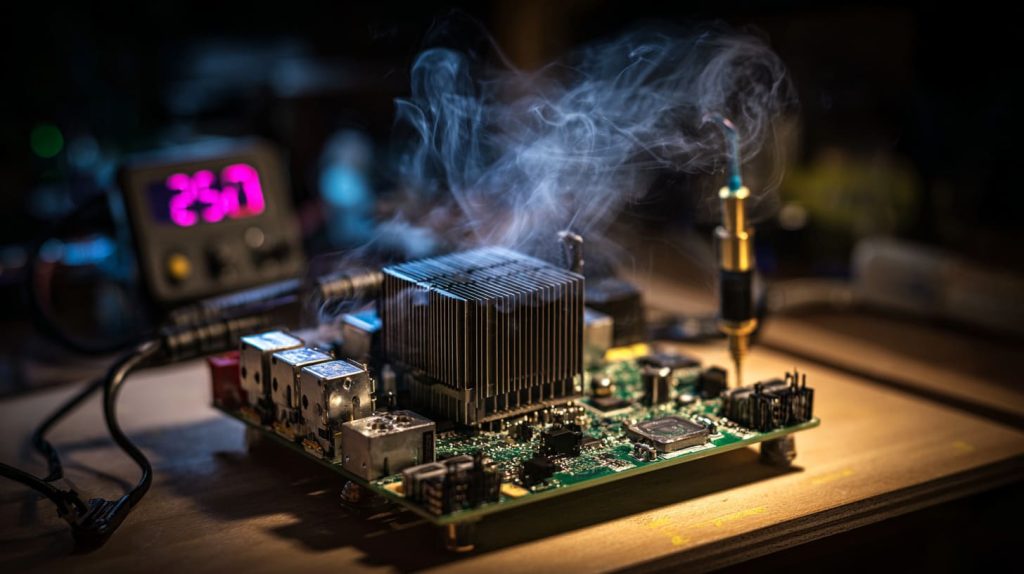
Thermal throttling thresholds and CPU/GPU performance loss
When the Pi 4 hits 80 °C, firmware yanks the CPU clock down to save itself. The board survives, but your code crawls. For a video kiosk or compile farm that means lost frames or missed deadlines—which translate into refunds.
Workload profiles that spike temperatures
- AI inferencing: all four cores light up, RAM hammers, temps surge in under 60 s.
- 4 K video decode: GPU works hard, heat keeps rising even while CPU rests.
- Kernel compile jobs: sustained 100 % load turns the board into a pocket‑sized radiator.
Long‑term reliability and component lifespan impacts
Every 10 °C rise above 60 °C can halve electrolytic capacitor life. Plastic headers warp, thermal pads dry out. In B2B orders, warranty claims snowball fast when 5,000 units run hot in a data closet.
No one buys excuses, so let’s see what weapons we actually have.
Cooling Technology Primer
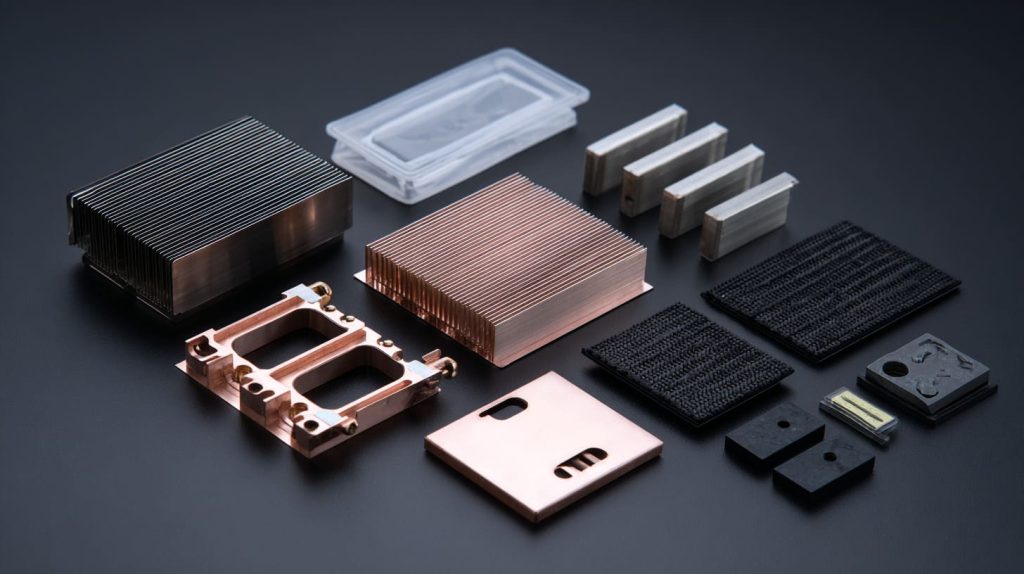
Passive vs active cooling explained
Passive = heat spreader only. Active = heat spreader plus moving air. Simple. One trades silence for headroom; the other flips the bargain.
Key materials & form‑factors
| Material | Thermal Conductivity (W/m·K) | Price | Common Use |
|---|---|---|---|
| Aluminum | 205 | Low | Extruded fins |
| Copper | 401 | Mid | Base plates, vapor pipes |
| Graphite | 150–500 (anisotropic) | Mid | Flexible sheets |
| Vapor Chamber | 10,000 (effective) | High | Premium HATs |
How to measure effectiveness
- Temperature drop (°C) against bare board
- ΔT over ambient for real‑world rooms
- Noise (dBA) if a fan spins
- Power draw (mA), tiny but matters for battery rigs
Specs are numbers; options are stories. Let’s meet the quiet characters first.
Fanless Heatsink Options
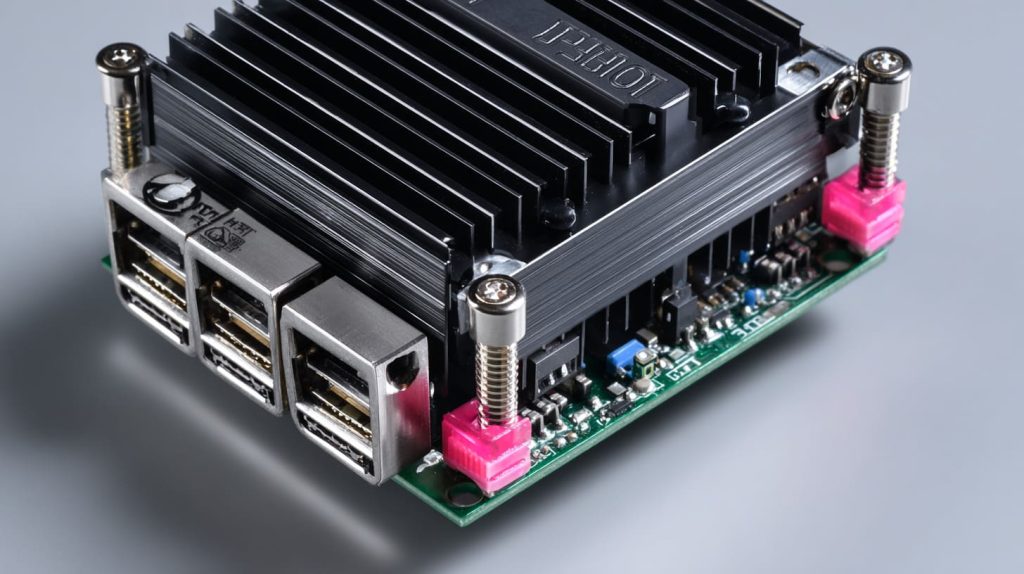
Low‑profile stick‑on heatspreaders for tight spaces
Thin copper or aluminum plates add 5–8 °C margin. Great for retrofit but watch adhesive creep in hot warehouses.
Extruded full‑body heatsink cases (“armor” shells)
I once shipped 2,000 jet‑black armor cases to Davide. Customers loved the stealth look—and the Pi never crossed 70 °C even in July.
Advanced designs: heat‑pipe plates and graphene sheets
Lasle’s prototype used a tiny flat heat‑pipe that carried heat to a side vent. Silent, clever, but cost +30 %.
Pros, Cons, Ideal use‑cases
| Aspect | Fanless Strength | Fanless Weakness |
|---|---|---|
| Noise | 0 dBA | — |
| Dust | No filters needed | Heat builds in sealed racks |
| Load | OK at 2 GHz | Struggles above 2.2 GHz |
Ideal for media centers, IoT hubs, school labs where silence beats speed.
But what if speed beats silence? Time to turn up the airflow.
Fan‑Based Cooling Options
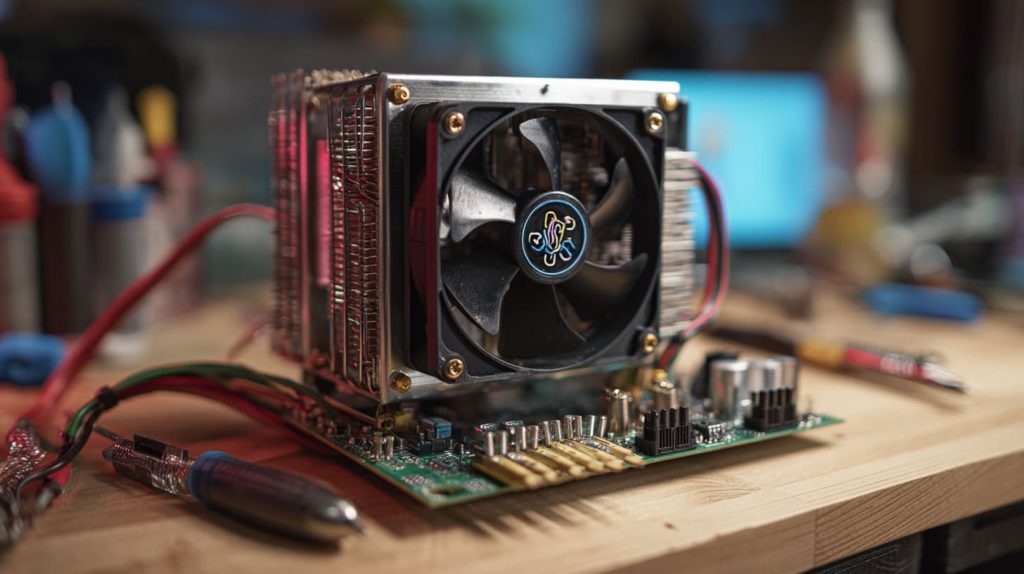
Clip‑on heatsink + 5 V fan combos
Cheap, everywhere on Alibaba. Drop temps by 20 °C fast, but blades can rattle after 3,000 h.
Tower coolers & blower‑style ducted cases
I tested a mini tower last winter—kept a Pi 4 at 48 °C during an endless compile loop.
PWM smart‑fan HATs with temperature control
Fans sleep below 55 °C, wake gently above. Perfect for hotel kiosk fleets where guests hate noise at night.
Pros, Cons, Ideal use‑cases
| Aspect | Fan Strength | Fan Weakness |
|---|---|---|
| Temp | Lowest | Power draw ~120 mA |
| Noise | 25–40 dBA | Not studio‑friendly |
| Life | Replaceable | Moving parts fail |
Ideal for edge AI boxes, industrial lines, 24/7 compile farms in hot climates.
Data beats debate, so let’s graph what the probes saw.
Benchmark Comparisons
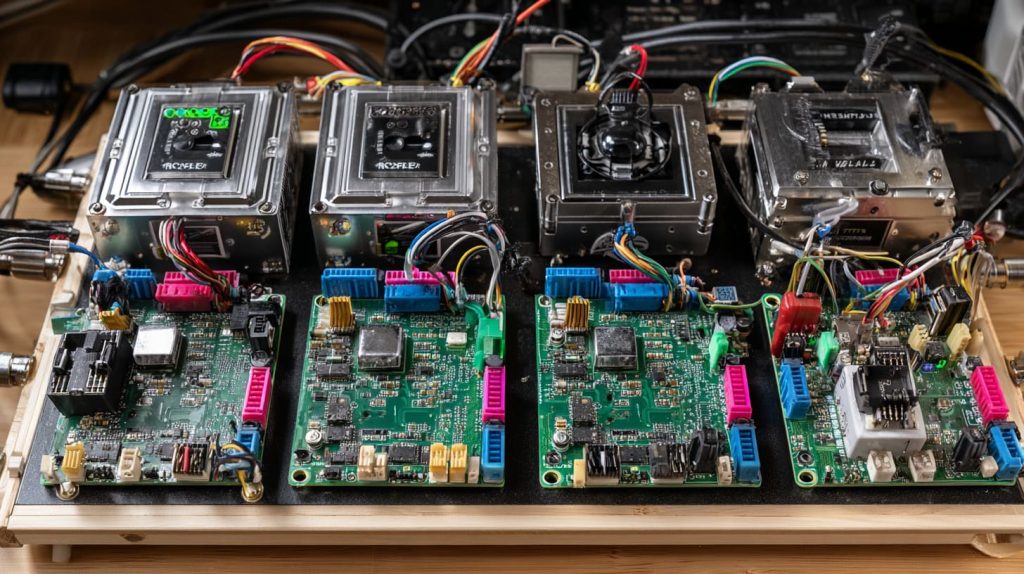
| Cooling Mode | Idle (°C) | 15 min Stress‑ng (°C) | Noise (dBA) | 2.2 GHz Overclock Pass? |
|---|---|---|---|---|
| Stock Board | 55 | 87 (throttle) | 0 | Fail |
| Passive Armor | 40 | 71 | 0 | Fail |
| 5 V Clip‑on Fan | 38 | 58 | 35 | Pass |
| Tower Cooler | 36 | 48 | 32 | Pass |
| Hybrid Fan + Heat‑pipe | 35 | 50 | 30 | Pass |
Numbers are great, but buyers read spec sheets, not lab notes.
Buying Guide for Re‑Brand & Wholesale Customers
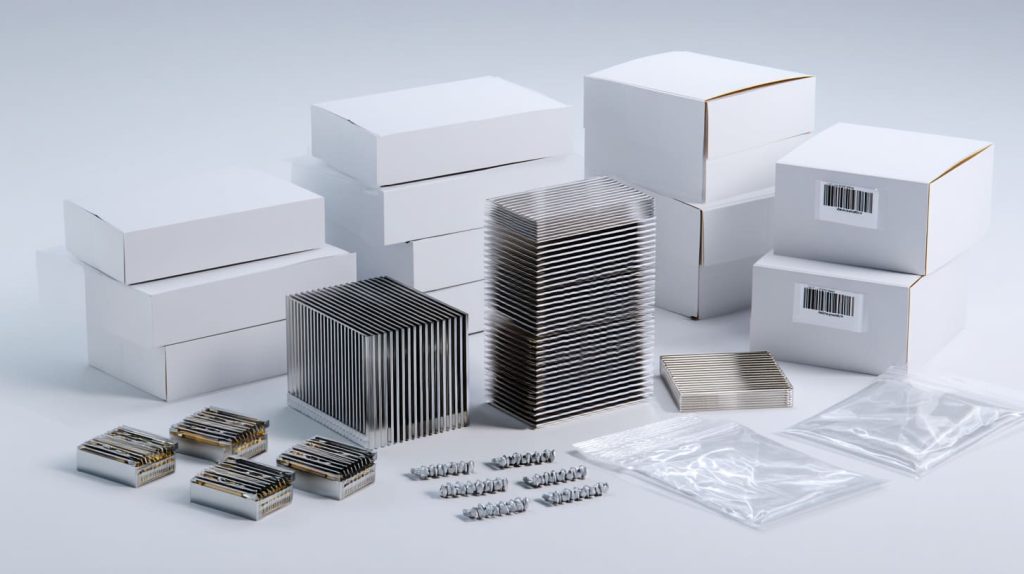
Spec sheet essentials
- Dimensions, weight, mounting holes
- Thermal ΔT @ 100 % CPU
- Fan lifespan (if any) in hours
Branding surfaces
Laser engraving bites deeper into anodized aluminum than UV ink. My tip: combine black anodize + white laser fill for logos that never scratch.
MOQ & price tiers
| Quantity | Fanless Armor (USD) | 5 V Fan Kit (USD) |
|---|---|---|
| 100–499 | 3.60 | 2.80 |
| 500–999 | 3.30 | 2.50 |
| 1,000+ | 3.05 | 2.25 |
Packaging, labeling, FBA tips
Use 18 × 12 × 5 cm inner boxes; stick FNSKU on the short side to dodge Amazon re‑label fees. Include spare screws—reviews love that.
OEM dreams need more than price; they need blueprints.
ODM Integration Tips
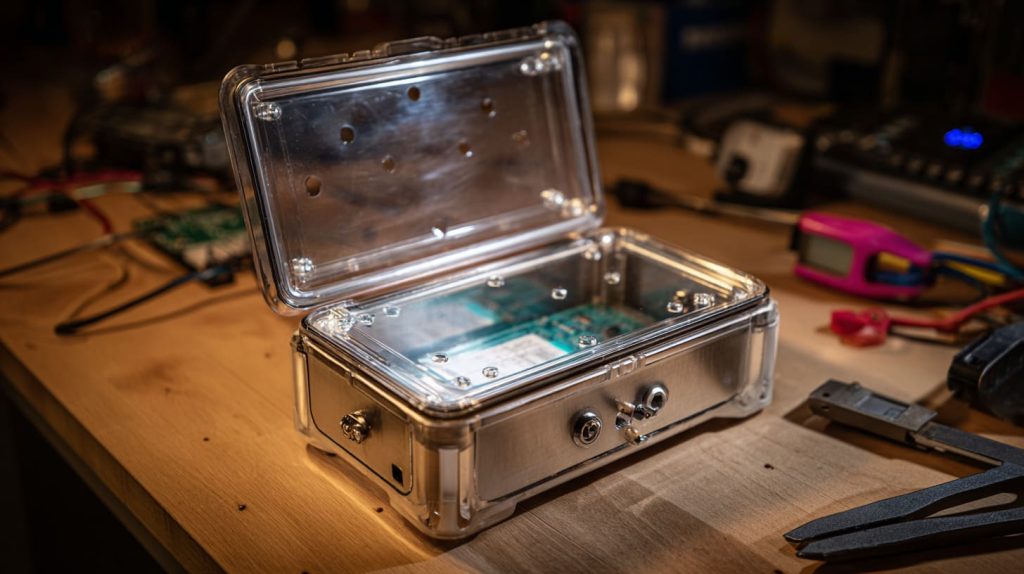
Mechanical constraints
Leave 2 mm clearance above GPIO pins; PoE HAT rises 11 mm. Camera ribbon? Slot it through a 6 mm channel to avoid sharp bends.
Airflow path planning
Place vents directly opposite fan exhaust, not on the same side. Negative pressure pulls cool air over RAM too.
Thermal interface materials (TIM)
I prefer 1 mm silicone pads rated 6 W/m·K. They forgive small height mis‑matches without pump‑out over time.
QC checkpoints
- IR camera scan: ≤ 55 °C hotspot after 20 min stress.
- 8‑h burn‑in at 40 °C chamber.
- 30 min vibration—fans must stay below 45 dBA.
Parts land on docks, not dreams, so timing is next.
Supply Chain & Lead‑Time Planning
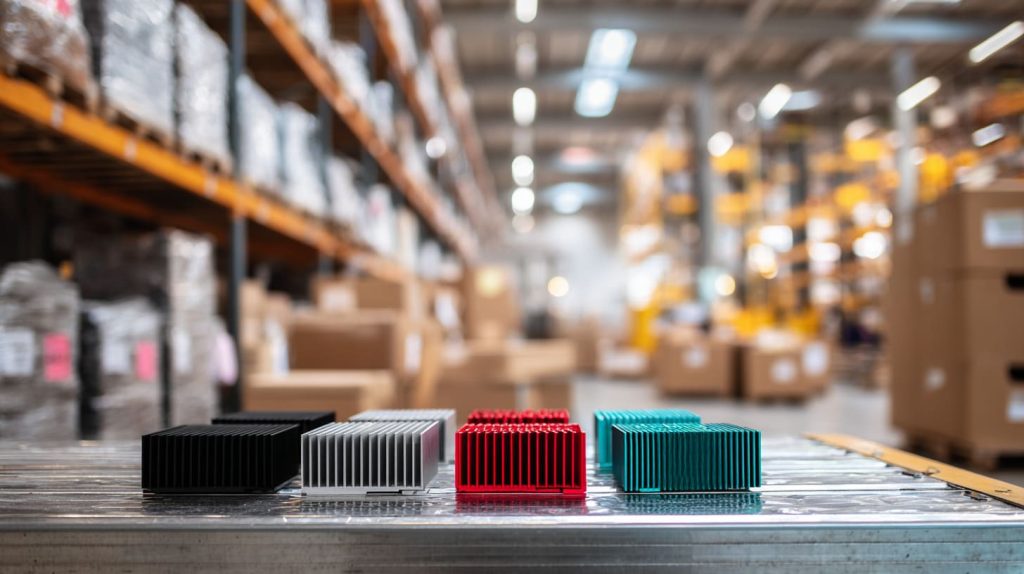
Stocked heatsinks vs made‑to‑order colors
Black and silver ship in 3 days. Custom teal or red need anodize slots—add 12 days.
Coordinating multi‑vendor kits
Heatsinks from Shenzhen, fans from Dongguan, screws from Ningbo. I merge them in one box to dodge triple customs checks.
Shipping methods
| Route | Transit Time | Cost/kg | Best For |
|---|---|---|---|
| DDP Air | 7 days | \$5.60 | Launch samples |
| FOB Sea | 35 days | \$1.20 | Big restock |
| Rail EU | 24 days | \$2.90 | Mid‑volume EU runs |
Stories seal the lesson—let me share two.
Real‑World Case Studies
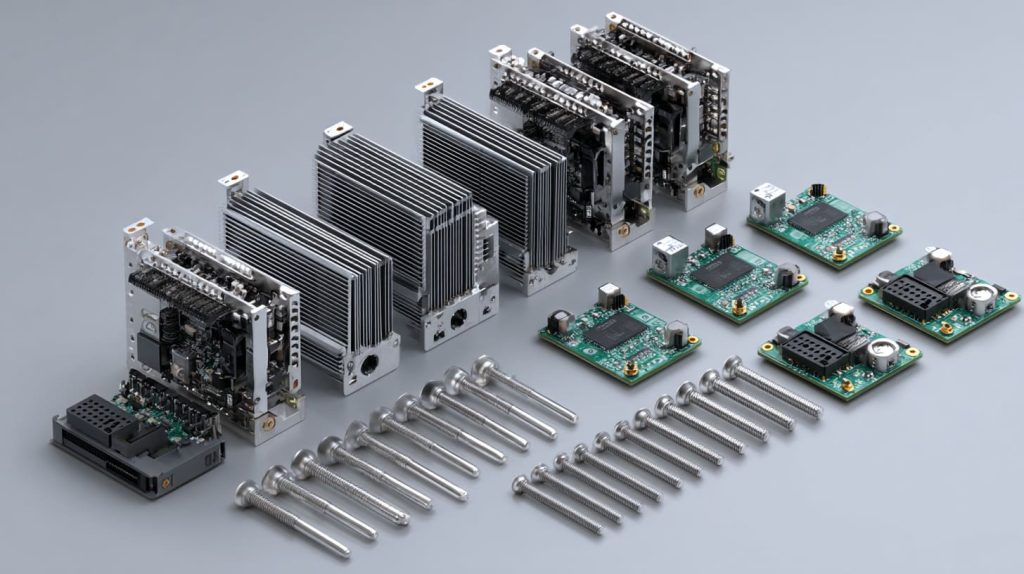
Davide’s silent Amazon bundle using armor case heatsinks
He swapped cheap stick‑on pads for all‑metal cases. Return rate dropped 3 %, reviews praised “whisper‑quiet,” and he raised price \$2 without complaints.
Lasle’s robotics cluster with PWM smart fans
His six‑node lab hits 88 % CPU all day. Smart fans idle at night, roar at noon, and logs show temps never top 55 °C. Energy bill barely budged.
If they could speak, your Pis would ask for the same comfort.
Conclusion
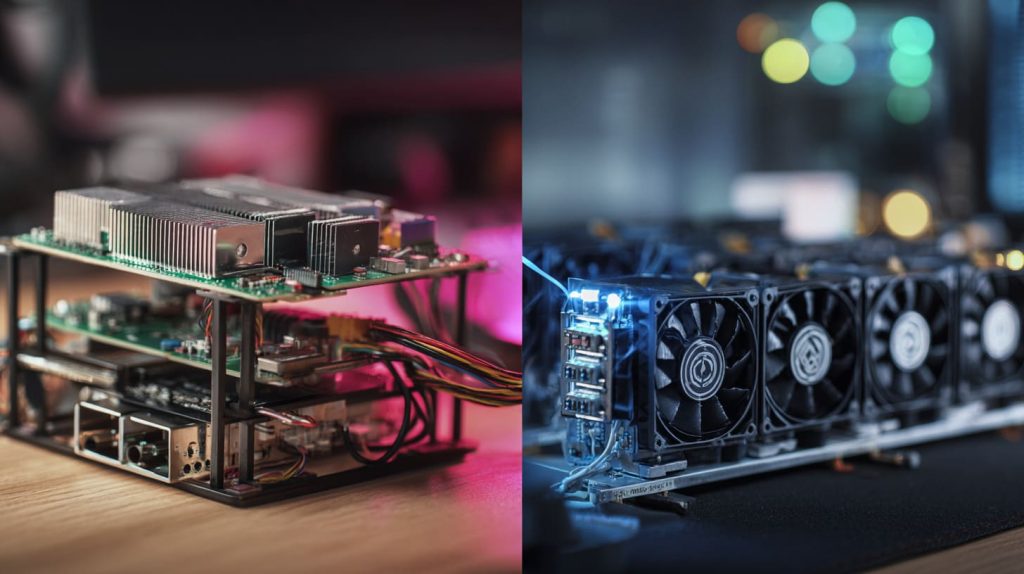
- Match cooling to the job: passive for silence, active for muscle.
- Check the room: hot factory floor? Fan it. Quiet classroom? Armor it.
- Prototype, stress, then scale: one overheated sample saves a thousand returns.
Drop me a line at vincent@maidatech.com if you need custom colors, faster fans, or simply a second opinion. I test, you rest—cool and confident.




