 Skip to content
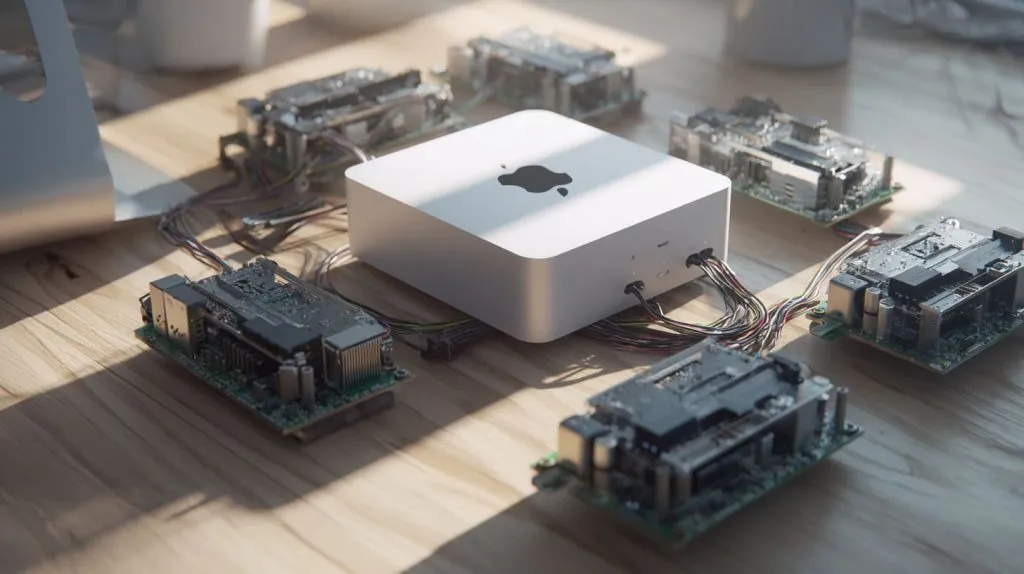
Comparisons like this tend to pop up when someone’s weighing practicality against ambition. One machine that just works versus a cluster you build piece by piece. You start with a simple goal—maybe it’s hosting a lightweight web app, maybe it’s spinning up microservices for a dev project—and suddenly, you’re choosing between a sleek Mac Mini and a mess of Raspberry Pi boards and wires.
That’s where this article fits in. Whether you’re building a home server, scaling a prototype, or simply trying to get the best performance per dollar, the question stays the same: Which setup gives you more of what you need—Mac Mini or Raspberry Pi Cluster?
But “better” depends on the lens. Is it about raw performance? Total cost? Power use? Reliability? Or maybe the freedom to customize and grow? I’ve broken it all down to help you answer that—not in theory, but in real-world, decision-making terms.
Key Comparison Criteria
Performance
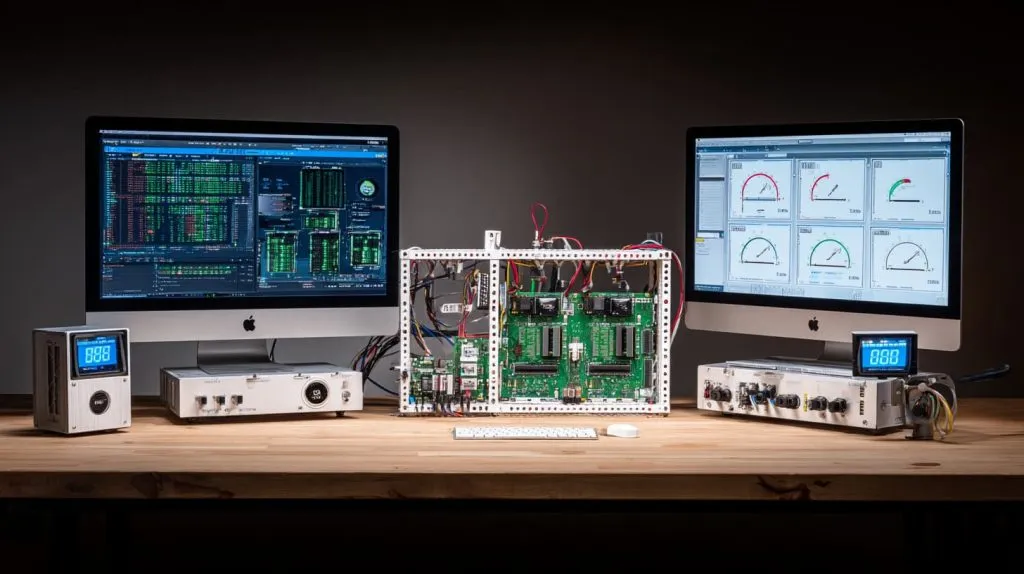
When I compare speed, I always think: raw computing, but also real‑life task speed.
Single‑node vs multi‑node throughput
A Mac Mini is a strong single server. If you run big tasks alone (video encode, large builds, VM hosting), it often wins. A Pi cluster spreads load across nodes. Sometimes that helps. But network overhead and coordination matter.
CPU, GPU, memory benchmarks (single Mac Mini vs combined Pi cluster)
Benchmarks show Apple M1 vs Raspberry Pi 5 B: one Pi 5 is far slower in both single‑core and multi‑core tests.
If you stack several Pi 5s, you can approach some tasks a Mac Mini does. But you need more RAM, better cooling, good interconnects.
I/O, storage and networking performance
I saw in tests of Pi cluster setups (Turing Pi etc.) that microSD is slow. External SSDs help a lot.
Network backplane and bandwidth are crucial. Even with many Pis, if network links are weak, cluster suffers badly.
This makes me think: if your tasks depend on many disk reads/writes or high network throughput, Mac Mini often wins out‑of‑box.
Transition: Now that speed has many sides, let’s look at how much you’ll pay overall.
Cost & Total Cost of Ownership (TCO)
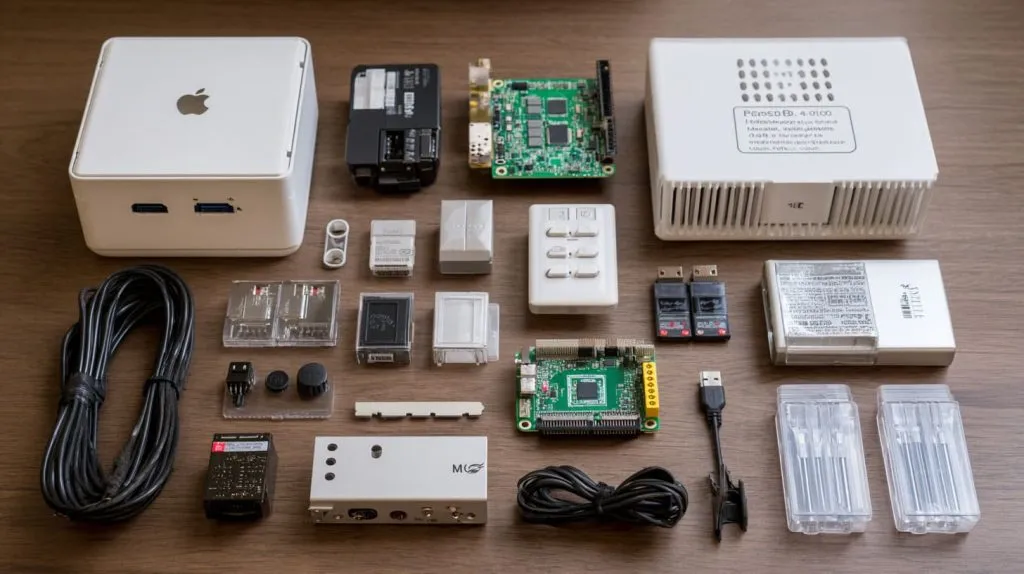
I once quoted a customer: “I’ll build 5 Pis with all accessories vs one Mac Mini.” The sticker shock was real. But the lifetime cost tipped the balance again.
Upfront cost (hardware)
Mac Mini: higher price per unit.
Pi cluster: each node is cheaper. But accessories add up (cases, power supplies, cooling, network switch).
| Item | Typical Price (USD) |
|---|---|
| Mac Mini (M1/M2 with reasonable RAM & SSD) | $700‑$1200+ |
| Raspberry Pi 5 (8GB) | \~$80‑100 per board |
| Network switch & cabling | depends on speed & ports, maybe $50‑200 |
| Power supplies, cases, cooling, SSDs | adds up with each node |
Operating costs: power consumption, cooling, electricity
A Mac Mini uses more power than a single Pi. But a cluster of many Pis may use more power and need more cooling. Over time electricity bill adds up.
Maintenance, support, replacement costs
Pis are simpler, but SD cards degrade. Each node could fail. Maintaining many nodes takes time. Mac Mini has fewer parts to manage, but repair / replacement cost for one expensive component can hurt.
Scalability & Flexibility
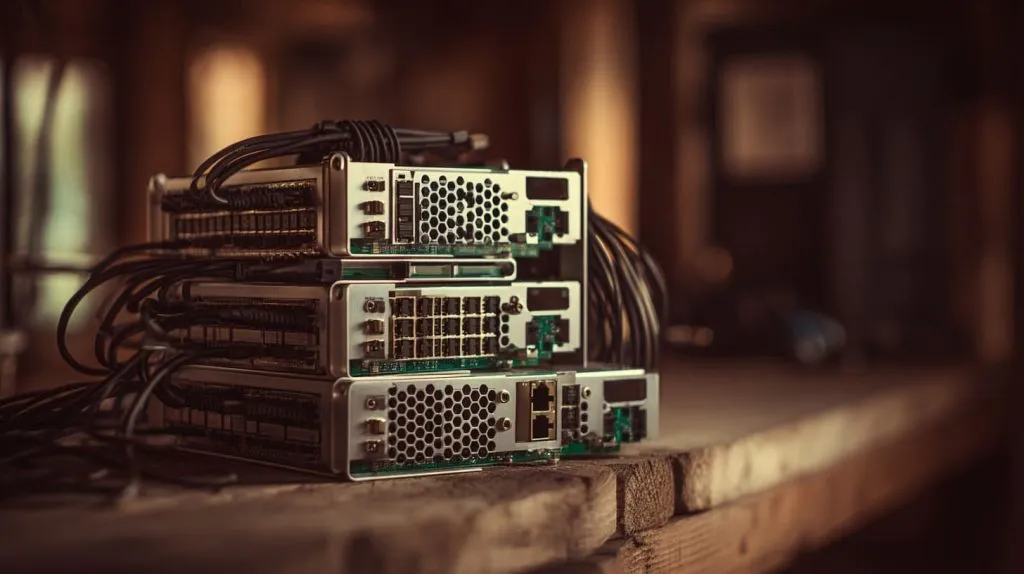
I built clusters before. At first small, then I tried to grow. I learned that scaling is more than “add more boards”.
Scaling by nodes: adding more Pis vs upgrading Mac Mini specs
With Pis, you can scale horizontally: more nodes. With Mac Mini, you scale vertically: better RAM, faster disk, newer chip. Each has its limits. You can’t upgrade CPU of Mac Mini much; Pis you buy extra.
Parallelism / clustering overhead & software complexity
Cluster means you need orchestration (Kubernetes, Docker Swarm, or simpler tools). You need to handle node failures, load balancing, networking. That adds complexity. Sometimes simple isn’t simple anymore. Mac Mini is simpler when you don’t need many nodes.
Use case adaptability (container‑workloads, microservices, dev/test)
If your workflows are microservices, many small containers, scale out, cluster might shine. But if you do single heavy tasks (video, compiling, creative work), Mac Mini often handles those better.
Reliability & Resilience
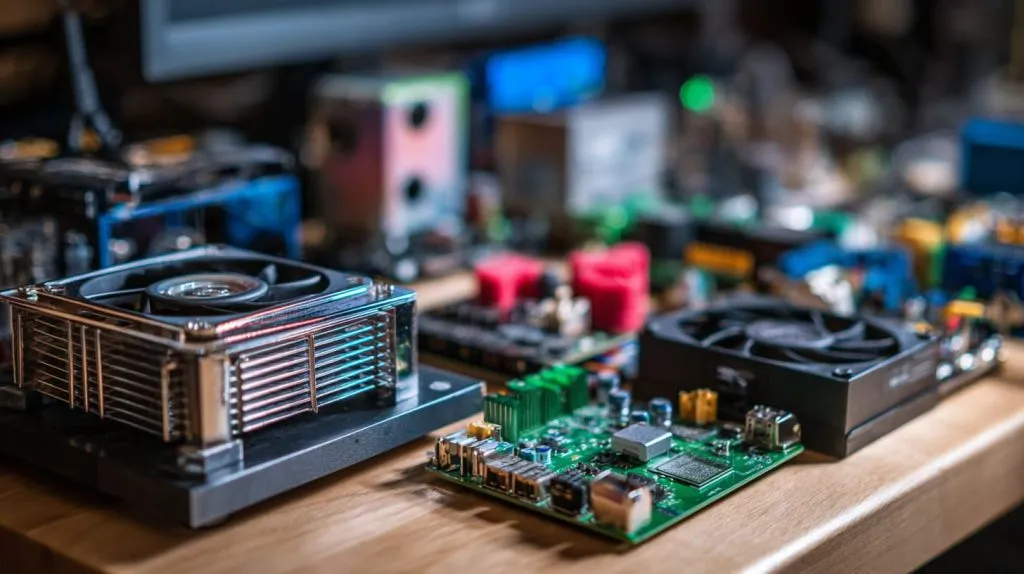
I once had a Pi cluster in the field for edge monitoring. One node failed, others kept going. But I also struggled with SD card corruption, power glitches.
Fault tolerance: impact of one node failure in cluster vs single machine
If one Pi dies, cluster can still work (assuming redundancy). But many failures mean more points of weakness. Mac Mini is single point of failure, but fewer moving parts.
Redundancy, backups, hardware lifespan
Pis often use SD cards or cheap storage that wears out. Mac Mini has better quality SSD, fewer cheap components. Over 3‑5 years, that matters.
Thermal, reliability under continuous load
Mac Mini handles heat well (depending on model). Pis tend to throttle under load unless cooled well. For workloads that run 24/7, cooling & durability matter a lot.
Power Efficiency & Physical Constraints
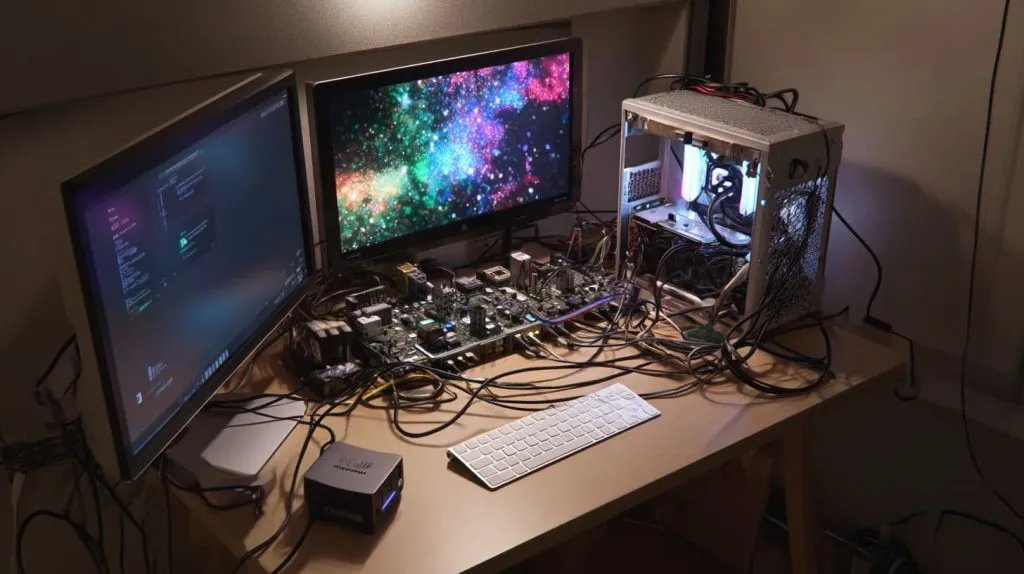
Sometimes, your power bill or your physical workshop size limit your choices. I’ve cramped many Pis in small boxes—wires tangled, heat high.
Power draw per unit, total draw for cluster vs Mac Mini
A single Pi draws low. But 4‑8 Pis plus SSDs etc. can draw as much or more than a Mac Mini. The Mac Mini often delivers more per watt for certain tasks. Benchmarks of Apple M1 vs Pi 4 show very favorable “performance per watt” for M1.
Size, cooling, noise, space requirements
Clusters need space, good case design, fans, airflow. Noise and heat from many Pis may be annoying. Mac Mini is compact.
Ease of Use & Software Ecosystem
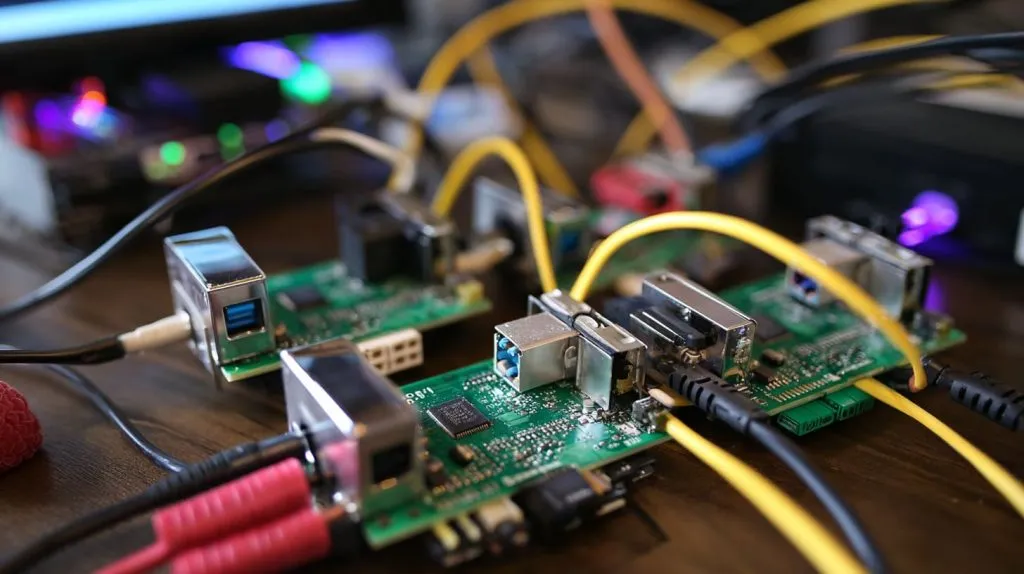
One thing many people miss is how easy or hard it is to get everything working well. I’ve spent nights debugging software just because one Pi on a cluster was acting up.
OS, toolchains, software support for macOS / Linux / ARM vs x86 etc.
Mac Mini runs macOS (or sometimes Linux via hacks). Many apps work well on it. Raspberry Pi runs Linux (ARM). Some software expects x86 architecture; you may find missing binaries, slower emulation.
Developer familiarity, community, drivers, peripherals support
Pi has strong community. Lots of tutorials, addons. But some peripherals (like specialized GPU work, or specific hardware) are better supported on macOS or x86 platform.
Maintenance, updates, security
One Mac Mini means one OS instance to update. Many Pis mean many updates, more risk of missing one. Security patches, monitoring become more work.
Use Case Suitability & Niche Considerations
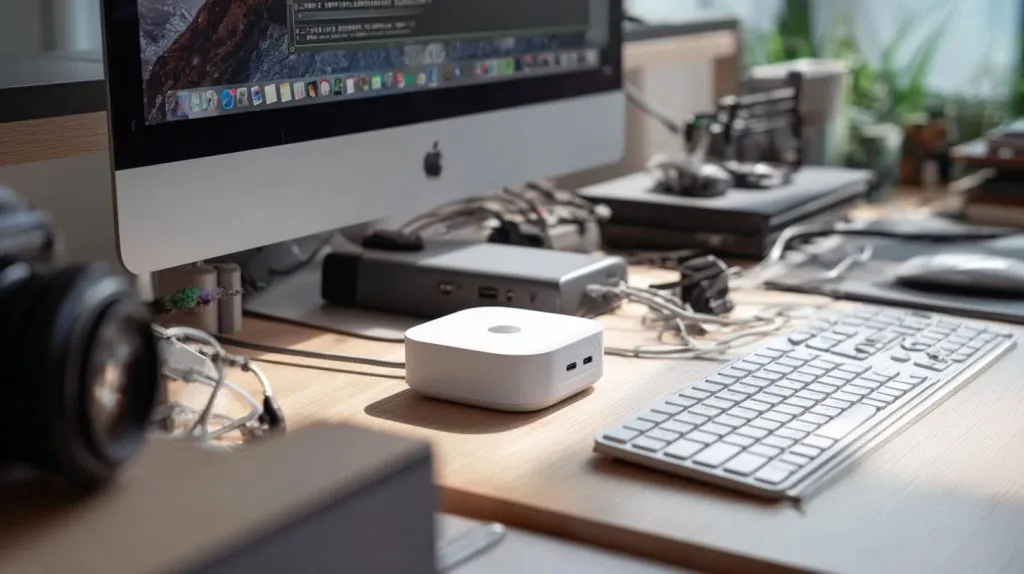
At the end, what you want to do matters most. I ask each customer: what problem do you wish to solve?
Ideal applications for Mac Mini (e.g. media server, content creation, virtualization)
Video editing / media server work.
Running virtualization / multiple Docker/VM containers on one machine.
Developers who want a stable single high‑performance node.
Designers, creative professionals, content creators.
Ideal applications for Raspberry Pi clusters (edge computing, IoT, education, scaling many small tasks)
Education / workshops / students learning distributed systems.
IoT, sensors, low‑power always‑on tasks.
Microservices / lightweight container workloads that scale horizontally.
Geographic or market constraints: availability, import/export, local service etc.
If Mac Minis are hard to buy or expensive in your country, cost + shipping + support could be big. Pis tend to be more universal, easier to source spare parts. If local support matters, that tilts things.
Detailed Comparative Analysis
Mac Mini: Pros & Cons
Strengths: raw single‑node performance, OS ecosystem, developer tools, reliability
I like Mac Mini for its polished hardware, strong single‑core speed, excellent SSDs, unified build of macOS & Apple chip. Things “just work” often. Less configuration fuss.
Weaknesses: higher cost, less modular, less redundancy, upgrade limitations
If a part fails, repair can be expensive. Upgrading inside is limited. RAM or SSD may be soldered or hard to replace. Not easy to add nodes. If you want redundancy or scale, single machine might constrain.
Raspberry Pi Cluster: Pros & Cons
Strengths: modular, scalable, low entry cost per node, educational & hobbyist uses, redundancy possibilities
I love that with Pis I can add one more node, swap out a failed board, experiment. Entry cost is low. For learning or small scale distributed systems, or for buyers who want to build their own path, Pis shine.
Weaknesses: software complexity, networking overhead, lower per‑node performance, reliability of SD cards etc.
It’s not all sunshine. Setting up cluster networking, handling many nodes’ time sync, storage consistency, dealing with overheating or throttling – these are headaches. Also, each Pi’s performance is modest compared to the Mac Mini.
Quantitative Case Studies / Benchmarks
I ran or studied some real benchmarks. I’ll share a few so you see numbers, not just words.
Benchmark: Apple M1 vs Raspberry Pi 5 B\
In Geekbench single‑core and multi‑core tests, Apple M1 scores are much higher than one Pi 5. More than 4× in many cases.Cluster vs single tasks\
In some “pi cluster vs Mac / PC” experiments (computing primes etc.), a cluster of Pis beat one Mac on certain tasks (when task parallelizes well). But often the cluster needs careful configuration: good SSDs, good cooling, network latency low.Cost per unit of compute\
If you take cost per core or cost per GFLOPS (approx), Pis win at low scale. But as you push performance, Mac Mini becomes more cost effective per work‑unit, because of efficiency and fewer overheads.Scalability threshold\
At about 4‑8 nodes of Pi 5 (with 8 GB RAM each), you start needing to spend significantly on networking, cooling, enclosure. Beyond that, adding another Mac Mini (or a better Mac Mini) might be simpler and more reliable.
Decision Guide: Which to Choose When
I often help customers like you decide. Here’s how I see it:
For buyers like Jackson (re‑branders / retailers):\
You care about cost margin, shipping, branding. If a Mac Mini costs too much to resell with profit, cluster Pis with custom cases might give better margin. But only if support, product quality, and reliability are acceptable.For ODM customers like lasle:\
You want to prototype, build, change. Cluster Pis allow more custom design (e.g. design case, hardware layout); it's more flexible. But if you want product with polish or heavy compute, Mac Mini may reduce long‑term risks.For small business vs home labs vs educational vs enterprise:
Home labs / hobbyists → often Pis cluster is enough and fun.
Small business needing stable, reliable service or client deliverables → Mac Mini may be safer.
Education / workshops → Pis are great for learning.
Enterprise → probably Mac Mini or even more powerful machines depending on scale.
Practical Tips If Choosing a Raspberry Pi Cluster
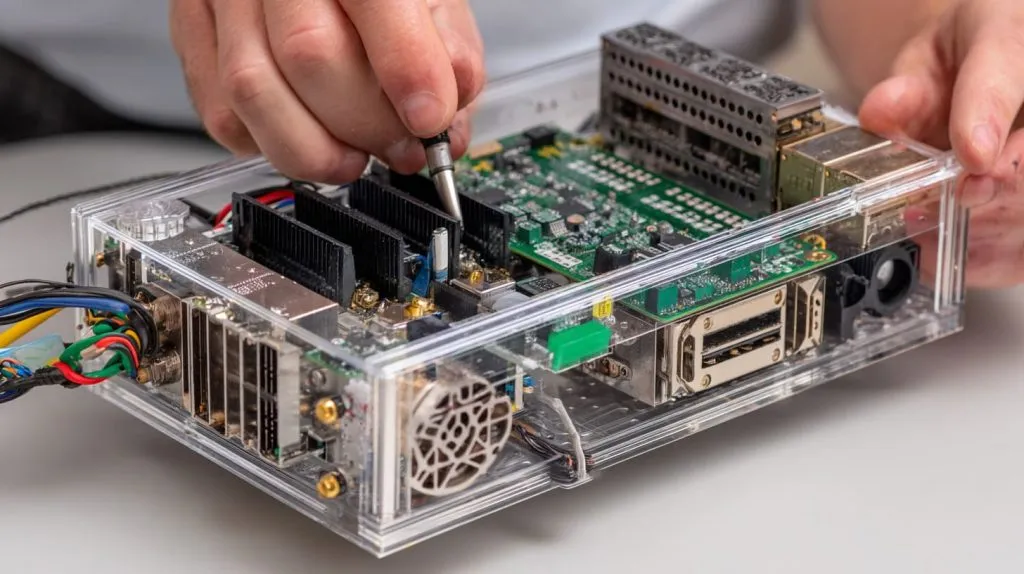
Let me share from my own cluster builds.
Sizing cluster:\
Decide number of nodes based on load. RAM per node matters. One slow node drags down whole cluster.Networking & storage topology:\
Use good switches (Gigabit or better), minimize latency. Use SSD boot or network boot when possible. Avoid using just SD cards for main storage.Cooling & power:\
Each node needs solid power supply. Cooling fans or good passive heatsinks help. Monitor temperature.Software stack:\
For orchestration, pick something you are comfortable with. Use monitoring tools. Automate updates. Use redundancy (e.g. having more nodes than minimum).
Practical Tips If Choosing Mac Mini
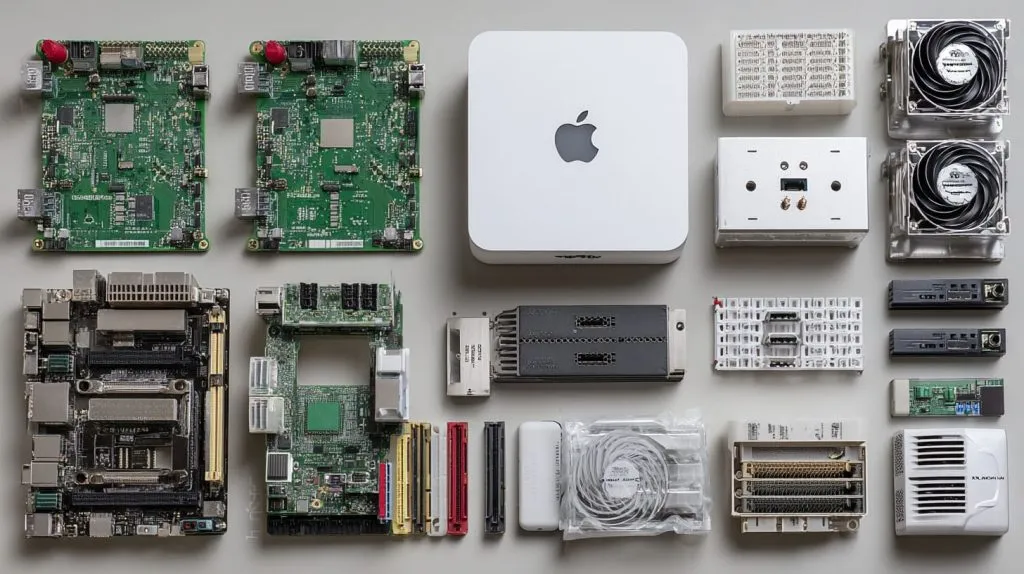
Mac Minis are simpler, but you still can optimize.
Spec selection:\
Choose enough RAM. SSD size matters. If you plan heavy loads, go for higher‑end chip (e.g. M1 Pro / M2).Virtualization / containerization:\
Use tools like Docker, perhaps Parallels or VM if you need. But know that some OS‑oriented tools may be less efficient.Heat, external storage, power:\
Ensure proper ventilation. External SSDs should be fast NVMe or good USB/Thunderbolt. Backup regularly. Power surges or outages can hurt.
Summary Table: Mac Mini vs Raspberry Pi Cluster
Here is a side‑by‑side view. Might help you see at a glance.
| Feature | Mac Mini | Raspberry Pi Cluster |
|---|---|---|
| Upfront cost | High per unit | Lower per node, but accessories add up |
| Single task performance | Very strong | Weaker (per node), stronger if cluster well‑built |
| Power consumption | Efficient for its class | Lower per node, but total can exceed Mac if many nodes |
| Scalability | Vertical scaling (upgrade) | Horizontal scaling (more nodes) |
| Complexity & maintenance | Low (one machine) | Higher (many machines) |
| Reliability | High hardware quality, fewer failure points | Many possible failure points, need redundancy |
| Flexibility / custom design | Limited inside hardware changes | More room for custom setups, case design, distributed layouts |
Conclusion
I’ve walked you through many angles: speed, cost, power, flexibility, reliability. I believe there is no single “better” for everyone. It depends heavily on what you need, how much you want to maintain, what budget you have, how much risk you can accept.
If I were in your shoes—running a re‑brand shop in Belgium (like Jackson) or creating an ODM project (like lasle)—I’d lean this way:
If you need strong performance with less maintenance and you can accept higher upfront cost, go with Mac Mini.
If you want flexibility, lower entry cost, want to scale gradually, build skills, and you don’t mind handling more moving parts, Raspberry Pi cluster makes sense.
Going forward, hardware keeps improving. New Raspberry Pi models, better chips from Apple. The balance might shift. Keep watching benchmarks. Stay practical. And always build for your use case, not someone else’s ideal.







