Skip to content

One cold morning in my workshop, I hit the power switch on a Raspberry Pi 4… and waited. Not long. But just long enough to wonder—shouldn’t this thing be faster?
A Raspberry Pi 4 running Raspberry Pi OS usually boots in 20–30 seconds with a standard SD card.
That small pause adds up, especially when you're juggling dozens of units like I do. Let’s break down what really controls that boot time—and how to make it faster.
How long does a Raspberry Pi take to reboot?
Rebooting feels faster—but is it really?
A Raspberry Pi 4 typically takes 10–20 seconds to reboot, depending on services and hardware.
Cold vs Warm Boot
| Boot Type | Time Range |
|---|---|
| Cold Boot | 20–30 seconds |
| Reboot | 10–20 seconds |
A reboot skips hardware reinitialization and startup checks. But if your system runs heavy background services or boot scripts, even a reboot can feel sluggish.
What is the processing speed of Raspberry Pi 4?
It’s fast—for its size.
The Raspberry Pi 4 runs at 1.5GHz with 4 cores, and RAM from 2GB to 8GB, depending on the model.
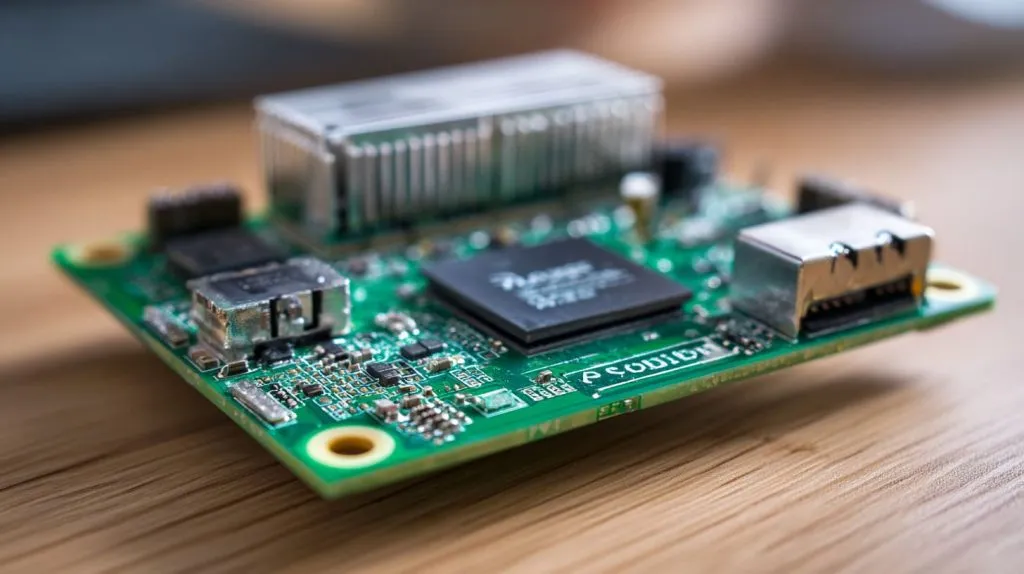
This quad-core Broadcom BCM2711 CPU gives the Pi enough muscle to handle Linux GUIs, programming tools, even light server tasks. But remember: boot time isn’t just about CPU. It’s about disk read speed too.
How to start Raspberry Pi 4 after shutdown?
It’s not like a regular PC—no power button here.
Unplug and plug back in the power cable, or use an inline USB switch.
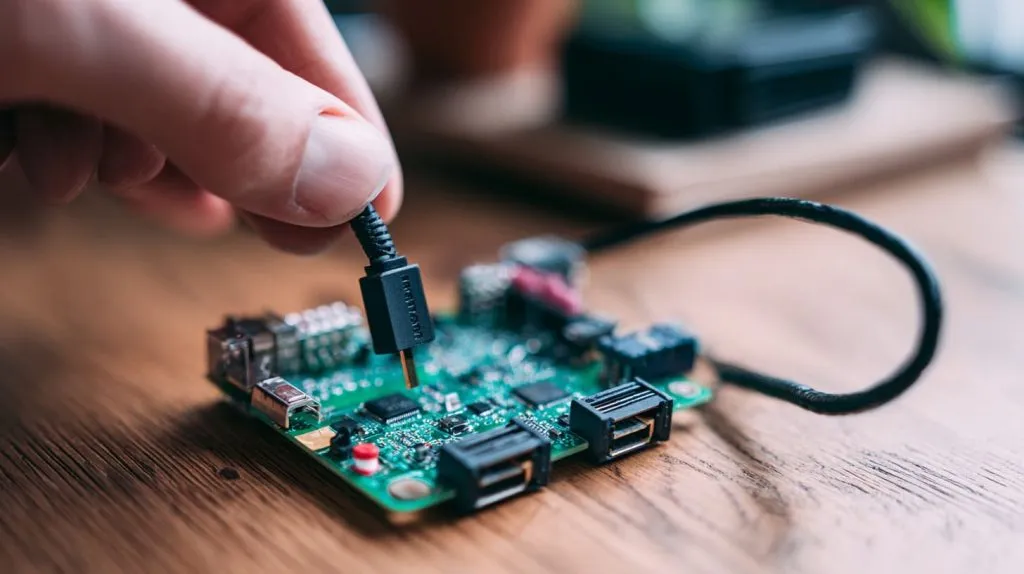
You can also script a “soft” shutdown and restart if you’re using a GPIO circuit. But out of the box, it’s always manual. This design keeps it simple—but a bit clunky.
What affects Raspberry Pi 4 boot time?
I’ve tested dozens of setups. The results? Boot speed is all about the details.
Factors like SD card speed, OS type, background services, and connected hardware all impact boot time.
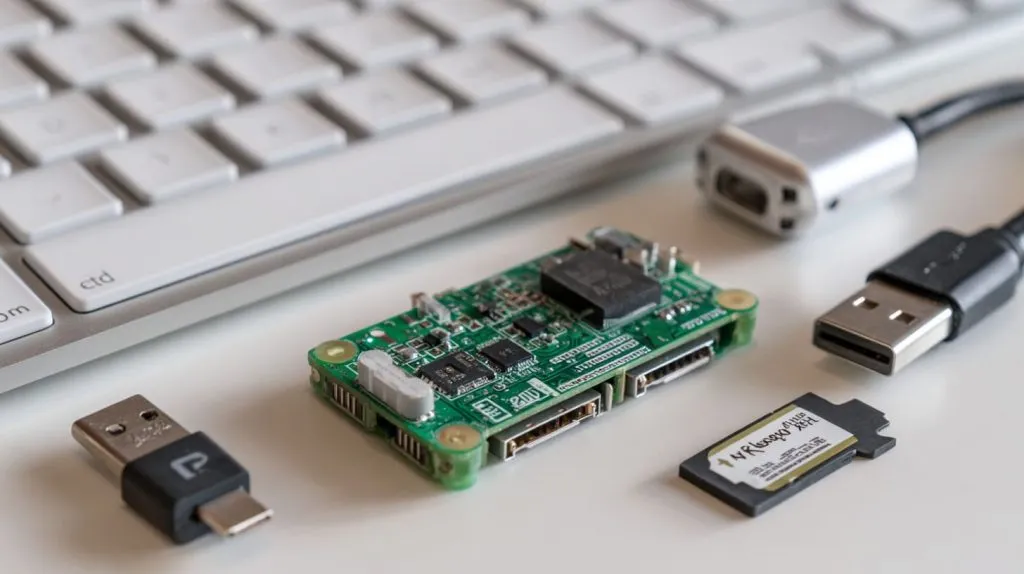
Major Influencers on Boot Time
- SD Card Read Speed
- Startup Services (WiFi, SSH, VNC)
- Connected USB Peripherals
- GUI vs Headless Boot
- Custom Scripts or Splash Screens
One tiny tweak—like disabling the desktop—can shave off 5 seconds.
How can I speed up Raspberry Pi 4 boot?
Shaving seconds can feel like a win when you’re deploying dozens of Pis.
Use a faster SD card, disable unused services, and switch to a lightweight OS.
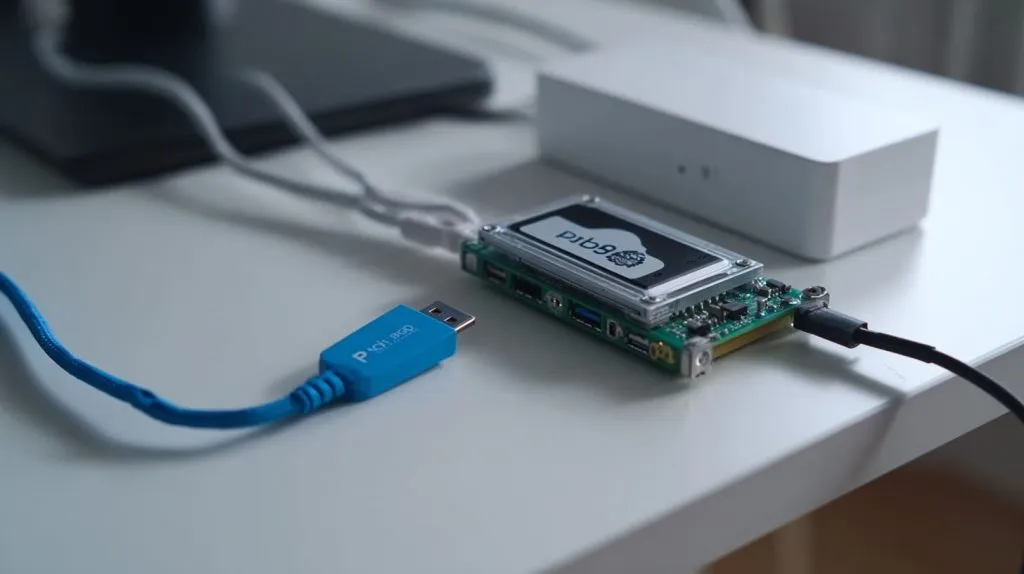
Quick Tips to Improve Boot Speed
- Use Class 10 UHS-1 or better SD cards
- Disable GUI if you don’t need it
- Remove unused startup services
- Try minimal OS builds like DietPi
- Switch to SSD boot (see next section)
I once reduced boot time from 28s to 11s just by swapping the SD card and killing VNC.
Does SD card speed impact Raspberry Pi 4 boot time?
Absolutely—and it's often overlooked.
Yes, a slow SD card is the #1 reason most Pi systems boot slowly.
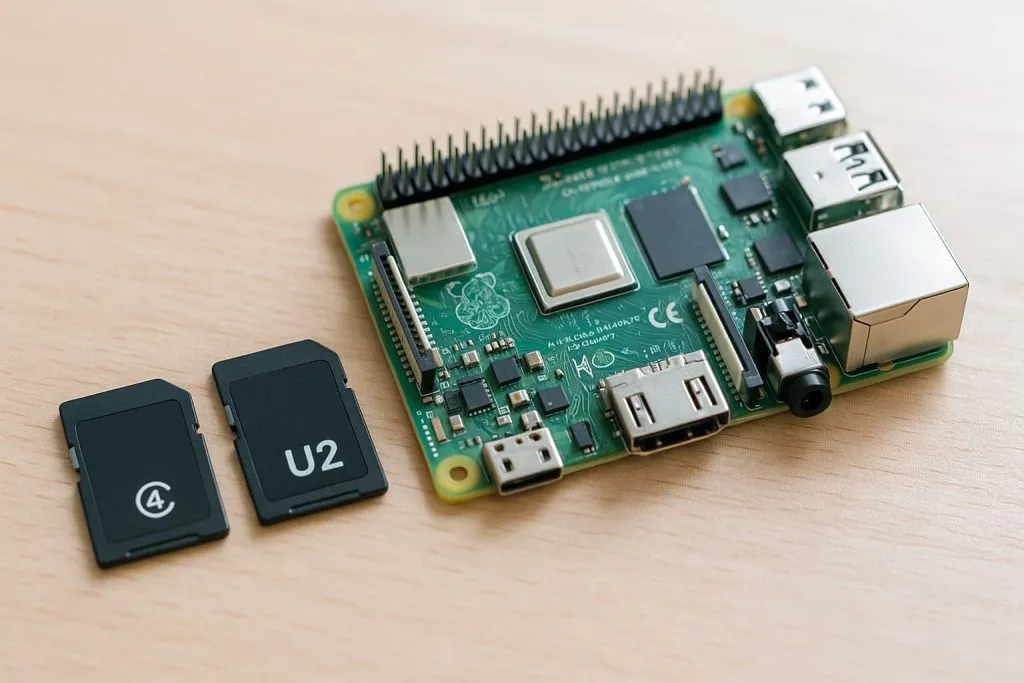
In my tests, a cheap no-brand SD card took 35 seconds. A branded UHS-I card? Just 18.
SD Card Speed vs Boot Time
| SD Card Type | Boot Time |
|---|---|
| Basic Class 4 | 35–40s |
| Class 10 UHS-I | 18–25s |
| A2 V30 UHS-I | 14–18s |
How fast is Raspberry Pi 4 with SSD booting?
It’s like putting rocket fuel in a go-kart.
Raspberry Pi 4 with SSD boots in 8–15 seconds, depending on OS and setup.
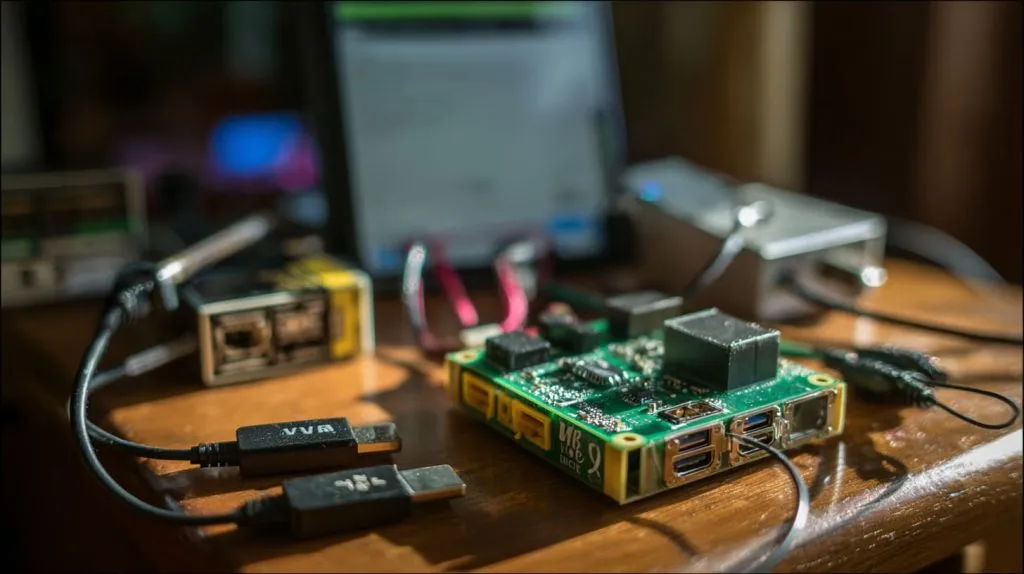
No exaggeration—once I switched to a USB 3.0 SSD, the speed leap was instantly noticeable. But it does require enabling USB boot in the EEPROM.
Why is my Raspberry Pi 4 booting slowly?
It’s not always the Pi—it’s often the setup.
Slow SD cards, bloated OS, or too many startup processes can bog it down.
Check your boot logs with dmesg or systemd-analyze to see where the time goes. I’ve seen cases where a Wi-Fi handshake added 10 seconds just because of poor signal.
Which OS boots fastest on Raspberry Pi 4?
Lightweight means lightning-fast.
Raspberry Pi OS Lite, DietPi, and Tiny Core Linux are among the fastest booting OS options.
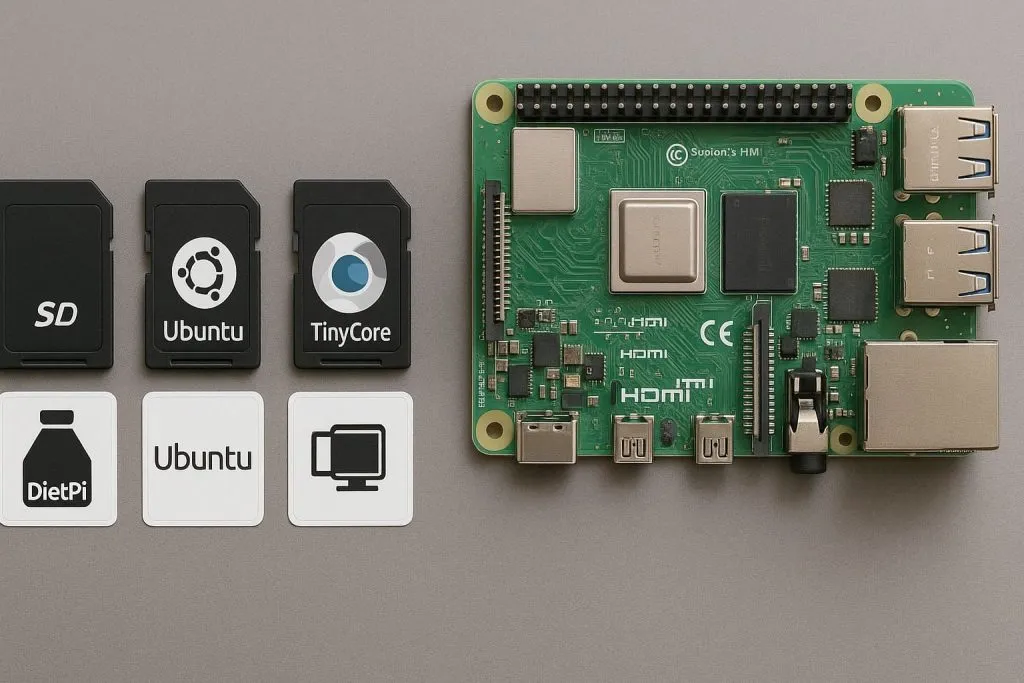
OS Boot Time Comparison
| OS | Approx Boot Time |
|---|---|
| Raspberry Pi OS Lite | 12–18s |
| Raspberry Pi OS Full | 20–30s |
| Ubuntu Server | 18–25s |
| DietPi | 8–15s |
| Tiny Core Linux | 5–10s |
Each one trades features for speed. Choose wisely.
How does Raspberry Pi 5 boot time compare to Raspberry Pi 4?
I finally got my hands on a Pi 5… and wow.
The Raspberry Pi 5 boots slightly faster thanks to better hardware and PCIe-based storage.
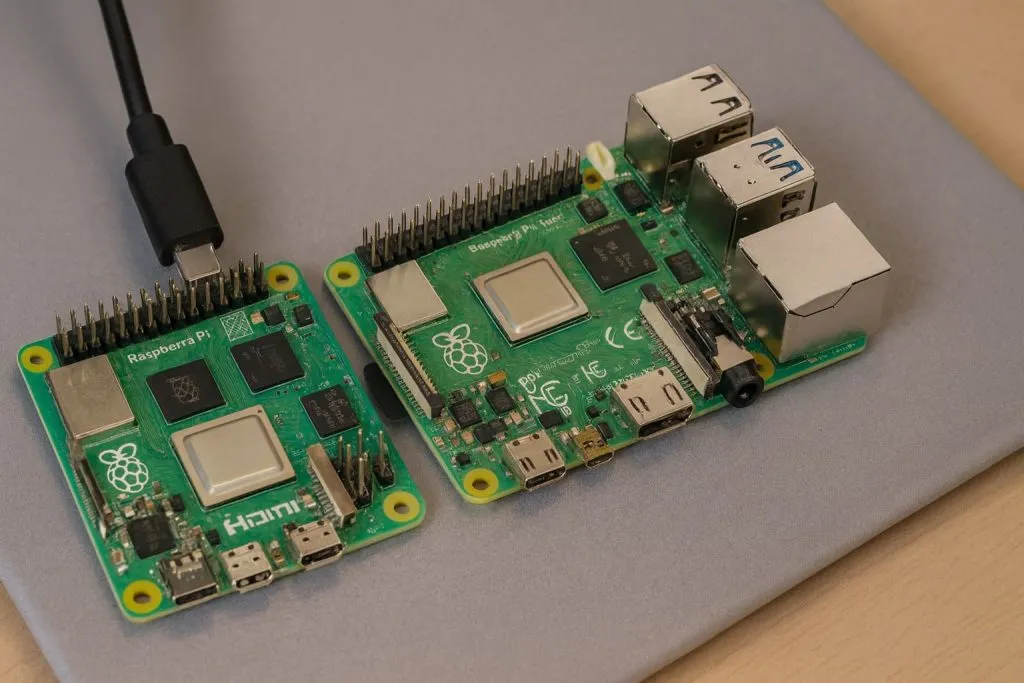
In practice? Maybe 3–5 seconds faster, especially with NVMe drives. But boot time isn’t everything—thermal management and board layout are also changing the game.
Can Raspberry Pi boot from USB faster than from SD card?
Yes—and it’s worth switching.
USB SSD booting is consistently faster and more reliable than SD card booting.
With USB 3.0 support on Pi 4, booting from SSD makes a big difference. Plus, you get better durability for projects that write data frequently.
What is the average cold boot time for Raspberry Pi 4 with Raspberry Pi OS?
I’ve timed it more than I’d like to admit.
The average cold boot time for a Raspberry Pi 4 running Raspberry Pi OS is 20–25 seconds.
That’s with a decent SD card, no GUI, and minimal services. Add a desktop and it pushes closer to 30–35 seconds.
Is it possible to customize Raspberry Pi splash screen during boot?
Yes, and I’ve done it for branding clients before.
You can change the splash screen using /etc/splash.png or plymouth for more advanced animation.
It’s a fun way to show your logo during startup. Just don’t add too many animations—they slow things down.
Conclusion
Raspberry Pi 4 boot time depends more on your setup than the board itself.