 Skip to content

You press the power button, no fan spins, no heatsink sits above the chip. It seems fine—until it isn't.
A CPU can overheat in seconds to minutes without a heatsink, depending on workload, ambient temperature, and CPU type.
I learned this the hard way, watching a chip go from warm to toast in under 10 seconds—one slip, and a $200 processor was gone.
Is 200 degrees too hot for a CPU?
That number sounds more like oven temperature than something your computer should touch.
Yes, 200°F (93°C) is dangerously high for most CPUs and could trigger thermal shutdown.

Many modern CPUs have thermal limits between 80°C and 100°C. Once they cross that line, things spiral fast.
CPU temperature safety zones
| Temperature | Status | Action Required |
|---|---|---|
| Below 70°C | Normal | None |
| 70–85°C | Warm, watch closely | Improve airflow |
| 85–100°C | Hot, at risk | Immediate cooling needed |
| Above 100°C | Critical | Shutdown likely |
Most CPUs won’t explode at 100°C, but they will start throttling—or worse, shut down to save themselves.
How long can I use a PC without a CPU cooler?
It’s tempting to test things bare. I’ve done it with a new board, just for a few seconds.
Without a cooler, many CPUs will throttle or shut down within 10–30 seconds under load.

That’s under ideal conditions. With poor ventilation or high ambient temperatures, it can be even less.
Test builds vs. real danger
If you must boot a system without a cooler (say, for diagnostics), keep it short and stick to the BIOS only. Never boot into Windows or start compiling code. That’s asking for trouble.
Can heat permanently damage a CPU?
It doesn’t always show up immediately—but heat is sneaky.
Yes, heat can degrade or destroy a CPU over time, even without instant failure.
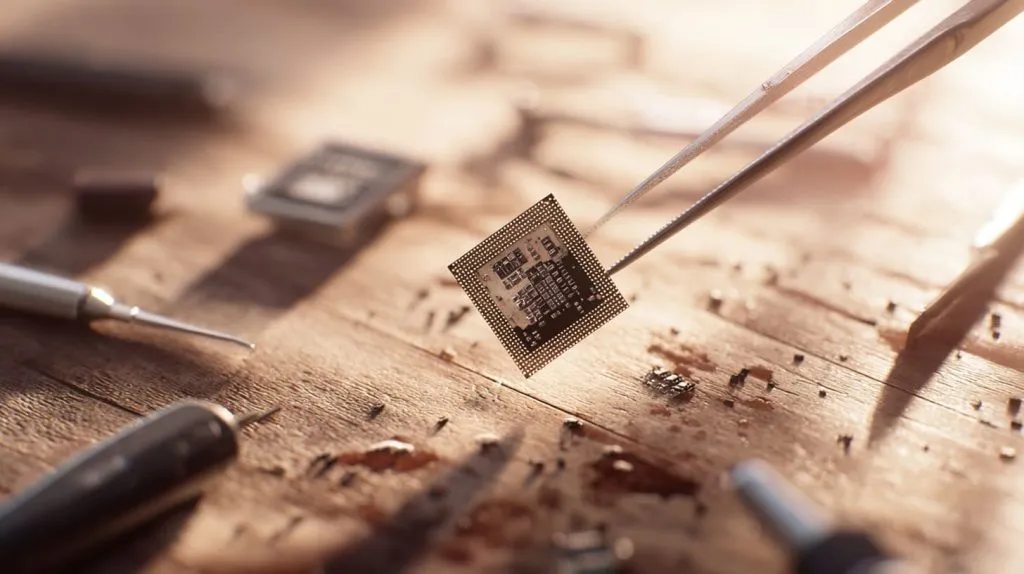
I once reused an old CPU that “worked,” but it ran hotter and slower. Long-term heat had taken its toll.
Silent killers: degradation and electromigration
Even without a meltdown, running a chip hot can:
- Shorten lifespan due to thermal stress
- Weaken solder joints inside the die
- Cause microscopic damage through electromigration
How to tell if a CPU has heat damage?
Not all damage is dramatic. Sometimes the signs are subtle—until they're not.
Heat-damaged CPUs may show crashes, instability, or failure to boot.

You might think it's the software. But it’s the chip, tired and scarred.
Things to watch for
- Frequent blue screens or freezes
- Inability to POST
- Thermal shutdowns even with cooling
- Lower-than-expected performance
What happens if you run a CPU without a heatsink?
I tried it once. Just to see. It didn’t end well.
Without a heatsink, a CPU can overheat and shut down or damage itself in seconds to minutes.
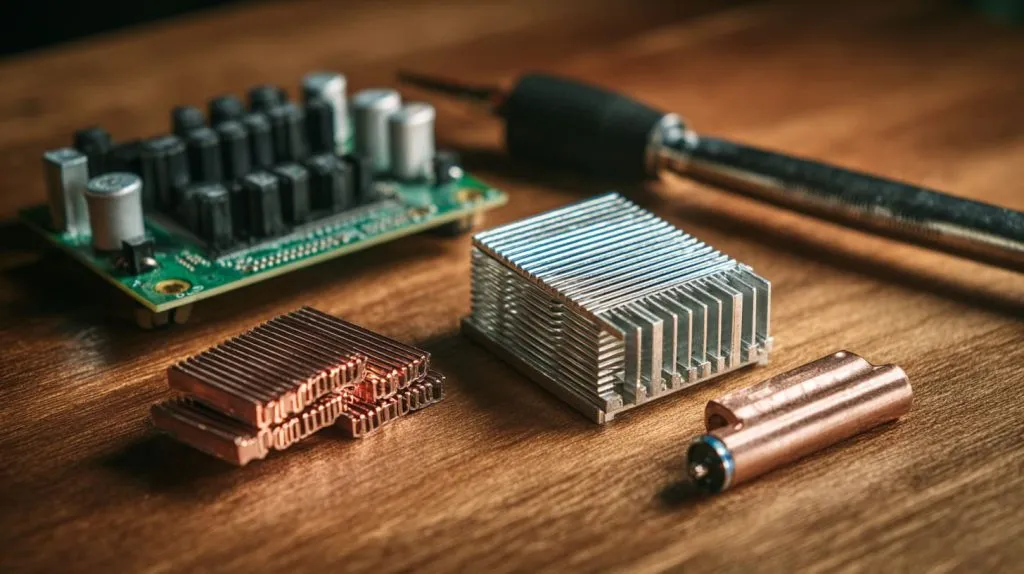
Some modern CPUs have great protection—they'll throttle, then shut off. But older chips? They cook themselves.
How long can a CPU last without a heatsink or fan?
It depends on what you're doing—and how lucky you are.
At idle, a CPU might survive 30 seconds to a few minutes. Under load, less than 10 seconds.
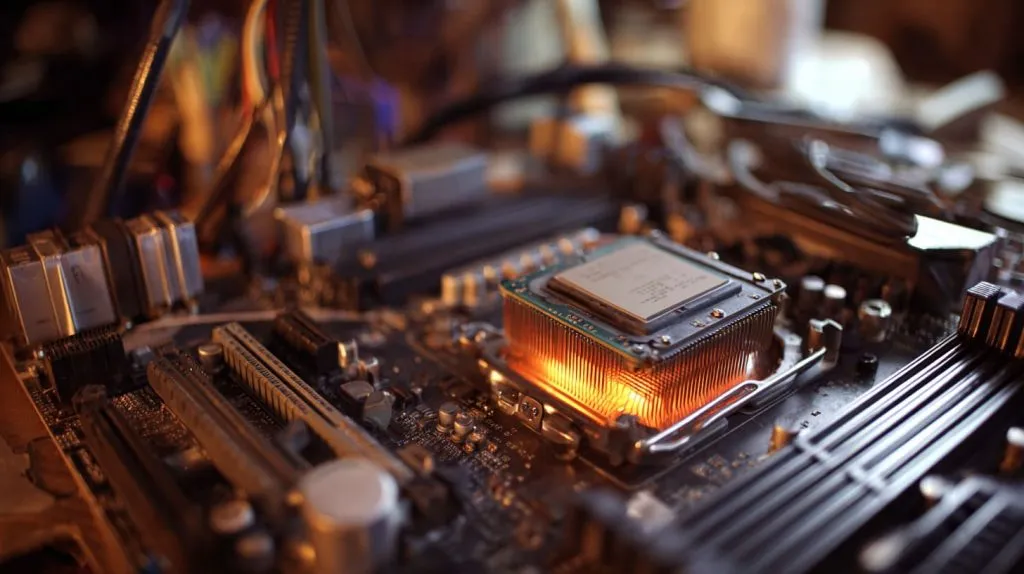
That’s why even test benches use at least passive cooling.
Rule of thumb
| Condition | Expected Survival Time |
|---|---|
| Idle, open-air | 30 seconds–3 minutes |
| Light load | 10–20 seconds |
| Full load | <10 seconds |
Can a Raspberry Pi overheat without a cooling system?
The Pi is tiny, but that doesn’t mean it’s immune.
Yes, Raspberry Pi boards—especially Pi 4 and 5—can overheat during sustained workloads without cooling.
I’ve seen them hit 80°C while just playing 1080p video.
Why Raspberry Pi gets hot
- Small form factor with minimal airflow
- Plastic cases trap heat
- Intensive tasks like video or emulation
What temperature is dangerous for a CPU or SoC?
Each chip has its threshold, but they all have limits.
Temperatures above 85–90°C are considered risky for most CPUs and SoCs.

Some can tolerate more, but anything near 100°C means you’re rolling the dice.
Quick reference table
| Chip Type | Safe Max Temp (°C) |
|---|---|
| Desktop CPU | 90–100 |
| Laptop CPU | 85–95 |
| Raspberry Pi 4/5 | ~80 |
| ARM SoC (generic) | 70–90 |
Do small CPUs like the Raspberry Pi need a heatsink?
They're tiny, yes. But their workload isn't always light.
If you're pushing them hard, small CPUs benefit a lot from heatsinks or passive cooling.

For idle setups? Maybe not. But add video, sensors, and constant logging? You’ll want airflow.
Use cases that need cooling
- Gaming emulators
- Kodi/media center setups
- Home automation servers
- AI or ML applications
How do you know if your CPU is overheating?
Sometimes, you don’t know—until your screen goes black.
High fan noise, system slowdown, or unexpected shutdowns often signal overheating.
Tools like HWMonitor or vcgencmd measure_temp on Pi can help spot it before disaster.
What are the signs of thermal throttling in single-board computers?
You think it’s lag. But it’s your board screaming for air.
Thermal throttling causes slower performance, system stuttering, and delayed response.
The CPU slows down on purpose to avoid melting. It’s like running in mud—you're moving, but barely.
Performance symptoms
- Slow video playback
- Delay in script execution
- USB dropouts under load
- Web interfaces becoming sluggish
How can you cool a CPU passively without a heatsink?
No fan, no noise—but still cool?
You can use large aluminum plates, copper spreads, or natural airflow to reduce heat passively.
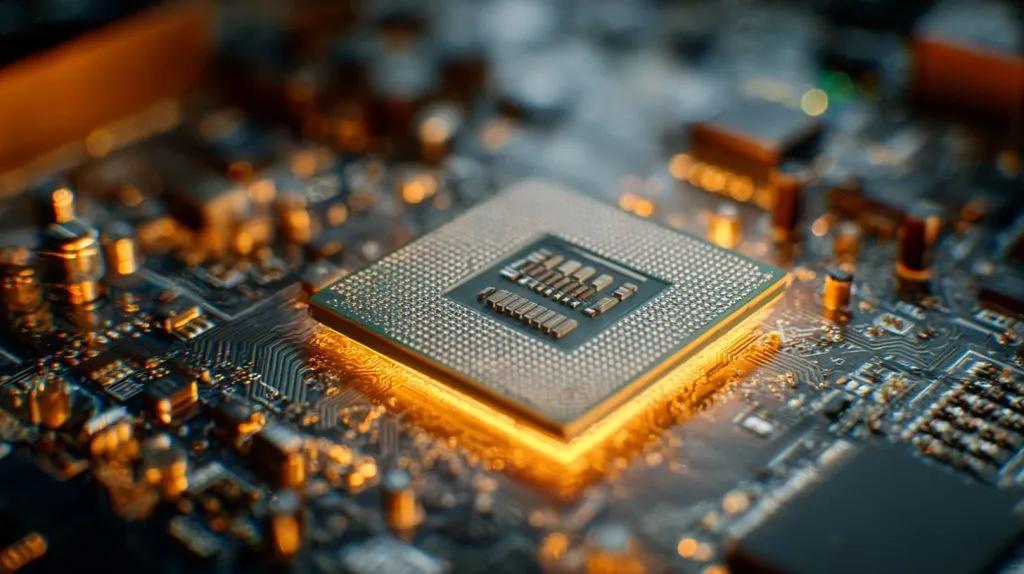
I’ve mounted SBCs onto metal enclosures just to act as a giant heatsink—it works, to a point.
Passive cooling methods
- Thermal pads + metal case: Transfers heat to the shell
- Copper tape spreaders: Increases surface area
- Vertical mounting: Heat rises, airflow improves
- Vent holes + mesh housing: Aids convection
Conclusion
A bare CPU is a ticking clock—without cooling, it burns fast.







