
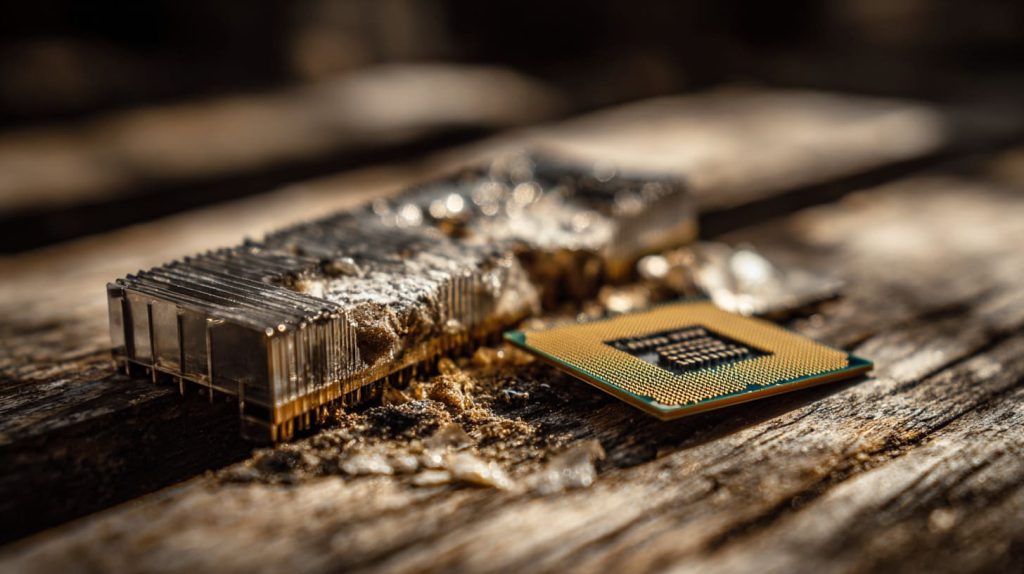
It doesn’t blink, beep, or make noise—but when a heatsink fails, the silence can fry a $300 CPU.
Yes, a CPU heatsink can go bad—through physical damage, improper contact, dust buildup, or loss of thermal conductivity.
I’ve seen it firsthand. A board was running fine on my bench, then crashed repeatedly—turned out the heatsink had slightly warped. That tiny shift was all it took.
How do I know if my heatsink is bad?
Your CPU starts getting hotter. The fan ramps up more often. You feel something’s off.
You’ll know your heatsink is bad when temperatures spike abnormally or your system shuts down under load.
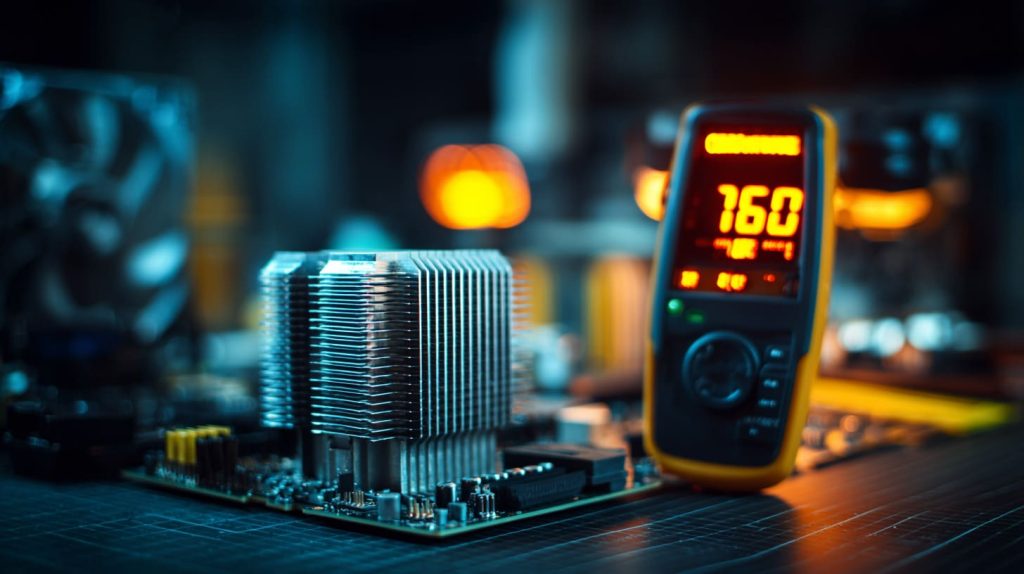
Sometimes, it’s just intuition. I’ve run stress tests and noticed temps hitting 85°C—way higher than normal for that setup.
Signs to Watch For:
| Sign | Possible Issue |
|---|---|
| Frequent shutdowns | Thermal protection kicking in |
| Fan constantly spinning fast | Heat not dissipating properly |
| CPU throttling | System trying to cool itself |
What is the lifespan of a CPU cooler?
Coolers don't age like milk, but they do get tired.
Most air CPU coolers last 5–10 years; fans or liquid coolers may degrade sooner due to moving parts or pump failure.
My own Noctua cooler has been running strong for 7+ years. But I’ve replaced fans more often, especially on cheaper builds.
Is 70 C too hot for a CPU?
This number pops up a lot in emails I get from DIY users and clients.
No, 70°C isn’t too hot for modern CPUs under load—but it’s on the warmer side for idle temperatures.

For Intel and AMD chips, thermal limits usually sit around 90–100°C. But staying below 80°C under heavy use is a good rule.
Do heatsinks need to be replaced?
Not always. But sometimes, they quietly give up.
Yes, if a heatsink is damaged, warped, or no longer conducting heat properly, it should be replaced.

Metal doesn't "expire," but mounting pressure, bent fins, and worn thermal pads change everything.
How to test a heatsink?
People often ask if there’s a simple way—there is.
Run a CPU stress test and monitor temps—if they rise quickly and stay high, your heatsink might not be working.

Try this:
- Apply fresh thermal paste
- Mount heatsink firmly
- Run Prime95 or stress-ng
- Watch temps using HWMonitor or
vcgencmd(on Pi)
Compare it to baseline temps. If it spikes fast, you’ve got a problem.
What are the signs of a failing CPU heatsink?
Failures aren’t always dramatic. They creep in.
Look for rising idle temps, noisy fans, system throttling, or shutoffs—these point to poor cooling.
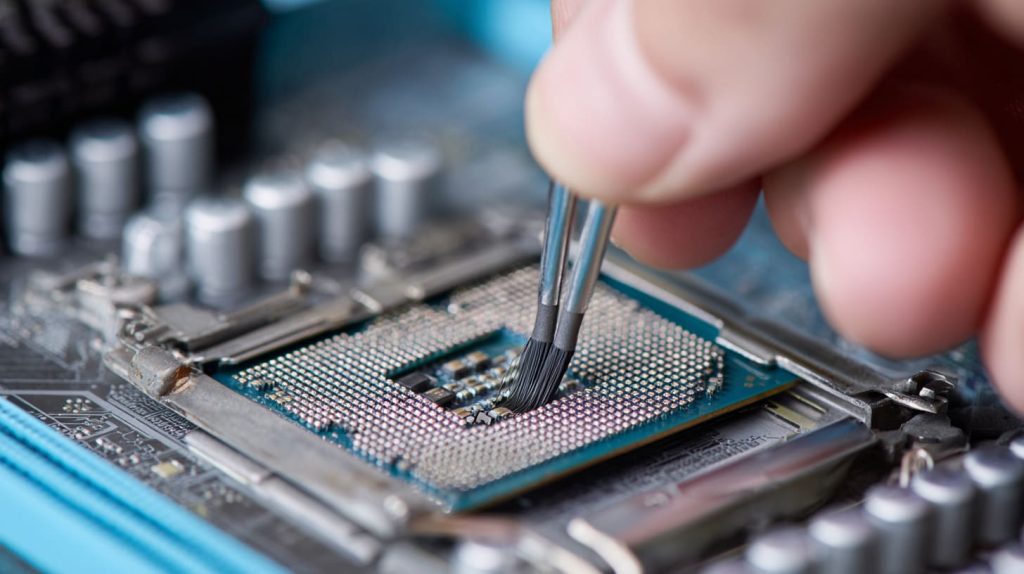
Common Symptoms:
- CPU idles at 50°C+
- System lags under light load
- Fan sounds like a jet engine
Can a Raspberry Pi overheat due to a bad heatsink?
Definitely. I’ve seen it happen in summer labs and sealed enclosures.
Yes, a Raspberry Pi can overheat if the heatsink isn’t properly installed, making it unstable under load.

A warped or loose heatsink, especially without a fan, can turn the Pi 4 into a toaster.
What causes a CPU heatsink to stop working properly?
Sometimes it’s obvious—other times, invisible.
Poor contact, degraded thermal paste, or misalignment can make even a premium heatsink useless.

Other culprits:
- Plastic clips losing tension
- Dust insulating the fins
- Fan slowing down unnoticed
Does thermal paste affect heatsink performance over time?
This is one of the most overlooked issues.
Yes, thermal paste dries out or degrades, reducing heat transfer and increasing CPU temps over time.

I recommend reapplying every 2–3 years, especially in hot environments.
Is dust buildup enough to make a heatsink ineffective?
Absolutely. Dust is the quiet killer of airflow.
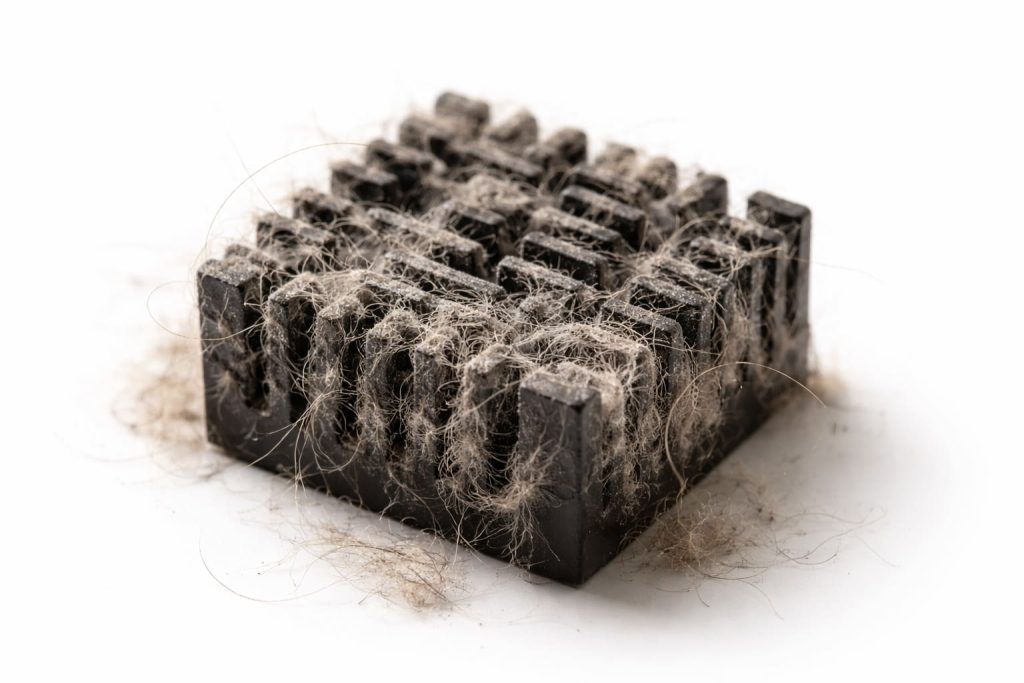
Yes, dust can clog heatsink fins and block airflow, reducing cooling efficiency drastically.
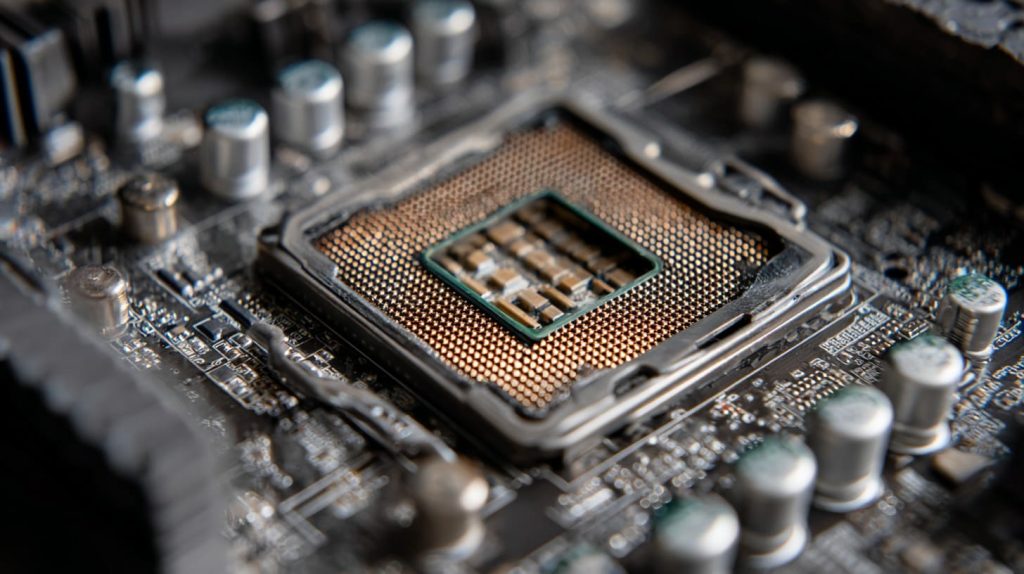
I once opened a Pi case that had cat fur packed into the fan like insulation. It’s amazing the board still booted.
How do I test if my heatsink is working correctly?
It’s easier than most people think.
You can test your heatsink by comparing temperature behavior before and after remounting or cleaning it.
Tools to use:
CoreTemp(PC)vcgencmd measure_temp(Pi)- Hand test: feel air movement from fan and metal warmth
When should I replace my CPU heatsink or fan?
Some parts just get tired.
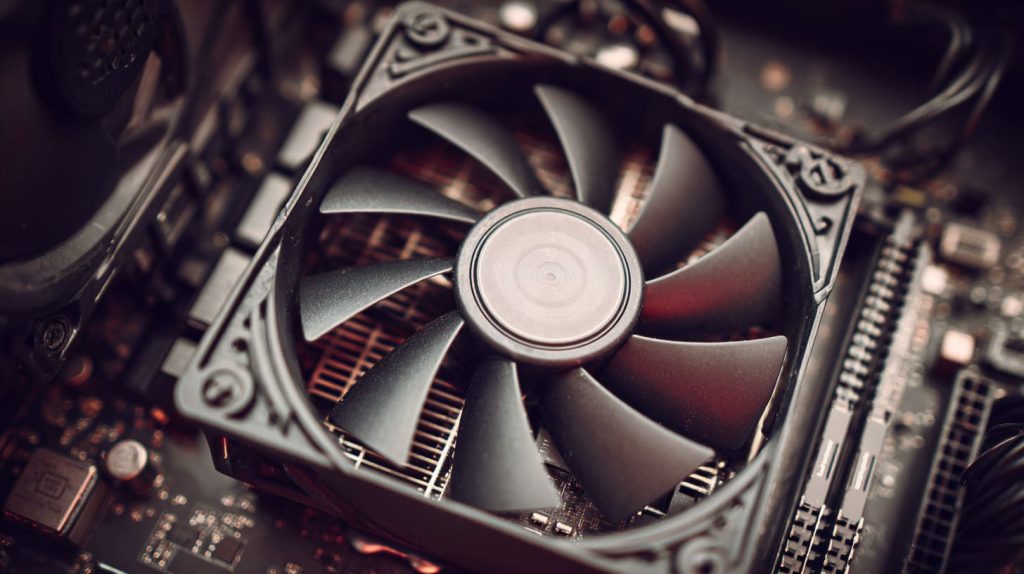
Replace it if temperatures stay high even after cleaning and paste reapplication, or if the fan rattles or dies.
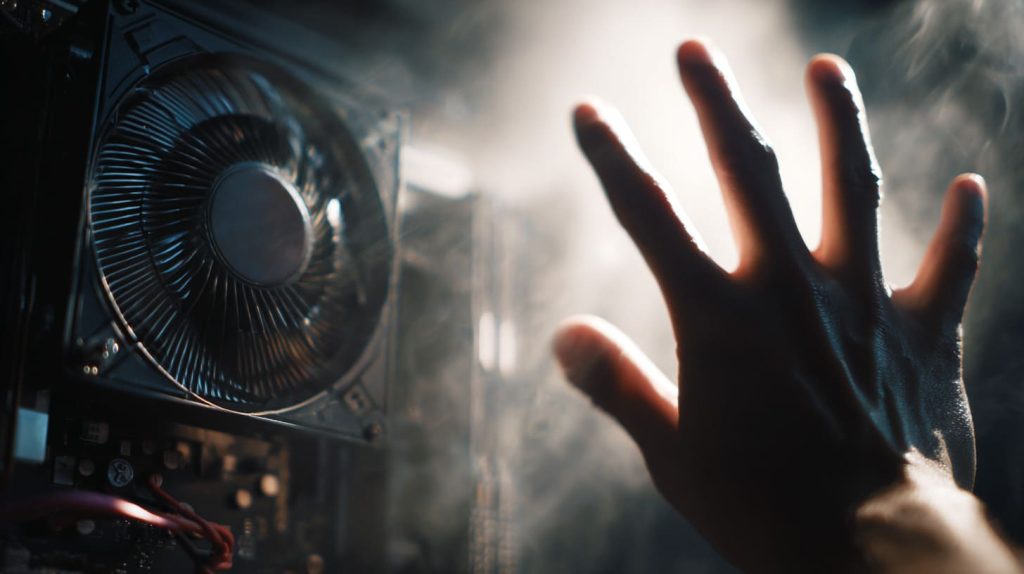
Heatsinks last. Fans don’t. And in fanless designs, thermal pads also lose effectiveness with time.
What’s the difference between a bad heatsink and bad thermal contact?
This one’s tricky—even experienced builders miss it.
A bad heatsink may have damaged fins or poor material; bad thermal contact happens when the surface isn’t flush or the paste is missing.
| Issue Type | Symptom |
|---|---|
| Bad Heatsink | High temps, even with good paste |
| Bad Contact | Temps spike instantly under load |
Can heatsink issues damage a Raspberry Pi or SBC board?
I’ve seen the signs—glitches, corrupted SD cards, and sometimes total failure.
Yes, poor heatsink performance can overheat a Pi or SBC board, causing instability, throttle, or even long-term damage.
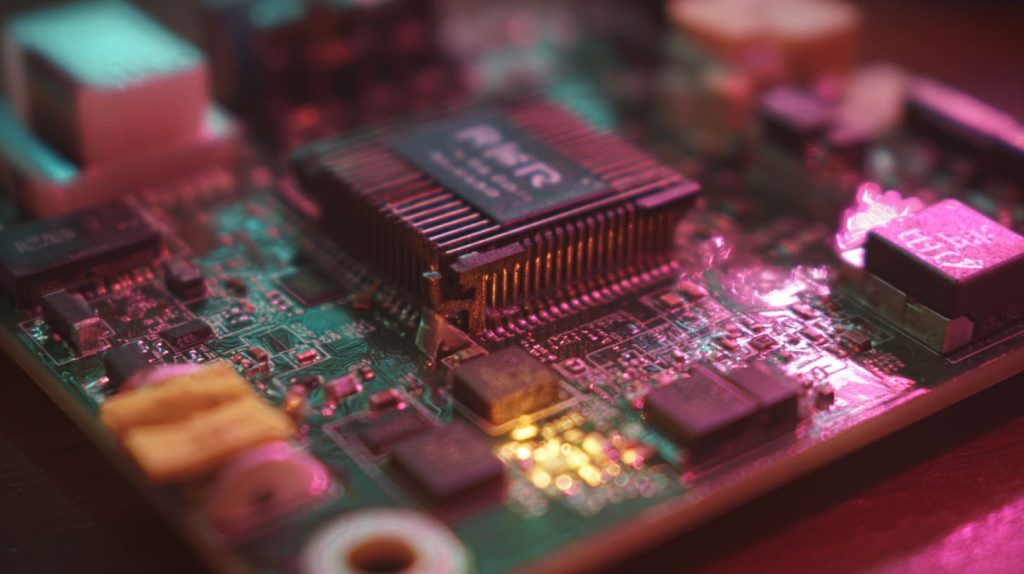
Passive cooling helps. But in hot places or tight enclosures, you need to get serious—good contact, active fans, and room to breathe.
Conclusion
Heatsinks may be silent—but when they fail, they scream in temperature.




