 Skip to content
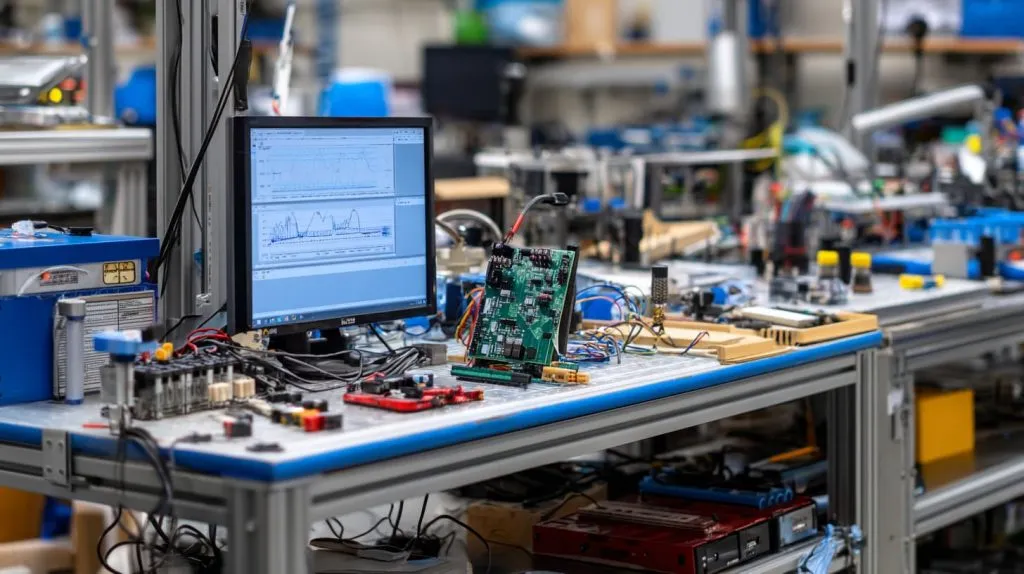
The production room smelled faintly of fresh solder when a bright red spike jumped off my monitoring dashboard. One Python loop on the test bench had snapped up every CPU cycle, and the Pi-5 kits waiting for final QC began to crawl. In that instant I pictured Davide in Belgium refreshing his Amazon inventory page, wondering why today’s shipment hadn’t moved.
Moments like this underline a simple rule: the faster I tame a runaway process, the fewer apologies I write later. Wholesale buyers, re-branders, project engineers—we all ride tight timelines. So I keep a clear, repeatable playbook for calming a Raspberry Pi before heat or deadlines spiral out of control. Let me show you the steps I rely on every day.
A runaway process might look like an angry dragon, but first I want to know which dragon I'm fighting…
Quick Diagnosis: Find the Misbehaving Task
I flip open an SSH session and hit [htop](https://support.cloudways.com/en/articles/5120765-how-to-monitor-system-processes-using-htop-command) out of reflex. Color bars jump like an audio meter in a rock concert, telling me which core is screaming. When I need a second opinion, I drop to ps aux --sort=-%cpu or run pgrep -af <name> to trace entire process trees.
| Command | What It Shows | When I Prefer It |
|---|---|---|
top / htop | Live CPU & RAM usage, sortable | First glance, live view |
ps aux + sort | Full process list with owners | Detailed snapshot, exportable |
pstree -ap | Parent-child hierarchy | Spotting forks & zombie loops |
\dmesg | tail\ | Kernel and OOM-killer logs |
These tools hand me the PID like a name tag at a trade show. Now the real conversation starts.
(Too many numbers? Wait until you see how polite a single signal can be…)
Graceful Termination First
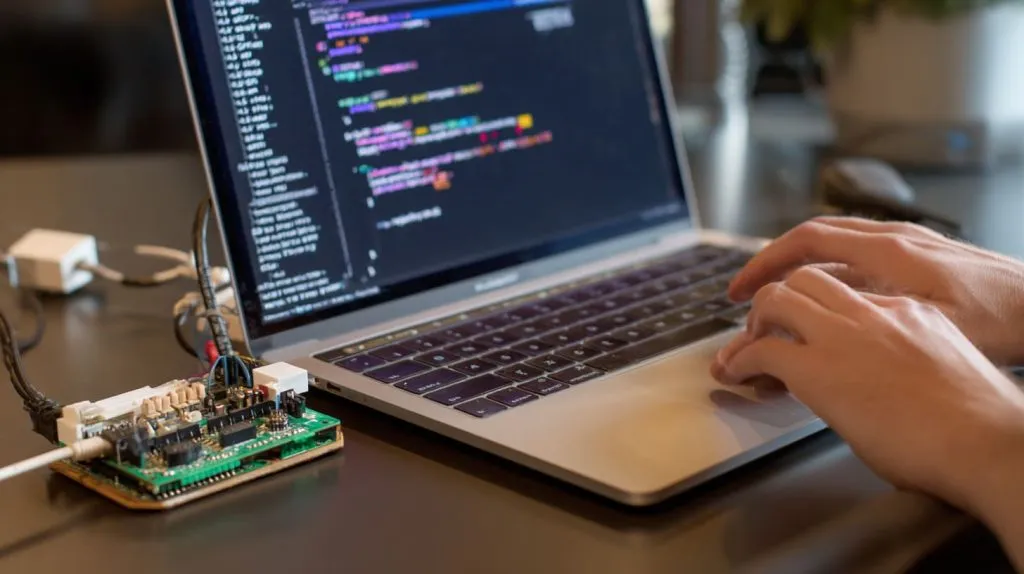
My first move is always a gentle tap on the shoulder:
kill 1234 # SIGTERM by defaultMost programs bow out politely when they feel that signal. If I’m juggling ten identical scripts, pkill myscript.py saves time. Once the PID disappears from htop, I skim logs to be sure there’s no residue—open files, locked GPIO pins, half-written CSVs.
| Signal | Shell Syntax | Typical Outcome |
|---|---|---|
| SIGTERM (15) | kill <PID> | Clean shutdown routines run |
| SIGINT (2) | Ctrl-C in terminal | Interrupts foreground job |
| SIGQUIT (3) | Ctrl-\ | Also dumps core for debugging |
Never skip the exit-code check. A zero means peace; anything else is a breadcrumb trail for tomorrow’s QA report.
But sometimes the polite knock goes unheard, and I need a sturdier door-knocker…
Escalating to Forceful Kills
If the PID still grins at me after SIGTERM, I pull out the hammer:
kill -9 1234 # SIGKILLSIGKILL is instant and absolute. It doesn’t let the process clean up, so databases may sulk and GPIO lines can lock high. I’ve fried one relay that way—lesson etched in plastic.
Quick shortcuts I keep in muscle memory:
Ctrl-Z— pause the foreground job. Handy if I’m unsure whether to kill or debug.xkill— click to nuke a frozen X-window.Alt-F4— old but gold when the desktop misbehaves.
Remember, SIGKILL is a last resort. Power buyers like Lasle hate corrupted SD cards more than a five-minute delay.
And what if your problem child isn’t a user script at all, but a background service that respawns like a hydra?
Managing Background Services and Daemons
Systemd gives me grown-up tools. Stopping a flakey service is a one-liner:
sudo systemctl stop myworker.serviceWhen a vendor demo loop keeps rebooting, I mask it so it cannot start:
sudo systemctl mask myworker.serviceNeed to delegate control to a junior tech without handing over full root? I drop a line in /etc/sudoers.d/pi-control:
jacky ALL=(ALL) NOPASSWD:/bin/systemctl restart myworker.serviceNow he can restart the service from Belgium at 2 a.m. while I sleep.
But typing out service names over SSH can feel like threading a needle—let me show you the dashboard view…
Interactive Tools for Busy Engineers
htop isn’t just pretty; press F9 and it turns into a signal menu—arrow down to SIGTERM, tap Enter, done. On the office Pi that runs a kiosk GUI, the built-in LXTask works for interns who fear the command line.
Remote day? I fire up Cockpit or netdata in a browser. One click kills, another restarts. The graphs double as meeting slides when I need to prove a load spike.
Yet not every emergency hides in a terminal—sometimes the GUI itself refuses to quit and needs a different trick…
Handling GUI Applications Gone Rogue

First I grab the window ID:
xprop | grep PIDOr I let wmctrl -lp list windows with PIDs. Once I have it, kill 5678 usually works. If the desktop locks up entirely, logging out forces X to end every child process—safer than yanking power.
Full reboots are my last card here, because desktop sessions often hold unsaved config files that Davide’s customers never think about until they vanish.
Still, I’m human—I can’t watch every Pi 24/7. So I teach the hardware to watch itself…
Automating Runaway-Process Recovery
A watchdog timer on the Pi’s SoC resets the board if the kernel stops stroking it. In systemd I add two lines to a service file:
WatchdogSec=30
Restart=on-failure
Systemd then sends SIGABRT, waits about 90 seconds, and escalates to SIGKILL if needed. Stack Overflow
For fine-grained control I write a tiny Python script with psutil that checks CPU time and memory every minute. When a process crosses my threshold, the script logs, emails me, and issues os.kill(pid, 15).
Cron can call that script or tail dmesg for OOM events and alert Slack. Cheap insurance that scales.
But prevention beats firefighting—so I set guardrails long before trouble starts…
Preventive Practices to Avoid Future Headaches
| Resource | Tool | Typical Limit I Set |
|---|---|---|
| CPU time | ulimit -t | 300 s for test scripts |
| Memory | cgroups v2 | 256 MB for node apps |
| I/O niceness | ionice -c3 | Background backups |
| System slice | systemctl set-property --runtime | Balanced load |
I also throttle heavy builds with nice -n 10 so a sudden compile doesn’t starve warehouse scanners. For visibility, Grafana dashboards track five-minute CPU max—if it spikes above 80 % during business hours, I get a push alert.
Even with limits, sometimes only a clean slate will do…
When Nothing Works: Safe Reboot Options
Most days sudo reboot is enough. If the shell hangs, I reach for Magic SysRq: Alt-SysRq-r e i s u b—unmount, sync, reboot without corrupting FS. On headless Pi boards I wire a GPIO pin to a tactile switch tied to /sbin/poweroff for warehouse staff. It’s cheaper than flying a tech onsite.
Never cut power mid-write unless smoke is your aesthetic.
Power restored, logs clear, coffee refilled—let’s wrap this up.
Conclusion

Stopping an out-of-control process is a sequence, not a stunt:
Diagnose the real offender.
Ask nicely with SIGTERM.
Escalate wisely when a program ignores you.
Automate and limit so tomorrow’s build stays calm.
This rhythm keeps our production lines on schedule and our B2B partners—wholesale, OEM, or re-brand—confident in every shipment. I document the kill procedure in our SOP binder so Davide’s team, Lasle’s engineers, and even first-day interns can follow it without a panic call.
Because in manufacturing, speed builds trust, but control keeps it.







