
When someone picks up a Raspberry Pi for the first time, the look on their face usually says it all—curiosity mixed with a bit of disbelief. It’s smaller than a phone, lighter than a mouse, and yet packed with enough ports and features to build everything from a classroom robot to a commercial-grade kiosk. I’ve seen that moment happen in factories, at trade shows, even over video calls with buyers like Davide, who always asks, “Can this little thing really do all that?”
At MaidaTech, we’ve worked with re-branders, OEM clients, and project developers for nearly a decade. And one thing stays true: the deeper you go into what a Pi can do, the more you find these odd, delightful quirks—hidden ports, clever firmware tricks, or unexpected features that solve real-world problems without needing expensive add-ons.
That’s why I wanted to write this guide. Not to list specs you’ve already seen, but to walk you through the cool, lesser-known features of the Pi that we—and many of our clients—actually use in real builds. Some will make you smile, some might change how you design your next product.
Let’s start with the physical features hiding in plain sight.
Tiny Board, Giant I/O Surprises
40-pin GPIO header with alternate functions (UART, PWM, I²C, SPI)
I once watched Jacky light up an entire shelf of addressable LEDs using nothing but the PWM pin and a spare afternoon. Those 40 pins look humble, yet each can swap personalities—serial today, SPI tomorrow—just by tweaking the device tree.
| Pin Mode | Typical Use | Real-World Twist | Caveat |
|---|---|---|---|
| UART | Console debug | Quick barcode scanner link | Needs level shifting at 5 V |
| I²C | Sensor hubs | Daisy-chain OLED price tags | Keep bus <1 m for stability |
| SPI | Fast displays | Ultra-silent e-paper shelf labels | CS lines add up fast |
| PWM | Motor control | Soft-fade retail lighting | Jitter under heavy CPU load |
Dual Micro-HDMI ports for twin 4 K @ 60 Hz displays
Two tiny connectors, one big leap. A client’s museum kiosk now mirrors content to a staff monitor behind the wall—no splitter, no extra GPU. Keep micro-HDMI cables short; cheap ones drop 4 K frames like bad habits.
Hidden CSI & DSI ribbon connectors for cameras and touchscreens
The connectors are thin as a thumbnail, yet they unlock 12-MP cameras and bright touch panels. When Lasle prototyped a billing terminal, he avoided USB bulk by going native CSI, shaving 200 ms per scan.
Single-lane PCIe 2.0 slot on Raspberry Pi 5 for NVMe and add-ons
Slide in an M-Key adapter, and suddenly the Pi hosts a 1 TB NVMe. My first boot hit 850 MB/s and felt surreal. Cooling is still non-negotiable; airflow beats hopes and prayers every time.
Tiny pins create huge possibilities, but what about the secrets etched onto the board itself? The next section digs under the silkscreen.
Hidden Hardware Easter Eggs
Silkscreen & BGA art (Pi Zero 2 W logo under the RP30-AU)
Flip the board under bright light and you’ll find pixel art tiny enough to hide between solder balls. It started as an inside joke at the Pi Foundation; now it reminds me that engineers have a sense of humor too.
Diagnostic ACT LED blink codes for boot errors
When a buyer rings me at 2 a.m. shouting “blank screen,” I ask them to count LED flashes. Eight flashes? SD card unreadable. Five? Missing start*.elf. No expensive scope, just Morse code from a single diode.
Unpopulated pads for onboard RTC and PoE power sourcing
Need battery-backed time for cold warehouses? Solder an RTC chip on the marked pads. Require PoE? Drop in the official HAT, or DIY with the spare header points. Hidden pads save one more run to the parts bin.
Blink codes solve some mysteries, yet firmware opens even more doors. Let’s power on and see what happens before the Pi loads its desktop.
Firmware & Boot-Time Magic
USB-mass-storage and network PXE boot with no SD card
I once deployed 50 headless units for a smart-signage rollout in Seoul. No SD cards, no field swaps—just a central PXE server. If one Pi dies, a fresh board grabs the image over Ethernet in minutes.
Advanced settings dialog in Raspberry Pi Imager (Ctrl + Shift + X)
Most people hammer “Write” and grab coffee. Press the shortcut first, and you unlock hostname tweaks, SSH keys, Wi-Fi creds, and even config.txt edits—before the image touches the card. My interns thank me every flashing day.
Overlay File System for “stateless” kiosk deployments
By booting read-only with a RAM overlay, retail kiosks survive hard power kills. Every reboot feels like factory reset. The only downside? Logs vanish on crash; pipe them to a server if audits matter.
| Boot Option | Use Case | Steps (simplified) |
|---|---|---|
| USB boot | Quick cloning, dev boards | Set OTP flag → Plug SSD → Power |
| PXE boot | Large fleets, no local media | Edit eeprom_config → TFTP server |
| Overlay FS | Abuse-proof kiosks | Enable overlay in raspi-config |
Boot tricks boost reliability, yet raw speed often seals the deal. Let’s tweak clocks and volts without melting the board.
Power & Performance Tweaks
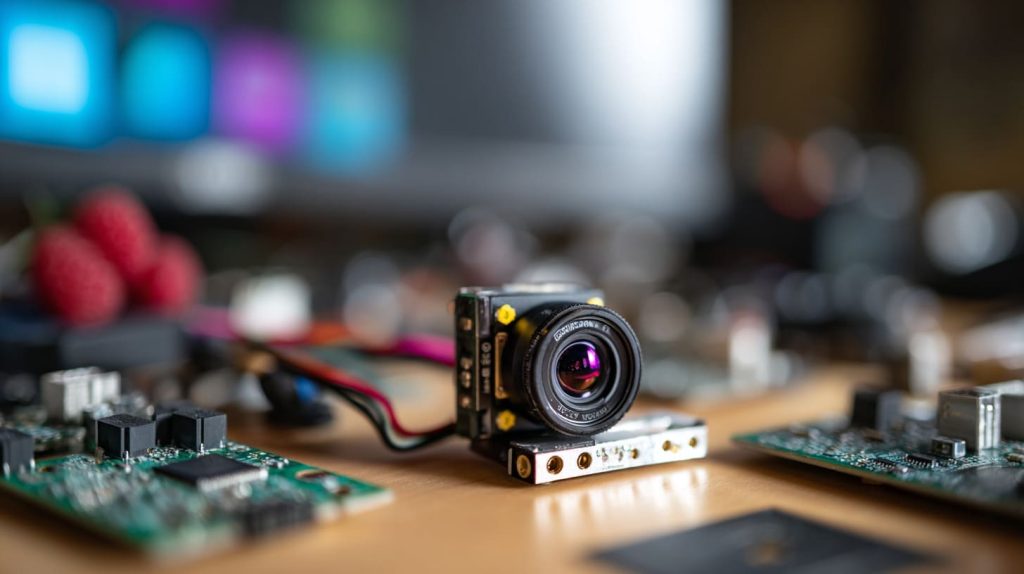
Overclocking via config.txt and OTP limits
Dial the Pi 5 to 3.0 GHz in arm_freq and watch compile times drop. Add over_voltage=6 cautiously—too high and you hit the OTP fuse, locking future tweaks. Always pair with a metal heatsink and honest airflow.
Dynamic voltage/frequency scaling & deep-sleep on Pico / Pi 5
On the Pico, I push cores to 264 MHz for burst, then drop to 48 MHz when sensors nap. Saved 18 % battery on a solar data logger. Pi 5 also gains a new sleep state—handy for overnight silence in showrooms.
Undervolting tricks for fan-less, low-noise builds
For a library kiosk, dropping core voltage by 50 mV cut heat 7 °C and let us ditch the fan. Test in small steps; some chips tolerate less juice, others sulk and reboot.
Speed is fun, but software is where many gems hide. Let’s open the toolbox that ships with every Pi image.
Built-In Software Tools You Probably Missed
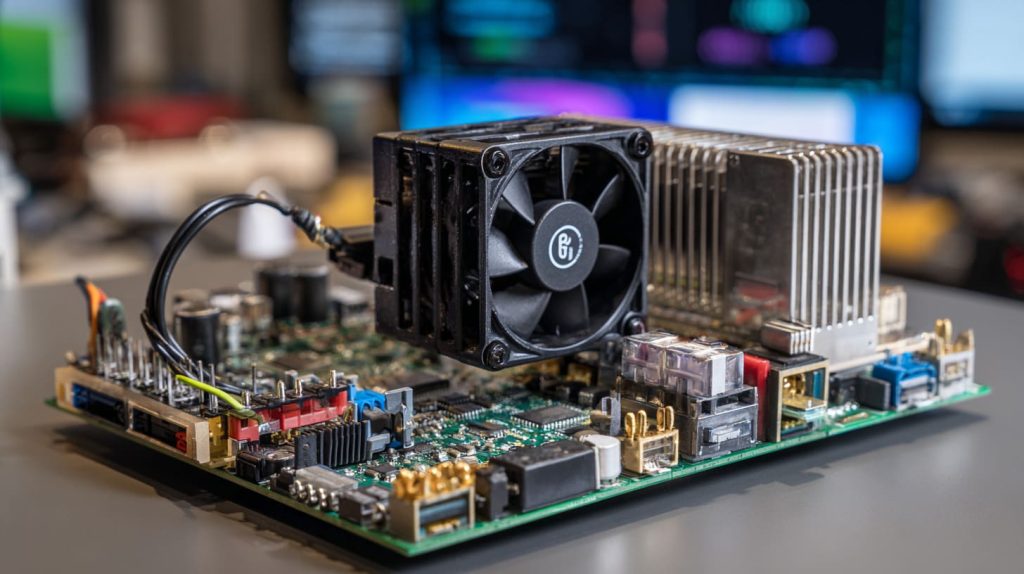
Tap “Performance Options,” then “Profiler,” and you get live CPU graphs without extra packages. Need the camera? One toggle, one reboot.
One-command VNC & SSH servers baked into Raspberry Pi OS
sudo raspi-config nonint do_vnc 0—done. My support team now guides factory workers through GUI fixes without hopping a flight.
Pre-loaded Wolfram & Sonic Pi for math-and-music experiments
During a workshop, a teenager piped FFT data from a sensor into Sonic Pi, turning vibrations into drum beats. STEM never sounded so good.
Neat tools, right? Now, let’s step off the board and into the airwaves where Pi turns into a mini router, beacon, or gadget.
Networking & Radio Oddities
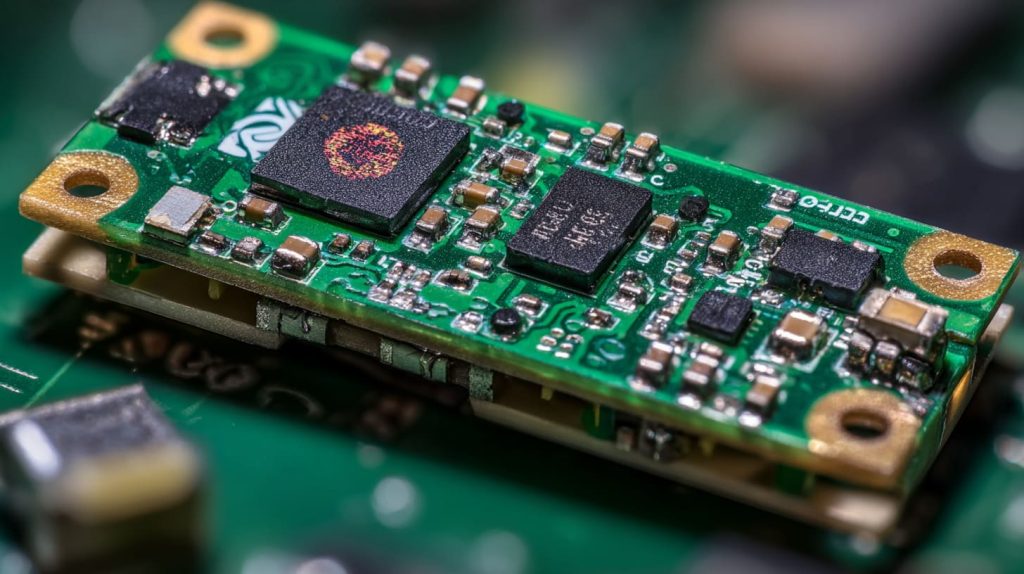
Turning Pi 4 into a Wi-Fi 6/6E access point with firmware swap
Swap the chip’s regulatory files, and the same radio pushes 80 MHz channels. I tested this in a trade-show booth: zero wires, solid 900 Mbps for demos.
Bluetooth LE advertising to act as a low-cost iBeacon
Stick the Pi behind a shelf, broadcast UUIDs, and suddenly shoppers’ phones pop coupons. Power draw? Under 200 mA with Wi-Fi off.
Ethernet-gadget mode over USB-C on Zero 2 W and CM 4
Plug the Zero 2 W into your laptop, and it shows up as a USB NIC—no extra dongles. Great for quick field updates on unmanned kiosks.
| Radio Trick | Parts Needed | Common Pitfall |
|---|---|---|
| Wi-Fi 6 AP | Pi 4, updated firmware | DFS channels may clash with radar |
| BLE Beacon | Pi Zero W, power bank | Keep TX power legal in EU |
| USB-C NIC | Zero 2 W, USB-C cable | Windows needs RNDIS driver |
Waves handled, how about pulling a few surprises out of the GPIO? LEDs and sound, anyone?
GPIO Party Tricks
Driving analog audio or composite video from the 3.5 mm jack
Not just sound—add sdtv_mode=2 and the jack spits NTSC video. Handy for retro displays at pop-up shops.
Bit-banging DPI to push 60 FPS SPI LCD panels
A Pi 4 with a tuned spi_baudrate streamed 720p footage to a 4-inch TFT during a product showcase. Cheap, cheerful, surprisingly smooth.
Using PWM pins to run NeoPixel LED strips without extra chips
With rpi_ws281x, the PWM pin became a light engine for a 5-meter strip in our showroom window. The color-fade demo still stops passers-by.
Hardware wizardry scales only with a healthy community. Luckily, Pi has one of the best. Let’s talk ecosystem.
Ecosystem “Quirks” That Multiply Creativity
HAT EEPROM auto-configuration handshake at boot
Slide on an official PoE HAT and the Pi spots EEPROM data, loads drivers, and tweaks clock speed—all before you sip your coffee.
Huge library of device-tree overlays for instant sensor bring-up
Need a BMP280? Add dtoverlay=bmp280-i2c and skip writing boilerplate. My record: sensor online in under three minutes.
Community staples: Pi-hole, OctoPrint, RetroPie, Home Assistant
I run Pi-hole at home; my kids think the internet has fewer ads by design. Clients print 3D prototypes through OctoPrint stations wired across our workshop.
Ideas breed faster than boards. So what happens when builders share their finished creations? Let’s peek at a few.
Real-World Showcases
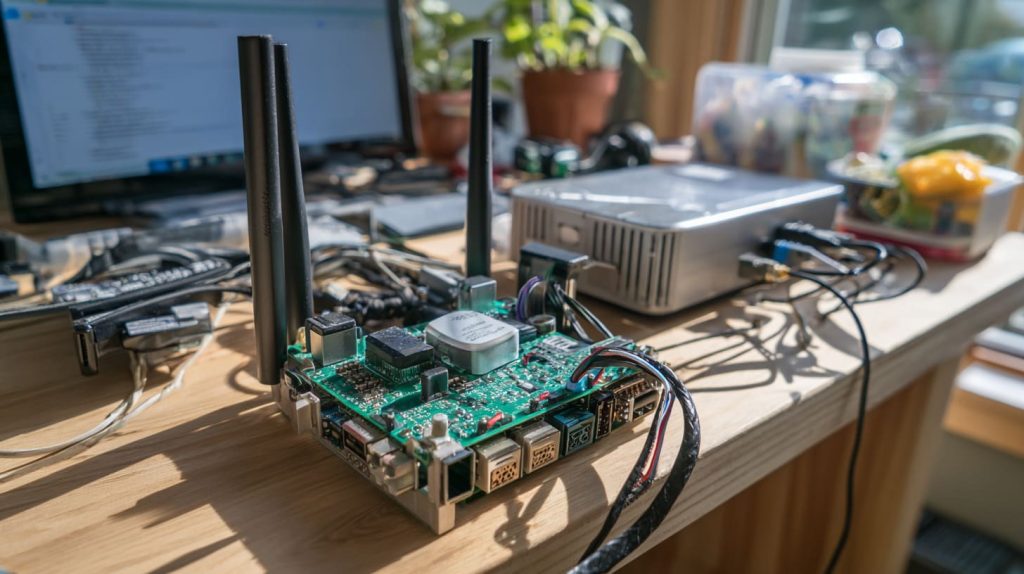
NVMe cyber-deck built on the Pi 5 PCIe slot
A Belgian modder slid a 1 TB NVMe under a 7-inch screen, wrapped it in a printed shell, and called it a “mobility terminal.” Boot time: 11 seconds.
Headless Pi-hole blocking ads for an entire office on 3 W of power
Our showroom’s 30 devices route DNS through a Zero 2 W. The electric bill barely notices.
Retail price-checker kiosk using Overlay FS & Chromium in full-screen
A chain store in Tokyo uses 40 of these. Staff yank the plug each night; every morning, the kiosks wake up spotless, ready to scan barcodes.
Every new build nudges the Pi story forward. Where does that leave us?
Conclusion
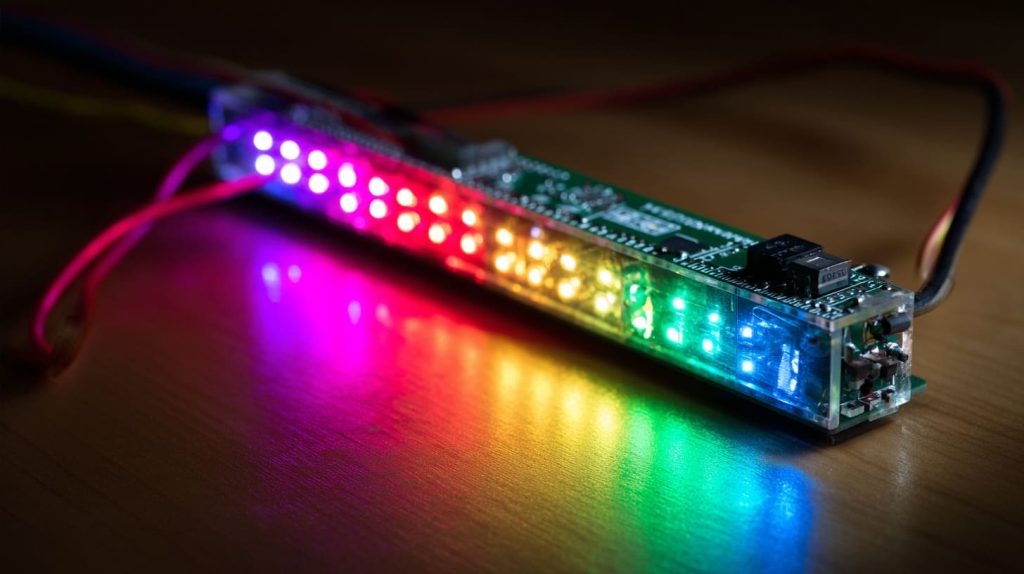
Curiosity fuels the Pi ecosystem, and it fuels MaidaTech too. From hidden silkscreen mascots to surprise PCIe speed bursts, each quirk invites a fresh project. I keep learning alongside clients who print logos, tweak cases, and dream up dashboards. So pick a feature that sparked your interest, try it tonight, and let me know what you build. There is always room on the workbench for one more clever twist.




