 Skip to content
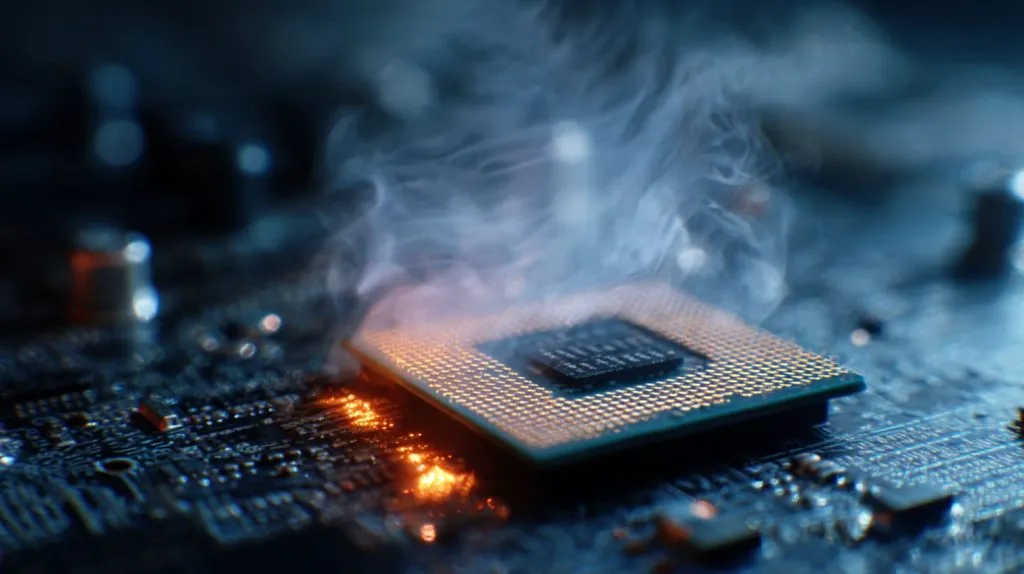
Ever boot a board bare, no cooler in sight? Seconds later the chip sizzles, screens freeze, and panic sets in. Keeping heat away is easier than grieving burnt silicon.
Without cooling, a modern CPU overheats in seconds, throttles itself, then shuts down; let it repeat and the silicon cracks for good.
I once skipped tightening a cooler on a client’s prototype. The boot logo froze, my stomach dropped, and the tiny board smelled like toast—cooling became my new religion that day.
What happens if you run a CPU without a heatsink?
Heat floods back into the die the moment metal contact is lost, leaving the silicon to stew in its own energy.
The core races past 100 °C, firmware slams the brakes, and if protection fails the chip suffers permanent damage—often within a single boot cycle.
Rapid Thermal Rise Timeline
| Scenario | Idle (2 W) | Light Load (15 W) | Stress (95 W) |
|---|---|---|---|
| Seconds to 90 °C | 20 s | 8 s | 3 s |
Why Silicon Gives Up
Solder joints soften, metal layers warp, and tiny gates leak current. The processor may start again, but its life clock is already ticking down.
How long can a CPU run without a heatsink or fan before damage occurs?
My lab timer says not long at all—bare chips fold faster than you can open Task Manager.
Desktop CPUs hit critical heat in under ten seconds at idle and three under stress; each spike shaves life off the package even if shutdown saves it.
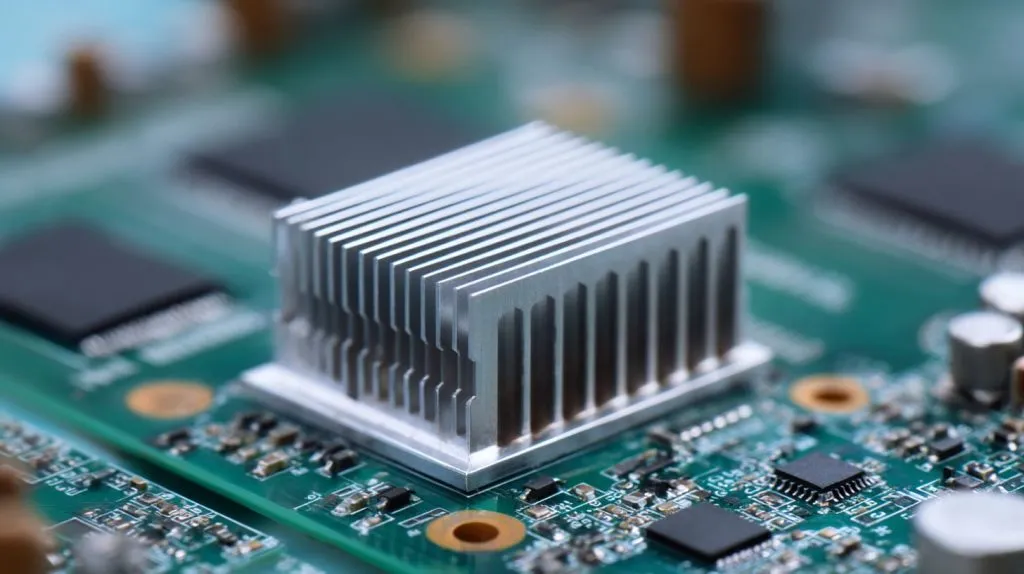
Real‑World Test Data
| CPU Class | Throttle @ Idle | Shutdown @ Load |
|---|---|---|
| Laptop 15 W | ~12 s | ~5 s |
| Desktop 65 W | ~8 s | ~3 s |
| Server 125 W | ~5 s | ~2 s |
How Repeated Spikes Kill Chips
Every surge expands and cools metal paths, like bending a paperclip. Do it enough times and the path snaps; only this break hides deep inside the package.
Can a processor operate with only a passive heatsink and no fan?
Silent blocks look tidy—I’ve built kiosks that way—but they only work when the math says so.
Low‑power CPUs below 10 W TDP stay safe on large fin stacks if room air stays under 35 °C and the case breathes; hungry chips still need moving air.

When Passive Works
- Thin‑client boxes
- Digital signs in cool halls
- Industrial controllers mounted on metal walls
Passive vs Active at Different TDPs
| TDP (W) | Passive OK | Active Needed |
|---|---|---|
| ≤ 10 | ✔ Large fins | — |
| 11–25 | ⚠ Heat‑pipe block | ✔ Small fan |
| ≥ 26 | — | ✔ Dual‑heat‑pipe + fan |
Design Tips
Use vents high and low, position fins vertically, and never trap the board in a sealed plastic shell.
What symptoms occur when a CPU heats up without proper cooling?
The system whispers before it screams—learn the language.
Expect random slowdowns, video stutter, sudden reboots, and BIOS beeps; logs show clock drops and voltage dips right before an emergency power‑off.
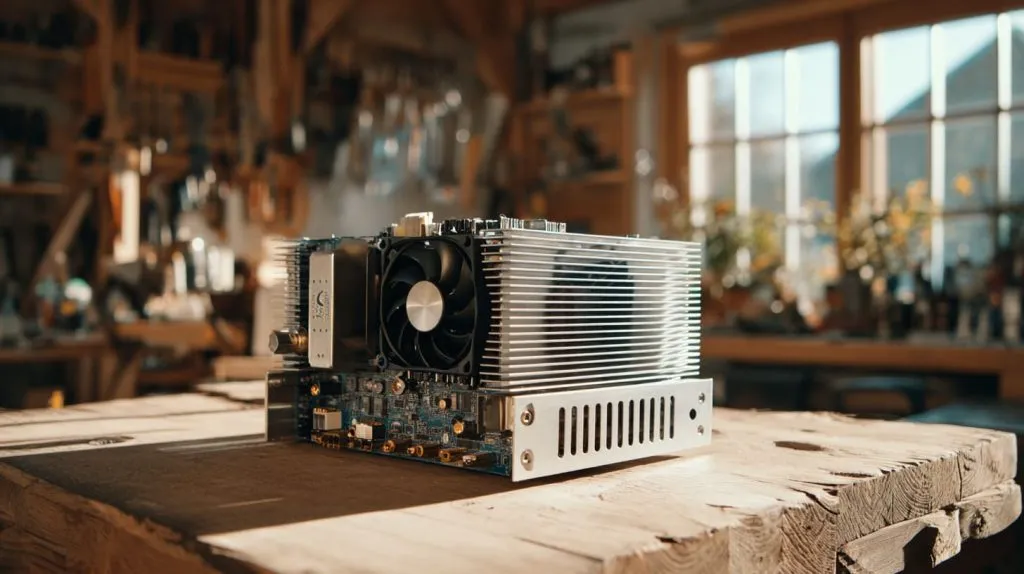
Symptom Checklist
- Sudden frame drops in games
- Audio pops or lag
- Fan bursts to 100 % then silence
- Time gaps in system logs
Error Codes I’ve Seen
| Beep Pattern | Meaning |
|---|---|
| 3 short | CPU over‑temp |
| 5 short | Processor failure |
| Continuous | Thermal cutoff |
Catch these early and all you lose is time, not hardware.
Are there safe scenarios for running a CPU without active cooling, and what are the risks?
Some boards leave the factory fanless—success rides on design, not luck.
Fanless is safe when power draw stays far below thermal limits, airflow paths exist, and ambient heat remains mild; the danger is heat soak on hot days causing silent throttling or shutdowns.

Fanless Success Stories
- ARM SoCs in traffic lights
- Low‑power media boxes with vented aluminum cases
- IoT gateways bolted to metal enclosures outdoors
Risk vs Mitigation
| Risk | Impact | Mitigation |
|---|---|---|
| Summer heat wave | Throttling | Oversize heatsink, metal case |
| Dust buildup | Hot spots | Filtered vents, routine cleaning |
| Poor mounting | Heat leak | Use proper thermal pads/paste |
Stay within the thermal budget and your fanless box will hum along for years—push past it and downtime waits around the corner.
Conclusion
Cooling keeps chips alive; add a heatsink and a breeze, and your CPU will outlast your project. Skip it and failure arrives fast, smelling faintly of burnt epoxy.







