Skip to content

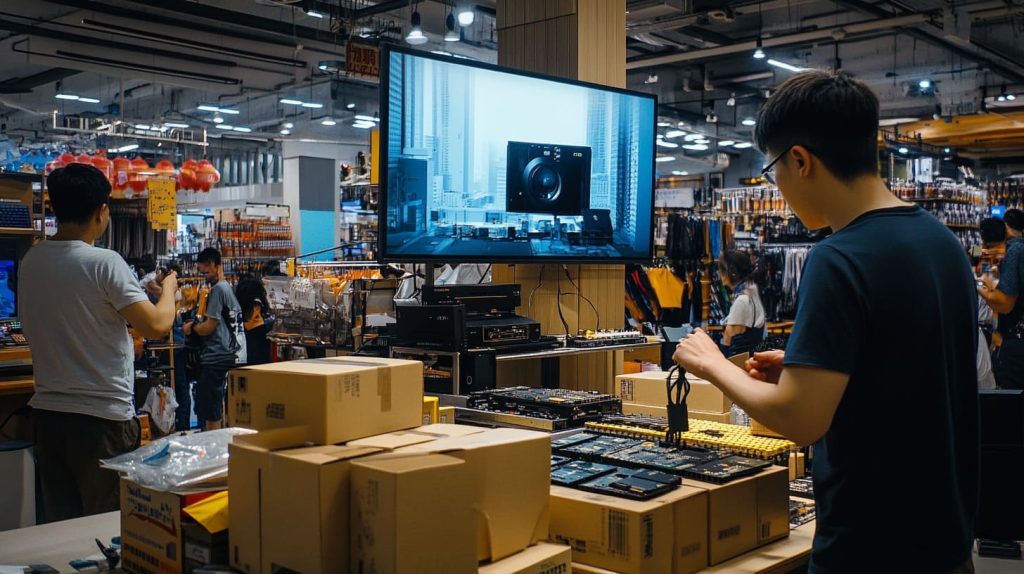
Walk into any electronics market in Shenzhen, and you’ll see a scene that perfectly captures the connector chaos we still live with today. A seller is packing Raspberry Pi kits into boxes—some with Micro-HDMI ports, some with full-sized ones. A confused buyer holds two cables in his hand, asking, “Do I need an adapter for this one too?” Just three stalls down, another vendor is demoing a portable camcorder that uses Mini-HDMI, plugged into a huge TV using yet another cable type. It’s not about preference—it’s about necessity.
Why connector size alone doesn’t decide standards
I see tiny connectors every day on single-board computers (SBCs). They save board space, yet buyers still demand the bulky port in their living-room gear. Why? Because durability, signal reach, and cost push back.
How MaidaTech buyers still juggle all three HDMI types
Davide in Belgium prints his logo on full-size ports for his Amazon store. Lasle in Hungary begs for Micro on a slim drone project. In one DHL box I often ship all three.
Next, let’s zoom out and meet the whole HDMI family.
HDMI Connector Family at a Glance

Type-A (Standard) — the 19-pin workhorse since 2003
I can almost blind-solder this port with my eyes closed; it owns TVs, projectors, and half of the cables in my office. Its thick shell protects the 19 pins like armor.
Type-C (Mini) — born for camcorders and tablets
Around 2006 camera makers cried for slimmer bodies. Mini appeared. It shaved off 2 mm of height, but kept full bandwidth. Great for rigs that travel.
Type-D (Micro) — engineered for phones, Pi boards & pocket gear
Micro looks cute on a Pi 4. It weighs less than the screws that hold my reflow oven door. Yet that cuteness brings trade-offs we’ll soon uncover.
| Spec | Type-A | Type-C | Type-D |
|---|---|---|---|
| Width (mm) | 13.9 | 10.4 | 6.4 |
| Typical device | TV / GPU | DSLR / tablet | Phone / SBC |
| Rated insertions | 10 000 | 5 000 | 5 000 |
Port size is only act one. Reliability steals the spotlight in act two.
Mechanical Durability & Reliability
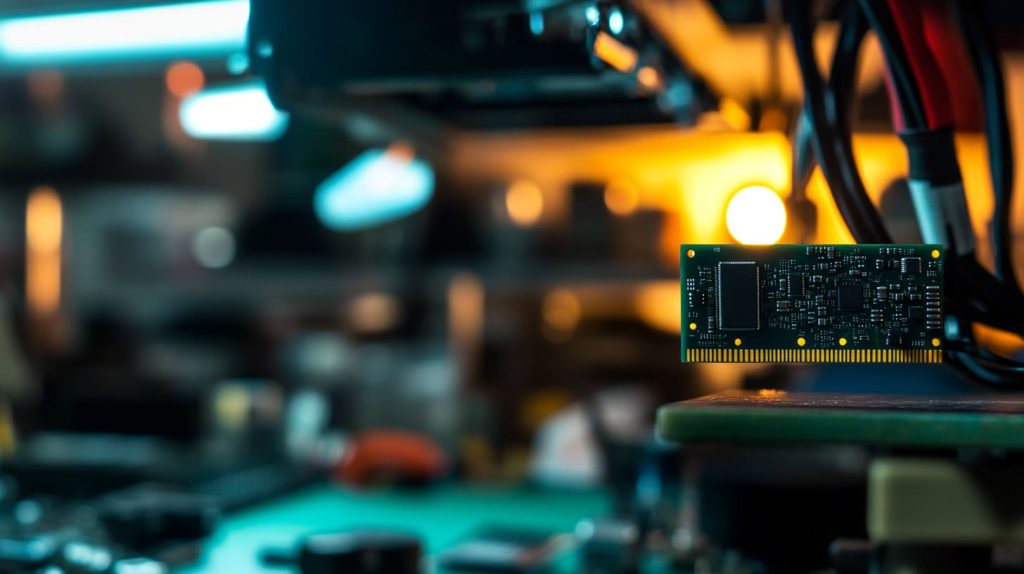
Housing thickness, pin pitch, and strain-relief anatomy
A thick shell spreads stress over a wider surface. Micro’s housing is thin; torque from a stiff cable twists pads off the board. Our engineers add epoxy under the connector to help, but epoxy costs cents—and yields matter.
Field failure stories: broken ports on DSLRs and Raspberry Pi boards
A customer once mailed me a Pi board with the port dangling like a loose tooth. He had yanked a cable in a data-center rack. Type-A on his monitor? Still perfect after daily swaps.
How insertion-cycle ratings favor full-size HDMI
Lab tests show Type-A survives twice the mating cycles of Micro. For kiosks running 24/7, those extra insertions shave weeks off RMA queues.
A tough shell matters, yet form-factor forces us to compromise. Let me show you where each size earns its paycheck.
Device Form-Factor & Market Segmentation
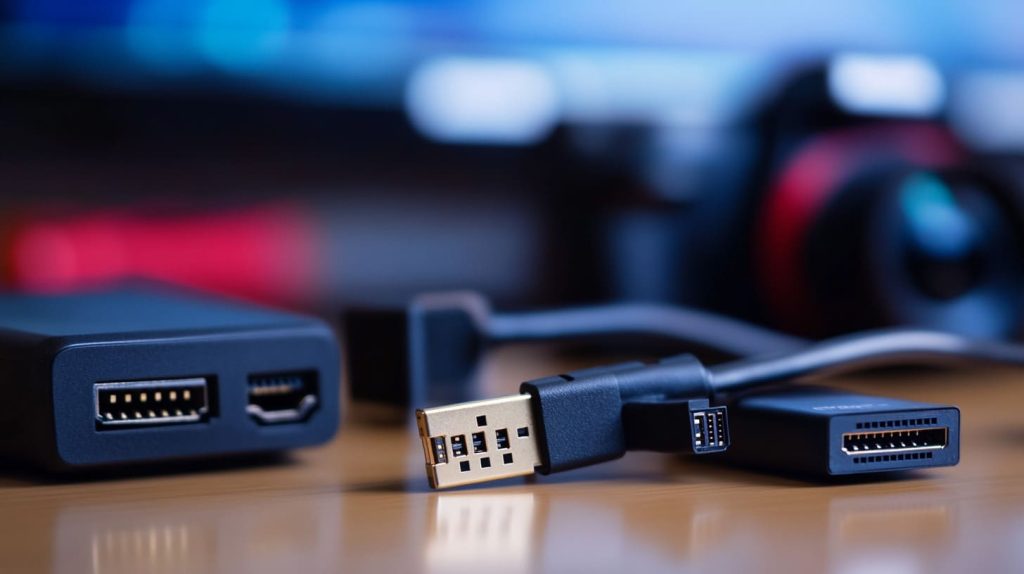
Living-room AV gear: space is cheap, robustness is king
A 55-inch TV back panel hides plenty of room. Brands choose Type-A because consumers slam cables behind cabinets without mercy.
Portable imaging (DSLRs, drones) where Mini reigns
Photographers lug cameras in dusty deserts. Mini balances smaller size with sturdier latches. One drone maker told me they lost fewer ports after switching from Micro to Mini mid-project.
Ultra-compact SBCs & tablets that gamble on Micro HDMI
Raspberry Pi set the trend: two Micro ports squeeze onto a board smaller than a postcard. Fine for hobbyists; risky for rental fleets.
| Segment | Favored Port | Why it wins |
|---|---|---|
| Home theater | Type-A | Tough, cheap cables everywhere |
| Cameras / drones | Type-C | Smaller yet sturdy |
| SBCs / tablets | Type-D | Board space is gold |
Now, even if the connector fits, the signal must survive the journey through the cable.
Signal Integrity & Cable-Length Constraints
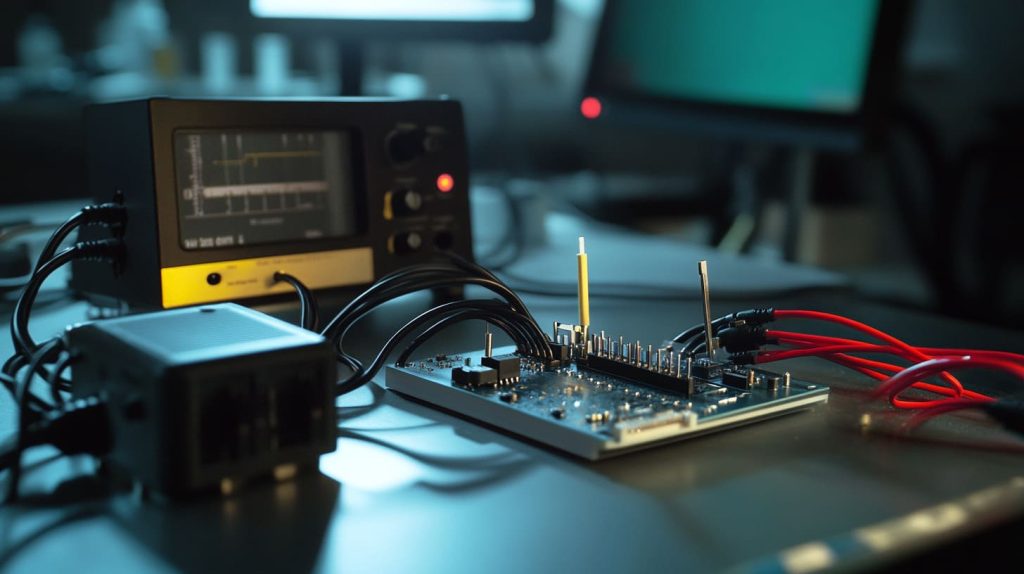
Why thinner conductors shorten the safe run to < 3 m
Smaller connectors mean thinner cable pairs. High-frequency signals bleed energy over distance. Tests in our lab show 4K60Hz starts failing near the three-meter mark on many Micro cables.
Crosstalk & EMI challenges that escalate in Micro cables
Close pin spacing increases mutual coupling. A customer streaming 8-bit raw video from a Pi-camera rig saw random green specks. The culprit? Unshielded Micro cable.
Short runs work, but buyers then ask about price. Let’s open the cost ledger.
Cost & Manufacturing Trade-Offs
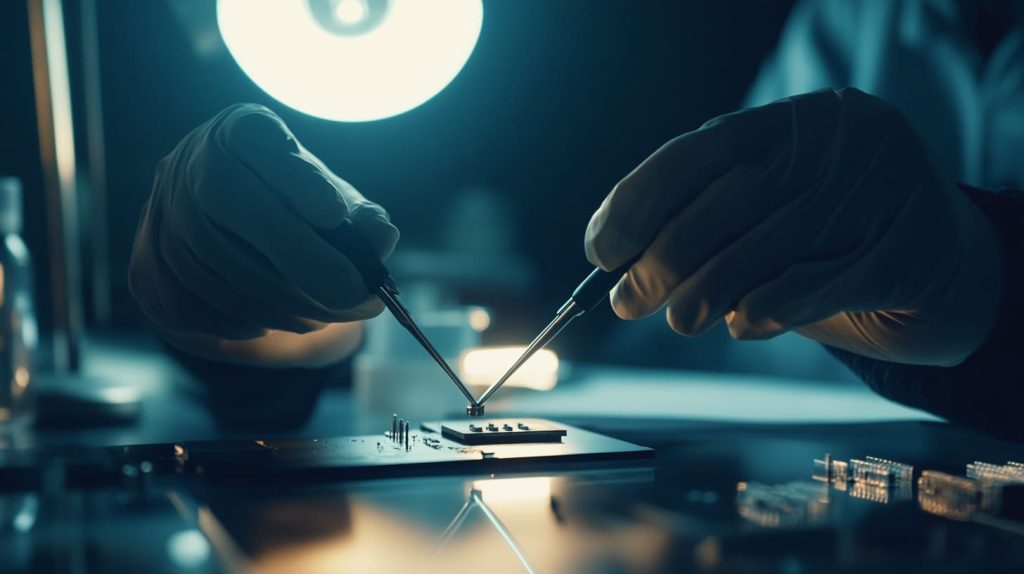
BOM savings vs. higher assembly scrap rates on tiny connectors
Micro ports cost a little less per piece. Yet placement accuracy is stricter. One misaligned pad ruins the whole board. Scrap rises.
PCB pad real-estate and automated-solder yield comparisons
Type-A hogs board space, true. But its big pads soak solder and self-center during reflow. Mini and Micro need tighter stencil apertures and extra AOI checks.
| Cost Factor | Type-A | Type-C | Type-D |
|---|---|---|---|
| Connector price (USD) | 0.25 | 0.22 | 0.20 |
| Placement scrap (%) | 0.8 | 1.5 | 2.3 |
| Rework time (min/board) | 0.5 | 1.2 | 1.8 |
A saved dime can vanish inside a rework minute. And then comes the human side—users and their lost adapters.
User Experience & Adapter Fatigue
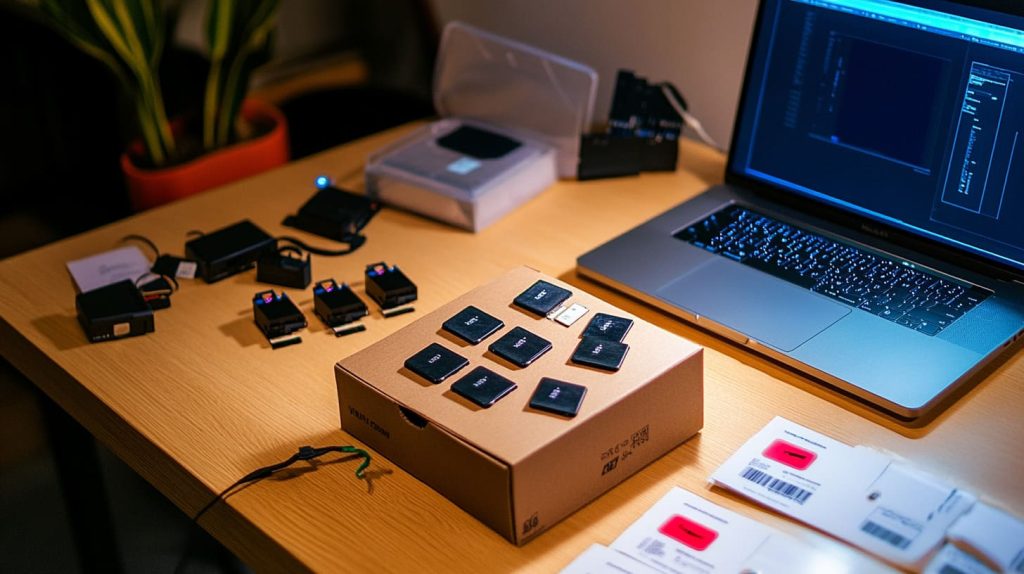
The “dongle tax” and lost-adapter headaches for end users
Jackson once emailed at 2 a.m. He had ten Pi kits ready for shipping but only nine Micro-to-Standard adapters. Overnight courier cost more than the adapters themselves.
Retail return data linking fragile ports to RMA costs
Our Belgian reseller logged a 3 % return rate on Micro-HDMI accessories, double that of standard cables. Each return chewed profit and goodwill.
A clunky port still beats a missing picture. Yet HDMI faces even bigger rivals.
Competition From Emerging Interfaces

USB-C DisplayPort Alt-Mode stealing ports on ultrabooks & phones
Many laptops drop HDMI to save space, betting on a single USB-C jack. It carries power, video, and data—until the user forgets their multi-port hub at home.
Wireless casting (Miracast, AirPlay, Chromecast) sidestepping cables altogether
I once watched a client stream a demo from a phone to a 4K projector with zero cables. He smiled. Then Wi-Fi congestion kicked in and the frame rate tanked. Cables live to fight another day.
Standards evolve too. Let’s see how Type-A stays in the race.
Evolution of Full-Size HDMI Keeps It Relevant
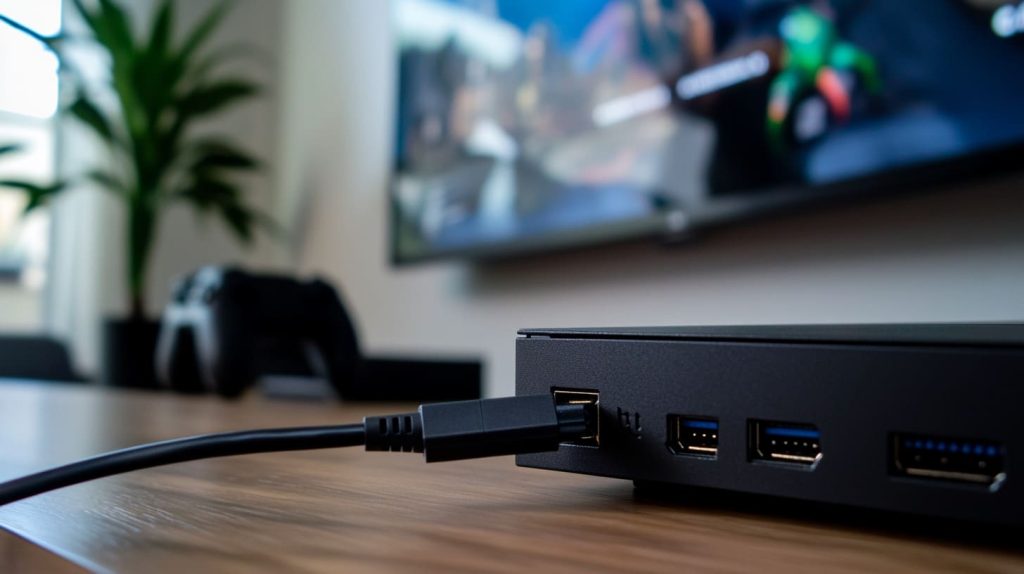
HDMI 2.1 bandwidth (48 Gbps), VRR & eARC features still shipping mostly on Type-A
Next-gen consoles push 4K120 Hz. Manufacturers trust the robust pins of Type-A to handle eye-watering data rates without exotic cables.
Certified Ultra-High-Speed cabling ecosystem favors standard connectors
Labs test complete cable assemblies. Most certification houses focus on full-size plugs, so integrators stick with the known path.
All roads lead back to the big port. Time for a quick wrap-up and a nod to our buyers.
Conclusion
Why standard HDMI survives despite smaller siblings
Size alone cannot dethrone a mature interface. Mechanical strength, signal reach, and ecosystem inertia let Type-A keep its throne, while Mini and Micro serve niche courts.
What this means for MaidaTech’s case designs & buyers like Davide and Jackson
At MaidaTech I offer cutouts for all three connectors. Davide’s retail kits stay robust, Jackson’s slim builds stay sleek, and Lasle’s prototypes hit deadlines. When standards fight, your enclosure should stay neutral—and ready.
Thanks for reading. If you need a custom cutout—or just a spare adapter—drop me a line at vincent@maidatech.com.