 Skip to content
Last month a thunderstorm slammed Dongguan just as I was soldering prototypes in our factory lab. The lights flickered, machines froze, and half the crew reached for flashlights. Twenty kilometers away, my apartment shrugged off the blackout—hallway lamp eased on, NAS beeped awake, and the kettle started heating water for a late‑night tea. That tiny contrast—factory chaos versus a calm, self‑aware home—reminded me how a handful of low‑cost sensors and a Raspberry Pi can outsmart far pricier “smart” bundles. Tonight I’ll show you exactly how to build that kind of resilience without torching your wallet.
Ready to see where the hidden savings hide? Let’s crack open the first question together.
Why Start Home Automation on a Budget?
The cost‑saving potential of DIY vs. off‑the‑shelf systems
I once priced a glossy “starter kit” at 9. The box promised voice control and coffee‑brewing bliss. Inside? Three rebranded plugs and a hub that ran the same open‑source code I flash for free. Building the stack myself cost \$82, including pizza for the solder‑burn crew.
| Option | Up‑front Cost | Monthly Fees | Customization | Typical Lifespan |
|---|---|---|---|---|
| Retail bundle | \$399 | \$4.99–\$9.99 | Low | 3–5 years |
| DIY kit (Pi 5 + sensors) | \$82 | \$0 | High | 5–7 years |
Typical beginner mistakes that drain money
- Impulse gadgets that never join the network.
- Paying twice for cloud storage when a USB stick works.
- Skipping power‑budget math—ending up with a nest of wall warts.
Chasing shiny devices is easy; chasing ROI is smarter.
A quick gut‑check here keeps your wallet happy—and sets the stage for clearer planning ahead. Speaking of clarity…
Clarify Your Goals & Scope

Identify “must‑have” vs. “nice‑to‑have” automations
Last winter a client begged for motorized curtains—until we mapped her energy bill. We swapped in smart plugs for space heaters first; comfort improved and the curtains waited.
| Priority | Example Task | Why It Matters |
|---|---|---|
| Must‑have | Auto‑shutoff for iron | Fire safety |
| Nice‑to‑have | Mood lighting scenes | Aesthetics |
Map rooms, devices, and user stories before you buy
Grab graph paper or draw boxes in a note app. For each room answer: Who uses it? When? What irritates them? This storyboard saves hours of “oops” later.
Small step, big payoff. And it naturally nudges us to pick the right brain for the house.
Choosing a Cost‑Effective Platform

Raspberry Pi as a local hub and brain
A Pi 5 running Home Assistant can juggle Zigbee, Wi‑Fi, and Bluetooth without breaking 10 W. Slip it into a fanless aluminum case and it purrs along for years.
ESP32/Arduino microcontrollers for ultra‑cheap edge nodes
At \$4 each, ESP32 boards let you scatter sensors like confetti. Flash them once, power via USB‑C, and forget them—until the data starts talking.
When a low‑cost commercial hub (Echo Pop, Nest Mini, etc.) makes sense
If voice control is your deal‑breaker and coding terrifies you, a \$30 smart speaker can bridge the gap. Just keep an eye on ecosystem lock‑in and future subscription traps.
That tug‑of‑war between freedom and convenience? It surfaces again when we choose the gadgets themselves.
Essential Budget‑Friendly Devices

Smart lighting: bulbs, switches, or relay modules?
- Bulbs install fast but die with the lamp.
- Switches keep bulbs cheap but need neutral wires.
- Relays hide behind the plate—great for rentals where looks matter.
DIY security: cameras, door/window sensors, motion detectors
Repurpose an old phone as an IP cam before buying new. Pair \$2 reed switches with an ESP32 for instant door alerts.
Climate control on the cheap: IR blasters, smart thermostats, fan relays
An \$8 IR blaster can tame that 2010 AC unit. For whole‑home control, refurb thermostats cost half of new.
Smart plugs & energy‑monitoring sockets for appliance control
Look for plugs with ESPHome‑friendly chips; you gain data and avoid cloud fees.
Gadgets picked, wires coiled—we still need brains to talk to brawn.
Software & Ecosystem Decisions

Open‑source controllers (Home Assistant, openHAB, Node‑RED)
Home Assistant’s add‑on store feels like LEGO for grown‑ups. openHAB offers Java muscle for big installs. Node‑RED’s flow charts turn logic into bedtime stories.
Communication layers: Wi‑Fi, Zigbee2MQTT, Thread, Bluetooth LE
Wi‑Fi is everywhere but power‑hungry. Zigbee2MQTT cuts cords and vendor strings. Thread teases self‑healing meshes—great, once devices catch up.
Local keeps data in your four walls. Cloud may grant remote magic but can slap on silent paywalls later.
Software sorted, let’s dress the hardware so it survives kitchen splashes and client demos.
Protecting & Housing Your DIY Hub
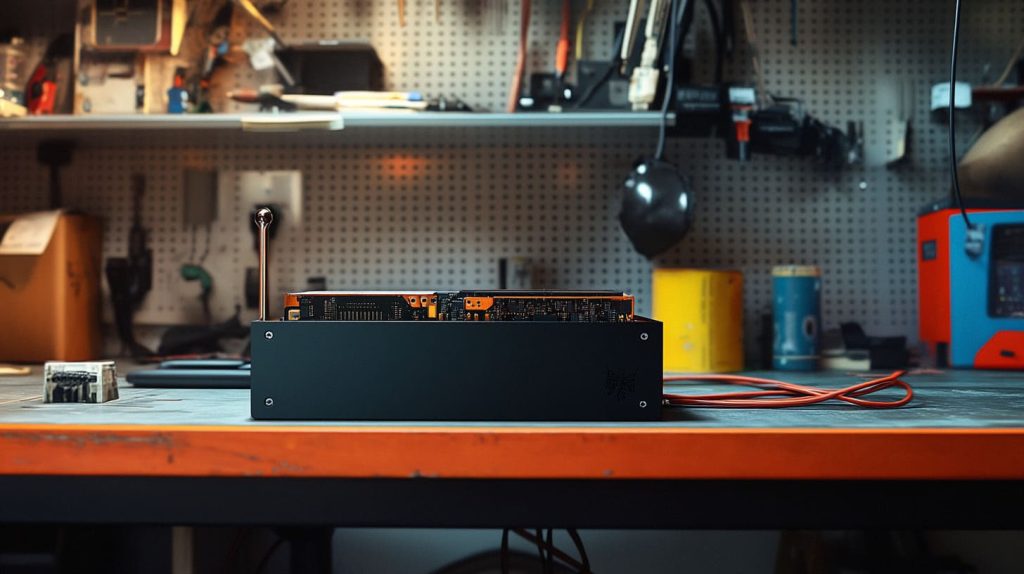
Picking (or printing) the right enclosure for Raspberry Pi/ESP32 boards
Acrylic looks sharp on shelves; aluminum sinks heat. I print prototypes overnight, then laser‑cut batches for clients like Davide.
Cable management and thermal considerations in compact cases
Route USB toward the back, leave 5 mm air gaps, and use 40 mm silent fans only if the CPU crosses 70 °C.
Branding & labeling tips for client‑facing or resale projects
A silk‑screened logo adds \$0.15 per unit and spares endless “which box is mine?” emails.
A tidy hub deserves a tidy build plan—preferably one that doesn’t torch your credit card.
Step‑by‑Step Build Plan Under \$150
| Item | Qty | Unit Price | Total |
|---|---|---|---|
| Raspberry Pi 5 (4 GB) | 1 | \$60 | \$60 |
| 32 GB microSD + PSU | 1 | \$12 | \$12 |
| ESP32 DevKit | 3 | \$4 | \$12 |
| Smart LED bulbs (Zigbee) | 2 | \$8 | \$16 |
| IR blaster | 1 | \$8 | \$8 |
| Door sensor kit | 2 | \$4 | \$8 |
| Misc. wires & relays | — | \$15 | \$15 |
| Total | — | — | \$131 |
Network setup, flashing firmware, and first boot
- Burn Home Assistant image.
- Join Wi‑Fi, assign static IP.
- Flash ESPHome on ESP32s; test ping.
Three starter automations (lighting, security alert, climate tweak)
- Motion → hallway bulb 30 %, 10 min timeout.
- Door opens → Telegram ping + snapshot.
- Bedroom hits 27 °C → AC IR blast, 24 °C target.
Once you taste that first “ding,” expansion itch hits fast—let’s keep it affordable.
Scaling Up Without Blowing the Budget

Modular hardware add‑ons you can stage over time
Start with lighting. Add sensors next quarter. Slide in smart blinds when holiday sales hit.
Energy‑efficiency upgrades that pay for themselves
Smart thermostats cut bills; LED strips at 5 V sip power. Track kWh and let data guide spending.
Maintenance, backups, and update strategies for long‑term reliability
Weekly snapshots to NAS, monthly SD‑card clone. Firmware updates on a test node first.
Growth plan mapped, we still need armor—digital and physical.
Security & Reliability on a Shoestring
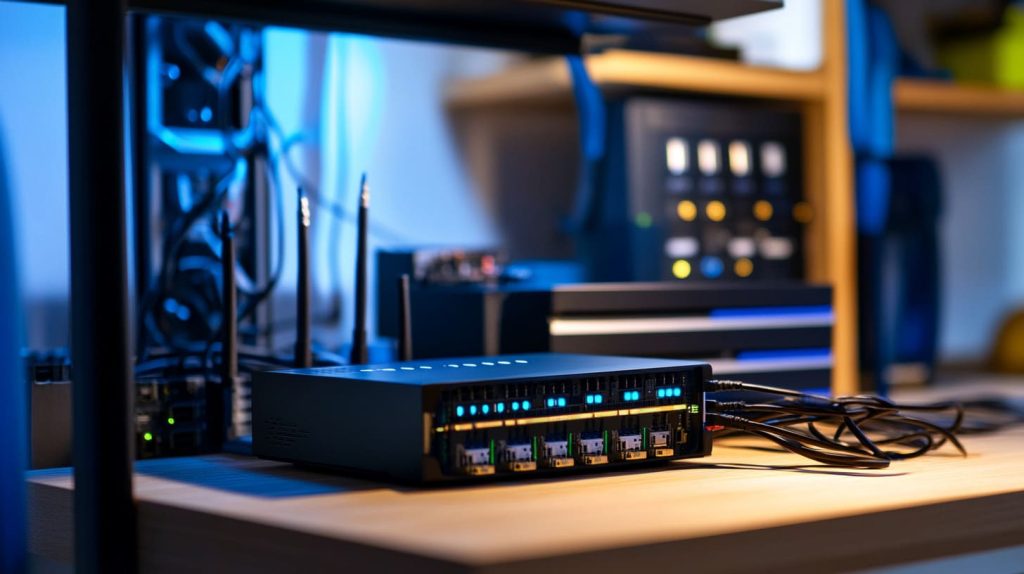
Segmenting IoT traffic and setting up firewalls
VLAN your gadgets. Block outbound ports except what you trust. Cheap routers flash DD‑WRT fine.
Regular firmware updates & automated backups
Set cron jobs for 3 a.m. Sunday. If a patch bricks a node, roll back in two clicks.
Physical safety: fuse ratings, load limits, and enclosure ventilation
I’ve seen a melted relay on a toaster line; a \$0.20 fuse would have saved \$40 in parts and a burnt countertop.
Safe and stable, but mistakes lurk—let’s shine a light on them.
Common Pitfalls & How to Avoid Them
Overbuying gadgets you won’t integrate
That Wi‑Fi kettle looks fun until you realize you drink espresso.
Vendor lock‑in and proprietary “walled gardens”
If an app demands sign‑in before switching on a lamp, ask who owns the off switch tomorrow.
A \$3 plug plus \$5/month storage is a 20‑month payback—skip it or self‑host.
No journey is perfect, but armed with foresight you’ll dodge most potholes.
Conclusion

Home automation on a shoestring isn’t about penny‑pinching; it’s about choosing where each penny shouts the loudest. Start small, learn fast, and let data—not marketing—steer your upgrades. If my dad could coax magic from a rattling timer, you can certainly build a smarter, quieter, and kinder home for less than a fancy dinner. I’ll be here, soldering iron in hand, cheering you on.




