 Skip to content
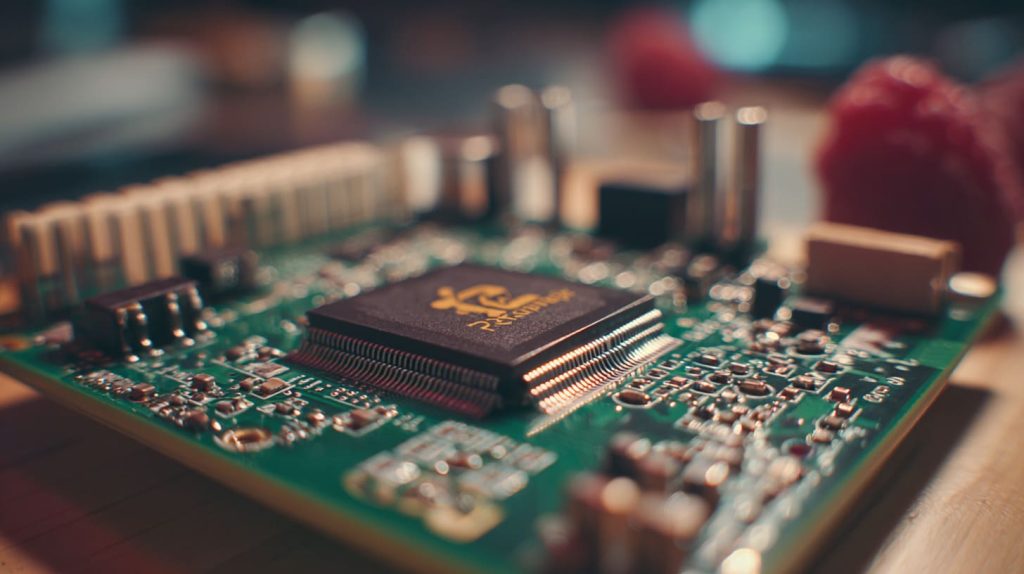
It started with a burned finger.
I reached for a chip on a Raspberry Pi board, and it was hot enough to surprise me. That tiny scare sparked a big realization—I didn’t fully understand what a heat sink actually did.
A heat sink is a passive component that pulls heat away from a hot device, helping it stay cool and work properly.
Most of us don’t think about heat sinks until something overheats. But once you start noticing them, they’re everywhere—from computers to solar panels to the natural world.
What is a heat sink in climate?
Even nature uses heat sinks.
In climate science, a heat sink refers to oceans, forests, or materials that absorb excess heat from Earth’s surface or atmosphere.

Heat Sink Examples in Climate Systems
| Type | Heat Stored | Example Role |
|---|---|---|
| Ocean | Solar radiation | Regulates global temperature |
| Forests | Solar heat, CO₂ | Acts as thermal and carbon sink |
| Ice Sheets | Reflective cooling | Delays warming via albedo effect |
Next time you feel a cool breeze near a lake on a hot day—that’s a heat sink at work.
What is a heat sink in biology?
Our bodies use them too, just sneakier.
In biology, a heat sink refers to parts of the body or system that draw heat away to maintain safe internal temperatures.

Ever wonder why dogs pant or rabbits have those big ears? It’s not just for show.
- Dogs cool themselves by evaporating heat through their tongue and lungs.
- Elephants flap their ears to circulate blood and release heat.
- Humans sweat—our built-in coolant system.
Biological heat sinks help us survive under the sun. Without them, we’d be cooked.
What are the disadvantages of a heat sink?
They’re helpful—but not magic.
Disadvantages include bulkiness, material cost, and limited cooling under extreme loads.

Here’s what’s not so great:
- Size: Big heat sinks eat up space in small electronics.
- Weight: Heavier metal sinks can cause strain on mounts.
- Limits: Passive sinks can't handle extreme thermal spikes without help.
So, while a heat sink solves heat buildup, it doesn’t solve everything.
Are a heatsink and a cooler the same?
Not quite—they work together but aren't twins.
A heat sink absorbs heat passively, while a cooler (like a fan) actively pushes heat away.
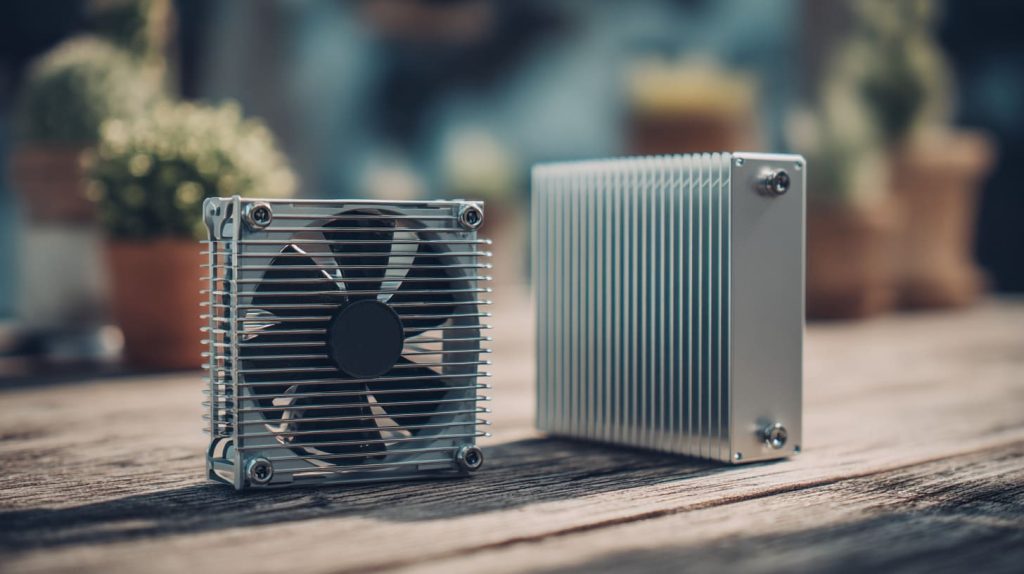
Think of it like this:
| Component | Action Type | Example |
|---|---|---|
| Heat Sink | Passive | Absorbs and spreads heat |
| Cooler/Fan | Active | Moves air to push heat away |
They’re teammates. One absorbs, the other pushes.
Can a heatsink improve PC performance?
Yes—cooling = speed.
A good heat sink reduces thermal throttling, allowing your PC or Pi to run faster and longer.
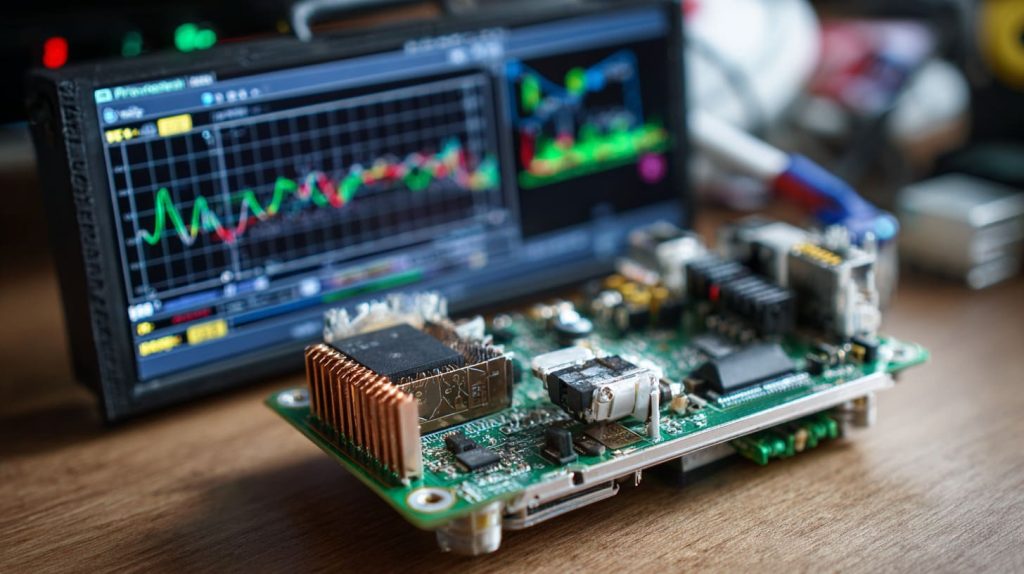
When your CPU gets hot, it slows down. That’s not a defect—it’s a survival instinct. But when you cool it properly?
- Your frame rates stay higher.
- Compiling code doesn’t lag.
- Everything just feels smoother.
I’ve seen Raspberry Pi boards go from stuttering to stable just by adding a decent sink.
Do heat sinks need to be replaced?
Only if they fail—or you upgrade.
Heat sinks rarely need replacement unless damaged, outdated, or clogged with dust.
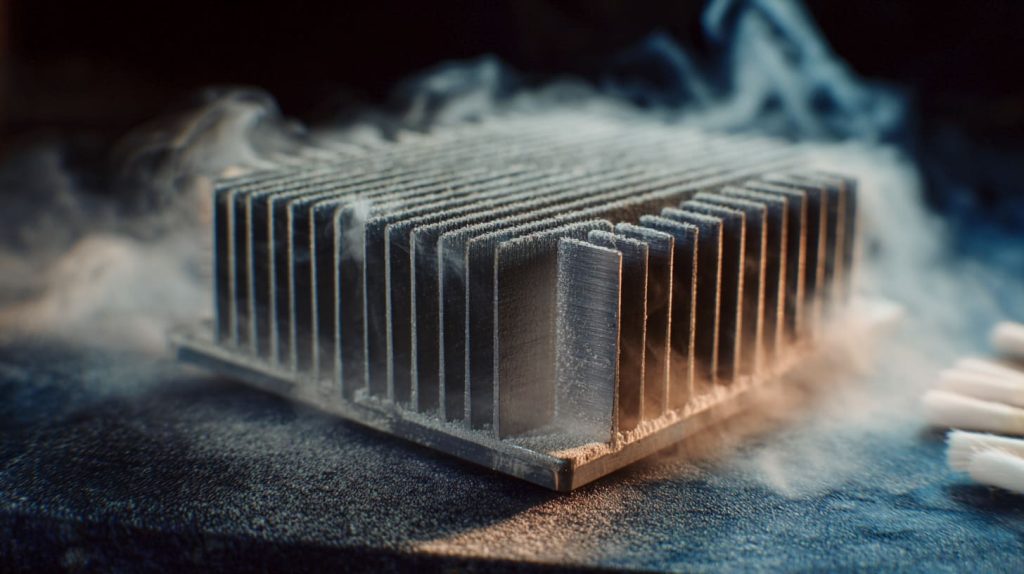
Things to watch:
- Fins bent or broken?
- Thermal paste dried out?
- Dust cake thicker than birthday frosting?
If yes, clean it—or swap it.
How does a heat sink work to cool electronics?
Simple physics—spread and release.
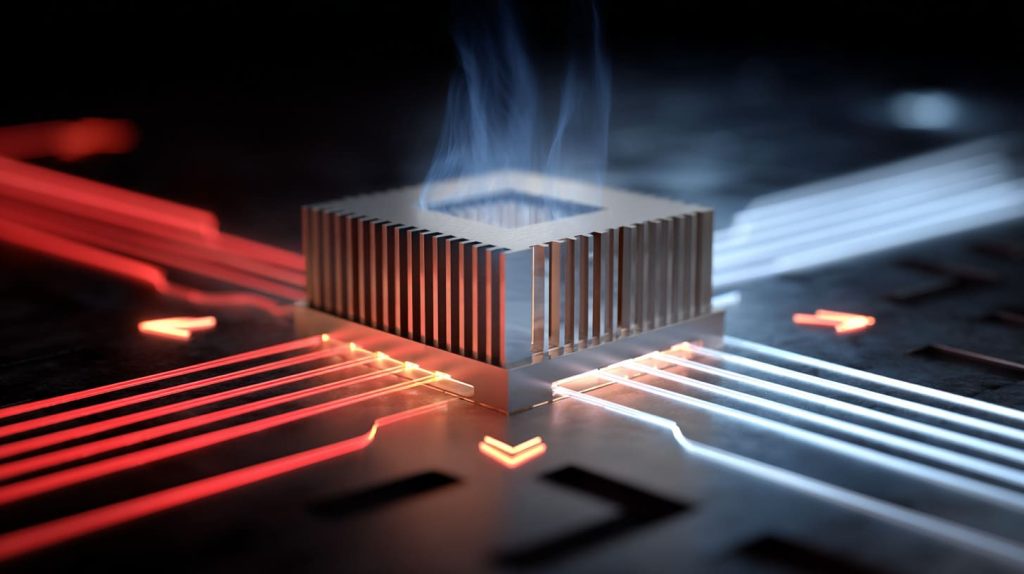
It draws heat away from a hot surface and spreads it into the air using conductive material and increased surface area.
Key Mechanisms
- Conduction: Transfers heat from the chip to the metal.
- Convection: Heat flows into air via fins.
- Radiation (minor): Releases heat as infrared.
More fins = more surface = better cooling.
What types of heat sinks are used for Raspberry Pi boards?
There’s a mini world of choices.
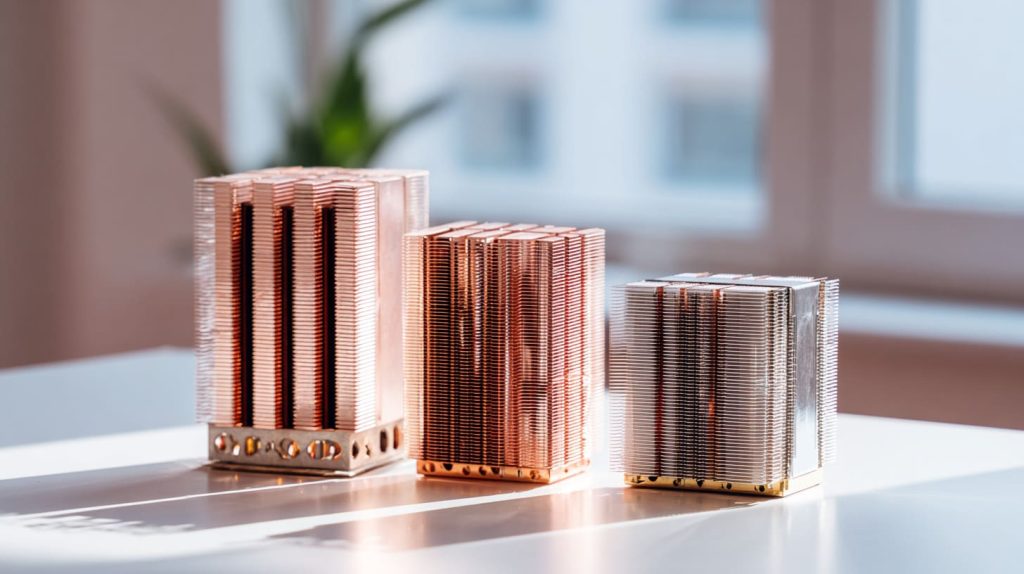
Popular types include aluminum blocks, copper slabs, and combo kits with fans or cases.

| Type | Material | Cooling Style | Note |
|---|---|---|---|
| Passive | Aluminum | No fan | Budget, compact |
| Active Combo | Copper/Alu | Fan attached | Better for Pi 5 |
| Enclosure Sink | Metal case | Case + airflow | Elegant, but pricier |
I always test them on real boards before recommending anything to my clients.
Do I need a heat sink for Raspberry Pi 5 or Pi 4?
Yes, especially for Pi 5.
For Pi 4 it’s optional, but for Pi 5, it’s essential under heavy loads or long-term use.
The newer Pi runs hotter—more power, more processing.
If you're doing video encoding, emulation, or AI, don’t skip cooling.
What is the difference between a passive and active heat sink?
Think silent vs. dynamic.
Passive heat sinks absorb heat quietly; active ones include fans for airflow.

| Feature | Passive | Active |
|---|---|---|
| Noise Level | Silent | Audible fan sound |
| Cooling Power | Moderate | High, great for Pi 5 |
| Maintenance | Low | Fan may wear out |
For silence or small builds, passive. For performance, active.
How to choose the right heat sink size and material?
Fit matters—and so does metal.
Pick a heat sink that matches your board layout and uses a thermally conductive material like aluminum or copper.

Quick Checklist
- Space: Check GPIO and ports
- Material: Copper = best, Alu = budget
- Thickness: Avoid tall sinks that block airflow
- Purpose: Passive for media center, Active for projects
If unsure, I always go with low-profile aluminum + a mini fan.
What’s the best thermal adhesive or tape for attaching heat sinks?
Skip glue—go with tape or paste.
Thermal tape is easiest for beginners; thermal paste gives better transfer if pressure-mounted.

| Option | Pros | Cons |
|---|---|---|
| Thermal Tape | Easy, clean, removable | Lower conductivity |
| Thermal Paste | High performance | Needs pressure/mounting |
| Epoxy Glue | Permanent bond | Hard to remove later |
I only use epoxy when it’s for life.
Is a heatsink enough, or do I need a fan too?
Depends on what you're doing.
Heatsinks are enough for light use, but fans are needed for heavy tasks or warm environments.

When to add a fan:
- Pi runs above 70°C
- You’re compiling code or running emulation
- Enclosed spaces with poor ventilation
I often test both ways—fan kits usually drop 10–20°C.
How to install a heat sink on a Raspberry Pi board properly?
It’s easy—but don’t skip the details.
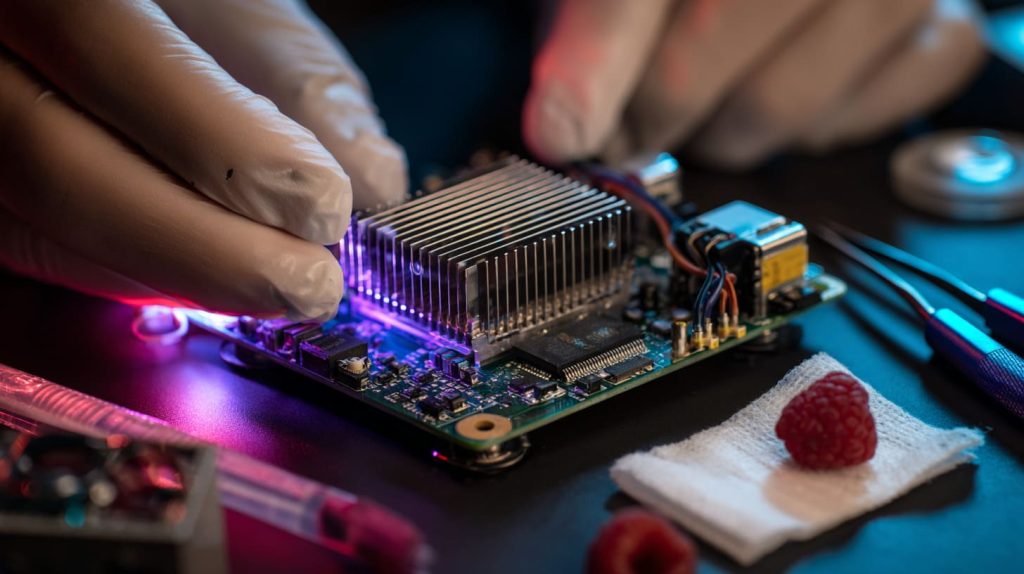
Peel the tape, align the sink with the chip, press it gently, and avoid blocking connectors.
My Personal Tips
- Clean the chip first (isopropyl alcohol)
- Don’t press too hard
- Let the adhesive set for 10 mins before powering on
And please—don’t cover the SD card slot by mistake. I’ve done it once. Only once.
Conclusion
Heat sinks are simple but essential, especially when things start heating up.




