Skip to content
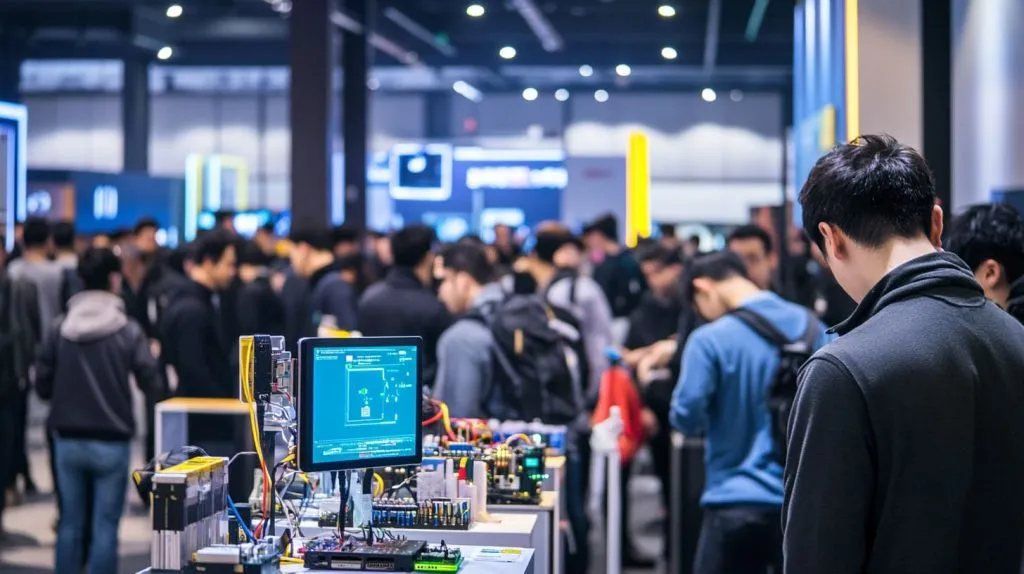
Last spring, I found myself in a crowded exhibition hall in Shenzhen. Wi-Fi choked under the load, and all the demo stations froze. My Pi 400, running on a portable battery pack, stayed alive, streaming real-time sensor data without a hitch. That moment reminded me why picking the right operating system is more than a checkbox—it decides whether your project coasts or crashes.
Why the OS question matters for Pi 400 owners
I design custom cases for a living, and every client—Belgian resellers, Korean STEM clubs, you name them—asks the same thing: “Will my software run smoothly inside that keyboard?” A stable OS saves tech-support hours and stops five-star reviews from turning into refund requests.
Snapshot: what you get out of the box — pre-flashed SD vs bare-bones kit
Buy the full Pi 400 kit, and a 16 GB card loaded with Raspberry Pi OS greets you. Buy the bare keyboard, and you must flash an image yourself. Simple choice? Not always. Your dream use case may live far beyond the default desktop.
(Keep that question in mind; it steers every chapter that follows.)
Now, let’s pop the hood on the hardware itself before we explore software options.
What Is the Raspberry Pi 400?
Keyboard-computer specs at a glance
| Spec | Detail | Why It Matters |
|---|---|---|
| CPU | 1.8 GHz Quad-core Cortex-A72 | Faster than the 1.5 GHz Pi 4 rev 1, handy for heavy browsers |
| RAM | 4 GB LPDDR4-3200 | Enough for 20+ Chrome tabs or a Python IDE |
| Ports | 2×μHDMI, 2×USB 3.0, 1×USB 2.0, GPIO header | Still hack-friendly despite the keyboard shell |
| Cooling | Large metal plate across PCB | Runs 10–15 °C cooler than a naked Pi 4 |
How the Pi 400 differs from a standard Pi 4 board
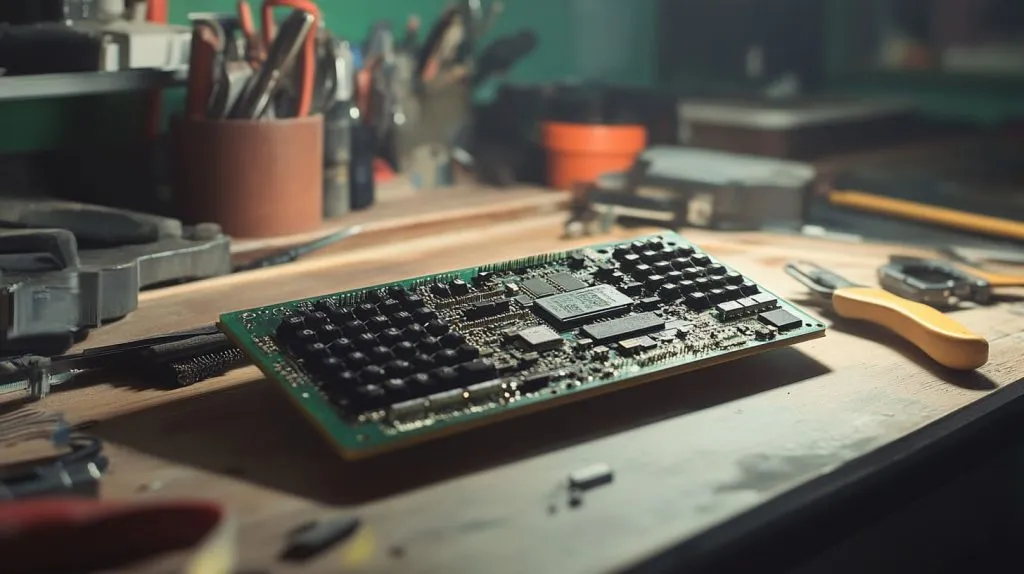
The Pi 400 trades one USB 2.0 port and the full-size HDMI sockets for a cooler-running, keyboard-integrated form. That sheet-metal heat spreader buys thermal headroom, which means many OSes can push higher turbo frequencies without throttling.
Hardware explored; software ahead. Buckle up for the default ride first.
The Default Operating System: Raspberry Pi OS
Why Raspberry Pi OS ships with every official kit
The Foundation’s own distro guarantees drivers, GPIO libraries, and an education-friendly toolbox (Scratch, Thonny, Chromium) that work on day one. Support forums brim with answers, and bug fixes land fast because the maintainers sit a coffee mug away from the Pi 400 design files.
32-bit vs 64-bit Bookworm editions
32-bit: broader legacy package pool, slightly lower RAM overhead.
64-bit: faster cryptography, better multi-gigabyte memory handling, future-proof for larger images.\
I stick to 64-bit when I pre-flash units for cloud-native projects; Davide prefers 32-bit because some niche camera stack still ships only i386 blobs.
Built-in tools for education & development
IDEs, GPIO examples, and Raspberry Pi Imager are one click away. Classrooms boot, code, and save to cloud drives without command-line gymnastics.
Curious rebels, though, soon hunt for alternatives—so let’s widen the lens. Thirty-three words later, we pivot into the world of custom distros.
Alternative Operating Systems You Can Install
General-purpose desktop Linux (Ubuntu MATE, Manjaro ARM, Fedora Workstation)
If you want a familiar GNOME or KDE feel plus snap/Flatpak stores, these heavyweights deliver. They boot fine on the Pi 400’s cooler CPU but need a snappy SD or SSD to feel slick.
Lightweight & headless options (DietPi, Alpine Linux)
Servers, 3D-printer farms, and sensor gateways thrive on these lean images. No desktop clutter—just SSH in, run a script, forget it’s even under your desk.
Media-center builds (LibreELEC, OSMC, Volumio)
Turn the keyboard into a couch companion. Hardware decoding works out of the box, and CEC lets the TV remote run the show. Beware: once kids taste 4 K YouTube on the big screen, your Pi 400 may never return to the workbench.
Retro-gaming stacks (RetroPie, RecalBox, Lakka)
The extra 300 MHz clock over the Pi 4 gives smoother N64 frames. Pair with an 8BitDo pad and the keyboard hides elegantly under the TV shelf.
Pen-testing & security distros (Kali Linux, Parrot OS)
Need packet injection on the go? The integrated keyboard plus a tiny Wi-Fi dongle makes a discreet audit station. Just mind local laws before you start waving deauth packets in a café.
Choices abound, but not all shine equally. Time to compare them with a colder engineer’s eye.
Comparing OS Choices: Key Factors
| Factor | Pi OS | Ubuntu MATE | DietPi | LibreELEC |
|---|---|---|---|---|
| Avg. idle RAM | 490 MB | 720 MB | 60 MB | 140 MB |
| Boot-to-desktop | 24 s | 31 s | — (CLI) | 19 s |
| Update cadence | \~6 weeks | \~3 months | Rolling | Rolling |
| Community size | Huge | Large | Niche | Medium |
Performance & benchmarks on the Pi 400’s 1.8 GHz SoC
Integer benchmarks differ less than 10 % across mainstream distros; I/O scheduler choice and SD-card class dominate real feel.
User experience & learning curve
Ask yourself: GUI comfort or terminal zen? Grandparents thrive on Pi OS. My Hungarian ODM client, Lasle, scripts his CNC dashboards on Alpine because fewer packages mean fewer surprises.
Package management & software repositories
APT, Pacman, DNF—each has quirks. Mixing repos is the fastest route to dependency purgatory.
Community support & update cadence
Search-engine hits equal lifelines at 3 a.m. Pick the distro whose forum answers show up before page two.
Numbers crunched, feelings checked—let’s map OS to real-world jobs.
Choosing the Right OS for Your Use Case
Coding & STEM education
Pi OS 64-bit with Thonny IDE pre-installed keeps lessons rolling.
Home-office productivity
Ubuntu MATE plus Nextcloud sync turned my Pi 400 into a silent note-taking typewriter during a month-long factory-renovation dust storm.
Media streaming & smart-TV replacement
LibreELEC + PVR plugins = binge nights minus fan noise.
Retro-gaming console build
RetroPie owns the joystick crowd. I flash it for Jacky’s Amazon bundles; his customers slap their logo on our case and relive Sonic in minutes.
Network-security lab
Kali Linux with updated firmware lets auditors run hashcat without lugging a laptop.
Industrial & B2B deployments (pre-flashed cases from MaidaTech)
We ship DietPi images with hard-coded MQTT brokers so integrators can bolt units into control panels, power up, and handshake with the cloud before lunch break.
Ready to install? Grab a fresh SD; next section walks you through the flash dance.
Installing or Swapping an OS

Using Raspberry Pi Imager step-by-step
Download and run Raspberry Pi Imager.
Select “Pi 400 (64-bit)” under OS.
Click “Customize” to preset Wi-Fi and SSH.
Flash, insert, boot—done.
Flashing images with third-party tools (balenaEtcher, dd)
balenaEtcher validates writes; dd is faster but unforgiving—one typo and your SSD turns into confetti.
Boot-order & EEPROM considerations on the Pi 400
Hold F10 during power-on to pick USB first in case your SD dies mid-demo.
Keeping your OS updated & backed up
sudo apt update && sudo apt full-upgrade weekly. Clonezilla the card monthly if it hosts irreplaceable configs.
Flashing sorted; now let’s tame the gremlins that appear when theory meets factory floor.
Troubleshooting Common Issues

SD-card compatibility & power warnings
Avoid no-name cards. I lost a day’s production logs because a “class 10” bargain choked at write-amplification hell.
Display & keyboard-layout problems
Set hdmi_group and kbdlayout in /boot/config.txt before you cross time zones; Belgian AZERTY users will thank you.
Wi-Fi/Bluetooth driver quirks across distros
Manjaro rolls kernels fast—great for new chips, risky for legacy dongles. Keep a USB-C Ethernet adapter in your repair kit.
Rolling back or switching OS safely
Use separate boot cards per project. Label them with painter’s tape; saves tears and corrupted partitions.
Gremlins managed. Let’s wrap with a cheat sheet so you can hit “Order Now” with clarity.
Conclusion
| Use Case | Recommended OS | Why |
|---|---|---|
| Classroom coding | Pi OS 64-bit | Familiar UI, wide lesson docs |
| Media center | LibreELEC | Instant boot, CEC remote control |
| Retro gaming | RetroPie | Optimized emulators, theme store |
| Pen-testing | Kali Linux | Pre-loaded tools, rolling updates |
| Headless IoT | DietPi | 60 MB idle RAM, easy scripting |
Pick one, flash it, and let the keyboard computer earn its keep. Remember: the slickest aluminum case from MaidaTech still needs the right bits on the card. Happy booting!