Skip to content


The boy stood on his tiptoes to reach the display table, eyes fixed on a screen running Scratch animations. Next to him, a Raspberry Pi board sat exposed—no fancy casing, no flashy logo. Just a tiny green slab of circuits, blinking steadily. His mom leaned in, whispering, “That’s a computer?” She wasn’t doubting the tech. She was wondering if something so small, so open, could really teach her son how computers work, not just how to use them.
That’s the thing about Raspberry Pi—it doesn’t look like a traditional first computer. But maybe that’s the point.
Built by engineers who wanted kids to code, Raspberry Pi started as a $35 tool and turned into a global movement. It slipped into classrooms, crept onto workbenches, and landed in family living rooms—all because it made learning feel hands-on again.
In this post I’ll share what I’ve learned—where a Pi shines as a first computer, where it stumbles, and how you can set one up without tears. Parents, teachers, and curious kids: let’s dive in.
So why do so many families start with a Pi instead of a tablet or used laptop?
Why Parents Consider a Raspberry Pi for Kids

Affordability vs. traditional PCs
A full Pi kit—board, keyboard, mouse, power supply—often lands under $120, while even a budget Chromebook starts near $200
Tinker-friendly hardware that grows with imagination
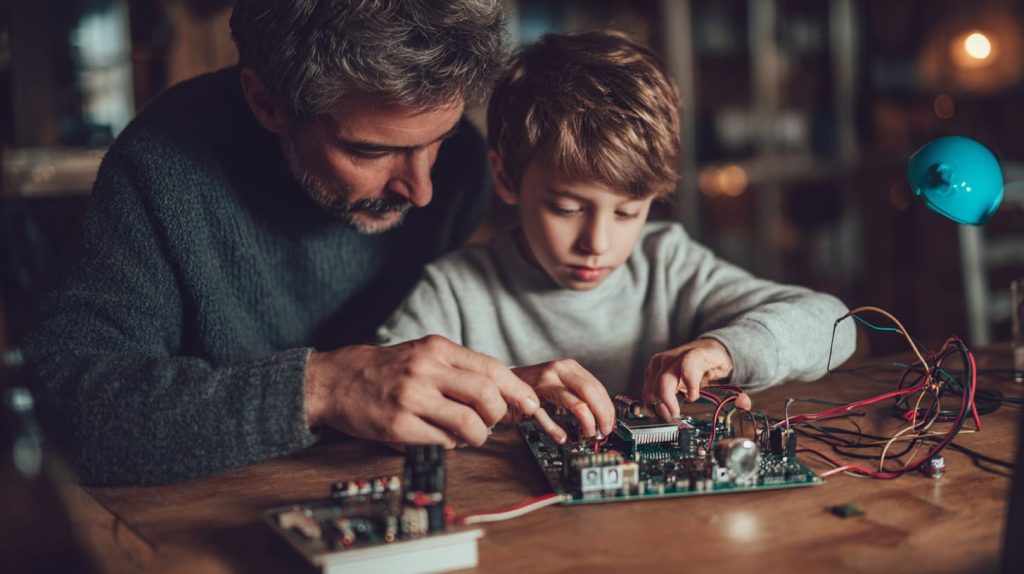
Unlike sealed tablets, the GPIO pins invite small hands to plug in LEDs, sensors, even a tiny fan. Each new part turns the computer into a new toy.
STEM credibility and community support
From after-school clubs to YouTube tutorials, children meet a global crowd ready to help them troubleshoot and dream bigger.
I once watched my nephew light an LED, then ask if he could automate the family fish feeder. The project list never ends.
Curious which ages learn fastest with a Pi? Let’s map it out.
Age Suitability and Learning Readiness

| Age | Typical Skills | Good First Projects | Parental Help Needed |
|---|---|---|---|
| 6-8 | Mouse clicks, letter keys | Scratch blocks, draw shapes on screen | High |
| 9-12 | Basic typing, early Python | Minecraft mod, light sensor night-light | Medium |
| 13+ | Scripting, file system | Home server, robot arm, IoT dashboard | Low |
Early learners (6-8): visual block coding
Scratch and Blockly hide syntax, so kids focus on cause-and-effect play.
Tweens (9-12): Python, Minecraft modding
Minecraft Pi Edition lets them see code change the game world instantly.
Teens (13+): servers, robotics, IoT
Older kids push limits—running a Nextcloud server or driving motors with GPIO.
Next question: which Pi model keeps up with each age group?
Choosing the Right Pi Model & Hardware Essentials
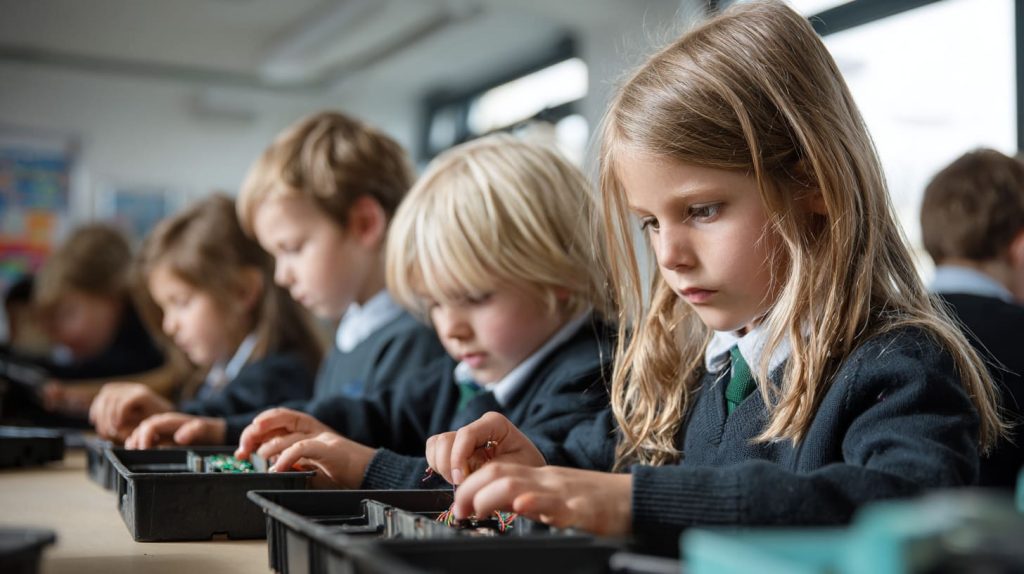
| Model | Price (2025 MSRP) | Best For | Key Upside | Key Trade-off |
|---|---|---|---|---|
| Pi 400 | $100 kit | Ages 6-12 | Keyboard built-in, no loose board | Not portable |
| Pi 5 4 GB | $60 | Ages 9-18 | Fast CPU/GPU, active ecosystem | Needs case, cooler |
| Zero 2 W | $15 | DIY gadgets | Ultra small, low power | Limited RAM/ports |
Prices from Raspberry Pi Ltd. product brief and retail listings.
Must-have accessories
Display, HDMI cable, microSD (32 GB +), 27 W USB-C supply.
Nice-to-have upgrades
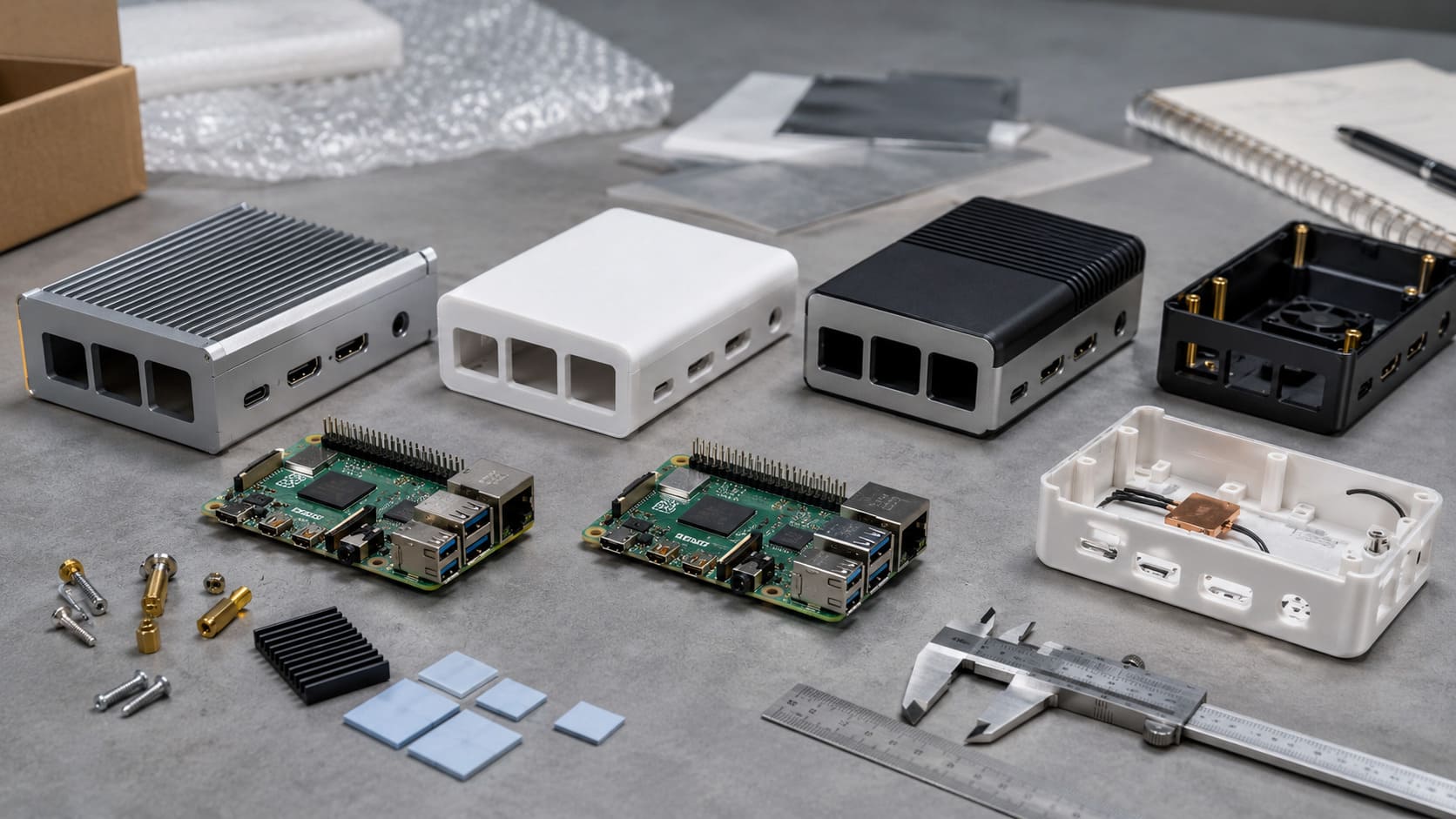
A rugged custom case with fan, stick-on heatsink, and a GPIO starter pack prevent early frustration.
Hardware sorted—let’s see what learning doors each pin and pixel can open.
Educational Benefits: Coding, Electronics & Creative Play

Visual coding platforms: Scratch & Blockly
Kids snap blocks, press run, and the sprite dances. Low entry, high smiles.
Transition to real-world languages: Python, JavaScript
The jump feels gentle because the same screen shows both blocks and text.
Physical computing: LEDs, sensors, simple robots
Hook a motion sensor, write ten lines of Python, and the hallway light greets late-night snack raids.
Creative projects: retro gaming, media centers, DIY wearables
A Pi inside a 3D-printed handheld or a cardboard VR viewer turns code into play they can show friends.
All that power means nothing without the right apps. Here’s where kids click most.
Software & Learning Platforms Kids Love
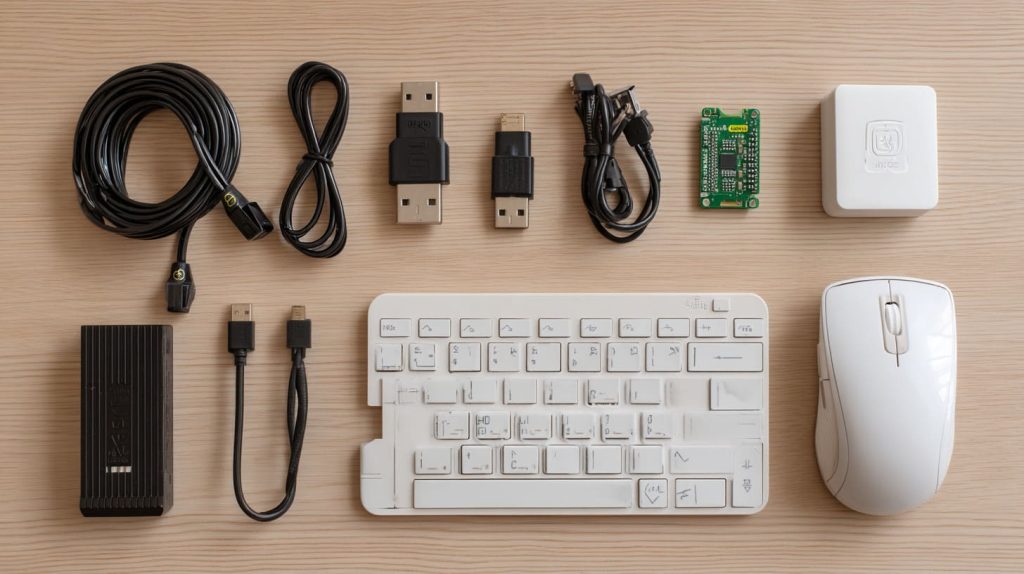
Raspberry Pi OS and its kid-friendly apps
Pre-installed LibreOffice, Chromium, and Scratch cut setup time.
Minecraft Pi Edition & Code-With-Minecraft courses
Building a TNT cannon by editing a Python array? That sticks.
Online curricula: Code.org, CodaKid, Raspberry Pi Foundation projects
Step-by-step guides walk through making a stop-motion camera or weather station.
Fun is great—safety matters too. Let’s set some guardrails.
Safety, Supervision & Parental Controls

Setting up separate user accounts and sudo restrictions
Create a “kid” user without sudo to stop accidental deletes.
Content filtering and network-level controls
Adding Pi-hole or OpenDNS blocks unwanted sites at router level.
Teaching digital responsibility alongside tech skills
I sit beside my niece and explain why we credit open-source authors. Code is community.
Even with safeguards, a Pi isn’t perfect. Here’s where pain sneaks in.
Limitations and Common Pain Points

Performance bottlenecks with high-end games or video calls
Zoom stutters, and Fortnite is a no-go without remote streaming.
Need for external peripherals and initial setup help
Young kids may need an adult to flash the SD card and pair Wi-Fi.
Potential frustration curve
If a GPIO pin bends or the SD corrupts, tears may flow. Keeping a spare card helps.
Money also talks. How does a Pi stack up at checkout?
Cost Comparison: Pi Kit vs. Chromebook, Tablet, Budget PC

| Item | Raspberry Pi Kit | Budget Chromebook | Entry Tablet |
|---|---|---|---|
| Base device | $60 (Pi 5 4 GB) | $200 | $160 |
| Power & cables | Included | Included | Included |
| Monitor/Stand | $80 used 22" | Built-in | Built-in |
| Keyboard/Mouse | $15 | Built-in | Optional $20 |
| Protective case | $12 | N/A | N/A |
| Total | ≈ $167 | $200 | $180 |
Pi cost data from Pi 5 MSRP; Chromebook and tablet averages from retail ads Q2 2025.
Long-term, the Pi board upgrades cheaply, and old boards recycle into sensors or print servers.
Numbers are useful, but stories stick harder. Let’s see the Pi in real homes.
Real-World Stories & Case Studies

Homeschool success: daily coding time with Pi 400
Maria from Texas sets a 30-minute “code before cartoons” rule. After six months, her nine-year-old built a basic weather app.
Classroom pilot: GPIO lights spark curiosity
A Brussels public school wired traffic lights to Pis; discipline issues dropped because kids raced to class to “green-light” the bell.
Parent perspective: balancing screen time with hands-on creativity
One Belgian dad noted his twins spent less time watching videos and more time soldering LEDs once the Pi arrived.
Ready to try? Let me walk you through the first power-on.
Step-By-Step Guide to Setting Up a Kid-Friendly Pi Station
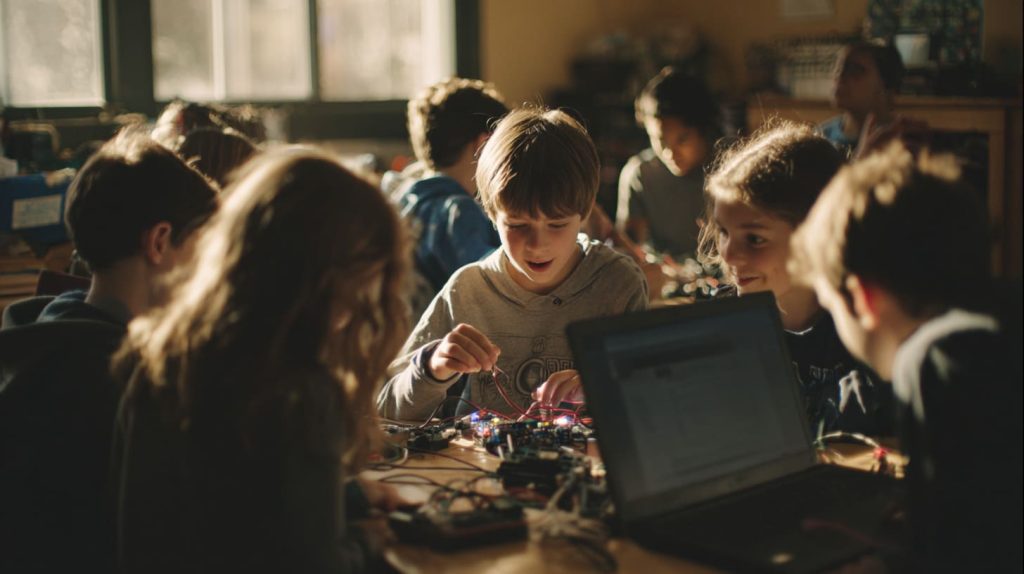
Selecting a starter kit or building your own
If budget is tight, buy board-only plus a used monitor. Otherwise, a Pi 400 kit cuts cable chaos.
First boot walkthrough
Flash Raspberry Pi OS with Raspberry Pi Imager, boot, select locale, enable Wi-Fi.
Customizing the interface
Increase icon size, pin Scratch and LibreOffice to the bar, and add a cheerful wallpaper.
Recommended first projects
Blink an LED, remix a Scratch game, or build a simple time-lapse camera with a $6 lens.
But honesty time—sometimes a Pi isn’t the answer.
When a Raspberry Pi Is NOT the Best Choice
If the goal is heavy gaming or mainstream office apps
A low-cost gaming console or used laptop runs AAA titles and Microsoft 365 better.
Homes without a tech-savvy mentor
If no adult can re-flash a card at 11 PM, frustration may trump learning.
Remote-learning demands
Zoom plus multiple tabs can choke a Pi’s CPU and RAM.
Still on the fence? Let’s wrap up the key points.
Conclusion

A Raspberry Pi shines when a child wants to build, break, and rebuild; struggles when the task is polished video calls or high-end games. Ask yourself:
Does my child love to tinker?
Can I spare an hour to help with setup?
Do we own or can we borrow a spare monitor?
If most answers are “yes,” a Pi may be the perfect first computer. Grab a Pi 400 kit or Pi 5 bundle, bookmark the Raspberry Pi Foundation projects page, and start exploring. Your kid’s next bright idea might boot from an SD card tomorrow morning.
Need custom cases, heatsinks, or bulk classroom kits? Reach me any time at [vincent@maidatech.com]()—we’ll make sure the hardware grows with your child’s imagination.