

I struggled with motivation until I held a Raspberry Pi in my hands. Suddenly, coding had a purpose.
Yes, Raspberry Pi is an excellent way to learn programming—it’s affordable, beginner-friendly, and teaches both software and hardware skills.
It’s not just about lines of code. It’s about blinking an LED, seeing your logic come to life, and thinking, "I made that."
Is Raspberry Pi good for coding?
I used to think Raspberry Pi was just a toy. Turns out, it's a full coding playground.
Yes, Raspberry Pi is great for coding, supporting languages like Python, C++, and JavaScript with real-world hardware applications.
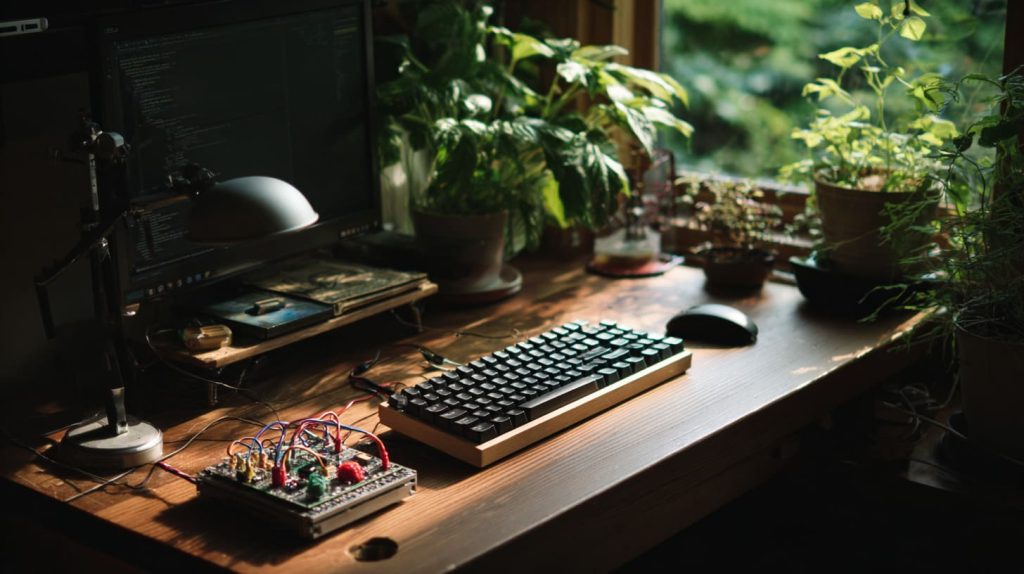
For beginners: It offers a low-cost entry point. You’re not afraid to mess up.
For pros: You can deploy automation scripts, run servers, or test edge computing ideas.
Real-world feel: Unlike simulations, the Raspberry Pi responds. It connects wires, sensors, motors—it turns logic into action.
Can you code C++ on Raspberry Pi?
I once used C++ to control a motor—watching it spin from my own code was surreal.
Yes, you can code in C++ on Raspberry Pi using tools like g++, Visual Studio Code, or Geany.

Compiler support: C++ is fully supported via standard Linux tools.
Project types: Great for high-performance apps or real-time sensor control.
Ideal usage: When Python is too slow or memory-intensive.
| Feature | C++ on Pi | Notes |
|---|---|---|
| Compiler | g++ | Pre-installed or install easily |
| IDE options | Geany, VS Code | Lightweight and beginner-friendly |
| Performance | High | Suitable for real-time apps |
Can I code Python on Raspberry Pi?
This is where most people (myself included) start—and it clicks.
Yes, Raspberry Pi and Python go hand in hand, making it the most recommended language for learners.

Default installation: Python 3 comes pre-installed.
Great libraries: Control LEDs, sensors, buttons with libraries like
RPi.GPIOorgpiozero.Beginner-friendly: Readable syntax, tons of tutorials, and supportive community.
What are the main advantages of starting programming on a Raspberry Pi rather than a typical PC or laptop?
A laptop is passive. A Pi is interactive. That’s the magic.
Raspberry Pi encourages hands-on learning by connecting code with physical outcomes.

Code → physical output: You see what your logic does—flashlights, move motors.
Lower pressure: It’s cheap. If you mess up, it’s okay.
Portable sandbox: You’re free to experiment without messing up your main system.
What are common challenges beginners face when learning programming with Raspberry Pi, and how can you overcome them?
When I first booted mine, I couldn’t get the screen to show anything. I panicked.
Common challenges include setup issues, hardware pin confusion, and debugging code—but resources online solve most of them.

Boot errors: Make sure your SD card is imaged correctly. Use Raspberry Pi Imager.
Pin chaos: Use GPIO pinout diagrams or online tools like pinout.xyz.
Code errors: Start simple. Blink an LED before building a robot.
| Problem | Cause | Solution |
|---|---|---|
| No display after boot | Wrong cable or bad SD image | Reimage card, check HDMI port |
| GPIO pin doesn’t work | Wrong pin used | Double-check BCM vs. physical pinout |
| Code throws exceptions | Syntax or library mismatch | Break code into smaller test blocks |
Which programming languages are best suited for beginners on Raspberry Pi?
I’ve tried a few. Python felt like a conversation. Scratch felt like play.
Python and Scratch are best for beginners—Python for real coding, Scratch for visual learning.

Python: For learners who want to write actual scripts, build projects, and scale up.
Scratch: Drag-and-drop, great for kids or those new to logic structures.
Others (Java, JavaScript, C): Good as next steps.
| Language | Best for | Notes |
|---|---|---|
| Python | Teens, adults | Real-world projects, wide support |
| Scratch | Kids (6–12), visual learners | No typing needed |
| C/C++ | Advanced learners | More complex but powerful |
How does using Raspberry Pi help learners understand hardware concepts like GPIO, circuits, sensors, etc.?
I learned what a resistor does—not from a diagram, but from a smoking LED I wired wrong.
Raspberry Pi introduces hardware concepts naturally by encouraging experimentation with sensors, LEDs, and breadboards.
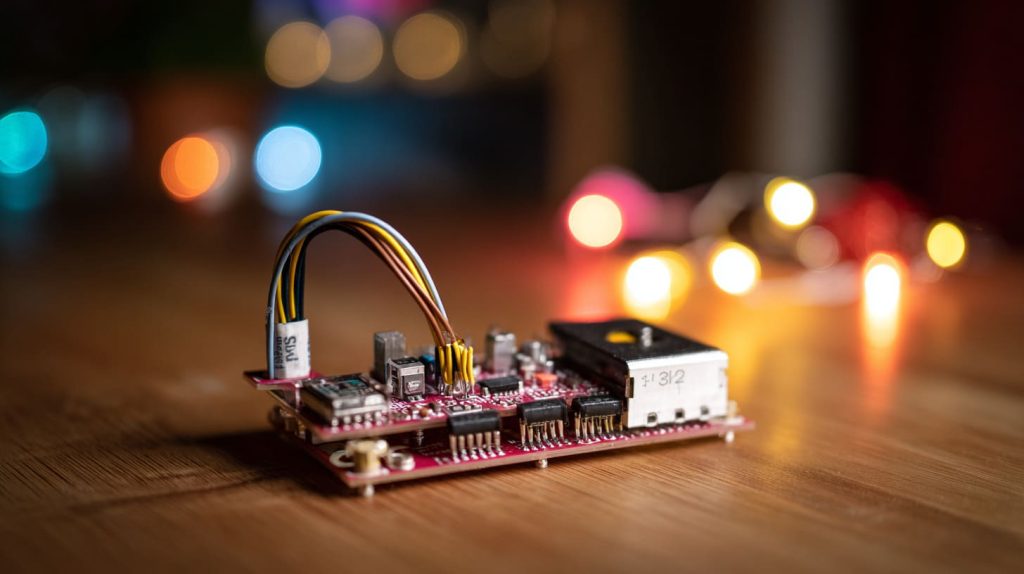
GPIO pins: You write
GPIO.output(17, True)—and an LED lights up. It’s magic.Circuits become less abstract: You finally feel what current flow means.
Breadboarding: Teaches prototyping and thinking in physical terms.
Can learning with Raspberry Pi lead to real world projects and job/academic opportunities?
My first Pi project? A motion-triggered camera. Now it's part of my portfolio.
Yes, Raspberry Pi projects often lead to tangible outcomes you can showcase in jobs, school, or online.
GitHub-worthy projects: Home automation, weather stations, retro game consoles.
Portfolio boost: Recruiters love seeing initiative and technical curiosity.
Academic uses: Schools and STEM camps use Pi to teach robotics, physics, and more.
What are the costs involved in getting started with Raspberry Pi for learning: hardware, accessories, power, etc.?
When I started, I only had $100. I made it work.
You can get started with a full Raspberry Pi kit for around $90 to $130 depending on your needs.
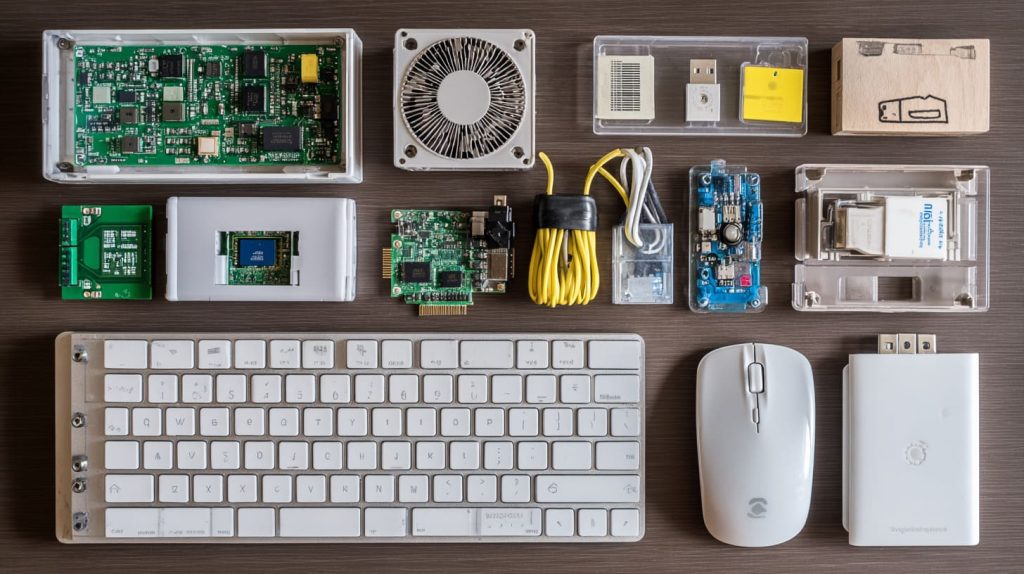
| Item | Price Range (USD) |
|---|---|
| Raspberry Pi 4 (2GB) | $45 – $55 |
| Power Supply | $8 – $12 |
| MicroSD (32–64GB) | $8 – $15 |
| Case with fan/heatsink | $10 – $20 |
| HDMI Cable | $5 – $10 |
| Keyboard + Mouse | $15 – $30 |
| Total | $90 – $130 |
You can save by reusing old peripherals or buying kits.
How steep is the learning curve of setting up Raspberry Pi (OS, drivers, peripherals) before you even write code?
I won’t lie—my first setup took three hours. But I learned so much.
There’s a learning curve, but tools like Raspberry Pi Imager and beginner kits make it manageable.
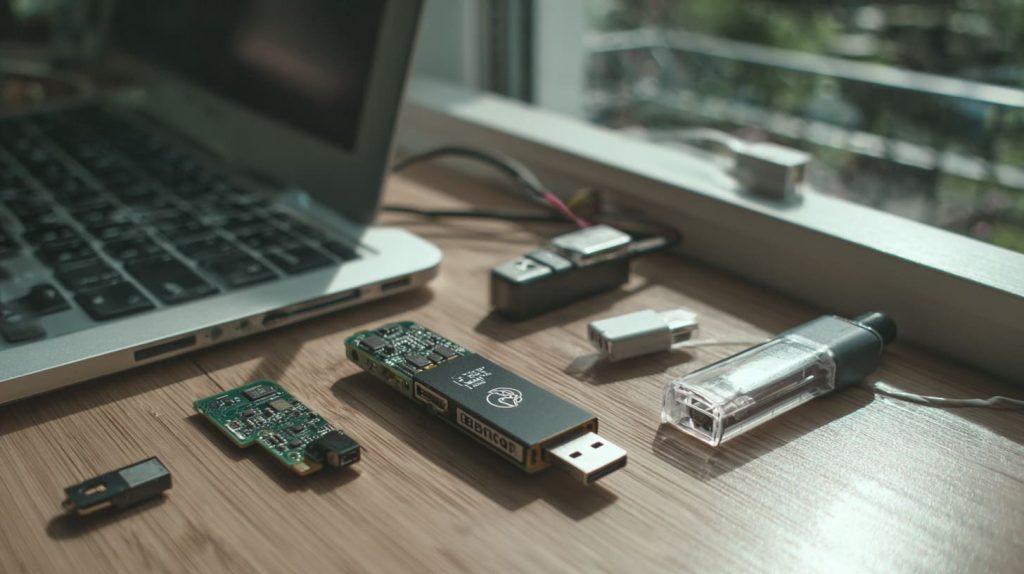
OS installation: Use Raspberry Pi Imager. It’s click-and-go.
Peripherals: Most USB devices work out of the box.
Wi-Fi and updates: Just follow the initial wizard.
Once it boots and you see the desktop, you’re in.
For kids or younger learners, is Raspberry Pi an effective tool for introducing computational thinking?
I’ve seen a 10-year-old light up with joy watching an LED blink after a Scratch script.
Yes, Raspberry Pi is one of the best tools to teach kids computational thinking through playful, hands-on learning.
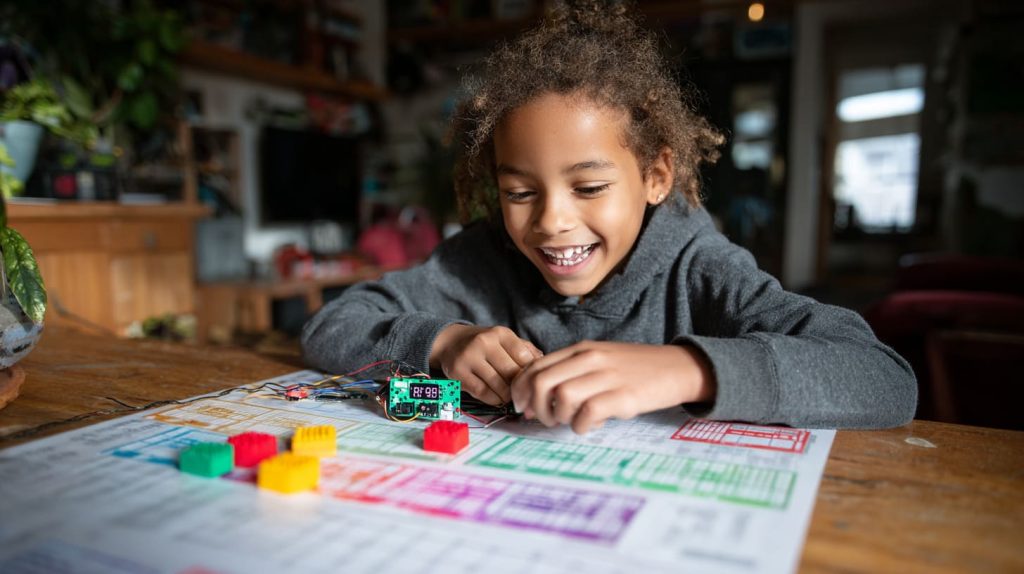
Scratch and Minecraft Pi: Teach loops, logic, and sequences.
Tangible feedback: Kids see code come alive—no abstract black screen.
Kits + community: Tons of tutorials designed for young minds.
How do resources and community support (tutorials, forums, kits) around Raspberry Pi compare to other learning tools?
I never felt stuck for long—someone online always had the same question I did.
Raspberry Pi has one of the largest, friendliest communities with endless free resources, tutorials, and kits.
Official docs: Clear, beginner-focused, and step-by-step.
YouTube and blogs: Thousands of walkthroughs and experiments.
Forums like r/raspberry_pi: Helpful answers without judgment.
Kits: Many come with guided booklets or downloadable lessons.
Conclusion
Raspberry Pi makes coding real—and that's the best way to learn.




