 Skip to content

when the first time my nephew asked if we could have our own Minecraft world. His eyes were bright, his patience was thin, and my wallet was even thinner. A rented server felt like burning cash every month. So I grabbed a Raspberry Pi that had been gathering dust on my shelf, brewed a strong cup of oolong tea, and thought, Why not?
In this guide I’ll walk you through the exact steps I took—hardware choices, installation tricks, performance tweaks, and the quiet chores that keep a tiny server humming day after day. Whether you teach coding, run a small gaming club, or just want a safe playground for your kids, this roadmap is for you.
Can a Raspberry Pi Really Run a Minecraft Server?
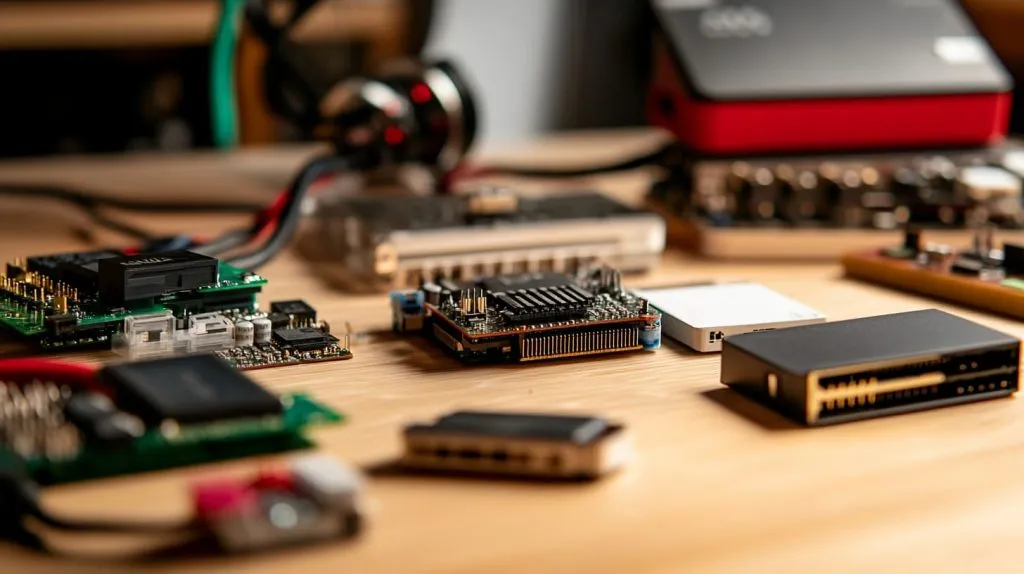
Minimum & recommended Pi models
I tested a Pi 4 B with 4 GB RAM first. Two friends joined, frames dropped, and the Pi squealed like an over‑worked kettle. Upgrading to an 8 GB board smoothed things out. Early benchmarks on the newer Pi 5 show another 30 % headroom, yet stock is still scarce.
Java vs Bedrock on ARM
Java Edition is the classic choice. It needs more RAM but offers endless mods. Bedrock runs lighter and supports cross‑play with consoles. On ARM you can run both, yet Bedrock needs the closed‑source binary from Mojang. Decide based on your players’ devices and appetite for tinkering.
Real‑world player capacity
| Pi Model | Edition | Mods | Players (Smooth) | Players (Playable) |
|---|---|---|---|---|
| Pi 4 4 GB | Java | None | 4 | 6 |
| Pi 4 8 GB | Java | Paper | 8 | 10 |
| Pi 5 8 GB | Bedrock | None | 10 | 14 |
Curious how far you can push the limits? We’ll revisit that when we tune performance. But first, let’s pick the right parts.
A late‑night pizza break carried me to the next step, so grab a snack and follow me to the bench.
Preparing Your Hardware

Choosing storage, power, and cables
A flaky power brick is the villain in half of my support emails. Use a 5 V 3 A supply—no less. For storage, SSDs beat micro‑SD cards in speed and durability.
| Storage | Boot Time | World Save Time | Lifespan (writes) |
|---|---|---|---|
| 32 GB micro‑SD | 55 s | 3.2 s | \~2 years |
| 120 GB SATA SSD (USB) | 21 s | 0.8 s | \~5 years |
A short CAT 6 cable keeps latency low. Wi‑Fi works, but I’ve seen it stutter when someone microwaves popcorn next door.
Cooling & case considerations
Minecraft loves CPU cycles. Add a tiny heatsink, or better, an active fan. My factory’s acrylic cases come with side vents and a spot for a 30 mm blower—small details that save you from thermal throttling at hour three of a building marathon.
Optional upgrades
If you enjoy gentle risk, overclock the Pi 4 to 2 GHz and switch to the 64‑bit OS. Keep an eye on temps with vcgencmd measure_temp. I stop at 75 °C; above that the Pi starts protecting itself by slowing down.
That tinkering spirit leads neatly into flashing the operating system—let’s keep the momentum rolling.
Installing the Operating System
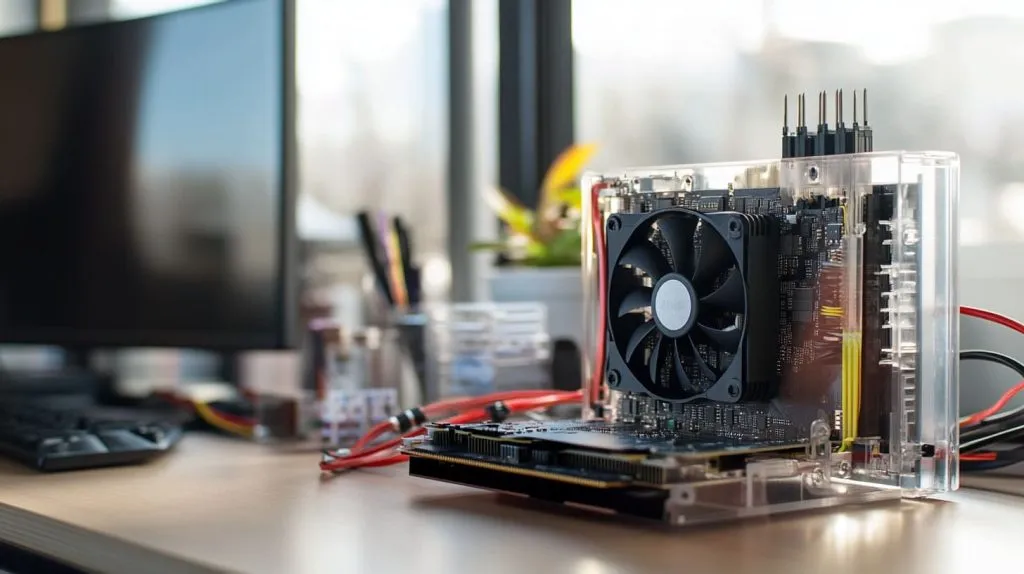
Flashing Raspberry Pi OS
I use Raspberry Pi Imager, choose “Raspberry Pi OS Lite (64‑bit),” and write it to the SSD. While it writes, I refill my tea and stretch my wrists.
First‑boot essentials
Boot the Pi.
Run
sudo raspi-configto enable SSH.Set locale and timezone.
Assign a static IP so friends don’t chase your server across the network.
sudo apt update && sudo apt full-upgrade—boring but vital.
Once the OS is clean and stable, Java is our next guest.
Installing Java & Server Files
Picking the right Java
OpenJDK 17 LTS gives you the latest features without bleeding‑edge surprises.
bash

sudo apt install openjdk-17-jre-headless
java -version
Downloading the server JAR
I lean on PaperMC for better tick times. Drop paper‑xxx.jar into /home/pi/mc. Create the folder if it doesn’t exist.
First launch & EULA
Run java -jar paper-xxx.jar. It fails once—expected—so edit eula.txt to true. Relaunch, watch the console bloom with lines, and sip your victory tea.
We’ve birthed a server, yet it’s still a toddler. Time to teach it manners.
Configuring the Server
Memory allocation & JVM flags
On an 8 GB board I give Minecraft 6 GB and leave 1 GB for the OS:
bash

java -Xms4G -Xmx6G -jar paper-xxx.jar nogui
Flags like -XX:+UseG1GC help garbage collection on ARM chips.
server.properties essentials
view-distance=8balances exploration and CPU load.white-list=truekeeps griefers out.difficulty=normal—my nephew begged for hard; I value family harmony.
Creating an admin
In the console:\
op <yourplayername>
Now you can fly, ban, and gift bread as needed.
Our polite server still lives alone on your LAN. Let’s open the doors—carefully.
Networking & Remote Access
Port‑forwarding
Log into your router, forward TCP 25565 to your Pi’s static IP. Every interface is different; patience and a second mug of tea help.
Dynamic DNS or IPv6
If your ISP rotates IP addresses, a free Dynamic DNS keeps friends connected. I like DuckDNS; set a cron job to refresh it hourly.
Testing connectivity
From a desktop, add the server by IP. If you see green bars, celebrate. If not, double‑check firewall rules and restart the router.
With doors open, let’s make sure the hallway is wide and tidy.
Performance Optimization
Choosing a performance fork
Paper is stable. Purpur adds extra toggles. Spigot is the veteran. I test each on a copy of my world and watch tick rates with /timings on.
Tweaking configs
Lower max-tick-time only if you love risk. In paper.yml, set view-distance to 6 for redstone‑heavy maps.
Lightweight plugins
ClearLag removes abandoned items.
Spark profiles CPU without heavy overhead.
Monitoring usage
htop shows live CPU cores. A flat‑lined core means a stuck redstone clock—my nephew again.
Performance is nice, but automation is peace of mind. Let’s script the boring bits next.
Automating Startup & Backups
systemd service
Create /etc/systemd/system/minecraft.service:
ini

[Service]
User=pi
WorkingDirectory=/home/pi/mc
ExecStart=/usr/bin/java -Xms4G -Xmx6G -jar paper-xxx.jar nogui
Restart=always
Enable it with sudo systemctl enable minecraft.
Rolling backups
A cron job tars the world folder nightly and syncs to Google Drive via rclone. My worst fear is a corrupted map the night before a build contest.
Updating the server JAR
Stop the service, drop in the new JAR, start again. Configs stay intact.
Even with automation, gremlins sneak in. Let’s chase them out.
Troubleshooting Common Issues
“Can’t keep up!”
Usually disk I/O. Move from SD to SSD or lower entity count.
Out‑of‑memory crashes
Reduce Xmx, add swap, or prune massive farms.
Port‑forwarding woes
Double NAT from ISP routers is tricky. A VPN tunnel like WireGuard can bypass it.
Speaking of mods and maps, why stop at vanilla?
Going Further: Mods, Maps & Cross‑Play

Installing Fabric or Forge
Run the installer locally, copy the generated files to your Pi, and match the mod versions carefully.
World management tools
Multiverse‑Core lets you host creative and survival worlds side by side. Dynmap works if you trim render distance to 4.
Bedrock‑to‑Java cross‑play
Geyser and Floodgate bridge editions. Performance hit is small; joy from console friends joining is big.
Mods unlocked; costs next.
Cost & Energy Consumption Breakdown

| Item | Cost (USD) |
|---|---|
| Pi 4 8 GB | 75 |
| 120 GB SSD | 20 |
| 5 V 3 A PSU | 8 |
| Fan‑ready acrylic case | 12 |
| Total | 115 |
Running at 5 W average, that’s \~44 kWh per year—under $6 where I live. Compare that to $8 per month for a low‑tier cloud server.
Money saved is nice, but security saved me more headaches.
Security & Maintenance Best Practices
Regular OS patching
sudo apt update && sudo apt upgrade every Sunday morning. Takes five minutes, saves many.
Fail2ban and SSH keys
Fail2ban blocks brute‑force logins. Disable password SSH and use key pairs.
Disaster recovery checklist
Daily off‑site backups.
Printed list of critical commands taped under the Pi (yes, old‑school).
Test restore every quarter.
Conclusion
We turned a pocket‑sized board into a living Minecraft realm: picked hardware, flashed an OS, installed Java, tuned performance, and locked down security. A Pi server shines for classrooms, families, and hobby clans up to ten players. When your community outgrows it, you’ll already have the skills to migrate.
I’d love to hear how your build goes—drop me a line, swap screenshots, or check out MaidaTech’s vented cases if your Pi runs a little hot. Until then, happy crafting!







