 Skip to content
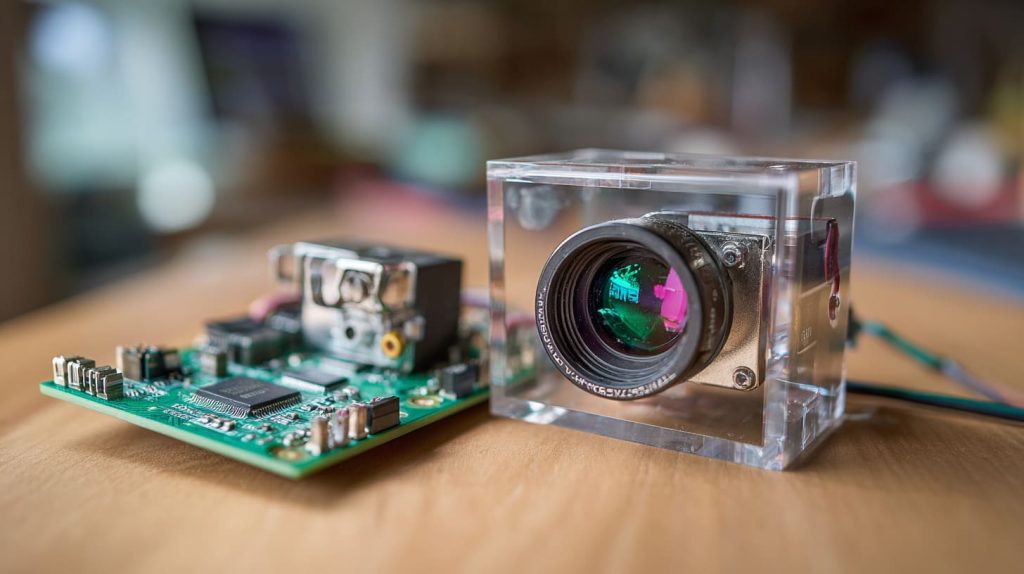
The order looked simple on paper — a Raspberry Pi kit with a night‑vision camera. The specs matched, the supplier confirmed compatibility, and the prototype was ready to ship. But the moment we tested it in the workshop, the camera went dark. Wrong connector. Unsupported driver. And when we mounted it inside the case, the lens didn’t even line up with the cutout.
That short afternoon turned into a full week of re‑testing, driver debugging, and enclosure redesign. The funny thing? The sensor itself wasn’t bad — it was just the wrong fit.
That experience changed the way I approach Raspberry Pi camera selections. It’s never just about the sensor or megapixels. It’s about how the camera, board, and case work together as one system.
In this article, I’ll walk you through every major camera option for Raspberry Pi, from official modules to third‑party alternatives, and share how we help B2B clients — people like Jacky, Davide, and Lasle — choose the right setup for their market or custom projects.
1. Overview of Raspberry Pi camera ecosystem
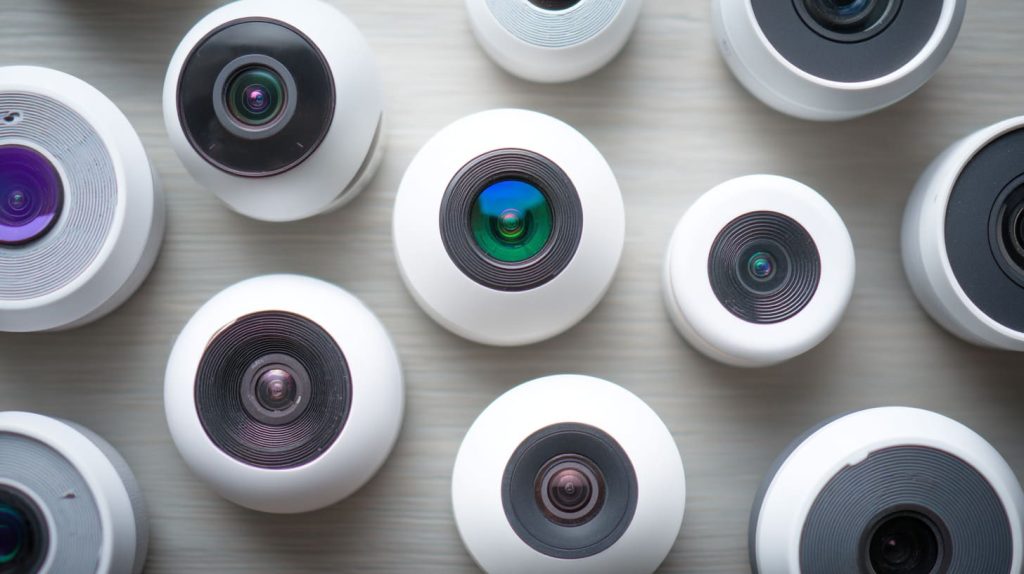
What kinds of cameras exist (official vs third‑party)
There are two big groups to consider:
- Official Raspberry Pi cameras – designed and supported directly by Raspberry Pi Foundation. Plug-and-play via CSI cable. Full driver support.
- Third-party cameras – from brands like Arducam, or generic modules based on Sony/Omnivision sensors. These might use USB or CSI but require more effort to integrate.
Official cameras are generally easier to use. But third-party cameras offer more diversity in price, angle, lens type, and specialty functions (like global shutter).
What interfaces are common (CSI, USB, MIPI)
The most common interface is CSI (Camera Serial Interface). It connects via a ribbon cable directly to the Pi board. It’s fast, low-latency, and ideal for real-time video processing.
USB cameras are also supported, especially for plug-and-play use or when more power-hungry modules are used.
MIPI is another interface used in industrial applications, but for Pi it usually connects through CSI.
Here’s a quick table:
| Interface | Speed | Plug Type | Ideal For |
|---|---|---|---|
| CSI | High | Ribbon | Pi cameras, machine vision |
| USB | Moderate | USB-A | General webcams, third-party modules |
| MIPI | High | Custom | Advanced, industrial uses |
Why knowing your application upfront matters
If you’re just experimenting, it’s okay to go with cheaper options. But if you’re planning retail kits or custom product builds—like most of our clients—you need to know:
- Are you shooting video or taking photos?
- Will the camera work in low light or with IR?
- Do you need autofocus or fixed focus?
- What kind of enclosure will it go into?
This will affect everything—from the module you buy to the cutout we make in your custom case.
Let me show you how the official lineup compares.
2. Official Raspberry Pi camera modules: the core options

Raspberry Pi Camera Module v1 (legacy)
This was the first camera. A basic 5MP fixed-focus module. It still works, but most users have moved on. We rarely get requests for it now, unless it's for an old legacy project.
Camera Module v2 (8 MP fixed‑focus)
This is still a great choice. It offers decent quality, works well with Pi 3 and 4, and is affordable. For most of our bulk Raspberry Pi kits for schools or beginner projects, we pair them with this one.
Camera Module 3 (12 MP, autofocus, HDR)
This one changed the game. It has autofocus, better low-light performance, and even HDR. It’s what I usually recommend when clients want a professional look for still photos or dynamic lighting.
HQ Camera (interchangeable lens, C/CS‑mount)
This is for serious photography or industry work. Think surveillance, smart agriculture, or scientific imaging. You can attach DSLR lenses. One of my clients in Germany used this to create a bird monitoring system with a telephoto lens.
NoIR / IR‑sensitive variants
These are the same modules as above—but without an IR filter. That means they can “see” infrared light. Useful for night-vision projects, security cameras, or anything with IR LEDs. We usually pair these with acrylic IR-pass covers if needed.
So what if you need something even more specific—like wide-angle or global shutter?
3. Third‑party / specialized camera modules & add‑ons
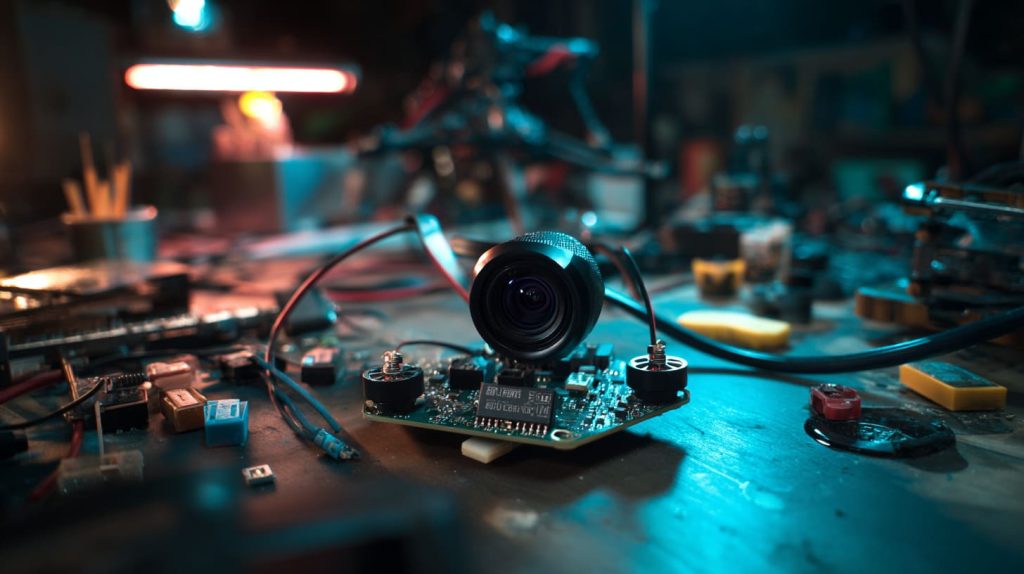
Low‑cost/unbranded modules and trade‑offs
Many generic modules on the market use OV5647 or IMX219 sensors. They’re cheap, often under $5 wholesale, but quality control is inconsistent. Some won’t work with latest Pi OS. Others might have poor focus.
For buyers like Davide who sell rebranded kits on Amazon, we test each batch before assembly to avoid bad reviews.
Wide‑angle, fisheye, global‑shutter options
These are ideal for:
- Machine vision
- Drones
- Motion tracking
Global shutter avoids motion blur. Fisheye gives ultra-wide view. I worked with a drone client who needed minimal distortion at the edge—he went with a third-party global shutter unit.
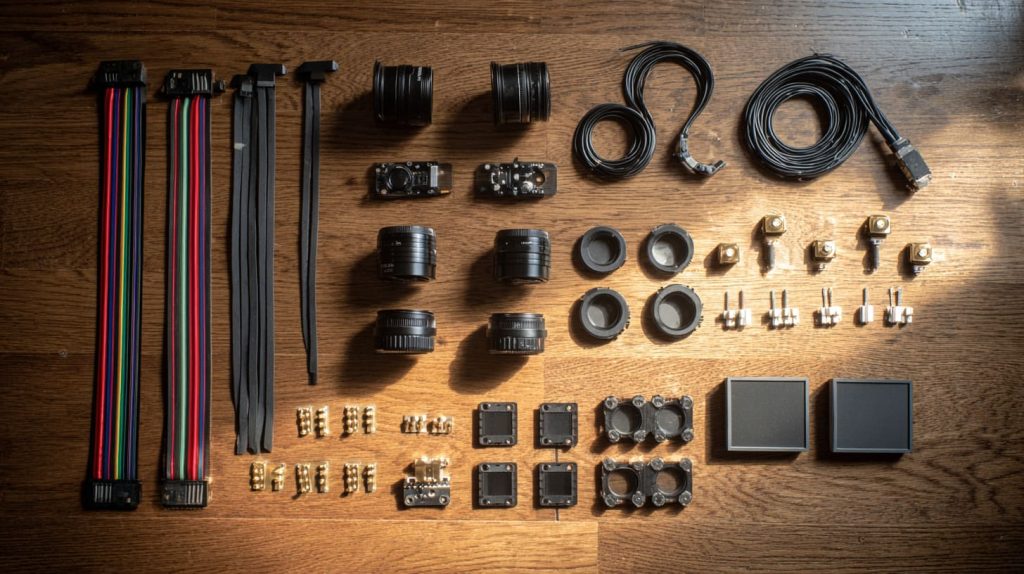
Accessories: lenses, filters, IR lighting, mounting, cables
Don’t forget the ecosystem:
- Lenses (telephoto, wide, macro)
- Mounting brackets
- LED lights for low light
- IR filters or covers
- Extra-long ribbon cables (up to 1m)
We stock most of these for clients needing custom bundles.
Compatibility and integration risks
Here’s where many people get stuck:
| Issue | Cause |
|---|---|
| Ribbon doesn’t fit | Wrong pinout or length |
| No video output | Driver not supported |
| Image flipped | Sensor orientation or lens mounting |
| Focus blurry | Fixed focus module used too close |
We help customers troubleshoot these before shipment, especially for ODM projects.
Now that you know the options, how do you decide?
4. How to choose the right camera for your project
Define your application: photo vs video vs machine vision vs surveillance
- Photo: Higher resolution, good lighting, static subject? Go with HQ or Camera Module 3.
- Video: Need stable framerate? Autofocus helps, but so does software tuning.
- Machine vision: Go for global shutter, low latency.
- Surveillance: IR support is essential. You’ll want NoIR and maybe motion detection.
Key parameters to compare
Resolution & sensor size
Higher megapixels don’t always mean better. A 12MP sensor on a bad lens will still look worse than an 8MP with a good one.
Autofocus vs fixed focus
Fixed focus is simple, less to go wrong. Autofocus adds versatility, especially for handheld or dynamic shots.
Field of view / lens / mounting options
Look for lens spec in degrees—like 75°, 120°, 160°. Wider isn’t always better.
Light conditions: day, night, IR, low‑light
Low light? Go for Camera Module 3 or NoIR with IR LEDs. Night vision is a tricky area—test first.
Interface & compatibility with Raspberry Pi board
CSI ribbon ports differ between Pi Zero, Pi 4, and Pi 5. Make sure the ribbon fits, or get an adapter.
Software/driver support & performance
Some cheap modules don’t work well with libcamera. Always check forums or test before bulk order.
Cost vs quality trade‑off
| Camera Type | Unit Cost | Notes |
|---|---|---|
| Camera V2 | $8 | Reliable, entry level |
| Camera V3 | $15 | Autofocus, good quality |
| HQ Camera | $25–35 | Pro use, lens not included |
| Arducam Wide-Angle | $12–20 | Specialty views |
| Generic OV5647 | $3–5 | Risk of issues |
Example decision matrix / checklist (table)
| Use Case | Suggested Camera | Notes |
|---|---|---|
| Kids STEM Kit | Camera V2 | Affordable & stable |
| Retail Pi Kit | Camera V3 | Autofocus impresses users |
| Industrial ODM | HQ Camera | Lens flexibility |
| Night Vision | NoIR | Needs IR light |
| Drone | Global Shutter | No distortion |
Common pitfalls to avoid
- Using a NoIR in daylight — colors look weird
- Choosing a wide lens with no mounting plan — image gets warped
- Wrong ribbon orientation — module doesn’t power on
- Assuming driver will just work — some require manual patching
At this point, our B2B clients usually ask: what should we highlight to our buyers?
5. Advising your B2B customers: what to highlight
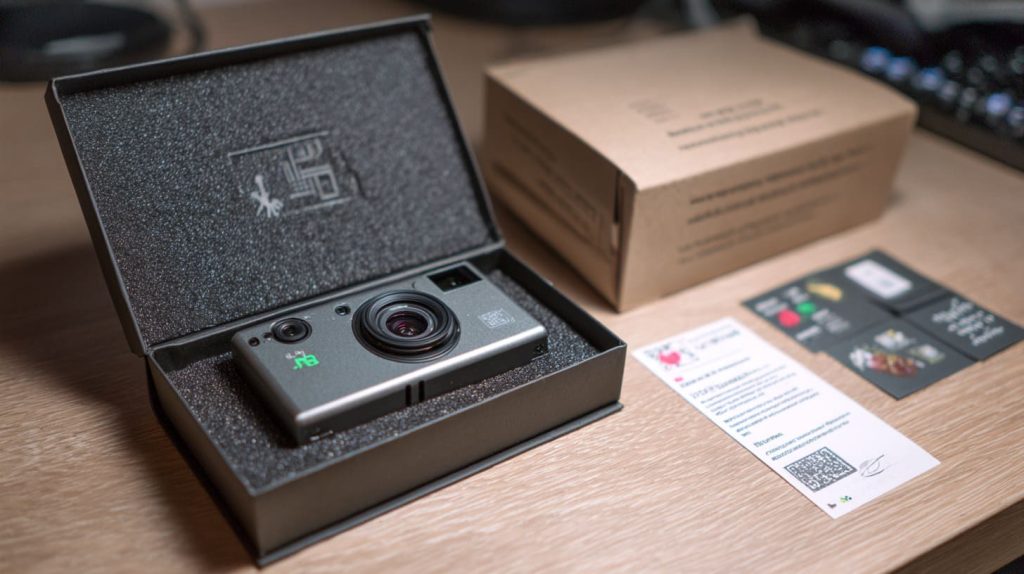
Custom re‑brand/custom logo packaging implications (for you as manufacturer)
If you're like Jacky, reselling on Amazon or in local shops, brand consistency matters.
We can:
- Laser-engrave or UV print your logo on the camera housing
- Add custom QR stickers or labels
- Pack with your own instruction sheets
Ensuring quality, service & delivery – for wholesale/custom orders
Camera modules are fragile. We test each unit, pack them with foam, and double-check pin headers before they leave our factory.
For Davide-style buyers, we offer inspection photos before shipping to ensure branding is correct.
Communicating technical specs clearly to non‑technical buyers
Use simple words:
- Say “infrared version” instead of “NoIR”
- Show photo samples
- Highlight use-cases on packaging (e.g., “Great for low light”)
Stock, fast turnaround, and regional logistics
We keep popular modules in stock. For urgent orders, we prep 2-day packing windows and ship via your forwarder or our partners. EU and US buyers often care more about speed than price when it comes to replacement parts.
Conclusion
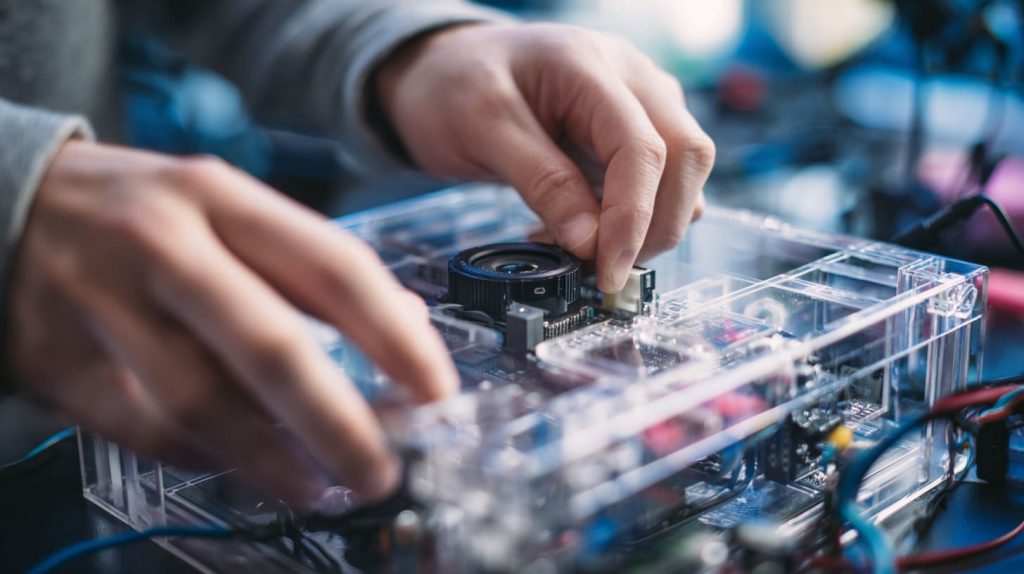
Choosing a Raspberry Pi camera isn’t just about resolution or specs. It’s about understanding what you’re building—and who you’re building it for.
I’ve learned this the hard way, and I’ve seen clients waste time and money on the wrong setup. But I’ve also seen how the right camera—with the right setup—can make a Raspberry Pi project feel polished and professional.
If you're sourcing Raspberry Pi kits, camera modules, or need a reliable partner for custom cases and accessories, feel free to reach out. We’re happy to bundle, brand, and ship what your project needs.
Just don’t wait until a customer tells you their camera doesn’t fit the cutout—trust me on that one.




