Skip to content

The first time I powered up a Raspberry Pi, the screen stayed black. I had followed the instructions—or so I thought—but nothing happened. My browser was cluttered with open tabs: forum threads, video tutorials, and long-winded blog posts. Some too technical, some too vague. None of them spoke my language.
The best platforms for learning Raspberry Pi include the Raspberry Pi Foundation site, YouTube channels like ExplainingComputers, and hands-on apps like PiBakery and W3Schools.
I kept going anyway, switching between guides and asking ChatGPT things I was too embarrassed to post in forums. If you’ve ever felt stuck in tutorial limbo, this guide’s for you.
Can ChatGPT program a Raspberry Pi?
Ever wish you had a patient coder friend who never sleeps?
Yes—ChatGPT can write Python code, troubleshoot errors, and even explain GPIO setups for Raspberry Pi.
How I Use ChatGPT for Projects
I’ve used it to:
- Generate Python scripts for controlling LEDs
- Translate cryptic error messages into plain English
- Draft automation for home lighting using motion sensors
It’s like having a debugging buddy on call—without the judgment.
Is Raspberry Pi easy to learn?
I thought it would be harder than it was—turns out, curiosity goes a long way.
Yes—Raspberry Pi is beginner-friendly, especially with guided tutorials and visual tools.

Why It Feels Intimidating (But Isn’t)
Raspberry Pi can look like a science fair project. But once you break down your first script or power an LED, you’re hooked. Sites like Tinkercademy or Adafruit make it feel like building LEGO with code.
| Skill Level | Starting Point |
|---|---|
| Total Newbie | Scratch, visual GPIO simulators |
| Beginner | Python with Raspberry Pi OS |
| Intermediate | Shell scripting, networking projects |
Which programming language is best for Raspberry Pi?
I tried JavaScript once. It worked—but felt awkward. Then I met Python.
Python is the best language for Raspberry Pi due to its simplicity, wide support, and GPIO libraries.

Other Languages I’ve Dabbled With
- C/C++: Powerful, but too low-level for casual projects
- Node.js: Works well for server stuff, but not GPIO-friendly
- Bash: Great for automation, but limited for projects with hardware
Stick to Python unless your project demands something else.
What is the best website to learn Raspberry Pi from scratch?
I’ve lost count of the tabs I’ve opened, but some stood out more than others.
The best starter website is the official Raspberry Pi Foundation site—it offers structured, hands-on lessons for all ages.

Other Sites That Helped Me
- Instructables: Real projects from real people
- Adafruit Learn: Great if you like visual walkthroughs
- [W3Schools](https://www.w3schools.com/python/) + Pi setup: Not Pi-specific but great for learning HTML, Python, etc.
Which YouTube channels are most helpful for Raspberry Pi beginners?
I often learn more from a 10-minute video than an hour-long blog.
Top channels include ExplainingComputers, Jeff Geerling, and ETA Prime for beginner-friendly Raspberry Pi content.

My Go-To List
- ExplainingComputers: Calm, clear, and doesn’t waste time
- Jeff Geerling: Deep dives with hardware focus
- Raspberry Pi Foundation: Official but surprisingly fun
Pro tip: watch at 1.25x speed—your future self will thank you.
Are there any free apps to practice Raspberry Pi coding?
Yes, and some of them run right on your phone.
Free apps like ArduinoDroid, W3Schools, and Termux let you practice Pi-related coding without hardware.
Try These First
- W3Schools App: Clean interface, great for Python
- PiBakery: Drag-and-drop OS customization (runs on desktop)
- Termux: If you want to try Linux shell on Android
They’re perfect for those random bursts of motivation at midnight.
What are the top online courses for Raspberry Pi projects?
I’ve tested a few that made me feel like a genius—and a few that nearly put me to sleep.
Top Raspberry Pi courses are found on Udemy, Coursera, and FutureLearn—covering everything from beginner setups to robotics.

Course Comparison Table
| Platform | Best For | Cost |
|---|---|---|
| Udemy | Project-based learning | Often <$20 |
| Coursera | Academic deep dives | Free/Paid |
| FutureLearn | Step-by-step guides | Free |
If you’re tight on budget, YouTube + docs can still take you far.
Is Raspberry Pi Foundation’s official site enough to get started?
That’s where I started. And I don’t regret it.
Yes—it’s more than enough to get you started with practical projects and coding.
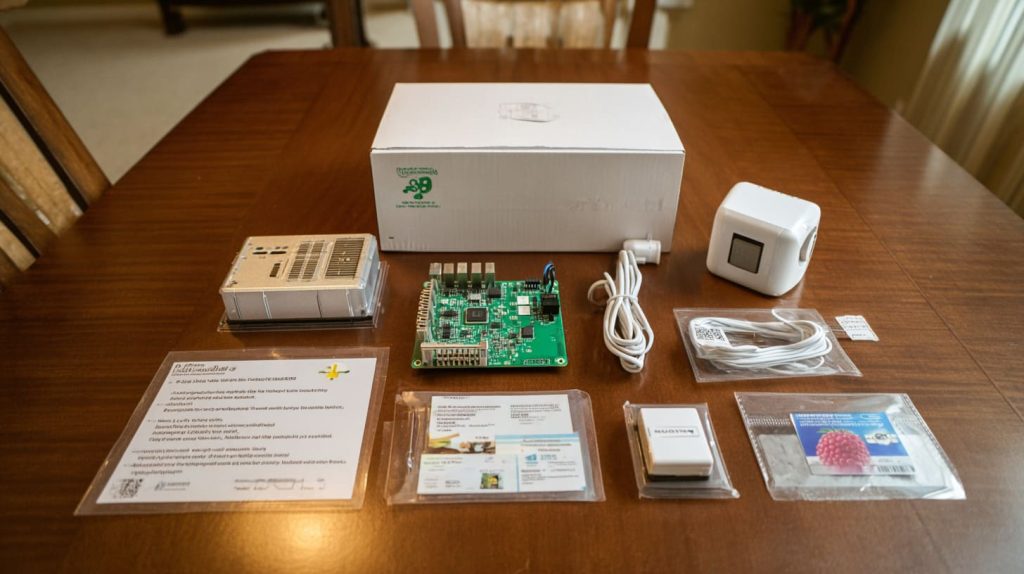
What You’ll Find Inside
- Step-by-step tutorials
- Lesson plans for kids and adults
- Scratch and Python integration
- Community stories and ideas
It’s not flashy, but it’s solid—and frequently updated.
What mobile apps can help control or simulate Raspberry Pi?
Sometimes I use my phone to SSH into my Pi while making tea.
Apps like VNC Viewer, JuiceSSH, and Blynk help control and simulate Raspberry Pi devices remotely.
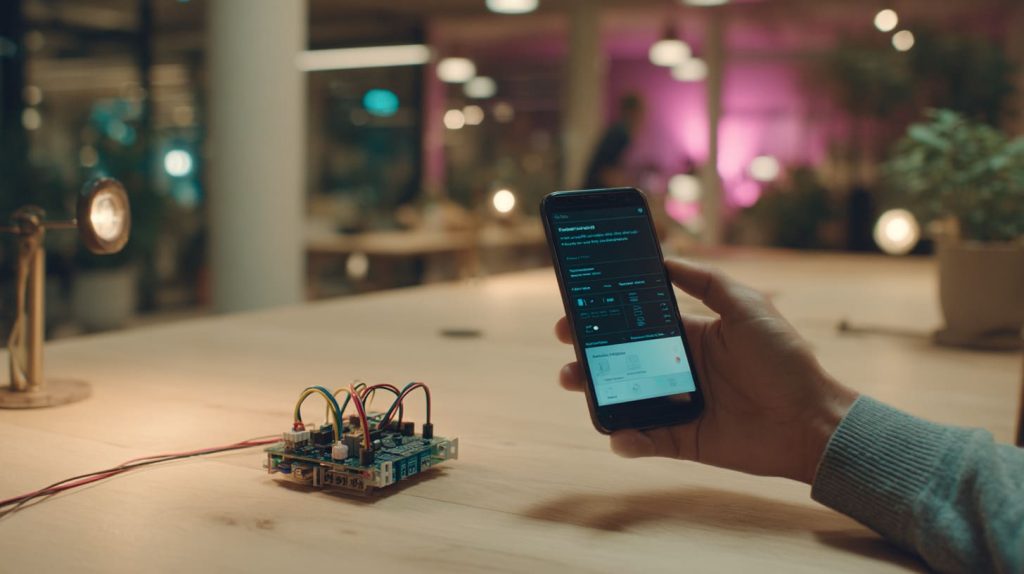
My Mobile Toolkit
- VNC Viewer: Remote desktop access
- JuiceSSH: Terminal on-the-go
- Blynk: Visual dashboards for IoT control
They turn your phone into a command center.
Can I use ChatGPT or AI tools to learn Raspberry Pi faster?
That’s literally how I learned to set up MQTT with zero prior knowledge.
Yes—AI tools like ChatGPT make it easier to troubleshoot, explore ideas, and learn Raspberry Pi in bite-sized ways.
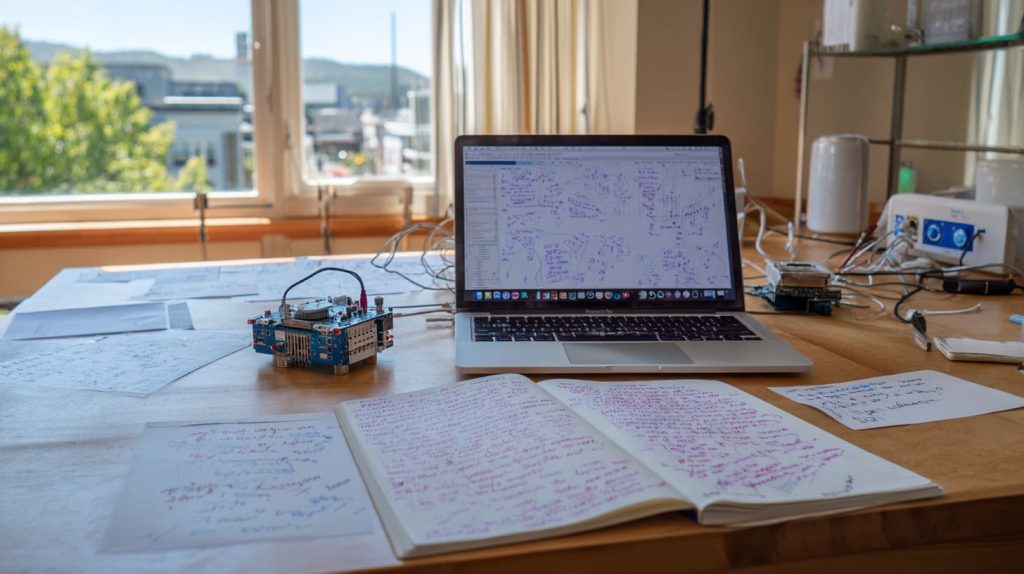
Real Uses from My Desk
- Debugging GPIO code
- Writing bash scripts to auto-mount drives
- Getting answers in seconds when docs felt cryptic
AI doesn’t replace experience—but it fast-tracks you there.
Which platforms offer Raspberry Pi lessons for kids or schools?
If you’ve got curious young ones (or just a young mind), there’s a lot out there.
Platforms like Tynker, Kano, and Raspberry Pi Foundation offer child-friendly lessons with fun visuals and games.
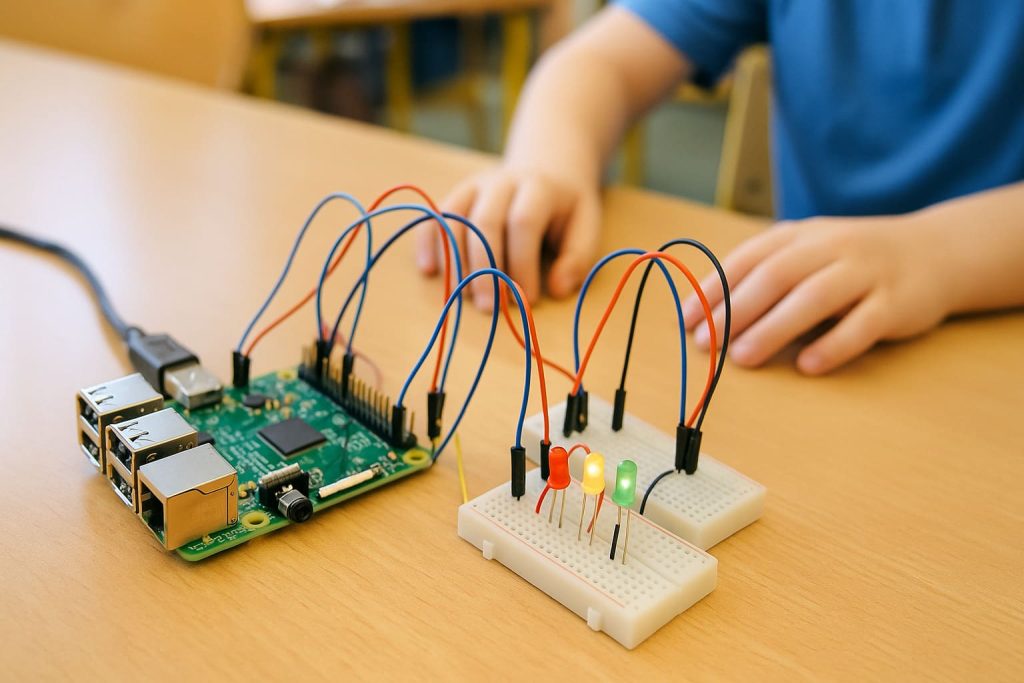
Kid-Friendly Learning Paths
- Kano World: Gamified coding
- Tynker: Block coding and real projects
- Pi Foundation’s “Projects” page: Age-based filtering
Many parents use these with zero tech background—it’s that easy.
What is the best way to learn GPIO and electronics with Raspberry Pi?
You don’t need an EE degree—just jumper wires and curiosity.
The best way to learn GPIO is by connecting simple components like LEDs, buttons, and sensors using Python code.
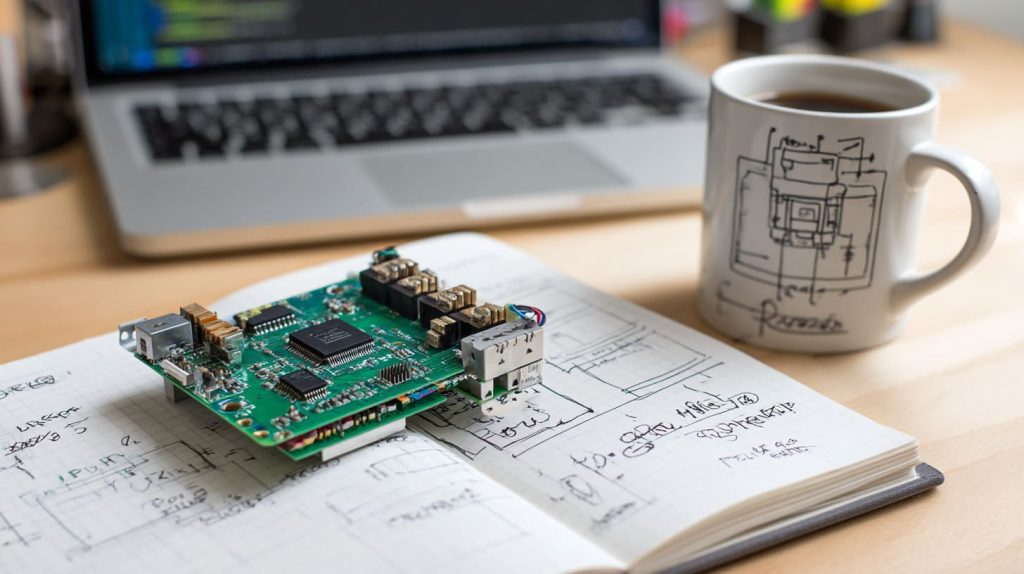
Start with These Kits
- Basic GPIO kit: Comes with breadboard, LEDs, resistors
- Sensor kits: Add motion, light, and humidity sensors
- Online simulators: Try Tinkercad Circuits or Wokwi before plugging real stuff
You’ll mess up a few wires. That’s how learning works.
Are there communities or forums where I can get Raspberry Pi help?
I wouldn’t have made it through my first project without forum help.
Yes—great communities include Raspberry Pi Forums, Reddit’s r/raspberry_pi, and Stack Overflow for coding help.
Where I Go When I’m Stuck
- forums.raspberrypi.com: Active, kind moderators
- Reddit: Casual, fast replies, real stories
- Stack Overflow: Code-focused, stricter tone
And sometimes… I just ask ChatGPT.
Conclusion
The best platform? It’s the one that gets you building today.