Skip to content

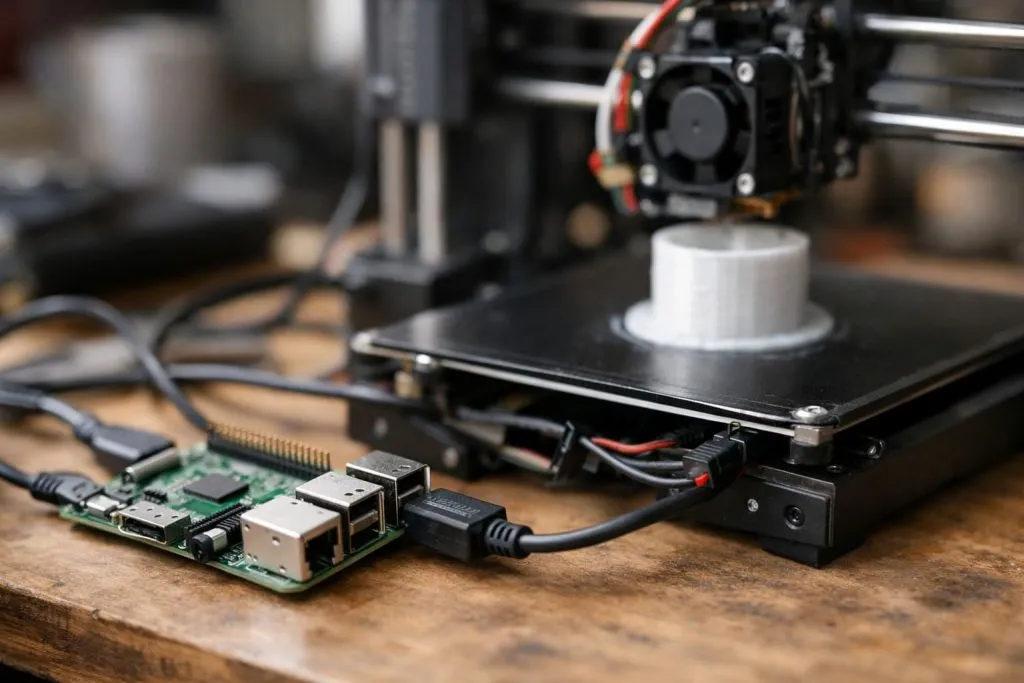
This question often comes up right after someone finishes assembling a 3D printer. The hardware looks ready. The cables are in place. Then comes the pause: how do I actually control this thing without leaving a computer tied to it all day?
Yes, Raspberry Pi supports several 3D printing software options, including OctoPrint, Klipper, and some lightweight slicers like Cura in headless mode.
I’ve built enough setups to say this with confidence: Pi might be small, but with the right tweaks, it punches way above its weight in 3D printing.
Can you use a Raspberry Pi for 3D printing?
I get this question from newcomers all the time.
Yes, Raspberry Pi is widely used for controlling, monitoring, and managing 3D printers.
Why it works
The Raspberry Pi acts as a mini server between your computer and printer.
Once set up, it can:
- Manage print jobs over Wi-Fi
- Store gcode files
- Run OctoPrint or Klipper
- Stream live camera footage
- Schedule jobs remotely
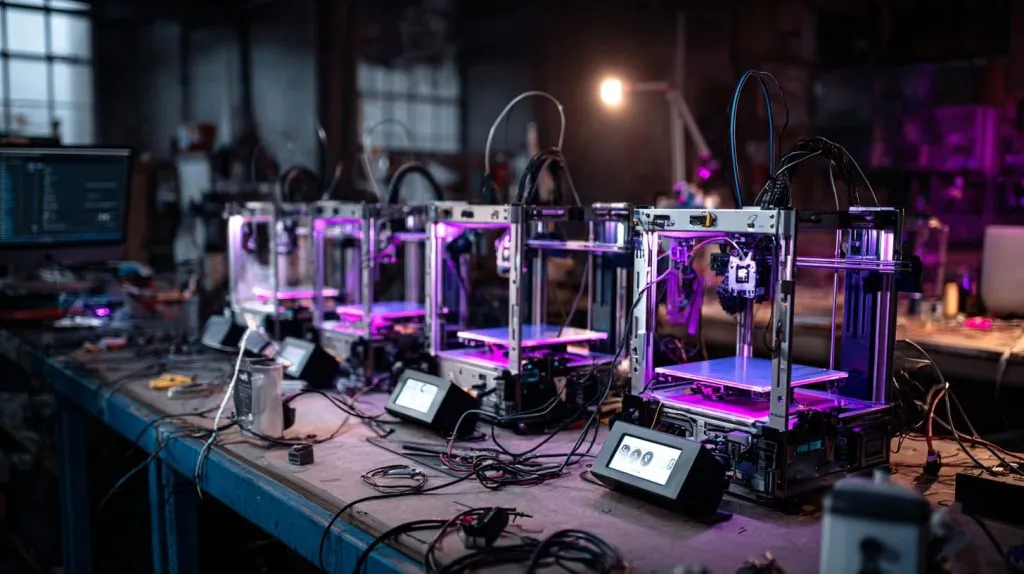
If you’re running a print farm or simply don’t want to leave your laptop tethered for hours, the Pi becomes your quiet assistant in the corner—never tired, never complaining.
What Raspberry Pi should I buy for a 3D printer?
I’ve tried them all—yes, even the Zero.
Raspberry Pi 4 (2GB or higher) is the best starting point for 3D printing tasks.
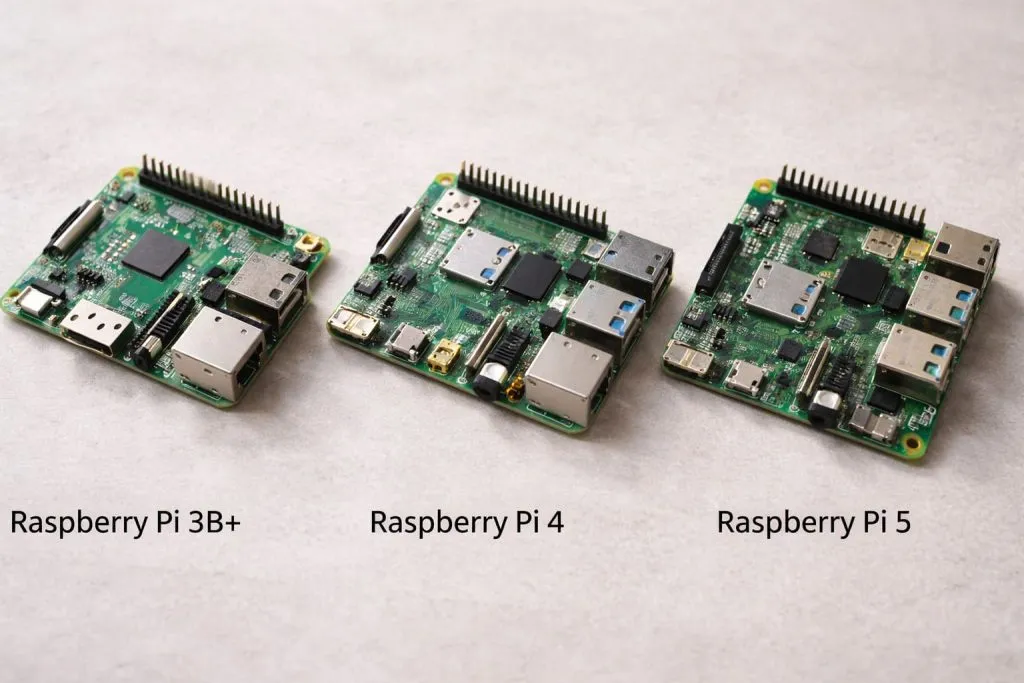
Choose wisely, save frustration
| Model | Usable? | Notes |
|---|---|---|
| Pi Zero / Zero 2 | ⚠️ Limited | Only usable with Klipper in headless mode |
| Pi 3B+ | ✅ Basic | Okay for OctoPrint without camera |
| Pi 4 (2GB+) | ✅ Best | Smooth multitasking, webcam OK |
| Pi 5 | ✅ Overkill? | Super fast, but pricier |
If you plan to stream video, slice files occasionally, or handle multiple plugins, don’t go under 2GB RAM. That’s the bare minimum for a pleasant experience.
Is OctoPrint compatible with Raspberry Pi?
Oh yes. It’s basically built for it.
OctoPrint is fully compatible with Raspberry Pi and works best on Pi 3 or Pi 4.
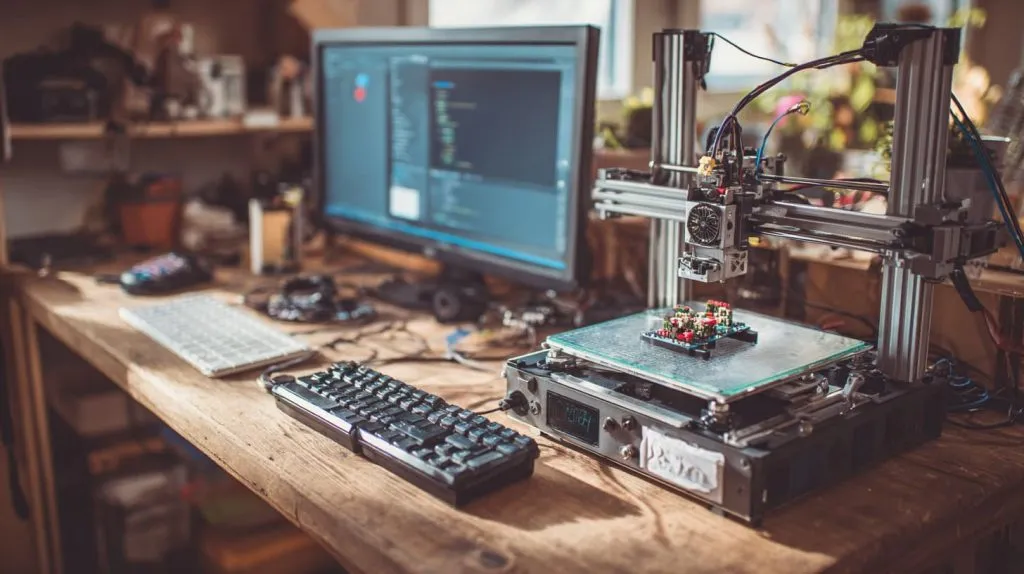
Why OctoPrint and Pi are best friends
OctoPrint turns your Raspberry Pi into a print server. Once connected via USB to your 3D printer, you can upload .gcode files, monitor prints, pause/resume, and even view webcam feeds.
Want proof it’s popular? Just Google “OctoPi”—it’s a special Raspberry Pi OS image that comes preloaded with OctoPrint. Just flash, plug, print.
What are the best 3D slicers that run on Raspberry Pi?
This one gets tricky.
Slic3r, PrusaSlicer (in CLI), and Ultimaker Cura (headless) can technically run on Pi, but are limited.
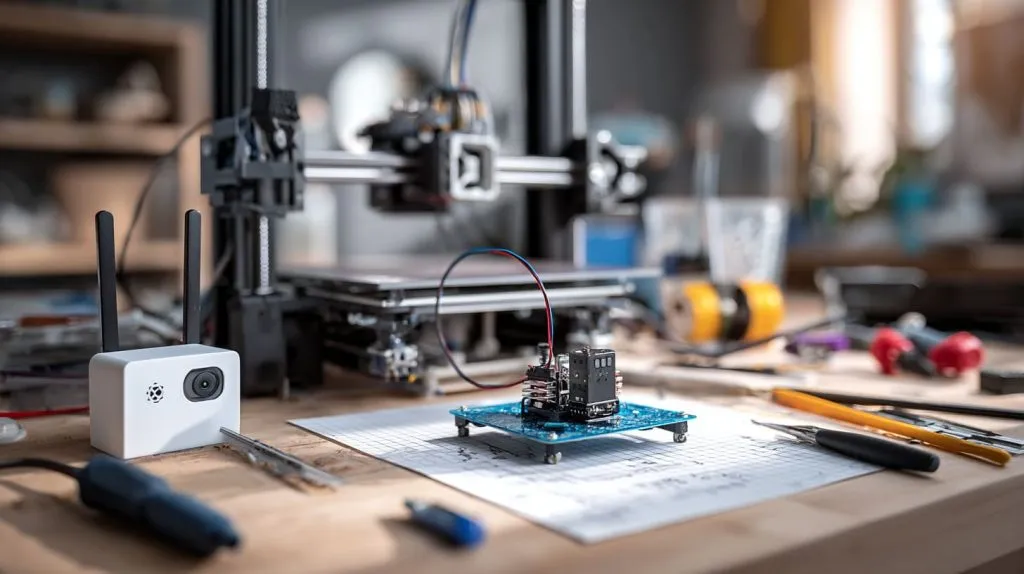
Local slicing on a Pi?
Let’s be honest—Raspberry Pi is not a powerhouse for heavy GUI slicing.
Here’s a breakdown:
| Slicer | GUI Support | Run on Pi? | Best for |
|---|---|---|---|
| Cura | ❌ (GUI heavy) | ⚠️ (CLI only) | Simple slices via OctoPrint |
| Slic3r | ⚠️ Limited | ✅ | Command-line usage |
| PrusaSlicer | ❌ | ✅ (CLI) | Batch slicing scripts |
The better way? Slice on your PC, then upload the gcode via OctoPrint.
Can Raspberry Pi run OctoPrint for remote 3D printing control?
That’s actually why I started using it years ago.
Yes, OctoPrint allows full remote control and monitoring of 3D printers via Raspberry Pi.
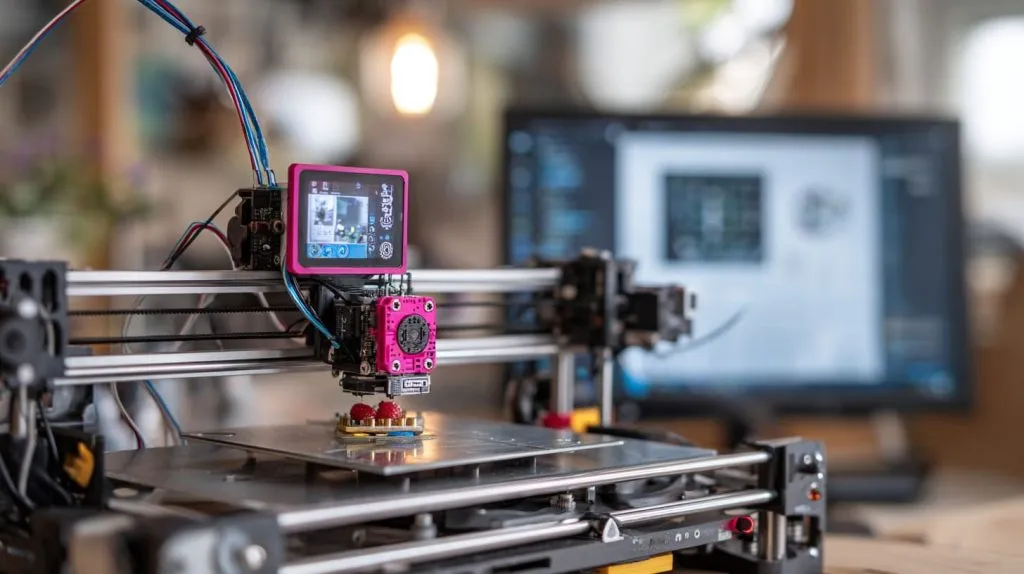
All from your browser
You get a sleek dashboard accessible from any device on your network.
Features include:
- File upload and queuing
- Real-time temperature graph
- Webcam stream
- Plugin system for custom tools
With Wi-Fi and OctoPrint, your 3D printer gets a virtual command center.
Which Raspberry Pi model is best for 3D printing projects?
This one depends on how serious you are.
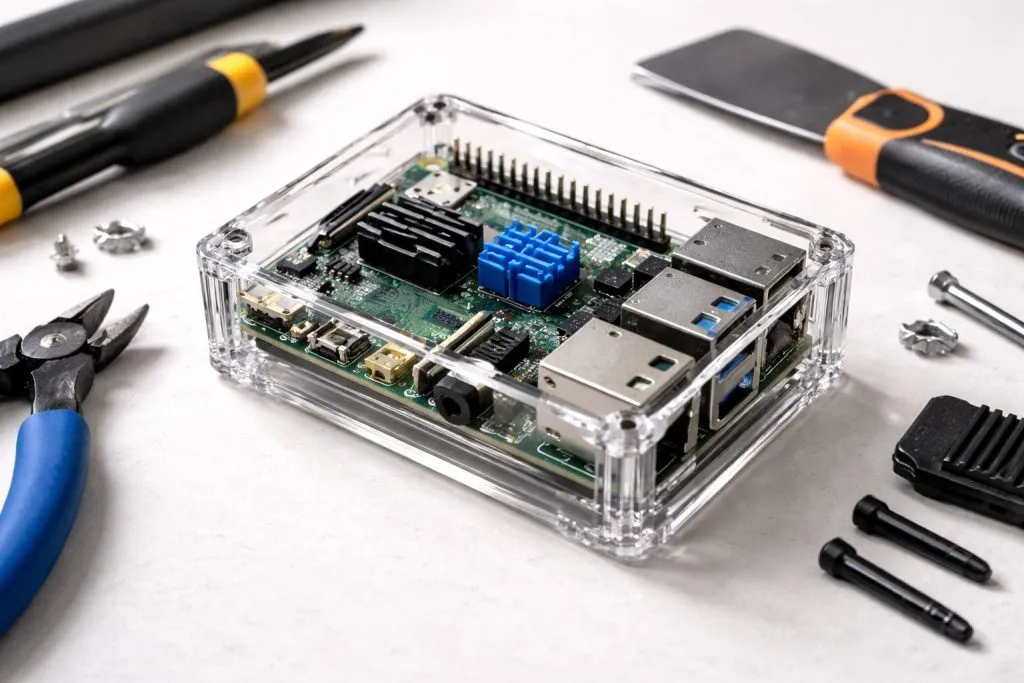
Raspberry Pi 4B (4GB) strikes the best balance between power, compatibility, and cost.
Matching model to your needs
| Use Case | Recommended Pi Model |
|---|---|
| Occasional printing | Pi 3B+ or 4 (2GB) |
| Webcam streaming + plugins | Pi 4 (4GB) |
| Multi-printer farm | Pi 5 |
| Budget/portable setup | Pi Zero 2 W (Klipper) |
Most users fall in the middle—Pi 4B (4GB) is a sweet spot.
How do I set up OctoPrint on a Raspberry Pi for my 3D printer?
The first time I did it, I was shocked how easy it was.
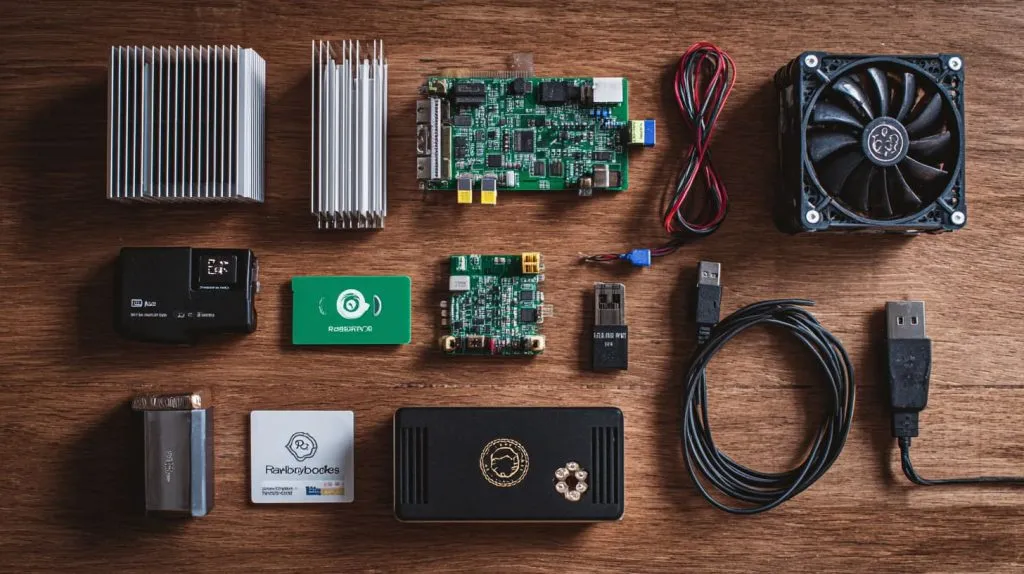
Use OctoPi to flash a pre-configured image onto a microSD card, then boot your Pi and connect your printer.
Quick Setup Checklist
- Download OctoPi image
- Flash it using Raspberry Pi Imager or Balena Etcher
- Edit
octopi-wpa-supplicant.txtfor Wi-Fi - Insert SD into Pi, boot up
- Connect printer via USB
- Visit
http://octopi.localand configure
You’ll be printing from your couch in no time.
Can I use a Raspberry Pi as a 3D printer controller board?
This one’s a bit nuanced.
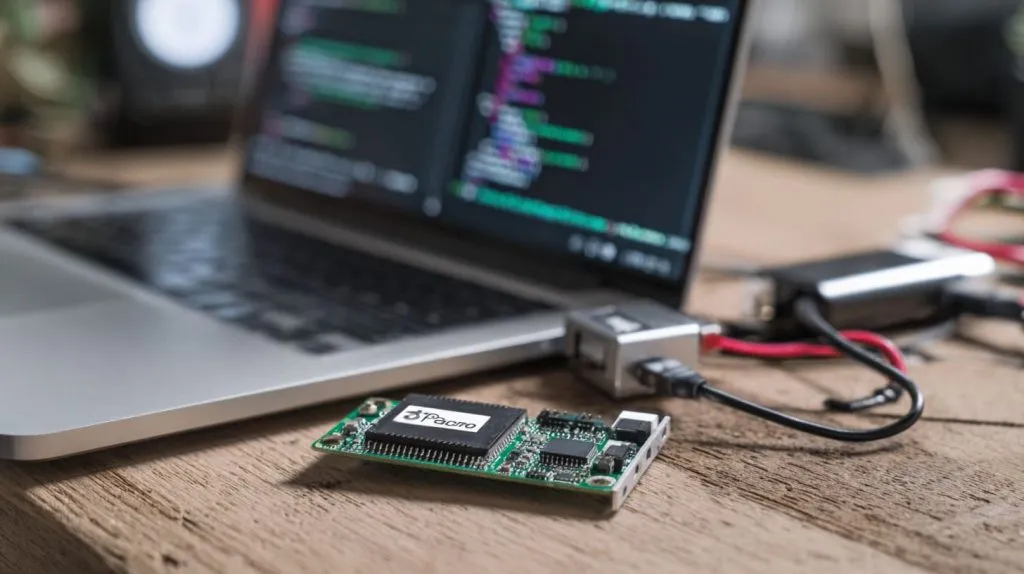
Not directly, but with Klipper firmware, your Pi can handle all the calculations while a microcontroller executes the moves.
Controller vs co-pilot
- Traditional setup: Printer mainboard handles everything
- Klipper setup: Raspberry Pi does the math (G-code parsing), mainboard just moves motors
It’s like putting a rocket scientist in charge of your printer’s brain—print speeds increase, pressure advance becomes sharper, and layer consistency improves.
What accessories do I need to run 3D printing software on Raspberry Pi?
This is where many beginners trip up.
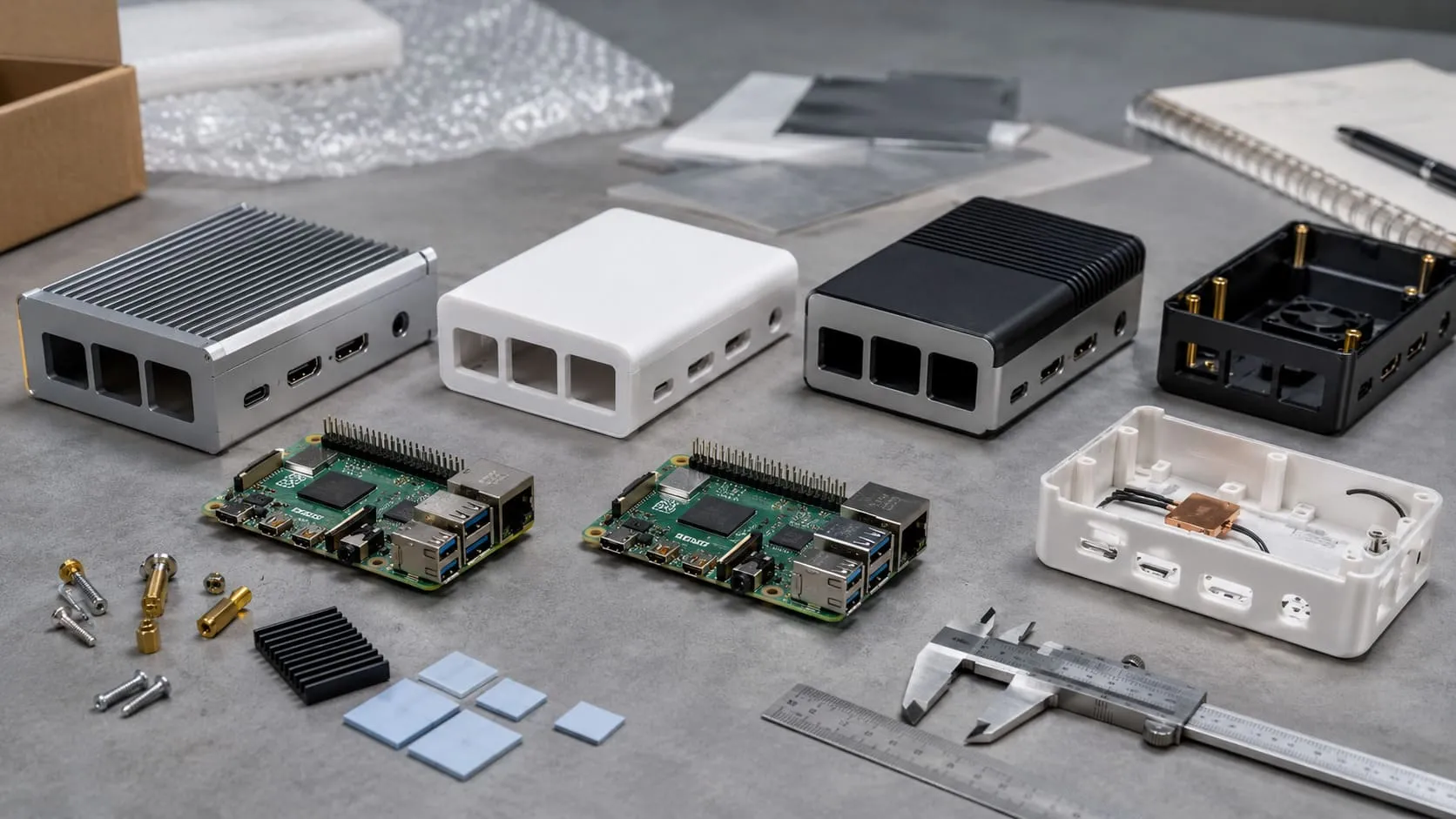
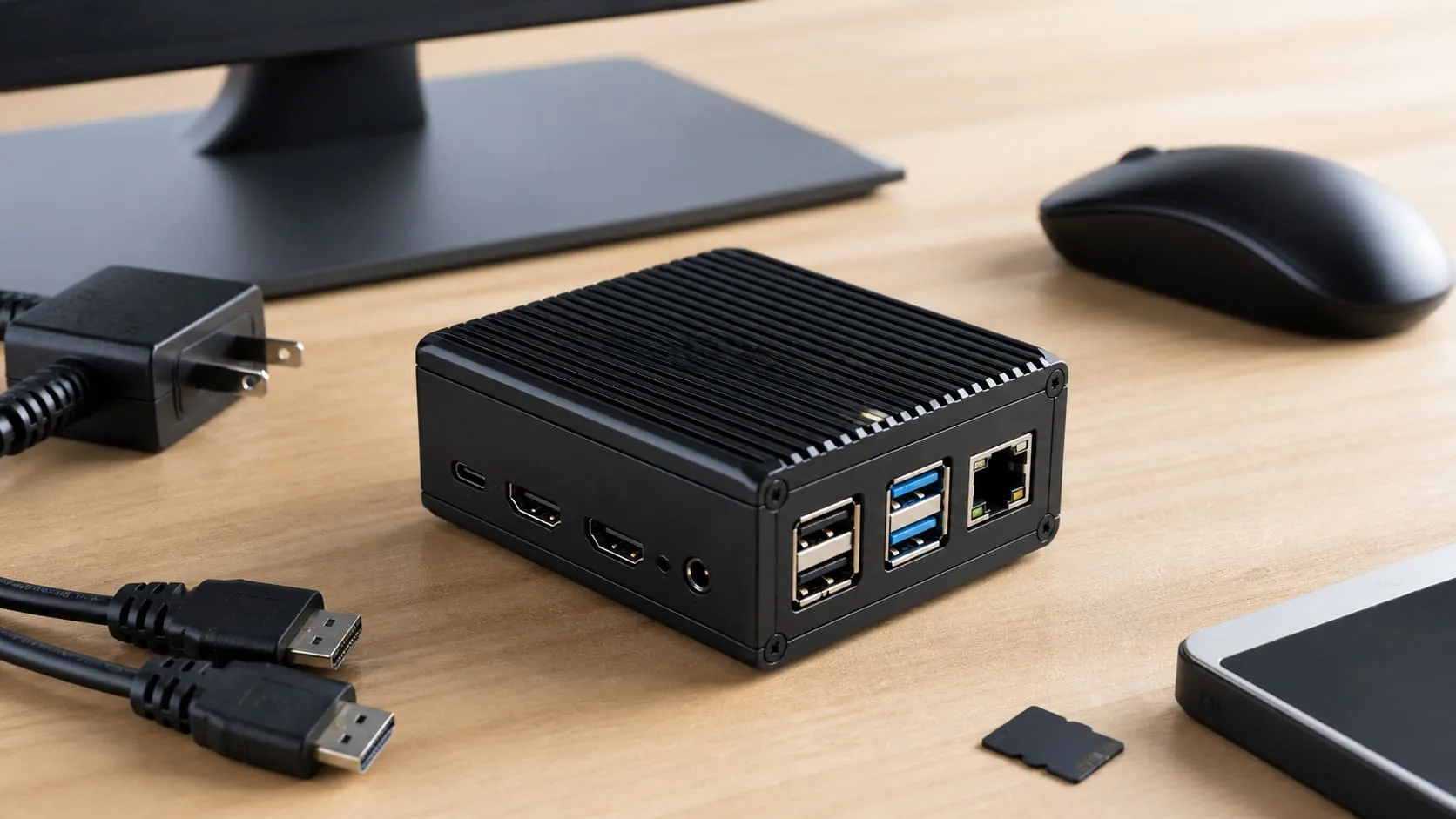
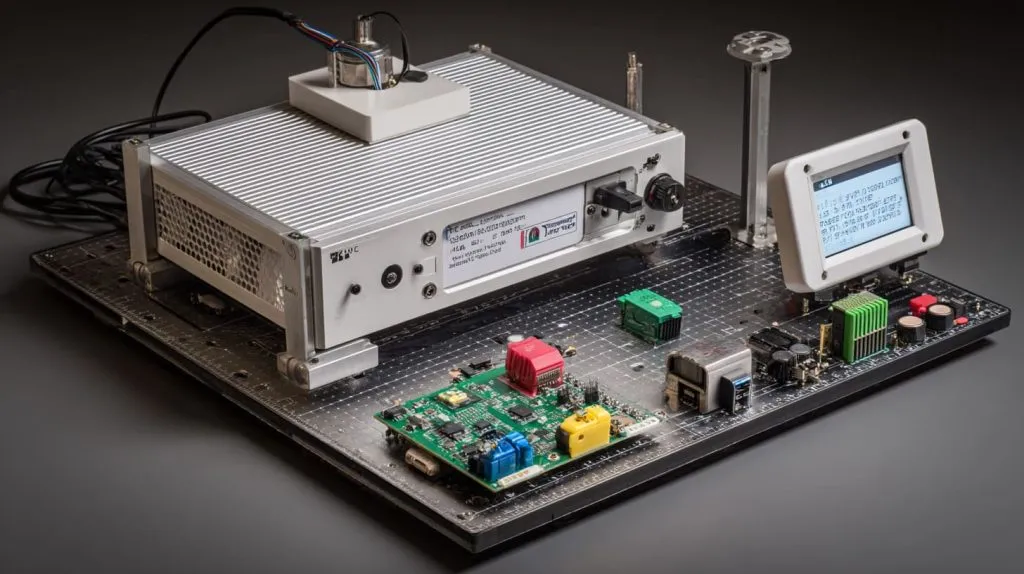
You’ll need a power supply, microSD card, USB cable, case with cooling, and optionally, a webcam.
Essential gear list
| Accessory | Purpose |
|---|---|
| 5V 3A+ PSU | Stable power |
| 16GB+ microSD | OS and software storage |
| USB-A to B cable | Connect to printer |
| Cooling fan/case | Prevent overheating |
| USB webcam | Print monitoring |
| Heatsinks | Passive cooling (optional) |
Some of my clients even mount their Pi onto the printer frame—neatly tucked, all wires clean.
Is it possible to 3D print directly from a Raspberry Pi without a PC?
Absolutely. That’s kind of the point.
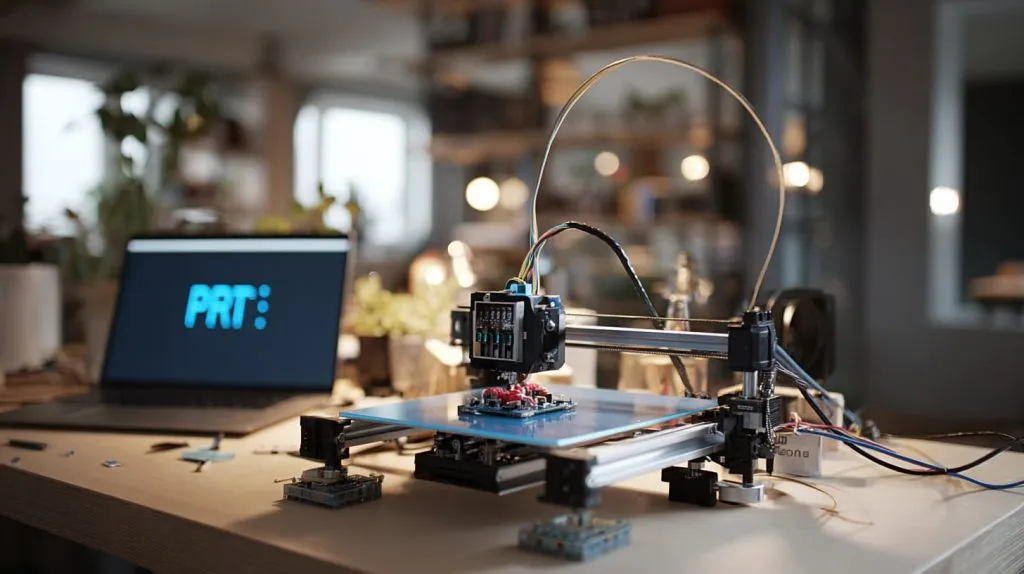
Yes, Raspberry Pi can fully control and print without a PC once set up with OctoPrint or Klipper.
Going PC-free
You flash OctoPi.
You upload gcode from your phone.
You hit print.
You walk away.
No laptop. No cables across your desk. Just quiet, untethered printing.
How does Klipper firmware improve 3D printing with Raspberry Pi?
This blew my mind when I first tried it.
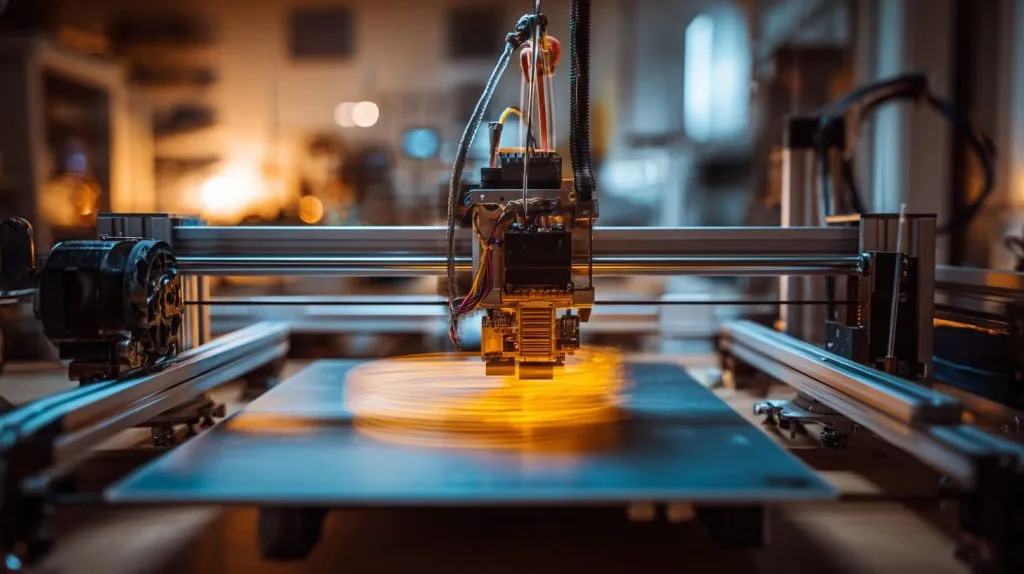
Klipper splits control between Raspberry Pi (brain) and printer board (muscle), allowing faster, smoother printing.
Klipper benefits
- Higher step rates = faster prints
- Advanced features like input shaping and pressure advance
- Runs on low-end boards with Pi doing the heavy lifting
- Great for high-speed CoreXY printers
It takes a bit of setup, but if you’re chasing speed and quality, it’s worth every minute.
Can I use Raspberry Pi to monitor my 3D printer with a camera?
I always recommend this—it’s saved me so many failed prints.
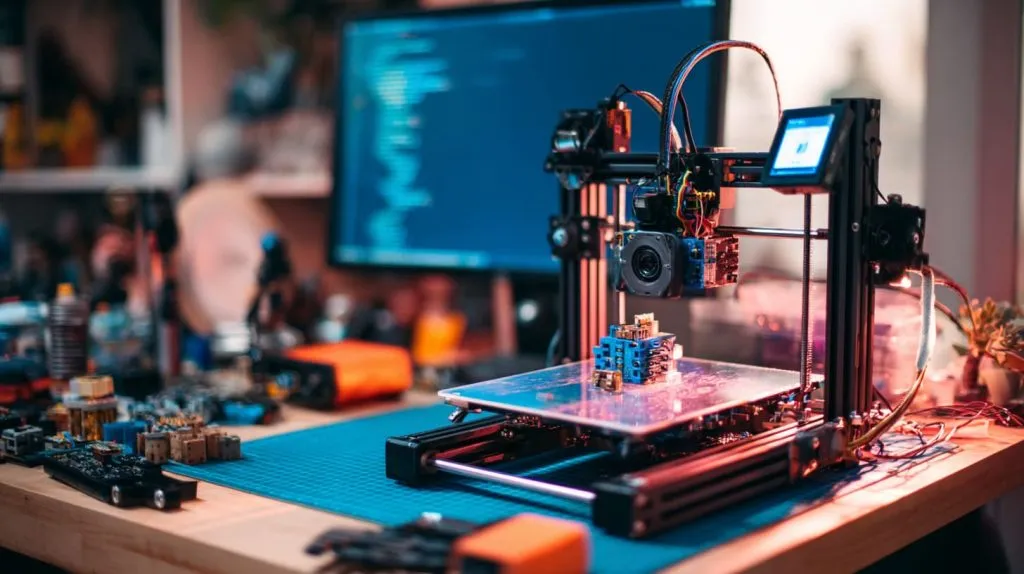
Yes, Raspberry Pi can stream live video via OctoPrint with a USB or Pi camera.
Watch it like a hawk
Webcam monitoring lets you:
- Check progress without being in the room
- Time-lapse your prints
- Stop a spaghetti mess before it eats your nozzle
Tip: Use a Logitech C270 webcam. Cheap, reliable, works out of the box.
Conclusion
Yes—Raspberry Pi is a small board that unlocks big possibilities in 3D printing.