Skip to content
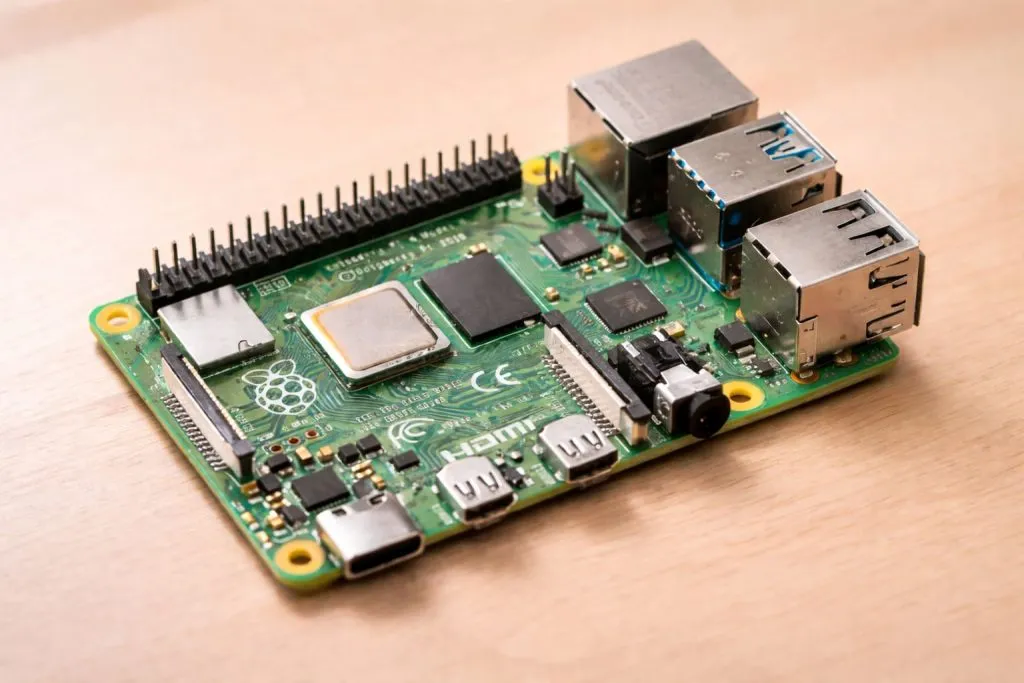
I get this question a lot from friends and customers: “Is DietPi better than Raspbian?”
Honestly, there is no single answer that fits every project. But I’ve spent years building Raspberry Pi systems for clients, testing different operating systems, and seeing the real-world trade-offs firsthand.
Choosing the right OS matters more than you think. Some projects need speed and small footprint. Others need broad software support and stability.
Before we go deeper, let me give you a quick snapshot of the two main players in this comparison: DietPi and Raspbian (now called Raspberry Pi OS).
In reality, my judgment here comes from repeated testing and having to deploy stable systems for customers who sell products with Raspberry Pi inside. I don’t pick an OS by headline specs, I pick it based on how well it behaves under real load and how easy it is to support later.
What Are DietPi and Raspbian?
I’ve used both DietPi and Raspbian on many boards, and they feel quite different when you first boot them up.
What is DietPi?
Origin and Design Philosophy
DietPi is built to be as small and efficient as possible. It strips away almost everything that isn’t essential.
- Lean design: focused on minimal packages.
- Low footprint: runs with fewer resources.
- Optimized tools: includes simple menus for software.
At first glance, DietPi feels like a “bare metal” approach to Pi OS. What I usually check first is how small the system is on disk — DietPi is often under 1GB out of the box, which matters if you plan to run many systems with limited storage.
What is Raspbian / Raspberry Pi OS?
Official OS for Raspberry Pi
Raspberry Pi OS is the standard operating system recommended by the Raspberry Pi foundation.
- Debian-based: very stable base.
- Wide hardware support: aims to work with almost every Pi peripheral.
- Variants: full desktop version and Lite version without GUI.
In practice, what makes Raspbian standout is the ecosystem — official documentation, community guides, GPIO libraries, and HAT support are much more mature here.
The way I judge the choice here is simple: if you plan to use Pi-specific hardware features, Raspberry Pi OS almost always makes the work easier.
Performance Comparison

Speed and resource use is where these two differ the most.
Resource Usage
Here is a quick comparison:
| Feature | DietPi | Raspbian Lite | Raspbian Full |
|---|---|---|---|
| Disk footprint | Very small | Moderate | Large |
| RAM usage at idle | Low | Moderate | Higher |
| Default running services | Minimal | Several | Many |
- DietPi boots faster with fewer background services.
- Raspbian Lite is lighter than full desktop, but still heavier than DietPi.
This is where things often go wrong for people choosing OS: they look only at “Lite” vs “Full”, but miss how even the Lite version loads services that DietPi does not.
Efficiency on Low-Power Boards
If you put DietPi on older boards like Pi Zero or older Pi 2 models, it runs noticeably smoother. Apps launch quicker, and it doesn’t hog memory.
Raspbian, even in Lite mode, has some background processes that can eat CPU cycles. If your aim is a dedicated single-purpose server, the difference shows up quickly.
Installation and Setup Experience
Getting the OS installed and configured matters if you’re doing 10 boards or 100.
Installation Steps
- DietPi: flash the image, boot, and it presents a setup menu.
- Raspbian: standard Debian-style setup using
raspi-config.
What I find tricky sometimes is dealing with the initial setup on Raspbian if you want to strip services. It requires manual tweaking.
Software Installation Tools
DietPi provides its own menu system for software installs.
- It can install Docker, Node.js, Pi-hole, and more with one selection.
- Raspbian relies on
aptand you add each package manually.
That said, I always weigh the risk that automatic menus can install unwanted dependencies. I prefer manual installs for critical systems.
Ease of Use for Beginners vs Advanced Users
For a newcomer, Raspbian has a gentler learning curve. There are tons of online tutorials that assume Raspbian.
DietPi feels fast and automated, but at times it hides underlying Linux commands that advanced users want to control directly.
Features and Customizability
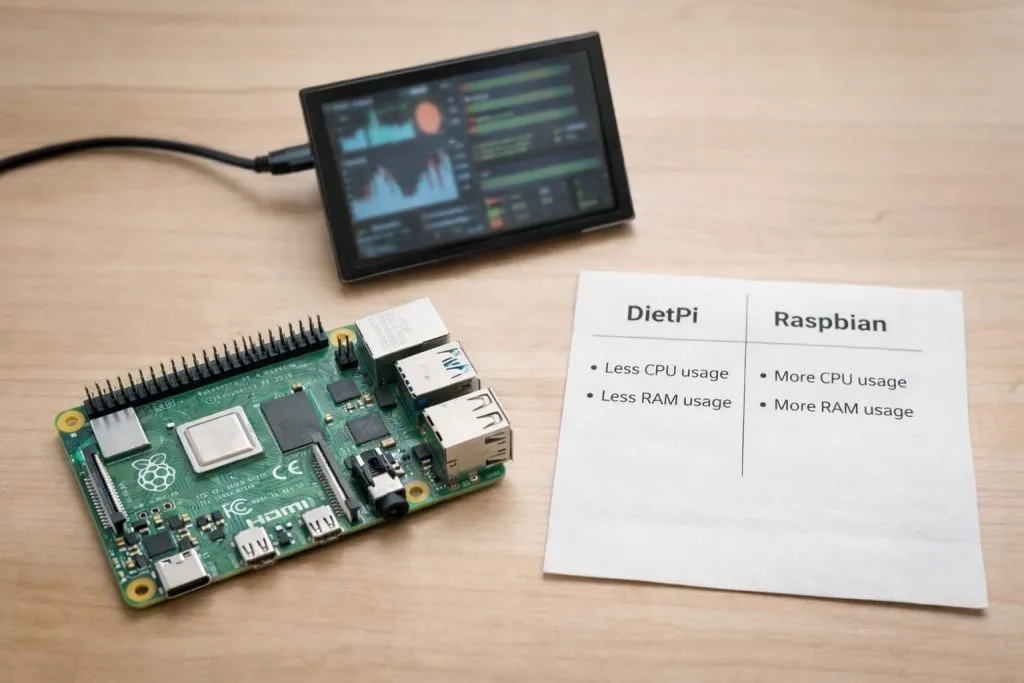
Here is where both OS shine in different ways.
Default Packages and Tools
DietPi defaults to very few packages. You pick what you need.
Raspbian comes with more tools, especially in the full desktop edition.
If you look at how quickly you can build a headless server, DietPi wins. But if you want a desktop with built-in apps, Raspbian beats it.
System Customization
DietPi tools include:
dietpi-configfor system settingsdietpi-softwarefor add-on apps
Raspbian includes:
raspi-config- Standard Debian tools
This is often where I discover hidden bottlenecks. On DietPi, you must remember that some Pi specific tools are absent by default.
Software Ecosystem and Compatibility
In my experience, Raspbian wins in ecosystem support for:
- GPIO libraries
- Camera modules
- Custom HATs
DietPi can install many packages, but some Pi‑specific tools require tweaks.
Stability, Support and Community

No matter how fast an OS is, you need support when something breaks.
Official Support
Raspbian is backed by the Raspberry Pi foundation.
DietPi is community maintained with a passionate group of developers.
In many real projects, I learned that having official backing reduces the time spent debugging odd errors.
Community Resources
Raspbian has huge amounts of tutorials, forums, and examples.
DietPi is growing, but you sometimes hit gaps that require more digging.
Use Cases: When Which OS is Better?
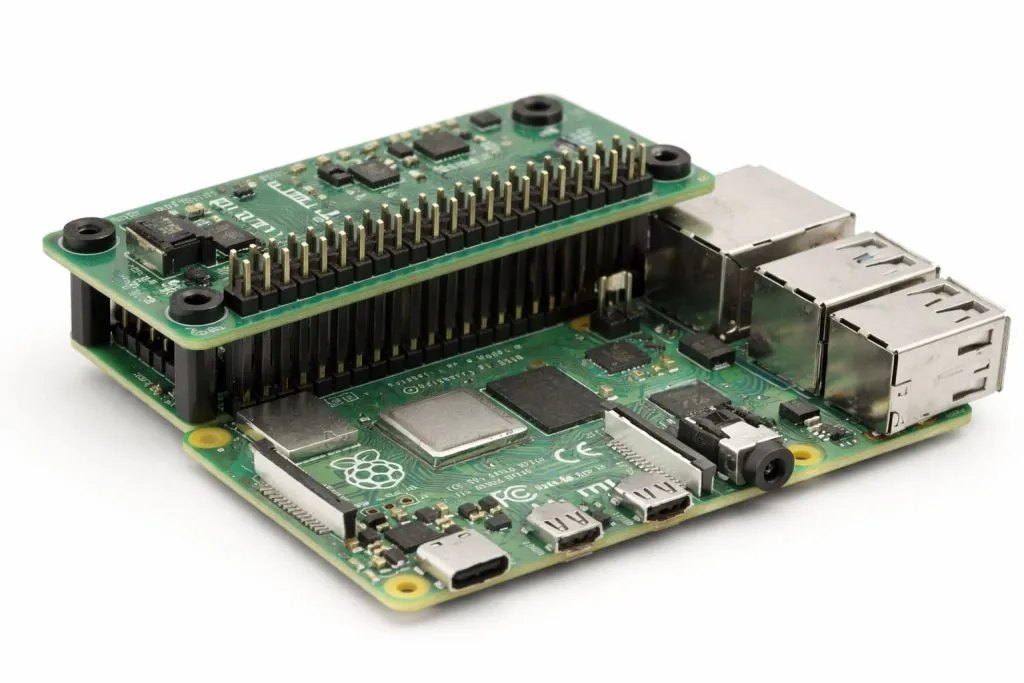
Different tools for different jobs.
Best for Headless & Server Projects
If your device runs a server, monitor, or small daemon, DietPi is often more efficient.
Best for Learning & Hardware Projects
If you’re teaching or building hardware demos with GPIO, Raspbian tends to be easier to work with.
Cross-Platform Considerations
DietPi works on many single board computers beyond Raspberry Pi, which makes it flexible for multi‑platform deployments.
Pros and Cons Summary
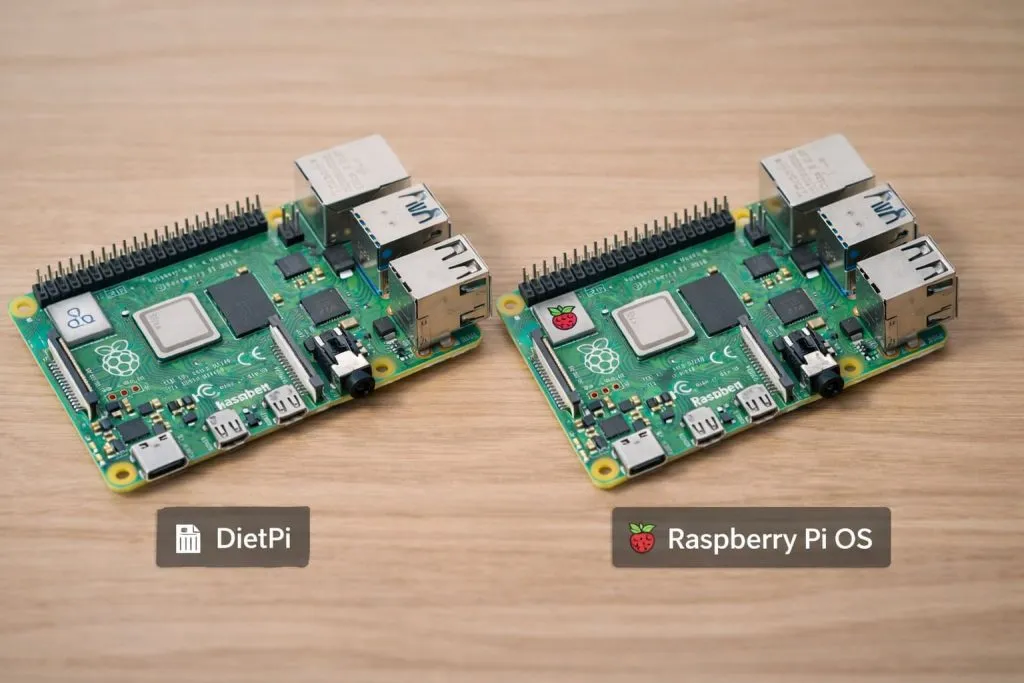
DietPi Advantages
- Small footprint
- Fast boot times
- Simple software menu
DietPi Limitations
- Limited official Pi hardware support
- Smaller community
Raspbian Advantages
- Strong Pi support
- Rich documentation
- Beginner friendly
Raspbian Limitations
- Larger footprint
- Some unnecessary services
Conclusion
After working with both OS for years and building real products that customers depend on, my view is clear:
I choose DietPi when I need lean, efficient, headless systems with minimal resource use. It feels right when the board’s job is focused and simple.
I choose Raspbian when I need broad hardware support, easy access to tutorials, and stability backed by a large community.
I think it’s not about which OS is better overall. It’s about which one fits your project needs. Your choice should be driven by the target use case, your experience level, and the ecosystem your product must live in.
If you want help testing or customizing OS images for your products, email me at info@maidatech.com. I’d be glad to help you build the right solution.