Skip to content


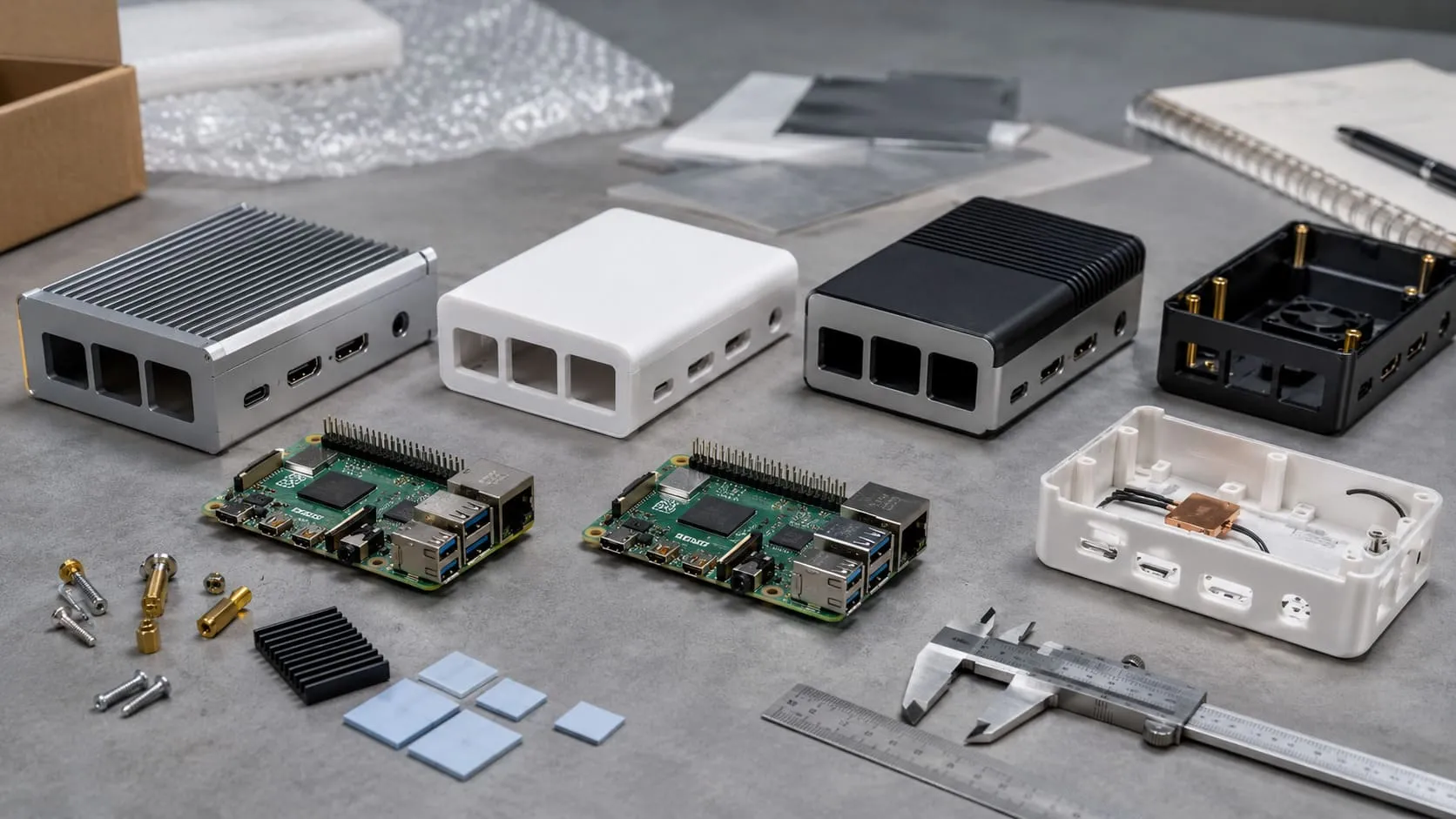
On the packing line, one of our techs flagged me down. “Vincent, the sample’s ready—should we test it with the default image or load the full stack now?” That one question said everything. No one was asking about the case color or the heatsink finish. The software was the star of the show.
When you're working with Raspberry Pi, especially in bulk or B2B setups, a solid software installation isn’t optional—it’s the foundation. Whether you're prepping 100 kits for a distributor or customizing 20 units for a classroom project, if the software fails, everything downstream fails with it.
Why installing software correctly matters for Raspberry Pi projects
A clean flash, updated packages, and predictable services keep projects stable. Distributors like Davide hate returns triggered by one missing dependency. Makers like Lasle lose momentum when a library mismatch breaks a demo. Good installs save them—and me—time.
Prerequisites: hardware, OS image, and network checklist
I always line up gear first:
| Item | Quick Check | Why It Matters |
|---|---|---|
| SD card (32 GB+ A1) | No bad blocks | Read speeds cut boot time |
| Reliable PSU | 5 V 3 A steady | Prevents file-system corruption |
| Latest OS image | Official download hash verified | Stops “unknown board” errors |
| Network access | DHCP, outbound HTTPS | Package mirrors need it |
Ready? Let’s pick an OS.
Choosing & Preparing the Operating System

Selecting the right OS image (Raspberry Pi OS, Ubuntu, specialized images)
I keep three images on my desk:
| OS | Best For | Size | Notes |
|---|---|---|---|
| Raspberry Pi OS Lite | General, headless fleets | ~0.9 GB | Highest community support |
| Ubuntu Server | Cloud tooling | ~1.1 GB | Snap pre-installed |
| LibreELEC | Media players | <0.5 GB | Read-only system, lean |
Ask who will use the board. A classroom likes the full desktop. A kiosk builder only needs Lite.
Flashing the image with Raspberry Pi Imager or alternative tools
Pi Imager wins with one click. For bulk orders, I clone SDs with Balena Etcher–CLI and a USB hub. Speed beats pretty progress bars.
Headless vs. GUI-based setup considerations
Headless means no monitor. I pre-seed Wi-Fi credentials in wpa_supplicant.conf and enable SSH by dropping an empty ssh file. GUI is safer for beginners but slower for mass prep.
Thirty cards flashed, LEDs blinking—time to boot and patch.
Updating the Base System After First Boot

Creating the first user and securing SSH/VNC access
Default pi/raspberry is public knowledge. I create a unique user, disable password SSH, and add my public key. VNC? Only if the client insists.
Running [apt update && apt full-upgrade](https://forums.raspberrypi.com/viewtopic.php?t=366077) to patch the OS
I run this before changing any config. Fresh mirrors, new kernel, fewer surprises. On a slow network, apt-fast parallel downloads shave minutes.
Clean and current—that’s my starting line. But software has flavors.
Core Software Installation Methods

| Method | Pros | Cons |
|---|---|---|
apt / aptitude | Stable, signed packages | Sometimes older versions |
| Snap | Auto-updates, confinement | Heavier RAM footprint |
| Flatpak | Sandboxed, desktop apps | Needs extra runtime |
Manual .deb | Latest vendor builds | Dependency hell if careless |
Using apt and aptitude package managers
apt install nginx feels like magic. I script installs in a single install.sh so Davide’s warehouse team can flash and forget.
Installing Snap packages
I toggle Snap only on boards with SSDs. Core snaps load slower from SD.
Installing Flatpaks
Kiosk builds use Flatpak Firefox—isolated, easy reset.
Adding .deb packages from trusted vendors
I pin vendor keys, then drop the .deb. One bad GPG key = supply-chain nightmare.
Still, some tools live only in source.
Installing Software From Source

Cloning repositories with Git
git clone plus a version tag gives me reproducible builds. I never pull main blindly.
Building and compiling with make/cmake
Cross-compiling on my workstation, then SCP to Pi, halves compile time. Tiny trick, big win.
Handling build-time dependencies with apt build-dep
One command fetches all headers. Less hunting, more coding.
Sometimes GUIs help newcomers feel safe. Let’s look.
Graphical & One-Click Installers

Raspberry Pi OS “Recommended Software” tool
Great for education kits. I enable it, but warn clients it installs slowly on Class 10 cards.
Pi-Apps community app store
A hidden gem. I vet each script because it’s community-managed. Still, it speeds hobby projects.
Third-party *.sh installers and their safety checks
Rule of thumb: read the script before curl | bash. If it touches /etc/shadow, I walk away.
Davide once saved a week by clicking Pi-Apps; Lasle once bricked a board with a shady script. Balance.
Up next: automation at scale.
Automating Installations for Production & B2B Deployments

Crafting a pre-configured image for mass flashing
I build a golden SD, run pishrink, then clone. Warehouse staff love plug-and-play.
Bash/Ansible scripts for repeatable software stacks
Ansible’s idempotence means I can rerun the playbook at 2 AM without fear. Critical for staggered batches.
Using network boot & PXE for large fleets
Hundreds of Pis on a shelf? PXE plus a DHCP reservation. No SDs to fail.
Automation done, we still tune for speed.
Post-Installation Configuration & Optimization

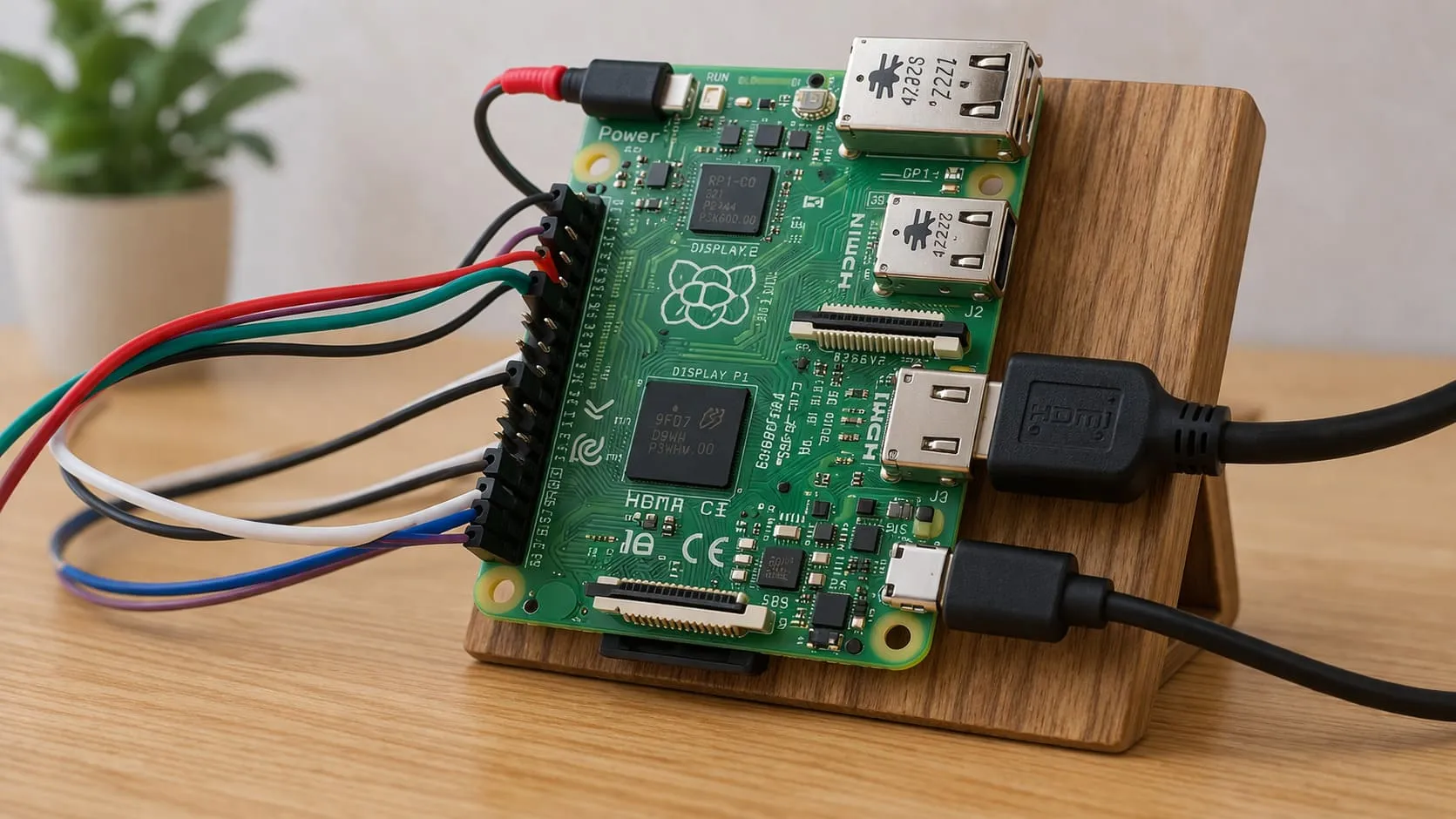
Enabling required interfaces (GPIO, I²C, SPI, Camera)
raspi-config or config.txt edits. I flip only what the project needs—less attack surface.
Setting up systemd services & autostart apps
I wrap Python scripts in systemd units with Restart=always. Keeps kiosks alive during power dips.
Performance tweaks: overclock, GPU memory split, log trimming
| Tweak | Command | Risk |
|---|---|---|
| 2.0 GHz overclock | arm_freq=2000 | Extra heat |
| Reduce GPU RAM to 64 MB | gpu_mem=64 | No heavy GUI |
| Weekly log rotation | logrotate | Lose long history |
A tuned Pi feels snappy. Now, how to keep it that way?
Keeping Software Up-to-Date

Scheduling unattended upgrades
unattended-upgrades emails me if a kernel changes. I pair it with a nightly reboot window.
Snapshotting & rollback strategies with rsync or btrfs
I snapshot / to an external drive. One bad update? Rollback in minutes, not hours.
Even with care, things break. Let’s troubleshoot.
Troubleshooting Common Installation Issues

Resolving dependency or keyserver errors
If apt-key fails, I swap to keyring files in /usr/share/keyrings. Cleaner, future-proof.
Fixing “No space left on device” problems
ncdu shows hidden cache monsters. Deleting ~/.npm saved Davide’s production day once.
Diagnosing network and DNS failures
ping 1.1.1.1 then ping google.com. IP works but DNS fails? Check /etc/resolv.conf.
Each fix teaches patience—and earns trust.
Conclusion

Installing software on a Raspberry Pi isn’t dark art—it’s a checklist. Flash clean, update early, choose the right installer, automate when possible, and back up always. Follow these steps and your cases, heatsinks, and power supplies leave our factory ready to shine on arrival.
Need pre-loaded images with your own logo splash screen? Email me—vincent@maidatech.com. At MaidaTech we build, flash, and ship so your team can launch faster, whether you’re re-branding for Amazon or prototyping the next smart sensor. Grab a coffee, drop me a note, and let’s make your Pi fleet effortless.