
What operating system does Raspberry Pi 4 use?

The first time I booted up my Raspberry Pi 4, I had no idea which OS to choose. Too many options. Too many opinions.
Raspberry Pi 4 can run Raspberry Pi OS by default, but it supports many systems like Ubuntu, Windows IoT, Android, and even real-time OS like Yocto.
That confusion made me dig deeper. I’ve tested different setups, ruined a few SD cards, and learned which OS fits which task. Let me share what I’ve found.
Which OS does the Raspberry Pi use?
It depends on what you want your Pi to do.
By default, Raspberry Pi uses Raspberry Pi OS (formerly Raspbian), a Debian-based system made for the board.

Why Raspberry Pi OS is the default
It’s lightweight, stable, and optimized for the hardware. It just works—especially for first-time users.
But you’re not locked in
From Ubuntu Server to media-focused LibreELEC, the Pi can wear many hats. The OS choice depends entirely on your goal—server, desktop, kiosk, or controller.
Is Raspberry Pi just Linux?
It sure feels like that at first glance.
Most Raspberry Pi OS options are Linux-based, but not all.

The Linux-dominant ecosystem
Most of the community, support forums, and tutorials revolve around Linux-based distributions. That includes Raspberry Pi OS, Ubuntu, Kali, Arch, and others.
But non-Linux options exist
There’s Windows IoT Core, Android ports, and lightweight real-time systems that don’t use traditional Linux kernels. So, no—it’s not just Linux.
Can I run Windows 7 on Raspberry Pi?
I asked this too—out of pure curiosity.
No, Raspberry Pi 4 cannot run Windows 7 due to incompatible x86 architecture.

Why not?
Windows 7 was built for x86/x64 processors. Raspberry Pi uses ARM. Emulating that? Painfully slow, even with tricks.
What about other Windows versions?
Windows 10 IoT Core works, but it’s not your classic desktop. There are also hobbyist ports of full Windows ARM builds, but they’re unstable and impractical.
Which OS is best for Raspberry Pi 4?
Ah, the question everyone asks—hoping for one clear answer.
The best OS depends on your project—use Raspberry Pi OS for general tasks, Ubuntu Server for performance, LibreELEC for media.

| Use Case | Recommended OS |
|---|---|
| General use/learning | Raspberry Pi OS |
| Server or containers | Ubuntu Server |
| Media center | LibreELEC |
| Pentesting | Kali Linux |
| Custom interface | DietPi or Yocto |
The right OS = right result
Choosing the wrong OS won’t break your Pi, but it can slow you down or frustrate you. Match the OS to your real goal.
What is the default OS for Raspberry Pi 4 and how is it installed?
Let’s go back to basics.
Raspberry Pi OS is the default and is installed using the Raspberry Pi Imager tool.

Setup in minutes
You grab the Raspberry Pi Imager, plug in your SD card, pick the OS, click install, and you’re done.
Or install manually
If you like full control, download the ISO, flash it with BalenaEtcher, and customize your config files directly.
Can Raspberry Pi 4 run Ubuntu, Windows, or Android systems?
It’s surprising how flexible this board is.
Yes, Raspberry Pi 4 supports Ubuntu, Windows IoT Core, and Android variants.

A quick overview
| System | Compatibility | Notes |
|---|---|---|
| Ubuntu | ✅ | Use 64-bit for best performance |
| Windows IoT | ✅ | No desktop, limited apps |
| Android | ⚠️ | Needs unofficial builds, buggy sometimes |
What is Raspberry Pi OS (formerly Raspbian) and why is it recommended?
It’s like the Pi’s best friend.
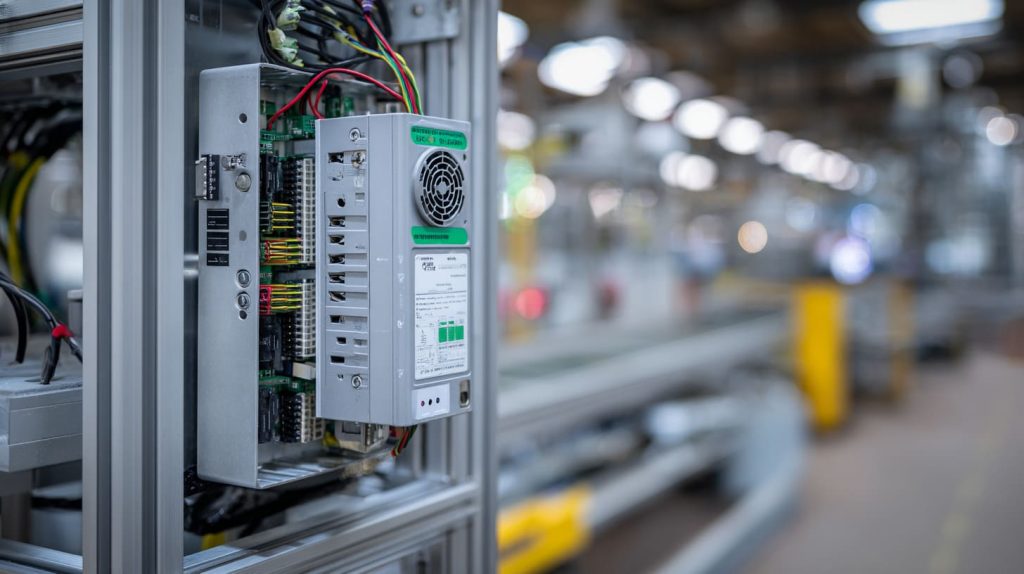
Raspberry Pi OS is an official, optimized Debian-based system for Pi boards, known for stability and full hardware support.
Why it just works
It’s maintained by the same foundation that makes the Pi. Everything from GPIO tools to the desktop interface is tailored.
And for beginners?
It’s perfect. Easy GUI, big support community, and full control under the hood if you want it.
What’s the difference between 32-bit and 64-bit OS on Raspberry Pi 4?
This one caught me off guard the first time.
32-bit OS is more compatible, but 64-bit offers better performance—especially with 4GB or 8GB models.

Why 64-bit matters
If you're using large apps, containers, or databases, 64-bit makes a real difference. It handles memory better and unlocks performance.
When to use 32-bit
For general use, simple automation, or legacy apps that don’t support 64-bit yet.
How do I choose the best OS for my Raspberry Pi 4 project?
This is where most people get stuck.
Start with your project goal—then look at OS features, community support, and hardware compatibility.
Ask yourself:
- Am I using it as a desktop, server, media center, or controller?
- Do I need a GUI or headless mode?
- Will it run 24/7 or just occasionally?
Once you answer these, the right OS usually becomes obvious.
Can I run a headless OS on Raspberry Pi 4 for remote access?
I do this all the time—it’s powerful.
Yes, Raspberry Pi 4 supports headless setups for SSH or remote desktop access.
How it works
You flash the OS, enable SSH by placing a file named ssh in the SD card’s boot directory, connect it to Wi-Fi, and control it via terminal.
Why it’s amazing
Perfect for projects with no monitor, like servers, sensors, or hidden automation rigs.
Is Raspberry Pi 4 compatible with industrial or real-time operating systems like RTOS or Yocto?
This one’s more niche—but yes, it’s possible.
Raspberry Pi 4 can run RTOS, Yocto, and other real-time or embedded OS with proper setup.
When performance timing matters
Industrial automation, robotics, and time-sensitive systems need real-time control. RTOS or stripped-down Yocto builds can offer this.
But setup isn’t plug-and-play
You’ll often need to compile your own builds, configure device trees, and patch kernels. Great if you’re experienced—or stubborn like me.
How does the OS affect Raspberry Pi 4’s performance in server or automation use cases?
It makes all the difference.
Lighter OS builds reduce CPU load, while optimized servers improve uptime and responsiveness.
Compare side by side
| OS Type | CPU Usage | Boot Time | Uptime Reliability |
|---|---|---|---|
| Raspberry Pi OS | Low | Fast | High |
| Ubuntu Server | Medium | Moderate | High |
| DietPi | Ultra Low | Super Fast | High |
| Full Android | High | Slow | Low |
The right OS isn’t just about features—it’s about performance that fits your purpose.
Conclusion
Pi 4 runs many OS, but the best one depends on what you want to build.




