 Skip to content
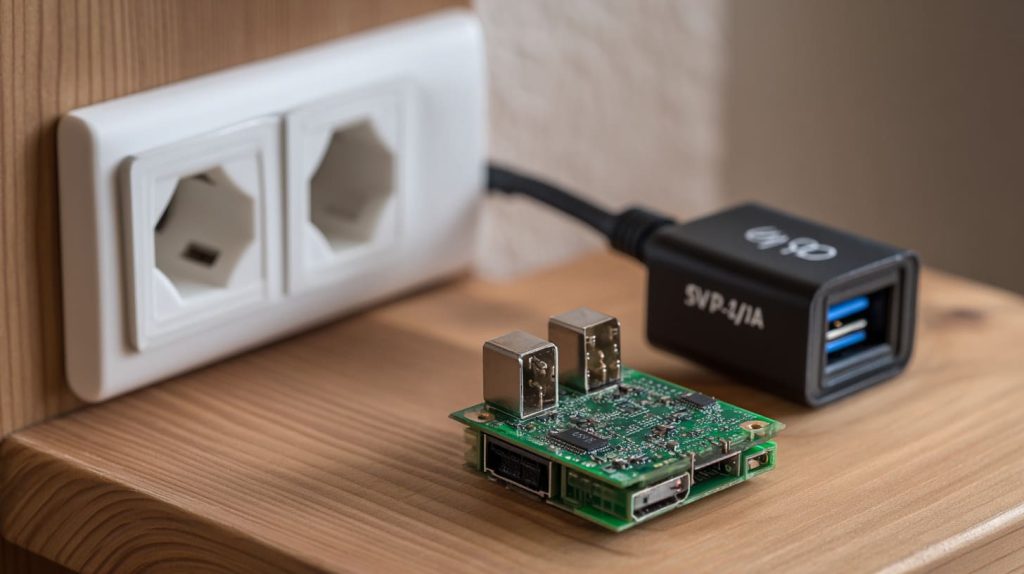
It looked like a perfect match—5V, 2.7A on the label. But the Raspberry Pi 3? It had other ideas.
Yes, you can use a 2.7A power adapter with Raspberry Pi 3, but whether it runs stably depends on voltage regulation and connected peripherals.
I learned this the hard way during a late-night prototype test—when the Pi froze mid-run and that little yellow lightning bolt flashed on screen.
What power supply do I need for a Raspberry Pi 3?
The official spec says 5V 2.5A. But what does that really mean?
Raspberry Pi 3 needs a stable 5V 2.5A power supply, especially under full load.
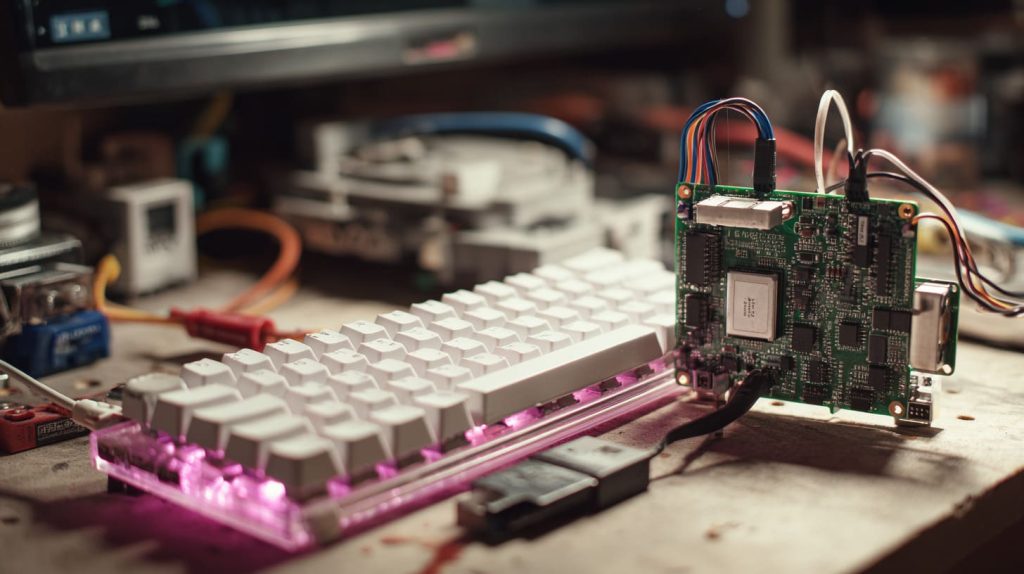
Why 2.5A?
The Pi 3 draws more than older models. With WiFi, Bluetooth, HDMI, and USB all active, current spikes are common. Even a small voltage dip can cause a reboot.
| Peripheral | Approx. Draw |
|---|---|
| Keyboard | 100 mA |
| Mouse | 100 mA |
| USB Stick | 200-300 mA |
| Camera | 250 mA+ |
So if you're powering extras, that 2.5A isn’t optional—it’s essential.
Is 5V 3A enough for Raspberry Pi 4?
Let’s zoom out for a second. Raspberry Pi 4 is power-hungry.
5V 3A is the bare minimum for Raspberry Pi 4, especially with USB-C.
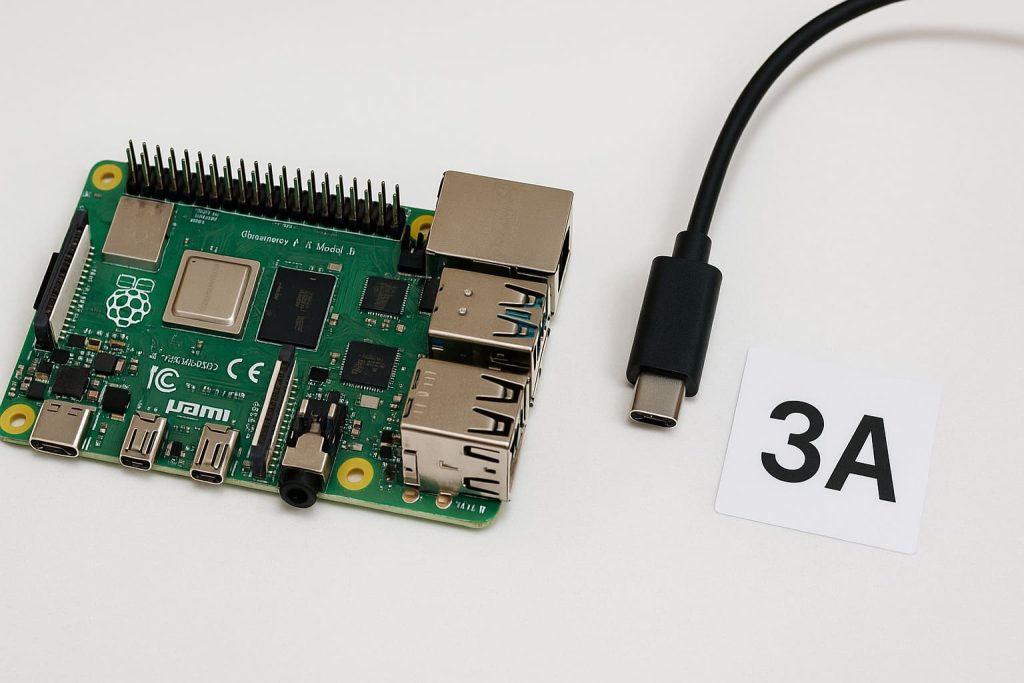
Raspberry Pi 4 draws up to 1.2A more than Pi 3 at peak. So if your adapter is only 2.7A, it’s a hard no for Pi 4—but maybe okay for Pi 3.
What is the best way to power a Raspberry Pi 3?
Wall adapter? USB hub? Battery pack?
The safest method is a regulated 5V 2.5A wall adapter with a micro USB output.
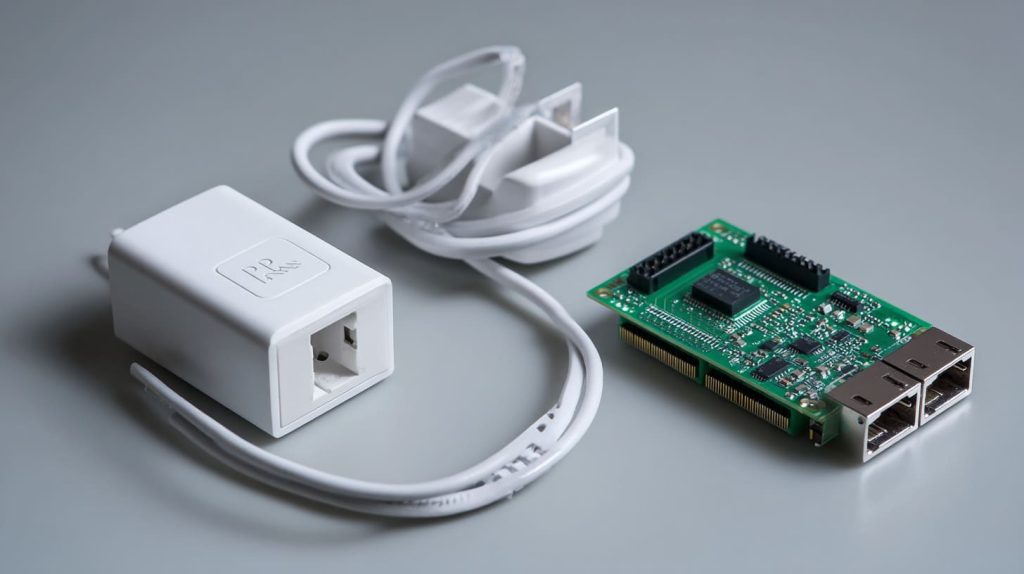
I once tried a battery pack with a fancy 2.1A output. The Pi booted, but froze the moment I opened Chromium.
Look for power bricks with:
- Voltage regulation
- Short cables (less resistance)
- Reliable brands (no sketchy eBay deals)
How many watts does a Raspberry Pi 3 need?
Let’s break it down.
Raspberry Pi 3 requires around 12.5 watts (5V x 2.5A).
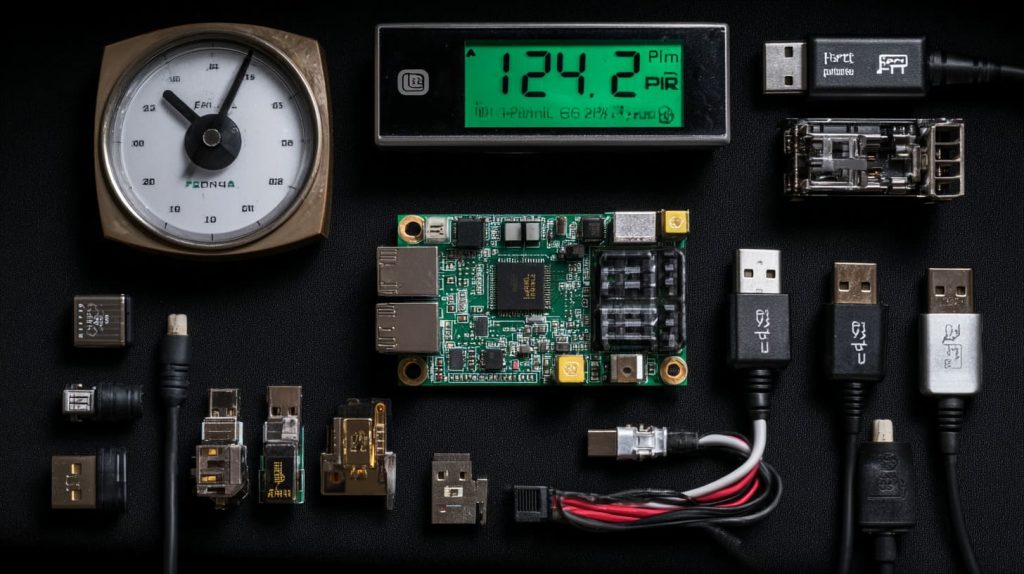
That’s under load. Idle usage might be just 2W, but once you fire up WiFi, HDMI, and USB, it spikes.
| Mode | Power (Watts) |
|---|---|
| Idle | 2–3W |
| Video Play | 5–6W |
| Full Load | 10–12.5W |
Can undervoltage damage Raspberry Pi?
It won’t explode. But it will misbehave.
Undervoltage can corrupt SD cards and cause crashes, reboots, or poor performance.

I ignored the warning icon once. Bad call. My file system got corrupted mid-update, and I had to reflash the OS. The hardware survived—but barely.
Is 2.7A enough to power a Raspberry Pi 3 with peripherals?
Short answer: sometimes.
2.7A is fine for Pi 3 alone, but peripherals may push it over the edge.
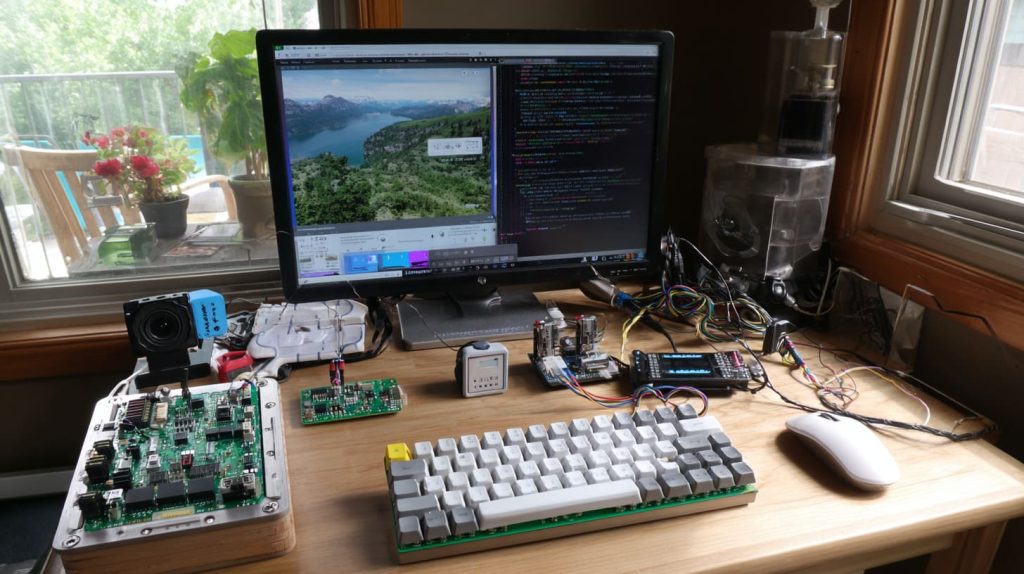
Let’s say your Pi draws 1.2A, and you add a mouse, keyboard, and a USB webcam:
- Mouse + keyboard: 200mA
- Webcam: 400mA
- Total: ~1.8–2.0A + spikes
That’s dangerously close to the 2.7A limit—especially if your power adapter has cable resistance.
What is the recommended power supply for Raspberry Pi 3?
Always stick with tested and known good hardware.
Use a 5V 2.5A regulated adapter designed for Raspberry Pi 3.
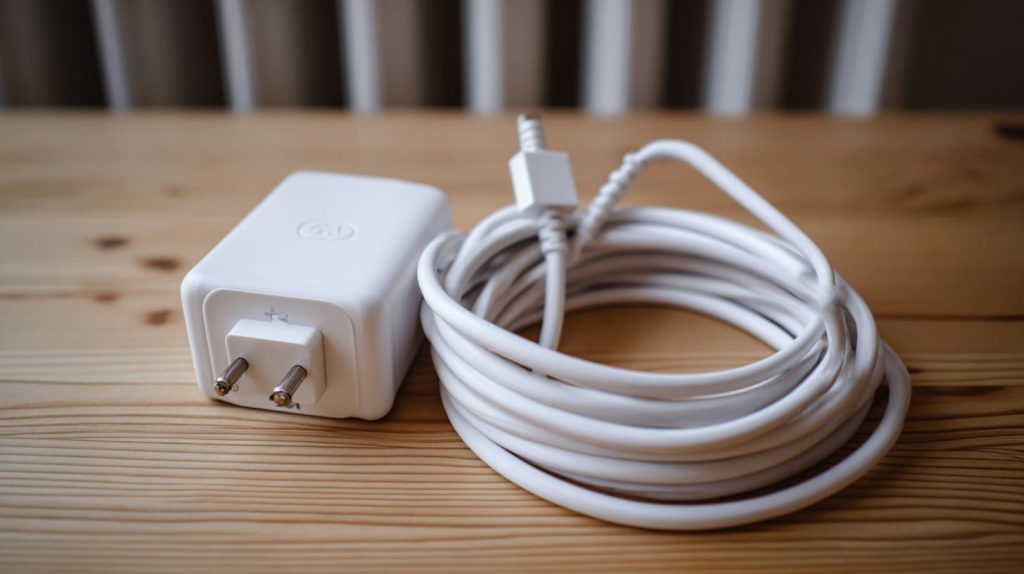
Some trusted brands even include inline switches and power conditioning. If you're unsure, grab the official Pi adapter. It’s boring—but reliable.
Can a Raspberry Pi 3 run safely on a lower-amp power adapter?
Only if you keep things really light.
Yes, but only if no peripherals are used and you're not pushing the CPU.
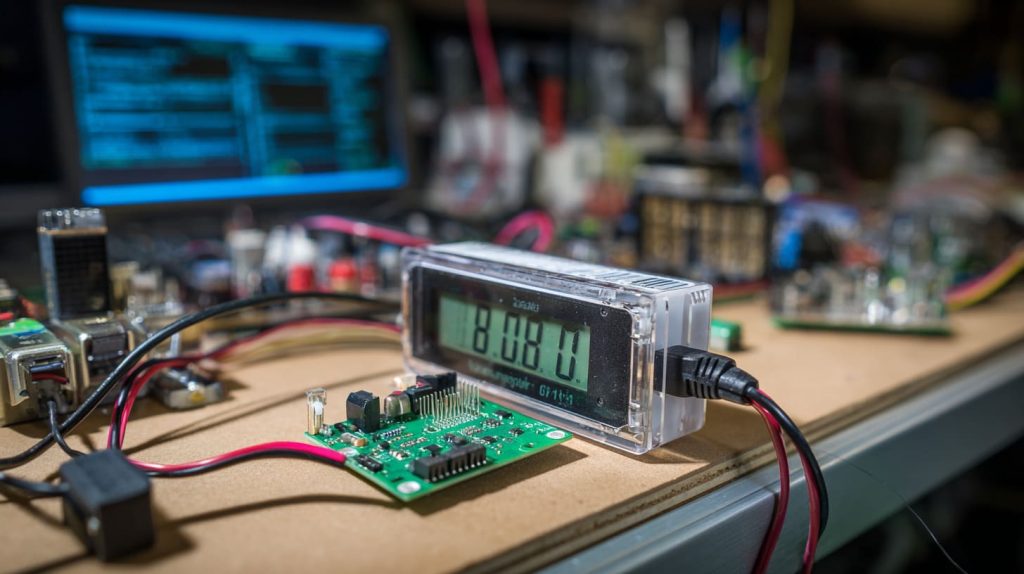
I’ve run headless Pis on 1A chargers—just SSH and nothing else. But any USB load? Instant undervoltage.
Will using a 2.7A charger cause undervoltage issues on Raspberry Pi 3?
It depends more on voltage stability than amperage.
If the adapter delivers a clean 5V, 2.7A is generally safe for Raspberry Pi 3.
But cheap adapters often drop to 4.8V under load. That’s where the Pi freaks out—even if amps look good on paper.
Can I use a phone charger to power a Raspberry Pi 3?
That depends on the charger.
Most phone chargers can't supply consistent 2.5A and may trigger undervoltage warnings.
Especially older USB-A phone bricks—they top out at 1–2A. Even newer ones are built for burst charging, not constant draw.
Does Raspberry Pi 3 require a regulated 5V power supply?
Yes—this isn’t optional.
Raspberry Pi 3 needs a regulated 5V supply to maintain stability under variable loads.
Fluctuating voltage = corrupted data, reboots, weird behavior. Always choose a power supply that maintains voltage under stress.
Why does my Raspberry Pi 3 show the undervoltage icon?
That little lightning bolt? It’s a cry for help.
It means the Pi is receiving less than 4.63V and performance is being throttled.
Sometimes it’s not the supply—it’s the cable. Long or thin USB cables increase resistance, dropping the voltage before it even hits the Pi.
What happens if my Raspberry Pi 3 power supply doesn’t provide enough amps?
The Pi will complain. And then it’ll give up.
Low current causes instability, failed boots, USB drops, and even SD card corruption.
It might boot fine at first. But try video decoding or I/O-heavy tasks, and boom—freeze or reboot. Worse if you’re writing to disk.
Is it safe to use a higher-amp power supply with Raspberry Pi 3?
Absolutely—and it might even help.
Yes, higher-amp supplies (like 3A or 4A) are safe if the voltage is regulated to 5V.
Amps are like a buffet: the Pi takes what it needs. As long as voltage is correct, you’re good. Overkill amps don’t harm—just don’t go over 5.1V.
Conclusion
Yes, but check voltage and peripherals.




