 Skip to content
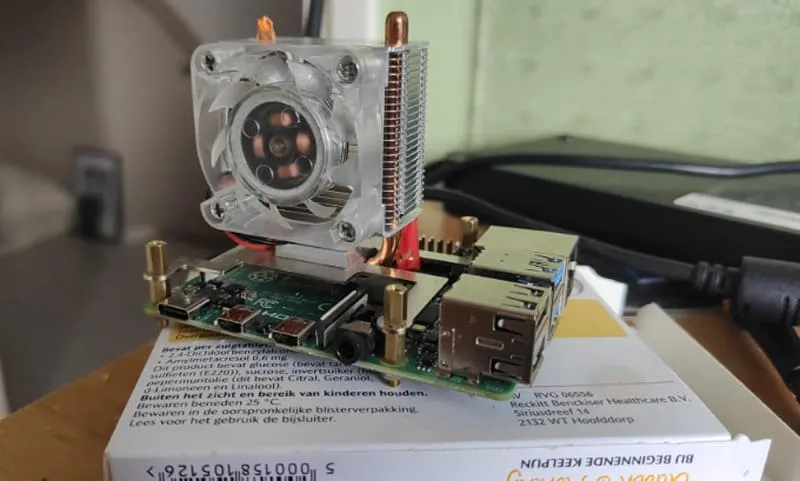
If you're thinking about running your Raspberry Pi without a case, you might want to think twice. Without the protection of a case, your Pi could be vulnerable to heat damage, static, and physical mishaps. But how risky is it really?
Running a Raspberry Pi without a case might seem like a good idea for better ventilation, but it exposes the board to physical damage, overheating, and other risks. It’s generally safer with a case, but it’s possible without one under certain conditions.
In summary, while it's possible to use a Raspberry Pi without a case, doing so may expose it to various risks. Using a case not only protects the hardware but also helps in maintaining proper cooling, thereby enhancing the longevity and performance of your Raspberry Pi.
Let’s dive deeper into the risks and benefits of using a Raspberry Pi without a case, and why it may or may not be a good idea for your project.
Do you need a case for the Raspberry Pi 5?
The Raspberry Pi 5 brings new performance improvements, but does that mean you still need a case? Let’s explore the need for one with this upgraded model.
Although the Raspberry Pi 5 is more powerful, it’s still susceptible to heat and physical damage. Using a case for protection is still highly recommended, especially for long-term use or demanding projects.
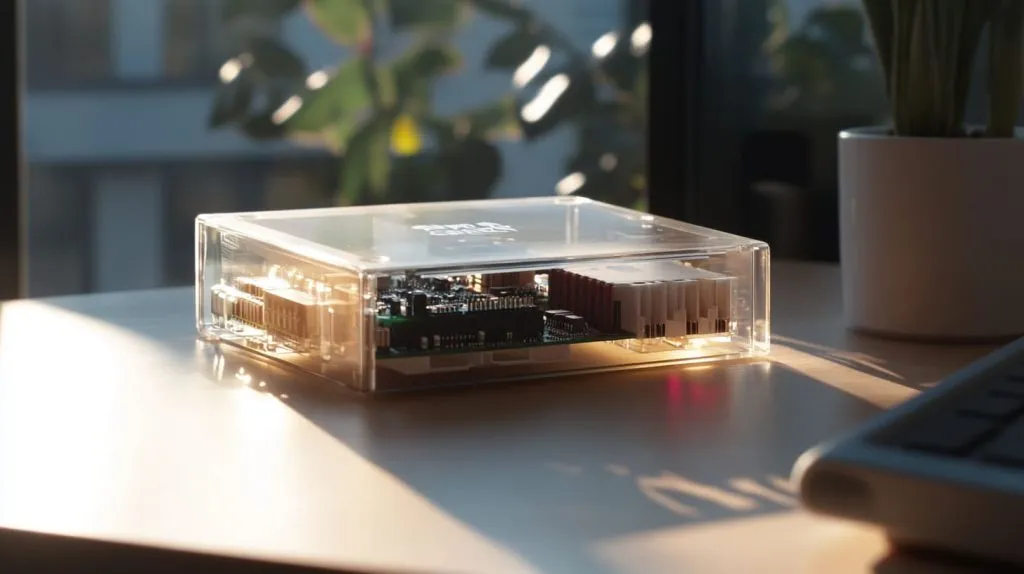
Why does the Raspberry Pi 5 need a case?
The Raspberry Pi 5’s improved processing power and faster clock speeds generate more heat than previous models. While it comes with better cooling mechanisms, a case can help manage that heat and prevent damage from physical contact, dust, and moisture. Without a case, you risk exposing the board to static or electrical shorts.
Here’s a breakdown of why the case is important:
| Reason | Benefit of Using a Case |
|---|---|
| Heat dissipation | Helps prevent overheating |
| Physical protection | Shields against damage or shorts |
| Cleaner environment | Keeps dust and moisture away |
Are Raspberry Pis a security risk?
You might be worried about security threats when using a Raspberry Pi in your network. But is it really a security risk?
While Raspberry Pi itself isn’t inherently insecure, it can be vulnerable to attacks if not properly configured, especially if connected to a network. Regular updates and firewalls are essential for mitigating these risks.

How can Raspberry Pi security be managed?
If you plan to use your Raspberry Pi for networking or web projects, ensure you follow proper security measures. Regularly update your operating system, change default passwords, and set up firewalls or VPNs for safer connections. Even without a case, the main security concerns are related to software vulnerabilities, not the hardware itself.
Will the Raspberry Pi shut down if it gets too hot?
Overheating can be a real concern with the Raspberry Pi, but what happens if it gets too hot? Will it shut down on its own?
The Raspberry Pi does not automatically shut down when it overheats. However, excessive heat can lead to throttling, which reduces performance, and over time, it could cause permanent damage to the board. Using a case with cooling can help manage this risk.
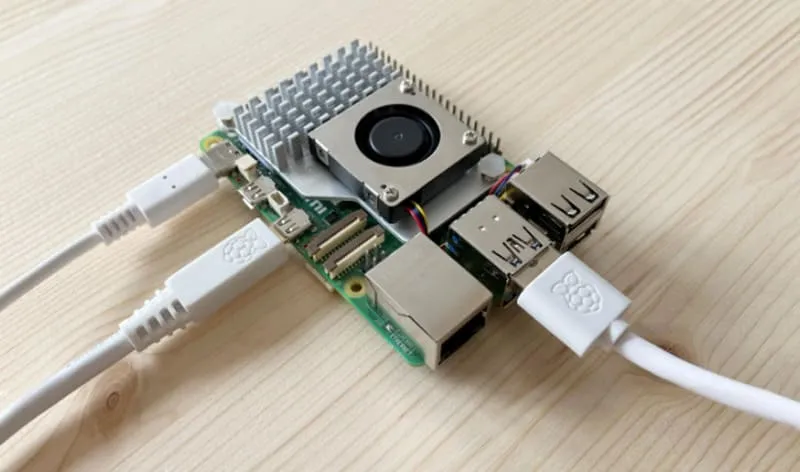
What happens when Raspberry Pi overheats?
Raspberry Pi boards, especially the more powerful models, tend to heat up when running intensive tasks. If the temperature exceeds the safe range, the processor’s speed is automatically reduced to prevent damage. This is known as thermal throttling, and it can significantly affect performance, but it won’t necessarily turn off the device.
| Temperature | Effect |
|---|---|
| Up to 50°C | Normal operation |
| 50°C - 80°C | Throttling may begin |
| Above 80°C | Risk of permanent damage |
How long can a Raspberry Pi run continuously?
A Raspberry Pi is designed for continuous operation, but for how long can it run without needing a break?
The Raspberry Pi can run 24/7 without issues if it’s properly ventilated and not under extreme loads. However, continuous high-performance tasks may require cooling solutions to prevent overheating.
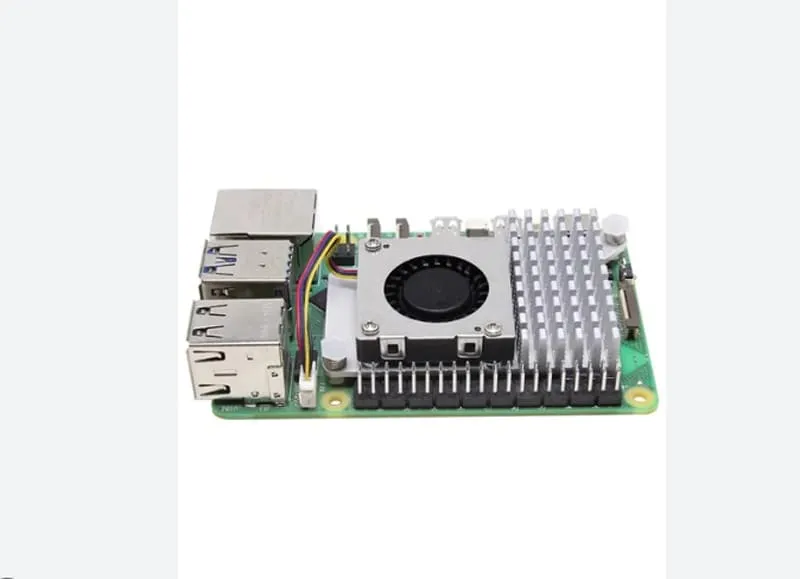
Continuous operation and performance considerations
While a Raspberry Pi can technically run indefinitely, certain factors—like heat buildup and power stability—can shorten its lifespan. For instance, if the Pi is running at full power for extended periods, it’s crucial to have a cooling solution in place, especially when the device is used for data-heavy projects or as a server.
How do I know if my Raspberry Pi is shutting down?
How can you tell if your Raspberry Pi is shutting down or experiencing issues, especially if you don’t have a monitor attached?
You can tell if your Raspberry Pi is shutting down through LED indicators or by checking the system logs. If you’re using it without a display, these signs are crucial to monitor its status.
Checking Raspberry Pi shutdown signs
If your Raspberry Pi is turning off unexpectedly, look for signs like flashing LEDs or check the log files for shutdown signals. You can also set up remote monitoring tools to keep an eye on the Pi’s status even without a monitor connected.
How can I test my Raspberry Pi without a monitor?
Don’t have a monitor to test your Raspberry Pi? No worries—there are other ways to monitor its activity without one.
You can test a Raspberry Pi without a monitor using SSH, VNC, or by checking its LED lights. Remote access gives you all the information you need to manage and troubleshoot.

Remote access options for testing
Use SSH (Secure Shell) to log into the Pi remotely and perform commands, check logs, or troubleshoot. VNC (Virtual Network Computing) is another way to access the Pi’s desktop from another device. These options let you manage the Pi without needing to hook up a monitor, making it ideal for headless setups.
Conclusion
It’s generally safe to use a Raspberry Pi without a case, but it exposes the board to several risks, including heat damage, static, and physical harm. If you plan on using the Pi for intensive projects, consider adding a case for better protection.







