 Skip to content
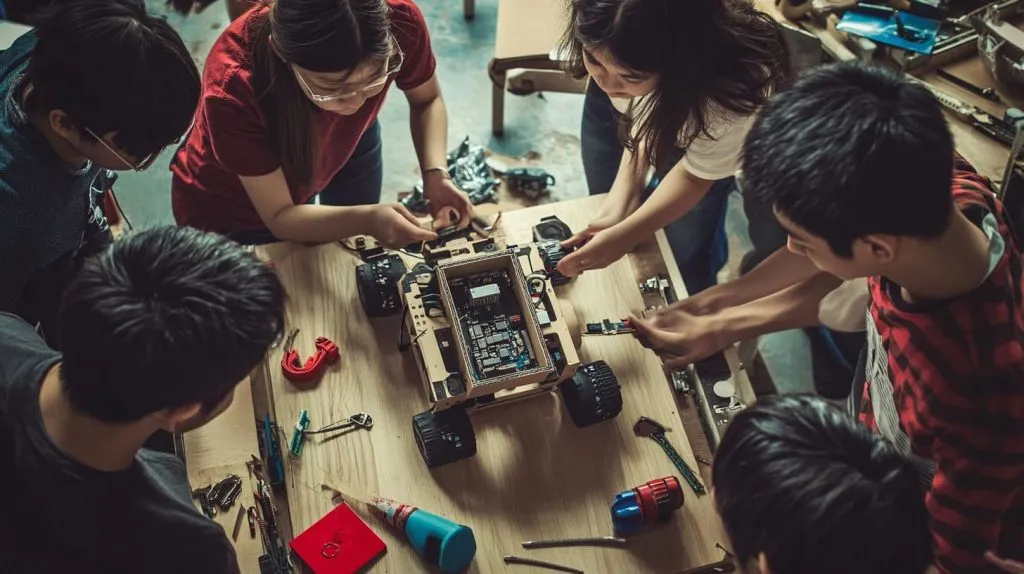
Last weekend I watched a team of high-schoolers in Shenzhen cobble together a cardboard-wheeled rover from scrap plywood and a beaten-up Pi Zero. Their entire budget? Roughly the price of three bubble-teas. That moment hammered home a simple truth: in hobby and classroom robotics, cheap is not a buzzword—it is oxygen. In this post I unpack what “cheapest” really means (hint: the sticker on the board is only the opening act) and map today’s sub-$150 hardware jungle so you can stretch every yuan, euro, or dollar.
Ready to swap price tags for hard numbers? Keep reading.
Understanding the Real Cost of Getting Into Robotics
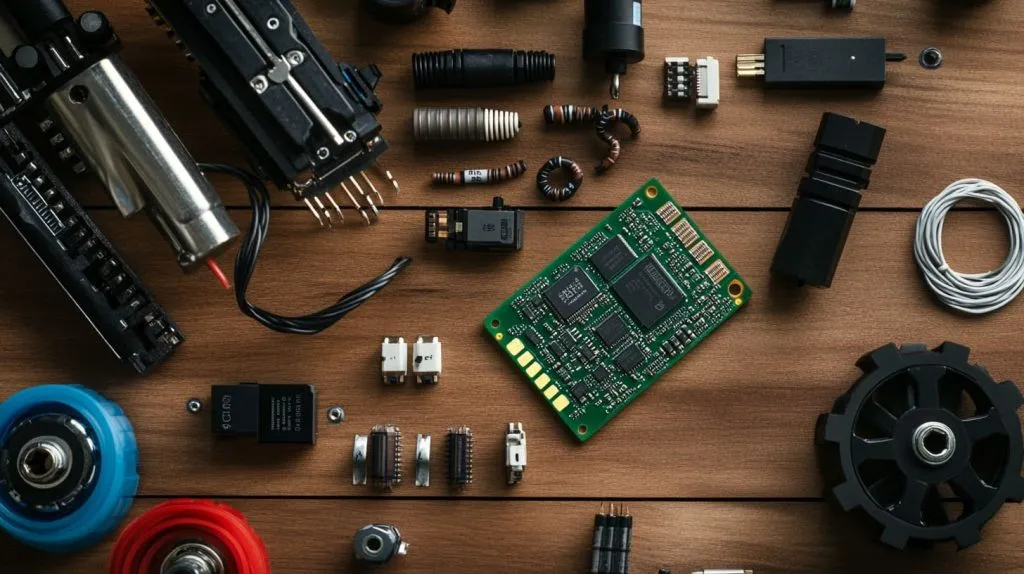
Board price vs. total bill of materials
I once shipped a $4 Pico across the Pacific only to spend $25 on export paperwork. The lesson? Board cost ≠ project cost. Add in wheels, motors, driver boards, batteries, screws, and—if you teach—a few spare USB cables that keep vanishing from the lab.
One-off hobby build vs. classroom bulk purchase
A single smart-car kit feels pricey at $76, but in bulk my distributor trims 18 %. Schools also amortize jigs, chargers, and lab power supplies over dozens of builds, shifting the “cheapest” crown toward boards with stronger community docs that cut teacher prep time.
Hidden costs: shipping, customs, tax, tooling, time
- Shipping: Air freight for lithium cells can dwarf the cell price.
- Customs: A $100 Jetson Nano lands at $118 in Belgium after VAT.
- Tooling: Servo crimpers or 3-D-printing filament add line items beginners often forget.
- Time: Waiting six weeks for a missing header pin can sink a semester schedule.
A caffeinated sprint down rabbit-holes is fun, but a clear map is better—let’s meet the main landmarks next.
Quick Overview of Popular Low-Cost Robotics Platforms
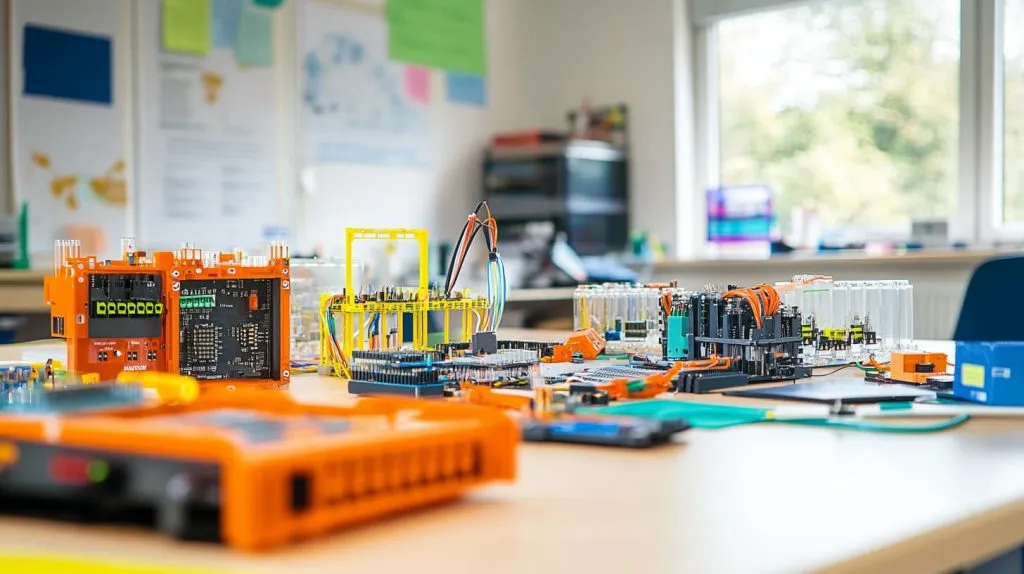
| Platform | Core Strength | Typical Street Price* |
|---|---|---|
| Raspberry Pi Zero 2 W | Tiny Linux, Wi-Fi/BLE, runs Micro-ROS | $15 |
| Raspberry Pi Pico | Dual-core MCU, great IO, MicroPython | from $4 |
| Raspberry Pi 4 B | Desktop-like Linux, USB 3, HDMI ×2 | $35–75 |
| Raspberry Pi 5 | PCIe, GPU accel, up to 16 GB RAM | $50–120 |
| Arduino UNO R4 Minima | 5 V logic, beginner-friendly IDE | $19.99 |
| ESP32 Dev Board | Wi-Fi + BT MCU, deep-sleep, cheap | $3–10 |
| BBC micro:bit v2 | Built-in sensors, block coding | ≈ $18 (10-pack $179.99) |
| Jetson Nano 2 GB | CUDA GPU for AI vision | ≈ $100 |
*Street prices vary by region and bulk tier.
Each board shines in a different lane, yet price tags alone don’t drive your robot—motors do. Let’s crunch total build costs.
Price Comparison: Raspberry Pi vs. Alternatives
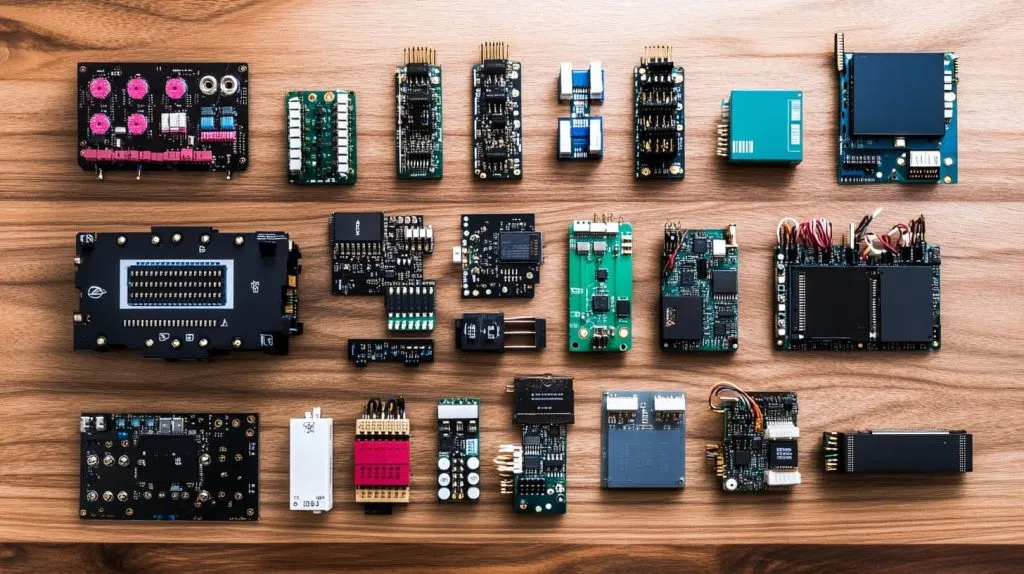
Current street prices (2025) for core boards
See table above.
Typical add-ons for a mobile robot
| Component | Low-Cost Choice | Price (USD) | Notes |
|---|---|---|---|
| Gear motor | TT plastic gear | $1.99 | 120 RPM @ 6 V |
| Motor driver | L298N clone | $2 | Dual H-bridge, 2 A peak |
| Li-ion pack | 2 × 18650 + holder | $6 | Cells recycled from laptop packs |
| Chassis | Laser-cut acrylic | $5 | Bulk cut in-house |
| Misc. wires, screws | — | $3 | Buy by the bag |
Total system cost for three sample builds
| Build | Brain | Parts Cost | Notes |
|---|---|---|---|
| Line follower | Pi Pico or Arduino Nano | ~$20 | Sensors: 5-channel IR array |
| Camera rover | Pi Zero 2 W or ESP32-Cam | ~$45 (Zero) / $30 (ESP) | Includes 720 p cam + 2 motors |
| AI rover | Pi 5 4 GB | ~$130 | Adds SPI IMU + 12 V buck |
Performance-per-dollar & energy-per-task
A Pi 5 crunches YOLOv8 at 2 fps on-device; an ESP32 ships images to the cloud instead. Factor the cloud bill and Pi’s GPU suddenly looks thrifty.
Sticker math done? Great—money is nothing without support.
Ecosystem & Support: How Community Affects Your Budget
Availability of open-source tutorials, drivers, ROS 2 stacks
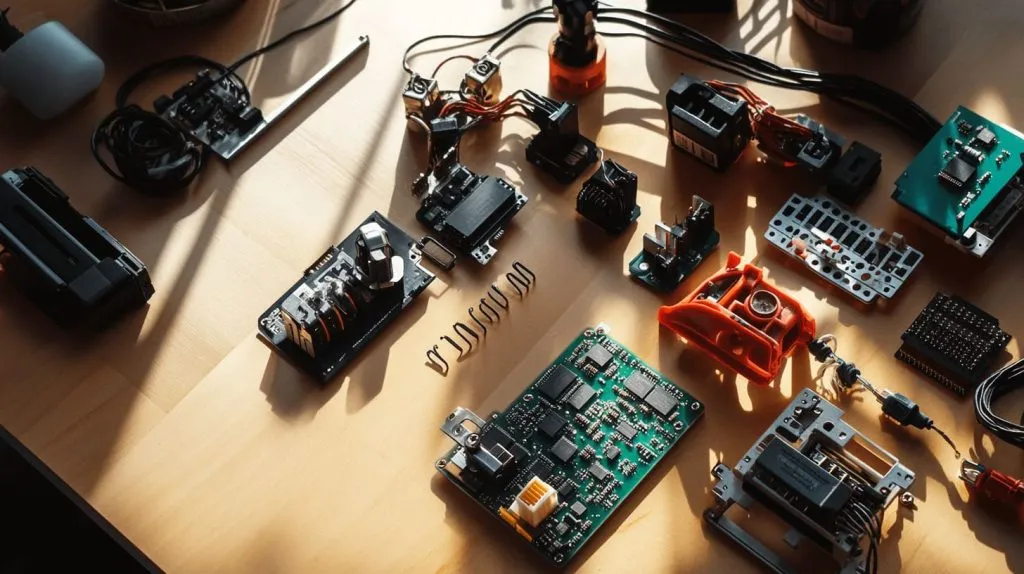
Raspberry Pi earns bonus points: thousands of GitHub repos, weekly Tom’s Hardware builds, and college courses share turnkey code. ESP32 comes close; Jetson’s CUDA world is powerful but steeper.
Accessory & shield/HAT pricing and second-hand markets
Used Pi HATs flood eBay for a few bucks. Arduino shields remain pricier yet trump every rival for pin-compatible depth. micro:bit add-ons sit in the middle, aided by educators off-loading last year’s stock.
Third-party cases, power supplies, heatsinks—when to buy, when to DIY
- Buy when thermal loads threaten cameras or neural nets (think Pi 5 + NVMe).
- DIY when a cardboard sleeve will shield a Pico from hand solder burns.
Community ammo loaded, let’s see real numbers on the battlefield.
Case Studies: Building Robots on a Shoestring
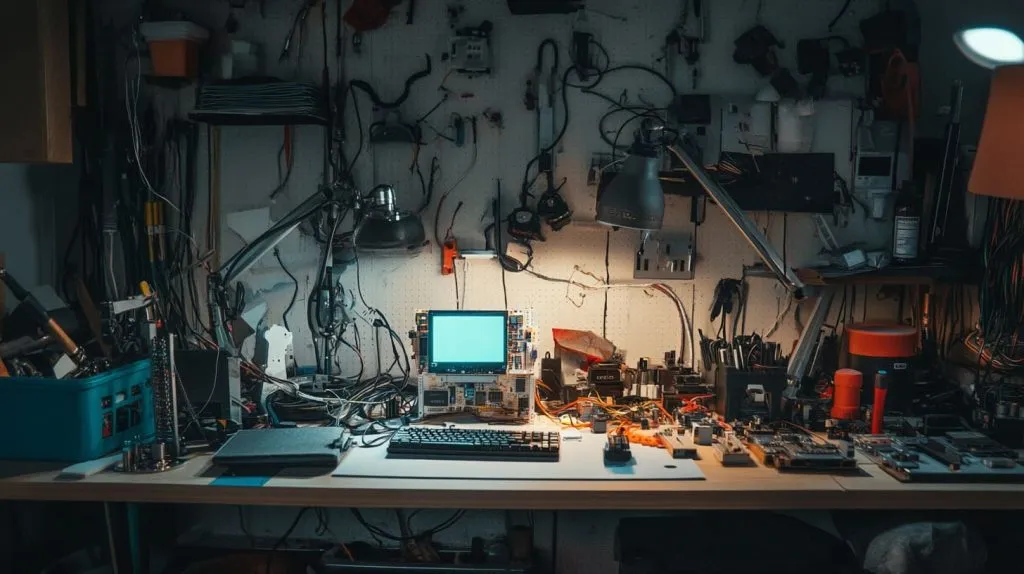
$50 line-following robot (Pi Pico vs. Arduino Nano)
My intern Tina built two rigs in one afternoon. The Pico version used MicroPython and plotted sensor data over USB. The Nano clone saved $2 but needed a logic-level converter for the OLED—time cost > cash saved.
$100 camera rover (Pi Zero 2 W vs. ESP32-Cam)
The Zero streamed 480 p to a local Flask server; the ESP32-Cam posted JPEGs every 0.3 s. For line-of-sight play the ESP wins. For FPV racing, the Zero earns its extra $15.
Classroom ROS swarm for under $500
We paired recycled laptops as base stations with five Pi 5 boards running Micro-ROS. Students flashed code over Wi-Fi and logged to SQLite—no cloud fee, no drama.
Industrial prototype with customer-branded Pi case (MaidaTech ODM)
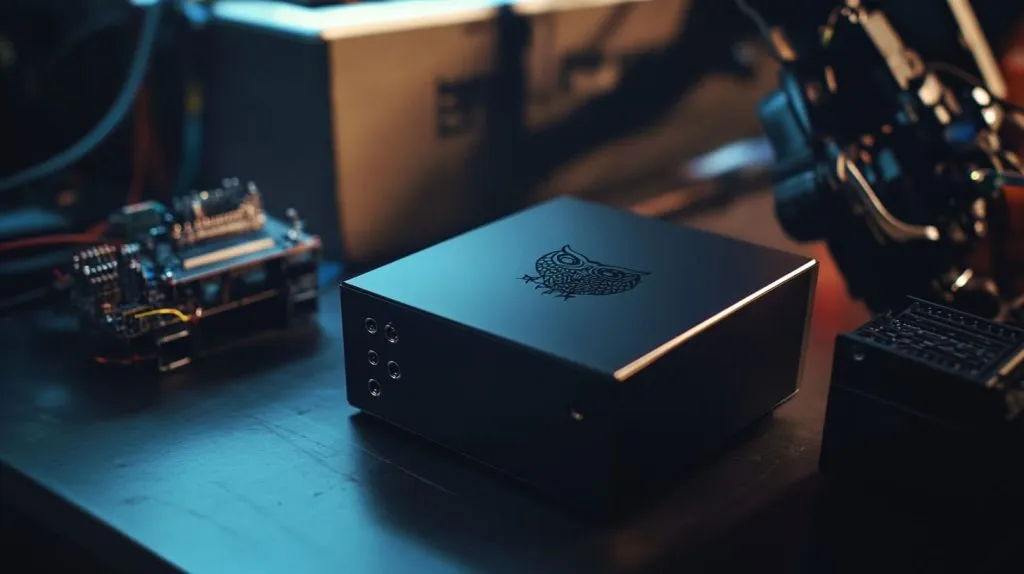
A Belgian client, Davide, ordered 200 Pi 4 units in matte-black aluminum shells engraved with his owl logo. By machining in-house we trimmed enclosure cost 22 %, keeping the whole robot arm controller under €140 each.
Anecdotes aside, when exactly does Pi hit the sweet spot?
When Raspberry Pi Is the Cheapest Choice
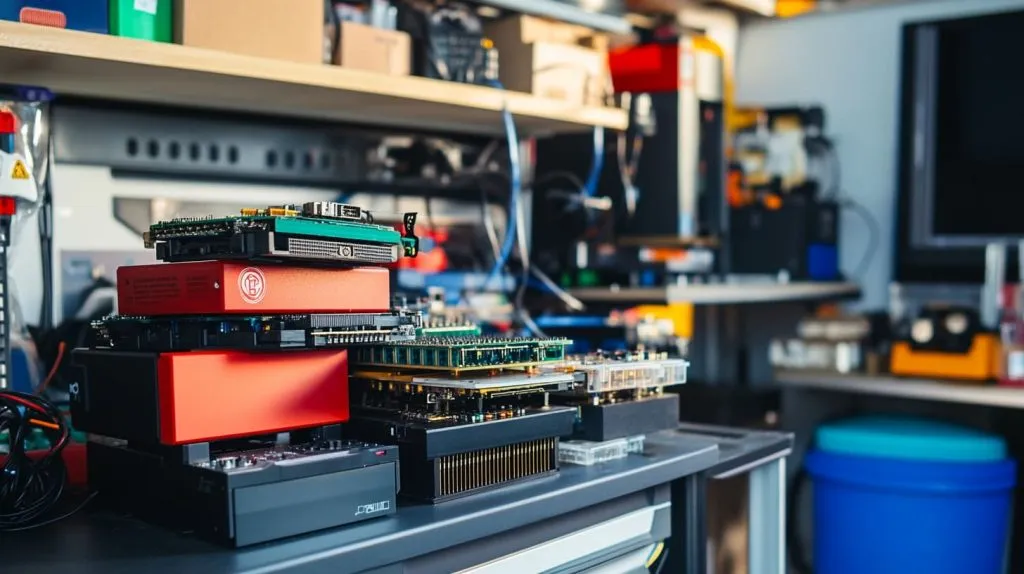
Vision & AI tasks that need Linux and GPU acceleration
ROS 2 + OpenCV compile natively; no monthly GPU cloud bill.
Leveraging free ROS 2, OpenCV, and TensorFlow Lite packages
One apt install replaces days of driver hacking. Class time saved is real money.
Re-using surplus Pi boards from earlier projects
Those Pi 3B you shelved in 2021 still drive servos fine—zero hardware spend beats every bargain.
But frugality swings both ways; let’s give microcontrollers their day in court.
When Other Options Beat Raspberry Pi on Price
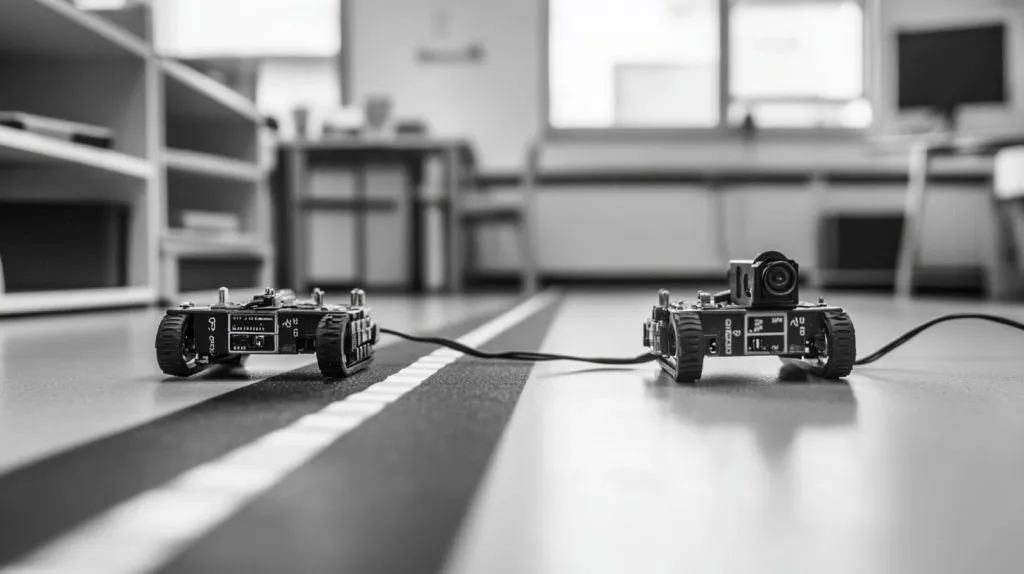
Simple control loops where an 8-bit MCU is enough
A $2 ATmega328 clone toggles four relays without a swap file or SD card.
Ultra-low-power or ultra-compact robots
An ESP32 in deep-sleep sips 80 µA. A Pi 4 guzzles 600 mA at idle—no contest for solar rovers.
Projects where wireless module cost dominates the BOM
If you need only BLE-Mesh, an nRF52840 dongle at $9 makes Pi look bloated.
So how do we squeeze every cent regardless of platform? Read on.
Tips to Minimize Robotics Project Costs
An Elegoo Smart Robot Car kit at $75.99 includes motors, sensors, and an UNO-compatible board—cheaper than piecemeal shopping.
Reuse parts: scavenging motors, printing chassis, 3-D-printing gears
Old DVD drives hide precision sliders; scrap acrylic becomes a laser-cut frame.
Partner with OEMs for custom enclosures & sleeves (MaidaTech example)
We laser-engrave client logos on Pi cases during off-peak hours, turning branding into a near-free add-on.
Plan upgrades early to avoid scrapping prototypes
Standardize on 12 V rails and JST-PH connectors so future boards slot into last year’s bots without rewiring.
With every trick in your toolbox, what verdict emerges?
Conclusion
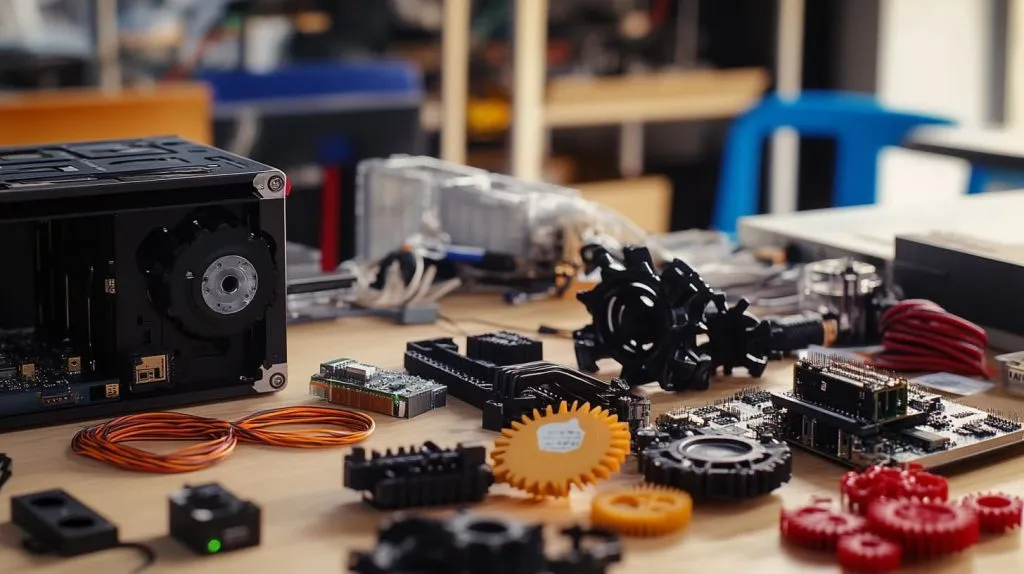
After dozens of invoices and more than one 3 a.m. solder burn, my takeaway is clear: Raspberry Pi wins whenever your robot needs Linux horsepower or leverages a stash of reused boards. For purely mechanical tasks, a $3 ESP32 or a $20 Arduino UNO R4 often lands the knockout.
Decision checklist:
- Do you need on-device vision or heavy math? Grab a Pi.
- Teaching basic control theory? Stick to Arduino or Pico.
- Shipping on battery power? Favor ultra-low-power MCUs.
Cost is a puzzle with many pieces. Choose the board that fits the problem, not the one with the lowest sticker.







