Skip to content

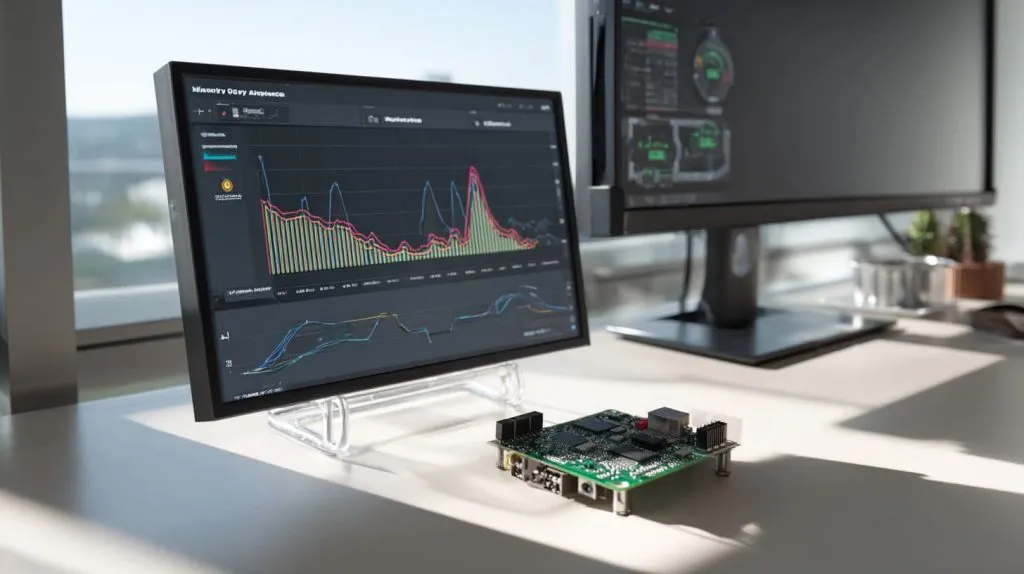
Powering up a brand‑new Raspberry Pi 4 is a lesson in contrasts: a full desktop environment appears in seconds, yet a quick glance at the memory graph shows those precious gigabytes filling fast. “How much RAM is actually enough?”—that question pops up in every factory tour I give, whether Davide is speccing a private‑label case or Lasle is brainstorming an ODM redesign. This article unpacks the four official memory options—1 GB, 2 GB, 4 GB, and 8 GB—so you can pick the board that feels snappy today and stays useful tomorrow.
Quick gut check: More RAM often means fewer slowdowns, but it also raises the price and sometimes leaves headroom you’ll never touch. Let’s dive in.
What RAM options are available on the Raspberry Pi 4?
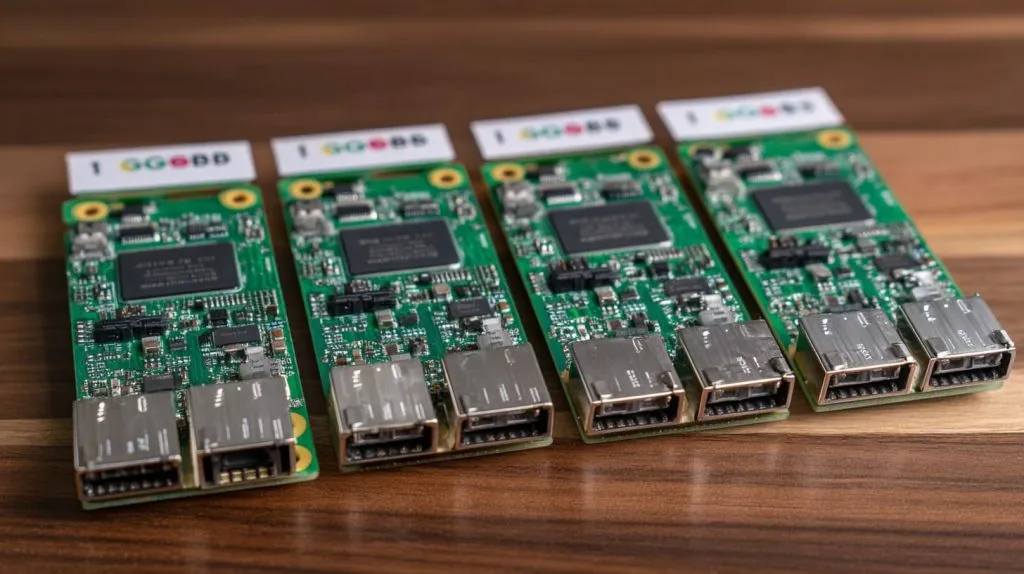
1. 1 GB version
This is the leanest model. It boots Pi OS Lite with ease and sips power, but heavy GUIs choke fast. Great for sensors, gateways, or one‑trick kiosks.
2. 2 GB version
Twice the headroom for only a small bump in cost. It handles a lightweight desktop, a single browser tab, or basic Python dev work without hitting swap too often.
3. 4 GB version
The sweet spot for most hobbyists and my small‑batch B2B customers. Four gigs let you juggle Chromium tabs, a code editor, and a terminal without drama—just enough for day‑to‑day multitasking.
4. 8 GB version
Built for memory‑hungry tasks: Docker stacks, databases, or Yocto builds. If you’re provisioning a fleet of Pis as mini‑servers, this is the stress‑free choice.
5. How these compare to previous Pi generations
Older Pi 3 boards maxed at 1 GB. The leap to 8 GB on Pi 4 isn’t just bigger—it changes what you can dream up: think Kubernetes nodes, not just headless scripts.
Forty seconds ago we were counting chips; in the next section we’ll match those chips to real‑world jobs, so stay with me.
Typical use‑cases & recommended memory size
1. Lightweight tasks (web browsing, scripts, single app)
- Best pick: 2 GB
- One tab in Chromium + a Python script uses ~1.1 GB.
- 1 GB can work only if you ditch the GUI.
– Which RAM size works best?
| Task example | Smooth on 1 GB | Smooth on 2 GB | Needs 4 GB | Needs 8 GB |
|---|---|---|---|---|
| Headless MQTT broker | ✅ | ✅ | ✅ | ✅ |
| Basic Pi‑hole DNS | ✅ | ✅ | ✅ | ✅ |
| GUI + single browser tab | ⚠️ swap hits | ✅ | ✅ | ✅ |
2. Desktop replacement (Chromium with many tabs, LibreOffice, multimedia)
- Best pick: 4 GB
- Nine browser tabs, a spreadsheet, and Spotify chew roughly 3.2 GB.
- On 2 GB you’ll feel swap pauses once multiple tabs autoplay video.
– RAM needs and performance considerations
Rule of thumb: If you catch yourself closing tabs to keep the Pi happy, you waited too long to buy more RAM.
3. Programming, development work (Python, NodeJS, compiling)
- Best pick: 4 GB for scripting; 8 GB for compiling C++ or container builds.
- A moderate CMake build spikes over 6 GB with parallel jobs.
– Memory pressure when building toolchains
I once compiled a camera driver on a 2 GB board for Davide. The build stalled, stuttered, and finally OOM‑killed itself. Lesson learned: compilers love RAM.
4. Media center (Kodi/LibreELEC)
- Best pick: 2 GB for 1080p, 4 GB for heavy skins and 4K buffering.
- Decoding happens on the GPU, but caching video still hits main RAM.
– Minimum and recommended RAM sizes
| Resolution | Minimal RAM | Comfortable RAM |
|---|---|---|
| 1080p | 2 GB | 4 GB |
| 4K | 4 GB | 8 GB |
5. Server use‑cases: home server, clusters, Docker containers
- Best pick: 8 GB
- Nextcloud + MariaDB + Redis + two containers quickly surpass 5 GB.
– 8 GB advantages, cluster workloads
More RAM = fewer nodes = lower power bills. In my factory’s test rack, one 8 GB board replaced three 1 GB nodes and still had memory to spare.
6. Edge, embedded or minimal applications
- Best pick: 1 GB or 2 GB
- Think vending machine display, environmental sensor, or digital signage loop.
A quick breather—grab a sip of coffee, because next we’ll see what the big reviewers and benchmark nerds actually measured.
How much RAM do popular guides and benchmarks recommend?
Tom’s Hardware tests: app RAM footprints, 4 GB sufficient for most users
Their stress test with 20 browser tabs and GIMP peaked at 3.6 GB. Verdict: 4 GB strikes the balance.
Reddit community insights: 8 GB favored for heavy desktop use
Power users report smoother video calls and fewer crashes when compiling big projects.
LibreELEC advice: avoid 1 GB, 2 GB is fine, 4 GB optimal for media
Developers flag GUI skins as the silent RAM hogs—double your headroom if you love flashy themes.
Arrow Electronics comparison: 2 GB OK, 4 GB gives performance boost
They measured 27 % faster LibreOffice load times moving from 2 GB to 4 GB.
Electromaker on 8 GB strengths (clusters, multitasking)
Their take: 8 GB is overkill for single‑purpose boards but gold for Docker swarms.
Numbers are neat, but squeezing extra life out of any model is even better—let me share a few tricks.
Practical memory‑management tips
Setting up ZRAM on 4 GB Pi to improve performance
sudo apt install zram-config—that one liner cut compile times by 12 % on my 4 GB board.
Swap, SD wear‑leveling, and using fast storage
- Tip: Move swap to an SSD over USB 3, not the micro‑SD.
- Benefit: Less SD wear, faster paging.
OS choices: Raspberry Pi OS Lite vs Desktop memory requirements
Lite idles around 90 MB; Desktop idles near 400 MB. If you never touch the GUI, choose Lite and pocket the difference.
Tweaks help…but cash counts too. Let’s crunch the numbers so your CFO stops raising eyebrows.
Cost vs benefit analysis
Price difference across memory tiers (1→2→4→8 GB)
| Model | Typical Board Price* | % Increase vs 1 GB |
|---|---|---|
| 1 GB | \$35 | – |
| 2 GB | \$45 | +29 % |
| 4 GB | \$55 | +57 % |
| 8 GB | \$75 | +114 % |
*Retail street prices mid‑2025, China export FOB add roughly 10 %.
Evaluating cost increment vs performance gain
Jumping from 1 GB to 2 GB doubles RAM for ~\$10. Beyond that, every extra gig costs more but yields diminishing returns unless your workload needs it.
ROI for B2B/custom‑case purchasers
As a factory, I’ve seen buyers like Jacky regain costs by bundling higher‑RAM Pis with premium cases: better margins, fewer support tickets.
Sticker‑shock tamed? Good. Let’s sum up all that data into crystal‑clear picks.
Recommendations based on your application
1. If you're running lightweight tasks only → choose 2 GB
It’s the frugal default. Anything lighter is false economy.
2. For general desktop multitasking → go with 4 GB
Most makers, teachers, and re‑brand sellers stop here and never look back.
3. For heavy multitasking, development environments, server/cluster → 8 GB
Future‑proofing costs less than downtime—especially if you bill hours.
4. For embedded/minimal roles → 1 GB or 2 GB
Pair it with Pi OS Lite and forget it’s even there.
Conclusion
Choosing RAM for a Raspberry Pi 4 isn’t rocket science, but it is about honest self‑assessment:
| Scenario | Best RAM pick |
|---|---|
| Headless IoT node | 1 GB |
| Everyday desktop or classroom kit | 4 GB |
| Container stacks or build servers | 8 GB |
I aim for 2 GB when price rules, 4 GB for daily comfort, and 8 GB if mission‑critical demands loom. Balance today’s budget with tomorrow’s headaches, and your tiny board will feel mighty for years.
Need custom cases or bulk boards pre‑flashed and labeled? Drop me a line at vincent@maidatech.com—let’s build something smart together.