 Skip to content
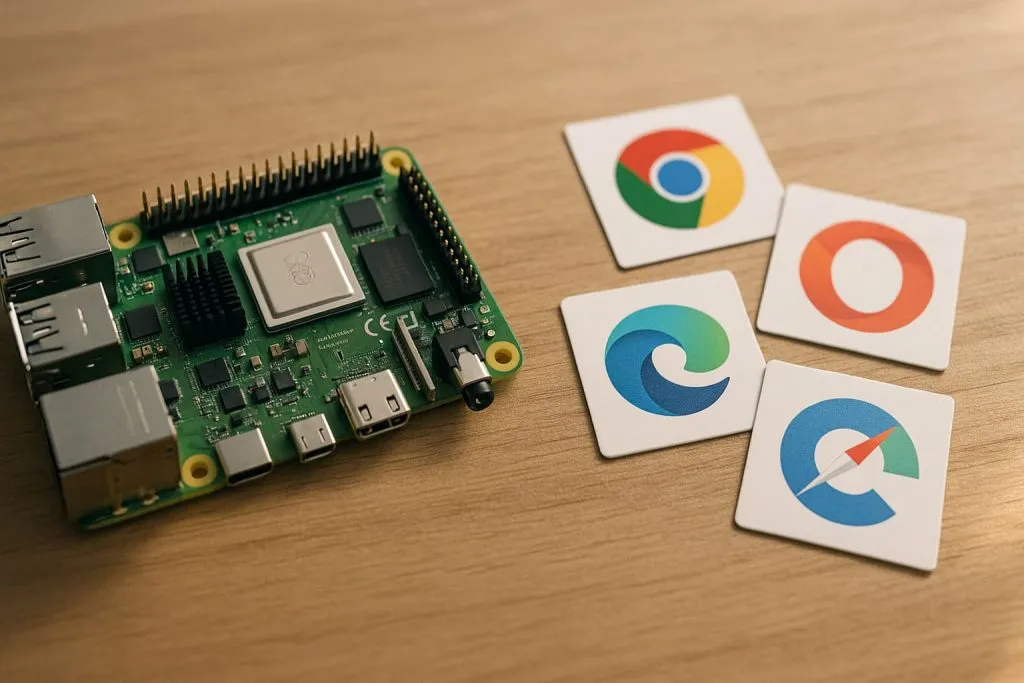
The other day, I was working on a small Raspberry Pi 5 setup for a client who needed a clean browser interface for their equipment dashboard. While waiting for a long build to finish, I opened a few different browsers to test the UI. Within minutes, I noticed the same old problem—some browsers ran smoothly, while others struggled the moment I opened a second tab. It reminded me how the Pi behaves like its own world. It looks like a tiny PC, but the way it handles browsers is completely different.
That moment made me think about how much the Raspberry Pi ecosystem has changed in 2025. The hardware is stronger, the OS is more refined, and more people are depending on Pi-based systems for real work—not just hobby projects. From makers to OEM engineers to kiosk designers, everyone needs a browser that fits their workflow, their hardware, and their expectations.
So in this review, I want to share what I’ve learned from hands-on testing across Pi Zero, Pi 3, Pi 4, and Pi 5. I’ll walk you through what works, what breaks, and what you should pick depending on your project. By the end, you’ll have a clear idea of which browser fits your use-case—and why the answer isn’t the same for everyone.
1. Evaluation Criteria
When you're evaluating browsers for a Pi, you have to think differently than you would on a full desktop. It’s like buying shoes for hiking versus the office—they might look similar, but what matters under the surface is totally different.
1.1 Performance & Resource Usage
This is where things get real. On a Raspberry Pi 3 or Zero, a heavy browser will crush performance. I tested each browser with multiple tabs, streaming video, and loading dev tools. I also monitored RAM and CPU usage using htop and a USB power meter. Chromium and Firefox have improved, but lightweight options still win on older boards.
1.2 Compatibility with Modern Web Standards
Every engineer I know eventually runs into a browser bug related to HTML5 or WebGL. Some browsers lag behind when it comes to features like IndexedDB, CSS grid rendering, or JavaScript performance. I ran tests using HTML5test.com and browser benchmarks to evaluate this.
1.3 Feature Set (Extensions, Sync, Privacy)
Some projects need password sync or extensions (like ad blockers). Others are deployed in kiosk mode and need strict privacy controls. We’re not just rating browsers—we’re matching tools to goals.
1.4 Ease of Installation & Maintenance on Raspberry Pi OS
Let’s be honest—some browsers are a pain to install. Missing dependencies, outdated repositories, and confusing architecture mismatches make them feel like puzzles. I evaluated how simple the install process was via APT or manual builds, and how easy updates are long term.
1.5 Suitability for Different Raspberry Pi Models
The Pi Zero? Completely different beast from the Pi 5. I tested each browser on multiple boards to see which ones crashed, froze, or held up under pressure.
1.6 Security & Privacy Considerations
This isn’t just for consumer use. If you’re building a point-of-sale device, or a B2B product for a client in Europe, privacy compliance and browser patching matter. We looked at which browsers update regularly, support HTTPS by default, and offer built-in protections.
And with all that in mind, here’s how the top browsers stack up.
2. Top Web Browsers Reviewed

It took weeks of tests, long nights, and a few crashes that made me want to throw my Pi across the room—but here’s what I learned.
2.1 Chromium (on Raspberry Pi)
2.1.1 Overview & version support
Chromium is the default browser for Raspberry Pi OS, and it’s the closest you’ll get to Google Chrome. In 2025, the version bundled with Raspberry Pi OS is more stable than ever, supporting hardware acceleration and up-to-date rendering.
2.1.2 Strengths
- Hardware acceleration now enabled on Pi 4/5
- Smooth video playback on YouTube (720p/1080p)
- Familiar interface and sync (if you set it up manually)
2.1.3 Weaknesses
- Heavy on RAM; not ideal for Pi Zero or 3
- Sync requires tweaks (not officially supported via Google Account on Pi OS)
- Occasional freezes when opening developer tools
2.1.4 Ideal use-cases
Best for general web browsing, kiosk setups, or users who want something familiar with wide compatibility.
2.2 Firefox
2.2.1 Overview & version support
Firefox is now available as a flatpak or through custom APT repos. It’s less native than Chromium but has gained performance boosts through Wayland support and software tweaks.
2.2.2 Strengths
- Excellent privacy tools
- Syncs with Firefox accounts seamlessly
- Full extension support
2.2.3 Weaknesses
- Sluggish on low-spec Pi boards
- Slight lag with tabs or heavy sites
- Doesn’t feel as “at home” on Pi OS
2.2.4 Ideal use-cases
Great for developers who care about add-ons, privacy, and compatibility with Mozilla’s ecosystem.
2.3 Brave Browser
2.3.1 Overview
Brave brings ad-blocking and privacy-first design to the Pi. Based on Chromium, it performs well—but install complexity is higher.
2.3.2 Strengths
- Blocks ads and trackers by default
- Chromium base means good compatibility
- Acceptable performance on Pi 4/5
2.3.3 Weaknesses
- Needs manual install and configuration
- High memory footprint
- Slightly bloated for lightweight builds
2.3.4 Ideal use-cases
Perfect for Raspberry Pi-based privacy projects, digital signage, or kiosk deployments where tracking must be minimized.
2.4 Vivaldi
2.4.1 Overview
Vivaldi is the power-user’s browser. It can run on Pi 4 and 5 with tweaks, but it’s not officially supported. Install it if you like deep customization.
2.4.2 Strengths
- Highly customizable UI
- Tab management like no other browser
- Chromium-based, so good page compatibility
2.4.3 Weaknesses
- Not officially maintained for Pi
- Some UI features cause lag
- Consumes more RAM than Brave
2.4.4 Ideal use-cases
Tinkerers, engineers building desktop-style Pi environments, or embedded setups where interface control matters.
2.5 Lightweight / Niche Browsers
2.5.1 Overview
Browsers like Midori, Epiphany (GNOME Web), and Dillo still exist for Pi. They’re often used on legacy projects or minimal builds.
2.5.2 Strengths
- Tiny install size
- Snappy on Pi Zero and 3
- Good for static HTML or low-resource web tools
2.5.3 Weaknesses
- No real support for modern JS-heavy websites
- CSS and responsive design rendering is inconsistent
- Some sites won’t load at all
2.5.4 Ideal use-cases
Static dashboards, local-only network tools, or industrial devices with HTML-based settings panels.
It’s clear there’s no perfect pick—but there is a right browser for each use-case. Let’s break it down visually.
3. Browser Comparison Table

| Browser | Performance | RAM Usage | Extensions | Best Pi Model | Best Use-Case |
|---|---|---|---|---|---|
| Chromium | ★★★★☆ | High | Limited | Pi 4/5 | General use, kiosk |
| Firefox | ★★★☆☆ | Medium | Full | Pi 4/5 | Developers, privacy-focused |
| Brave | ★★★☆☆ | High | Partial | Pi 4/5 | Ad-free, privacy installations |
| Vivaldi | ★★☆☆☆ | Very High | Full | Pi 5 only | Customizable dashboards |
| Midori | ★★☆☆☆ | Low | Minimal | Pi Zero/3 | Static or legacy HTML sites |
Still with me? Good—because choosing the right browser is only part of the battle. Let’s talk about the deeper considerations that often get missed.
4. Specific Considerations for Raspberry Pi Use
Choosing the browser is just the beginning. If you’re like me—tweaking things for an industrial client or testing inside a custom aluminum enclosure—you already know the context matters even more.
4.1 Raspberry Pi Model Differences
- Pi Zero / 3: Struggles with Chromium and Firefox. Use lightweight browsers or SSH/VNC + remote browsing.
- Pi 4 / 5: Supports all mainstream browsers. Pi 5 benefits from improved GPU acceleration and USB boot for SSDs.
4.2 32-bit vs 64-bit OS
64-bit Pi OS unlocks better performance for Firefox and Brave, especially on Pi 5. But some repos still lag in 64-bit support.
4.3 Hardware Matters
RAM and storage make a huge difference. Swapping to SSD boot gave me a 30% reduction in browser startup time on Chromium. GPU matters for smooth video playback—especially on 1080p or kiosk setups.
4.4 Installing Browsers
APT works for Chromium and lightweight options. Firefox often needs Flatpak or external repos. Brave and Vivaldi require custom builds or direct DEB packages. Be ready for trial and error.
4.5 Keeping Things Updated
Browsers on Raspberry Pi often don’t get automatic updates. For security-focused projects, you need to either automate updates via cron or set a reminder to patch manually.
4.6 Industrial/Kiosk Use
I’ve built browser-based control panels inside aluminum enclosures before. For these, I recommend:
- Chromium in kiosk mode
- Brave with ad-blocking for clean UI
- Use hardware overlays or HDMI-CEC for external control
Let’s bring it all together.
5. My Recommendations & Best Practices
Every project is different. But here’s how I’d personally choose browsers for different use-cases.
5.1 General Browsing (Pi 4/5)
Use Chromium or Firefox. Chromium is snappier; Firefox gives more privacy. Both are mature now.
5.2 Older Pi Boards (Pi Zero/3)
Skip Chromium. Use Midori or GNOME Web. Or even skip browsers entirely and SSH into another system for web use.
5.3 Privacy-Sensitive Projects
Brave is ideal. Or Firefox with hardened configs. Disable telemetry, use built-in blockers, and test TLS behavior.
5.4 Industrial/Kiosk Use
Chromium in fullscreen mode works beautifully. Autostart scripts and HDMI display tuning can create a solid experience for end-users.
5.5 Optimization Tips
- Avoid unnecessary extensions
- Disable animations and auto-play
- Use SSD instead of SD for faster load
- Set swap space if you only have 1GB RAM
- Stick to 64-bit OS if possible on Pi 4/5
Conclusion
If there’s one thing I’ve learned through all this testing, it’s that there is no one-size-fits-all browser for Raspberry Pi. What works great on your desk might fail miserably inside a dusty enclosure in a factory overseas.
But there is a best browser for your unique project. Whether you're an engineer building kiosk systems, a developer running automated tests, or a B2B client asking us for pre-installed solutions on embedded Pi builds—we’ve got options, and they’re getting better each year.
As Pi hardware keeps improving and browsers become smarter, I expect even smoother experiences by the end of 2025. In the meantime, I’d love to hear from you:
Which browser do you use on your Raspberry Pi—and what trade-offs have you accepted?
Let’s keep learning, testing, and building better together.
— Vincent from MaidaTech







