Skip to content

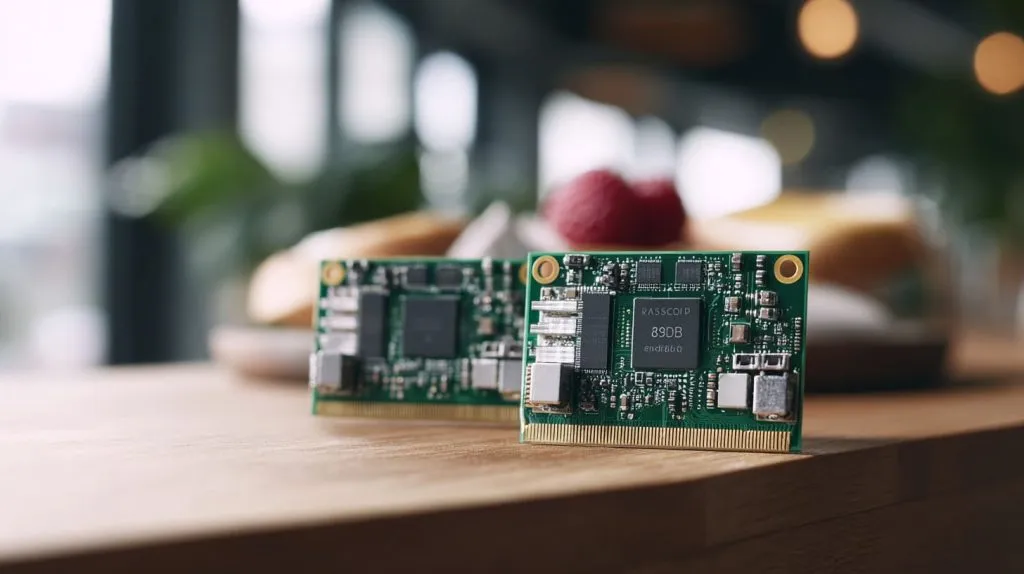
I used to think more RAM always meant better performance—until a client complained their 8GB Pi ran no faster than their 2GB one.
Most Raspberry Pi 4 setups work great with 2GB to 4GB RAM—unless you’re doing heavy multitasking, coding, or Docker work.
But memory size isn’t just a number on a spec sheet. It changes how the board feels, how fast it reacts, and how long it keeps up under pressure.
How much RAM do you need for a Raspberry Pi?
I’ve been asked this more times than I can count—usually right after someone stares at the 2GB, 4GB, and 8GB options and freezes.
It depends on what you’re running—light OS use needs 2GB, but projects like AI or Docker benefit from 4GB or 8GB.
Dive Deeper: Real-world use cases by RAM size
| Project Type | Recommended RAM |
|---|---|
| Headless automation scripts | 2GB |
| Media center (Kodi, Plex) | 2–4GB |
| Coding with VS Code | 4GB |
| Web browsing / desktop use | 4–8GB |
| AI / Machine Learning | 8GB |
| Docker containers / servers | 4–8GB |
I usually steer clients toward the 4GB option for anything semi-serious—it’s the sweet spot for price and performance.
Is the Raspberry Pi 5 16GB overkill?
People hear “16GB RAM” and think it’s future-proof. I thought the same—until I tried loading Firefox tabs endlessly just to see if I could fill it.
Yes—for most users, 16GB is excessive. Only advanced AI, simulation, or multi-container dev work might need it.
Pi 5’s 16GB is like buying a high-end gaming PC to check your email. It’s impressive, but unless you’re running a Kubernetes cluster, it’s overkill for 90% of users.
What is the max RAM for Raspberry Pi 4?
Some assume they can upgrade Pi 4’s RAM later—truth is, that’s not how it works.
Raspberry Pi 4 comes with a fixed RAM size—2GB, 4GB, or 8GB—and cannot be upgraded.

I learned this the hard way when a buyer ordered 2GB boards thinking they could “add more later.” We had to scrap and resell them.
How much RAM do you actually need for Raspberry Pi 4 projects?
Each project has its own appetite. My rule of thumb? Don’t overspend for unused memory—but don’t choke a big project with small RAM.
2GB works for simple tasks, 4GB is best for general use, and 8GB shines in multitasking or dev-heavy scenarios.
Memory needs by project category
| Project Category | Example Projects | Suggested RAM |
|---|---|---|
| Basic usage | RetroPie, GPIO control | 2GB |
| Multimedia & desktop | YouTube, LibreOffice, dual displays | 4GB |
| Development & DevOps | Python, Node.js, Docker | 4–8GB |
| AI / ML | TensorFlow Lite, image classification | 8GB |
What’s the difference between 2GB, 4GB, and 8GB Raspberry Pi 4 models?
At first glance, they look identical—but open a few tabs, start compiling code, or run multiple apps—and the difference hits fast.
More RAM helps with multitasking, app performance, and smooth operation under load.
When I had just 2GB, Chromium tabs would freeze if I opened too many. The 8GB board? It handled everything I threw at it.
Is 2GB enough for running Raspberry Pi OS and basic applications?
I get this question from first-time buyers. Here’s the short answer.
Yes—2GB is enough for Raspberry Pi OS and light use like file management, terminal, and basic browsing.

But if you’re planning to run modern apps or web browsers side-by-side, 2GB starts feeling cramped quickly.
When should you choose 4GB or 8GB for your Raspberry Pi 4 build?
It comes down to how serious you are about performance. A casual project? 4GB. Mission-critical development? 8GB.
Choose 4GB for reliable all-around use, 8GB if you're juggling containers, tabs, or AI models.

When I ran Docker + Nginx + a Node app on the 4GB model, it worked—but memory pressure was real. On 8GB? Smooth as silk.
How does RAM size affect power consumption and heat output on Raspberry Pi 4?
More RAM doesn't just mean faster—it also means hotter and slightly more power-hungry.
8GB models tend to consume more power and generate more heat—especially under heavy loads.

In summer, I could feel the difference in my office. My 8GB Pi needed a fan, while the 2GB model stayed cooler on its own.
Which RAM size is best for Raspberry Pi 4 cluster or server deployments?
When I built a Pi cluster, I quickly learned it’s not about maxing out every board.
4GB is often ideal—enough for server tasks without overpaying for idle memory.
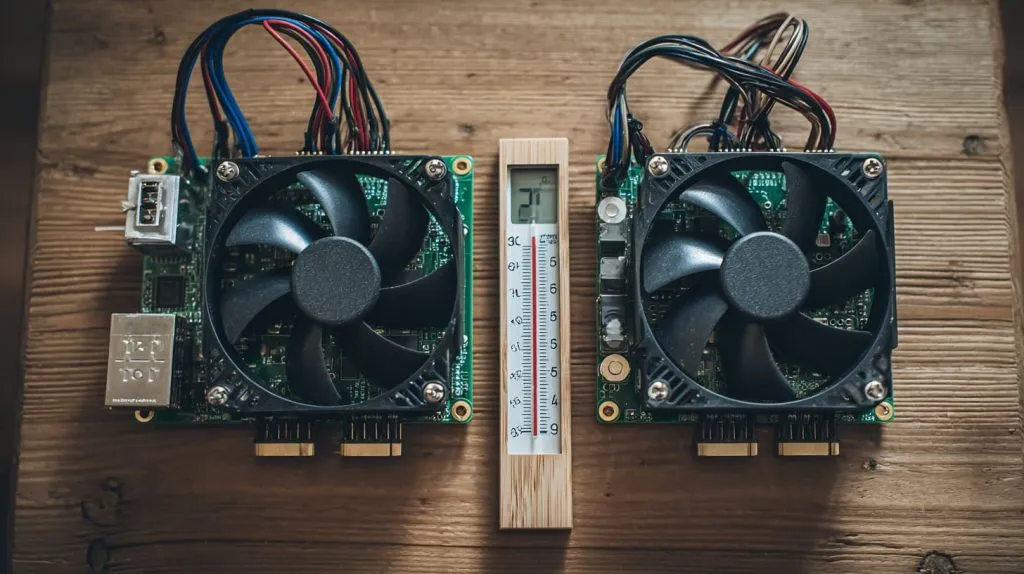
Clusters shine when balanced. Too much RAM on each node is wasted unless each runs heavy independent workloads.
What memory size do developers prefer for coding, Docker, or AI workloads?
I work with a lot of makers and developers. They don’t like waiting. That’s why…
Most developers prefer 4GB for general use, but go for 8GB when running Docker, AI, or multiple IDEs.

I’ve seen Node.js servers, PostgreSQL, and even TensorFlow Lite run beautifully—on 8GB.
Can you upgrade the RAM on a Raspberry Pi 4 after purchase?
This one surprises a lot of folks.
No—you cannot upgrade Raspberry Pi 4 RAM; it’s soldered to the board.
If you’re unsure, always buy the next tier up. It costs more upfront, but saves you from rebuying later.
What RAM size is best for resellers targeting beginner users vs. advanced makers?
I’ve helped resellers choose stock for different customer segments. Here’s the simple breakdown:
2GB suits beginners and hobbyists, while 4GB–8GB attracts devs, educators, and serious tinkerers.

Which model fits which customer type?
| Customer Type | Use Case Example | Recommended RAM |
|---|---|---|
| First-time buyers | Setup tutorials, GPIO basics | 2GB |
| Hobbyist makers | Smart mirror, media server | 4GB |
| Advanced users | Docker, AI, Kubernetes | 8GB |
Retailers on Amazon often stock all three to cover the full spectrum of users. The 4GB version often sells fastest.
Conclusion
Most people don’t need 8GB—but they’re happy when they have it.