

We often think of “real computers” as big machines sitting on desks. But what if something smaller—palm-sized, even—does just as much?
A Raspberry Pi is a real computer because it has all the core components needed to perform computing tasks—processor, memory, storage, display outputs, and operating systems.
I used to think of Raspberry Pi as just a toy for tinkering. But once I ran full desktop environments, compiled software, and even browsed the web on it—my view changed. This thing had bite.
Can a Raspberry Pi be used as a computer?
I get this question from new clients almost every week.
Yes, a Raspberry Pi can be used as a computer—plug in a keyboard, mouse, monitor, and you’re ready to browse, code, and write emails.

It boots. It browses. It runs code.
Many of my customers use Raspberry Pi as desktop replacements for education or embedded projects. It runs Linux OS, supports HDMI display, and handles lightweight tasks like:
- Coding in Python or C++
- Editing documents
- Watching YouTube in Chromium
- Running GPIO hardware simulations
I once shipped 200 units to a school district—they used them as coding terminals. Kids were building Python games by the second week.
Can a Raspberry Pi 4 replace a PC?
Some buyers want to swap out their full desktops. Others just need a computer to run code or display info.
In light-use scenarios, the Raspberry Pi 4 can replace a traditional PC—especially for web, office work, or basic development.

When “good enough” is just right
Raspberry Pi 4 has:
| Feature | Raspberry Pi 4 | Entry-Level PC |
|---|---|---|
| CPU | Quad-core Cortex-A72 | Intel i3/AMD Ryzen 3 |
| RAM | 2–8 GB LPDDR4 | 4–8 GB DDR4 |
| Storage | MicroSD or SSD via USB 3.0 | HDD/SSD |
| Ports | 2x micro HDMI, USB 3.0, GPIO | Full HDMI, USB-C, etc. |
You’re not going to do 4K video editing. But for running code, handling documents, even connecting to a cloud dashboard—it does the job.
Is the Raspberry Pi just a computer?
This one stirs up debates in forums and dev chats.
No, the Raspberry Pi is more than just a computer—it also acts as a learning tool, development board, and IoT gateway.

Beyond the “computer” label
You can treat it as:
- A media center (via Kodi or LibreELEC)
- A robotics brain (with GPIO and Python)
- A NAS box (with external storage)
- A custom kiosk (retail displays love it)
I helped a client in Belgium use 100 Pi units to power touchscreen info panels at train stations. Try doing that with a regular desktop.
Can a Raspberry Pi replace a laptop?
It depends on what you expect from a “laptop.”
Functionally, yes—but practically, only with external components like a screen, battery, and keyboard.

A portable PC with a few add-ons
I’ve seen DIYers build Raspberry Pi laptops with:
- 5–10 inch LCD screens
- Li-Po battery packs
- Keyboard + touchpad modules
It’s fun, it works, but let’s be honest—it won’t replace your MacBook anytime soon. Still, for learning or specific project use? Totally viable.
What hardware components make the Raspberry Pi function as a full computer?
Here’s where it gets interesting for OEM buyers and engineers.
The Raspberry Pi has a CPU, RAM, USB ports, storage support, and HDMI output—making it a complete computing system.

Let’s break it down
| Component | Purpose |
|---|---|
| SoC (CPU+GPU) | The brain—runs the OS and applications |
| RAM | Memory for multitasking and speed |
| HDMI | Output to a display |
| USB | Connects mouse, keyboard, etc. |
| MicroSD/USB | Boot storage and app storage |
| GPIO | For hardware interaction |
You don’t need a tower. You just need these parts to be present—and they are.
How does the Raspberry Pi compare with a regular desktop computer in capability and architecture?
For serious comparison, this is where things diverge.
The Raspberry Pi uses ARM-based architecture, while most desktops use x86—but both can run OSes and apps.

ARM vs x86: Two different worlds
- Power efficiency: Raspberry Pi wins
- Raw performance: Desktop wins, by far
- Flexibility: Raspberry Pi can go places your PC can’t
Architecture-wise:
| Spec | Raspberry Pi (ARM) | PC (x86) |
|---|---|---|
| Instruction Set | ARMv8 (64-bit) | x86-64 |
| Energy Draw | 5W–7W | 65W+ |
| Size | Credit-card | Desktop tower/laptop |
Still, both do the job: get code executed and show output.
Which operating systems can run on the Raspberry Pi?
You’d be surprised at the OS list.
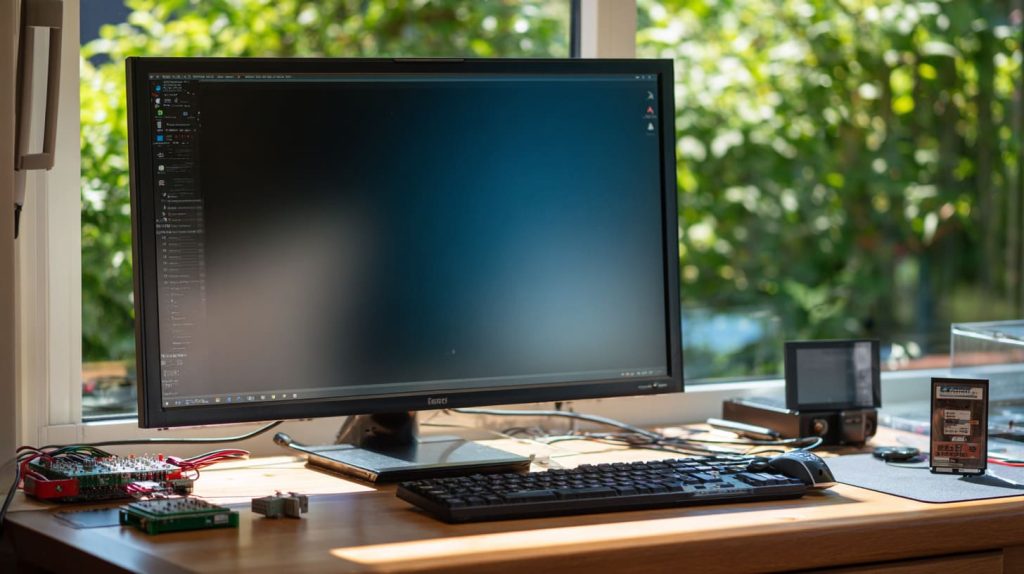
The Raspberry Pi runs full Linux-based systems like Raspberry Pi OS, Ubuntu, and even Windows IoT Core.
OS options for every user
- Raspberry Pi OS: Official and lightweight
- Ubuntu: For devs who want a richer environment
- Kali Linux: Popular with network security testers
- Retropie: Gaming and emulation
- Home Assistant OS: For smart home projects
That OS flexibility is one reason why our custom Pi kits are so popular—we preload the OS per customer spec.
Why do makers and OEM/ODM buyers treat the Raspberry Pi as a computer platform?
If it looks like a computer and behaves like one…
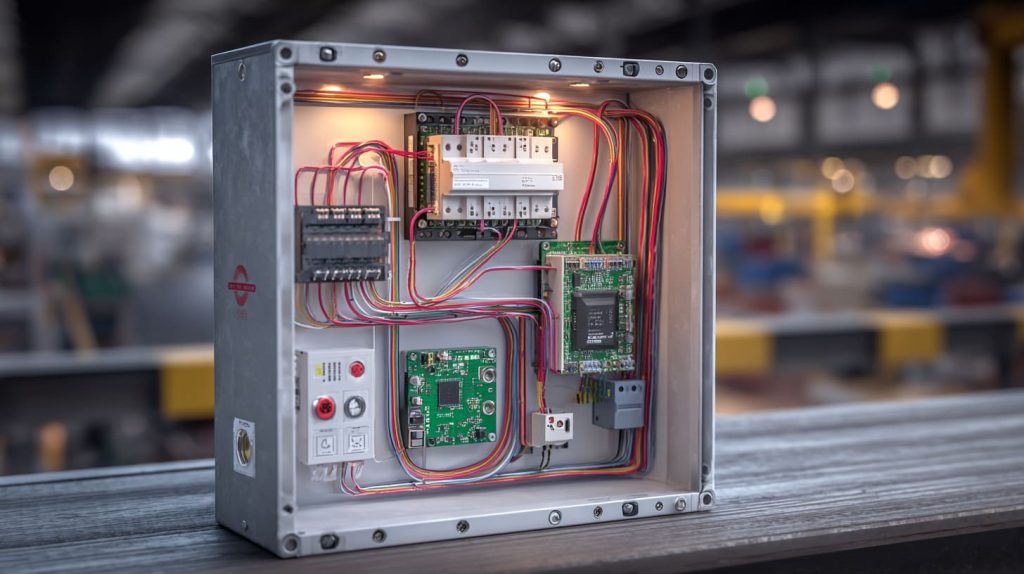
Because it’s cheap, flexible, and programmable—ideal for building finished products or prototypes with minimal risk.
I’ve seen this firsthand
Davide, one of my re-brand clients, uses Raspberry Pi to create DIY computer kits with custom-printed cases. Lasle, an ODM client, embeds it inside a new sensor box for industrial monitoring.
To them, it’s not just a board—it’s a platform for ideas.
What limitations of the Raspberry Pi still set it apart from high-end computers?
Let’s be honest, it’s not perfect.
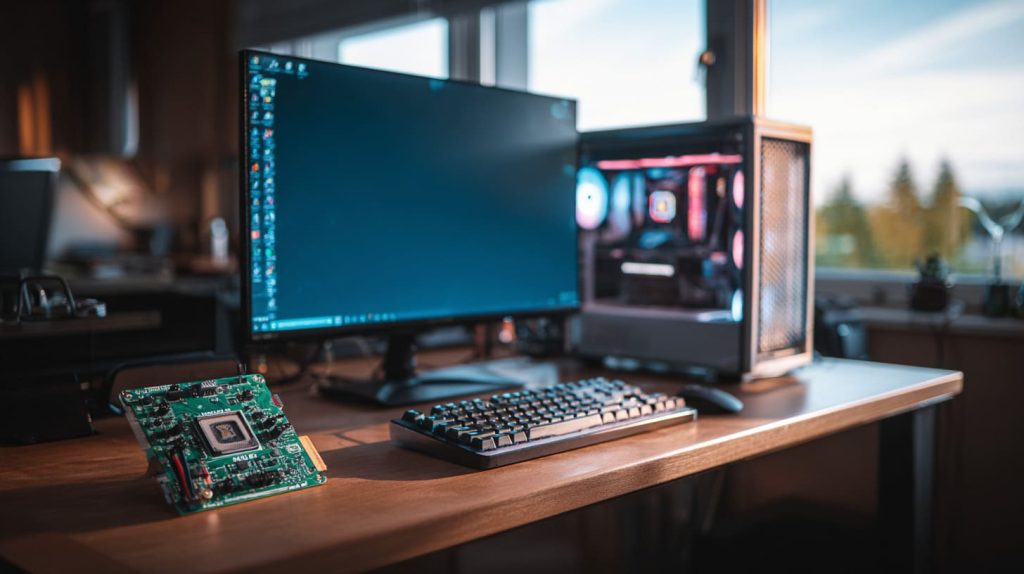
Raspberry Pi lacks high processing power, native SSDs, and high-end GPUs—but for many uses, that doesn’t matter.
When less is still enough
| Feature | Raspberry Pi Limitation |
|---|---|
| CPU power | Can’t match Intel i7 or Ryzen |
| GPU | Not made for 3D rendering |
| RAM cap | Max 8GB (RPi 4B) |
| Ports | Fewer than PCs |
Yet for teaching Python, running dashboards, or powering smart devices? None of that is a dealbreaker.
How does the Raspberry Pi’s role in education and industry reinforce its status?
From kids to engineers, it has a place.
The Raspberry Pi proves it’s a real computer through how it’s used—in schools, factories, and makerspaces worldwide.

Where it shows up
- Classrooms: Used for teaching programming
- Prototyping labs: Embedded in MVPs
- Retail kiosks: Display screens and checkouts
- Factories: Monitoring sensors, automation
I shipped a batch of Pi units to a solar panel company—they used them to control voltage display dashboards. Not a toy.
What future upgrades will make it even more like a desktop?
Here’s where things get exciting.
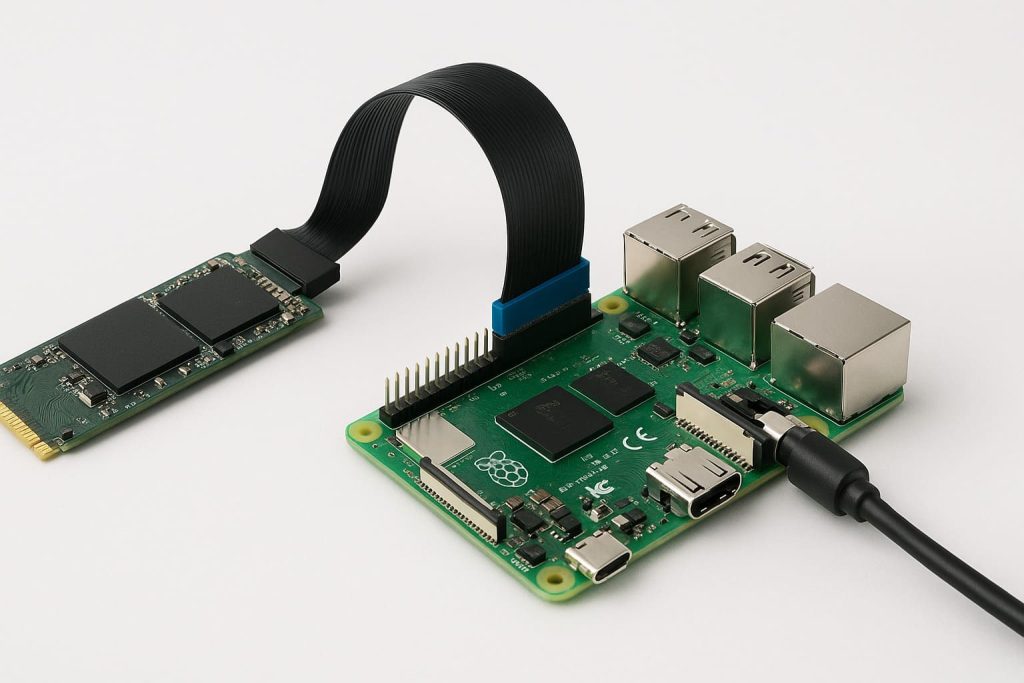
Upcoming improvements in Pi 5 and beyond—faster CPUs, more RAM, NVMe support—will close the gap between Pi and PCs even more.
What we’re watching for
- Raspberry Pi 5: With PCIe lanes for SSDs
- More RAM: Maybe up to 16GB?
- Better GPU: Media encoding, multi-screen support
- Official accessories: Keyboard, mouse, displays, case
It’s not a matter of “if.” It’s when.
Conclusion
The Raspberry Pi is a full computer—just in a smaller, smarter package.




