

I remember plugging my Raspberry Pi into a random phone charger and seeing my screen flicker with undervoltage warnings. This taught me that power supplies matter deeply and require attention.
Yes, you can use a standard phone charger, but it might cause random restarts. The voltage may drop, and the Pi needs steady power. A dedicated supply is more reliable and prevents unexpected shutdowns.
I still recall the panic of losing data. Let me share how I overcame that fear, so you can keep your Pi projects running confidently. This knowledge has helped me and many friends.
What Charger Should I Use For Raspberry Pi?

I once tested random chargers from my drawer. Some worked okay, but others caused flickering screens and slow boots. The right charger makes the difference between frustration and smooth sailing.
Choose a 5V adapter with at least 2.5A for older Pi boards and 3A for Pi 4. Official adapters are safest, but high-quality third-party supplies can work. Avoid anything unbranded or suspiciously cheap.
I once recommended an official supply to a buyer named Davide, who rebranded Pi cases with a custom Raspberry Pi Case logo. He discovered that consistent voltage was key to avoiding random resets.
| Charger Type | Voltage | Amps | Reliability |
|---|---|---|---|
| Official Pi | 5V | 2.5–3A | Very stable |
| Quality 3rdP | 5V | 2.5–3A | Usually stable |
| Unknown Brand | 5V? | 1–2A? | Risky |
What Are The Power Requirements For Different Raspberry Pi Models?

I remember testing Pi Zero for a small project and Pi 4 for a media center. Each one had unique requirements.
Pi Zero usually needs under 1A, Pi 3 needs about 2.5A, and Pi 4 may need 3A or more for stable performance under load.
I once heard from a colleague who ran a Pi 3 on a weak adapter. It worked until he added USB peripherals. Then everything slowed, and the system threw undervoltage warnings nonstop.
Model Overview
- Pi Zero: Minimal demands, perfect for light tasks.
- Pi 3: Sits comfortably at 2.5A for most uses.
- Pi 4: Needs around 3A, especially if you attach many devices.
Is It Safe To Power A Raspberry Pi Using A Mobile Phone Charger?

I’ve tried this, and sometimes it works fine, but I’m always cautious about charger quality.
Yes, if the charger is reliable. It must deliver stable 5V and at least 2.5–3A. Cheap chargers can cause voltage drops and damage your Pi’s performance.
I once tested a cheap phone charger labeled “2.4A,” but it failed under load. My Pi flickered and rebooted whenever I tried to watch videos.
What Are The Risks Of Using An Inadequate Power Supply With A Raspberry Pi?
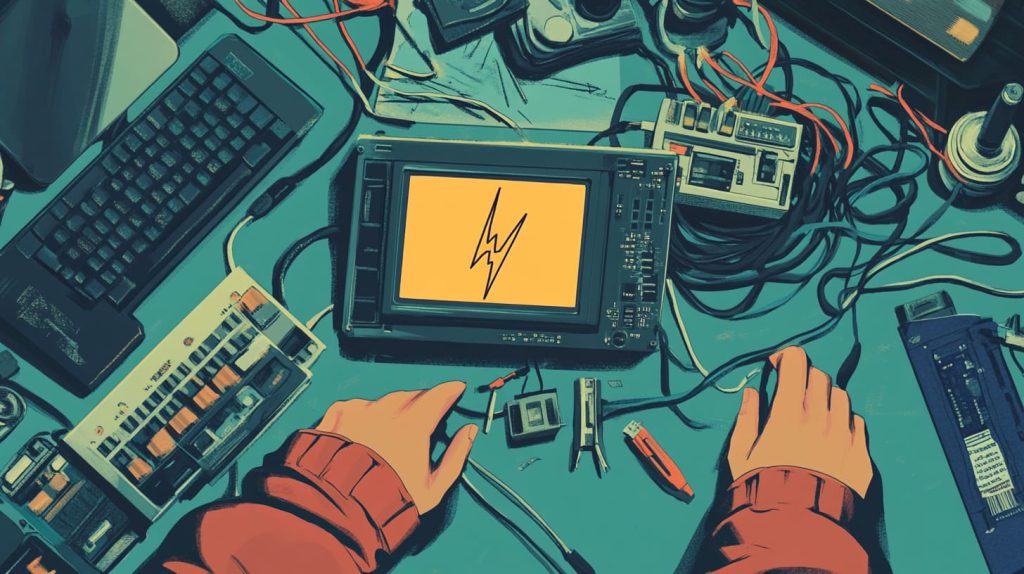
I learned the hard way that a bad power supply can ruin your project at the worst moment.
You might face random reboots, damaged SD cards, and reduced performance. If voltage dips, the Pi can crash, leading to data corruption and frustration.
A friend powered his Pi from a flaky charger during a demo for investors. It froze mid-presentation, and he never forgot that lesson.
How Can I Choose The Right Power Supply For My Raspberry Pi?

I check official specs, buy from trusted brands, and avoid suspiciously cheap deals.
Match your Pi’s needs. Official power supplies or well-known brands help guarantee steady voltage and proper amperage. Don’t risk your Pi with a no-name charger that can’t keep up.
Sometimes, I direct people to our official website if they want more specific guidelines or to place large orders for custom kits.
Quick Tips
- Check voltage: Must be 5V.
- Confirm amps: 2.5A or more for Pi 3, 3A or more for Pi 4.
- Use a thick cable: Reduces voltage drop.
- Test under load: Monitor undervoltage warnings.
What Are The Signs Of Insufficient Power Supply In A Raspberry Pi?
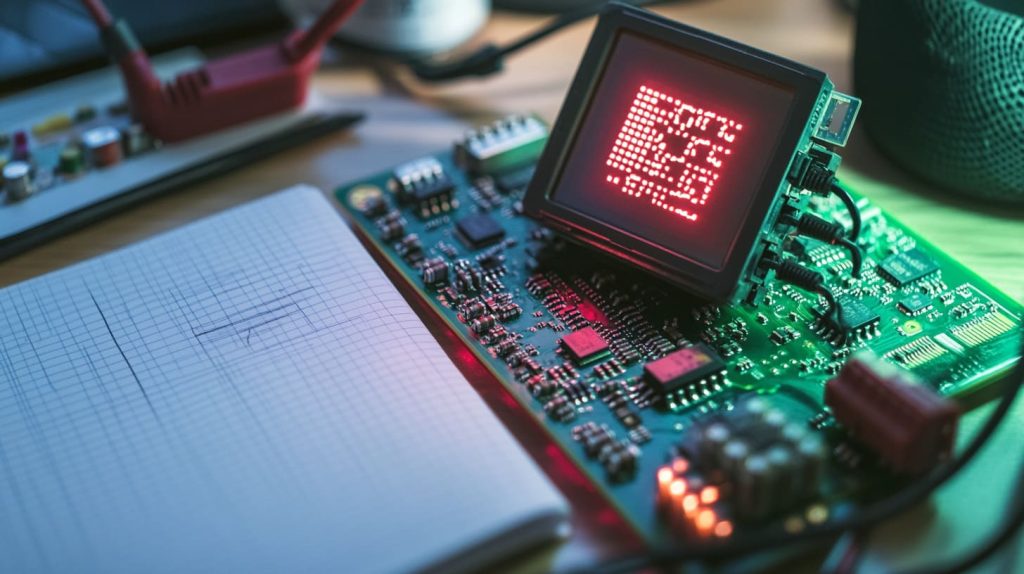
I once thought I had a broken Pi, but it turned out to be an anemic power source.
Watch for the lightning bolt icon, random reboots, USB issues, or painfully slow performance. These clues signal your Pi isn’t getting enough juice.
I vividly recall the moment I upgraded the charger, and those pesky undervoltage symbols vanished. Everything ran so much smoother after that.
Conclusion
Pick the right power supply to keep your Raspberry Pi stable. That small choice can protect your projects and your peace of mind.




