
Clients don’t always ask big questions with big words. Sometimes, it’s a simple one-liner that hits harder.
“Which Raspberry Pi should I choose if I want it to do everything?”
That was the message sitting in my inbox this morning. No fluff. Just a straight question from someone running a small electronics brand in Europe. He sells on Amazon, handles custom logos, bundles cases, cables, even PSU kits. But now he’s stuck—one Pi model won’t cover all use cases.
And he’s not alone. In this business, I get the same question in different formats every week. From factory engineers, resellers, coding instructors—even kiosk builders. The truth? There’s no one-size-fits-all Pi. Some boards run cool and quiet. Others run hot, loud, but fast. This guide is my way of answering that inbox question properly—once and for all.
Why “one-size-fits-all” doesn’t work for Raspberry Pi
A Pi Zero 2 W can run a sensor node on two AA batteries for months. A Pi 5, left naked on a bench, can spike past 85 °C in nine seconds and eat six watts without a proper fan. Same logo, wildly different realities.
How this guide will help B2B buyers, re-branders, and project owners
I’ll break the maze into clear checkpoints—workload, spec, cost, and supply chain—so you can stop guessing, start planning, and keep Davide, Jacky, or Lasle happy on launch day.
Understand Your Computing Needs
Before I even open the sample cabinet, I ask five blunt questions. Skip them, and you’ll waste days chasing the wrong board.
Define the primary workload (desktop, media, server, IoT, education)
Is this box pushing 4K video to a lobby screen or crunching JSON on a sensor rig? The difference decides everything from RAM size to enclosure vents.
Estimate CPU / GPU performance requirements
- Light UI or CLI tasks: <20 % CPU most of the day—Pi Zero 2 W often wins.
- Heavy JavaScript dashboards: expect >50 % CPU spikes—Pi 4/5 territory.
- Edge AI inference: grab the Pi 5 or an RK3588-based Orange Pi 5 with built-in NPU. :contentReference[oaicite:1]{index=1}
Identify I/O, connectivity, and expansion needs
Count your USB ports, note display outs, list HATs. A missing PCIe slot can kill a deadline faster than any spec sheet typo.
Consider power, thermals, and deployment environment
Warehouse shelf at −10 °C? Mall kiosk under halogens? Each scene dictates cooling, PSU headroom, and case material.
Plan for future scalability and longevity
Will firmware updates break your app? Are you shipping spare units? A two-year horizon beats a two-week panic.
Now that the “what” is clear, let’s meet the boards that can answer it.
Raspberry Pi Product Lineup in 2025

| Model | CPU | RAM | Notable Ports/Features | Typical Street Price* | Ideal Use Case |
|---|---|---|---|---|---|
| Pi 5 | Cortex-A76 @ 2.4 GHz | 4 / 8 GB | PCIe 2 lane, 2× USB 3, GbE, Wi-Fi 5 | \$60–\$85 | Desktop, AI edge, NAS |
| Pi 500 | Pi 5 inside keyboard | 8 GB | Same as Pi 5 + integrated 78-key keyboard | \$90–\$110 | Thin-client, education kits |
| Pi 4 B | Cortex-A72 @ 1.8 GHz | 1–8 GB | 2× micro-HDMI, 2× USB 3 | \$45–\$75 | Media center, light server |
| Pi 400 | Cortex-A72 @ 1.8 GHz | 4 GB | Built-in keyboard, improved cooling | \$70–\$95 | Home office, coding class |
| CM 4 / 5 | Same SoC as Pi 4 / 5 | 1–8 GB | Edge connectors, eMMC options | \$35–\$80 | Embedded OEM designs |
| Zero 2 W | Cortex-A53 @ 1 GHz | 512 MB | Wi-Fi 4, BT 4.2 | \$15 | IoT sensors, wearables |
| Pico (RP2040) | Dual-core M0+ | 264 KB | Programmable I/O | \$4 | Real-time control, microcontroller tasks |
| Orange Pi 5 | RK3588S 8-core @ 2.4 GHz | 4–16 GB | 8K video, NPU 6 TOPS | \$80–\$120 | AI vision, robotics |
| Banana Pi M6 | Quad-core A73 + A53 | 4 GB | HDMI 2.0, NPU 6.75 TOPS | \$70–\$90 | AI gateways |
*Mid-2025 bulk pricing ex-works Shenzhen.
Sources: Raspberry Pi product briefs, Core-Electronics benchmarks, Orange Pi and Banana Pi official pages.
Specifications alone can feel like alphabet soup, so let’s slice them side by side.
Key Specifications & Feature Comparison
| Feature | Pi 5 | Pi 500 | Pi 4 B | Pi 400 | CM 5 | Zero 2 W |
|---|---|---|---|---|---|---|
| CPU | A76 4-core 2.4 GHz :contentReference[oaicite:3]{index=3} | Same | A72 4-core 1.8 GHz :contentReference[oaicite:4]{index=4} | Same | Same as Pi 5 | A53 4-core 1 GHz :contentReference[oaicite:5]{index=5} |
| RAM | 4 / 8 GB LPDDR4X | 8 GB | 1-8 GB LPDDR4-3200 | 4 GB | 4-8 GB | 512 MB |
| GPU | VideoCore VII 800 MHz | Same | VideoCore VI | Same | Same | VideoCore IV |
| Storage | PCIe x1, USB 3, SD | Same | USB 3, SD | Same | PCIe lanes to carrier | microSD |
| Network | GbE, Wi-Fi 5 | Same | GbE, Wi-Fi 5 | Wi-Fi 5 | depends on carrier | Wi-Fi 4 |
| Power Idle / Peak | 2.7 W / ≥7 W :contentReference[oaicite:6]{index=6} | +0.2 W for keyboard LEDs | 2 W / 6 W | 2.5 W / 6 W | varies | 0.6 W / 1.5 W |
| PCIe | Yes | Yes | No | No | Yes | No |
Specs point the way, but tasks seal the deal—let’s match them up.
Matching Pi Models to Common Computer Tasks

| Task | Best Fit | Why It Works |
|---|---|---|
| Everyday desktop / thin-client | Pi 500 or Pi 5 (8 GB) | Built-in keyboard and higher RAM avoid swap lag. |
| Home theater & 4K media | Pi 4 (4 GB) | Dual micro-HDMI, mature Kodi builds. |
| DIY NAS / file server | Pi 5 + PCIe NVMe base | Native PCIe gives real 400 MB/s, vs USB bottlenecks. |
| Edge AI / ML inference | Orange Pi 5 or Pi 5 with Google Coral | On-board NPU (OPi) or PCIe accelerator (Pi 5). |
| Industrial control / kiosks | CM 5 on custom carrier | Robust connectors, wide temp rating. |
| STEM classrooms | Pi 400 kits | All-in-one form cuts cable clutter. |
| Low-power headless services | Zero 2 W | 0.6 W idle keeps the energy bill tame. |
You might ask, “Will the numbers back this up?” Let’s peek at real benchmarks.
Performance & Benchmark Insights

- CPU: In stress-ng tests, Pi 5 scored 75–80 % higher than Pi 4 B on both single and multi-thread runs.
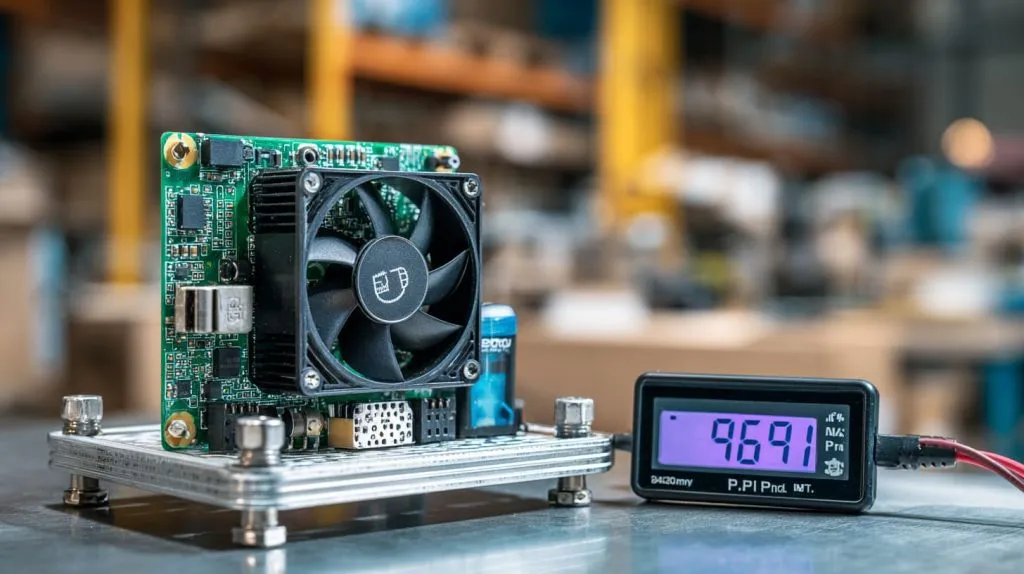
- Thermals: With no cooling, Pi 5 throttles after 9 s at 85 °C; a 30 mm fan extends full-speed runtime to >4 min.
- Power efficiency: At equal workload, Pi 5 delivers ~2× the work per watt compared with Pi 4, thanks to the 16 nm die shrink.
- GPU: VideoCore VII drives two 4K/60 Hz screens smoothly; Pi 4 struggles above 4K/30 Hz.
- NVMe burst: Pi 5 + PCIe adapter hits 900 MB/s sequential read—USB 3 tops out near 350 MB/s on Pi 4.
Numbers look nice on paper, but peripherals decide user happiness—here’s what plugs in smoothly.
Peripheral & OS Compatibility
Monitors & displays
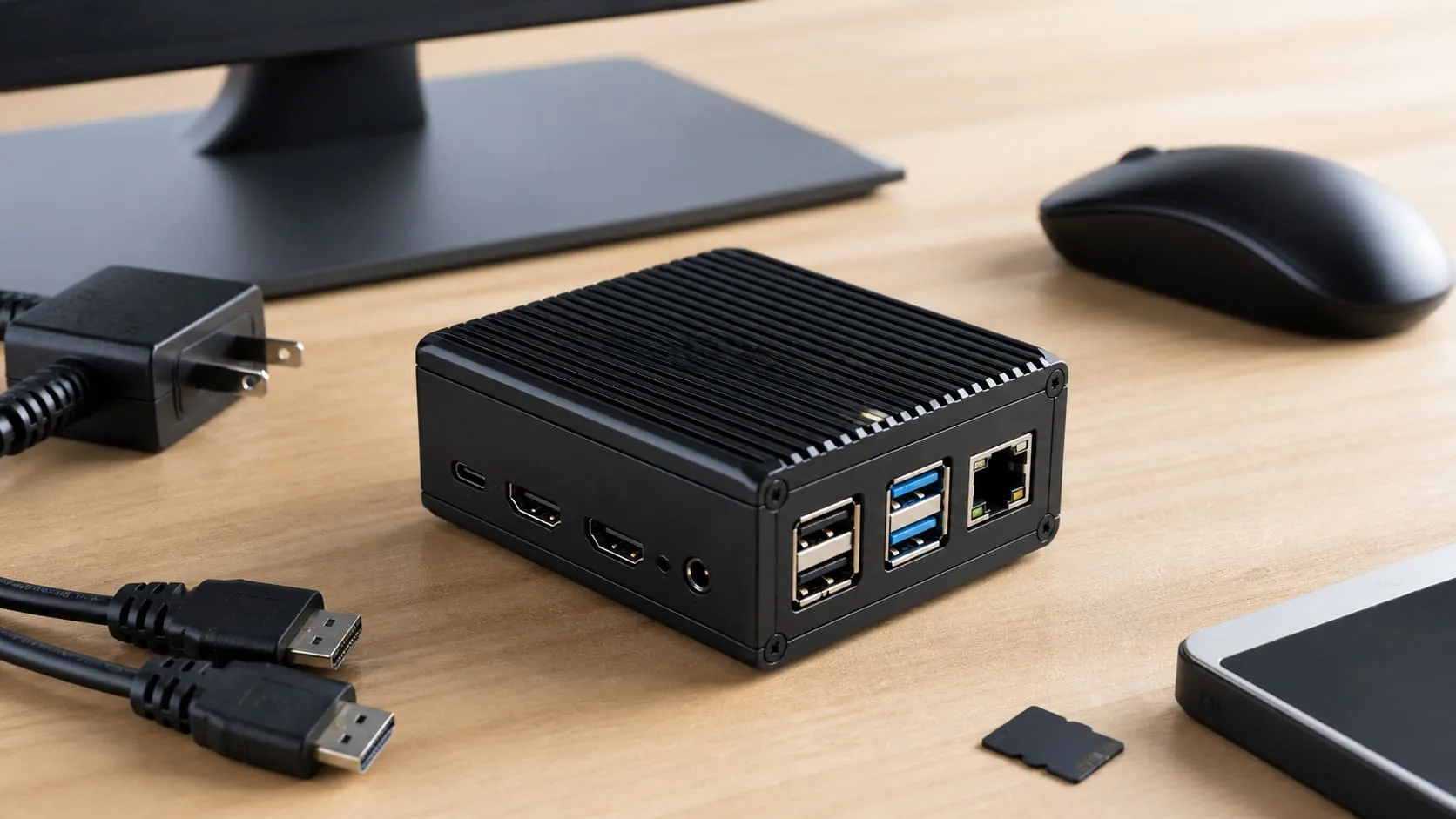
Pi 5 supports dual 4K/60 Hz over micro-HDMI; Pi 4 does the same but often thermal-throttles under full decode.
Keyboards, mice, cameras, HATs
The 40-pin GPIO header remains unchanged since 2014—good news for legacy camera rigs.
Operating systems
- Raspberry Pi OS (Bookworm 64-bit)—daily driver for most customers.
- Ubuntu 24.04 LTS Server—headless installs on Pi 5 & Pi 4 run fine under PCIe storage.
- Specialized distros: OPNsense for routers, RecalBox for retro gaming, Home Assistant OS for smart hubs. Driver maturity arches highest on Pi 4, inching up fast on Pi 5 each month.
Wireless extras
AX210 and BE200 M.2 cards hit 1 Gbps+ over Wi-Fi 6E/7 when slotted into Pi 5’s PCIe lane.
All these toys cost money—let’s crunch the real totals.
Budget & Total Cost of Ownership

| Cost Bucket | Pi 5 (8 GB) | Pi 4 (4 GB) | Zero 2 W |
|---|---|---|---|
| Board FOB | \$85 | \$55 | \$15 |
| Quality PSU | \$12 | \$10 | \$6 |
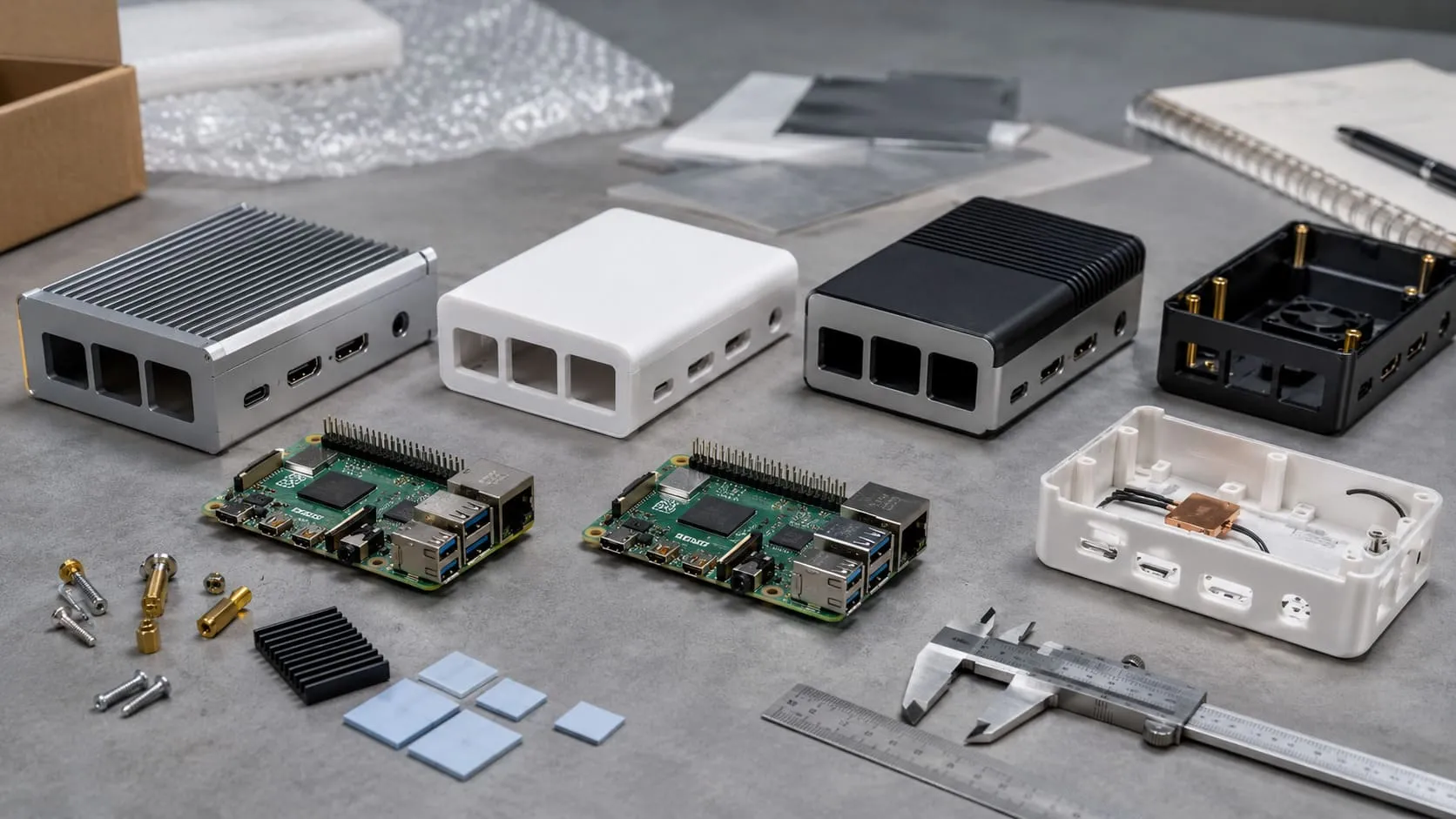
| Aluminum case + fan | \$18 | \$15 | \$5 |
| NVMe 256 GB | \$28 | N/A | N/A |
| Import duty* (EU) | 3 % | 3 % | 0 % (below threshold) |
| Total | \$146 | \$80 | \$26 |
*Check local HS codes; values based on mid-2025 EU rates.
Hidden costs: standby draw on Pi 5 is 1.3 W—even when “off.” Leaving 100 units plugged in drains ~1 kWh/day.
Branding adds \$0.30 per pad-printed logo; custom sleeve packaging adds \$0.12 per unit at MaidaTech’s MOQ 200.
Price in hand, you still need the boards on time—welcome to the supply chain.
Sourcing & Supply-Chain Best Practices (B2B Focus)
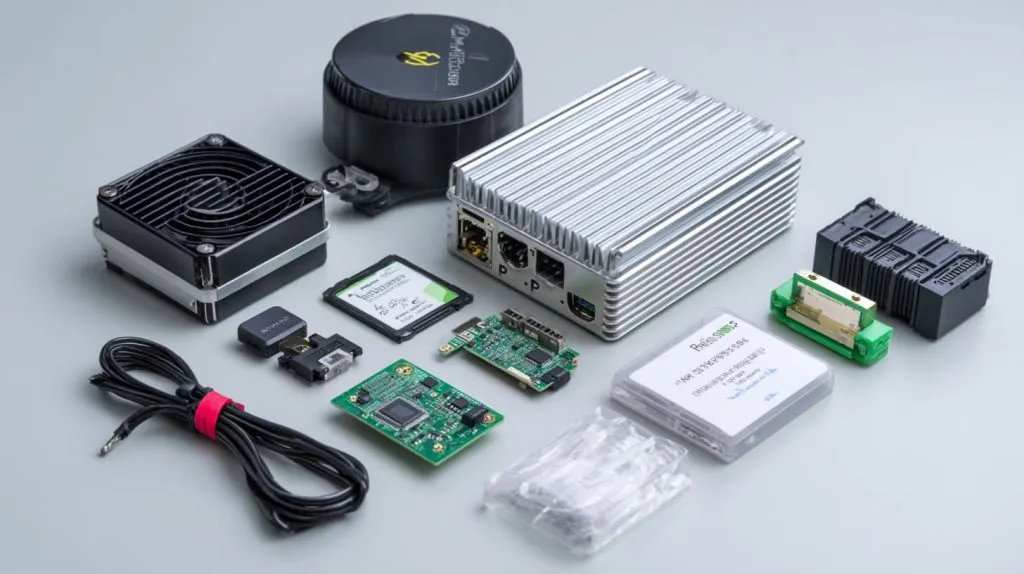
- Vet the factory, not just the salesperson. Ask for IPC-A-610 photos from their SMT line.
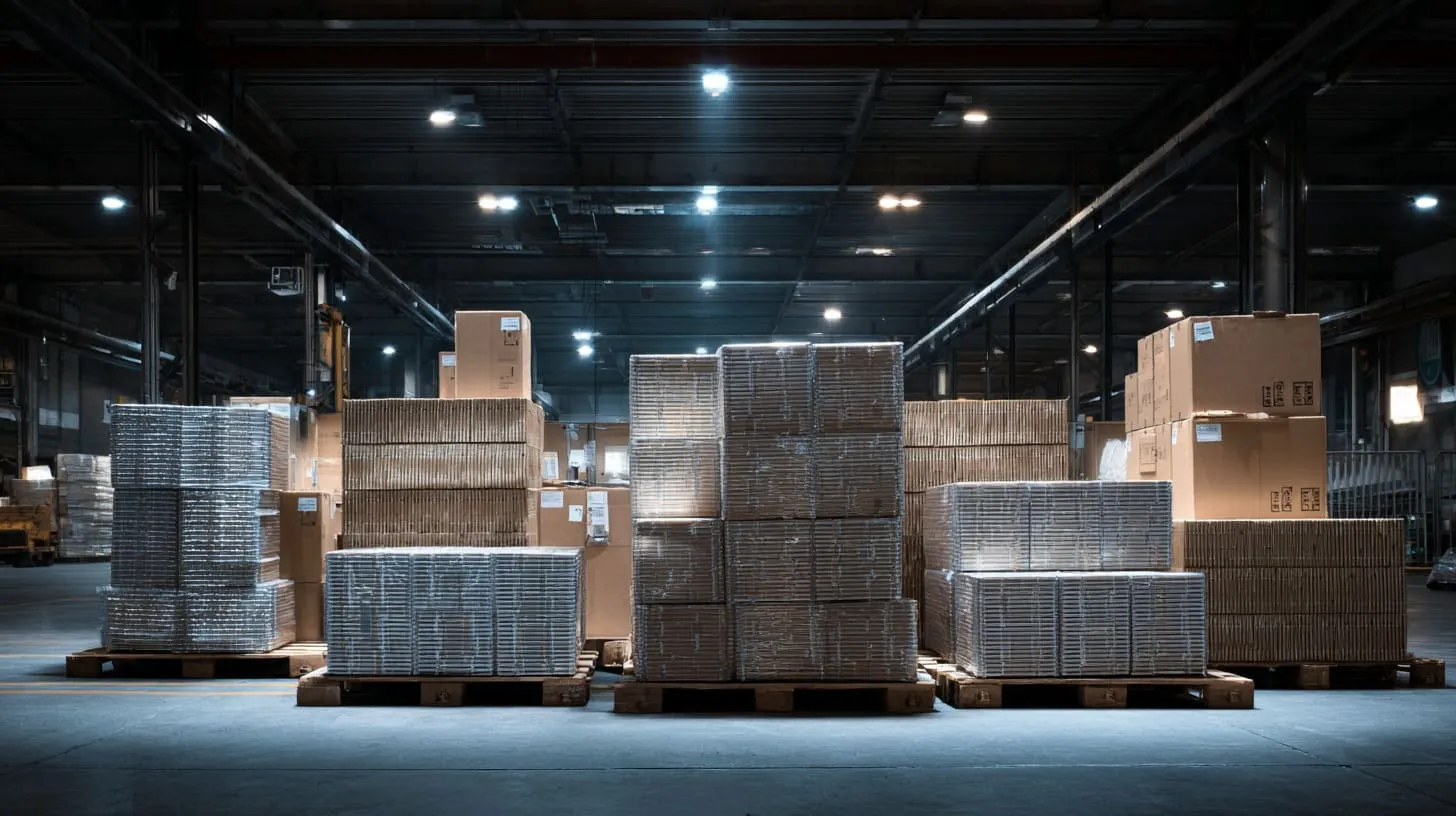
- MOQ & lead time: For Pi 5 kits we hold 3 000 pcs on shelf; custom print adds ≤7 days.
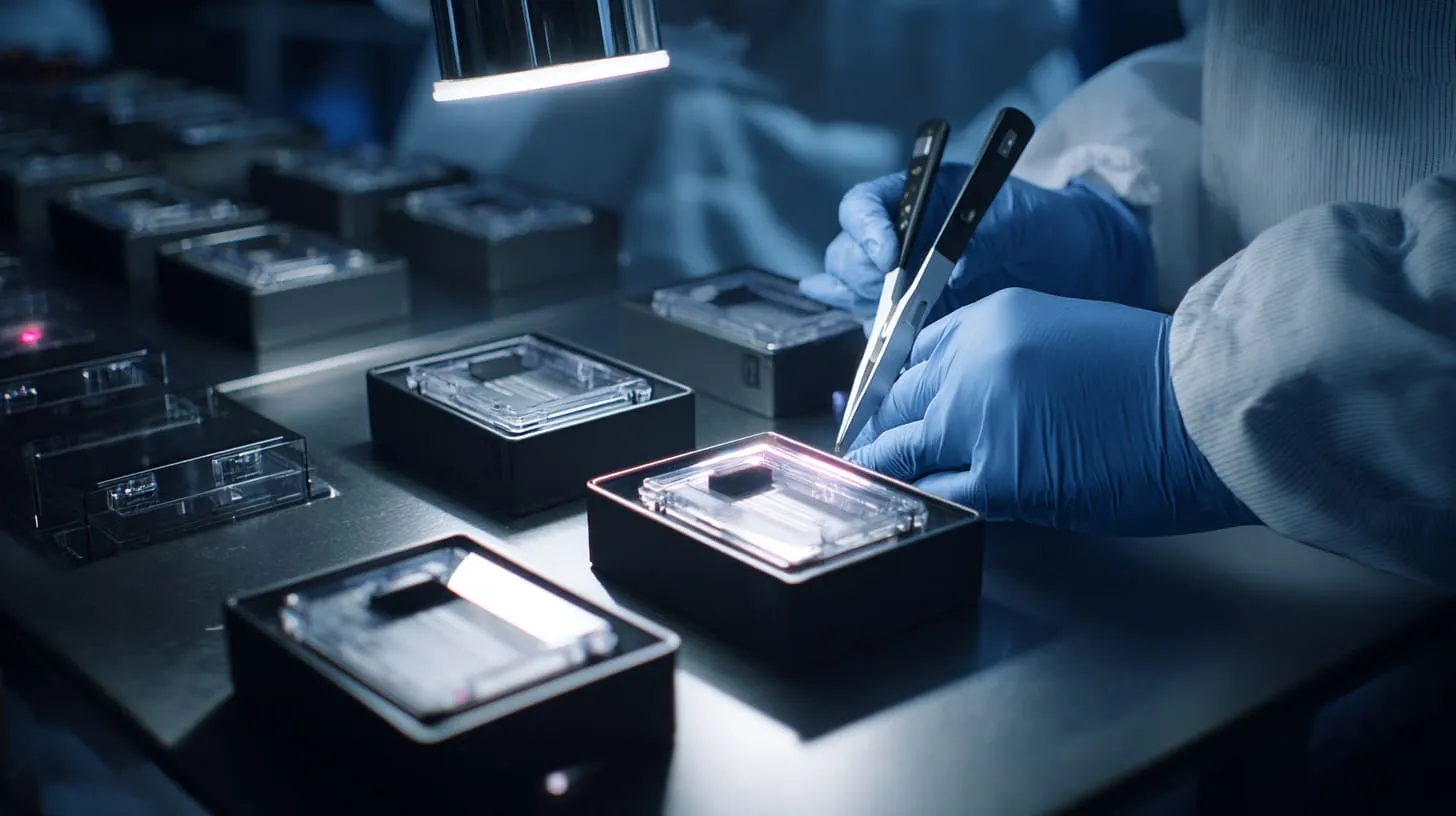
- Quality control: Insist on a 24-hour burn-in at 45 °C; request serial-number CSV export for traceability.
- Certifications: CE, FCC, and UKCA matter for EU/US retail. CM 5 carriers need their own EMC test.
- Counterfeit watch: Match “RP1” southbridge lot codes against Raspberry Pi Ltd’s weekly advisory.
- Label & kit coordination: Provide vector artwork (SVG/EPS) at least 10 days before production start.
You’ve got data, prices, and a trustworthy factory. Let’s turn that into an instant decision.
Decision Tools & Selection Checklist
Quick Matrix
| Requirement | Yes | No | Model Route |
|---|---|---|---|
| Needs dual 4K screens? | ☐ | ☐ | Pi 5 / Pi 500 |
| Requires <1 W idle? | ☐ | ☐ | Zero 2 W |
| Must fit custom PCB carrier? | ☐ | ☐ | CM 5 |
| On-board NPU desired? | ☐ | ☐ | Orange Pi 5 / Banana Pi M6 |
| Budget under \$30? | ☐ | ☐ | Zero 2 W / Pico |
Tick the boxes, follow the row—that’s it.
Yes/No Rapid Fire
- More than two USB 3 peripherals? Yes → Pi 5.
- Will it sit in a retail aisle where kids tap the screen? Yes → Metal case, Pi 4 minimum.
- Need to flash 500 units with custom OS? Yes → CM carrier with eMMC, factory pre-load.
Download the editable worksheet (Google Sheets link placeholder) and feed your own numbers.
Conclusion
Choosing the right Raspberry Pi isn’t magic; it’s a checklist. Define the job, scan the lineup, weigh specs against wallet, then lock in a solid supply path. Do that, and you’ll ship on time, avoid angry late-night messages, and maybe even steal a weekend back.
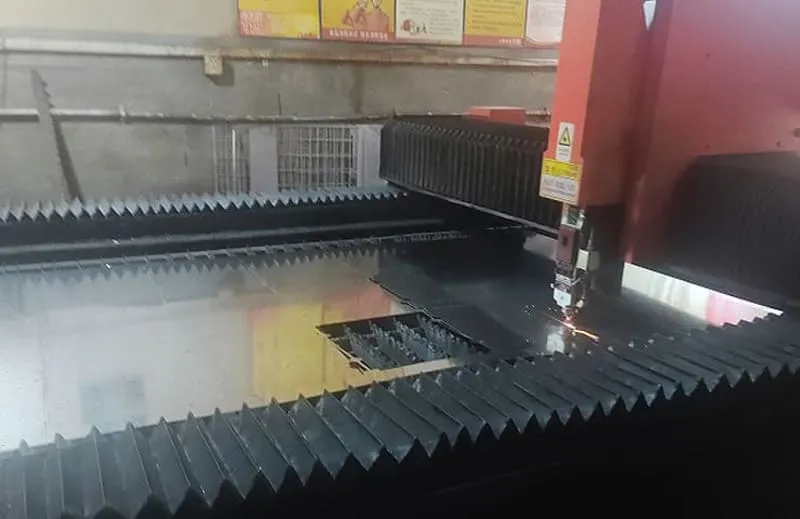
If you’re still on the fence—or need a custom logo, heatsink, or boxed kit—drop me a note at vincent@maidatech.com. My team at MaidaTech has boards on the shelf, lasers warmed up, and coffee ready for the next idea. Let’s build something that fits just right.