
What is the best Raspberry Pi kit?

I’ve watched people get stuck for days choosing a Raspberry Pi kit—just to blink an LED. Been there myself.
The best Raspberry Pi kit depends on your goal—whether you’re a beginner, a home automation tinkerer, or running AI models. Match the kit to your project.
Let me walk you through the questions I wish someone had answered for me back when I bought my first Pi—and how I now guide clients from Europe to Japan toward kits that actually fit.
What is the best Raspberry Pi to buy?
Buying your first Raspberry Pi feels like walking into a candy store blindfolded.
If you're starting out, the Raspberry Pi 4 Model B (4GB) is a great middle-ground. It’s powerful, affordable, and widely supported.

Comparing Models by Purpose
| Purpose | Suggested Model |
|---|---|
| General Use | Raspberry Pi 4 (4GB) |
| Home Automation | Raspberry Pi 3B+ |
| AI or ML Projects | Raspberry Pi 5 (8GB) |
| Ultra Low Power | Raspberry Pi Zero W |
| Industrial I/O | Raspberry Pi Compute Module |
I usually ask clients one thing: What do you actually want it to do? Because buying based on RAM alone is like choosing a car by the seat material.
Which version of Raspberry Pi is best?
The latest isn’t always the greatest—unless your workload demands it.
Raspberry Pi 5 (8GB) is currently the most capable version, but Pi 4 (4GB) remains the best all-rounder.

I had a client who ran a retail dashboard on a Pi 4 for two years—no crashes, no lag, no regrets. Pi 5 is the new beast, but not everyone needs the claws.
Is the Raspberry Pi 5 overkill?
That depends on your appetite.
Yes, for basic projects. But no, if you're running AI, media servers, or multiple tasks.
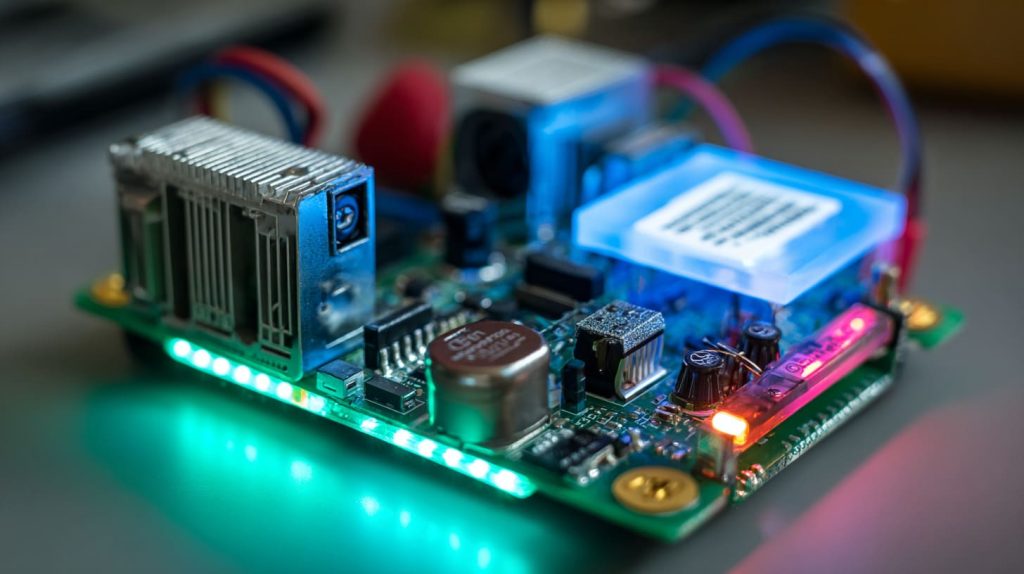
I once installed OctoPrint on a Pi 5 just for fun. It printed, streamed, recorded, and ran a Telegram bot—without breaking a sweat. But if you only want to blink an LED? Total overkill.
Which Raspberry Pi is best for beginners?
We all start somewhere—and some starts are easier.
Raspberry Pi 4 (2GB or 4GB) is the sweet spot for beginners—easy setup, good docs, great community.

It’s what I recommend to schools and first-time buyers. It can grow with you—from blinking lights to building weather stations.
What Raspberry Pi should I buy in 2025?
With every release, confusion grows. Let’s cut through it.
In 2025, go for Raspberry Pi 5 (8GB) for heavy-duty use, Pi 4 for balanced projects, and Zero W2 for ultra-compact needs.
Watch out for stock fluctuations. I’ve seen prices double overnight due to shortages.
Which Raspberry Pi is the most powerful?
Let’s not beat around the bush.
Raspberry Pi 5 (8GB) is currently the most powerful in the lineup.

It has faster CPU, better GPU, PCIe lanes—basically, it’s the Pi on caffeine. We’ve shipped dozens for AI camera modules, and they’ve held up beautifully.
What should a Raspberry Pi starter kit include for beginners?
No one wants to open the box and realize they’re missing the power cable.
A solid beginner kit includes the Pi board, power supply, microSD card, case, HDMI cable, and cooling solution.

Ideal Beginner Kit Checklist
- ✅ Raspberry Pi Board (4GB)
- ✅ 32GB pre-flashed microSD card
- ✅ 5V 3A power adapter
- ✅ Case with ventilation
- ✅ Heatsinks or small fan
- ✅ HDMI cable
- ✅ Starter guide or booklet
Which Raspberry Pi kit is best for home automation projects?
This is where reliability matters more than raw power.
Raspberry Pi 3B+ is a stable, Wi-Fi capable, cost-efficient option for most home automation setups.
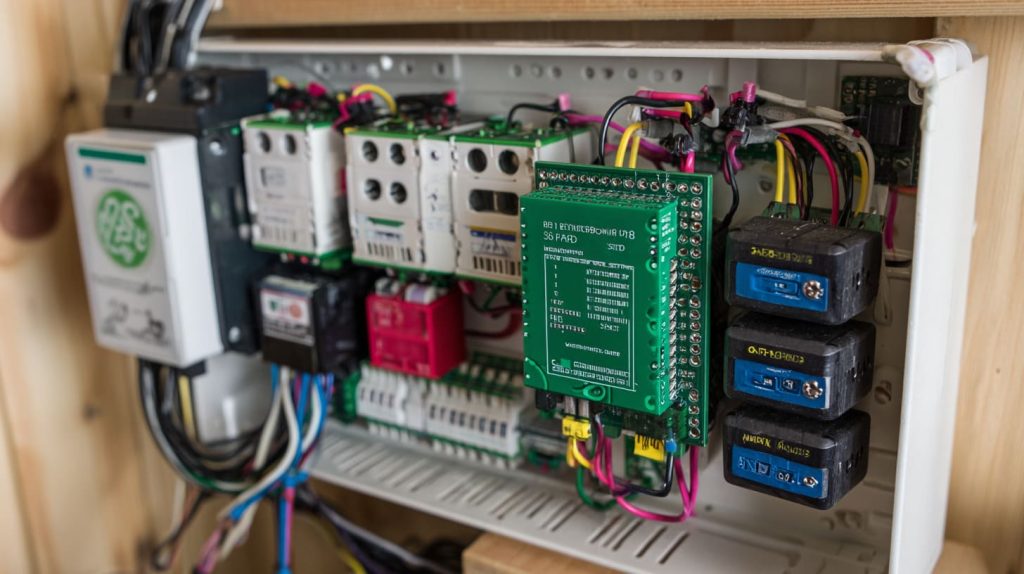
I helped a friend automate his lights and garage with a Pi 3B+—still going strong after two years.
How do I choose between a Raspberry Pi 4 kit and a Raspberry Pi 5 kit?
It’s a classic “Do I need more power or more value?” question.
Pick Raspberry Pi 4 for cost-efficiency and Pi 5 for top performance.
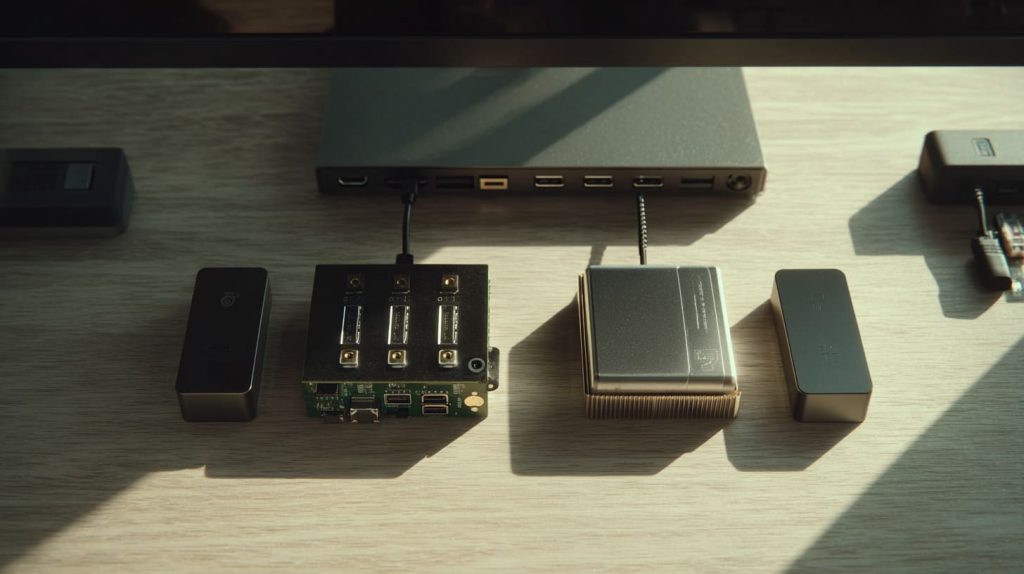
If your project has a tight budget or light workload, go Pi 4. But if you're running containers, video processing, or want futureproofing—Pi 5.
Are there Raspberry Pi kits optimized for industrial use or prototyping?
Not every project ends on a desk.
Yes—kits with Compute Module 4 or Pi 4 in DIN rail mount cases are ideal for industrial use.
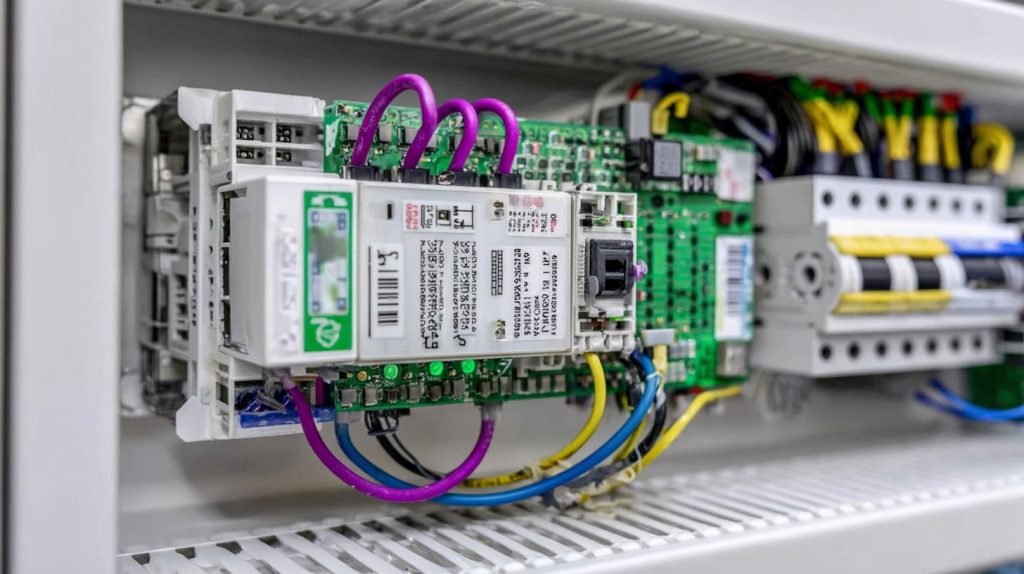
I’ve seen clients in factory automation and environmental monitoring prefer these rugged, fanless enclosures with GPIO breakouts.
Can I customize Raspberry Pi kits with my own brand or logo?
Absolutely—and I help clients with this every week.
Yes, you can custom print or engrave logos on cases, labels, packaging—even the SD card sleeve.
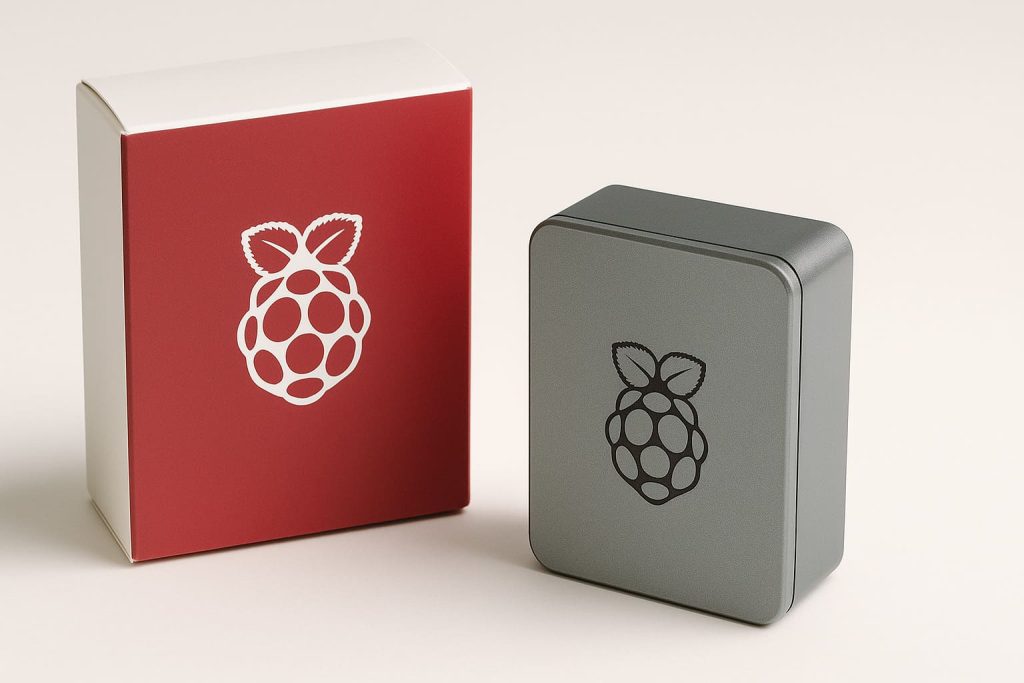
Clients like Davide from Belgium have built full product lines on Amazon with our custom branding service. From sleek logo engravings to full-color printed boxes—we make it real.
Where can I buy Raspberry Pi kits in bulk at wholesale prices?
That’s the million-dollar question for many resellers.
You can get wholesale Raspberry Pi kits directly from Chinese factories like ours—MaidaTech—via Alibaba or our website.
We offer B2B bulk discounts, custom packaging, and fast production for re-branders and distributors. And yes, stock is real and ships fast.
How do rebranders profit from selling Raspberry Pi kits on Amazon or Shopify?
It’s not just about flipping hardware—it’s storytelling.
Rebranders profit by bundling value (guides, accessories, branding) and targeting niche audiences with strong listings.

One of our clients made a killing by bundling Pi kits with preloaded software, a printed tutorial, and a cool brand name. That’s how you move from reseller to trusted brand.
What accessories should I bundle with a Raspberry Pi kit to increase value?
Little extras can mean bigger margins.
Include heatsinks, pre-imaged SD cards, HDMI cables, GPIO kits, or camera modules—based on audience.
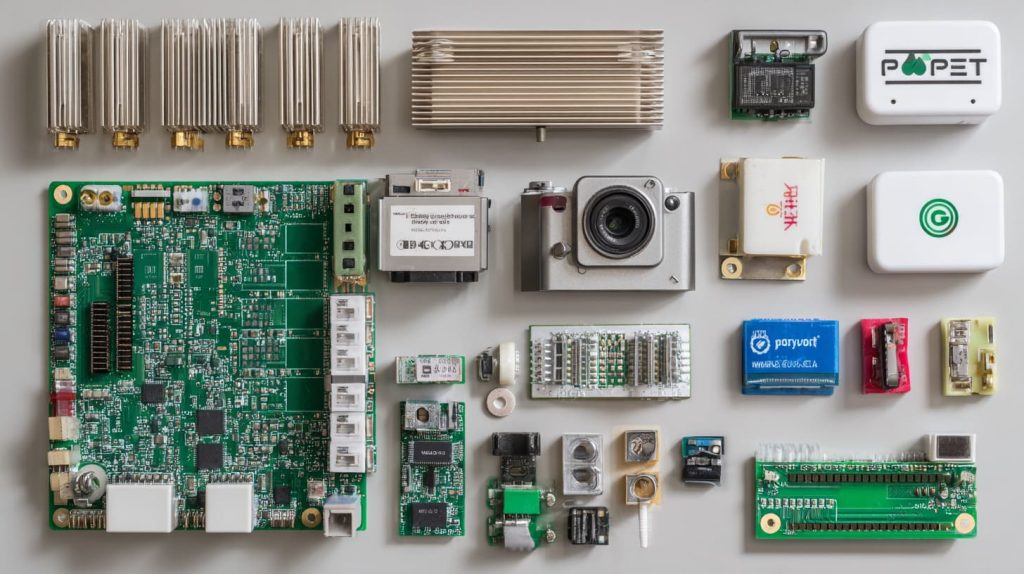
Suggested Bundles by Use Case
| Audience | Accessory Bundle |
|---|---|
| Beginners | GPIO kit, starter book |
| Home Automation | Relay module, sensors |
| AI Devs | Camera module, heatsinks, SD card (64GB) |
| Industrial Clients | DIN rail case, I/O expansion board |
Are there Raspberry Pi kits that support AI or machine learning projects?
Absolutely—and they’re getting more powerful every year.
Yes, Pi 5 (8GB) kits with Coral USB Accelerator or AI camera modules are ideal for lightweight ML tasks.
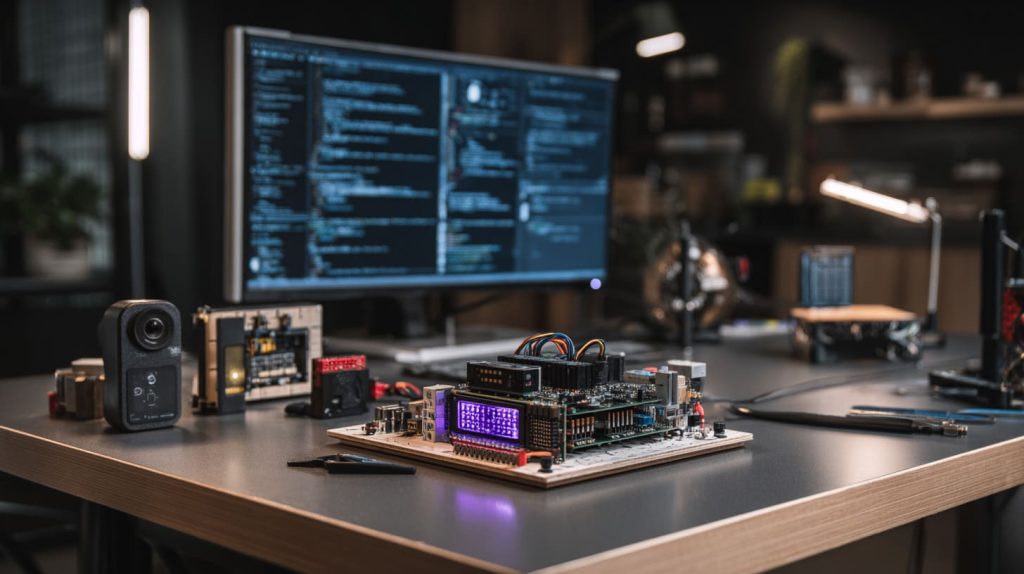
We’ve built bundles for traffic monitoring, face recognition, and defect detection—all running on Raspberry Pi kits.
Conclusion
Choose the kit that fits your goal—not just the specs.




