 Skip to content
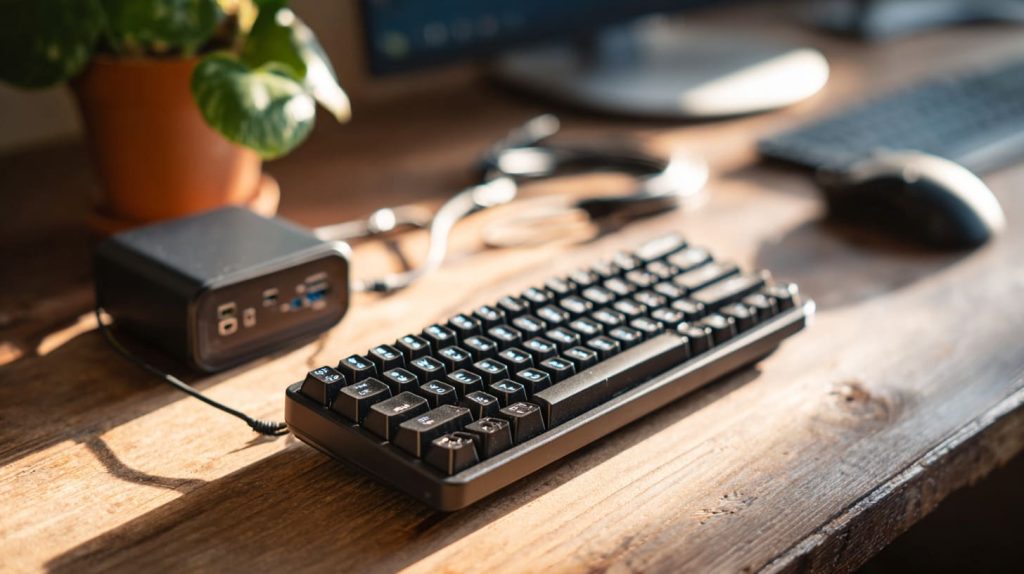
Power issues usually show up in the least helpful way—things freeze, screens go black, or peripherals vanish without warning.
The Raspberry Pi 400 typically uses 5V and draws between 0.6A to 3.0A depending on workload and peripherals.
One time, I plugged in what looked like a decent charger. The Pi booted, but a USB webcam kept dropping out. I swapped cables, reinstalled drivers… nothing. Turns out, it was just a weak adapter. That’s when I stopped guessing and started tracking every milliamp seriously.
How to power on a Raspberry Pi 400?
It’s all built into the keyboard, but that doesn’t mean plug-and-play is foolproof.
To power on a Raspberry Pi 400, connect a 5V power supply via the USB-C port, then press the F10 key.

Steps to turn it on
- Plug in a 5V USB-C power source (preferably 3A).
- Connect to monitor, keyboard, and mouse.
- Insert your OS-loaded microSD card.
- Press F10 or power button if available.
I once forgot the SD card, and spent 10 minutes thinking the board was dead. Lesson learned.
Can I power my Raspberry Pi 4 from my powerbank?
I used to test Pi setups on the go—airports, hotel rooms, even cafés.
Yes, you can use a powerbank for Raspberry Pi 4, as long as it provides stable 5V 3A output.
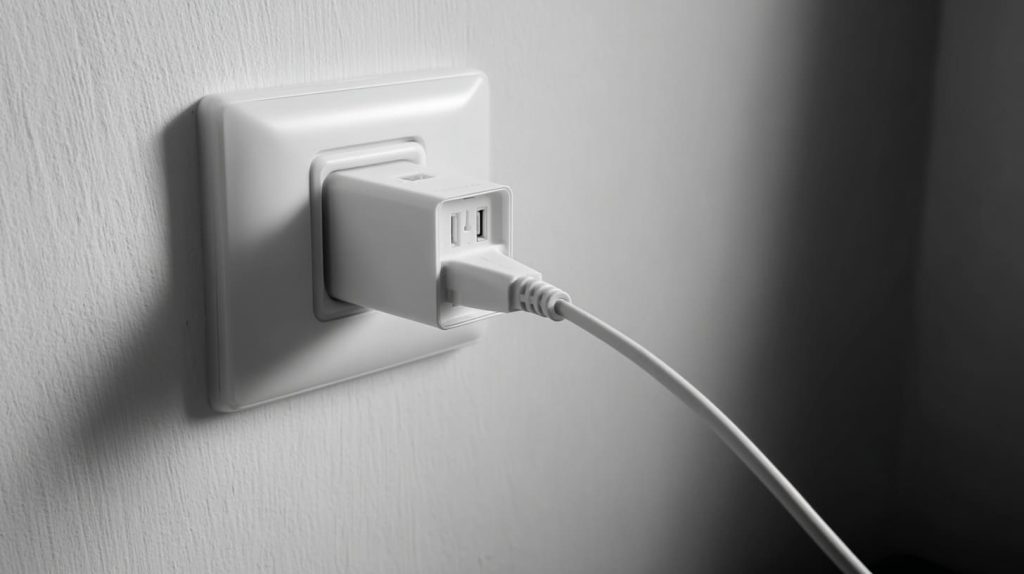
Powerbank checklist
| Spec | Requirement |
|---|---|
| Voltage | 5V |
| Current | 2.5A–3A |
| Port | USB-A to USB-C or direct USB-C |
| Stability | Consistent voltage without dips |
Some powerbanks shut off if current draw drops. Test yours before deploying remotely.
What voltage is Raspberry Pi 400?
There’s only one number to remember.
Raspberry Pi 400 operates at 5 volts.
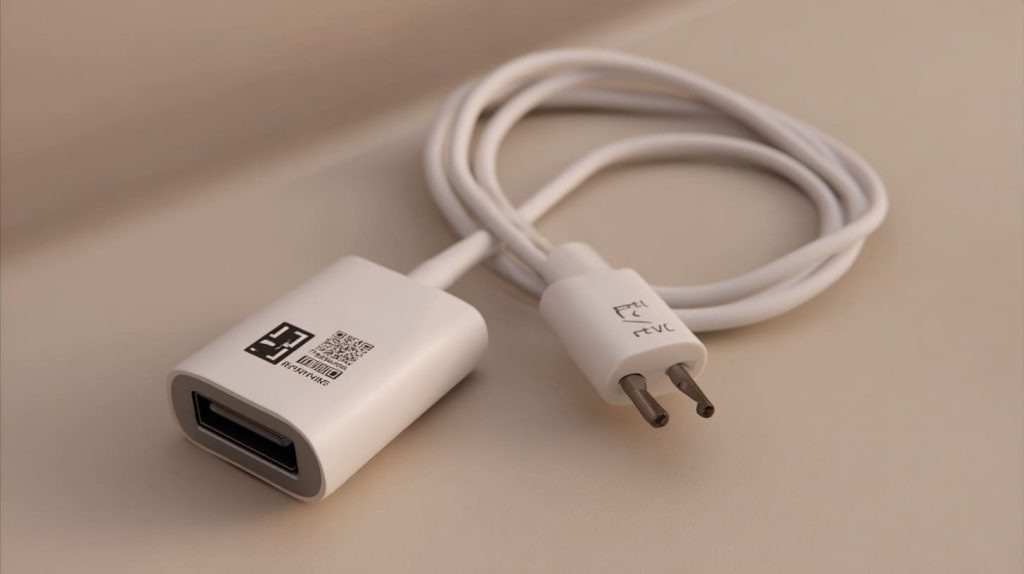
Why 5V matters
Almost all Pi accessories are designed around this 5V standard. Feeding it more can cause overheating. Feeding it less? Random freezes or won’t boot at all.
Keep it steady, keep it simple.
Does Raspberry Pi 400 support USB-C power input?
This one catches people off guard.
Yes, Raspberry Pi 400 uses a USB-C connector for its 5V power input.

USB-C with limitations
- It uses USB-C only for power—not data
- It doesn't support Power Delivery negotiation
- So, a fancy PD charger might not always work
Use a dumb 5V 3A USB-C wall wart. Not everything USB-C is “smart”—and that’s a good thing here.
Can Raspberry Pi 400 run on 5V 2A power supply?
Only if you're lucky—or minimalist.
Technically yes, but 5V 2A might not support full load with peripherals.
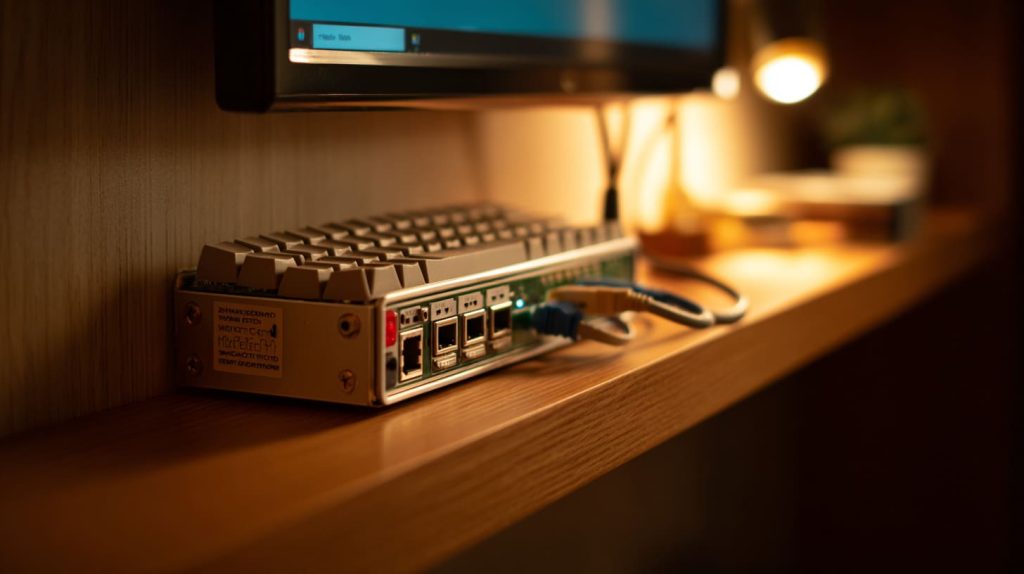
When 2A is not enough
- External hard drives? Nope.
- HDMI output + mouse + keyboard? Maybe.
- Idle or headless setup? Likely.
If it’s for full use with display and USB gear, go for 3A to avoid power issues.
How much current does Raspberry Pi 400 draw under load?
This varies more than you’d think.
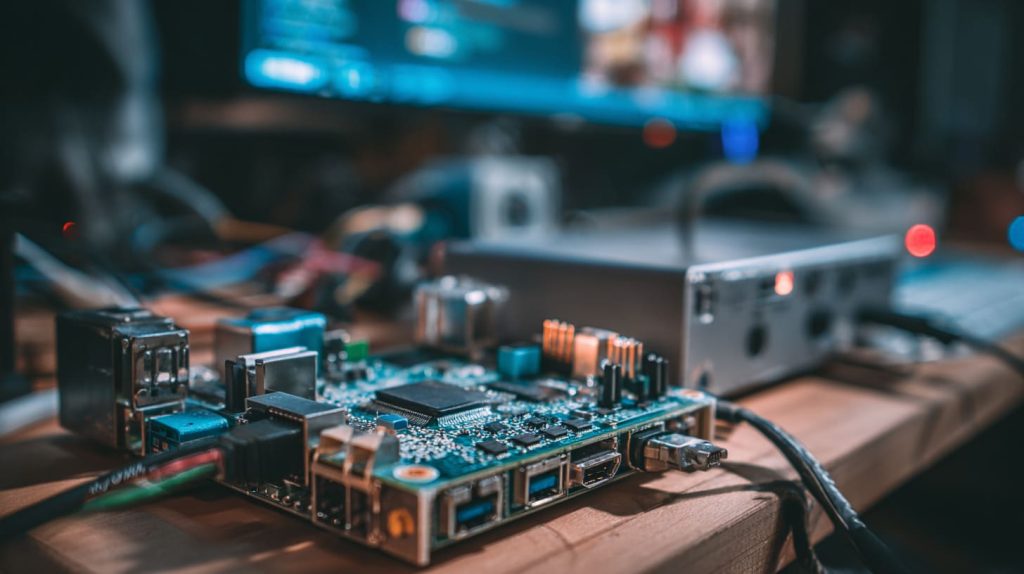
Raspberry Pi 400 draws around 0.6A at idle and up to 3.0A under full load with peripherals.
Real-world current usage
| Condition | Current Draw |
|---|---|
| Idle, no USB | ~0.6–0.8A |
| Moderate load (browsing) | ~1.2–1.5A |
| Full load + peripherals | ~2.5–3.0A |
I tested a loaded setup with an SSD and two USB cameras—it peaked near 2.9A.
Can I use my phone charger with Raspberry Pi 400?
I’ve tried. Sometimes it works, sometimes... not.
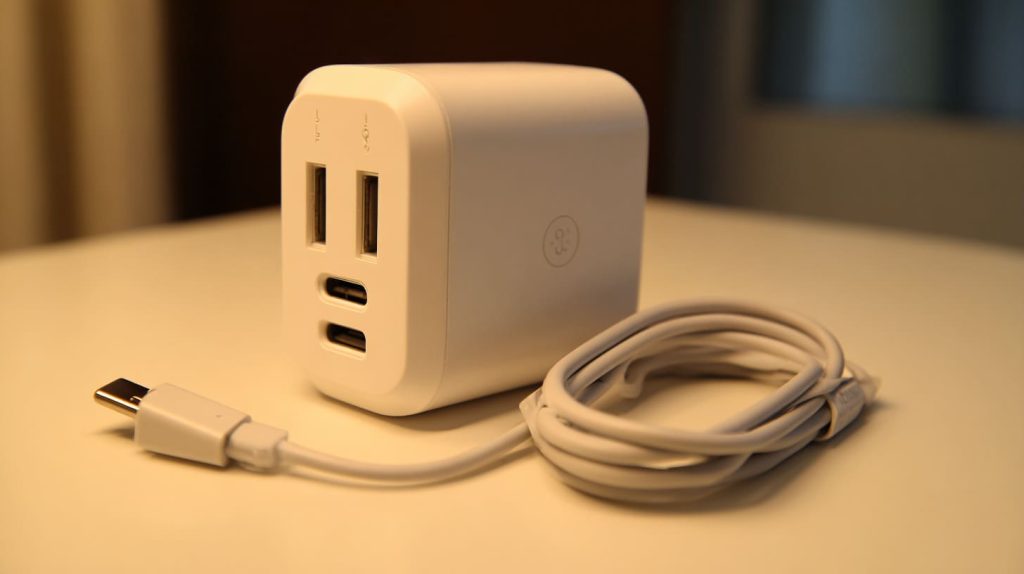
Only if your phone charger can supply stable 5V 3A—and many don’t.
Risks of using the wrong charger
- Undervoltage warnings (lightning bolt icon)
- USB devices failing
- OS crashes under load
Test before trust. And don’t assume fast = strong. Many fast chargers negotiate voltage instead of defaulting to 5V.
Is Raspberry Pi 400 energy efficient for 24/7 usage?
Short answer: yes. And I’ve used it that way.
Yes, Raspberry Pi 400 is efficient for 24/7 usage, drawing only 3–5 watts.

Long-term cost example
| Time | kWh used | Cost (US avg $0.13/kWh) |
|---|---|---|
| 24 hours | ~0.12 kWh | ~$0.015 |
| 1 month | ~3.6 kWh | ~$0.47 |
| 1 year | ~43.8 kWh | ~$5.69 |
That’s cheaper than a night light. I’ve run remote weather stations on Pi 400 for months.
What’s the best power supply for Raspberry Pi 400?
Best depends on setup—but here’s my go-to.
Use an official or well-reviewed 5V 3A USB-C power supply with stable output.

My checklist
- 5V ±5% tolerance
- 3A output minimum
- Short, thick cable (less voltage drop)
- No PD negotiation required
I use a 15W brick with fixed 5V and good reviews. Simple, reliable, and safe.
Can Raspberry Pi 400 handle peripherals with one power source?
Yes—within reason.
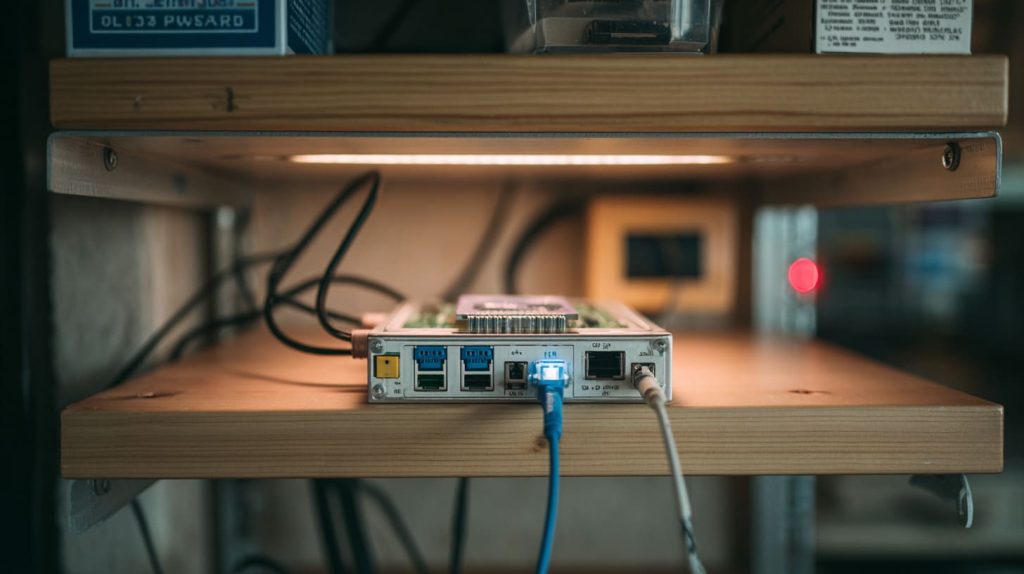
Raspberry Pi 400 can power basic peripherals through its USB ports, but high-draw devices need their own power.
USB power limits
| Device Type | Usually Safe? | Needs Own Power? |
|---|---|---|
| Mouse/Keyboard | ✅ | ❌ |
| USB Flash Drive | ✅ | ❌ |
| Portable SSD | ⚠️ | Maybe |
| USB Camera | ⚠️ | Often yes |
| 2.5" HDD | ❌ | ✅ |
Plan your power budget like you're packing for a camping trip—there's only so much space (and current) to go around.
Conclusion
Raspberry Pi 400 is power-efficient, but it still needs the right power to shine.




