

When you’re deep into a project and your screen starts lagging, the thought hits fast: maybe I just need more RAM. It’s the go-to fix on a desktop, so why not here?
No, the Raspberry Pi 400 does not support traditional RAM upgrades like a PC, because the RAM is soldered onto the board.
I’ve been there—squinting at specs, hoping there’s a hidden socket somewhere. Let’s dive into the why, the workarounds, and what your real options look like.
How much RAM does a Raspberry Pi 400 have?
You don’t have to guess. The answer is fixed.
The Raspberry Pi 400 comes with 4GB of LPDDR4-3200 RAM, soldered directly onto the board.
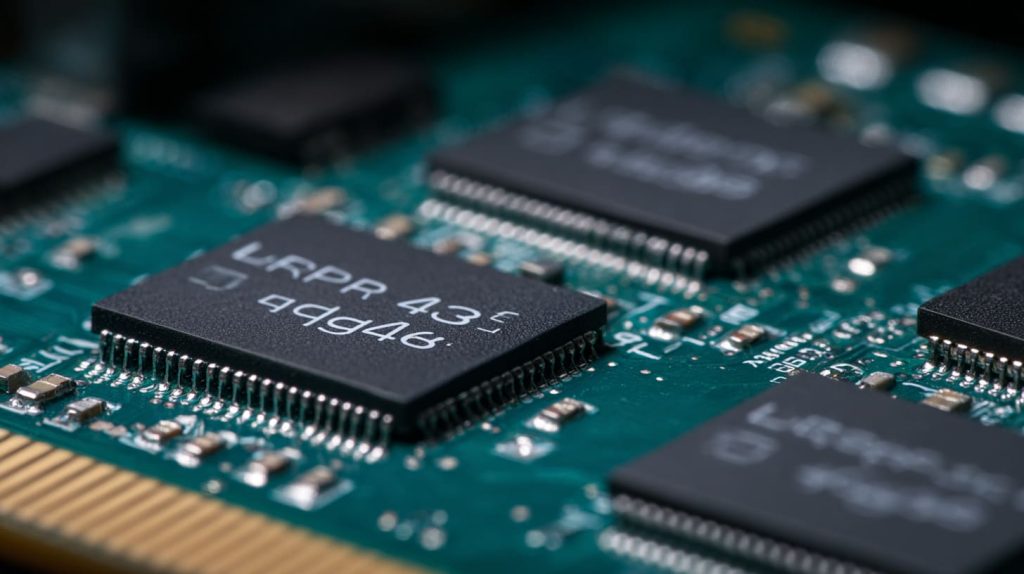
That 4GB might sound like a lot—or not nearly enough, depending on what you're doing. For light coding, web browsing, and some Python automation, it's actually quite reasonable. But once you start getting into heavier workflows—browser tabs piling up, maybe trying to edit a photo or run Docker containers—you’ll start to feel the squeeze.
Memory soldering: why it matters
| Spec | Detail |
|---|---|
| RAM Type | LPDDR4 |
| Capacity | 4GB |
| Upgradable | No (soldered to board) |
| Memory Slots | None |
Can Raspberry Pi 400 run Windows 10?
I've been asked this more than once—and the answer feels like a tease.
Not the full version, but you can run Windows 10 IoT Core or Windows 11 ARM unofficially.
Here’s the thing. Windows 10, the one you know from your desktop, needs an x86 or x64 processor. Pi uses ARM. There are workarounds, like emulation via Box86 or Pi’s ARM builds of Windows 11, but they're painfully slow and very limited. And RAM becomes a bottleneck almost immediately.
What works and what doesn’t?
- ✅ Windows 10 IoT Core (lightweight, very limited use)
- 🚫 Full Windows 10 (no x86 support)
- ⚠️ Windows 11 ARM (experimental, unstable)
Is it possible to add RAM to a Raspberry Pi?
This one stings a little, especially if you’re used to desktop PCs.
No, Raspberry Pi boards—including the 400—do not support RAM upgrades.

There are no SODIMM slots. No hidden connectors. The RAM is baked right into the circuit board. If 4GB isn’t enough, you’re left with software tricks or moving to a more powerful Pi variant.
Why it’s locked:
- Keeps costs low
- Reduces size and complexity
- Increases reliability (fewer connectors to fail)
- Designed for education and embedded use, not modular upgrades
Can a Raspberry Pi have 16GB RAM?
I remember the first time I saw the 8GB Pi 4. It felt like a leap.
Only the Raspberry Pi 4 has a version with 8GB RAM. There is no official Pi with 16GB RAM.

If you're chasing that 16GB dream, you’re not alone. But right now, even the Pi 5 caps out at 8GB. Anything beyond that gets into the territory of Jetson boards or mini PCs like Intel NUCs.
Memory cap by model:
| Model | Max RAM |
|---|---|
| Raspberry Pi 400 | 4GB |
| Raspberry Pi 4 | 8GB |
| Raspberry Pi 5 | 8GB (as of now) |
Why can’t Raspberry Pi RAM be upgraded like a PC?
This is where the design philosophy of Pi really shows itself.
Pi boards prioritize affordability, simplicity, and reliability—so they solder RAM directly.

A desktop PC has upgradeable parts because it’s made to evolve. Raspberry Pi, on the other hand, is built as a tiny all-in-one system. It’s like comparing LEGO to a fixed puzzle. Great for what it’s designed to do, but not meant to be taken apart.
Is 4GB RAM enough for Raspberry Pi 400 in real use?
Short answer? Depends on what you’re doing.
Yes, 4GB RAM is enough for most everyday tasks like coding, web browsing, and basic server tasks.
If you're like me, and you often have a few browser tabs, a code editor, and maybe a terminal open—you're fine. But if you get ambitious with video editing, emulation, or container stacking, it gets tight fast.
RAM usage examples
| Use Case | RAM Usage |
|---|---|
| Basic coding + terminal | ~400MB |
| Chromium (5 tabs) | ~1.2GB |
| LibreOffice editing | ~800MB |
| VSCode with extensions | ~1.5GB |
| Docker container (single) | ~500MB+ |
Can you increase Raspberry Pi 400 performance without upgrading RAM?
Absolutely—and I’ve done it myself more than once.
Yes, you can tweak performance using swap memory, lightweight OS, heatsinks, and task management.
Sometimes performance isn’t just about RAM. It’s about how your system manages what it has.
Quick wins that work:
- Use Raspberry Pi OS Lite
- Disable unnecessary background services
- Add passive or active cooling to avoid CPU throttling
- Run fewer browser tabs
- Use zram or increase swap file size
Does Raspberry Pi 400 support virtual memory or swap?
Yes, and this is where things get interesting.
Raspberry Pi OS includes a swap file system by default, allowing virtual memory use.
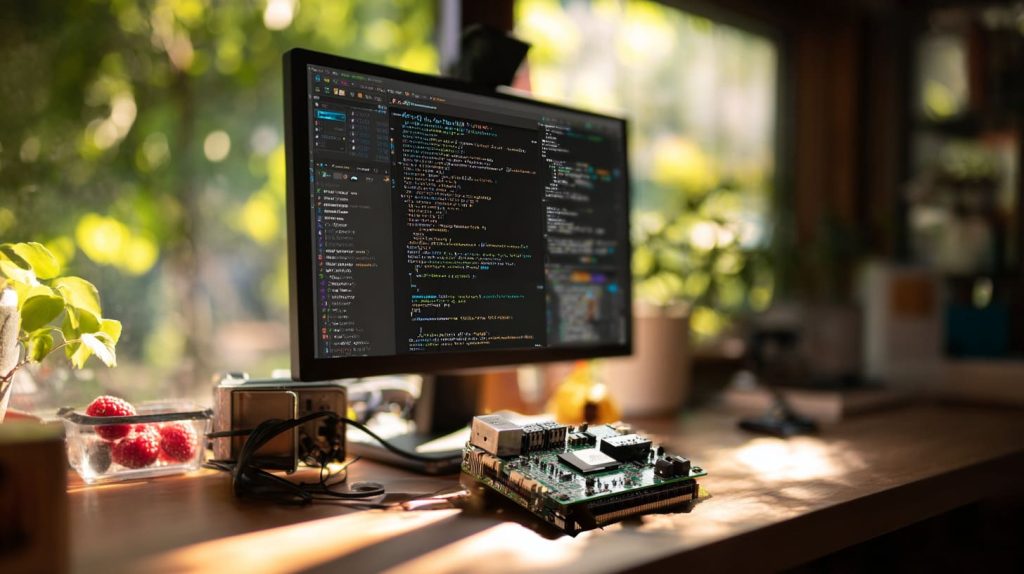
It’s not the same as adding physical RAM, but it helps stretch your resources. Just remember—swap is slow, especially on SD cards. But if you're running low on RAM, it can be a lifesaver.
Swap configuration
- Default swap size: 100MB
- Can be increased in
/etc/dphys-swapfile - Best used with fast storage (like SSD over USB 3.0)
What happens if Raspberry Pi 400 runs out of RAM?
I’ve hit that wall before—usually mid-project.
When RAM runs out, the system starts using swap space. If that fills too, it becomes unresponsive or crashes.

You’ll notice things freezing. Terminal inputs delay. Web pages refuse to load. And if you push it too far, it’ll force-close apps—or reboot altogether.
Warning signs:
- Heavy disk I/O from swap usage
- Keyboard input lag
- Applications freezing or crashing
Is Raspberry Pi 400 RAM upgrade possible via software?
If only it were that easy.
No software can increase physical RAM, but swap and zram can help manage memory better.
This is like asking if you can grow more fingers with an app. Software can only make better use of what you already have. Still, I’ve had some success keeping things smoother with tools like:
zram-configto compress RAM- Limiting background processes
- Using lighter desktop environments (LXDE, XFCE)
Should I choose Raspberry Pi 400 or Raspberry Pi 4 for more RAM?
This is the decision that really splits the room.
Choose Raspberry Pi 4 if you need more RAM (up to 8GB); choose Pi 400 for built-in keyboard and simplicity.
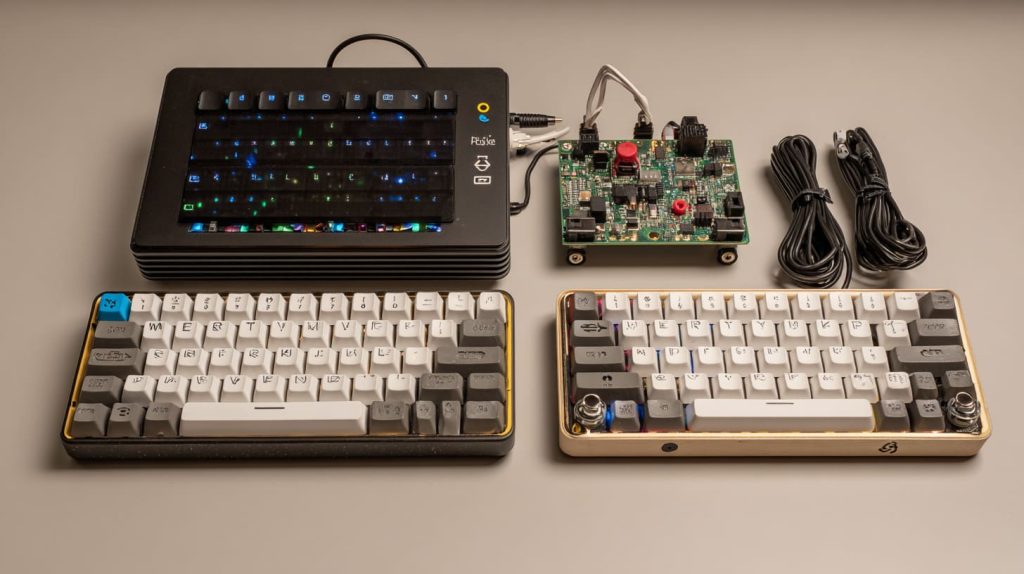
Pi 400 is clean, compact, and built for casual desktop use. But Pi 4 gives you more options. You can go headless, build clusters, or stack it in a rack with 8GB if you want. I use both—but for development and Docker, I lean Pi 4.
Side-by-side comparison
| Feature | [Raspberry Pi 400] | Raspberry Pi 4 (8GB) |
|---|---|---|
| RAM | 4GB only | 2GB/4GB/8GB options |
| Built-in Keyboard | Yes | No |
| GPIO Pins | Yes (via cable) | Yes (onboard) |
| Portability | High | Moderate |
| Price | Lower | Slightly higher |
Conclusion
No, you can't upgrade RAM—but you can still do a lot with 4GB.




