 Skip to content
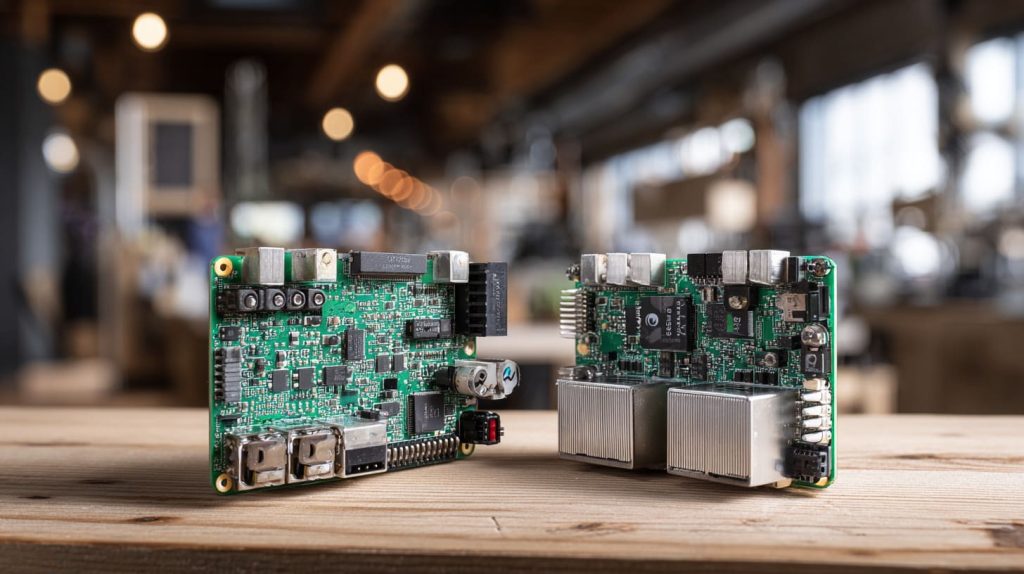
The discussion around Raspberry Pi and Mini‑PCs often begins the same way—someone wants performance without losing flexibility. In my workshop, it’s a question that comes up almost every week. A buyer messages me, not about price, but about direction: “Should I build my product line around Raspberry Pi or switch to Mini‑PCs?”
It’s an interesting question because both options look right—until you dig deeper. I’ve helped clients from Europe to Japan decide between these two paths, and every time, the decision goes beyond technical specs. It’s about budget, reliability, and the story you want your brand to tell.
So, in this post, I’ll share how I look at this decision from a factory perspective—as someone who designs custom cases, power supplies, and full kits for OEM and re‑brand clients. If you’re planning a new product or trying to choose the right platform for your market, this guide will help you see the trade‑offs clearly.
Let’s start with the part that usually drives every choice—budget.
1. Budget & Total Cost of Ownership

1.1 Up‑front costs: board/PC + accessories + enclosure
A Raspberry Pi board looks cheap on paper—$35 or $55 for the Pi 4. But that’s just the board. Once you add a power supply, SD card, cables, cooling fan, and a decent case, the real price climbs fast. A Mini‑PC, on the other hand, usually includes all of that from the start.
| Item | Raspberry Pi 4 Set | Entry‑Level Mini‑PC |
|---|---|---|
| Board | $55 | — |
| Power Supply | $10 | Included |
| Storage | $15 (micro‑SD 32GB) | Included (SSD 128GB) |
| Case | $15 (custom acrylic or metal) | Included |
| Cooling | $8 (fan kit or heatsink) | Built‑in |
| Total | ≈ $100 – $110 | ≈ $120 – $150 |
The difference looks small, but for bulk orders, every $10 counts.
1.2 Hidden costs: power supply, cooling, storage media, custom case/logos
What most buyers forget are the hidden costs. If you’re re‑branding, you’ll want your logo engraved or printed on the case, perhaps even customized packaging. Those small changes require extra molds, laser setups, or new printing plates. And if the Pi overheats, a cheap cooling fan won’t save you from warranty headaches later.
1.3 Long‑term costs: power consumption, maintenance, upgrade cycle
The Raspberry Pi is incredibly energy‑efficient—it sips power. Mini‑PCs, while more capable, consume more and generate more heat. Over a year of 24/7 runtime, that can mean a 10–15 USD difference per unit. Maintenance and upgrade cycles differ too: Pi boards are replaced entirely, while Mini‑PCs let you swap RAM or storage easily.
1.4 How these factors look from a factory/OEM re‑brand‑case perspective
From my factory’s point of view, Mini‑PCs often demand sturdier metal cases and complex machining. Raspberry Pi projects rely more on precise laser cutting or injection molds for acrylic or ABS. Each approach has its costs, and for OEM buyers, volume decides which wins.
Sometimes, the question isn’t “Which is cheaper?” but “Which fits my customer’s expectation better?”
And just when you think price decides it all, performance steps in and changes the story.
2. Performance & Hardware Specifications

2.1 CPU, GPU, RAM comparisons
Raspberry Pi 5 now offers up to 8 GB RAM and a solid CPU, but it’s still ARM‑based. Mini‑PCs pack Intel i3/i5 or AMD Ryzen chips, often with 8–16 GB RAM. If your workload involves Chrome tabs, spreadsheets, or local AI models, Mini‑PCs win easily.
2.2 Storage: micro‑SD vs SSD/M.2
Micro‑SD cards are affordable but slow and wear out over time. I’ve seen clients lose days of testing because of corrupted SD cards. In contrast, Mini‑PCs use SSDs or M.2 drives—faster, durable, and easy to replace.
| Feature | Raspberry Pi | Mini‑PC |
|---|---|---|
| Storage Type | micro‑SD / USB | SSD / M.2 |
| Speed | 40–90 MB/s | 300–2000 MB/s |
| Longevity | 1–2 years (heavy use) | 3–5 years + |
| Replaceable | Yes | Yes (but easier) |
2.3 Connectivity & ports
Raspberry Pi boards offer basic ports: USB 2/3, HDMI, Ethernet, GPIO. Mini‑PCs come loaded—dual HDMI, multiple USB 3.2, Type‑C, even Wi‑Fi 6. For buyers designing multi‑function devices, port count matters more than you think.
2.4 Cooling and durability
Cooling tells a quiet story about longevity. I’ve had clients melt adhesive labels on Pi cases due to poor airflow. Mini‑PCs integrate fans and heat pipes that maintain stable performance over time. Still, the simplicity of fanless Raspberry Pi builds appeals to IoT environments where silence and low power rule.
When performance arguments get too technical, the real divide lies in software and compatibility.
3. Software, Operating System & Ecosystem Compatibility
3.1 Architecture differences: ARM vs x86
Raspberry Pi runs on ARM architecture—efficient, light, and perfect for embedded work. Mini‑PCs use x86—wider software compatibility, easier desktop experience. If your app needs standard Windows software or industrial drivers, x86 saves you hours of debugging.
3.2 Operating systems supported
Raspberry Pi thrives with Linux (Raspberry Pi OS, Ubuntu, etc.). It’s stable, free, and community‑driven. Mini‑PCs, however, can run Windows 10/11, Linux, and sometimes ChromeOS. For enterprise buyers, Windows licensing is another hidden cost to remember.
3.3 Software & application compatibility
B2B projects often need reliability. I once helped a client deploy 300 Pi units as control nodes for small displays; perfect fit. Another client tried to use Pis as office PCs—constant lag, slow browsers, frustrated users. The right tool depends on purpose.
3.4 Community, support, driver ecosystem
The Raspberry Pi community is one of the strongest in tech. Thousands of tutorials, forums, and libraries make customization simple. Mini‑PCs rely more on brand‑specific support. For re‑branders, this difference means you can solve more issues yourself with Pi—without waiting for OEM documentation.
And that naturally brings us to the next big question—how much can you actually customize?
4. Customisation, Hardware Interfaces & Expansion
4.1 GPIO, HATs, sensors
This is where Raspberry Pi shines. Those 40 GPIO pins are a dream for prototyping. I’ve seen creative buyers attach camera modules, LED arrays, and even mini touchscreens. Mini‑PCs can’t match that flexibility; they’re closed systems meant for finished applications.
4.2 Upgradeability
Mini‑PCs, though, strike back in upgradeability. Pop the lid, and you can swap RAM or storage in seconds. Raspberry Pi boards are static—you buy what you get. For project engineers like Lasle, who constantly tweak hardware, that limitation can feel like a wall.
4.3 Case design & branding
As a factory owner, I’ve noticed how each platform shapes case design. Raspberry Pi enclosures often demand ventilation holes, SD slots, and space for HAT stacks. Mini‑PCs focus on sleek metal housings, ideal for engraving or printed logos.
| Feature | Raspberry Pi Case | Mini‑PC Case |
|---|---|---|
| Material | Acrylic / ABS | Aluminum / Steel |
| Cooling Design | Vent slots / fan mounts | Built‑in heatsink / fan |
| Branding Options | Laser engrave / print | CNC engrave / anodized logo |
| MOQ | 100–200 pcs | 50–100 pcs |
4.4 Industrial readiness & B2B requirements
For industrial use, Mini‑PCs tend to win—they’re enclosed, rugged, and ready for CE/FCC certification. Raspberry Pi setups need extra work: housing, compliance, and cable organization. That said, the Pi’s modularity gives engineers unmatched freedom when designing embedded solutions.
Still, no matter how advanced customization gets, the real test comes when it meets its purpose—actual application.
5. Use‑Case Fit: Which Device For What Application
5.1 DIY / education / prototyping
Raspberry Pi was born for education and creativity. Makers, schools, and engineers love it because it’s forgiving—you can break it, fix it, and learn fast. For small‑scale prototypes or IoT proof‑of‑concepts, nothing beats it.
5.2 Office productivity / media centre
If your plan involves multitasking, heavy browsers, or 4K video, Mini‑PCs take the crown. I once tested LibreOffice on a Pi while streaming YouTube—it worked, but only just. Mini‑PCs handle this effortlessly.
5.3 Embedded / IoT / always‑on servers
Raspberry Pi’s low power and stable Linux base make it perfect for monitoring, automation, and 24/7 tasks. Many of our clients build data loggers or camera systems with Pi boards because they stay cool and reliable.
5.4 My factory’s viewpoint
At MaidaTech, we design both acrylic Pi cases and aluminum Mini‑PC housings. For Raspberry Pi, most orders are high‑volume, fast‑moving items for re‑branders. For Mini‑PC enclosures, orders are smaller but more complex—custom CNC cutouts, anodized colors, precise fit tolerances.
Now, imagine choosing between two supply chains—each one comes with its own challenges.
6. Sourcing & Supply Chain Considerations for OEM/ODM Buyers
6.1 Platform availability & reliability
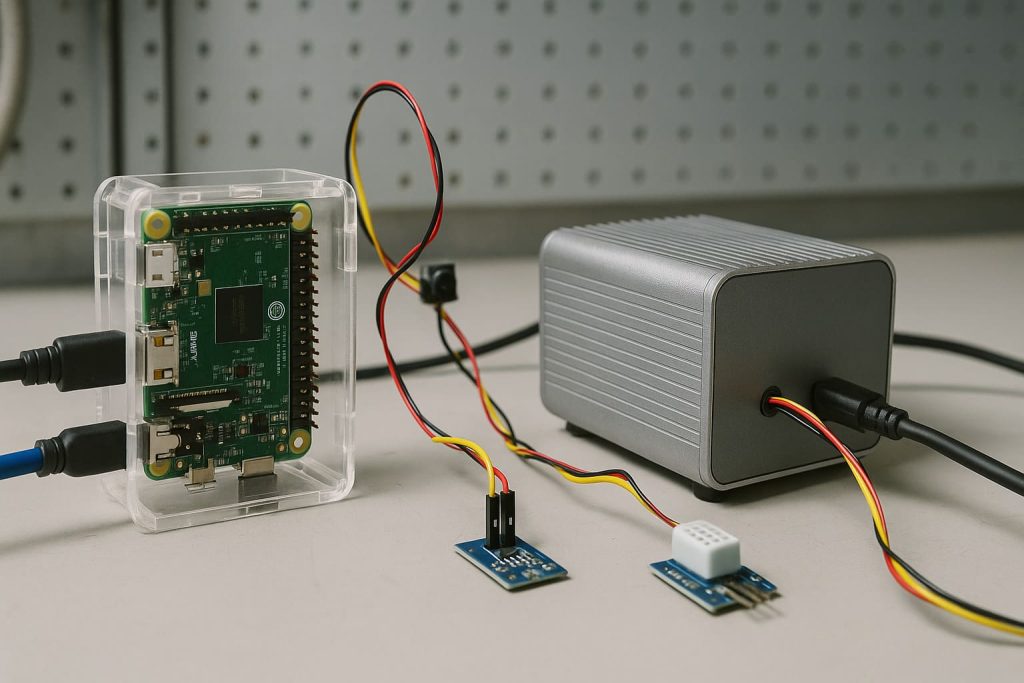
The Raspberry Pi shortage during the pandemic taught us one thing: never depend on a single source. Mini‑PCs, built by many OEM brands, offer more stable supply but less uniform quality.
6.2 Pricing strategies
Factory‑direct pricing is where we shine. Raspberry Pi accessories typically cost 10% less through us compared to resellers. Mini‑PC accessories—metal cases, cables, power bricks—often require tighter QC and smaller runs, which push prices slightly higher.
6.3 Custom case & branding logistics
Custom branding isn’t just about logos; it’s packaging, inserts, and alignment with your market identity. Our MOQ for Pi cases is 100–200 pcs standard, but we can go lower for OEM Mini‑PC projects. Timing matters—lead time varies from 15 to 25 days depending on complexity.
6.4 Quality control, shipments, after‑sales
Re‑branders like Davide value communication speed. We photograph every production stage—cutting, printing, assembling—to avoid misunderstandings. Delayed shipments or unclear QC reports are what make buyers lose sleep. Smooth coordination across time zones is worth more than a discount.
But let’s make this easier to visualize before we wrap it up.
7. Pros, Cons & Decision‑Matrix
7.1 Summary table: Raspberry Pi vs Mini‑PC
| Criteria | Raspberry Pi | Mini‑PC |
|---|---|---|
| Price Range | Lower entry cost but adds up with accessories | Higher but all‑in‑one |
| Performance | Moderate | Strong CPU & GPU |
| Power Efficiency | Excellent | Average |
| Customisation | High (GPIO, HATs) | Low (limited ports) |
| Upgradeability | None | High (RAM/SSD) |
| Software Compatibility | Linux based | Windows + Linux |
| Supply Reliability | Moderate (stock fluctuations) | Good (varied brands) |
| Ideal Use Cases | IoT, Prototyping, Education | Office, Media, Industrial PCs |
7.2 Key trade‑offs
Choosing a Raspberry Pi means embracing flexibility and tinkering. Choosing a Mini‑PC means prioritizing performance and polish. Neither is universally “better”—they serve different goals.
7.3 My recommendation
If your project needs scalability, GPIO integration, or re‑branding flexibility—go with Raspberry Pi. If you’re selling pre‑configured desktops or industrial controllers, Mini‑PCs are your friend. In both cases, invest in a reliable supplier who understands OEM needs—one that values communication and timely production as much as price.
Conclusion
In the end, it’s not really Raspberry Pi vs Mini‑PC. It’s purpose vs possibility. Both platforms can power great products if paired with the right design, enclosure, and supplier. The smarter choice depends on how you plan to scale, brand, and deliver to your customers.
At MaidaTech, I’ve seen how a simple board becomes a professional product—with the right attention to detail. Whether you’re sourcing Pi cases, designing Mini‑PC housings, or customizing power supplies, we’re here to help you turn those small ideas into solid hardware.
If you’re planning your next re‑brand or OEM project, drop me a message at info@maidatech.com. Let’s build something that fits your brand as perfectly as your board fits its case.




