

I once found myself juggling cables and stressing over power sources for my Raspberry Pi 3. This post explores if a 5V 2A battery pack truly gets the job done.
Yes, you can power a Raspberry Pi 3 with a 5V 2A battery pack, but it’s often borderline. Intense tasks or extra peripherals can cause undervoltage issues. Ensure stable power delivery and watch for performance drops.
I tried powering a Pi-based sensor with a leftover phone charger. It looked fine at first, but the moment I attached a camera module, everything went wonky. Let’s see how to avoid that hassle.
What Voltage Is Needed For Raspberry Pi 3?

I get asked this question all the time by folks who are new to Pi-based projects.
A Raspberry Pi 3 typically needs a stable 5V supply. Minor dips below 5V trigger undervoltage warnings. A sweet spot between 5.0–5.25V keeps the Pi performing well and protects USB functions.
I run a small business called MaidaTech in China, and I’ve seen my share of undervoltage issues. If you drop below 4.75V, expect random reboots and frustration. If you exceed 5.25V, heat creeps in. My advice is to keep it around 5.1V.
Why Voltage Matters
- System Stability: Voltage drops can cause sudden restarts.
- Peripheral Behavior: USB devices draw extra current.
- Longevity: Undervoltage strains components over time.
| Voltage Level | Possible Outcome |
|---|---|
| ~5.25V | Generally safe, watch heat |
| 5.1V | Ideal for smooth performance |
| 4.75V | Risk of undervoltage warnings |
Many people check official references for voltage requirements for Raspberry Pi 3 to avoid guesswork.
What Power Supply Do I Need For Raspberry Pi 3 B+?
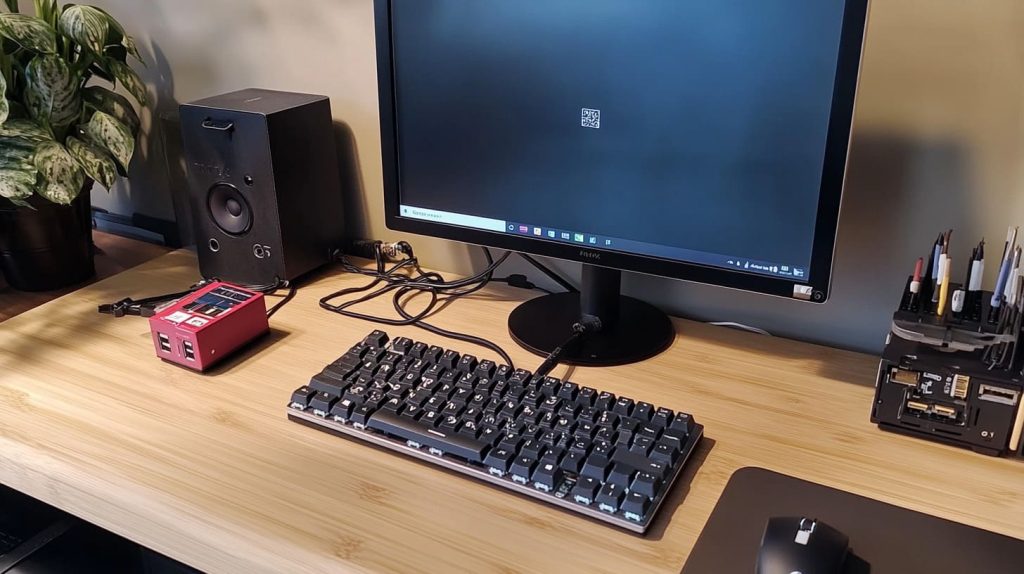
The Raspberry Pi 3 B+ usually needs more current, especially if you attach multiple USB devices.
A reliable 5V 2.5A (or higher) adapter is recommended for the Pi 3 B+. This extra headroom helps avoid random resets, USB malfunctions, or overheating during demanding tasks.
I discovered this when I tried a 5V 2A supply on a Pi-driven kiosk display at a tradeshow. It kept restarting under load. Switching to 2.5A stabilized everything. Some buyers even jump to 3A for peace of mind. Customers like Davide from Belgium often ask about power solutions for Raspberry Pi 3, especially when they plan to stock large batches of kits.
What Is The Minimum Power Supply For A Raspberry Pi 3?
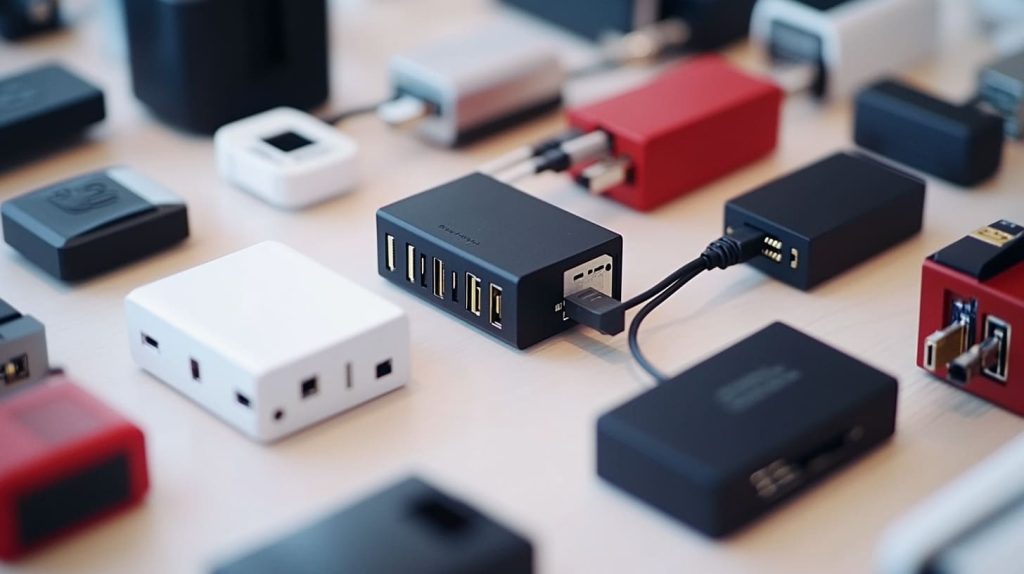
People love reusing phone chargers, but not all are created equal.
The minimum recommendation is typically 5V 2.5A for a Raspberry Pi 3. Anything lower raises the risk of random shutdowns, undervoltage warnings, and limited USB support. Consistent output under load is crucial.
Some phone chargers claim 2A, but the real output can be less, especially with cheap cables. I’ve met many retailers who discover their chargers were subpar only after dealing with defective setups. Always add a small power cushion.
Quick Tips
- Stick to official or well-reviewed adapters.
- Confirm amperage with a tester.
- Watch out for substandard cables that cause voltage drops.
Is It Safe To Use A 5V 2A Battery Pack With A Raspberry Pi 3 For Extended Periods?

Sometimes convenience wins. But will it last?
A 5V 2A battery pack can work for short tasks or light workloads. For heavy loads or long durations, you risk undervoltage and performance slowdowns. It’s safe if you monitor battery capacity and watch out for warning signs.
I once traveled with a Pi-driven demo for custom branding. For quick tests, the 5V 2A pack did fine. But when I pushed video capture, the screen flickered. If you’re running the Pi for hours or piling on accessories, you’ll want something beefier.
Safeguards
- Monitor for undervoltage warnings.
- Use high-quality cables.
- Keep an eye on heat buildup.
How Does Using A 5V 2A Power Source Affect The Stability Of A Raspberry Pi 3 When Connecting Peripherals?

Adding sensors, displays, or external storage ramps up the demand.
A 5V 2A supply may handle a basic Pi setup. But connecting power-hungry peripherals can trigger undervoltage, leading to reboots or data corruption. It’s best to get a more capable power solution.
I’ve worked on custom Pi kits for clients who add multiple modules. They soon realize a USB-powered hard drive can gobble 500mA or more. That leaves little room for the Pi’s own needs. Some also ask about battery longevity tips, especially for mobile projects.
Peripheral Load Table
| Peripheral | Approx. Current Draw |
|---|---|
| USB Keyboard/Mouse | 100–200mA combined |
| Camera Module | ~200mA |
| USB Hard Drive | 500mA or higher |
When you pile on these devices, 2A simply isn’t enough for consistent stability.
Conclusion
Always pick a power supply with enough headroom for your Raspberry Pi 3. A little extra amperage can save you a lot of headaches.




