Skip to content


When a client requested a night-vision camera for their Raspberry Pi kit, I assumed it’d be a quick swap. The sensor looked promising. Specs lined up. But then came the twist—wrong connector, no driver, and the default Pi case? Totally incompatible. That small change turned into a week-long lesson in hardware hacking, driver patching, and case re-designing.
Yes, Raspberry Pi supports other camera sensors beyond the official modules, but compatibility depends on the interface, drivers, and software.
Most people expect plug-and-play magic. But mixing and matching sensors requires patience, planning, and a bit of creative engineering. Let’s dive into what it really takes.
What image sensors are supported by Raspberry Pi?
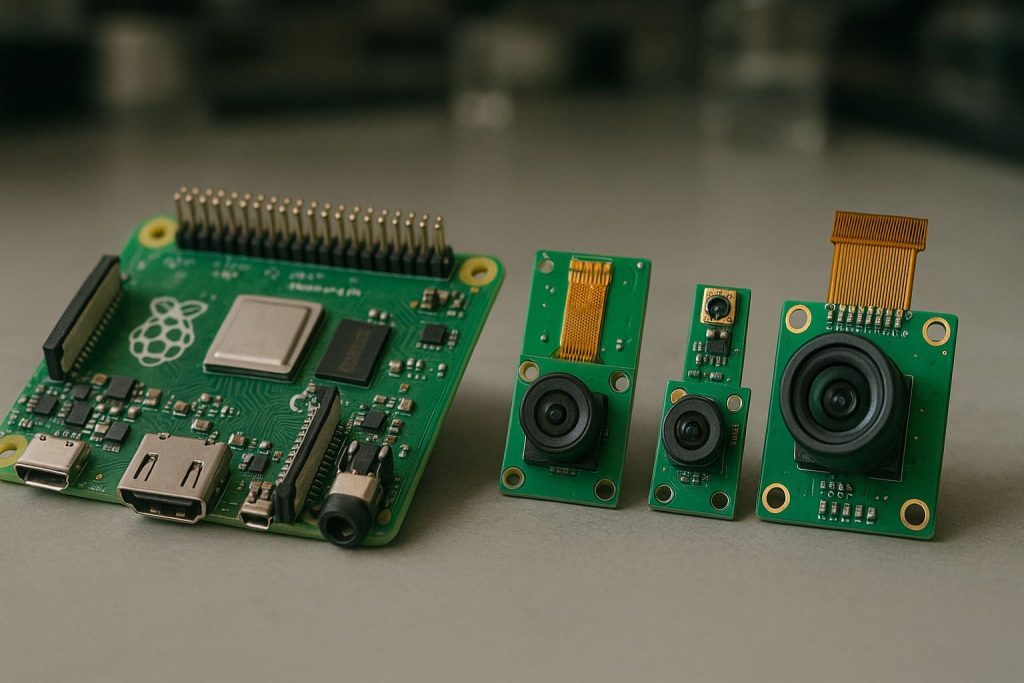
Raspberry Pi natively supports a few Sony sensors through its official camera modules.
The most widely supported sensors include the Sony IMX219, IMX477, and newer variants via the CSI interface.
Compatibility Depends on Interface & Driver Availability
The Pi OS (especially Bookworm and newer) supports:
| Sensor Series | Interface | Notes |
|---|---|---|
| IMX219 | CSI | Used in Camera Module v2 |
| IMX477 | CSI | Used in High-Quality Camera |
| OV5647 | CSI | Older, now legacy support |
| USB Cameras | USB/UVC | Plug-and-play via /dev/video* |
Other sensors like AR series or custom OV/IMX sensors may need custom drivers or device tree overlays.
Can I connect sensors to a Raspberry Pi?
Yes, but “connect” doesn’t always mean “it works out of the box.”
You can connect sensors to a Raspberry Pi using GPIO, I2C, SPI, CSI, or USB, depending on the type.

I’ve had projects where a customer insisted on I2C sensors—and that’s when we learned not all Pi models have the same I2C bus layout exposed. Triple check that pinout before wiring.
What are the different camera options for Raspberry Pi?
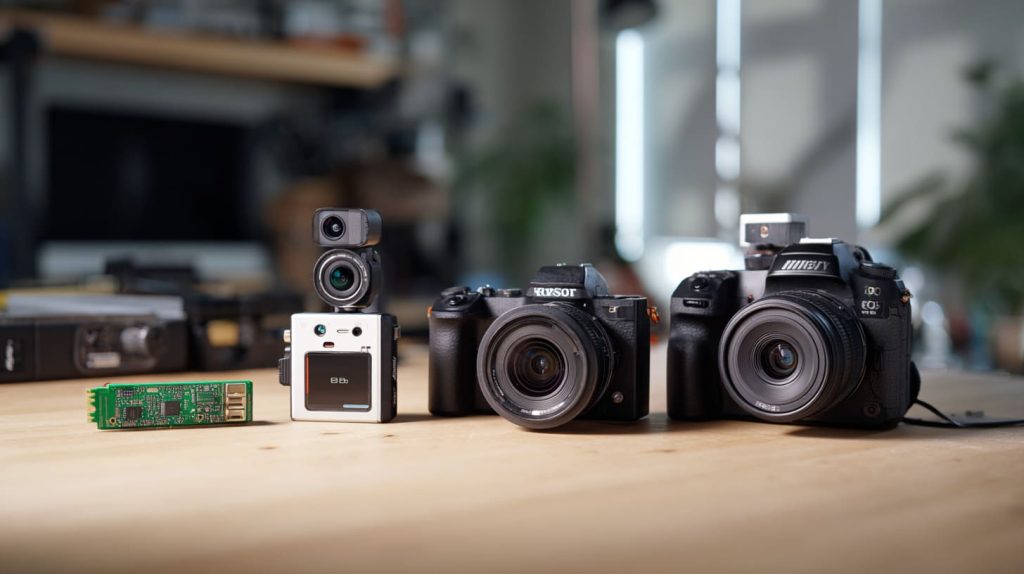
Besides the official modules, you have tons of options—from USB webcams to CSI-compatible sensors from other vendors.
Options include the official camera modules, USB webcams, third-party CSI sensors, and HDMI bridge solutions.
Choose Based on Your Project's Needs
| Type | Use Case |
|---|---|
| Official Pi cameras | Guaranteed support |
| USB webcams | Quick testing, lower quality |
| Arducam/3rd party CSI | High-res, better optics |
| HDMI bridge (e.g. for DSLR) | Pro setups, high cost |
Can I use Arduino sensors with Raspberry Pi?
Yes—but they speak different languages.
Arduino sensors can be connected to Raspberry Pi using serial, I2C, or via an Arduino board acting as a bridge.
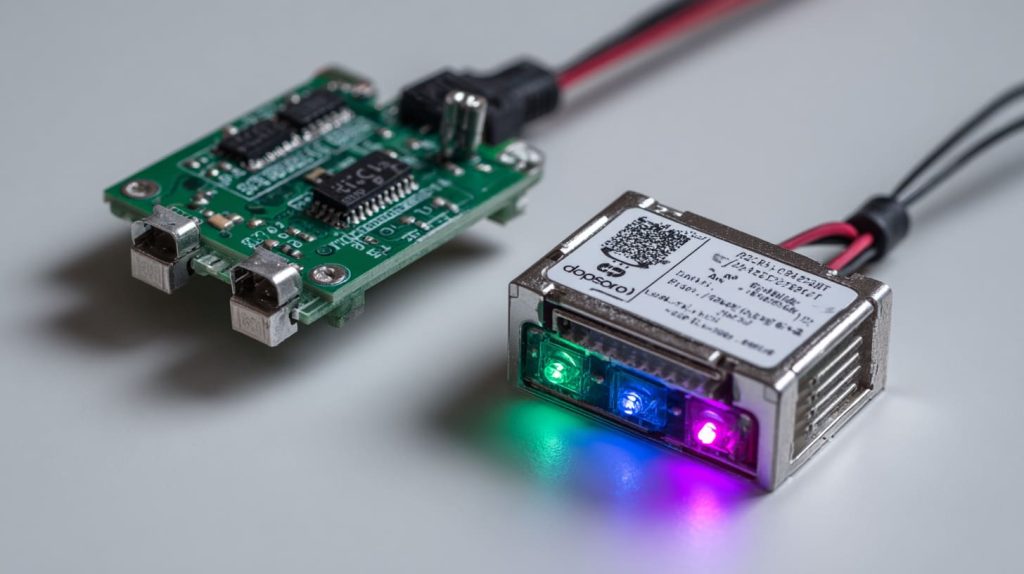
In some of my kits, we’ve used Arduino Nano as a sensor hub that feeds data to the Pi over USB. Works beautifully when you don’t want the Pi to handle real-time sensor polling directly.
Is Arduino or Raspberry Pi better for sensors?
It depends on what you need—speed or smarts.
Arduino is better for real-time sensing, Raspberry Pi is better for processing and interfacing.
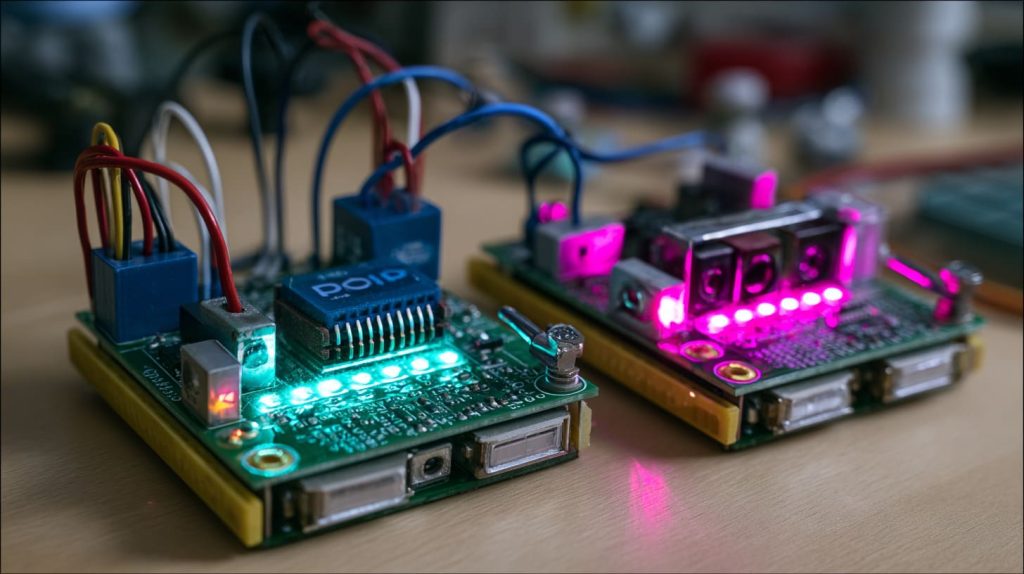
Raspberry Pi can feel sluggish for time-sensitive data. Arduino is lightning-fast with analog reads. Combine them for the best of both worlds.
What types of camera interfaces are supported by Raspberry Pi and how do they differ?
Raspberry Pi supports USB, CSI, and now limited MIPI interfaces.
CSI is preferred for official and high-speed sensors; USB is most flexible.

Interface Comparison Table
| Interface | Speed | Use Case | Example Devices |
|---|---|---|---|
| USB | Medium | Plug-and-play cameras | Webcams |
| CSI | High | Official and Arducam sensors | Pi Cam v2, HQ Camera |
| MIPI DSI | Display only | Not used for camera input | N/A |
Can I replace the official Raspberry Pi camera module with a third-party sensor?
Yes, but it’s not plug-and-play unless the sensor supports the Pi ecosystem.
You can replace the official module, but you’ll need compatible drivers and may have to adjust overlays or use libcamera.
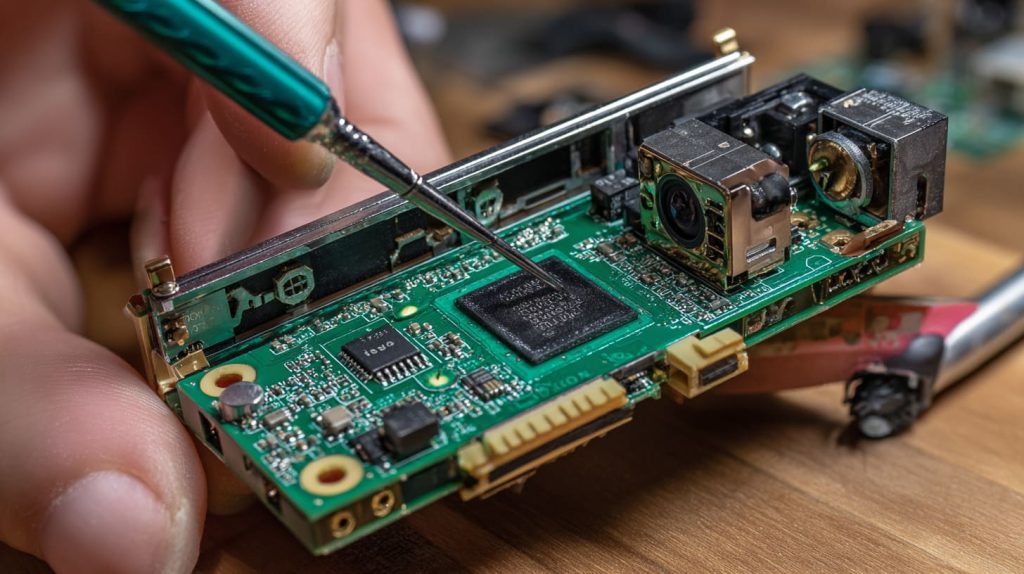
I had a customer use an IMX519 from Arducam—we spent a week debugging the camera stack before realizing the firmware overlay was misaligned.
What hardware challenges come with third-party sensors?
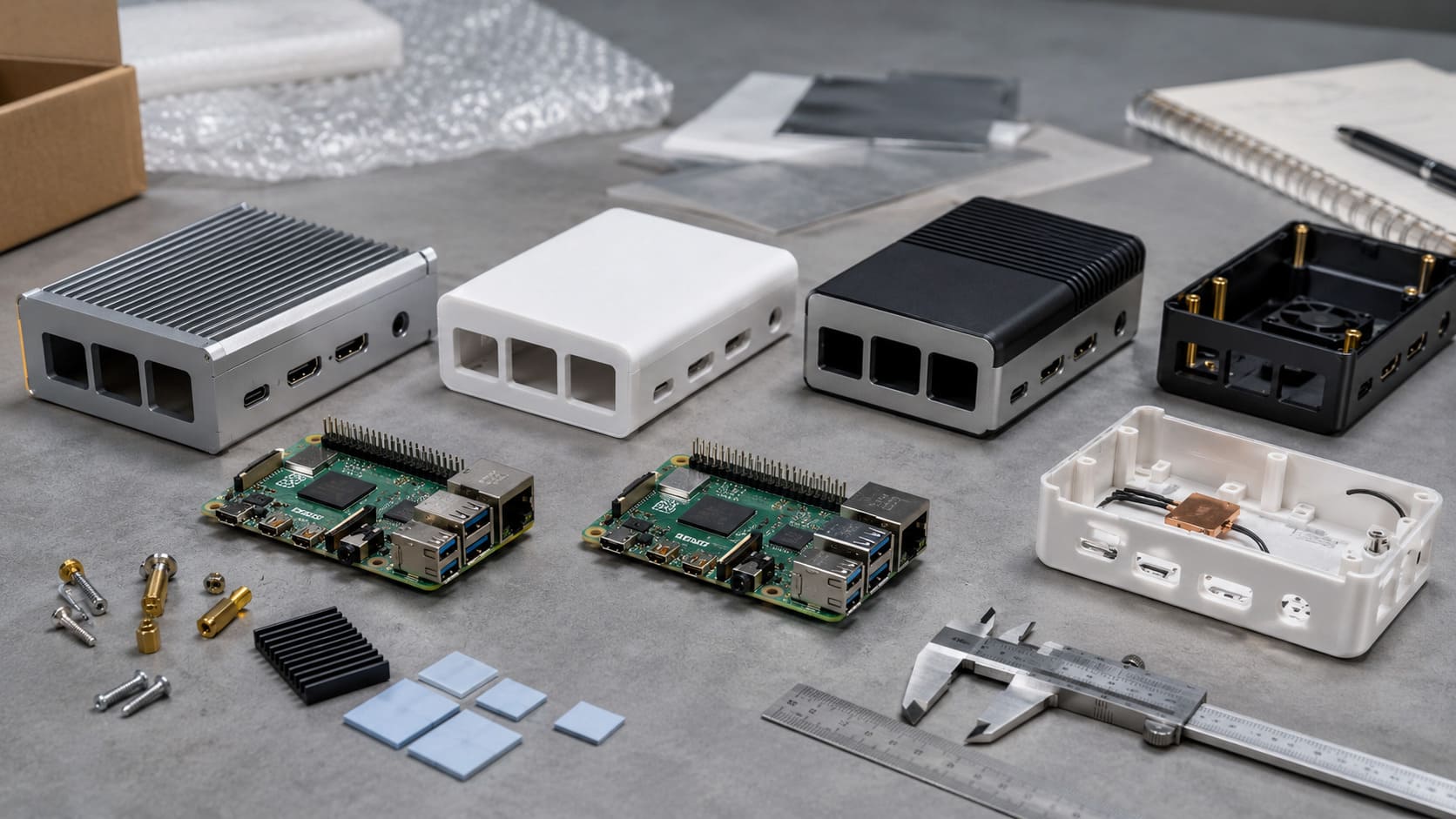
Fitting them inside an existing Pi case is a real puzzle.
Mounting, thermal alignment, and connector compatibility are key physical hurdles.
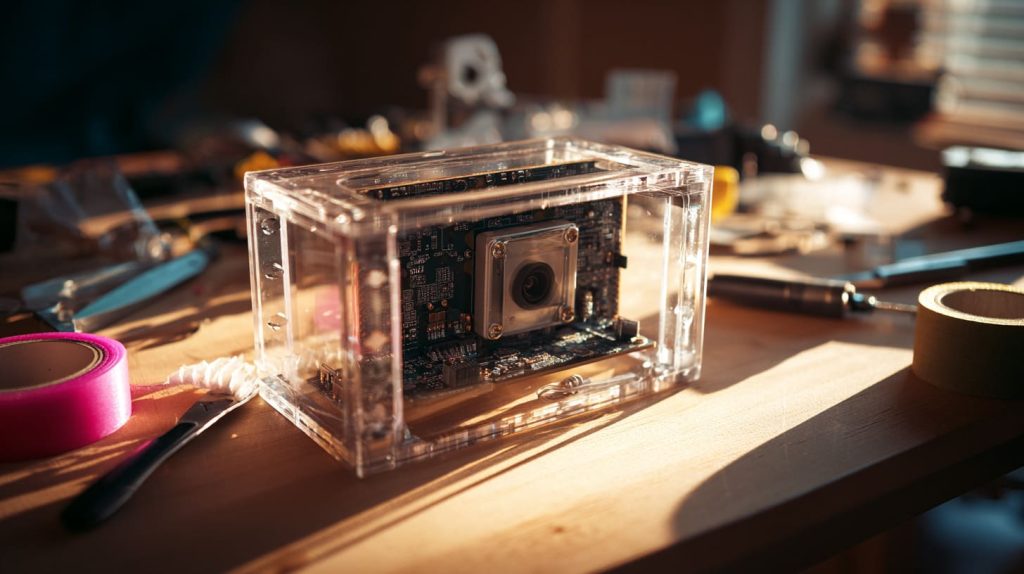
Even with a 3D-printed bracket, sensor orientation often ends up slightly off-axis. That matters if you're capturing machine vision data.
How do resolution, sensor size, and lens mount affect performance?
This stuff matters more than people think.
Larger sensors with proper lens mounts offer better clarity, low-light performance, and framing flexibility.
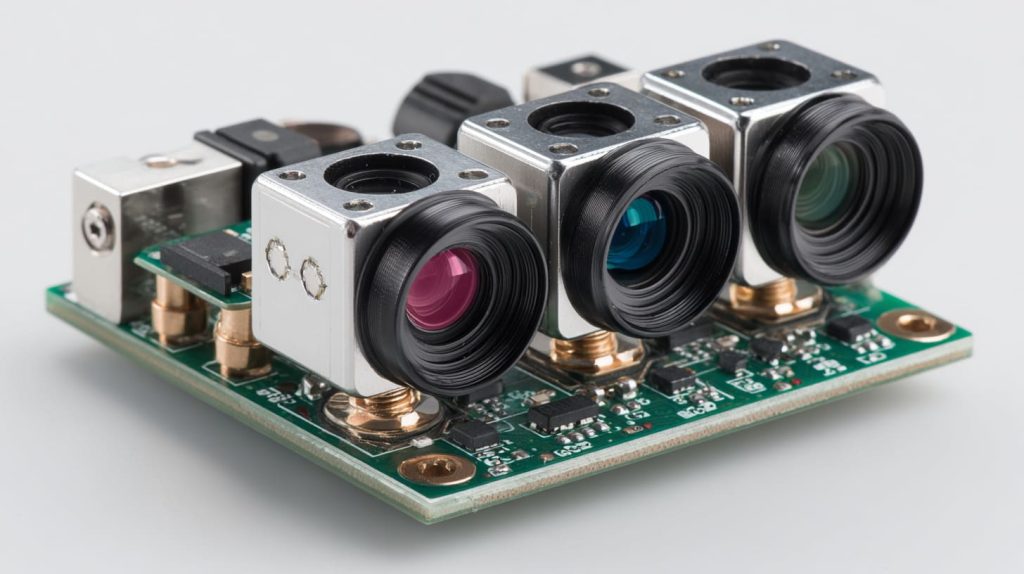
Visual Impact of Sensor Specs
| Feature | Impact |
|---|---|
| Resolution | Sharpness & detail |
| Sensor Size | Low light & dynamic range |
| Lens Mount | Swappable lenses, focus control |
For factory inspection kits or smart agriculture sensors, we always recommend going beyond 8MP.
What software frameworks support custom sensors?
Pi OS now uses libcamera, and that’s your friend.
Libcamera supports many sensors, but you may need custom builds or config files.

In more complex builds, I’ve had to fork libcamera just to adjust tuning for non-standard exposure times.
What case design implications arise in OEM/ODM setups?
Custom sensors change everything—from hole placement to EMI shielding.
Using a non-standard sensor usually means redesigning the case and internal mounts.

We help our clients reconfigure Pi cases when adding wide-angle cameras, thermal sensors, or stereo setups. Expect added time for prototyping.
What supply chain or cost factors should B2B buyers consider?
Short answer—official modules cost more, but they save you time.
Third-party sensors may reduce costs, but increase development time and risk.

Cost Breakdown Table (OEM B2B Buyers)
| Option | Unit Cost | Lead Time | Support Risk |
|---|---|---|---|
| Official Pi Cam | High | Short | Low |
| OV/IMX Sensors | Low-Mid | Medium | Medium-High |
| Custom Modules | Variable | Long | High |
Davide-type rebrand clients usually go with the official module for fast turnaround. Lasle-type project buyers often gamble on OV sensors to meet budget limits.
Conclusion
Yes, you can use other sensors—but it’s not as easy as it sounds.