 Skip to content
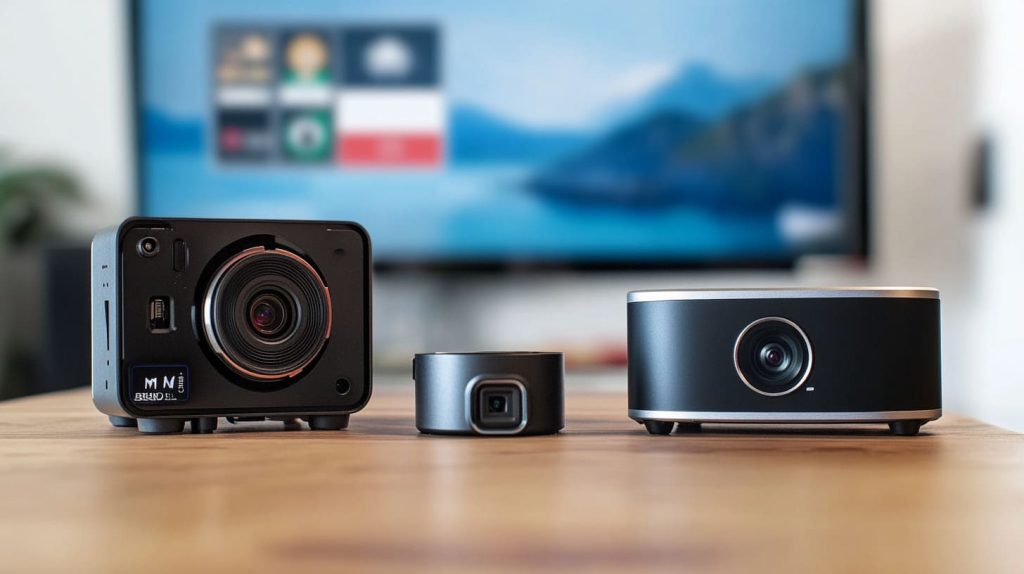
When you start diving into Raspberry Pi projects, one of the first questions that comes up is whether you should use a high-quality Raspberry Pi camera or just stick with a regular webcam. Now, you might think they’re pretty much the same thing, right? Well, in reality, they’re quite different, especially when it comes to what you’re using them for. As someone who’s worked with Raspberry Pi products for years, I’ve seen how the choice of camera can drastically impact the outcome of a project.
In this post, we’ll look at the key differences between Raspberry Pi high-quality cameras and traditional webcams. Whether you’re a Raspberry Pi enthusiast working on your latest project, a developer seeking the best solution for your app, or a business trying to decide which product to go with for a new prototype, understanding these differences is crucial. Let’s break it down.
Key Differences Between Raspberry Pi High-Quality Camera and Webcam
Sensor and Image Quality
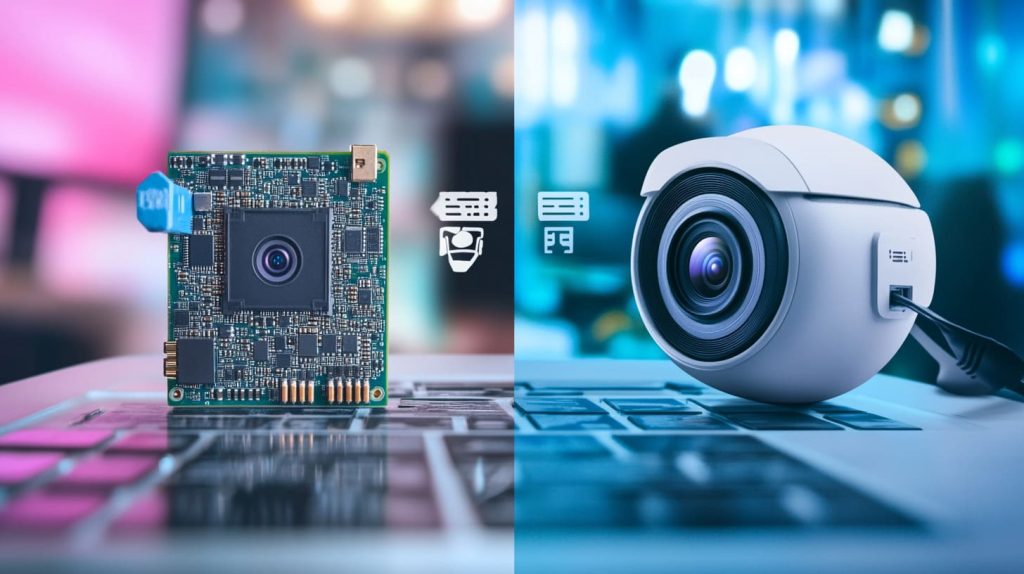
So, what’s the most obvious difference between a Raspberry Pi high-quality camera and a webcam? It’s got to be the image quality. I’ve worked on plenty of projects where the quality of the image is make or break, and trust me, these two options are miles apart.
Raspberry Pi’s high-quality camera comes with a much better sensor, typically a Sony IMX477 or similar CMOS sensor. This means you’re getting sharper, clearer images with more vibrant colors and better detail. Whether you’re using it for surveillance, a robotics project, or even capturing high-res photos for a research project, the difference is noticeable.
On the other hand, webcams typically use cheaper sensors that don’t have the same level of image quality. Sure, they’re fine for video calls and streaming, but they don’t come close to the detail you can achieve with a Raspberry Pi camera. The resolution? It’s usually capped at 1080p for most webcams, while the Raspberry Pi camera can go beyond that.
CMOS vs. CCD
If you want to get into the nitty-gritty, there’s also the choice between CMOS and CCD sensors. Most webcams use CMOS sensors, which are generally cheaper to produce. But the downside is they don’t offer the same performance when it comes to light sensitivity and dynamic range. This is where Raspberry Pi’s high-quality camera comes in. It uses a CMOS sensor, yes, but it’s a much higher-end one designed for quality over cost.
Purpose and Use Cases
Now that we’ve talked about image quality, let’s move on to the bigger picture: what are you actually using these cameras for? For starters, Raspberry Pi high-quality cameras are perfect for specific projects that require detail and precision. Think surveillance systems, scientific research, or even capturing images for 3D modeling. I’ve seen countless developers use Raspberry Pi cameras to automate systems, build drones, or even for time-lapse photography.
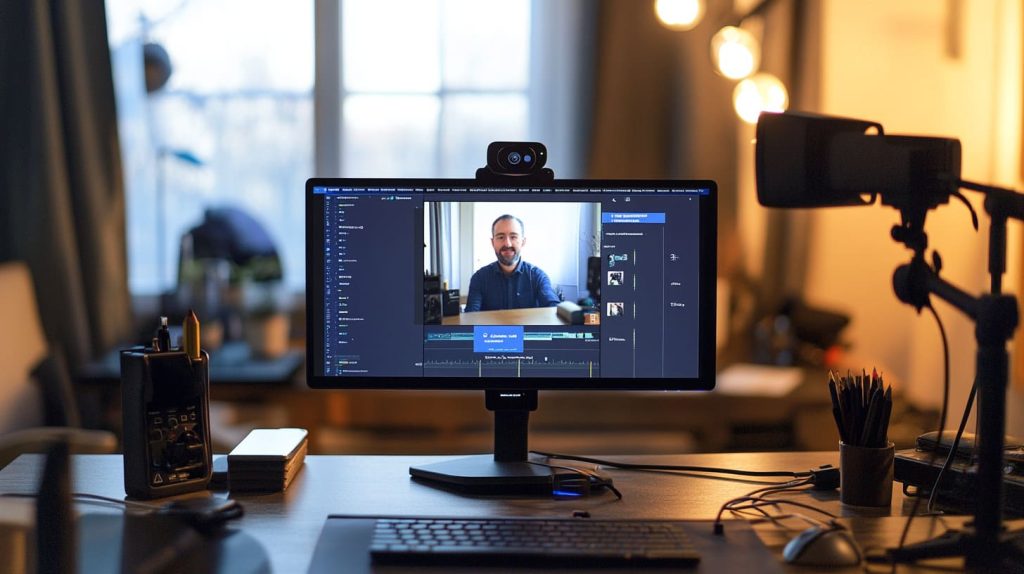
Webcams, on the other hand, are great for things like video conferencing, streaming, or simple applications where image quality isn’t everything. They’re plug-and-play, easy to use, and they’re designed for quick, casual tasks. They may be good enough for casual chats or streaming, but if you need something more professional or specific, the Raspberry Pi high-quality camera is the way to go.
Connectivity and Integration
Let’s not forget about the ease of setup. Webcams, for example, are incredibly easy to use. You just plug them in via USB, and boom—you’re good to go. It’s convenient, especially if you’re not looking to spend too much time setting things up.
But the Raspberry Pi high-quality camera requires a little more work. It connects directly to the Raspberry Pi board via the camera serial interface (CSI), which means you need to configure it through the Raspberry Pi OS. This is a bit more technical, but it also opens up a whole new world of possibilities. You can customize it, integrate it into complex systems, and get better performance overall.
Performance and Speed
Frame Rates and Shutter Speed
When you’re looking for a camera to capture fast-moving subjects or create smooth, high-quality videos, performance is everything. Raspberry Pi’s high-quality camera is designed for professional use, and it shows in the frame rates and shutter speeds. For example, you can get up to 60fps (frames per second) in full HD with the Raspberry Pi camera, which makes it perfect for fast-moving projects like robotics or capturing smooth time-lapses.
Webcams typically don’t offer the same performance. While they’re fine for casual streaming, the frame rate can dip during more demanding tasks. Plus, the shutter speed isn’t as fast, which can lead to blurry or jittery images if you’re working in low light or with fast-moving subjects.
Processing Power Requirements
Raspberry Pi cameras are designed to be efficient, so they don’t require too much processing power. This is crucial for anyone working with a Raspberry Pi, as you want to save on CPU resources for other tasks. Webcams, however, require a bit more power because they’re usually doing more processing on their own (like auto-focus or exposure adjustments). This can take a toll on your Raspberry Pi, especially if you’re running other heavy applications.
Cost Comparison
Now, let's talk about the elephant in the room: cost. The Raspberry Pi high-quality camera isn’t exactly cheap. When you factor in the cost of the camera itself, lenses, and any accessories you might need, the price can add up pretty quickly. But here’s the thing—if you need high-quality, detailed images for specialized projects, it’s worth it. It’s an investment.
Webcams, on the other hand, are much cheaper. They’re perfect for general use, but if you need something for a serious project, they won’t get the job done. The price difference is often justified by the superior image quality, flexibility, and performance you get with the Raspberry Pi camera.
Customization and Flexibility
Lens and Accessories
One of the things I really love about the Raspberry Pi high-quality camera is the ability to customize it. You can attach a wide range of lenses, from wide-angle to macro, to suit your specific project. Whether you’re looking for a zoom lens for surveillance or a fisheye lens for creative shots, you can tailor the camera to your needs.
Webcams, however, don’t offer the same level of customization. Sure, you can adjust a few settings, but you’re pretty much stuck with the built-in lens. This can limit your ability to adapt the webcam to different scenarios or environments.
Advanced Features and Modifications
Another huge benefit of the Raspberry Pi camera is its flexibility when it comes to advanced features. For example, you can add infrared capabilities, allowing you to shoot in low light or complete darkness. You can also mod the camera to suit your project’s needs by adding filters, external modules, and even adjusting the frame rate. These kinds of modifications simply aren’t possible with most webcams.
Conclusion
To wrap it all up, both Raspberry Pi high-quality cameras and webcams have their place. If you’re working on a project that requires top-notch image quality, customization, and flexibility, the Raspberry Pi high-quality camera is your best bet. It might require a little more effort to set up, but the results are worth it.
On the other hand, if you just need something for video calls, streaming, or casual use, a webcam will do the job just fine. The key is to understand what you need for your specific project and choose accordingly.
Whether you’re a hobbyist, a developer, or a business looking for custom solutions, I hope this breakdown helps you make the best choice for your Raspberry Pi setup. Whatever you decide, I’m sure it’ll take your project to the next level.




