 Skip to content

Setting up a project and suddenly running out of GPIO pins? Yep, I’ve been there. It’s frustrating—and it always seems to happen when you're mid-prototype.
You can expand Raspberry Pi IO using GPIO expanders, I2C multiplexers, shift registers, USB hubs, or HATs designed for IO extension.
I’ll walk you through how I’ve handled this challenge—sometimes gracefully, sometimes not so much. Whether you’re building a smart sensor array, a robot, or a control panel, there’s a trick or two in here that’ll save you time (and maybe a bit of sanity).
How to get more GPIO pins on Raspberry Pi?
It feels like 26 GPIOs should be enough—until you actually start wiring things up.
Use GPIO expanders like the MCP23017 over I2C or shift registers like 74HC595 to multiply your usable pins.
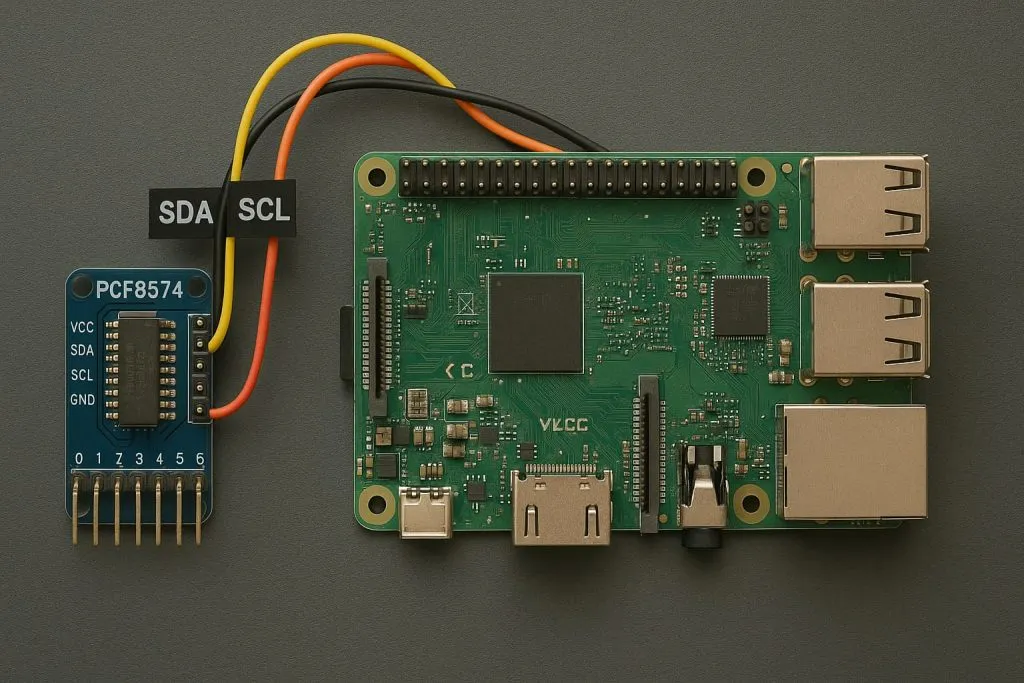
GPIO Expander vs. Shift Register
| Method | Direction | Interface | Extra Features |
|---|---|---|---|
| MCP23017 | Input/Output | I2C | Interrupt support |
| PCF8574 | Input/Output | I2C | Simple, reliable |
| 74HC595 | Output only | SPI | Cheap, daisy-chainable |
When I first hit the GPIO wall, I added an MCP23017 to my Pi and suddenly had 16 more IOs—just like that. No kernel panic. No rewiring the whole project. It felt like magic.
What is the GPIO limit for Raspberry Pi?
People ask me all the time—how many GPIOs really exist?
Raspberry Pi has 26 usable GPIO pins, but with expanders or multiplexers, you can control dozens or even hundreds more.
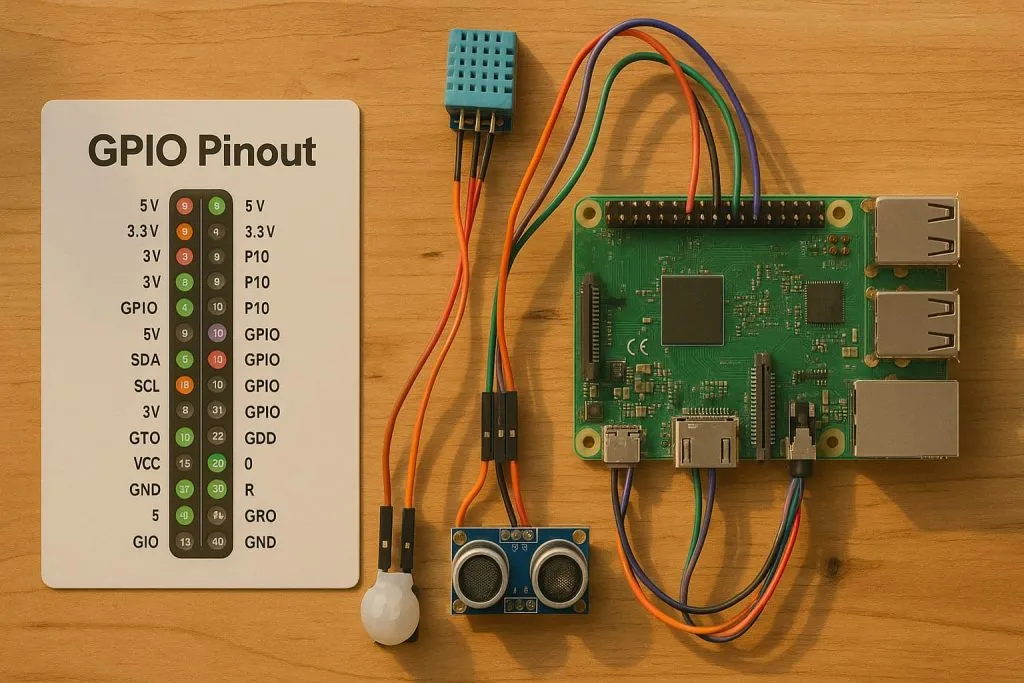
It’s not about the raw number on the header—it’s about how creatively you route through I2C, SPI, or USB.
Can I turn my Raspberry Pi into a wifi extender?
I tried this once for my workshop shed.
Yes, you can use your Raspberry Pi as a Wi-Fi extender using hostapd and a second Wi-Fi dongle.
It works surprisingly well for lightweight traffic. Just don’t expect miracles if your main router’s from the early 2000s.
Which GPIO library is best for Raspberry Pi?
Too many choices, right? I’ve tested most.
RPi.GPIO is simple for beginners, but gpiozero and pigpio offer more features and flexibility.

- RPi.GPIO: Native, lightweight, but low-level.
- gpiozero: Great for learners; handles debounce and LED blinking out of the box.
- pigpio: Ideal for real-time PWM or remote control via socket.
I stick to pigpio when I need rock-solid timing and control.
Can the Raspberry Pi 4 pins handle 5V?
This one comes up constantly. And the short answer?
No, Raspberry Pi 4 GPIO pins are 3.3V logic and not 5V-tolerant.
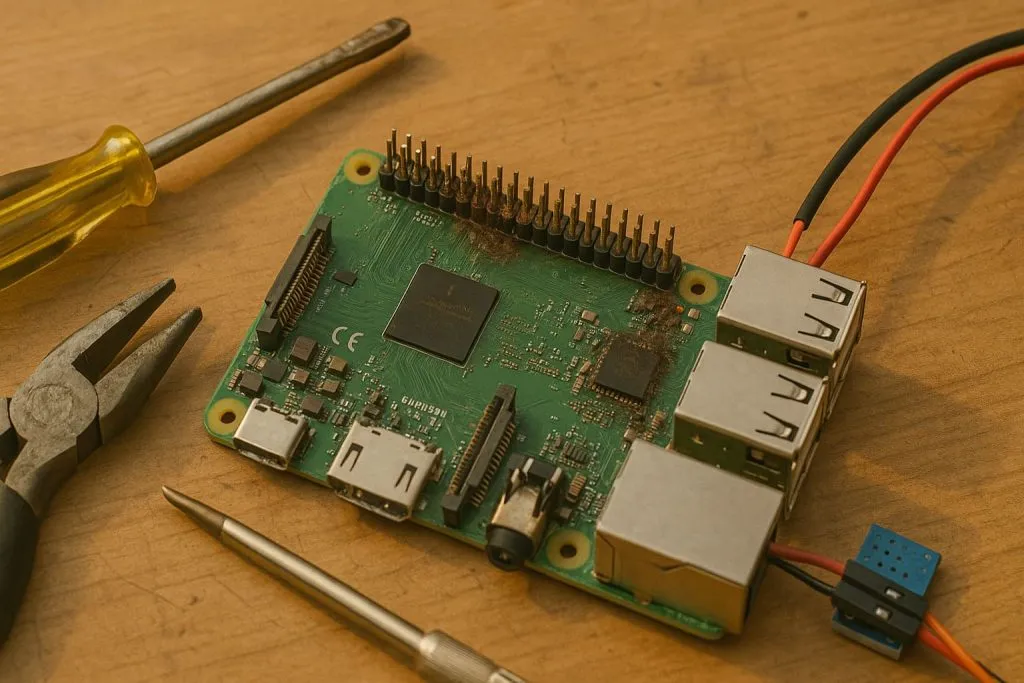
You’ll need level shifters if you’re dealing with 5V peripherals—or risk frying the board. I once forgot this rule, and let's just say, that Pi became a fancy paperweight.
What are the best GPIO expanders for Raspberry Pi?
There’s a sea of options out there. I’ve narrowed it down for you.
MCP23017 (I2C), PCF8574 (I2C), and SX1509 (I2C/PWM) are reliable GPIO expanders with wide community support.
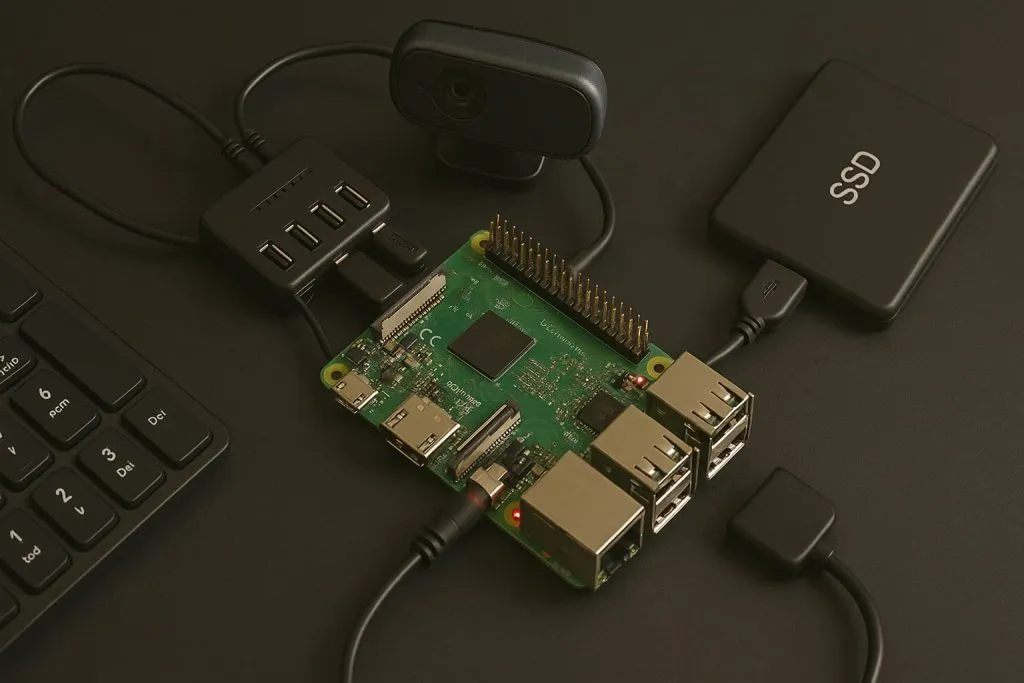
My quick picks:
- MCP23017: My go-to; stable, 16 GPIOs per chip, multiple address options.
- PCF8574: Affordable, but less flexible.
- SX1509: Fancy stuff—PWM, LED fades, keypad matrix.
Can I add more USB ports to a Raspberry Pi safely?
USB hunger is real—especially when you’re juggling multiple peripherals.
Yes, powered USB hubs let you expand ports safely without overloading the Pi’s power budget.
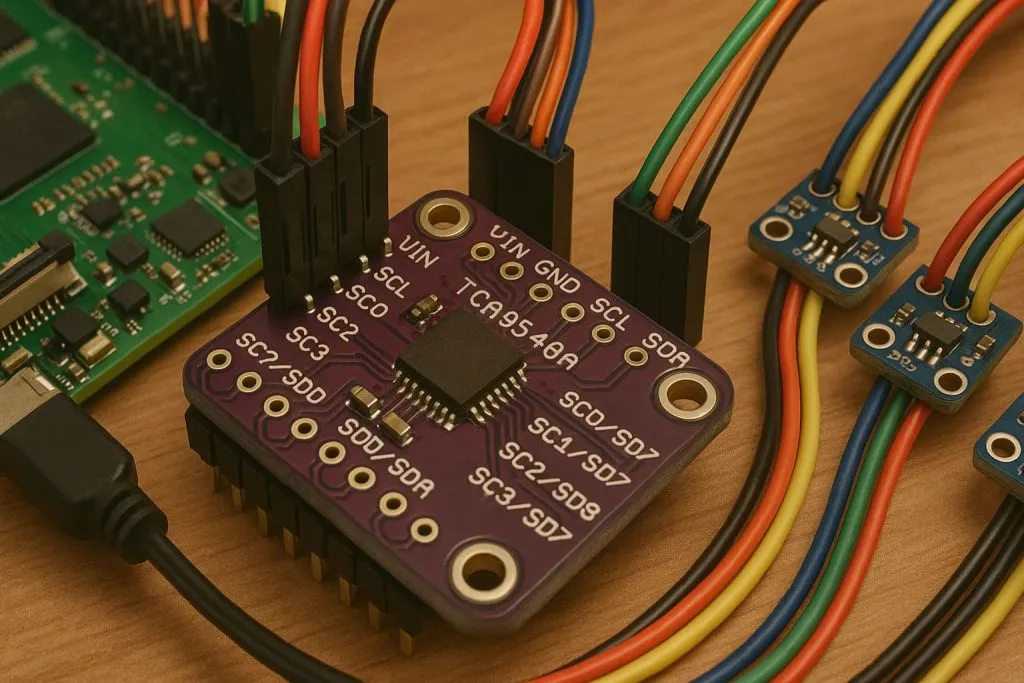
I learned the hard way—plugging in too many devices without power backup? Boom. System freeze. Since then, I never run USB add-ons without a powered hub.
How do I use I2C multiplexers to connect more devices to a Pi?
Ever needed to run eight identical I2C sensors on one Pi? You’re not alone.
Use I2C multiplexers like TCA9548A to switch between device addresses dynamically.
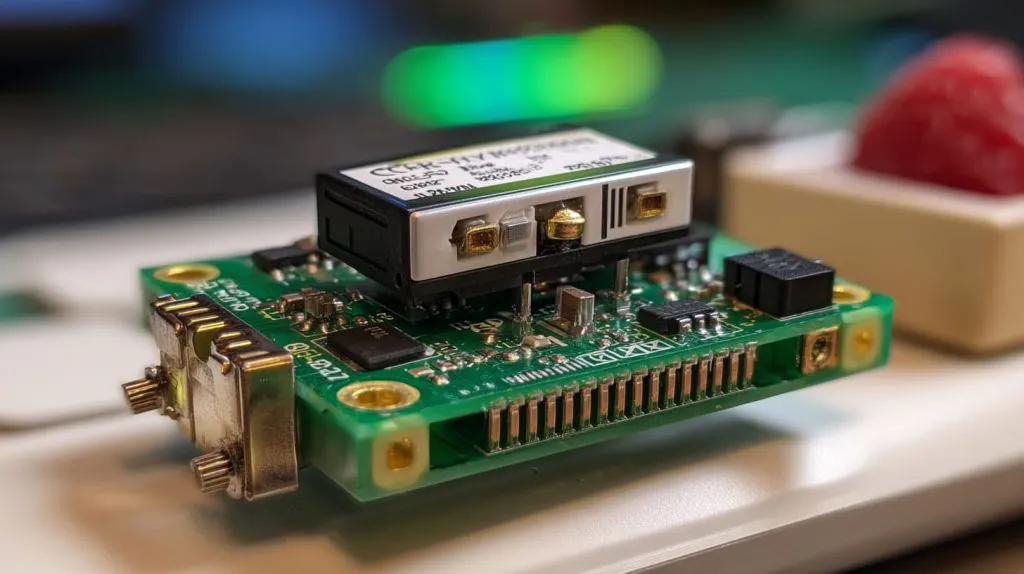
Each channel acts like a separate I2C bus. It’s brilliant when you can’t change device addresses and still need them all hooked up.
What’s the difference between GPIO hat and expansion board?
Good question. They look similar but behave differently.
GPIO HATs are plug-and-play boards with EEPROM config, while expansion boards offer more manual flexibility.
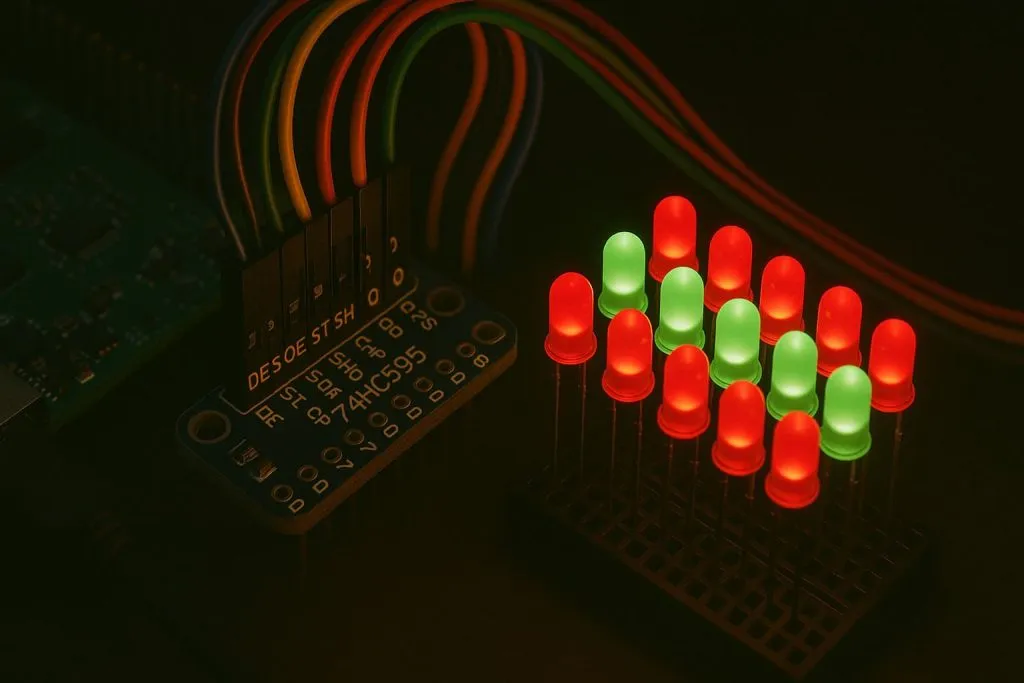
| Feature | HAT | Expansion Board |
|---|---|---|
| EEPROM support | Yes | No |
| Plug-and-play | Yes | Maybe |
| Customizable | Limited | High |
For quick deploys, I love HATs. For tinkering, I reach for bare expansion boards.
Can I use shift registers to increase digital outputs on Raspberry Pi?
Absolutely. Especially for LEDs or relay controls.
Shift registers like 74HC595 let you daisy-chain digital outputs with just 3 GPIOs.
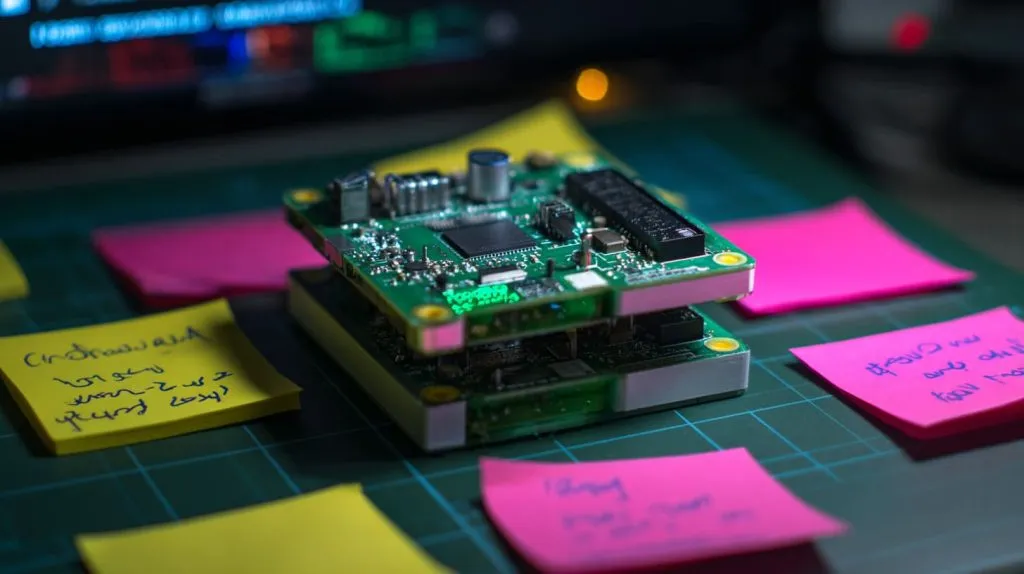
I once ran 64 LEDs off one Pi using shift registers. It looked like a Christmas tree that went through engineering school.
How do I avoid IO pin conflicts when using multiple add-ons?
This is where GPIO gets messy.
Plan your GPIO usage upfront, use overlays carefully, and double-check pin maps before stacking HATs.
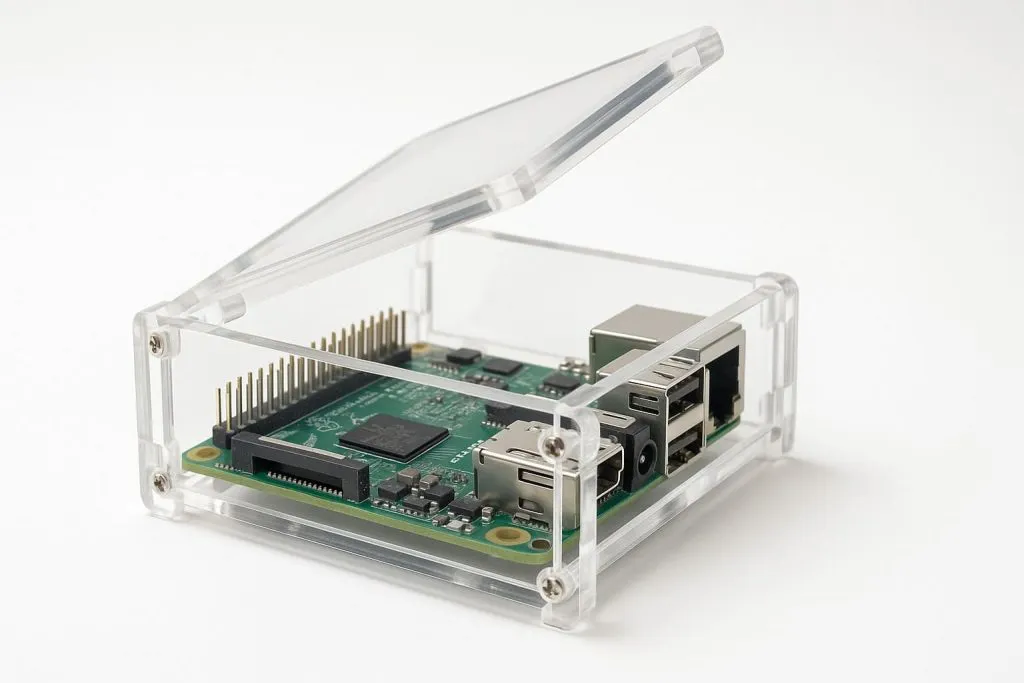
Also, always skim the datasheet—even for “plug-and-play” HATs. Some pins are shared with SPI or I2C. Learn that late, and you’ll be in debugging hell.
Can I connect multiple SPI or I2C devices to one Raspberry Pi?
Yes—but it’s not always straightforward.
You can connect multiple I2C or SPI devices as long as addresses or chip select lines are managed properly.
- I2C: Just avoid address collisions.
- SPI: Use different CE (Chip Enable) pins for each device.
Some folks try bit-banging SPI, but I’d say—only do that if you enjoy headaches.
What cases or enclosures support IO extension for Raspberry Pi?
If you’re expanding IO, the case must make room for that.
Look for Raspberry Pi cases with removable lids, GPIO slot access, or stackable HAT support.
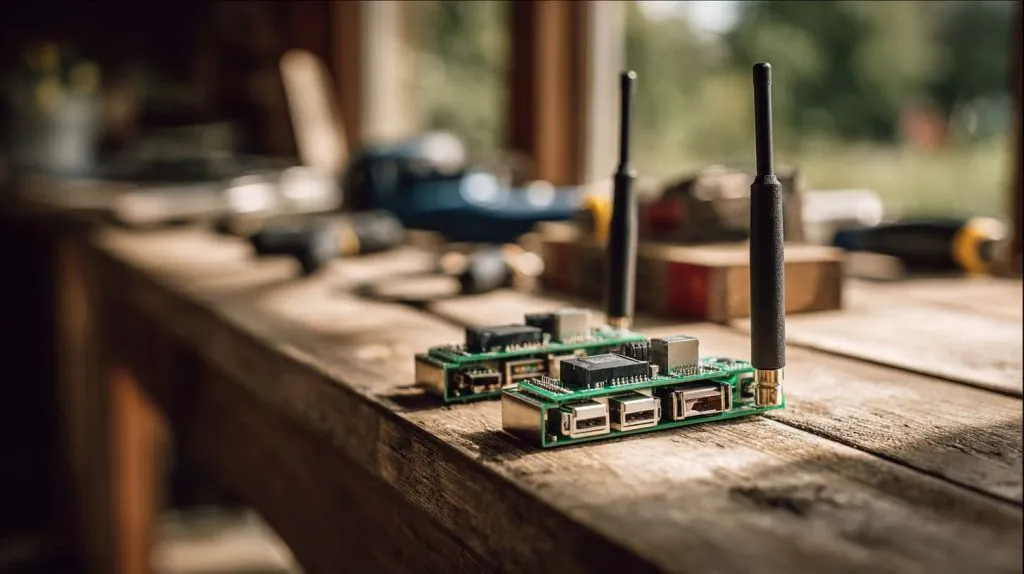
I once used a laser-cut acrylic case with a hinge top—made debugging a dream. Even better if it supports mounting PCBs or fans inside.
Conclusion
More IO isn’t about more pins—it’s about smart design.







