Skip to content

When the first time I powered up a Raspberry Pi for one of my early prototypes at MaidaTech. I thought it was pure magic to have a tiny board handle so many tasks. Over time, I learned that its magic comes with boundaries. Today, I want to share my personal journey exploring these limits.
Understanding Raspberry Pi’s Role
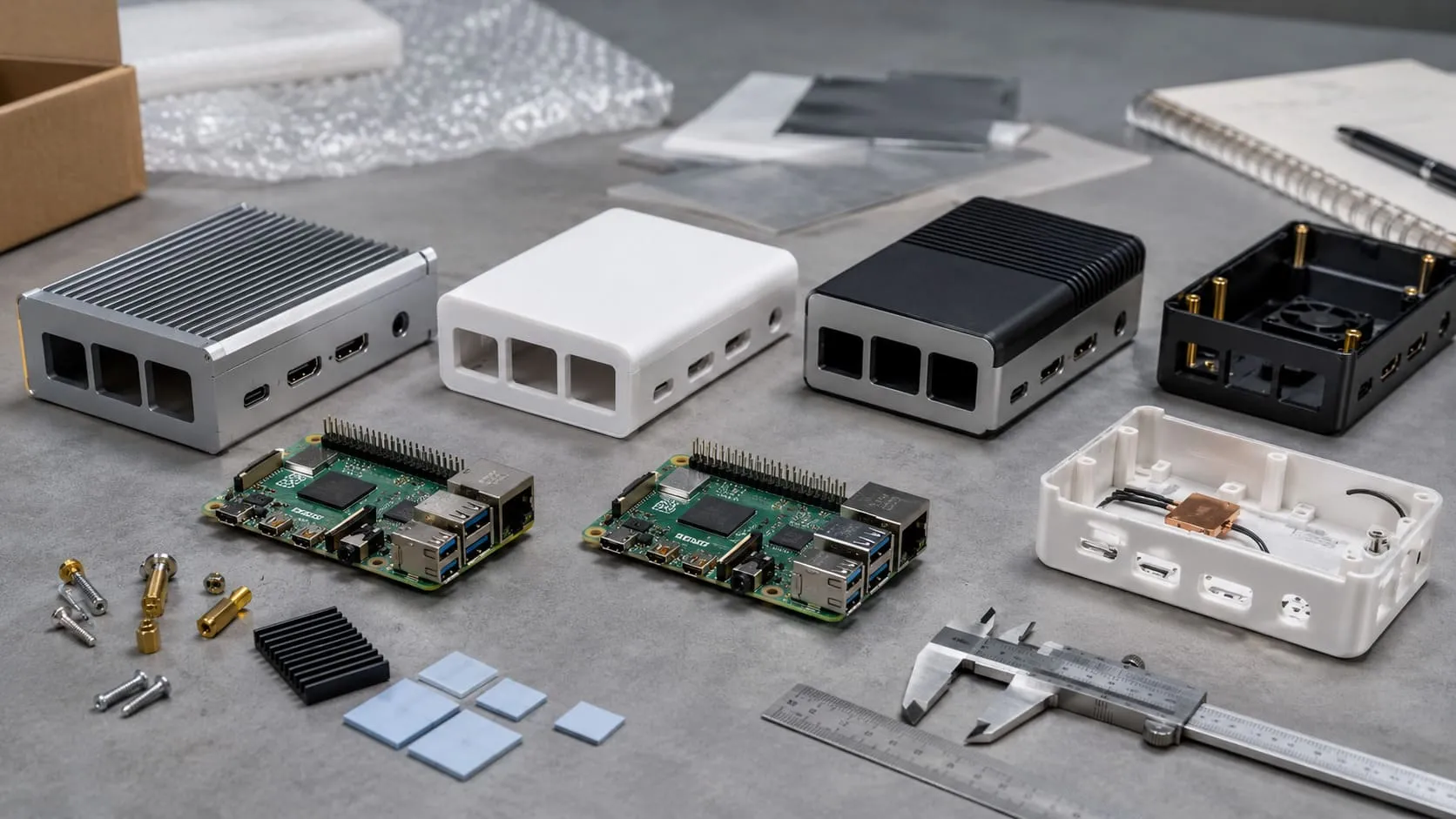
When I first started working with Raspberry Pi, I was running small demos for custom cases. It felt great to see how easy it was to assemble. I quickly realized it’s ideal for educational projects, light automation, and simple prototyping. However, if we expect it to replace a full-fledged workstation, we might be in for some surprises.
I’ve observed how new buyers, like my friend Davide from Belgium, sometimes jump in with grand expectations. They hope the Pi can do everything a high-end PC can. The truth is simpler: Raspberry Pi can do a lot, but it doesn’t do everything flawlessly. There are inherent limitations that we need to address realistically.
I’ve seen many folks, including myself, overlook these constraints at first. But once they’re understood, we can still harness the Pi’s potential. Let me share how I learned these lessons before we explore performance constraints.
Performance Constraints
I used to push Raspberry Pi boards to extremes, hoping they could run heavy design software. That’s when I realized performance matters more than I thought.
CPU Processing Power
The CPU is pretty capable for lightweight tasks, like basic coding or small server operations. But I’ve tested large data analytics scripts that made the processor crawl. This taught me the importance of matching the Pi’s CPU power with realistic tasks. If someone wants advanced video editing on a Raspberry Pi, they’ll likely get frustrated.
From a critical point of view, it’s still possible to handle moderate tasks if you optimize your environment. For instance, smaller libraries, lightweight operating systems, or specialized distributions can help. However, that approach can complicate the user experience, especially for newcomers.
GPU & Graphics Capabilities
I once tried to run a 3D modeling tool on my Pi. It started fine, then everything slowed to a snail’s pace. The GPU handles simple graphics well, but not heavy 3D rendering. This makes sense: it’s a minimalist setup meant for basic graphical needs.
When we look at things more deeply, there’s a clear trade-off. You can still stream videos or manage casual gaming. But for advanced rendering, the Pi won’t replace a desktop-grade graphics card. This is vital for anyone creating visually intensive projects like VR or advanced simulations.
RAM & Multitasking Limitations
Early on, I used a Raspberry Pi with just 1GB RAM for multiple tasks. It froze. Then I realized the Pi performs best when we don’t cram it with multitasking. Modern models come with more RAM now, but we still need to be mindful.
If you’ve ever tried running multiple memory-heavy applications, you know what I mean. The Pi can handle moderate tasks but might strain when juggling everything at once. Recognizing this helps us plan better: do one or two big tasks at a time, not five.
I remember a night when I was testing multiple programs for a client. The Pi just couldn’t cope. That experience reminded me that sometimes we need a specialized device for larger-scale tasks.
Before I dive deeper into storage, let me note: nothing kills a project’s energy like overloading your Pi. But fear not; there’s more to learn and ways to work around these issues.
Storage & Memory Limitations
I used to think any SD card would do. But after a few corrupted cards, I realized that storage is a big deal on the Pi.
Reliance on SD Card
Most Raspberry Pi boards depend on SD cards for their operating systems. This is convenient since it’s portable and easy to replace. But I’ve experienced sudden shutdowns that caused corrupted files, forcing me to start over. That was no fun.
Critically speaking, this storage system is less robust than an internal hard drive. Accidental power losses or repeated rewrites can degrade the SD card faster. It’s not an issue if you have reliable backups, but it’s something worth noting.
Risks of Corruption and Wear
I’ve ruined more than one SD card by forgetting to shut down properly. Each time, I learned to keep backups and invest in higher-quality SD cards. Even with good practices, there’s still a chance of wear, especially if you frequently write large amounts of data.
From another angle, you can balance this risk by running read-only setups or using specialized software that minimizes writes. But that might add complexity for everyday users who just want a straightforward solution.
Potential Alternatives (USB/SSD)
Eventually, I started using SSDs or USB flash drives for added reliability. These options can reduce boot times and improve overall performance. However, they also add cost and require a bit more setup.
It’s fair to say that for casual users, high-quality SD cards might suffice. For advanced projects—like those of my friends who do frequent data logging—an SSD feels more dependable. Either way, testing is key.
Sometimes, storage woes can drain your enthusiasm. But stay with me. Next, we’ll look at how the Pi holds up when connecting to the world.
Connectivity Challenges
One of my earliest projects required seamless data streaming. Then I discovered the Pi’s network speed limitations.
Limited Built-In Ethernet & Wi-Fi Speeds
For moderate tasks, the built-in Ethernet and Wi-Fi work fine. But if you’re transferring huge files or streaming HD content, you might hit bottlenecks. It’s like trying to fit a highway’s worth of traffic onto a single-lane road.
I’ve also found that certain models offer better network speeds than others. However, even the best Pi still won’t match the reliability of a dedicated server’s networking capabilities. If blazing-fast data transfers are your thing, the Pi might slow you down.
USB Ports and Bandwidth Sharing
I once attached several USB devices, only to find each device competing for bandwidth. This is because the Pi’s USB ports often share a single controller. So, if you’re running a camera, keyboard, and external drive at once, performance might dip.
Critically, it’s a design compromise to keep the Pi small and affordable. Accepting it helps you plan better: limit heavy USB usage or consider adding a powered USB hub. Either way, it’s important to avoid overwhelming the Pi with too many devices at once.
Bluetooth Reliability
Personally, I use Bluetooth keyboards and mice. Most of the time, it’s okay, but sometimes connections drop. This can be frustrating if you’re working remotely. The Pi’s Bluetooth does the job for simple tasks. For more stable setups, I still prefer a wired approach.
Standing back to think about it, Bluetooth reliability depends on your environment. Interference or cheap adapters can add to the frustration. If stability is critical, consider a direct connection or specialized module for fewer hiccups.
Network speed struggles can be annoying. But how about power requirements? Let’s keep the momentum going as we explore another big constraint: power supply issues.
Power Supply Concerns
I recall once powering my Pi from a cheap phone charger. It kept rebooting without warning. That day, I learned that a stable power supply is not optional.
Voltage Stability Requirements
Raspberry Pi boards need consistent voltage to run correctly. If the power drops, even briefly, the Pi can crash or show undervoltage warnings. I’ve seen this happen when using off-brand USB cables or insufficient power adapters.
With a critical lens, it’s both a hardware and a user education issue. The Pi can be sensitive, but users might not realize they need a dedicated 5V, 2.5A (or more) supply. That confusion leads to performance hiccups and random restarts.
Power Consumption vs. Heavy Loads
When I run resource-intensive tasks—like powering multiple USB devices or running CPU at max—I notice the Pi drawing more power. If the supply can’t keep up, the board suffers. Fans, external drives, and added modules only increase the demand.
On the other hand, Pi’s efficiency is usually good compared to a PC. It just can’t handle intense loads without adequate power. Balancing the supply with the Pi’s workload is crucial, especially in commercial settings where downtime means lost time.
Impact on Long-Term Operation
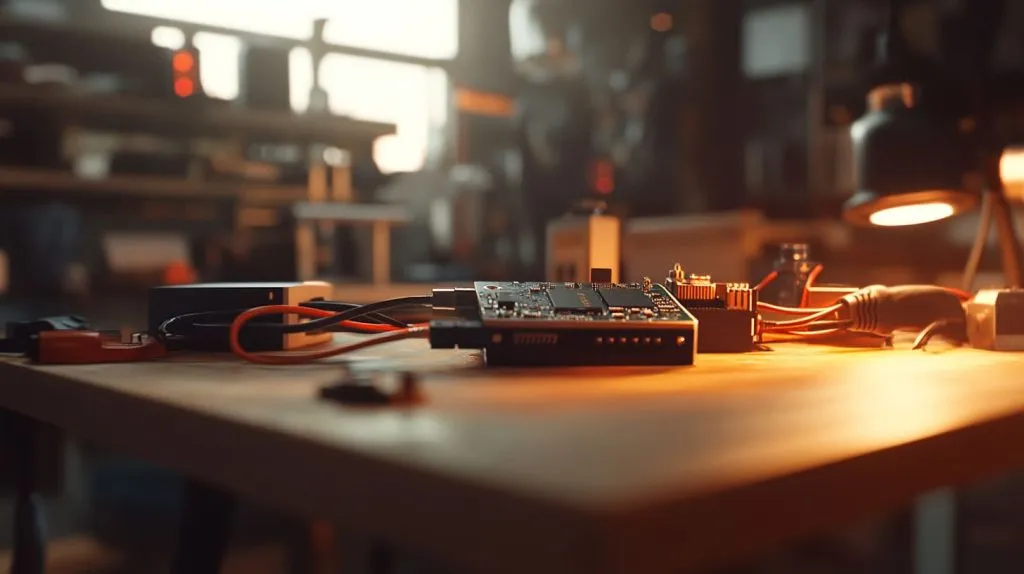
In my factory, we sometimes run test rigs on Raspberry Pi boards for days on end. An unstable power supply can shorten the Pi’s lifespan or cause repeated reboots. Over months, that can hurt productivity.
From another perspective, investing in a high-quality power setup helps maintain reliability. I often remind new buyers, like Jacky, to never underestimate the importance of stable power.
Power stability is one piece of the puzzle. But I also learned about hardware expandability early on, which can make or break a project. Let’s check that out next.
Expandability Restrictions
I love tinkering with accessories. But with Raspberry Pi, there’s a limit to how far you can stretch.
Limited GPIO Pins & Peripheral Options
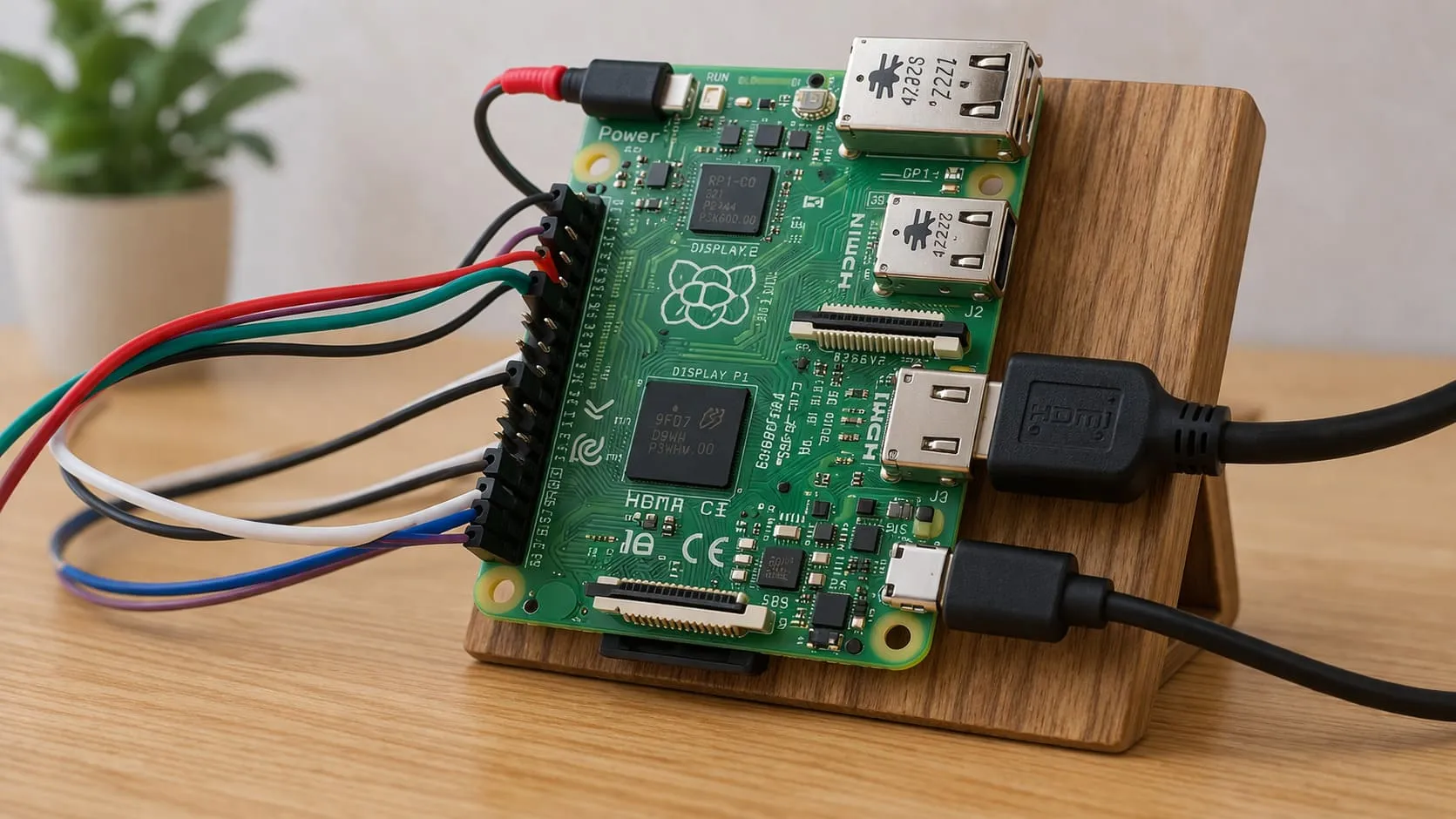
GPIO pins are fantastic for controlling LEDs or reading sensors. However, they can’t handle many complex peripherals. If you need multiple sensors, displays, or motors, you might run out of pins or require specialized boards.
Critically, it’s a trade-off. The Pi is small, so it can only fit so many pins. This limitation pushes us to be creative or invest in expansions like HATs. For large-scale industrial controls, we might need more robust hardware.
Dependence on External Add-Ons
For a recent client prototype, I had to add a camera module, a sensor array, and a specialized circuit board. Pretty soon, cables and boards were everywhere. That’s normal with Pi-based setups.
However, external add-ons can complicate reliability if you’re not careful. Each new piece introduces a potential point of failure or extra power draw. It’s manageable, but we must plan carefully to keep the system stable.
Space & Form Factor Constraints
During one of my redesign projects, I discovered how the Pi’s small form factor helps and hinders at the same time. It’s great for compact projects, but if you need a bigger board for advanced connectivity or expansion slots, the Pi might feel cramped.
When we dig deeper, the Pi’s size is part of its charm. We just need to be mindful. If we need a specialized shape or additional mounting points, an industrial single-board computer might suit us better than the Pi.
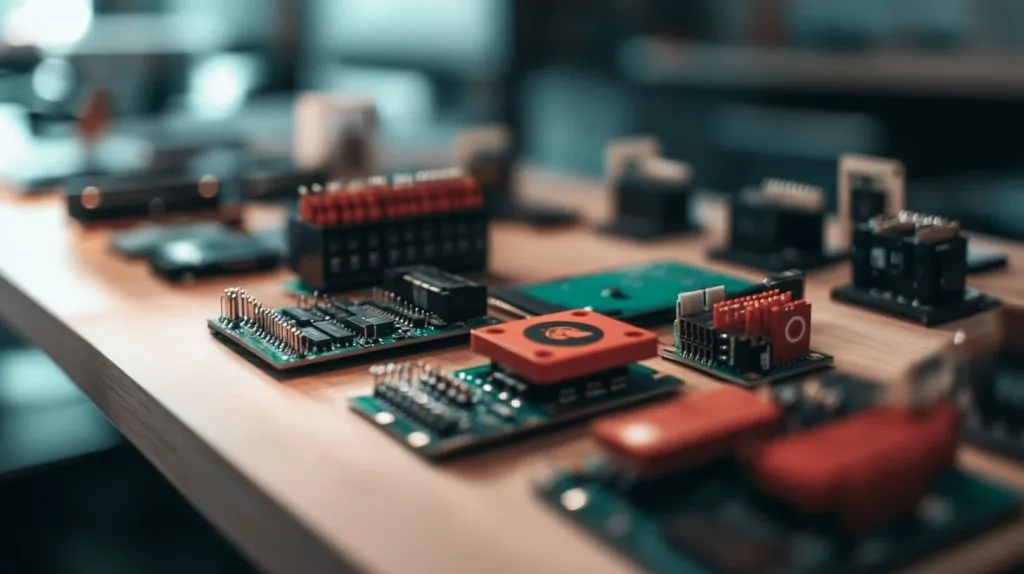
I remember the day I tried to fit multiple expansions inside a small custom case. That was a puzzle! But let’s move on to software considerations. Don’t give up yet.
OS and Software Compatibility
I’ve experimented with everything from official Raspberry Pi OS to custom Linux distributions. Each approach came with its own quirks.
ARM Architecture Limitations
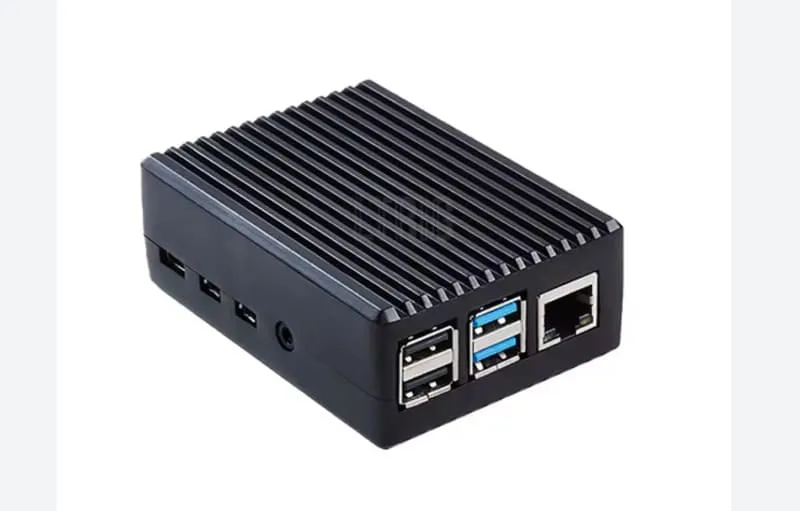
The Raspberry Pi’s ARM-based architecture means not all software compiles or runs smoothly. For many mainstream apps, you can find a Pi-compatible version. But certain proprietary tools only release x86 binaries. This can frustrate new users.
Critically, while the ARM ecosystem grows, there’s a lag behind x86 in specialized software. That’s important to acknowledge if your business depends on specific applications. For me, working with custom 3D design software meant building from source or finding alternatives.
Resource-Intensive Applications
I once tried to run a large e-commerce platform on a Pi. It was a neat experiment, but the server struggled. Processing heavy frameworks or big databases can overwhelm the Pi’s modest hardware.
From another perspective, smaller websites or simple apps can run comfortably. The Pi is fantastic for personal blogs, IoT dashboards, or lightweight projects. Just be sure to keep resource demands realistic.
Software Updates & Community Support
On the bright side, the Raspberry Pi community offers frequent updates and wide-ranging documentation. That said, certain advanced or niche features receive limited attention. If you rely on specialized software, you might need to navigate a learning curve, or join forums for help.
Speaking of specialized uses, I also want to touch on how the Pi fits into industrial or commercial settings. Let’s dive into that.
Industrial and Commercial Use Cases
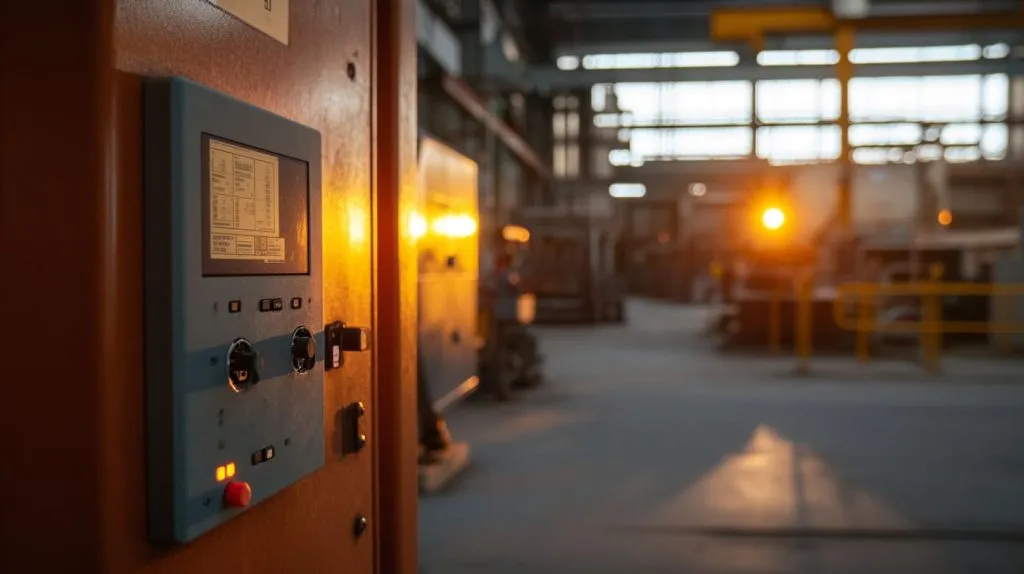
At MaidaTech, I’ve worked on projects where Raspberry Pi boards drive display units or run small diagnostic tools on assembly lines. It works, but it’s not always perfect.
Durability & Environmental Factors
Industrial environments can be harsh. High temperatures, dust, or vibrations might stress the Pi. In such cases, specialized enclosures or cooling solutions are essential. I learned this after losing a board to extreme heat in a poorly ventilated workshop.
Still, many people use the Pi in mild industrial scenarios. They just need to plan carefully. If your environment is more punishing, a more robust industrial computer might be safer. From a critical standpoint, the Pi isn’t built for all extremes.
Manufacturing Scalability
For mass production, the Pi offers advantages in cost and community support. But availability can be a problem during supply chain disruptions. I’ve waited weeks for large batches. That can stall projects and annoy clients.
I once told my friend Lasle from Hungary: “If timing is crucial, plan for possible delays or have backup suppliers.” This multi-supplier approach can be critical for businesses that rely on steady manufacturing.
Warranty & Support Limitations
Raspberry Pi boards generally don’t come with lengthy warranties. In large commercial deployments, that can be an issue. If something fails, you might have to replace it out of pocket. That’s not ideal if you run thousands of units.
This also makes me think about downtime. Without official comprehensive support, business owners often rely on community forums or third-party providers. That may be enough for some, but not all.
We’ve walked through a lot of constraints. Now let’s wrap up everything and see when the Pi shines and when it might not.
Conclusion
After experimenting with Raspberry Pi boards in my factory, during personal side projects, and through ongoing feedback from friends like Davide and Jacky, I’ve learned that the Pi is a powerful little device—within reason.
Balancing Cost and Capability
In my view, the Pi offers fantastic value for money if you know what you’re getting into. For lightweight applications, education, and small businesses, it’s a flexible choice. But if your needs are advanced—like running large-scale machine learning or high-end graphics—you may need more robust hardware.
A simple table below might help summarize suitability:
| Criteria | Raspberry Pi Feasibility |
|---|---|
| Light Web Serving | Good |
| Heavy Data Processing | Poor |
| Simple IoT Devices | Excellent |
| Complex 3D Graphics | Limited |
| Education & Prototyping | Outstanding |
When Raspberry Pi Is (and Isn’t) the Right Choice
Ultimately, if you stay aware of its limitations—CPU, storage, connectivity, power, expandability, and software compatibility—the Pi can fit into both personal and commercial setups with the right planning. However, it’s not the perfect solution for every problem.
I see the Raspberry Pi as a friendly companion in my technology toolbox. It’s small, cost-effective, and flexible. Just like a trusty sidekick, it needs the right guidance and realistic expectations to shine. If I wanted to build a mission-critical system, though, I might pick a different approach. But for many do-it-yourself creations and moderate business tasks, the Pi stands tall.