 Skip to content

I was overwhelmed when I first opened the box—so many ports, pins, and possibilities. I had no idea where to start.
Raspberry Pi supports a wide range of components, including power supplies, storage devices, sensors, displays, GPIO add-ons, HATs, and cooling systems.
I learned it the hard way—buying mismatched parts and wasting hours troubleshooting. Now, I always ask: what does my project really need?
Can you use Arduino components with Raspberry Pi?
At first, I assumed Raspberry Pi and Arduino were rivals. Turns out, they can work together.
Yes, you can use Arduino components with Raspberry Pi, especially sensors and actuators using GPIO or serial connections.

How they talk to each other
- Via GPIO (I2C, SPI, UART): Raspberry Pi can act as master, Arduino as slave.
- Over USB: Arduino as a USB device connected to Pi.
- With Python libraries: Use
pyserial,gpiozero, or custom scripts.
Good Pairing Examples
| Component | Arduino Role | Raspberry Pi Role |
|---|---|---|
| Ultrasonic Sensor | Data collection | Data processing & display |
| Motor Driver | Power control | Command and automation |
| Temperature Sensor | Real-time reading | Logging and web dashboard |
I once built a weather station using an Arduino to collect sensor data, and a Pi to upload it to the cloud. It worked like a charm.
What hardware is needed for Raspberry Pi?
When I started, I only bought the board. Big mistake.
At minimum, you need a power supply, microSD or SSD storage, HDMI display, keyboard, and mouse.

Basic Checklist
- Power supply (5V, 3A USB-C for Pi 4/5)
- microSD card (Class 10, 32GB+)
- HDMI cable + display
- USB keyboard & mouse
- Case (optional but helps)
- Internet access (WiFi or Ethernet)
If you’re going headless, skip the monitor and keyboard—but make sure you can SSH in.
Can Raspberry Pi run Windows?
The idea of a Windows desktop on a Pi sounded cool—until I tried it.
Raspberry Pi can run Windows 10 IoT Core officially, and Windows 11 ARM unofficially, but performance is limited.

Which version works?
- Windows 10 IoT Core: Basic apps, not desktop GUI
- Windows 11 ARM: Runs via WoR project, but slow
For most tasks, Raspberry Pi OS or Ubuntu is better. I tried Windows 11 once. It booted, but took 3 minutes to open Notepad.
What accessories are essential for a Raspberry Pi starter kit?
I once thought I could piece it all together. But buying a kit saved me time—and money.
Essential accessories include power adapter, pre-installed microSD, case, heatsink or fan, HDMI cable, and GPIO breakout.

Starter Kit Must-Haves
- Official power supply
- 32GB+ microSD card
- Acrylic or aluminum case
- Basic cooling (heatsink or fan)
- HDMI-to-mini-HDMI cable
- USB keyboard & mouse
- Breadboard + jumper wires
Most kits also include a GPIO pinout guide, which helped me avoid shorting the board my first week.
Which power supply is best for Raspberry Pi 4 and 5?
Don’t grab just any charger. I ruined a board doing that.
Use a 5V/3A USB-C power supply with built-in over-voltage protection for Pi 4/5.
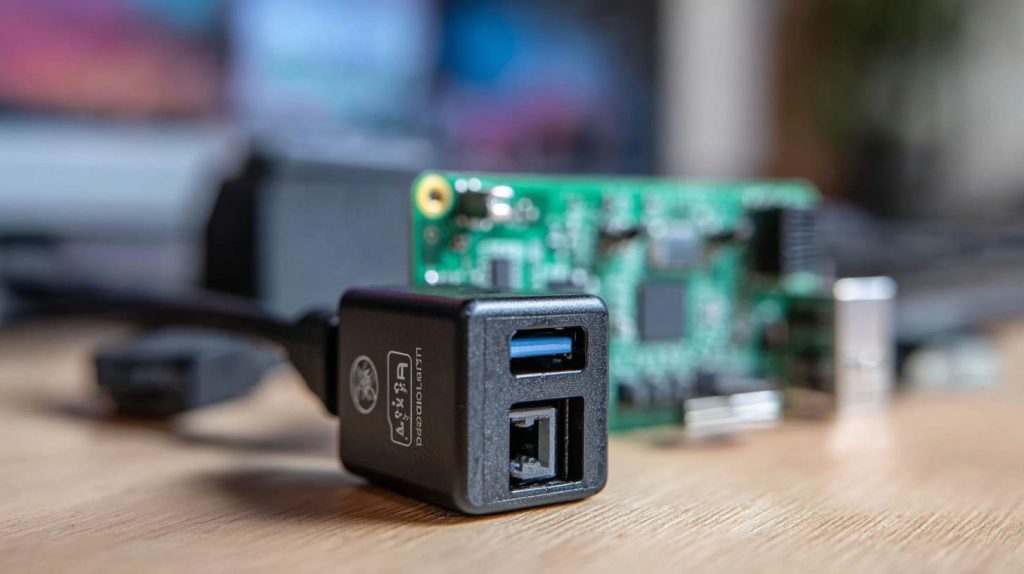
Power Tips
- Official Pi adapter = safest bet
- Avoid phone chargers unless rated for 3A
- Use a UPS HAT if stability matters
I now keep an extra official adapter just in case—learned that during a thunderstorm when one Pi died.
What’s the difference between microSD and SSD storage for Raspberry Pi?
I was shocked how much faster my Pi booted after switching to SSD.
microSD cards are cheaper, but SSDs are faster and more durable, especially for read/write-heavy tasks.

Speed & Stability Comparison
| Feature | microSD | SSD (USB 3.0) |
|---|---|---|
| Boot time | Slower | Faster |
| Lifespan | Lower | Higher |
| Price | Cheaper | Costlier |
| Setup ease | Plug & play | Needs bootloader config |
I use microSD for casual projects. SSDs go into anything long-term or database-heavy.
Can I use any HDMI display with Raspberry Pi?
Most displays work—but not all.
Raspberry Pi supports standard HDMI displays, but check resolution, power draw, and connector type.
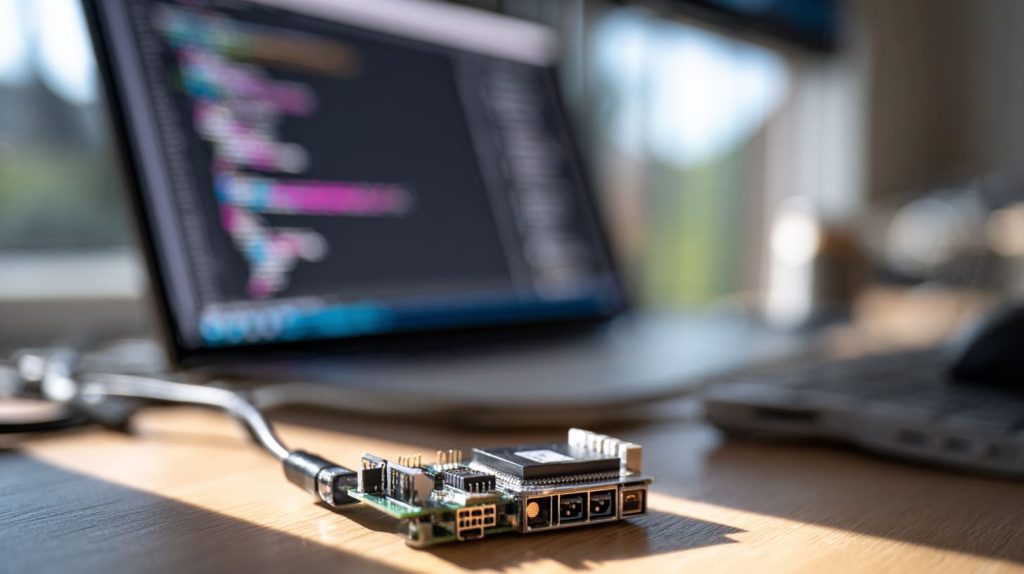
Compatibility Checklist
- Raspberry Pi 4/5 uses micro-HDMI
- Pi Zero = mini-HDMI
- Use active HDMI-to-VGA adapter if needed
- Some 4K displays may need config tweaks
Once I connected a monitor and got a black screen—turned out it didn’t support 1080p by default.
What kind of cooling system does a Raspberry Pi need?
After my Pi overheated mid-project, I realized cooling isn’t optional.
At minimum, use a heatsink for passive cooling; for heavy loads, add an active fan or heatsink-fan combo.
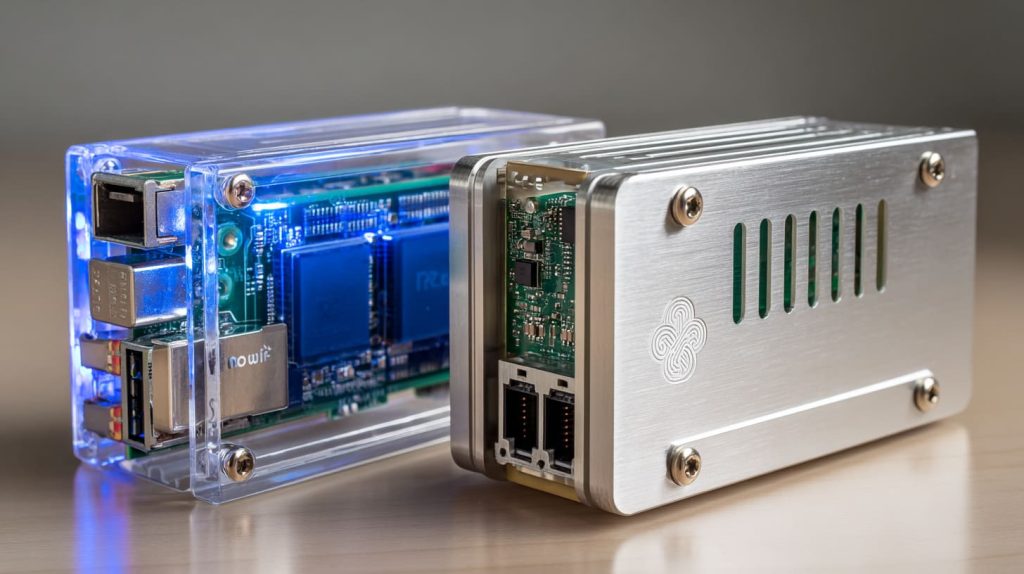
Options Compared
| Cooling Type | Use Case |
|---|---|
| Heatsink only | Light projects, occasional use |
| Heatsink + fan | Long tasks, 24/7 uptime |
| Tower cooler | Overclocking, retro gaming |
I use passive for my file server, and active cooling for my Kodi Pi.
Which Raspberry Pi case materials offer the best heat dissipation?
I once had a beautiful acrylic case—until it trapped heat like an oven.
Aluminum cases dissipate heat better than plastic or acrylic, especially with built-in heatsinks.
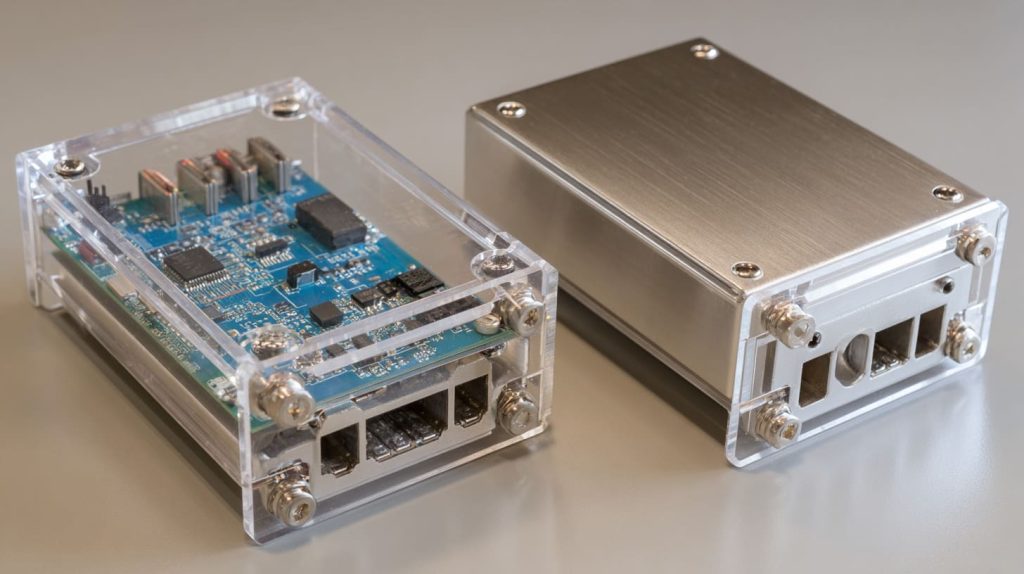
Case Material Guide
| Material | Cooling Performance | Aesthetic | Price |
|---|---|---|---|
| Acrylic | Poor | Clean & clear | Cheap |
| Plastic | Fair | Colorful | Cheap |
| Aluminum | Excellent | Industrial look | Mid |
| Passive metal | Excellent + silent | Sleek | High |
I still love the look of acrylic—but now I drill vent holes or switch to metal when needed.
Is it worth adding a UPS or battery backup to a Raspberry Pi?
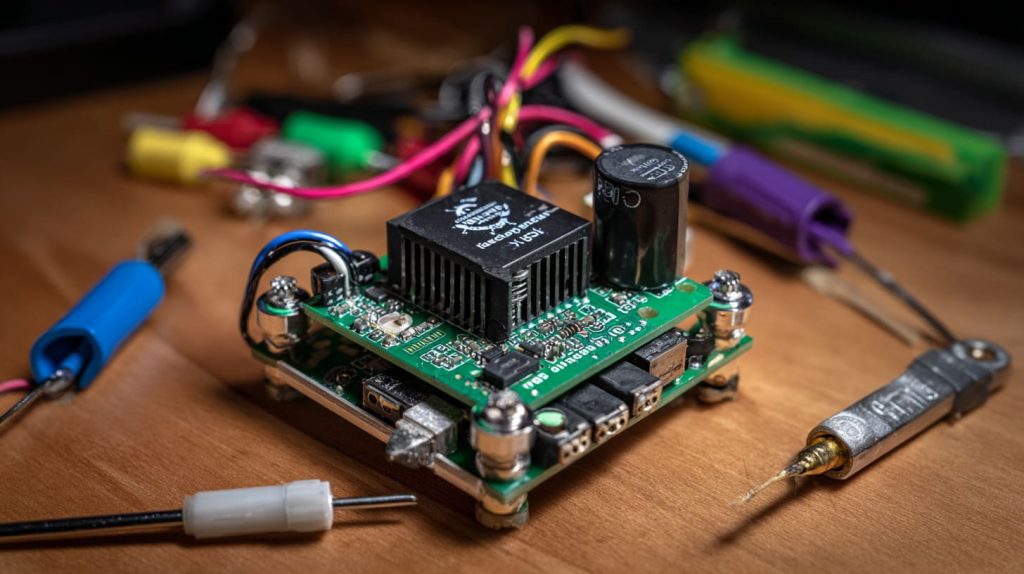
Power cuts ruined two SD cards before I finally added a UPS.
Yes, a UPS or battery backup protects against data corruption and power loss in critical projects.
When It Matters Most
- File servers
- Time-sensitive scripts
- Remote monitoring devices
I use a PiJuice HAT for my outdoor cam project. It reboots cleanly even after power drops.
How do I choose the right GPIO accessories and HATs for my Raspberry Pi project?
I used to buy random HATs—then realized half didn’t fit my needs.
Choose GPIO accessories based on your project goal: sensors, displays, relays, or motor drivers. Always check pin compatibility.

Types of GPIO Add-ons
- Sensors: Temp, humidity, motion
- Displays: OLED, LCD, e-ink
- Relays & motors: Robotics
- HATs: UPS, PoE, sound cards
My rule now: plan project first, then pick the accessories.
Can I run multiple USB devices on a Raspberry Pi without issues?
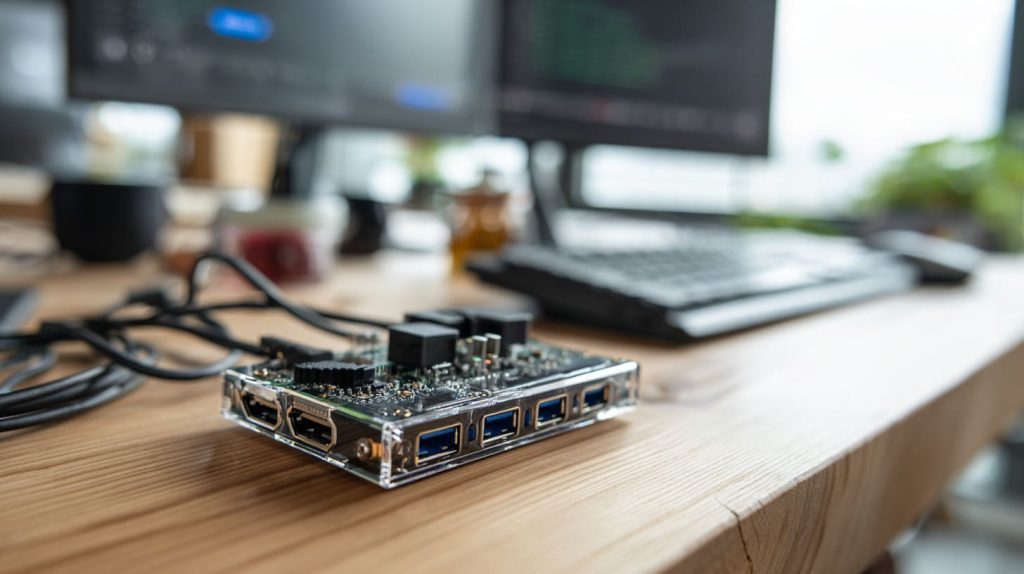
I once plugged in a camera, SSD, and keyboard—then everything froze.
Yes, but use a powered USB hub if you’re connecting multiple high-draw devices like drives or cameras.
Tips to Avoid Trouble
- SSDs can draw 1A+
- Use official Pi USB-C supply
- Avoid cheap hubs without power
Now I always keep a powered USB hub nearby—especially during prototyping.
Conclusion
Raspberry Pi is more than just a board—it's a choose-your-own-adventure machine.




