 Skip to content

I still remember the first time I tried to install an alternative operating system on my Raspberry Pi. I was in my living room, surrounded by scattered SD cards, uncertain if I could make everything work smoothly. My goal was to push the little board to its limit. I wanted to see how different operating systems would perform and whether they could unlock new creative possibilities.
Purpose of the Article
I want to share what I’ve learned, step by step, so you can have the confidence to tackle OS installations on your Raspberry Pi without fear. I also want to explore the different reasons why we care about OS choice in the first place—like building custom solutions for businesses or personal projects.
Brief Overview of Raspberry Pi’s Versatility
The Raspberry Pi is more than a hobby board. It can power digital signage in a mall or function as a tiny server in an office. It also sits at the heart of a wide range of educational and commercial solutions. Because of its flexibility, many people wonder if they can install any OS they want on it.
What Readers Can Expect to Learn
I will discuss hardware basics, OS compatibility, important installation factors, popular operating systems, detailed steps for installation, and advanced customization ideas. I’ll also share real-world examples, including how folks like me at MaidaTech address these needs for re-brand or ODM clients.
I’m excited to talk about the technical details, but I’m equally curious to show you the thought process behind picking the right OS. Let’s dive in.
(Transitioning to a deeper look at compatibility in a quick breath of fresh air, so we stay curious and keep exploring.)
Understanding OS Compatibility on Raspberry Pi
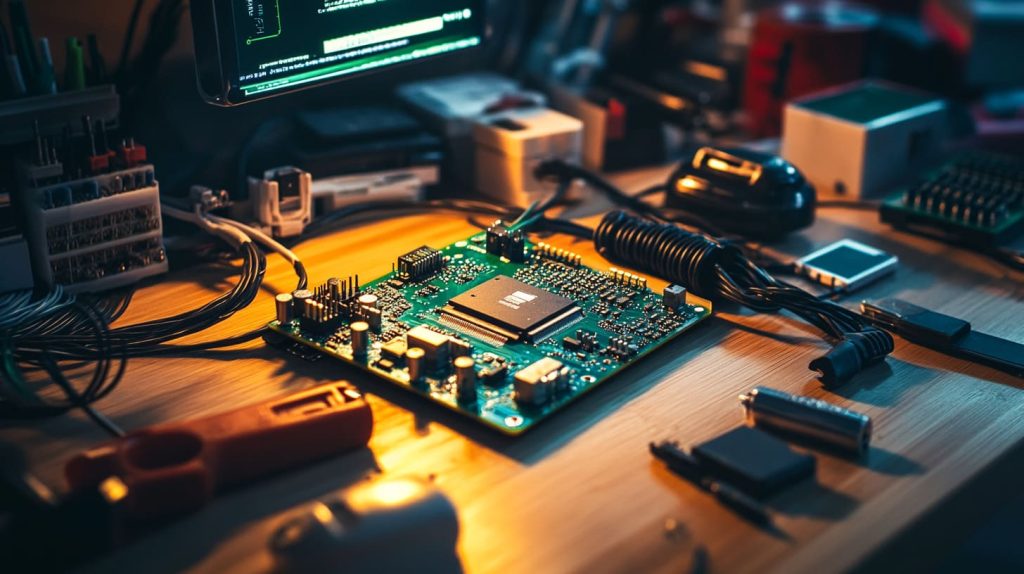
I once had a conversation with a friend who was trying to install a desktop Linux distribution that clearly wasn’t designed for the Raspberry Pi’s hardware. He assumed any Linux system would just work. That moment reminded me that we can’t ignore the technical underpinnings of the Pi. We must look at processor architecture and board variations.
Overview of Raspberry Pi Hardware Architecture
When I first heard about the Raspberry Pi, I realized it was built on an ARM-based processor. That brought specific constraints.
ARM-based Processors and Their Limitations
ARM processors are energy-efficient, which is great. But many mainstream operating systems cater to x86 architecture. This means not every OS can be ported without adjustments. If an OS doesn’t have ARM support, performance could suffer or it might fail outright. This can disappoint new users who hope any OS can run out-of-the-box.
Impact of Hardware Variations (e.g., Model Differences)
Different Pi models—like the Pi 3, Pi 4, or the smaller Pi Zero—offer varying CPU speeds, RAM sizes, and peripheral options. If you’re installing an OS on a Pi Zero, for example, you have to consider its limited power. Yet from another angle, a Pi 4 with enough RAM can handle more resource-intensive tasks. Critically thinking, if you need advanced features, choose a model that meets your requirements.
Official vs. Unofficial Operating Systems
Some folks prefer the comfort of official support, while others are risk-takers eager to push beyond the usual boundaries.
Benefits of Using Officially Supported OS (e.g., Raspberry Pi OS)
I always recommend Raspberry Pi OS for most new projects. It’s stable, often updated, and easy to troubleshoot because many users are running the same setup. From a re-brand perspective, that stability is vital. It reduces uncertainty and saves time when shipping product bundles.
Risks and Rewards of Installing Third-Party OS
Of course, installing a third-party OS can unlock unique features. You might find special media center distributions or lightweight IoT platforms. Yet there’s a risk if support is limited. You might get stuck with bugs or missing drivers. Though you may gain an edge by customizing a less-known OS, weigh the trade-offs: is it worth potential slowdowns or minimal support?
I love to remind myself: life is an adventure, and so is choosing an OS. Let’s continue with the crucial factors that will shape your decision.
Factors to Consider When Installing an OS
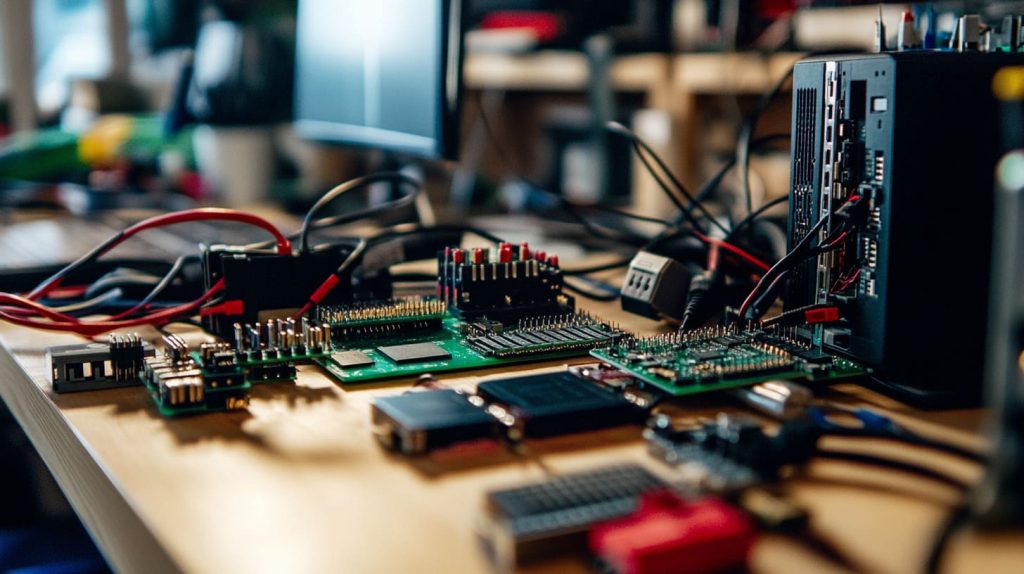
I recall how nervous I felt when a client asked for a custom OS on short notice. I worried about hardware compatibility and whether the system would run without hiccups. That was my wake-up call to outline important considerations up front.
Hardware Compatibility and Requirements
I like to break it down into specific categories that even my younger self could understand.
| Category | Key Points |
|---|---|
| CPU & RAM | Check OS demands, especially for Pi Zero or Pi 4 |
| Peripherals | Confirm driver availability for cameras, sensors, etc. |
| Storage | Ensure you have a big enough SD card for the OS image |
Memory and Processor Limitations
I have seen people attempt heavy data analytics on a board with minimal RAM. That’s possible in theory but practically slow. Critically, know the limits of your CPU, especially if you plan resource-intensive tasks.
Storage and Peripheral Considerations
I’ve realized that not all SD cards are the same. The speed class matters for performance. If you plan on using multiple USB devices or add-on boards, check for driver support.
Software and Community Support
I once joined an online forum to troubleshoot a weird sound issue on a third-party OS. The robust community saved me. I learned to appreciate how a strong support network can be a lifeline.
Availability of Drivers and Updates
Even if the OS runs initially, watch for a consistent update schedule. Without updates, security patches might be delayed, or hardware support might stagnate.
Active Community Forums and Documentation
Seek out an OS with a passionate user base. In tough times, the community can guide you. Make sure you can find relevant tutorials, tips, or direct help from the developers themselves.
Customization Needs for Re-brand or ODM Projects
I deal with many people who want to put their company logo on the Pi case or need a special kernel tweak. They often ask if the OS can be re-branded too.
Custom Firmware or Kernel Modifications
If you need total control over the system, consider an OS that is open-source with a supportive developer base. Re-branding for a specialized product can give you an advantage in a competitive market. The flip side is managing extra complexity and potential compatibility headaches.
Impact on Branding and Product Differentiation
A friend once said, “OS choice can shape how your brand is perceived.” That perspective opened my eyes. If you’re shipping devices to customers, offering a polished OS can make you stand out.
Before we dive into specific OS options, let’s ensure we’ve got the appetite for more details.
Popular OS Choices for Raspberry Pi
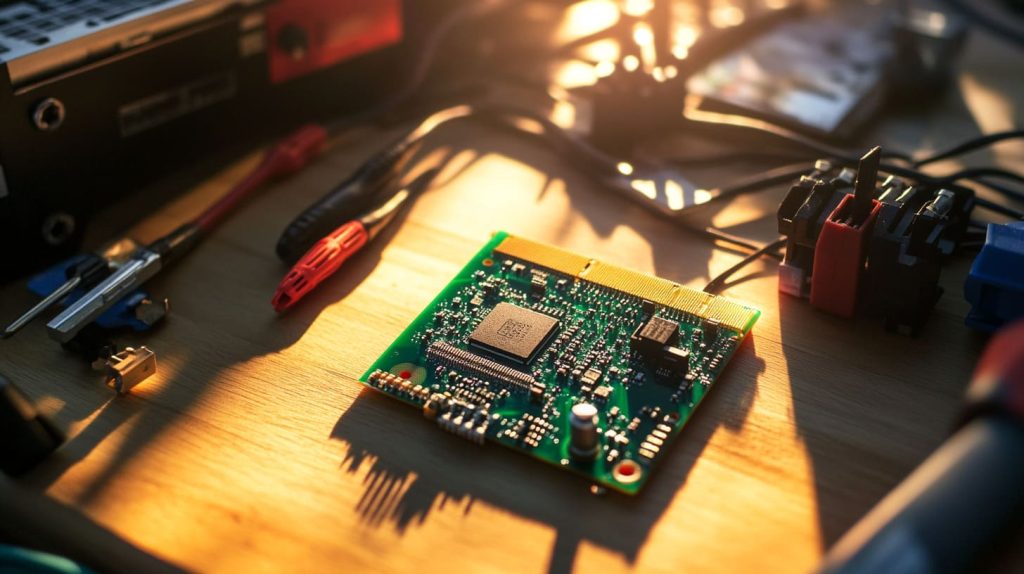
I remember discovering a unique media center distribution and feeling like a treasure hunter. It felt exhilarating to see my Raspberry Pi transform into a full-fledged streaming hub. Now, let’s discuss popular picks.
Raspberry Pi OS (formerly Raspbian)
If you’ve never tried a Raspberry Pi, this OS is a great starting point.
Features and Optimizations for Pi Hardware
It’s lightweight, stable, and frequently updated by the Raspberry Pi community. It takes advantage of hardware-accelerated video playback, which helps if you’re running any multimedia programs.
Installation Best Practices
Use official Raspberry Pi Foundation resources to avoid confusion. Their step-by-step guides are crystal clear. I prefer the Raspberry Pi Imager for its simplicity.
Linux Distributions (e.g., Ubuntu, DietPi)
Not everyone wants the same flavor of Linux.
Advantages and Use Cases
Ubuntu gives you a familiar interface, making it easier for those used to desktop Linux. DietPi is super lightweight if you crave minimal resource usage. Think of how each distribution aligns with your goals—more features or more speed?
Community Support and Customization Options
Ubuntu has an enormous community, but DietPi’s smaller group is still surprisingly active. To pick the right distribution, do a quick community check. If it’s brimming with lively discussions, you can often find solutions more easily.
Specialized Operating Systems
These OS choices target particular use-cases, which can be a game-changer.
Media Centers (e.g., LibreELEC, OSMC)
If you want to watch TV shows or listen to music, these systems simplify the experience. Yet from another perspective, they might be too focused if your project needs broader functionality.
IoT and Lightweight OS Options
Systems like Tiny Core or a minimal Linux derivative can fit small projects. I’ve seen these used in industrial settings where devices require minimal overhead. The flip side: you might lose out on nice desktop interfaces.
Non-Linux Operating Systems
Some folks ask if Windows can run on a Pi.
Exploring Alternative OS Options (e.g., Windows 10 IoT Core)
Windows 10 IoT Core offers a familiar development environment, but it has limitations. It’s trimmed down and may not be ideal for typical desktop tasks.
Compatibility and Limitations
You have to check if Windows IoT supports the peripherals you need. Also, performance might lag compared to specialized Linux distros.
We’ve touched on the main OS families. Up next, let’s see how to install them effectively, so you can get hands-on.
Step-by-Step Guide to Installing an OS on a Raspberry Pi
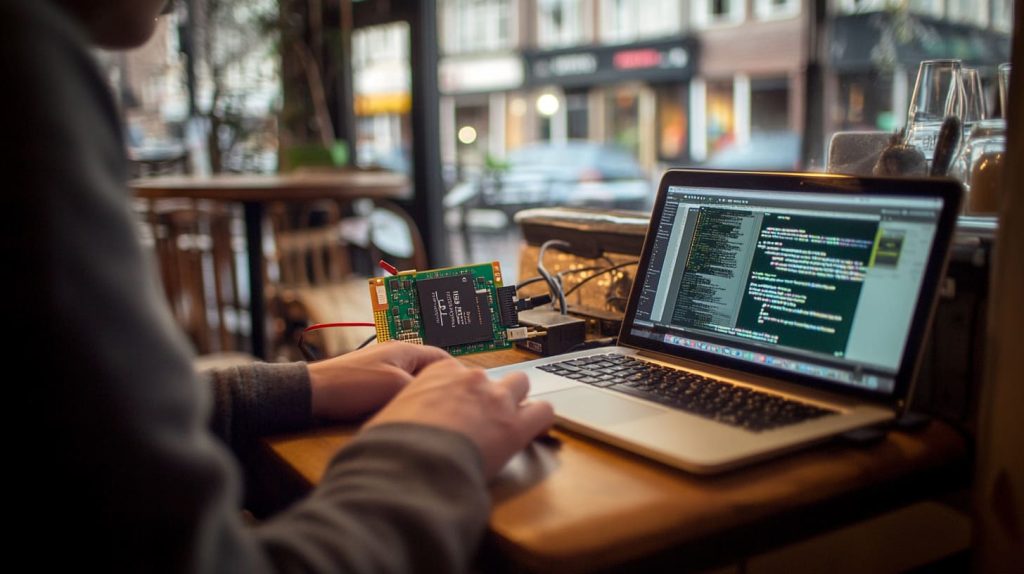
I was once in a small cafe, juggling between sips of tea and glancing at the installation progress on my laptop. That day, I realized that a solid process is crucial to avoid frustration.
Preparation and Requirements
Start by making a checklist. I’ve messed up by forgetting a reliable power supply or mixing up SD cards.
Identifying the Right OS Image for Your Project
Look carefully at your Pi’s model. Make sure you’re downloading the correct version—32-bit vs. 64-bit. If you’re unsure, keep it simple: go with the official image recommended by the OS developer.
Checking Hardware Specifications and Prerequisites
Are you using Wi-Fi or Ethernet? Are you hooking up a camera module? Double-check that the OS supports them. If you’re diving into advanced re-brand scenarios, confirm the OS is easy to modify.
Downloading and Preparing the OS Image
Accuracy here prevents future headaches.
Sourcing the Correct Image (Official vs. Third-Party)
Whenever possible, download images from reliable sources or well-known projects. This keeps you safe from corrupted or outdated files.
Tools for Flashing (e.g., Balena Etcher, Raspberry Pi Imager)
I used Balena Etcher when I first started. It has a straightforward interface. The official Raspberry Pi Imager is great, too, particularly for beginners.
Installation Process
You might find these steps predictable, but they’re essential.
Step-by-Step Flashing Guide
- Insert SD card into your computer.
- Launch the flashing tool.
- Select the OS image.
- Wait for the process to finish.
- Insert the SD card into the Pi.
Booting Up and Initial Configuration
Plug in the Pi, attach a monitor and keyboard if you need a graphical setup, and follow on-screen prompts. Some OSes auto-expand the filesystem or ask you to set up a password.
Troubleshooting Common Issues
I learned that patience is vital. It’s easy to panic if you see a rainbow screen or get a boot error.
Dealing with Installation Failures
Check your SD card’s integrity. Sometimes, reformatting helps. If the OS doesn’t boot, you might have a corrupted image or an incompatible Pi model. Taking a step back to review the basics can save time.
Overcoming Hardware Compatibility Problems
If your Wi-Fi or display isn’t recognized, confirm that the OS includes the correct drivers. Forums can offer quick help. Think critically: is it a hardware issue or software issue? This approach can help you isolate the problem quickly.
Now that you can install an OS with confidence, let’s see if we truly can install any OS on a Raspberry Pi.
Can You Really Install Any OS on a Raspberry Pi? Key Considerations

A friend once tried to run a heavy desktop OS designed for x86 on his Raspberry Pi. The experience was painfully slow. That story taught me a big lesson: just because you can attempt it doesn’t mean it’s the best idea.
Understanding Limitations
We sometimes get lost in excitement. But we must accept certain practical boundaries.
Architectural Constraints (ARM vs. x86 OS)
If an OS is compiled for x86, it won’t natively run on ARM. You could use emulation, but performance might take a big hit. View this from a cost-benefit lens. Are you ready to deal with reduced speed and possible glitches?
Performance Implications on Non-Optimized OS
You can install a resource-hungry OS, but it might stutter or freeze. I’ve seen setups where the user ended up with constant frustration. In some cases, your time is better spent finding an OS designed for ARM.
Evaluating Compatibility and Support
You can’t ignore the community behind an OS. It’s like having a safety net.
Role of Emulation and Compatibility Layers
Emulators exist, but it feels like a patch solution. Sure, it’s thrilling to push boundaries. Still, ask yourself if it’s worth the overhead, especially if you’re running a small business or a large-scale operation.
Future-Proofing Your Installation Choices
If you rely on your Pi for business tasks or critical systems, choose an OS that won’t vanish next month. I’ve watched projects abandon updates, leaving users stranded.
Before diving into advanced tinkering, let’s see how we can expand our OS world even more.
Advanced Installation and Customization Options
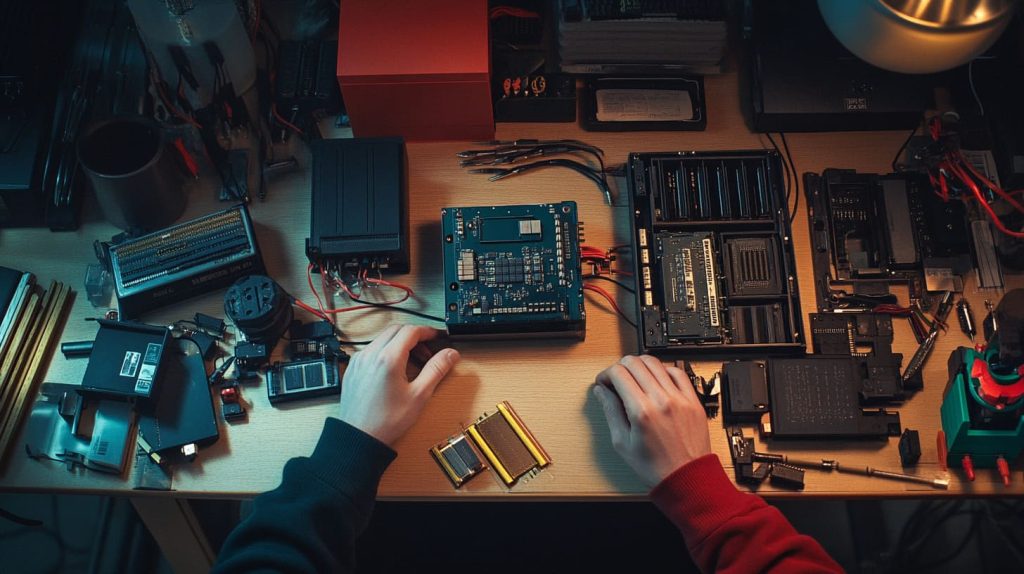
My excitement for advanced setups began when a Belgian customer asked for a multi-boot Pi that could switch between a media center and a retro gaming environment. I was intrigued by how flexible the Pi could be.
Multi-Boot and Dual-Boot Setups
Sometimes, you want more than one environment at your fingertips.
Tools and Methods for Managing Multiple OS Installations
You can use NOOBS or PINN to install multiple systems. Each time the Pi boots, you pick which OS you want. Critically consider the resource demands. Will your SD card have enough space for all these images?
Use Cases for Multi-Boot Configurations
A single Pi can serve as a development platform, a media hub, and an educational tool. From another perspective, managing updates for each OS can be time-consuming. Weigh the pros and cons carefully.
Custom Kernel and Firmware Development
I’ve occasionally tinkered with custom kernels. This path can be beneficial but also time-intensive.
When and Why to Consider Custom Builds
If you need specific modules or you’re running an ODM project, custom kernels can ensure better hardware optimization. This might be overkill if you’re happy with existing support. Reflect on whether the customization adds real value.
Best Practices for OEM and ODM Requirements
Document everything. Keep backups. Collaborate with your supplier or manufacturer so everyone stays aligned. It’s easy to break the system if multiple teams work independently without a common strategy.
Alternative Installation Methods
There’s more than one way to boot a Pi.
Network Booting and Other Innovative Approaches
If you want a cluster of Pis, network booting can simplify maintenance. Though from another angle, it also requires stable infrastructure and might complicate your initial setup.
Integration with Custom Raspberry Pi Cases and Accessories
At MaidaTech, we sometimes incorporate LED indicators or special cooling. With an advanced OS setup, you can monitor system performance or enable custom on/off sequences. This kind of detail can help your product stand out.
But how does this all play out in real life? Let’s check some examples.
Real-World Examples and Use Cases
A few years ago, I worked with a wholesale client named Jacky. He wanted to preload a custom OS for a series of Pi-based kits, each sporting his company’s branding. Watching how he marketed them afterward was amazing. It showed me the real power of OS customization.
Case Study: Re-Branding for Market Differentiation
A strong brand can set you apart.
How Custom OS Installations Enhance Product Value
Jacky’s idea was simple: brand recognition. He preloaded a curated OS with relevant apps for digital signage, so customers saw his logo on boot. By providing a well-tailored experience, he added genuine value and could justify a higher price.
Success Stories from Partners like Jacky in Belgium
He sold these bundles on Amazon. Reviews praised the plug-and-play setup. It gave him a competitive edge in Belgium and beyond. Critically, his success hinged on selecting an OS that balanced user-friendliness and brand identity.
Insights for B2B and ODM Customers
If you’re looking to produce in bulk or design something unique, consider these points.
Leveraging OS Flexibility for Competitive Pricing
A free, open-source OS plus cost-effective hardware can beat solutions from bigger brands. Yet from a different angle, you must invest in development time to ensure quality.
Ensuring Fast Delivery and Quality Control in Custom Orders
Customers hate delays. At our factory, we streamline the process by having a large inventory of Pi accessories. We also test each unit with its chosen OS image before shipping. This approach reduces returns and keeps client trust high.
After discussing these stories, let’s bring everything together in a neat conclusion.
Conclusion

Recap of Key Points
I explored what makes the Raspberry Pi so special: from hardware architecture to advanced customization. I highlighted popular OS choices and broke down how to install them. If you’re aiming for a re-branded or ODM solution, understanding your OS options is key.
Final Thoughts on OS Installation Flexibility
Yes, you can try to install almost any OS on your Pi—just remember that compatibility and performance matter. Stay practical, weigh the pros and cons, and don’t be afraid to experiment.
If you have custom Raspberry Pi projects in mind or need large-scale solutions, I’m here to help. Feel free to reach out to me, Vincent Li, at [vincent@maidatech.com]() or visit Raspberrypicase.com. I enjoy brainstorming new ideas and would love to hear about your next project.




