 Skip to content
I once panicked when my Raspberry Pi froze mid-project. I felt stuck and worried about losing everything. That moment pushed me to find a clear method for tracking down the freeze culprit.
Raspberry Pi lockups often come from power interruptions, overheating, or SD card errors. Checking cables, cooling, and logs usually uncovers the real culprit. Fixing those problems prevents repeated crashes.
I remember my early confusion. A friend urged me to slow down and inspect simple details like power supply quality. That small tip turned everything around for me.
How To Tell If A Raspberry Pi Is Bricked?
I recall feeling helpless when my Pi refused to boot. The LED stayed dark. The screen stayed black. It felt like staring at a locked door with no way in.
A bricked Raspberry Pi usually shows zero response, with no LED activity or video output. Re-flashing the SD card can confirm if it's truly beyond rescue.
Sometimes, the problem is a simple fix—like a bad SD card or misaligned cable. Other times, the main board might be damaged. I once discovered a tiny crack on the SD card slot that stopped everything cold.
| Possible Sign | Possible Cause | Potential Solution |
|---|---|---|
| No LED activity | Damaged SD card or port | Try a new SD or port |
| Blank screen at boot | Corrupt boot files | Re-flash system image |
| Partial boot hang | Weak power supply | Use a stable power source |
How Do I Fix A Corrupted Raspberry Pi?
Corruption can be painful. I remember losing data because my power cable got pulled during an update. After that, I started backing up obsessively.
Fixing corruption often means re-imaging the SD card. Salvage what you can, then reinstall the OS or restore a clean backup to regain stability.
Abrupt shutdowns or unstable software can lead to corruption. At MaidaTech, we tell clients to always shut down properly. If you’re stuck, try disk repair tools or format the card fully before writing a fresh image. Keeping a backup image on hand can save hours of grief.
How To Shut Down Frozen Raspberry Pi?
I used to yank the power cord whenever my Pi got stuck. I later learned that this risked wiping out crucial data. I wanted a safer way.
Use a terminal or SSH to issue a proper shutdown command. If it’s totally unresponsive, pulling power is the last resort, since it can corrupt the file system.
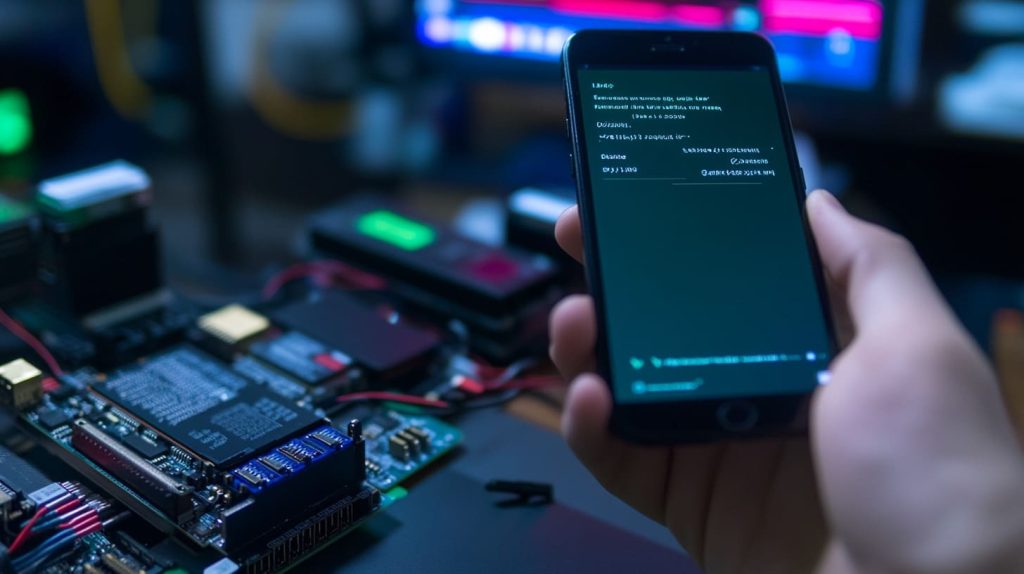
Sometimes, you can still reach the Pi over the network for a graceful shutdown. I once used my phone to SSH into the Pi and shut it down cleanly. Unplugging the cable should be the absolute last step.
How Can I Prevent My Raspberry Pi From Freezing During High-Speed Data Transfers?
I’ve seen a Pi choke transferring large files, especially over Wi-Fi. It felt like forcing a heavy load through a narrow pipe.
A reliable power supply and a stable network connection go a long way. Overheating also matters. Good cooling and proper wiring help stop those transfer lockups.
Intense data transfer stresses both CPU and network. My colleague Davide fixed random hangs by adding a small heatsink and upgrading his power adapter. Monitoring system metrics can reveal hidden bottlenecks. Sometimes a wired connection or custom hardware solution helps, especially for large data streams.
Why Does My Raspberry Pi 4B Freeze Under Heavy Load, And How Can I Fix It?
The Pi 4B is powerful, but it can stumble under intense workloads. I saw it stall when I tried running complex simulations without proper cooling.
Heavy usage can lead to temperature spikes or RAM overload. Better heat management and memory configuration usually solve persistent lockups.
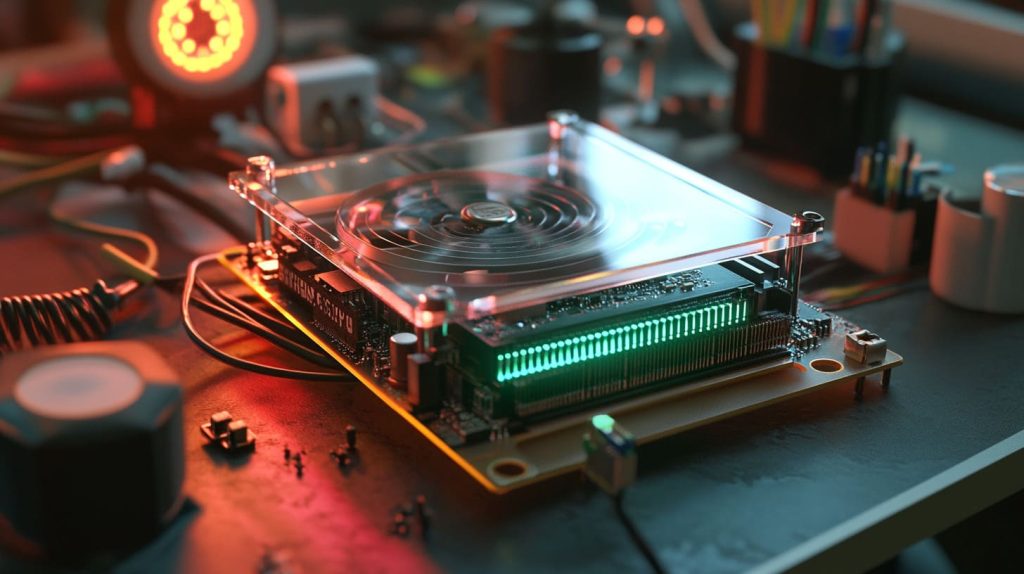
Active cooling makes a real difference, especially if you’re pushing CPU or GPU limits. My team discovered that swapping to a better fan setup prevented repeated stalls. Also check for background processes that eat up resources. If the temperature stays high, you need more advanced cooling or additional memory options.
What Are Common Causes Of Raspberry Pi 3B+ Freezing, And How Can They Be Resolved?
My old 3B+ served me for years. One day it locked up while I was streaming. I realized it’s durable but not immune to strain.
It often freezes because of poor power quality, worn-out SD cards, or outdated firmware. Steady power and up-to-date software fix most glitches.
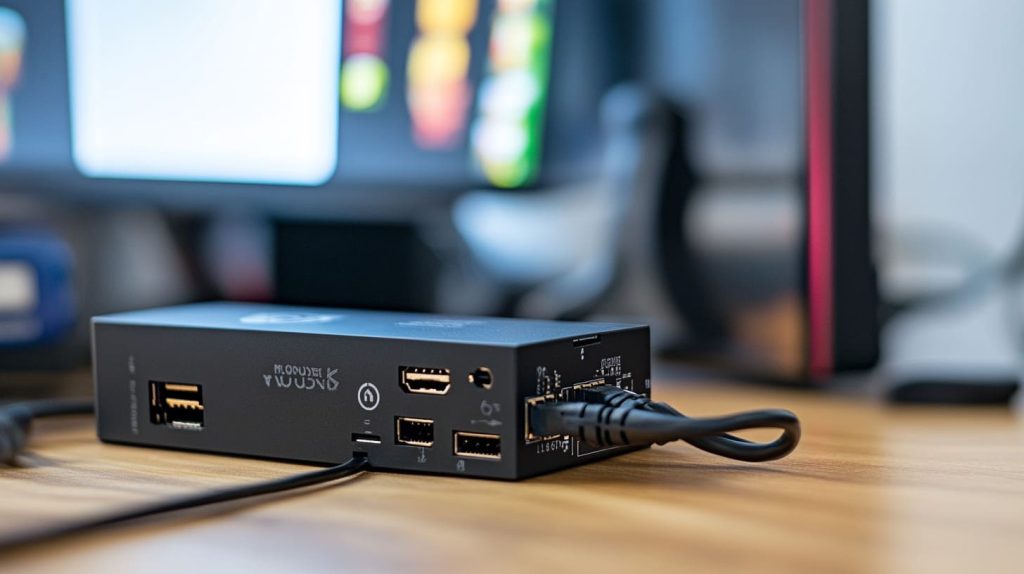
This model can draw more current than expected. A subpar USB cable can cause random resets. Keeping firmware current is also key. Like I told my friend lasle, a stable foundation matters before adding fancy custom features.
Why Does My Raspberry Pi 4B Lock Up Daily, And Could A Faulty Network Cable Be The Culprit?
A frayed Ethernet cable once drove me nuts. I suspected a software bug, but the real problem was broken wiring.
Damaged cables cause packet loss, which can strain the system and trigger lockups. Swapping the cable often fixes those daily freeze-ups.
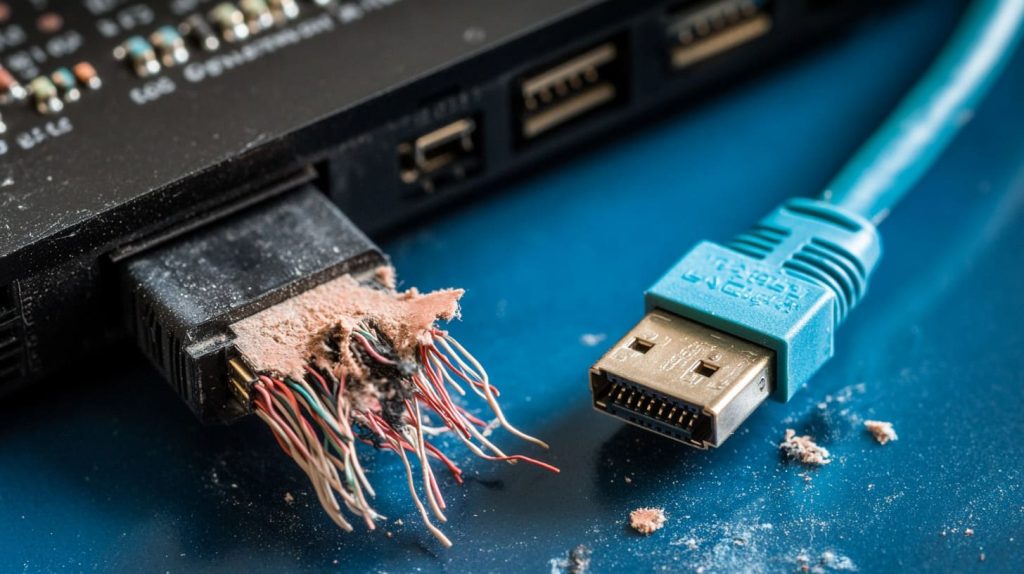
When the Pi attempts routine tasks like backups, bad cables lead to repeated connection failures. I found that checking the simplest hardware points first saved me tons of time. The moment I replaced the cable, the lockups vanished.
How Can I Troubleshoot My Raspberry Pi Zero W Locking Up During Retropie Configuration?
I love retro gaming on the Zero W. One time it froze while setting up new ROMs. I was certain something was broken, but it came down to limited resources.
Retropie can push the Zero W to its edge. Ensure a solid power supply, manage your tasks one by one, and watch the temperature.

Running multiple installation processes and updates at the same time overtaxes the system. I once tried connecting Wi-Fi, updating RetroArch, and scanning new game files simultaneously. That was a recipe for disaster. Spreading out tasks and watching power stability helped me avoid repeated freeze-ups.
Conclusion
Lockups usually signal small but fixable problems. A bit of detective work can keep your Pi stable and ready for your next big idea.




