 Skip to content
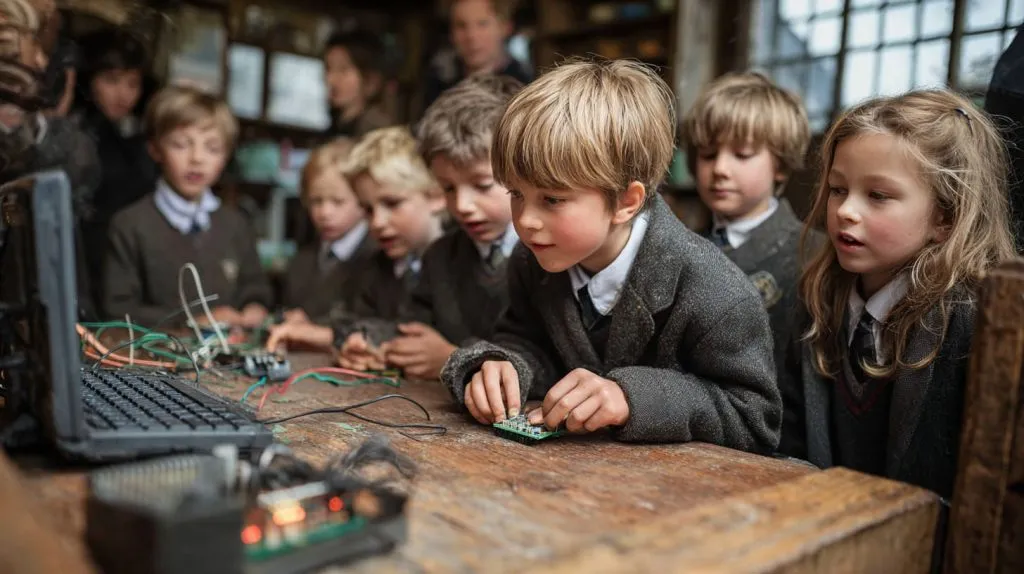
In a dusty classroom with mismatched desks and a flickering ceiling fan, a group of 12-year-olds huddled around something that looked more like a toy than a computer. It was a Raspberry Pi—plugged into a tiny screen, wires tangled like spaghetti, and a blinking LED that somehow turned confusion into curiosity. No fancy setup. Just pure focus.
The Raspberry Pi fits well in education because it is affordable, flexible, and easy to use in both simple and advanced learning environments.
Its low cost lets more students learn without worrying about budget limits, while its open nature makes it useful for teaching coding, electronics, networking, and real-world systems.
What happened in that classroom wasn’t flashy. But it was honest. A student typed a line of Python, ran it, and made something happen in real life. That moment changed everything—not because it was perfect, but because it was possible.
That’s what Raspberry Pi does in education. It takes the abstract and makes it real. Let’s look closer at how it’s doing that across classrooms, labs, and maker spaces all over the world.
How Raspberry Pi Enhances Computer Science Education
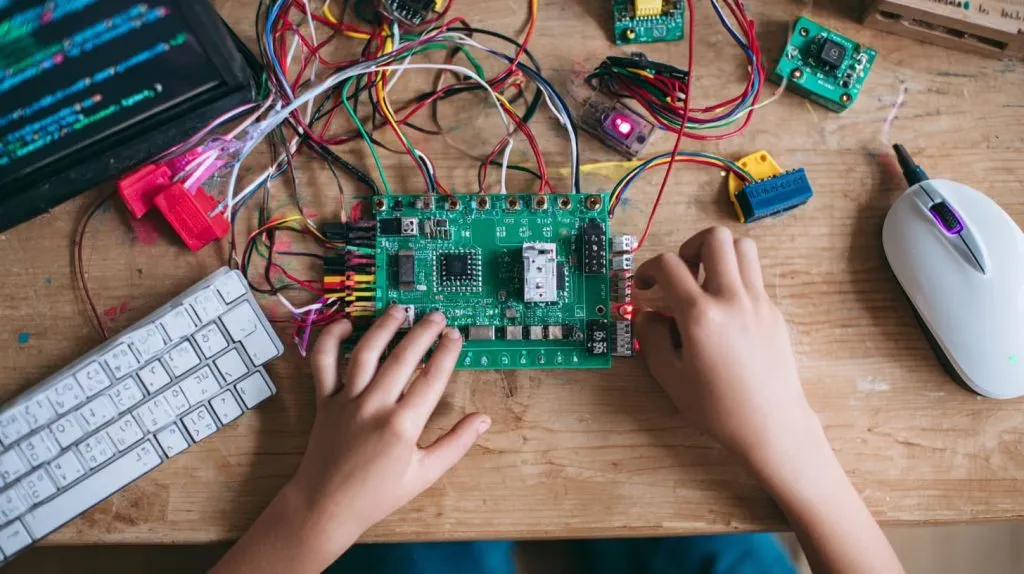
I often meet teachers who tell me the same thing: “My students fear programming because they can’t see what’s happening behind the screen.” Raspberry Pi solves that first hurdle. It brings the abstract down to the table.
Teaching basic coding with Python, Scratch, and Java
When students write a Python loop that makes an LED blink, they feel the code in their fingers. I’ve seen shy students turn confident after a single working script. It feels real, not theoretical.
Popular coding environments on Raspberry Pi:
| Language | Why it works well | Example classroom use |
|---|---|---|
| Python | Simple and readable | Control an LED or read a sensor |
| Scratch | Visual, drag-and-drop | Teach logic to young beginners |
| Java | Strong for OOP concepts | Basic desktop app building |
Hosting personal servers to understand networks and web dev
One of my favorite activities is showing students how to run a tiny web server on a Pi. Their faces light up when they open a browser and see a page that they hosted on a board the size of a credit card.
It helps them understand:
- what a server is
- how requests move through a network
- why web security matters
And they do all of that without needing a school to invest in big lab equipment.
Introducing Linux and operating systems to beginners
Many students think computers are magic boxes. Raspberry Pi makes the magic visible.
They learn:
- How file systems work
- How to manage processes
- How to use the command line
- How open-source tools function
It’s a simple board, but it introduces a whole new world.
When students grasp these ideas, they start asking deeper questions. And that curiosity becomes a bridge to the next section.
Using Raspberry Pi in STEM Classrooms
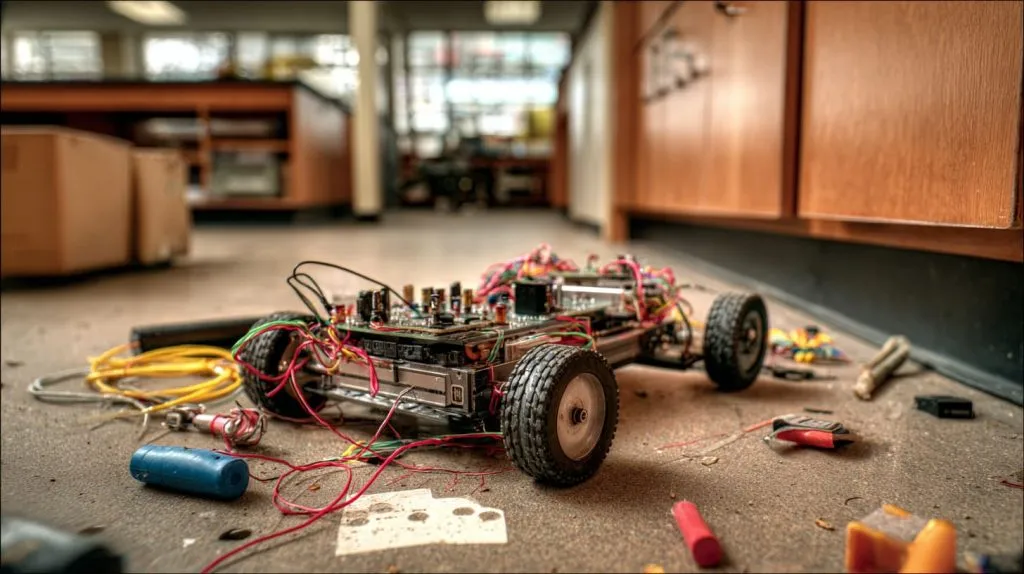
The moment a student sees a light turn on or a robot wheel start moving, something clicks. STEM stops being theory and becomes a playground.
Building simple electronics projects with GPIO and sensors
Students can learn electronics in a way that feels safe and fun. GPIO pins make LEDs blink and sensors respond instantly.
Common GPIO-based STEM projects:
- Simple temperature readings
- Light detection activities
- Basic buzzer alarms
- Traffic light simulations
Robotics and automation learning with Raspberry Pi and motor drivers
One of my customers once told me how his son built a small robot with a Pi and a cheap motor driver board. It wasn’t perfect—it bumped into walls and made strange noises—but the kid learned more in that weekend than from months of reading textbooks.
Robotics teaches:
- motor control
- automation logic
- object detection
- teamwork in group builds
Using Raspberry Pi in science experiments (temperature sensors, data loggers)
Science teachers love the Pi because it becomes anything they need:
- a thermometer
- a humidity logger
- a soil moisture tracker
Students can even export the data into tables and compare changes over time.
| Experiment Type | What Students Learn |
|---|---|
| Temperature logging | Data analysis + sensor basics |
| Soil tracking | Biology + IoT fundamentals |
| Light measurement | Physics + electronics |
Hands-on science builds confidence. And confidence is what keeps students exploring.
Raspberry Pi for Remote and Budget-Conscious Education
I’ve delivered Raspberry Pi kits to customers in countries where a single laptop might cost a month’s salary. They always tell me the same thing: “Without Pi, teaching tech would be impossible.”
Supporting rural or underfunded schools with affordable computing
With Raspberry Pi, schools can offer a full computing setup for a fraction of the price of a traditional PC.
A simple table comparing costs:
| Item | Typical PC | Raspberry Pi Setup |
|---|---|---|
| Initial cost | High | Low |
| Maintenance | Moderate | Very low |
| Replacement | Costly | Affordable |
| Scalability | Hard | Easy |
Using Pi as thin clients or desktop alternatives
When budgets are tight, students can use Pis as lightweight desktops for:
- browsing
- basic office tasks
- simple programming
- digital textbooks
Teachers love this because it reduces headaches with old, slow computers.
Raspberry Pi-powered offline educational resources (e.g., Kolibri)
In areas without stable internet, Pi becomes a mini offline knowledge library.
Tools like Kolibri give students access to videos, learning modules, and quizzes without needing a network.
This kind of setup can turn a powerless classroom into a micro-learning hub.
Project-Based Learning with Raspberry Pi
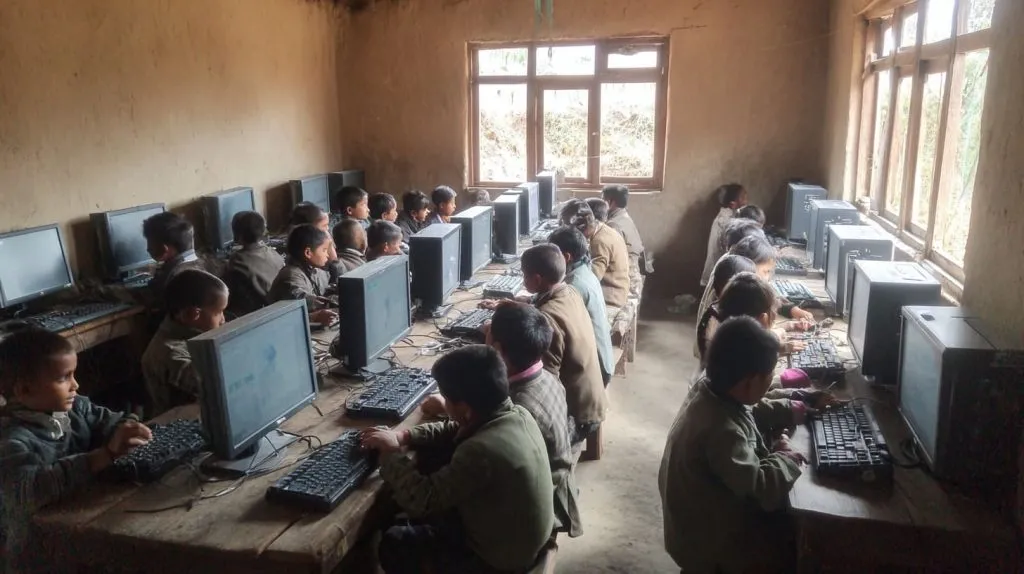
Every time I visit a school, I hear the same buzz: “Can we build something real?” Project-based learning answers that need.
Encouraging creativity through DIY tech builds
Students love creating things that others can see and touch. Raspberry Pi becomes the engine behind:
- small games
- vending machine prototypes
- sound machines
- interactive lights
Developing problem-solving and engineering skills
When a project breaks, students learn essential skills:
- how to troubleshoot
- how to debug
- how to improve a design
These are skills that stick with them for life.
Real-world project examples: weather station, smart mirror, plant monitor
Some of the most common—and fun—projects:
| Project | What Students Learn |
|---|---|
| Weather station | Sensors + data visualization |
| Smart mirror | Web display + UI basics |
| Plant monitor | IoT + environmental science |
The best part is watching the pride on a student’s face when their project finally works.
Raspberry Pi in Maker Spaces and After-School Clubs
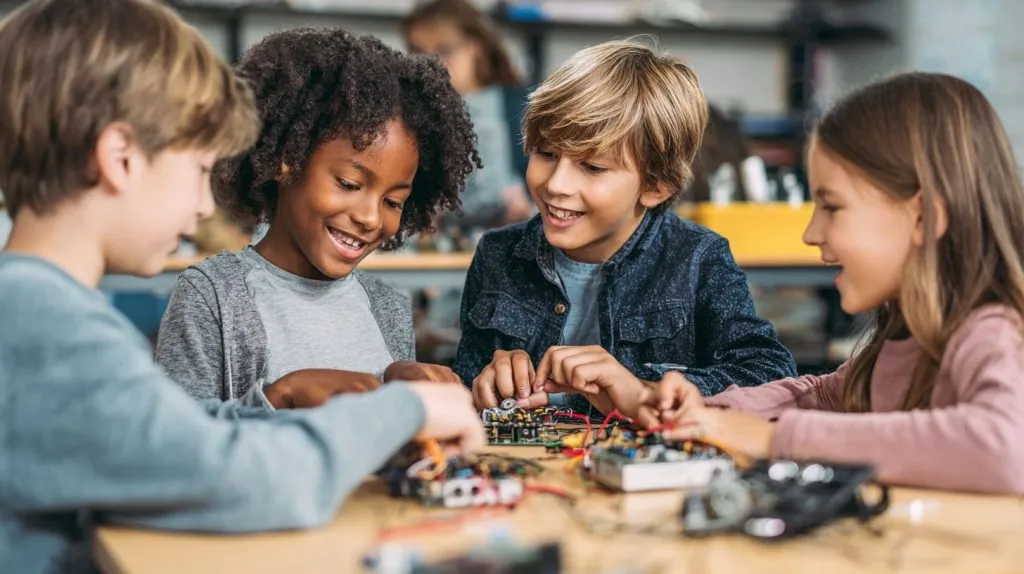
When I visit maker spaces, I see the same pattern: a table full of kids, a pile of wires, snacks everywhere, and a sense of magic in the air.
Building community around tech and tinkering
Maker spaces are more than workshops—they’re communities. Students help each other, share ideas, and compete in fun challenges.
Empowering students with peer-to-peer learning
A student who learned how to code a Pi robot yesterday might teach another student today. This builds leadership and confidence.
Hosting competitions and showcasing projects
Schools often run:
- robot races
- coding challenges
- invention displays
These events give students a stage to show their creativity.
The next step takes us into more serious academic environments.
Raspberry Pi in Higher Education and Research
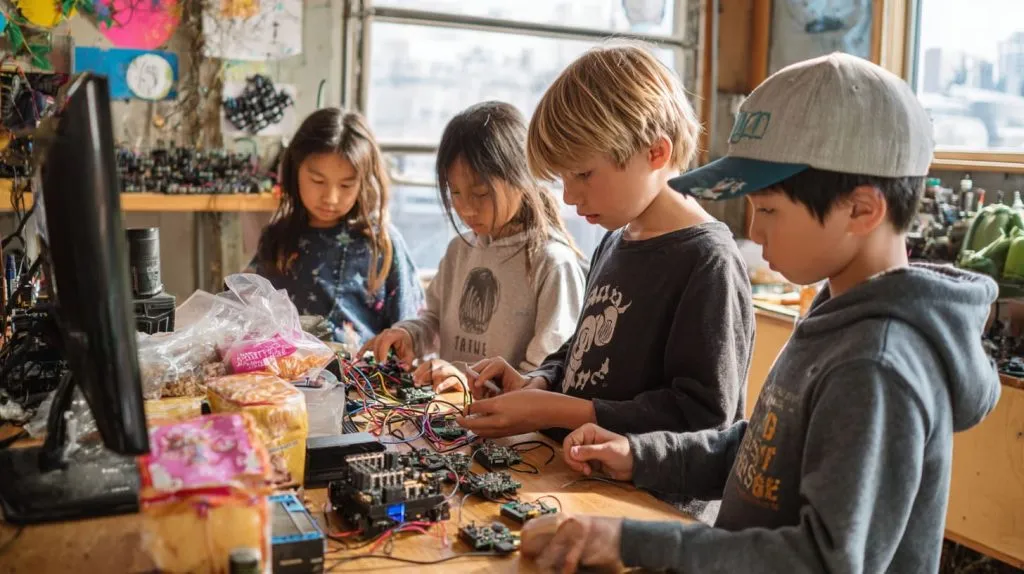
When I speak with university customers, they tell me they use Raspberry Pi not as a toy, but as a tool.
Prototyping lab tools and custom data acquisition systems
Engineering students can design:
- measurement tools
- monitoring systems
- lab automation devices
These prototypes often cost less than the price of lunch but deliver real results.
Supporting academic research with low-cost IoT setups
Research groups use Pi to collect field data:
- temperature
- water levels
- motion detection
Students learn how IoT works without wearing out their wallets.
Teaching cybersecurity and ethical hacking labs
Raspberry Pi is great for controlled cybersecurity labs.
Students can:
- simulate attacks
- build firewalls
- test security protocols
It’s safe, contained, and practical.
This leads us to an important question: what challenges do schools face?
Challenges and Considerations in Classroom Integration
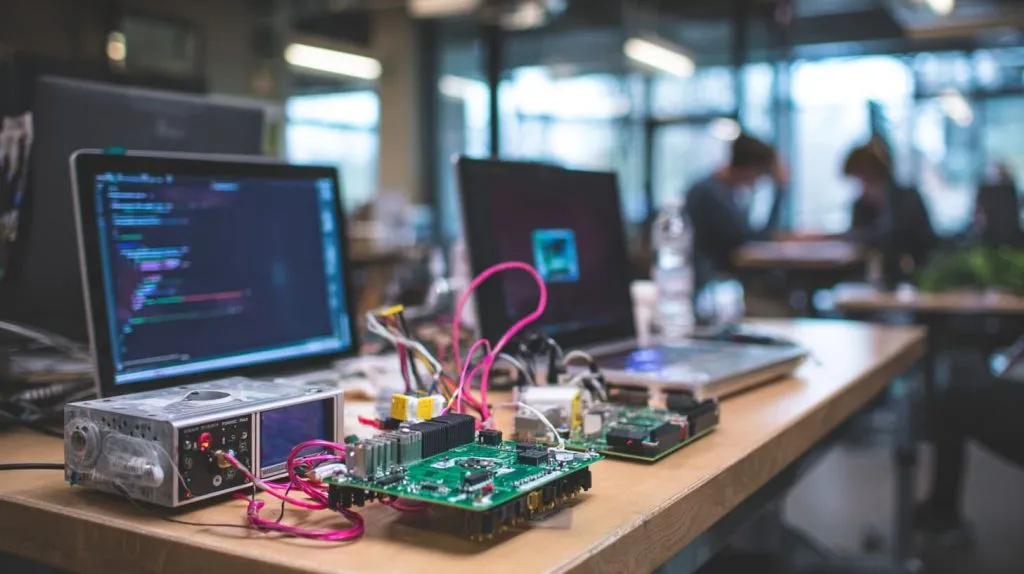
Not everything goes smoothly. I’ve seen classrooms struggle with setup and planning.
Classroom management and hardware setup
Teachers need to manage:
- lost cables
- power adapters
- SD card issues
Sometimes half the class gets stuck because one wire isn’t plugged in.
Need for educator training and curriculum support
Many teachers worry that they aren’t “technical enough.”
But with structured guides, they can learn step by step.
Handling hardware limitations and version differences
Older Pi models run slower.
Some accessories change between Pi 3, 4, and 5.
These small differences can confuse new users.
But once teachers know these challenges, they can plan around them.
Popular Tools, Kits, and Platforms for Raspberry Pi Learning
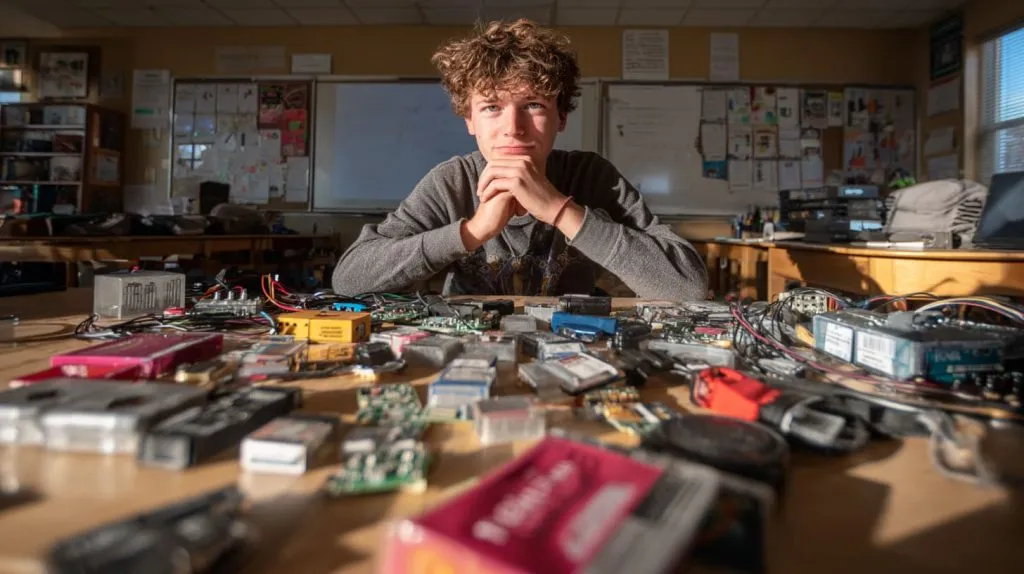
Every month, customers ask me what kits they should buy for schools. My answer is always the same: keep it simple, but keep it complete.
Raspberry Pi Foundation resources and curriculum guides
The Raspberry Pi Foundation provides:
- step-by-step lessons
- project guides
- worksheets
- classroom plans
These make the teacher’s job much easier.
Useful kits for students: starter kits, robotics kits, sensor kits
Here is a quick comparison:
| Kit Type | Best For | Typical Contents |
|---|---|---|
| Starter kit | Beginners | Pi, cables, case |
| Robotics kit | STEM clubs | Motors, wheels |
| Sensor kit | Science classes | Temp + humidity sensors |
Community platforms: GitHub, Instructables, forums
These communities give students a place to ask questions and share progress.
And honestly, it teaches them how real developers collaborate.
How Raspberry Pi Prepares Students for Future Careers
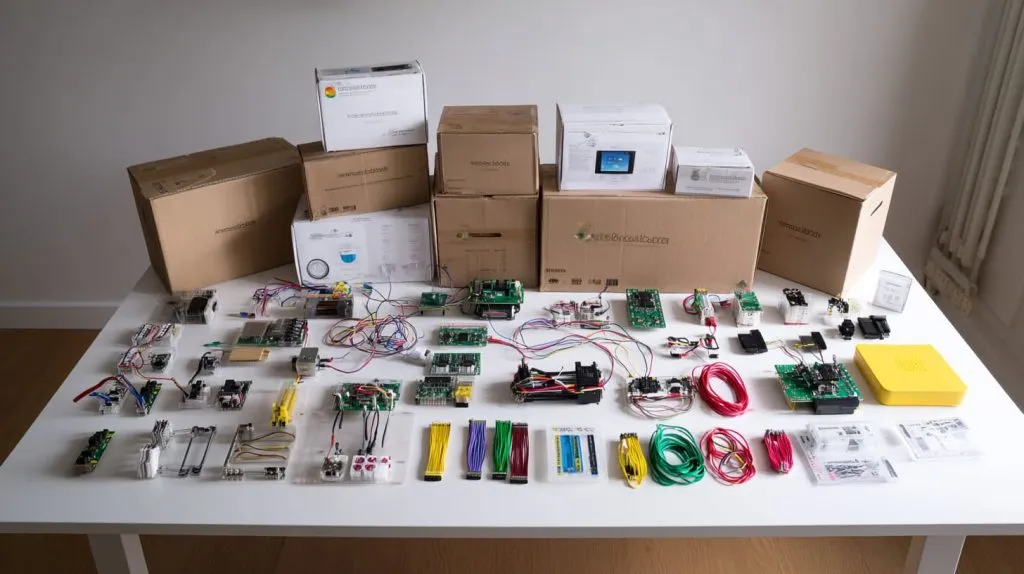
I’ve worked with buyers for years, and one thing I see is that the students who work with Raspberry Pi are often faster learners when they enter tech jobs.
Bridging theory and practice in engineering and tech fields
Students understand real systems:
- hardware
- software
- networking
This makes their transition into engineering roles much smoother.
Encouraging entrepreneurial thinking with product building
Some students even launch small businesses selling Pi-based devices or custom builds.
I’ve supported customers like Jacky and Davide who started from small ideas and grew into real brands.
Exposure to real-world tools and development environments
Students learn Git, Linux, programming, and hardware debugging—skills that employers love.
Conclusion
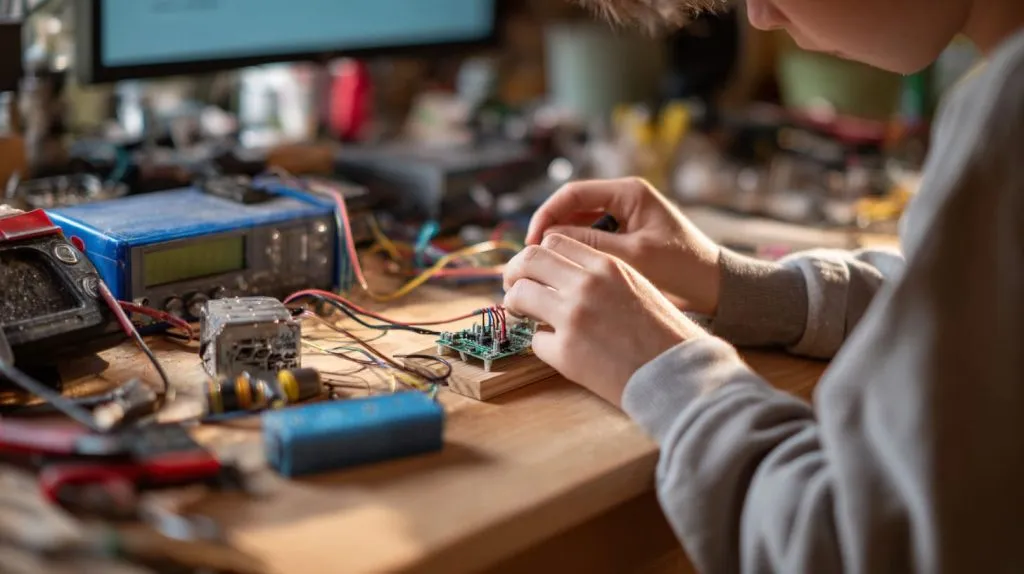
Raspberry Pi keeps growing in education because it gives students something many classrooms struggle to provide: freedom to build, break, test, and imagine. It turns learning into something active—a personal journey, not a lecture.
As someone who works with re-brand customers, ODM buyers, and educators around the world, I see the same pattern everywhere: when students get their hands on a Raspberry Pi, their curiosity wakes up, and their future opens a little wider.
Raspberry Pi isn’t the future by itself.
But it prepares the students who will build that future.
And that, to me, is the best use of all.







