 Skip to content
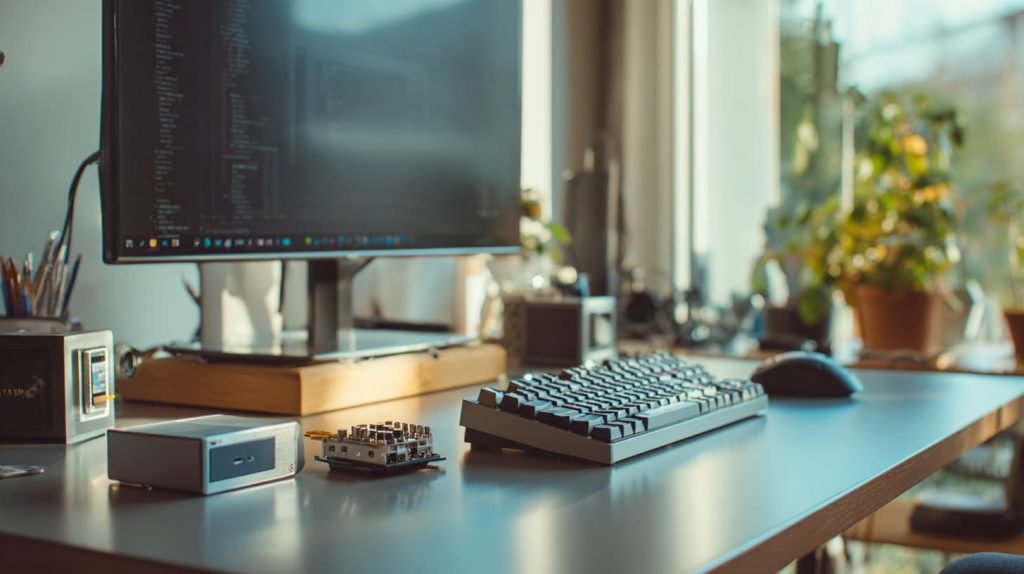
It started with a simple need—I wanted a low-cost computer that wouldn’t take up much space and didn’t need to run Photoshop or Fortnite. Just something quiet, simple, and good enough to get work done. Then I glanced at the Raspberry Pi 4 on my shelf.
Yes, you can absolutely use a Raspberry Pi as a light home PC—for web browsing, writing, watching videos, and basic tasks.
It won’t replace a MacBook, but for simple things, it gets the job done. And with a little setup? It feels surprisingly close to a regular PC.
What operating system should I use on a Raspberry Pi for a home PC setup?
The OS you choose makes all the difference.
Raspberry Pi OS is the most stable and beginner-friendly option for turning your Pi into a home PC.

Why I usually pick Raspberry Pi OS
It’s built by the same team who created the hardware. That means fewer bugs, smoother updates, and a cleaner UI tailored to the Pi's hardware.
Other options include:
| OS Option | Pros | Cons |
|---|---|---|
| Raspberry Pi OS | Lightweight, stable, easy to use | Not as "modern" as Ubuntu |
| Ubuntu MATE | Familiar to Linux users | Slower on older Pi models |
| Twister OS | More Windows-like feel | Not official; more bugs possible |
| Chromium OS | Great for web-only use | Limited offline tools |
If you're new to Linux, Raspberry Pi OS is your best friend. It just works.
How well does Raspberry Pi handle basic tasks like browsing and document editing?
This was my biggest worry at first.
It handles browsing, emails, and text editing well—if you’re patient and not opening 10 tabs at once.
A simple daily routine on the Pi
Here’s what I do on mine most days:
- Check Gmail in Chromium
- Edit blog posts in LibreOffice Writer
- Open PDFs with Xreader
- Use Thonny for a bit of Python
It’s not blazing fast, but it doesn’t freeze either. As long as you treat it like a $60 computer—not a gaming rig—it behaves.
Can Raspberry Pi run YouTube and streaming services smoothly?
Let’s be honest: streaming video is where cheap machines often fall short.
Yes, Raspberry Pi 4 and 5 can stream YouTube and Netflix in 720p to 1080p with decent performance—but not without tweaks.

My experience with YouTube on Chromium
- With Raspberry Pi OS and Chromium’s hardware acceleration enabled, YouTube at 720p is smooth.
- At 1080p? It’s watchable—but don’t expect miracles.
- Netflix and other DRM services require Widevine, and setup can be tricky.
If streaming is a priority, consider this:
| Service | Works on Pi? | Notes |
|---|---|---|
| YouTube | ✅ Yes | Use Chromium with acceleration |
| Netflix | ⚠️ With tweaks | Needs Widevine; performance varies |
| Spotify | ✅ Yes | Web or desktop version runs fine |
| Disney+/Hulu | ⚠️ Sometimes | Depends on DRM setup |
What accessories do I need to turn a Raspberry Pi into a desktop PC?
The Pi is just the brain. You’ll need limbs and lungs too.
You’ll need a keyboard, mouse, monitor, microSD card, and power supply to create a functional Pi desktop setup.

My home office setup (budget version)
Here’s what I plug into my Raspberry Pi:
- 32GB Class 10 microSD card with Raspberry Pi OS
- 5V 3A USB-C power supply
- HDMI to HDMI cable
- 21-inch monitor (used one from my garage)
- Logitech USB mouse and keyboard
Extras that make life easier:
- Passive heatsink or small fan (the Pi can get warm)
- USB hub if you use many peripherals
- A nice case (yes, we make those 😊)
How does Raspberry Pi performance compare to a low-end laptop?
Let’s get real here. The Pi is a tiny computer—so comparisons need context.
Raspberry Pi 4 or 5 is comparable to an entry-level Chromebook or Atom-based laptop when used for light tasks.
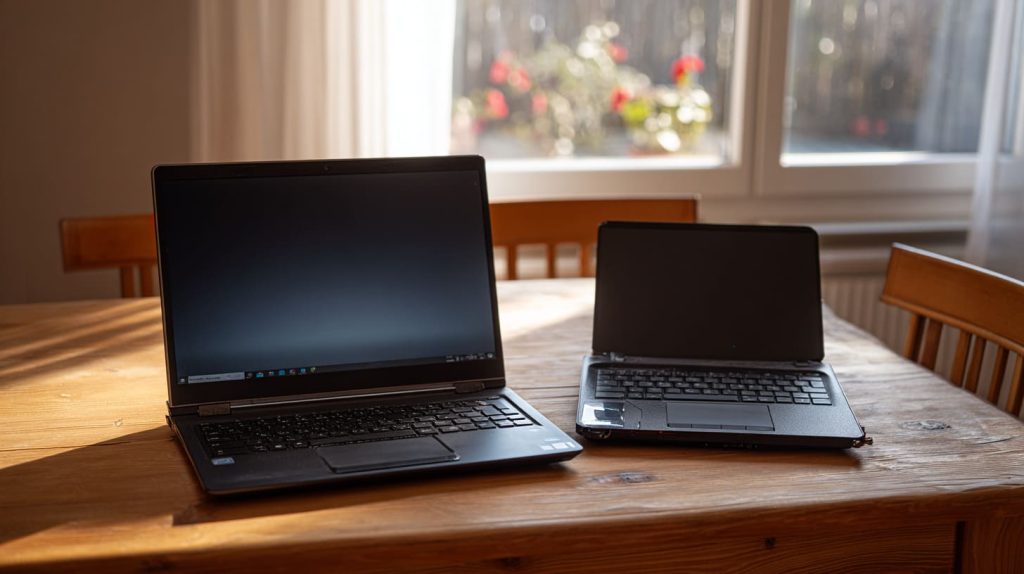
Benchmark isn’t everything—real use matters
| Task | Raspberry Pi 4 | $200 Budget Laptop |
|---|---|---|
| Boot Time | ~30 seconds | ~15 seconds |
| Web Browsing (3 tabs) | Smooth | Slightly better |
| LibreOffice Text Editing | Smooth | Smooth |
| Streaming Video (720p) | OK with tweaks | Better |
So yeah, it’s slower—but not frustratingly so. And for the price? It’s kind of amazing.
Is Raspberry Pi suitable for kids' homework and online classes?
I set one up for my nephew last year during lockdown.
Yes, it’s a great low-cost option for school tasks, as long as they don’t need Windows-only software.
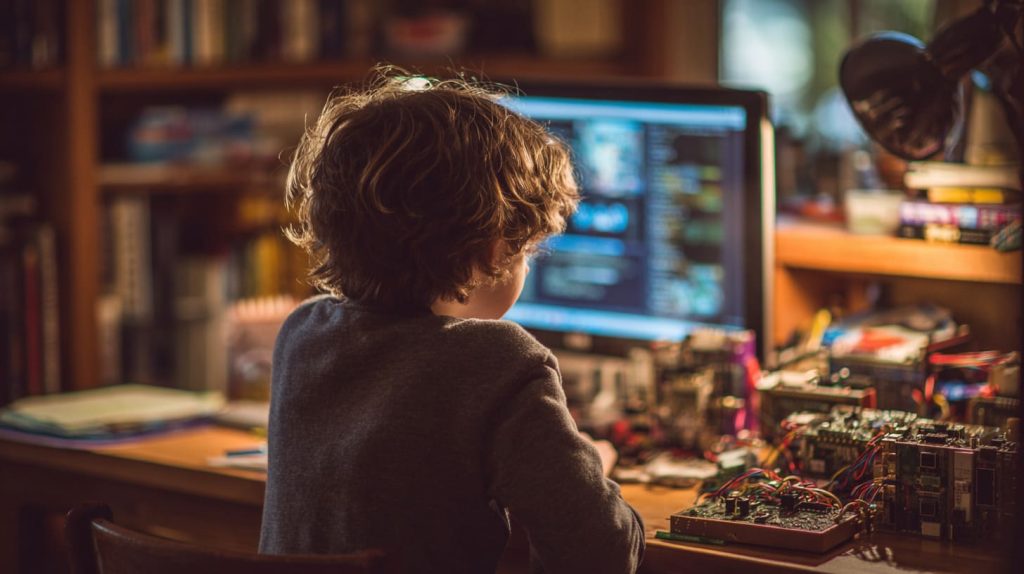
Perfect for younger students
- Google Docs works fine in Chromium
- Zoom and Teams? They run… but video calls can lag
- LibreOffice is great for essays and slides
- Coding platforms like Scratch and Python are pre-installed
For online school? It’s not ideal for heavy video calls, but for assignments and learning, it’s more than enough.
Can I use Microsoft Office or Google Docs on a Raspberry Pi?
That’s what I was hoping for when I first tried this setup.
Microsoft Office doesn’t run natively, but Google Docs, LibreOffice, and Office Online work well.
What I use every day
- Google Docs and Sheets in Chromium (no install needed)
- LibreOffice for offline editing
- Office 365 Online for compatibility with .docx and .xlsx
If you’re okay with the cloud or open-source tools, there’s no real limit.
What are the best Raspberry Pi models for home PC use in 2025?
Not every Pi is built for this kind of work.
For 2025, Raspberry Pi 5 is the best option. Raspberry Pi 4 is still solid for basic needs.
Quick guide: Pi models for desktop use
| Model | Best Use Case |
|---|---|
| Raspberry Pi 5 | Best performance, great for multitask |
| Raspberry Pi 4 | Good for basic web + office |
| Raspberry Pi 400 | Built-in keyboard, great for kids |
| Pi Zero 2 W | Not suitable for desktop use |
Stick with Pi 4 or 5 for a smooth experience. Avoid anything below unless it’s a coding toy.
What are the limitations of using a Raspberry Pi as a home computer?
Okay—let’s be real about the downsides.
The Pi isn’t built for heavy multitasking, large apps, or Windows software—and it’s not ideal for high-res video conferencing.
What frustrates me sometimes
- Chromium gets sluggish with 5+ tabs
- No Zoom background blur or Teams filters
- Limited RAM for big spreadsheets or design tools
- Some websites are slower to load
That said, I’ve worked entire afternoons on mine without missing my laptop. It just takes a little patience and a different mindset.
Conclusion
Yes, it’s tiny—but it’s mighty enough for real work.




