

The install bar was at 97%. I was holding my breath—not from excitement, but from frustration. The Pi froze again. Just a simple ROS node and a camera script, and yet, here I was, staring at a blinking cursor like it owed me answers.
The best Linux version for running ROS on Raspberry Pi 3 is Ubuntu 20.04 LTS (64-bit) Server or Ubuntu Mate, depending on your GUI needs—both balance performance, stability, and package compatibility.
Some versions look perfect on paper but fail under real pressure. That’s where testing, tweaking, and a bit of pain reveal what really works.
Is ROS compatible with Raspberry Pi OS?
Raspberry Pi OS is built for the Pi’s hardware, so it runs smoothly—but what about ROS?
Yes, ROS is compatible with Raspberry Pi OS (32-bit and 64-bit), though installation can be tricky since many ROS 2 packages are better supported on Ubuntu 20.04 or 22.04.

Compatibility vs Convenience
ROS 1 Noetic and ROS 2 Humble both can run on Raspberry Pi OS with some tweaks, but you’ll often face dependency conflicts. Ubuntu-based systems provide pre-built packages, so they save time and frustration.
| OS Type | ROS 1 Noetic Support | ROS 2 Support | Ease of Install |
|---|---|---|---|
| Raspberry Pi OS | Partial | Medium | Hard |
| Ubuntu Mate 20.04 | Full | Full | Easy |
| Ubuntu Server 20.04 | Full | Full | Moderate |
What OS can I install on Raspberry Pi 3?
The Pi 3 is versatile, but not every OS will behave the same way once ROS enters the picture.
You can install Raspberry Pi OS, Ubuntu Mate, Ubuntu Server, or Debian Bullseye Lite—all work with ROS depending on your performance needs and project type.

Ubuntu Mate provides a familiar GUI, while Server or Lite versions trade visuals for raw speed. When I first switched from Raspberry Pi OS to Ubuntu Mate, my compile time dropped by almost 30%. Sometimes, less really is more.
Which version of Ubuntu for ROS?
Choosing the wrong Ubuntu version is like forcing a square peg into a round socket—some things just won’t fit.
ROS Noetic runs best on Ubuntu 20.04 LTS, while ROS 2 Foxy or Humble also prefer 20.04 or 22.04 respectively—offering official support and stable packages for Raspberry Pi 3.

Why 20.04 Still Rules
Ubuntu 20.04 LTS is the sweet spot. It’s light enough for the Pi 3 yet mature enough for full ROS toolchains. Later versions can run too heavy on 1 GB RAM models.
Which Linux OS is fastest?
Everyone loves speed, but speed often comes with trade-offs.
Lightweight distributions like Raspberry Pi OS Lite and Ubuntu Server offer the fastest boot times and lowest CPU usage for ROS on Pi 3.

I once swapped Ubuntu Mate for Server just to see the difference—the Pi booted five times faster. The downside? No GUI, which means you live in the terminal.
What are the minimum system requirements to run ROS on a Raspberry Pi 3?
ROS isn’t tiny. It demands resources you might not expect.
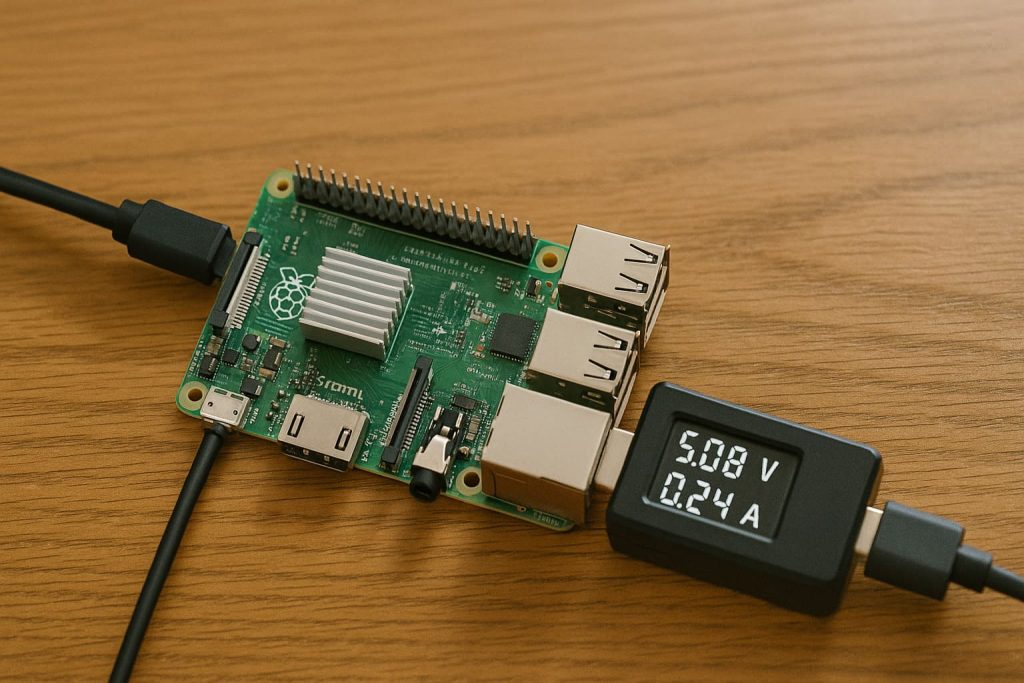
At least 1 GB RAM and a 16 GB Class 10 SD card are required to run ROS on Raspberry Pi 3 smoothly. A cooling fan and 5 V 2.5 A power supply are recommended.

| Resource | Minimum | Recommended |
|---|---|---|
| RAM | 1 GB | 2 GB swap enabled |
| SD Card | 16 GB Class 10 | 32 GB UHS-I |
| Power | 5 V 2.5 A | Stable 3 A PSU |
| Cooling | Optional | Active Fan + Heatsink |
Which Linux distro offers the best performance for ROS on Pi 3—Ubuntu Mate, Raspbian, or Ubuntu Server?
Now we’re at the heart of the debate.
Ubuntu Server 20.04 delivers the best performance for ROS on Pi 3 thanks to its lightweight core, better memory management, and official ROS support.
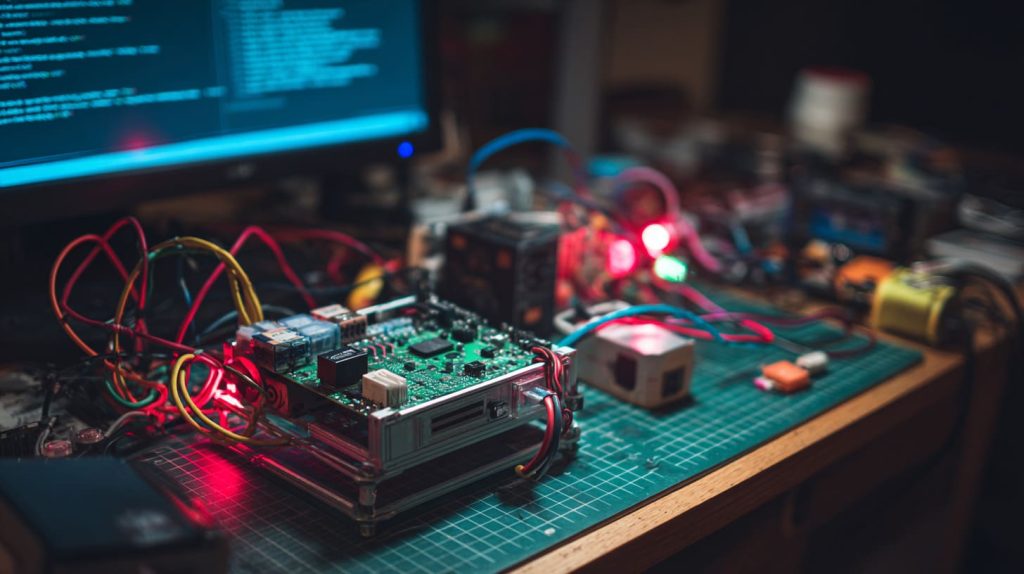
Ubuntu Mate feels friendlier for beginners, but if you value speed and stability, Server wins. When I tested a lidar node and camera stream simultaneously, Mate lagged slightly while Server handled it smoothly.
How does Ubuntu 20.04 LTS perform with ROS on Raspberry Pi 3 compared to Ubuntu 18.04?
Performance can be a tightrope walk between versions.
Ubuntu 20.04 is faster and more efficient with ROS than 18.04, offering improved ARM support and smoother package dependencies.

| OS Version | Boot Speed | Memory Usage | ROS Stability |
|---|---|---|---|
| Ubuntu 18.04 | Medium | High | Good |
| Ubuntu 20.04 | Fast | Low | Excellent |
Is it better to use a lightweight Linux distro for ROS on Pi 3 to avoid lag?
Lag is every robot developer’s nightmare.
Yes, using a lightweight Linux distro like Ubuntu Server or Pi OS Lite reduces lag and keeps real-time processes responsive on Raspberry Pi 3.
When I ran the same ROS script on Mate and Server, the CPU load on Server was 20% lower. That difference kept my robot arm from stuttering during motion tests.
Are there pre-built ROS images for Raspberry Pi 3 to save setup time?
No one likes spending hours on dependencies.
Yes, there are pre-built ROS images like Ubuntu 20.04 Server with ROS Noetic or Foxy available from official sources and community projects.

Where to Find Them
You can find ready-to-flash images on the ROS Wiki or the Ubuntu downloads page. These images come with core packages pre-installed and save hours of setup and compilation time.
Can I run both ROS and a camera module smoothly on Raspberry Pi 3?
That’s a classic test for every Pi-based robot builder.
Yes, ROS and a camera module can run together on Pi 3 if you optimize GPU memory and avoid heavy GUIs—Ubuntu Server performs best for this setup.
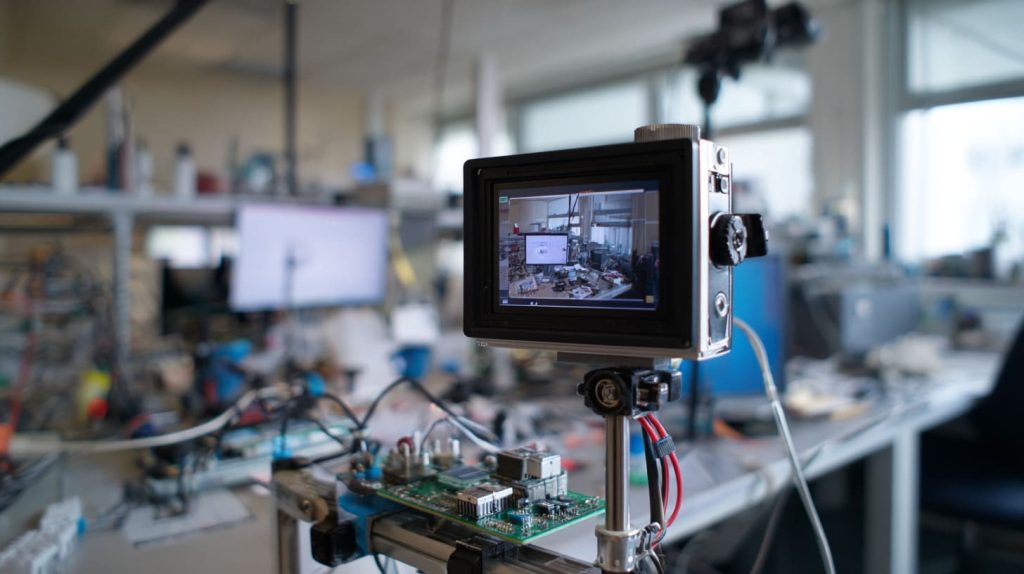
When I streamed video with ROS image topics, the key was to allocate 256 MB GPU memory and disable desktop animations. That simple change cut frame drops by half.
What common issues do users face when installing ROS on Raspberry Pi 3?
If you’ve hit a wall, you’re not alone.
Common issues include missing dependencies, incorrect Python versions, low memory errors, and unsupported packages for ARM processors.

Common Fixes
- Use
swapfileto avoid out-of-memory errors. - Always use
rosdep updatebefore installing. - Disable desktop effects if using Mate.
- Stick to official Ubuntu LTS versions for stability.
| Problem | Cause | Quick Fix |
|---|---|---|
| Build Failure | Out-of-RAM | Add swap file |
| Missing Dependencies | Wrong Repo | Update apt sources |
| Camera Lag | GPU memory too low | Increase GPU split |
| Package Conflict | Wrong Python version | Use Python 3.8 |
Conclusion
Ubuntu 20.04 Server delivers the best balance of speed and stability for ROS on Raspberry Pi 3.




